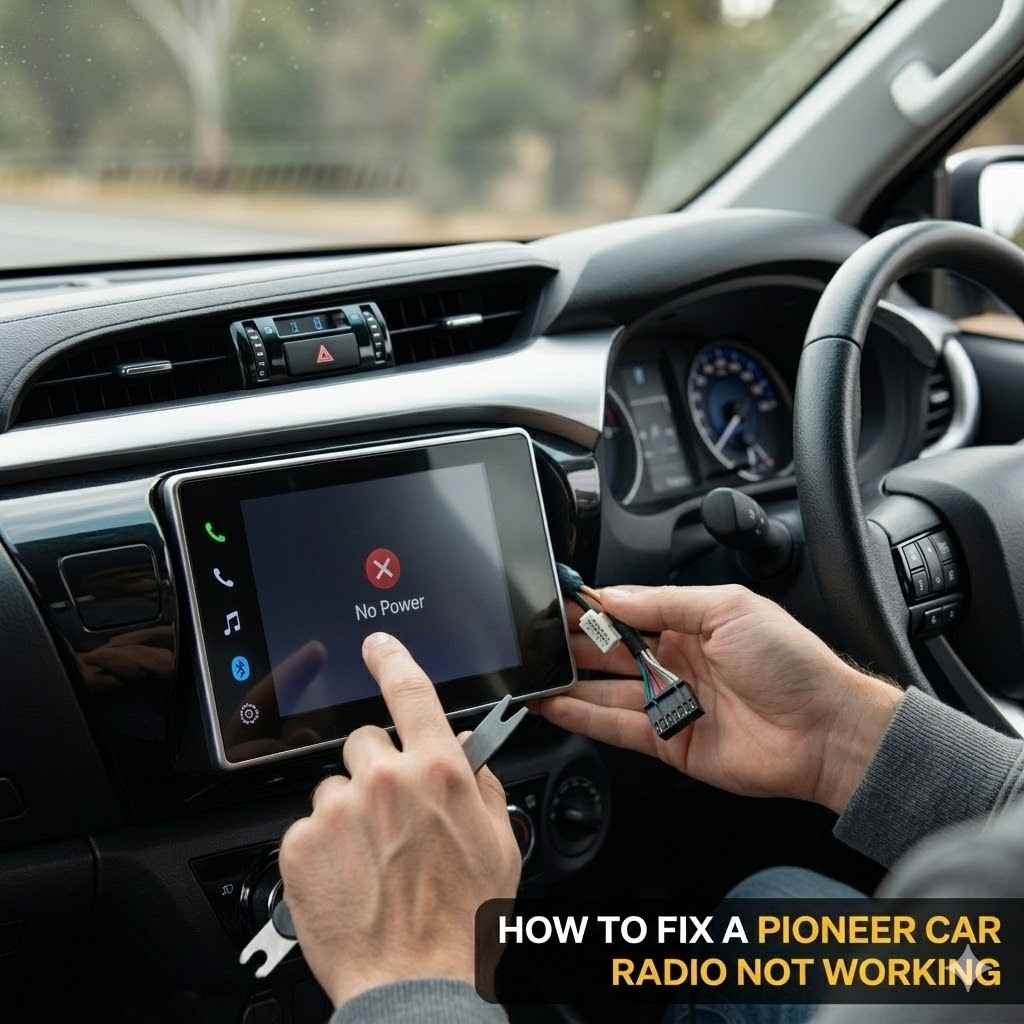
How to Fix a Pioneer Car Radio Not Working
It can be frustrating when your car radio stops working, especially a Pioneer, which is known for its quality. Many people find troubleshooting car audio tricky because it involves both car electrics and the radio itself. But don’t worry! We’ll walk you through simple steps to figure out what’s wrong and get your Pioneer car radio playing music again. This guide is made for everyone, even if you’re new to car repairs.
Troubleshooting a Pioneer Car Radio Not Working
When your Pioneer car radio suddenly goes silent or shows no signs of life, it’s a common issue that can stem from several simple causes. Many drivers might feel overwhelmed, but most problems are fixable with a basic understanding of your car’s electrical system and the radio unit itself. This section covers the initial checks you should perform before diving into more complex solutions, ensuring you address the most frequent culprits first. We will explore basic checks that often resolve the issue without needing advanced tools or technical knowledge, setting the stage for deeper troubleshooting if these steps don’t work.
Checking the Basics
Before assuming the worst, it’s essential to go through a few fundamental checks. These are the most common reasons why a Pioneer car radio might not be working. Often, a simple oversight can cause a complete system failure.
Power Fuse Inspection
One of the most frequent reasons for a car radio to stop working is a blown fuse. Cars have multiple fuse boxes, and the radio typically has its own dedicated fuse, sometimes two (one for constant power and one for accessory power).
Checking the car’s main fuse box and the radio’s fuse is a straightforward process. You’ll need your car’s owner’s manual to locate the fuse box and identify the correct fuse for the radio.
This involves looking at the fuse diagram in your manual, which shows the location of each fuse. Once you find the radio’s fuse, you can visually inspect it. A blown fuse will have a broken wire inside, making the connection interrupted.
Replacing a blown fuse is a simple fix that many people can do themselves. You’ll need to purchase a
Carefully pull out the old fuse using a fuse puller or a pair of needle-nose pliers. Insert the new fuse securely into the slot. Make sure the new fuse matches the one you removed in terms of color and number.
Understanding the two types of fuses in a car radio circuit is important for accurate troubleshooting. The constant power fuse (often labeled ‘BATT’ or ‘Constant’) powers the radio’s memory, keeping your presets and settings intact even when the car is off. The accessory power fuse (often labeled ‘ACC’ or ‘Accessory’) powers the radio when the ignition key is turned to the accessory position or the engine is running.
If only one of these fuses is blown, your radio might partially work or not work at all, depending on which function is affected. For example, if the accessory fuse is blown, the radio might turn on but have no sound, or it may not turn on at all when the car is on. If the constant power fuse is blown, your settings will be lost each time you turn off the car.
Battery and Alternator Connections
A car radio, like all electrical components, needs a stable power supply. Issues with your car’s battery or alternator can indirectly affect the radio’s functionality.
Ensuring the car battery terminals are clean and tight is a fundamental maintenance step. Corrosion on battery terminals can impede the flow of electricity to all parts of the car, including the radio.
You can clean battery terminals with a wire brush and a mixture of baking soda and water. After cleaning, make sure the terminals are securely reconnected. Loose connections can cause intermittent power issues for your radio.
The alternator’s role is to recharge the battery while the engine is running. If the alternator is not functioning correctly, the battery might not receive enough power, leading to a range of electrical problems, including a malfunctioning radio.
You can check your car’s voltage while the engine is running. A healthy alternator typically outputs between 13.5 and 14.5 volts. If the voltage is significantly lower, your alternator might be the issue.
A weak or dead car battery will prevent the radio from turning on. Before assuming the radio is faulty, it’s wise to confirm your car battery has sufficient charge.
You can test your battery voltage with a multimeter. A fully charged car battery should read around 12.6 volts when the engine is off. If it’s lower, it might need charging or replacement.
Wiring Harness Integrity
The wiring harness connects the car radio to the car’s electrical system. Damage or loose connections within this harness can lead to power loss or signal issues.
Examining the wiring harness behind the radio is a step for those comfortable removing the unit. You’ll want to look for any signs of fraying, burnt wires, or disconnected plugs.
Sometimes, vibrations from the road can cause wire connections to loosen over time. A simple push to reconnect any loose wires can fix the problem.
Correctly connecting the wiring harness during installation is crucial. If the radio was recently installed or reinstalled, an incorrect connection is a strong possibility.
Refer to the wiring diagram provided with your Pioneer radio or your car’s service manual to ensure each wire is connected to its correct counterpart. This includes power wires, ground wires, speaker wires, and any accessory wires.
Grounding is a critical aspect of the wiring harness. A poor ground connection can cause various electrical issues, including the radio not turning on or behaving erratically.
The ground wire (usually black) needs to be securely attached to a clean, unpainted metal surface on the car’s chassis. If this connection is loose or corroded, it can disrupt the radio’s operation.
Common Pioneer Car Radio Issues and Solutions
Beyond basic power problems, Pioneer car radios can encounter specific issues that require targeted fixes. These problems range from display failures to sound problems and connectivity glitches. Addressing these issues often involves understanding the internal workings of the unit and how it interacts with other car systems.
Display and Screen Problems
If your Pioneer car radio’s display is blank, flickering, or showing incorrect information, there are several potential causes and solutions. These issues can make it difficult or impossible to operate the radio.
A blank display could simply mean the radio is not receiving power, which leads back to checking the fuses and wiring. However, if power is confirmed, the display itself or its connection might be the issue.
Sometimes, a simple reset can resolve display glitches. Many Pioneer units have a small reset button, often recessed, that requires a pin or paperclip to press. This action reboots the radio’s internal software.
Flickering displays can be caused by loose internal connections or voltage fluctuations. If the flickering is consistent, it might indicate a hardware problem with the display module itself.
If you’ve checked all external power sources and connections and the problem persists, it might be time to consider professional repair or replacement of the display unit. This is often beyond a simple DIY fix.
Incorrect information on the display, such as garbled text or wrong song titles, can sometimes be a software glitch. This is especially true for units with smartphone connectivity features like Apple CarPlay or Android Auto.
Updating the firmware on your Pioneer radio can resolve software-related display issues. Check the Pioneer support website for your specific model to see if firmware updates are available and how to install them.
No Sound from Speakers
When the radio turns on and the display is fine, but there’s no sound coming from the speakers, the problem usually lies with the audio output or speaker wiring.
Confirming the speaker wires are correctly connected to the radio and the speakers is the first step. Loose or damaged speaker wires can easily cause a loss of sound.
Each speaker has positive and negative wires. If these are reversed, you might get distorted sound or no sound at all. Ensure they are connected according to the wiring diagram.
The built-in amplifier in the head unit or an external amplifier could be the source of the problem. If you have an aftermarket amplifier, check its power and ground connections as well.
Many Pioneer radios have an internal amplifier. If this amplifier fails, you won’t get any sound. Testing individual speaker outputs with a known working speaker or a multimeter can help diagnose this.
The balance and fader settings on your radio might be inadvertently set to mute certain speakers or the entire system. It’s a simple setting, but easily overlooked in troubleshooting.
Navigate through your radio’s audio settings menu and ensure the balance is centered and the fader is not pushed all the way to the front or back, depending on your speaker setup.
Bluetooth and Connectivity Issues
Modern car radios rely heavily on Bluetooth and other connectivity features. When these fail, it can be particularly frustrating, impacting hands-free calling and music streaming.
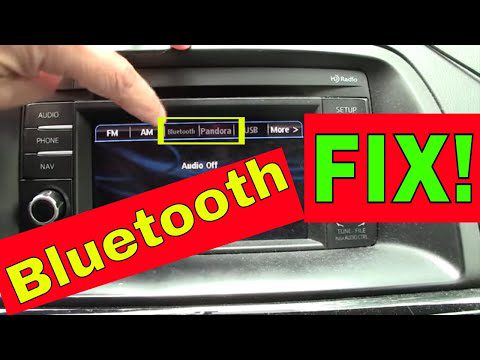
Troubleshooting Bluetooth connectivity usually starts with forgetting and re-pairing the devices. On your phone, go to Bluetooth settings, find your Pioneer radio, and “forget” or “unpair” the device.
Then, on your Pioneer radio, initiate a new Bluetooth search and pairing process. This often clears up temporary communication glitches between the devices.
Ensure that both your smartphone and your Pioneer radio have the latest firmware or software updates. Outdated software is a common cause of compatibility problems.
For your phone, this means updating your operating system. For your Pioneer radio, check the manufacturer’s website for firmware updates specific to your model.
Interference from other electronic devices can disrupt Bluetooth signals. Common culprits include other Bluetooth devices, Wi-Fi signals, and even certain types of chargers.
Try to minimize the number of active Bluetooth devices in the car. Also, consider the placement of your phone and radio; sometimes, moving them further apart or closer can improve signal strength.
Advanced Troubleshooting Techniques
If the basic and common issue checks don’t resolve your Pioneer car radio problem, it’s time to explore more advanced troubleshooting methods. These techniques might require a bit more technical skill or tools but can pinpoint more elusive issues.
Resetting the Pioneer Radio Unit
Many electronic devices, including car radios, can experience software glitches that cause them to malfunction. A factory reset can often resolve these issues by returning the radio’s settings to their original state.
Locating the reset button is the first step. On most Pioneer units, this is a small, recessed button that requires a pointed object like a paperclip or a pin to press. It’s often found on the faceplate or near the back of the unit.
Refer to your Pioneer car radio’s user manual to find the exact location of the reset button for your specific model. The manual will also detail the correct procedure for performing the reset.
Performing a hard reset involves disconnecting the car battery for a period, typically 15-30 minutes. This completely cuts power to the radio and can clear temporary memory issues.
After reconnecting the battery, you will likely need to re-enter any anti-theft codes or reconfigure basic settings like the clock and radio presets.
Understanding the difference between a soft reset and a factory reset is important. A soft reset, often done by pressing the recessed button, usually just restarts the unit. A factory reset might erase all user settings and return the radio to its out-of-the-box configuration.
Always back up any important settings or configurations if your radio allows it before performing a factory reset.
Testing Individual Components
If you suspect a specific component, like a speaker or an amplifier, is faulty, testing it individually can help isolate the problem. This requires a systematic approach.
Speaker testing involves disconnecting a speaker wire from the back of the radio or amplifier and connecting it to a known working speaker. If the known working speaker plays sound, then the original speaker is likely the issue.
You can also use a multimeter to test the resistance of a speaker. A typical car speaker has a resistance of around 4 ohms. If the resistance is significantly different or infinite, the speaker is likely blown.
If you have an external amplifier, you’ll need to check its power, ground, and remote turn-on wires. Ensure these are all securely connected and receiving proper voltage.
Testing the input signal from the head unit to the amplifier is also important. If the amplifier is receiving a signal but not outputting sound, the amplifier itself is likely the problem.
Using a known good head unit or connecting your Pioneer radio to a test bench can help determine if the issue is with the radio itself or the car’s wiring system. This is a more advanced step, often performed by professionals.
A test bench setup allows you to power the radio and test its outputs without the complexity of the car’s electrical system.
When to Seek Professional Help
While many car radio issues are DIY-friendly, some problems are best left to the experts. If you’ve gone through the troubleshooting steps and are still facing issues, or if you’re uncomfortable with electrical work, it’s time to call a professional.
Dealing with complex wiring diagrams or internal circuit board issues can be challenging for the average car owner. Professionals have the specialized tools and knowledge to diagnose and repair these complex problems.
If your Pioneer car radio is still under warranty, attempting complex repairs yourself could void it. It’s always best to consult the warranty terms before proceeding with advanced DIY fixes.
Issues related to the car’s integrated systems, like CAN bus communication or factory-installed amplifier integration, often require specialized diagnostic equipment. These systems are complex and can be easily damaged if not handled correctly.
For instance, if your Pioneer radio is integrated with your car’s steering wheel controls or other vehicle features, and these functions stop working, a professional installer will have the knowledge to troubleshoot the interface.
If you’ve invested in a high-end Pioneer system with multiple amplifiers, subwoofers, and custom wiring, it’s wise to seek out an experienced car audio installer. They can ensure all components are working optimally and safely.
A professional can also offer advice on system upgrades or modifications that might be compatible with your car and your listening preferences.
Frequently Asked Questions
Question: Why did my Pioneer car radio suddenly stop working
Answer: It could be a blown fuse, a loose wire connection, a problem with your car’s battery or alternator, or an internal issue with the radio itself. Start by checking the fuses.
Question: How do I reset my Pioneer car radio
Answer: Look for a small, recessed reset button on the faceplate or rear of the unit and press it with a paperclip. You may also need to disconnect your car’s battery for a short period.
Question: My Pioneer radio turns on but has no sound
Answer: Check your speaker wire connections behind the radio and at the speakers. Also, ensure your balance and fader settings are centered and that any external amplifiers are powered on.
Question: Can I fix a blank screen on my Pioneer car radio myself
Answer: First, check all power fuses and connections. If those are good, try a reset. If the screen remains blank, it might indicate a more serious internal hardware failure requiring professional repair.
Question: How do I connect my phone to my Pioneer car radio via Bluetooth
Answer: Go to your phone’s Bluetooth settings, search for available devices, and select your Pioneer radio. Follow the on-screen prompts on both your phone and the radio to complete the pairing process.
Wrap Up
Fixing a Pioneer car radio that’s not working often involves checking simple things first, like fuses and connections. We’ve covered how to inspect fuses, check battery health, and examine wiring. You also learned about common issues like display problems and sound loss, along with solutions like resetting the unit or testing components. Don’t be afraid to try these steps; you might solve the problem yourself and get your music back.