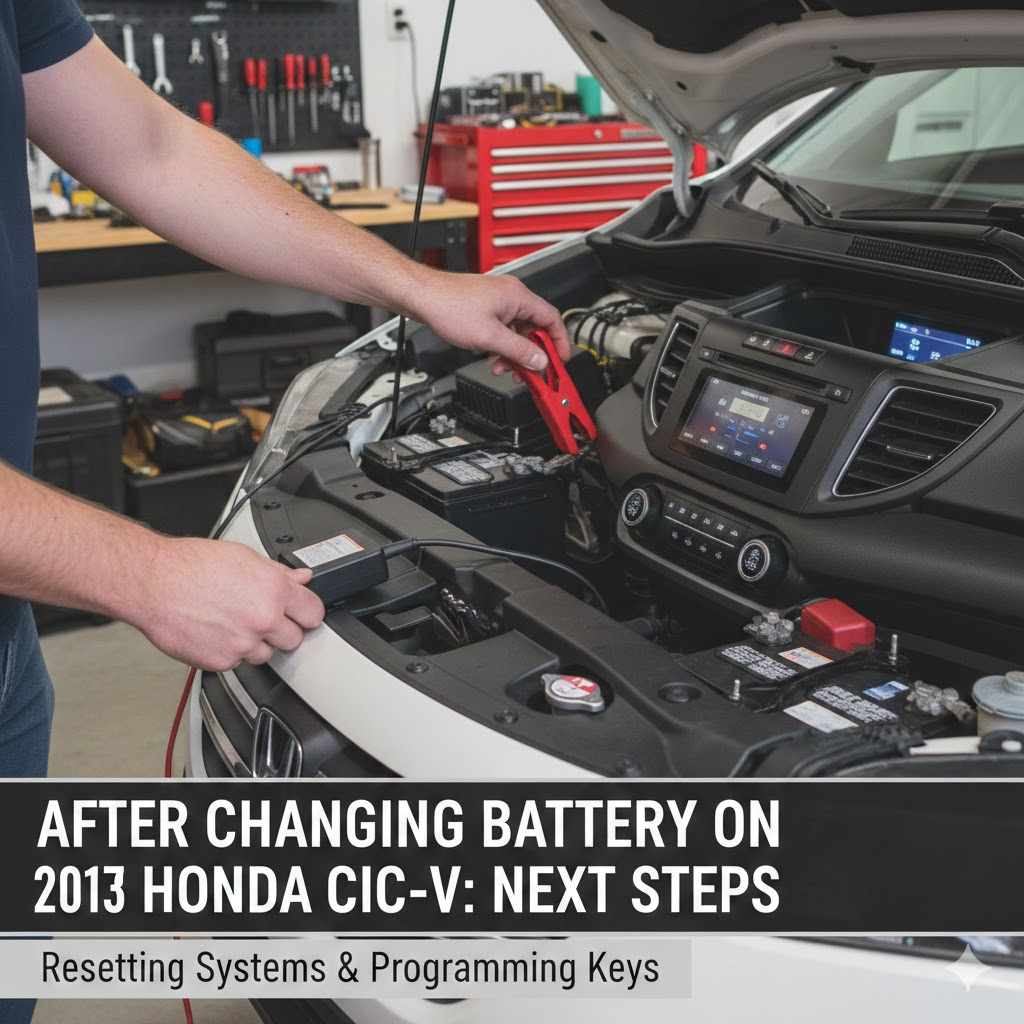
After Changing Battery on 2013 Honda CR-V Next Steps
It’s common to feel a bit unsure about what to do right after changing the battery on your 2013 Honda CR-V. This is especially true if you’re new to car maintenance. Don’t worry, it’s usually quite simple!
We’ll walk you through the After Changing Battery on 2013 Honda CR-V: Next Steps in a way that’s easy to follow. Let’s make sure everything is working just right.
Checking Your Honda CR-V After Battery Change
This section is all about what happens immediately after you’ve connected the new battery. When you swap out an old car battery for a new one, some electronic systems might need a little reset or a quick check to make sure they’re functioning properly. This is a normal part of the process, and it helps ensure your vehicle is safe and all its features work as they should.
We’ll cover the basics to get you back on the road with confidence.
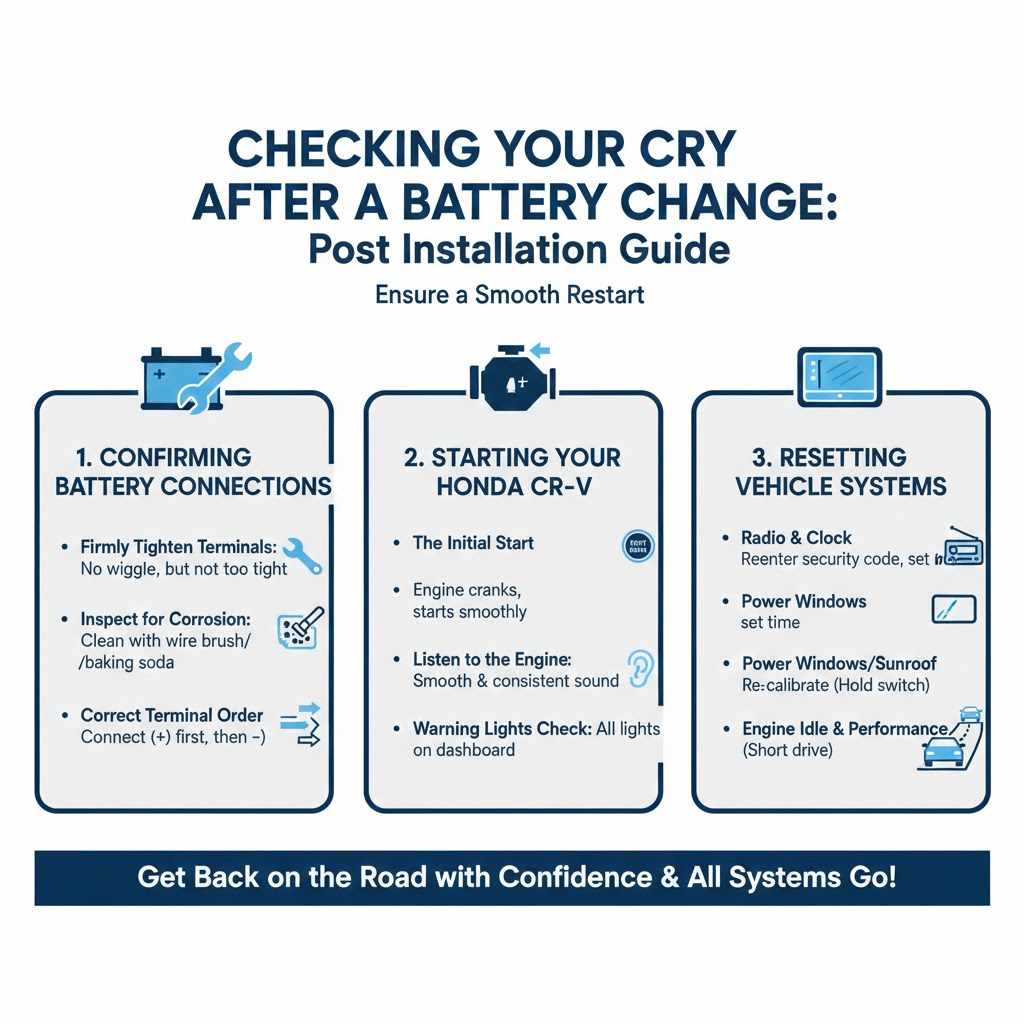
Confirming Battery Connections
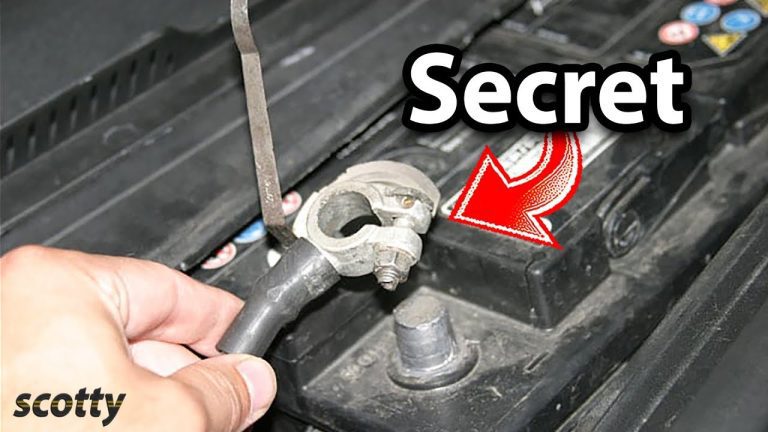
The very first thing to double-check is that your battery terminals are secure. Loose connections can cause all sorts of odd electrical problems. You want to make sure the positive (+) and negative (-) clamps are snug on the battery posts.
- Firmly Tighten Terminals
- After placing the new battery and connecting the cables, use a wrench to tighten the clamps. They should be tight enough so they don’t wiggle, but not so tight that you risk stripping the threads or damaging the battery posts. A good rule of thumb is to tighten them until they feel very secure.
- Inspect for Corrosion
- Look at the battery posts and the inside of the terminal clamps. If you see any white or greenish powdery stuff, that’s corrosion. You can clean it off with a wire brush and some baking soda and water mixture.
- This ensures a good electrical connection.
- Correct Terminal Order
- Always connect the positive (+) cable first, then the negative (-) cable. When disconnecting, do the reverse: negative first, then positive. This prevents accidental short circuits while you’re working.
Starting Your Honda CR-V
With the connections confirmed, it’s time for the moment of truth: starting your vehicle. This step is crucial to see if the new battery is working correctly and if the car’s electrical system is responding as it should. A smooth start means you’ve likely done the job right.
- The Initial Start
- Turn the key in the ignition or push the start button. Your CR-V should crank over and start up without any hesitation. Listen for any unusual noises.
- If it starts up fine, that’s a great sign!
- Listen to the Engine
- Once the engine is running, pay attention to how it sounds. It should sound smooth and consistent. If the engine is sputtering, running rough, or making odd noises, there might be an issue with the battery connection or something else.
- Warning Lights Check
- After the car starts, check the dashboard. Any warning lights that were on before (like the battery light) should now be off. If new warning lights appear, or if old ones stay on, you might need to investigate further.
Resetting Vehicle Systems
When a car battery is disconnected, many of its electronic systems lose their memory. This means things like your radio presets, clock, and even some engine computer settings might need to be reconfigured. This is a normal part of the process after a battery change.
- Radio and Clock
- Your car radio will likely ask for a security code or reset itself. You’ll need to re-enter the code if required. The clock will also need to be reset to the correct time.
- Power Windows and Sunroof
- Some power windows and sunroofs have an auto-up/down feature that might need to be reset. This usually involves holding the window switch down for a few seconds, then holding it up after it closes. Check your owner’s manual for specific instructions for your CR-V.
- Engine Idle and Performance
- The engine’s computer (ECU) learns your driving habits and adjusts engine performance for optimal fuel efficiency and power. After a battery disconnect, it might take a short driving period for the ECU to re-learn these settings. You might notice slightly different engine behavior initially, which should smooth out.
Checking Electronics After Changing Battery on 2013 Honda CR-V
After the initial start-up, it’s smart to go through your vehicle’s features. This part of After Changing Battery on 2013 Honda CR-V: Next Steps ensures everything is working as expected. You want to confirm that the new battery is powering all your car’s systems correctly.
From the simple things like your lights to more complex features, a thorough check provides peace of mind.
Testing Lights and Accessories
Simple checks can reveal a lot about your car’s electrical health after a battery change. Testing external and internal lights, along with other accessories, confirms consistent power delivery from the new battery.
- Headlights and Taillights
- Turn on your headlights, high beams, and taillights. Make sure they are all bright and function correctly. Check your turn signals and brake lights by having someone help you or by observing reflections.
- Interior Lights and Dashboard
- Check all interior dome lights, vanity mirror lights, and any other cabin lighting. Also, ensure the dashboard lights illuminate properly when the car is on and turn off when the car is off, as they should.
- Wipers and Washers
- Test your windshield wipers and the washer fluid spray. Make sure they operate at all speed settings and cover the windshield adequately.
- Horn and Audio System
- Try honking the horn to ensure it works. Power up your audio system and check if it sounds clear. If you had radio presets, see if they need to be re-entered.
Verifying Climate Control and Infotainment
Modern cars have sophisticated climate control and infotainment systems that rely heavily on stable power. Checking these after a battery change is essential to ensure all comfort and entertainment features are back online and working correctly.
- Air Conditioning and Heating
- Turn on your climate control system. Test both the air conditioning and heating functions. Make sure the fan blows air at different speeds and that the temperature control adjusts as expected.
- Infotainment System
- If your CR-V has a touchscreen or infotainment system, turn it on. Check that the display is clear and responsive. Test any navigation, Bluetooth, or other media functions you regularly use.
- Backup Camera and Sensors
- If your vehicle is equipped with a backup camera or parking sensors, engage reverse gear to see if they activate and display correctly. These systems are important for safety and convenience.
Checking Power Windows and Locks
Power windows and door locks are common features that can sometimes act up after a battery disconnect. A quick check ensures these everyday conveniences are functioning properly and can be reset if needed.
- Power Window Operation
- Test each power window, from the driver’s seat and each door. Ensure they go up and down smoothly. If the auto-up/down feature isn’t working, you’ll need to perform the reset procedure.
- Door Lock Mechanism
- Use the power lock buttons on the driver’s door and the key fob to lock and unlock all doors. Make sure all doors are responding correctly to the commands.
- Mirror Adjustments
- If your vehicle has power-adjustable mirrors, test their movement. Ensure they can be adjusted up, down, left, and right.
Driving After Changing Battery on 2013 Honda CR-V
The final part of After Changing Battery on 2013 Honda CR-V: Next Steps involves taking your vehicle for a drive. This is the best way to experience how everything performs under real-world conditions. It also allows the vehicle’s computer systems to recalibrate themselves while you are on the move.
The Initial Drive
Your first drive after replacing the battery is an opportunity to notice any subtle changes and confirm the car’s overall performance. Pay attention to how the engine feels and responds.
- Smooth Acceleration
- During your drive, notice how the car accelerates. It should feel smooth and responsive. Any hesitation or stumbling during acceleration could indicate an issue that needs attention.
- Braking Performance
- Test your brakes gently. They should feel firm and stop the vehicle effectively. While unlikely to be directly affected by a battery change, it’s always good practice to check all critical systems.
- Transmission Shifting
- If you have an automatic transmission, observe how it shifts gears. The shifts should be smooth and timely. Any harshness or delayed shifting might suggest a need for further diagnosis.
Monitoring for Warning Lights
While driving, keep an eye on your dashboard for any warning lights that might appear. These lights are your car’s way of telling you if something isn’t right.
- ABS and Traction Control Lights
- These lights are related to your braking and stability systems. If they come on, it means there might be a fault with these systems, which is crucial to address.
- Check Engine Light
- The check engine light is a general indicator of a problem with your engine or emissions system. If this light illuminates, it’s important to have your vehicle scanned for error codes.
- Battery Light
- If the battery warning light comes back on while driving, it could mean the new battery isn’t charging properly or there’s an issue with the alternator.
Allowing Systems to Recalibrate
Many modern cars have computers that learn and adapt over time. After a battery change, these systems start fresh and need time and driving to relearn your driving habits and optimize performance.
- Engine Control Unit (ECU) Learning
- The ECU controls many engine functions. It uses sensors to monitor driving conditions and adjust fuel mixture and timing. After a battery change, it might run in a default mode for a while before adapting.
- Idle Speed Adjustment
- The idle speed of your engine can also be managed by the computer. It might seem a little different for a short period as the system recalibrates.
- Fuel Economy Adjustments
- As the ECU relearns, your fuel economy might fluctuate slightly until it reaches its optimal setting based on your driving style.
Potential Issues and Troubleshooting
While most battery changes go smoothly, it’s helpful to know about potential hiccups. Being aware of these allows you to address them quickly. This is an important part of After Changing Battery on 2013 Honda CR-V: Next Steps.
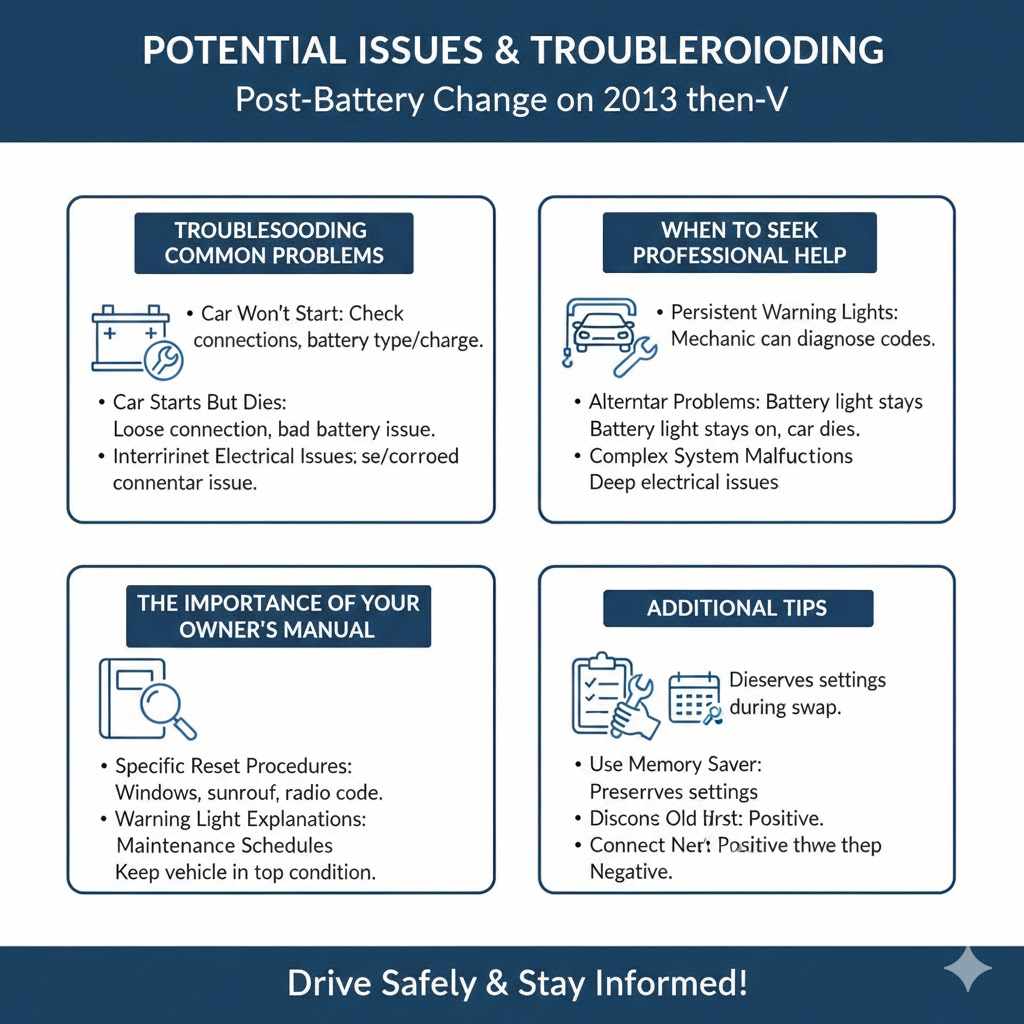
Troubleshooting Common Problems
Sometimes, even after a seemingly successful battery swap, a few minor issues can crop up. These are often easy fixes once you know what to look for.
- Car Won’t Start
- If your car doesn’t start at all, re-check the battery terminal connections to ensure they are tight and clean. Also, confirm the battery is the correct type and fully charged.
- Car Starts But Dies
- This could indicate a loose connection, a faulty new battery, or an issue with the car’s charging system (like the alternator). It might also be related to the engine needing to relearn its idle settings.
- Intermittent Electrical Issues
- If lights flicker, or systems act erratically, it often points back to a loose or corroded battery connection. Ensure a solid connection between the battery posts and the clamps.
When to Seek Professional Help
While many issues are DIY fixes, some problems require expert attention. Knowing when to call a mechanic is key to avoiding further damage.
Persistent Warning Lights
If warning lights remain on after checking connections and resetting systems, it’s best to have a mechanic diagnose the issue. They have specialized tools to read error codes.
Alternator Problems
If the battery light stays on, or if the car dies shortly after starting even with a new battery, your alternator might be failing to charge the battery. This requires professional repair.
Complex System Malfunctions
If multiple electronic systems are malfunctioning, or if you suspect a deeper electrical problem, a qualified mechanic can identify and fix the root cause.
The Importance of Your Owner’s Manual
Your Honda CR-V owner’s manual is an invaluable resource. It contains specific information for your exact model, including reset procedures for various systems.
- Specific Reset Procedures
- The manual will detail the exact steps for resetting power windows, sunroofs, and other features unique to your CR-V. Always refer to it for precise instructions.
- Warning Light Explanations
- It often includes a section that explains what different dashboard warning lights mean, helping you understand the severity of any illuminated indicators.
- Maintenance Schedules
- Your owner’s manual also provides vital information on routine maintenance, helping you keep your vehicle in top condition for years to come.
Frequently Asked Questions
Question: How long does it take for the car computer to reset after changing the battery?
Answer: The car computer, often called the Engine Control Unit (ECU), typically needs about 15-30 minutes of driving for its basic settings to recalibrate. More complex learning, like adapting to your driving style for optimal fuel economy, can take several driving cycles or a few days.
Question: My radio is asking for a security code. Where do I find it?
Answer: The radio security code is usually found in your owner’s manual, often in a separate booklet or on a card. If you can’t find it, you might need to contact a Honda dealership with your vehicle’s VIN and radio serial number.
Question: Do I need to do anything special for my 2013 Honda CR-V after changing the battery?
Answer: Yes, you should check the battery connections are tight, reset your radio and clock, and re-learn any auto up/down power window functions. It’s also a good idea to take it for a short drive to ensure everything operates smoothly.
Question: What if my car doesn’t start after changing the battery?
Answer: First, double-check that the battery terminals are securely connected and that the battery is properly seated. Ensure the battery is fully charged and the correct type for your vehicle. If it still won’t start, there might be a more significant issue with the car’s electrical system.
Question: Will changing the battery erase my car’s settings?
Answer: Yes, disconnecting the battery will reset most of your car’s electronic memory, including radio presets, clock settings, trip meters, and sometimes engine idle and transmission shift patterns. Some advanced settings may require a reset procedure.
Wrap Up
You’ve learned the essential After Changing Battery on 2013 Honda CR-V: Next Steps. Confirming connections, checking electronics, and taking a test drive are key. Your vehicle’s systems should now be functioning correctly.
Enjoy your drive with confidence in your new battery.