Can You Play Oculus in the Car? Safety Guide for Passengers
Yes, a passenger can use a Meta Quest in a car, but only for seated, non-driving use and only when the ride is smooth enough that tracking stays stable and motion sickness stays low. Ignore that, and you can get disorientation, nausea, tracking glitches, or a distracted driver. This guide covers safety, motion sickness, tracking limits, and what works for Quest owners, buyers, and parents.
Can you play Oculus in the car?
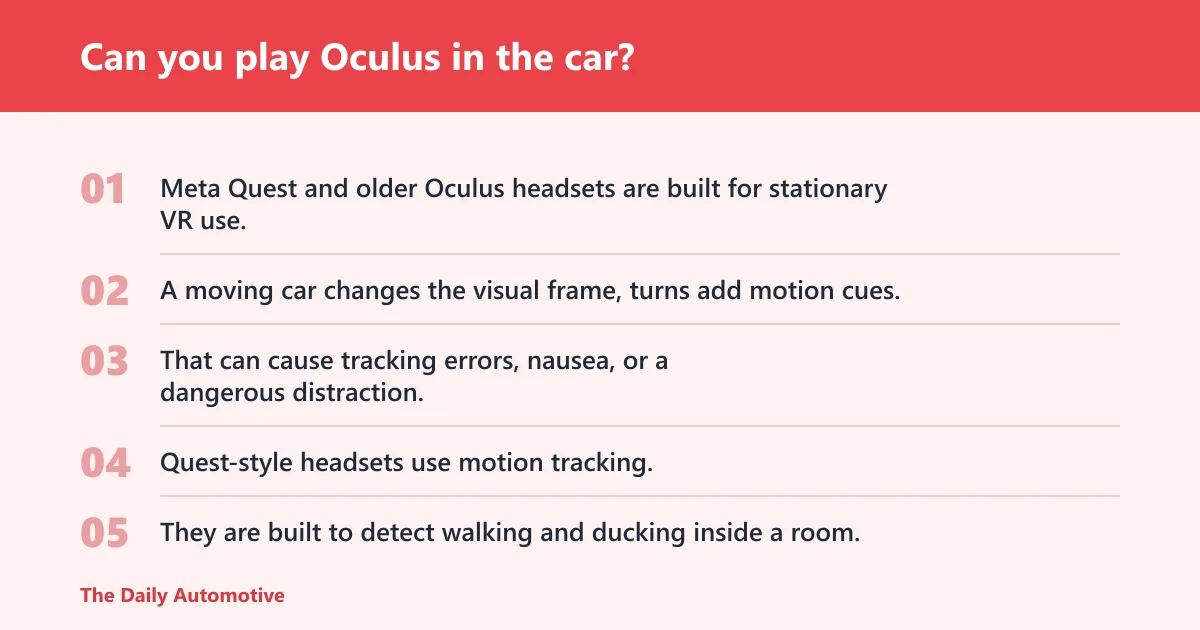
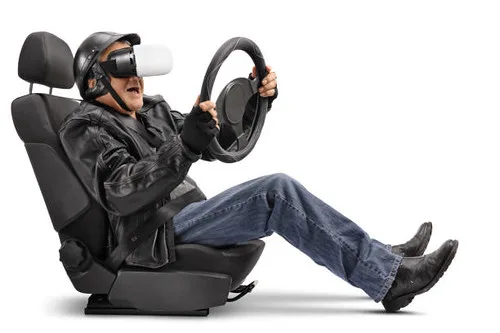
For a passenger, sometimes yes. For a driver, no. Meta Quest and older Oculus headsets are built for stationary VR use, not an active vehicle cabin where the outside scene keeps moving and the headset’s position model breaks down.
The issue is bigger than app support. A moving car changes the visual frame, turns add motion cues, and the headset may lose a stable sense of where you are. That can cause tracking errors, nausea, or a dangerous distraction.
Why a moving car breaks VR tracking
Quest-style headsets use motion tracking, which means they follow your movement through space, not only your head angle. They are built to detect walking and ducking inside a room, then map that movement against a safe play area. A car does not stay still long enough for that system to work cleanly.
Inside-out tracking depends on the headset reading the surrounding environment. In a moving car, windows, light changes, vibration, and turns can confuse that system. Boundary systems can also become unreliable because the headset expects a seated body in a stable room-scale space while the vehicle itself keeps moving.
What does failure look like? The view may jump, controller positions may drift, and the virtual scene can lag behind your actual motion. A small problem can get worse fast if the passenger reaches for something or the driver glances at the display at the wrong moment.
📊 Oculus Go launched in 2018. Source: It’s official: you can’t play Oculus Go games on the new Oculus ….
Can you wear a VR headset in a car without getting sick?
Sometimes, but the risk is real and often high. Vehicle motion can trigger nausea because your inner ear senses acceleration, braking, and turns while the headset shows a separate virtual scene. That mismatch is a common cause of VR sickness, and a car adds another layer of motion on top.
People who already get carsick or VR sickness are the most likely to feel symptoms quickly. Children can be affected too, especially on winding roads or in stop-and-go traffic. If the user feels warm, dizzy, queasy, or headachy, stop right away and remove the headset.
Signs to stop right away
- Sudden nausea or stomach discomfort
- Headache or eye strain
- Blurred, jumping, or unstable image
- Feeling detached or disoriented
- Sweating, pallor, or repeated swallowing
Say your child starts a game during a 20-minute ride and then says the image feels “slippy” every time the driver turns. That is a warning sign, not something to push through. Take the headset off, let the child look outside, and wait until the motion passes.
Can you use Oculus Quest in a moving car?
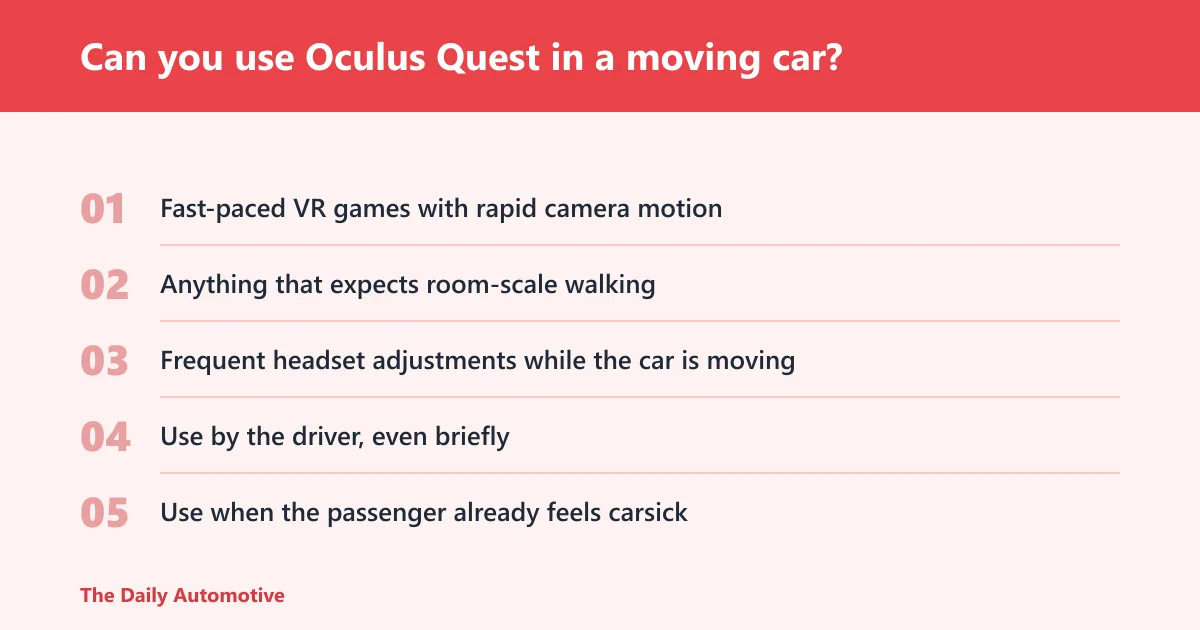
A passenger may be able to use a Quest in a moving car in some situations, but only with caution and when the ride feels steady. A driver should not use it while driving. Parked-car testing is generally the lowest-risk setup, since the vehicle is not adding motion or driving inputs while the headset is active.
During the ride, avoid standing, leaning, controller-heavy action, and anything that depends on precise room-scale movement. A seated video app is less demanding than a full-motion game, but even that can become unpleasant if the road surface is rough or the route has frequent turns.
What to avoid during the ride
- Fast-paced VR games with rapid camera motion
- Anything that expects room-scale walking
- Frequent headset adjustments while the car is moving
- Use by the driver, even briefly
- Use when the passenger already feels carsick
Suppose a parent hands a Quest to a ten-year-old for a highway trip. If the road is smooth, the child stays seated, and the content is calm, it may work for a short stretch. If the car enters city traffic with repeated stops, the chances of nausea and tracking issues rise quickly.
Oculus Go, Quest, and Quest 2 compatibility limits
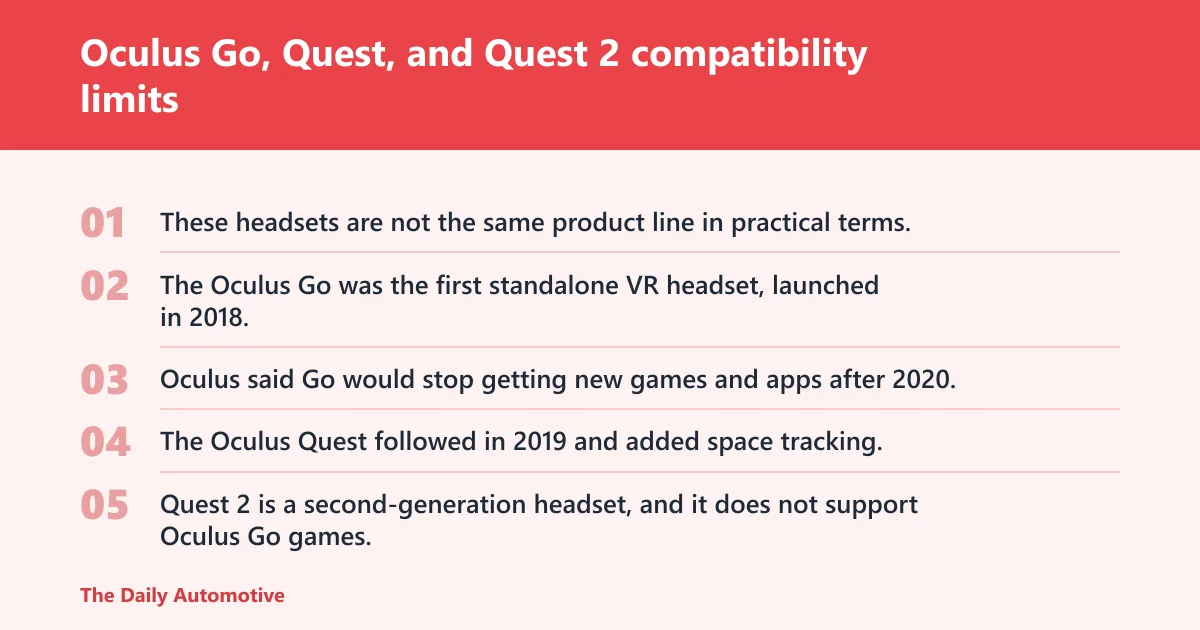
These headsets are not the same product line in practical terms. The Oculus Go was the first standalone VR headset, launched in 2018. Oculus said Go would stop getting new games and apps after 2020, and it was reportedly no longer on sale by the time of the article.
The Oculus Quest followed in 2019 and added space tracking, which is the feature set that made it more capable in room-scale VR. Quest 2 is a second-generation headset, and it does not support Oculus Go games. It is still widely described as a strong VR buy, but it is not backward compatible with Go software.
What that means in a car
Compatibility limits matter, but they are secondary to safety here. Even if a title launches, the car’s motion can still disrupt tracking and comfort. A game that runs fine in a living room may become unstable or unpleasant in a moving vehicle.
| User role | Vehicle motion | Tracking risk | Nausea risk | Recommended use case |
|---|---|---|---|---|
| Passenger | Parked | Low | Low to moderate | Yes for testing, setup, and short seated use |
| Passenger | Moving smoothly | Moderate | Moderate to high | Maybe for short, seated, non-action use only |
| Passenger | Stop-and-go or winding road | High | High | No |
| Driver | Parked with engine off or on | Low | Low | Yes for setup only, not while moving |
| Driver | Any movement | High | High | No |
| Child passenger | Moving vehicle | Moderate to high | Moderate to high | Usually no; keep sessions short and stop at the first sign of discomfort |
Can the Oculus Go play Quest games?
No. Oculus Go and Quest are different product lines, and Go cannot play Quest games. The Oculus Go was the first standalone VR headset, released in 2018, and Oculus later ended new game and app releases for it after 2020.
That matters in the car because some buyers still see “Oculus” and assume the whole family shares the same library. It does not. If you are deciding what to bring on a trip, check the exact headset model first.
Does Oculus Quest 2 support Oculus Go games?
No. Quest 2 does not support Oculus Go games. Quest 2 is a second-generation headset, and while it remains a strong VR buy for many users, its software compatibility does not extend backward to the Oculus Go library.
That is separate from the car question, but it affects parents and buyers who are trying to reuse old content on newer hardware. If the game is a Go title, do not expect it to run on Quest 2 just because both were sold under the Oculus name.
What about Bluetooth and voice control in the car?
Bluetooth is a short-range radio standard, and devices can typically work within about 10 meters. In cars, it is commonly used for phone calls, audio, and paired accessories. Voice recognition software is another car-use technology that can cut down on touch input by limiting how often a driver touches controls.
That does not make VR safe for driving, and it does not fix the tracking problems created by a moving car. Bluetooth can support wireless pairing, but it cannot steady a headset’s view of the world or remove the nausea risk from VR use in transit.
What Bluetooth and voice control can do
- Connect a phone for hands-free calls
- Let drivers use audio prompts with less screen interaction
- Reduce some in-car distraction when used correctly
What they cannot do
- Make a VR headset safe for the driver
- Fix motion tracking inside a moving vehicle
- Prevent VR motion sickness
Decision checklist: when is Oculus usable in transit?
Use this checklist to separate safe, maybe, and no-go situations. If more than one item points toward motion, discomfort, or driver distraction, the answer should be no. When in doubt, wait until the car is parked.
- Confirm the user is a passenger, not the driver.
- Check whether the car is parked or moving.
- Choose seated-only content with minimal motion.
- Stop at the first sign of nausea or tracking instability.
- Do not use the headset if the road is rough, curvy, or busy.
| User role | Vehicle motion | Tracking risk | Nausea risk | Recommended yes/no use case |
|---|---|---|---|---|
| Passenger | Parked | Low | Low | Yes for setup or short seated use |
| Passenger | Moving, smooth highway | Moderate | Moderate | Maybe, only for brief use and calm content |
| Passenger | Moving, stop-and-go traffic | High | High | No |
| Driver | Parked | Low | Low | Yes for setup only |
| Driver | Any movement | High | High | No |
| Child passenger | Moving vehicle | Moderate to high | Moderate to high | Usually no; only very short use if the ride is smooth and symptoms stay absent |
Frequently asked questions
Does Oculus work offline in the car?
Some apps can run offline, but that is not the main issue in a car. Offline operation does not solve motion tracking problems, boundary errors, or motion sickness. The headset may still struggle if the vehicle is moving, even when no internet connection is involved.
Can you wear a VR headset in a car without getting motion sickness?
Some people can, especially on smooth roads and with short sessions, but many cannot. Vehicle movement can conflict with the visual motion shown by the headset, which is a common trigger for nausea. If the user feels dizzy, warm, or unsettled, stop immediately.
Is it safe to use Oculus while driving?
No. It is not safe to use a VR headset while driving. The driver needs full attention for steering, braking, traffic, and mirrors. VR adds distraction, blocks awareness, and creates obvious road-safety risk, even if the headset is only on for a short time.
Products related to this article
Sponsored / affiliate links. As an Amazon Associate I earn from qualifying purchases. I may earn additional commission from eligible campaigns.