How to Turn Off StabiliTrak on a Chevy Equinox Safely
On many Equinox models, you can turn StabiliTrak or traction control off with the traction-control button, often shown with a skidding-car icon; some versions use a brief press, while others may need a longer hold for full system-off. If the cluster says Service StabiliTrak, treat that as a fault, not a normal off state.
How to turn off StabiliTrak on a Chevy Equinox


You need the correct year, the right trim layout, and a dash confirmation before you drive away. Some Equinox models use a physical button. Others move the control into the Driver Information Center, or DIC. If the vehicle is moving fast enough, some GM procedures disable the ability to switch the system on or off at 56 km/h.
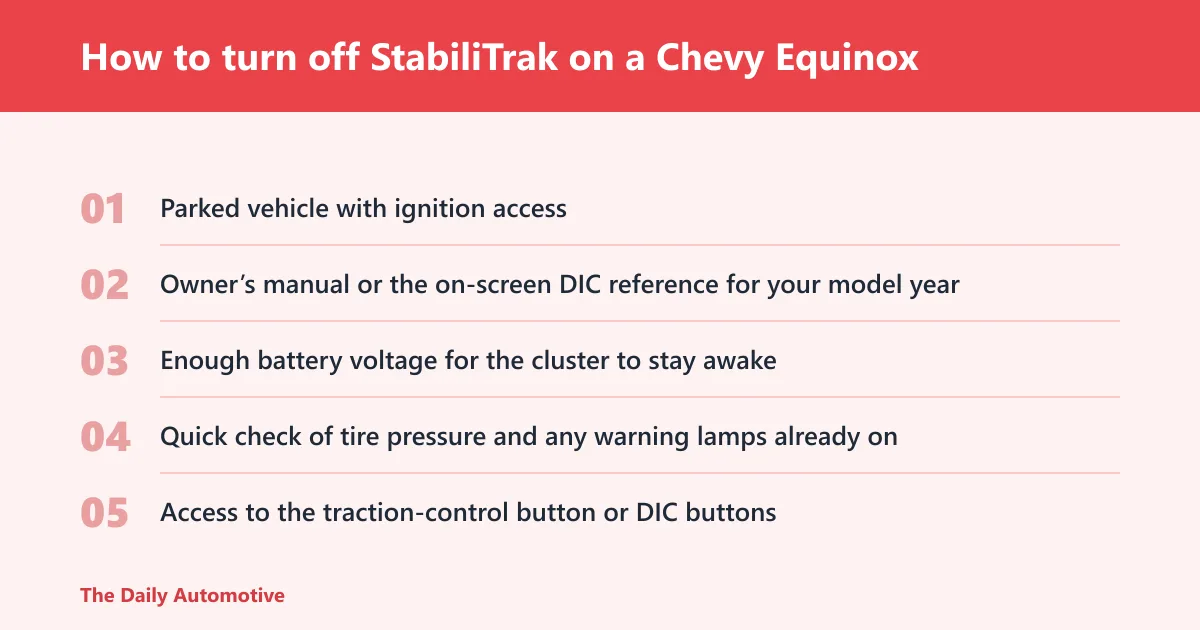
What you’ll need
- Parked vehicle with ignition access
- Owner’s manual or the on-screen DIC reference for your model year
- Enough battery voltage for the cluster to stay awake
- Quick check of tire pressure and any warning lamps already on
- Access to the traction-control button or DIC buttons
Do it in the right order
- Shift the Equinox into Park.
- Turn the ignition to ON or RUN so the instrument cluster or DIC is active.
- Find the traction-control button or open the traction and stability settings page in the DIC.
- Press the button once, or select the Off setting in the menu.
- Watch the instrument cluster for the Off message or status icon.
- Confirm the display shows Off before you drive.
- Press the same button or select the same menu item again to return to normal road operation.
What the button usually looks like
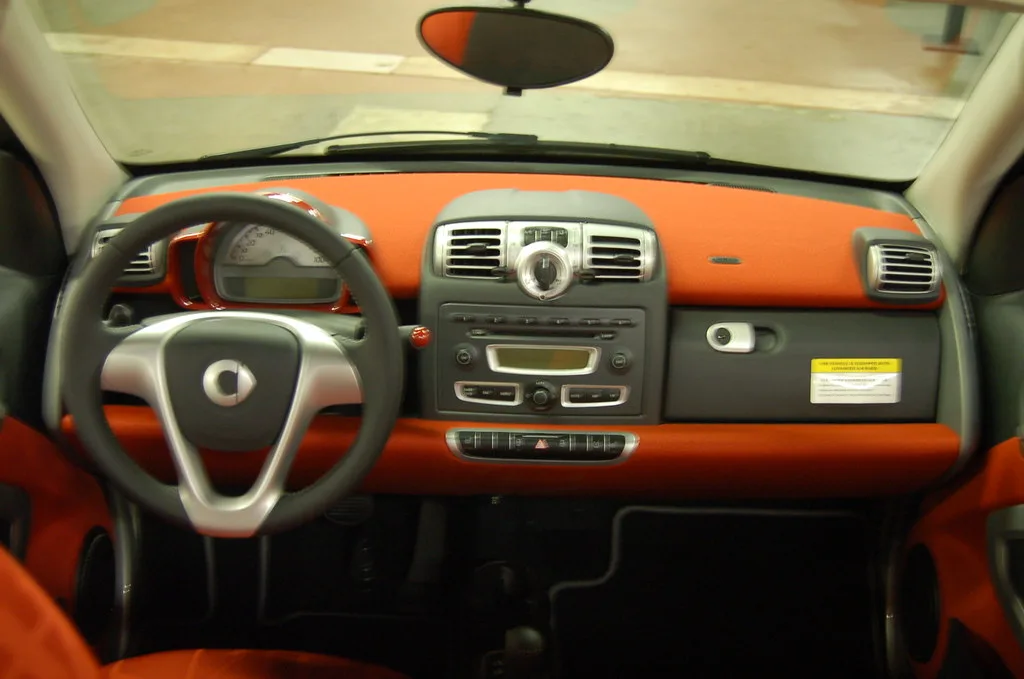
On many Equinox models, the button shows a car with wavy lines behind it. Some trims place it near the shifter. Others move it to the dashboard or a center stack area. The location changes by year and trim, so check the owner’s manual for the exact setup.
How do I turn off traction control on a Chevy Equinox?
Traction control on an Equinox is often linked to StabiliTrak, so one switch can change both systems at once. On button-based trims, a short press may turn traction control off; on menu-based trims, the DIC can do the same job. The dash should confirm the change.
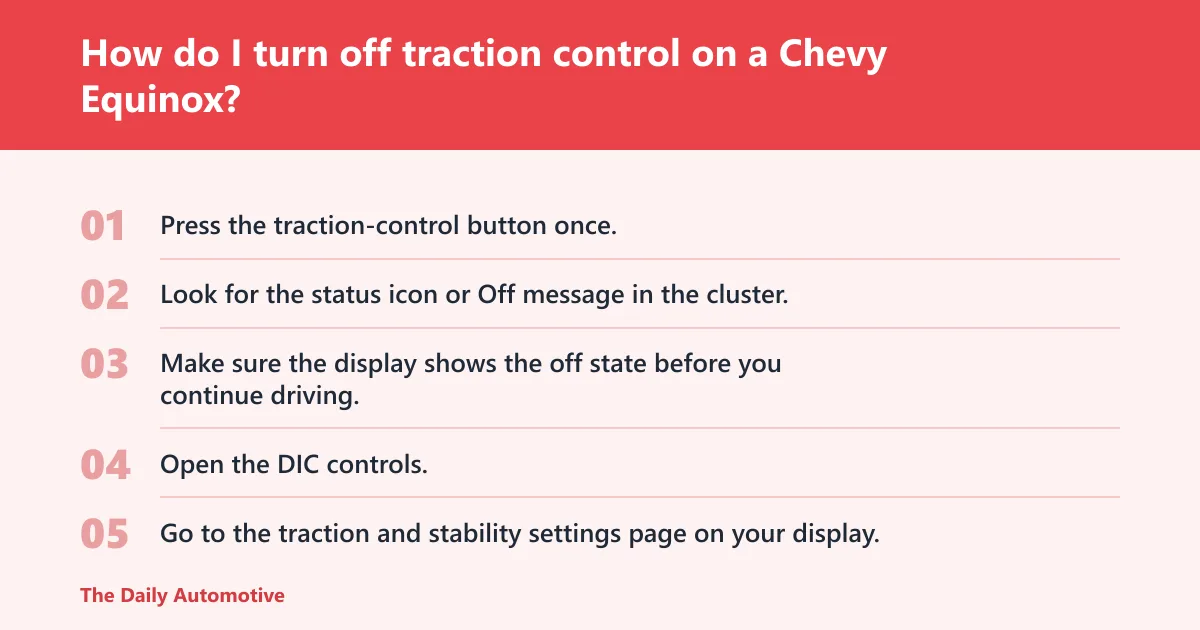
Button-first layouts
- Press the traction-control button once.
- Look for the status icon or Off message in the cluster.
- Make sure the display shows the off state before you continue driving.
Menu-first layouts
- Open the DIC controls.
- Go to the traction and stability settings page on your display.
- Select Off and confirm the change on screen.
What changes when traction control is off
Turning TCS off changes the icon from On to Off, and the instrument-cluster icon illuminates when it is off. The manual also warns against repeated heavy braking or acceleration while TCS is off, because the driveline could be damaged if that warning is ignored.
Which control method your Equinox likely uses by year and trim
Equinox layouts changed by generation, cluster type, and trim. Older models are more likely to use a physical button. Mid-cycle models may use a DIC path. Newer trims can still use a button, but some move the control deeper into the display menus. Do not assume one method fits every year.
| Year or trim group | Likely control location | Expected dash confirmation | Does “Service StabiliTrak” mean off? |
|---|---|---|---|
| Older button-first layouts | Physical traction-control button, often near the shifter or dashboard | Off message or illuminated status icon | No. It points to a fault. |
| Mid-cycle DIC layouts | Base level DIC with a VEHICLE menu and TCS/StabiliTrak item | On/Off text change in the cluster | No. It indicates a problem state. |
| Uplevel DIC layouts | Options application first, then Traction & Stability | Status text or warning icon on screen | No. A fault message is not a normal disable. |
| 2024–2026-style menu-heavy trims | Trim-dependent DIC or button access | Off message and cluster icon when disabled | No. Treat it as a malfunction until scanned. |
How do I know StabiliTrak is actually off?
You know it is off when you see a deliberate status change, not a warning. A normal shutoff shows an Off message or icon after you press the button or select the menu item. If the message says Service StabiliTrak, that is a fault message and not the same thing.
Dash checks that count
- The cluster text changes from On to Off.
- The stability or traction icon illuminates.
- The message appears right after your button press or menu selection.
- The system returns to normal after you re-enable it.
Dash signs that do not count
- Service StabiliTrak
- Service Traction Control
- ABS warning lamps with no off command from you
- A warning that comes back every time you restart
Say your 2019 Equinox shows an Off message after a button press, then the light stays on until you restart. That is a normal disabled state. If the same car throws a service message before you touch any control, that needs diagnosis, not another button press.
What should you do if “Service StabiliTrak” stays on?
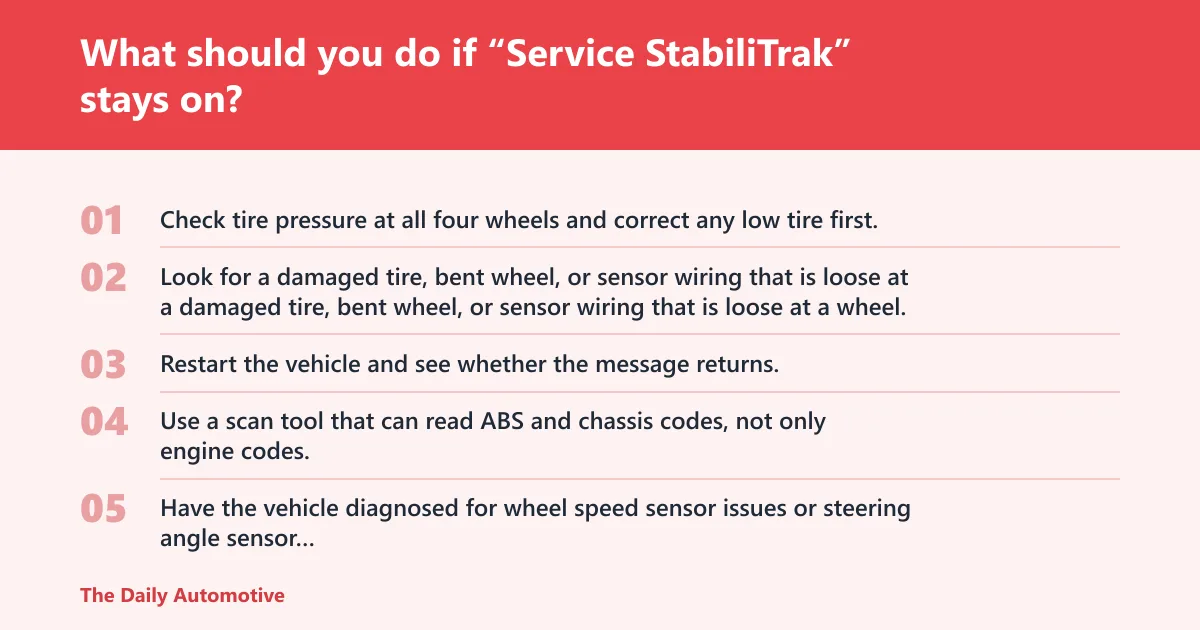
Start with the easiest checks: tire pressure, obvious tire damage, and any other warnings already on the dash. If the message returns after a restart, stop treating it like a disable switch. A persistent service message points to a system fault that needs diagnosis.
Try these checks in order
- Check tire pressure at all four wheels and correct any low tire first.
- Look for a damaged tire, bent wheel, or sensor wiring that is loose at a wheel.
- Restart the vehicle and see whether the message returns.
- Use a scan tool that can read ABS and chassis codes, not only engine codes.
- Have the vehicle diagnosed for wheel speed sensor issues or steering angle sensor calibration if the message returns.
If that didn’t work, try this next
Check whether the battery has been weak, recently disconnected, or replaced. Then inspect wheel speed sensor wiring at each wheel for rubbing, corrosion, or a loose connector. If the warning persists, a shop may need to check the steering angle sensor and related inputs after alignment or other service.
Common mistakes to avoid when turning it off
Do not use a service warning as if it were a normal off command. Do not assume every Equinox uses the same menu path. And do not leave the system off for normal street driving if you only needed it disabled for snow or a stuck situation.
- Pressing the button without checking for a dash confirmation
- Using a fault message as proof the system is off
- Forgetting that TCS and StabiliTrak can switch off together
- Ignoring the 56 km/h limit on some GM procedures
- Keeping it off after the traction problem is gone
Picture a 2025 Equinox on a gravel driveway. The driver wants a little wheelspin to back out, then normal control for the highway. That is the right use case: off briefly, then back on before regular driving resumes.
Frequently asked questions
How do I turn off service StabiliTrak on a Chevy Equinox?
You do not turn off a service message the same way you turn off traction control. Check tire pressure first, look over the visible wheel-sensor wiring at each wheel, then scan the ABS and related chassis systems. If the warning returns after a restart, schedule diagnosis.
How do I clear the service StabiliTrak light?
A restart may clear a temporary message, but a repeated warning needs a scan tool that reads ABS and stability codes. Use the ignition cycle first, then check for low tire pressure or a separate warning lamp. If the light returns, service is the next step.
How do I know if StabiliTrak is off on my Equinox?
Look for a deliberate Off message or a lit status icon right after you press the button or select the menu item. A service warning is different. If the message appeared without your command, it is not proof of a normal disabled state.
How do I turn StabiliTrak back on?
Press the same button or choose the same menu item you used to switch it off, then confirm the cluster returns to the normal On state. On many GM procedures, the system also starts on automatically with the vehicle. If it does not, a warning may still be present.
Products related to this article
Sponsored / affiliate links. As an Amazon Associate I earn from qualifying purchases. I may earn additional commission from eligible campaigns.