Can I Add Apple CarPlay to My Car? Wired vs. Wireless
Yes, if your car has a compatible infotainment system or space for an aftermarket head unit, you can add CarPlay; wired CarPlay is usually the lowest-risk route, while wireless is a simple add-on only after wired CarPlay already works through USB. A poor match can leave you with dead buttons, audio glitches, lost steering-wheel controls, or the wrong kit sitting unused. This guide shows how to check compatibility and choose between OEM retrofit, wired install, wireless adapter, or a replacement screen.
Can I add Apple CarPlay to your car?
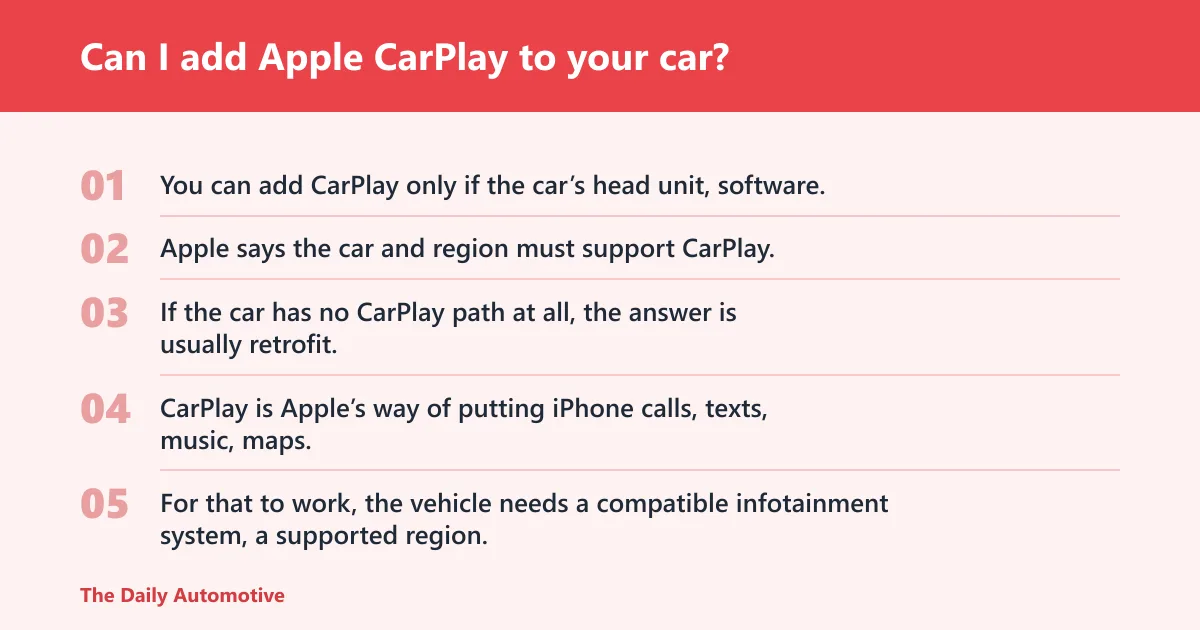


You can add CarPlay only if the car’s head unit, software, and connection options support it in some form. Apple says the car and region must support CarPlay, and Apple also notes that the latest iOS and the latest car software may be required. If the car has no CarPlay path at all, the answer is usually retrofit, not a simple adapter.
What your car needs before CarPlay can work
CarPlay is Apple’s way of putting iPhone calls, texts, music, maps, and supported apps on the car’s screen. For that to work, the vehicle needs a compatible infotainment system, a supported region, and a usable data path from the phone to the head unit. A USB port that only supplies power usually is not enough for CarPlay.
How to tell whether your USB port supports data or only charging
A charge-only USB port will power the phone but will not pass the data CarPlay needs. The simplest check is whether the car already recognizes a phone for media or CarPlay after a USB connection; if it never shows a CarPlay prompt, the port may be charge-only or unsupported. Damaged cables and unsupported USB-C ports can cause the same symptom.
When the answer is a retrofit, not an adapter
If the car has no factory CarPlay at all, a wireless adapter cannot create it. In that case, the usual paths are an OEM retrofit, a replacement display, or an aftermarket head unit with CarPlay support. Small screens and older factory systems often make a replacement display the cleaner option.
📊 Car and Driver Tech says a wireless CarPlay adapter costs $60–$150. Source: Wireless CarPlay vs Wired: Which Is Better in 2026?.
Wired CarPlay vs. wireless CarPlay: what changes in daily use
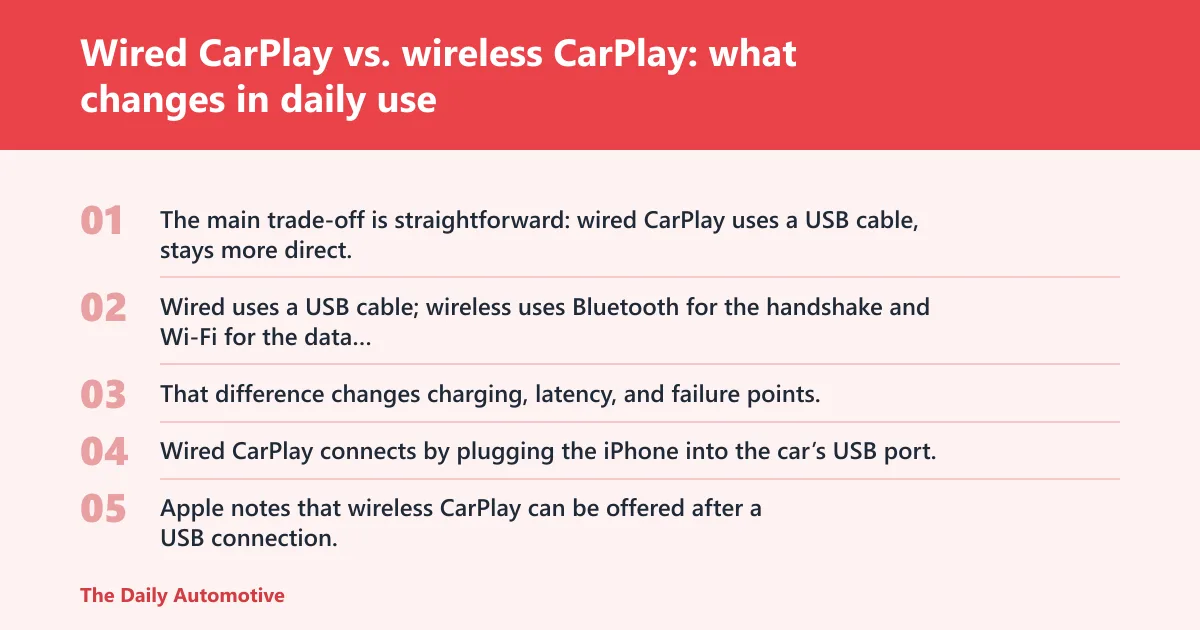
The main trade-off is straightforward: wired CarPlay uses a USB cable, stays more direct, and tends to be less fussy, while wireless CarPlay replaces the cable with convenience and a more complex setup. Wired uses a USB cable; wireless uses Bluetooth for the handshake and Wi‑Fi for the data stream. That difference changes charging, latency, and failure points.
| Decision factor | Can I Add Apple CarPlay to My Car? Wired | Wireless | Winner |
|---|---|---|---|
| Connection path | USB cable from iPhone to the car’s USB port | Bluetooth pairing first, then Wi‑Fi data stream | Wired |
| Charging while in use | Charges the phone during use | Usually does not charge unless the car also supplies power separately | Wired |
| Daily convenience | Requires plugging in every drive | Reconnects automatically after setup | Wireless |
| Best retrofit fit | Factory systems that already support CarPlay over USB | Factory wired-only systems, often with a wireless adapter | Depends |
| Lowest-risk upgrade cost | Often the least complex if CarPlay already works by cable | Wireless adapter typically costs $60–$150 | Wired |
Connection method: USB cable versus Bluetooth plus Wi-Fi
Wired CarPlay connects by plugging the iPhone into the car’s USB port. Apple notes that wireless CarPlay can be offered after a USB connection, and Car and Driver Tech says the wireless path uses Bluetooth first and Wi‑Fi for the data stream. That means wireless is not “Bluetooth CarPlay” in the simple sense; Bluetooth starts the link, Wi‑Fi carries the content.
Charging, battery drain, and phone heat
Wired CarPlay charges the phone while it is in use, which matters on long drives and for older batteries. Wireless CarPlay is convenient, but if the phone is not charging another way, battery drain is faster than wired use. Heat can also rise faster when the phone is doing constant wireless data work and navigation.
Latency, reliability, and re-connection behavior
Car and Driver Tech says wired CarPlay appears in about 2 seconds, while wireless CarPlay connects in about 5–10 seconds. Wired has fewer variables: cable quality, USB data support, and firmware still matter, but there is no pairing dance on every trip. Wireless is more hands-off after setup, yet it can be more sensitive to firmware and re-pairing issues.
How wireless CarPlay actually connects
Wireless CarPlay usually starts with Bluetooth pairing, then moves the data stream to Wi‑Fi. Apple says Bluetooth may be used to set up CarPlay in some cases, and Many guides note that Wi‑Fi 5 or Wi‑Fi 6 often carries the wireless CarPlay connection after the handshake. If pairing fails, firmware and software are common culprits.
Bluetooth pairing as the setup trigger
Bluetooth is the trigger, not the heavy-lifting channel. It identifies the phone, completes the initial handshake, and helps the car and phone find each other again later. If the car keeps asking to re-pair, the issue may be Bluetooth settings, stale pairings, or old infotainment firmware.
Wi-Fi 5 and Wi-Fi 6 as the data link
After pairing, wireless CarPlay moves data over Wi‑Fi 5 or Wi‑Fi 6, which is how it keeps maps, audio, and screen updates moving with low lag. If the car’s wireless hardware is old or the firmware is behind, the connection can feel slow or unstable. That is why software updates matter more than many buyers expect.
Why firmware updates matter when pairing fails
Apple says CarPlay can require the latest iOS and the latest car software. That is the first thing to check when the car sees the phone but won’t finish setup, or when wireless CarPlay works once and then drops. Firmware problems can look like a bad cable, but the fix may be an update instead.
What if your car only supports wired CarPlay?
If your factory system supports only wired CarPlay, a wireless adapter may be enough. If the car has a small screen, a charge-only USB port, or no CarPlay function at all, the better answer may be a replacement display or an OEM retrofit. The right path depends on what the head unit already does.
When a wireless CarPlay adapter is enough
A wireless CarPlay adapter plugs into the existing USB port and turns a wired-only factory CarPlay system into a wireless one. Car and Driver Tech puts typical adapter cost at $60–$150. This is the lowest-friction option when the car already supports wired CarPlay correctly and the USB data link is solid.
When a factory screen limits the upgrade
Some factory screens are too small, too locked down, or too limited to make wireless practical. If the system already supports CarPlay but the interface is cramped, the adapter can still work, but the user experience may stay mediocre. In those cases, the display is the bottleneck, not the phone.
When a replacement display is the better fit
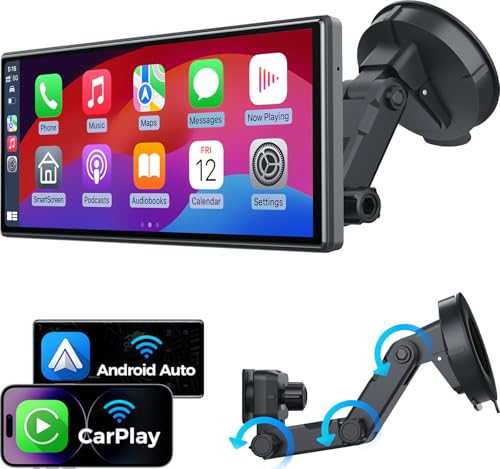
A standalone wireless CarPlay display is a separate screen that adds CarPlay and often Android Auto. It is useful for cars with no CarPlay, weak factory software, or a screen that is too small to justify a dongle. This path costs more than an adapter, but it solves more problems at once.
Retrofit decision table: pick the lowest-risk path

| Car scenario | Existing CarPlay support | USB data support | Screen size | Estimated install complexity | Best-fit option |
|---|---|---|---|---|---|
| Factory wired CarPlay already works | Yes, wired | Yes | Any | Low | Wireless adapter |
| Factory USB port charges only | No or partial | No | Any | Medium to high | Replacement display or OEM retrofit |
| No factory CarPlay, older head unit | No | Unknown or no | Small or dated | High | Replacement display |
| Newer factory system, wireless-ready after USB setup | Yes, wired and wireless-capable | Yes | Any | Low to medium | Native wireless CarPlay |
| Factory wired-only system built around 2016–2019 | Yes, wired only | Yes | Any | Low | Wireless adapter |
Cost ladder: adapter, replacement display, OEM retrofit
The cheapest path is usually a wireless adapter if wired CarPlay already works. Next comes a standalone replacement display, which adds new hardware and a new interface. The most expensive and labor-heavy path is an OEM retrofit, especially if the car needs factory parts, coding, or dealer-level setup.
Say your 2018 sedan already shows CarPlay on the dash when you plug in the phone. A wireless adapter is the cleanest upgrade. Suppose your compact SUV only has a USB port that charges the phone and never opens CarPlay at all. Then an adapter will not help, and a replacement display or OEM retrofit is the realistic path.
Common failure points to check first
Check for damaged cables, unsupported USB-C ports, old firmware, and stale Bluetooth pairings before buying new hardware. A port that only charges will never start CarPlay, even if the phone itself is fine. If a wireless setup fails after working once, re-pairing and a software update are the first repairs to try.
Choose wired CarPlay if you want this
Choose wired CarPlay if your car already supports it, you want charging during every drive, or you care more about a direct, low-variable connection than about cable-free convenience. It is also the safer choice for older systems that have occasional wireless dropouts or finicky pairing. If the cable stays plugged in anyway, wired is usually the cleaner move.
Best use cases for wired setups
Wired is a strong fit for long road trips, rideshare driving, and daily commutes where the phone battery needs help. It also works well when the car’s USB data path is proven and the head unit responds quickly. If the vehicle is older or the screen is locked down, fewer moving parts usually means fewer surprises.
Why wired is the safer choice for older systems
Older head units often have narrower compatibility windows, and CarPlay can depend on both the latest iOS and the latest car software. Wired avoids the Bluetooth-and-Wi‑Fi handoff that wireless needs. That can reduce the number of things that can go wrong during setup.
Choose wireless CarPlay if you want this
Choose wireless CarPlay if you already have wired CarPlay working, you hate plugging in every drive, and your car supports the wireless path or can add it with a known-compatible adapter. It makes the most sense for short trips, frequent stop-and-go use, and drivers who value a clean cabin. If the phone still needs charging, plan for a wireless charger or a spare cable.
Best use cases for wireless setups
Wireless is a strong fit for short commutes, errand runs, and drivers who hop in and out several times a day. Automatic reconnection after setup removes the plug-in step, which is the point of the upgrade. For a phone that is already near a charger on every drive, the battery trade-off may be worth it.
When a wireless adapter makes sense
A wireless adapter makes sense when factory wired CarPlay already works and the USB data link is proven. It is the cheapest path to wireless convenience, and Car and Driver Tech places typical cost at $60–$150. It is not a fix for no-CarPlay systems or charge-only USB ports.
When a full screen replacement is worth the money
A full replacement display is worth it when the factory screen is tiny, the software is outdated, or the car has no CarPlay path at all. It also makes sense if you want a cleaner interface than an adapter can provide. That option costs more, but it solves the display problem, not just the connection problem.
What iPhone models support wireless CarPlay?
Car and Driver Tech says iPhone 5s and newer support wireless CarPlay in software, but practical compatibility still depends on the car and the head unit. Apple also notes that iPad and iPod touch do not support CarPlay. For wired use, iPhone 15 and newer add USB-C considerations, so the cable or adapter you buy has to match the phone and the vehicle.
Do you need a special phone for wireless CarPlay?
You usually do not need a special phone beyond a supported iPhone, but the car matters just as much. Wireless CarPlay depends on supported software in the phone and wireless support in the vehicle or adapter. If the head unit cannot do wireless CarPlay, the phone alone will not solve it.
Frequently asked questions
What is the difference between wired and wireless Apple CarPlay?
Wired CarPlay uses a USB cable and charges the phone while connected. Wireless CarPlay uses Bluetooth for the setup handshake and Wi‑Fi for the data stream, then reconnects automatically after pairing. Wired is usually simpler; wireless is usually more convenient.
How does wireless CarPlay connect to the car?
Wireless CarPlay typically starts with Bluetooth pairing and then switches to Wi‑Fi for the data stream. Apple notes that Bluetooth may be used to set up CarPlay in some cases, and Car and Driver Tech says Wi‑Fi 5 and Wi‑Fi 6 carry the data. If pairing fails, check firmware and saved pairings.
Does wireless CarPlay drain battery faster than wired?
Yes, usually. Wired CarPlay charges the phone while it is in use, while wireless CarPlay does not unless another charging source is present. On longer drives, battery drain and heat are more noticeable with wireless if the phone is also handling navigation and audio.
Can I switch between wired and wireless CarPlay?
Often, yes. Many cars that support both will let you plug in for wired use or connect wirelessly after pairing. Some factory systems are wired-only, though, and those need a wireless adapter before switching is possible. The car’s software decides the limit, not the phone.
How much does a wireless CarPlay adapter cost?
Car and Driver Tech says a wireless CarPlay adapter typically costs $60–$150. That is the low-cost route when wired CarPlay already works through the factory USB port. It is not a fix for cars that only charge over USB or have no CarPlay support at all.
Products related to this article
Sponsored / affiliate links. As an Amazon Associate I earn from qualifying purchases. I may earn additional commission from eligible campaigns.