How to Check Tire Pressure on a Honda Civic Correctly
For the vehicle in question, set tire pressure to the driver’s-door placard value and use TPMS as a check, not the target. A low TPMS reading means one tire sits below placard, or the system sees a pressure mismatch. This guide shows how to check pressure by placard and by TPMS, and when each method fits the job.
How to check tire pressure on a 2022 Honda Civic


Start at the driver-side door jamb. The placard lists the cold PSI for the car’s trim and wheel setup. The 2022 Civic’s TPMS can show live per-tire readings in the touchscreen settings menu, but that display does not replace a manual gauge when you need an exact setting.
Sport, Touring, and Hatchback trims follow the same check process. The placard PSI can differ by trim and wheel size, so use the number on the door jamb rather than the tire sidewall max pressure.
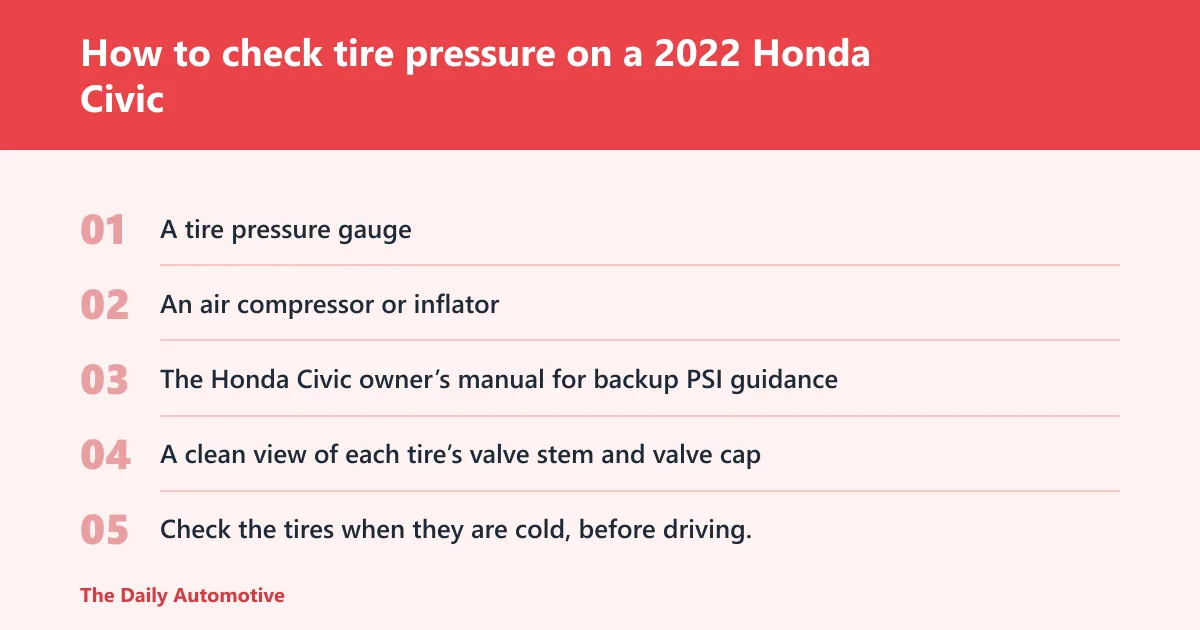
What you’ll need
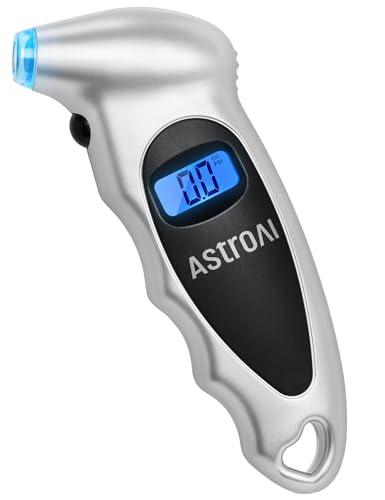
- A tire pressure gauge
- An air compressor or inflator
- The Honda Civic owner’s manual for backup PSI guidance
- A clean view of each tire’s valve stem and valve cap
How to check the tire pressure
- Check the tires when they are cold, before driving. If the car was driven recently, park on level ground and wait until the tires cool.
- Find the driver-side door-jamb placard and note the cold PSI for the front and rear tires.
- Remove the valve cap from the tire you want to check.
- Press the gauge firmly onto the valve stem and read the PSI it shows.
- Repeat the same check on the other three tires, then compare each reading with the placard.
- If a tire is low, add air with an inflator. If a tire is above the placard target, release air until it matches the placard.
- Put the valve cap back on, then re-check the tire after the adjustment.
📊 The 2022 Civic TPMS can show live per-tire readings. Source: How to Check Tire Pressure on a 2022 Honda Civic.
Where do you find the correct PSI on a 2022 Civic?
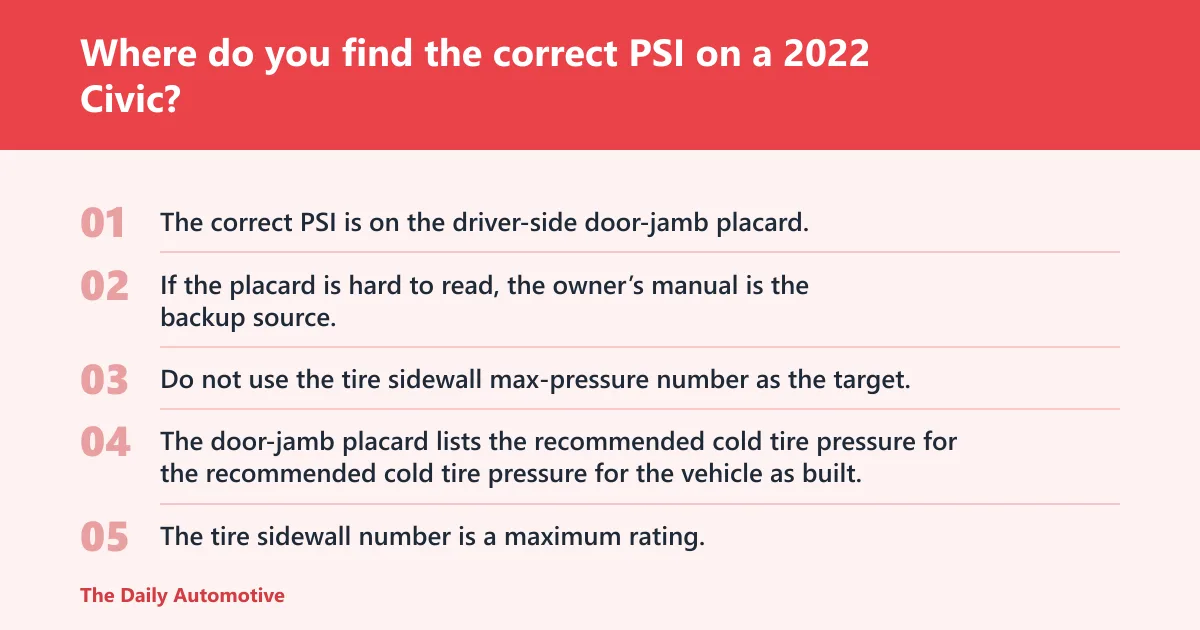
The correct PSI is on the driver-side door-jamb placard, and that number is the one to use for cold inflation. If the placard is hard to read, the owner’s manual is the backup source. Do not use the tire sidewall max-pressure number as the target.
Use the placard before the sidewall
The door-jamb placard lists the recommended cold tire pressure for the vehicle as built. That is the setpoint for daily checks. The tire sidewall number is a maximum rating, not the correct inflation target for the Civic.
Say your front tires both read 29 psi cold and the placard says 32 psi. Add air until they reach 32, then re-check. If you inflate to the sidewall max instead, the tires will be overfilled for normal driving.
Use the owner’s manual as backup
If the placard is missing, dirty, or worn unreadable, the owner’s manual lists the trim-specific pressure guidance. That matters on a 2022 Civic because Sport, Touring, and Hatchback versions may not share the same number.
How do you check tire pressure with a gauge?
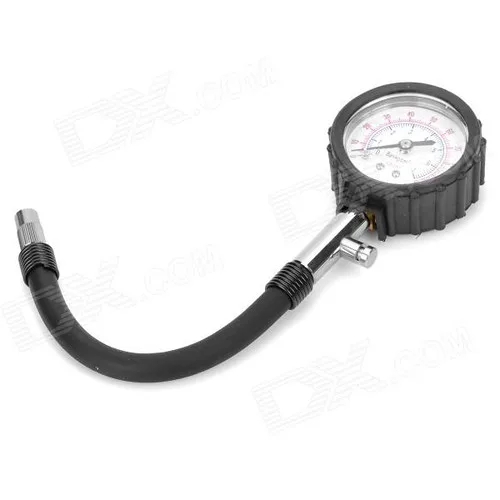
A manual gauge can confirm the actual PSI at the valve stem. Use it on cold tires, because pressure rises after driving. The gauge reading is the number to compare with the placard, and it is the number to trust when deciding whether a tire needs air.
Follow the valve-stem check in order
- Park the Civic on level ground and let the tires cool if the car was driven recently.
- Unscrew the valve cap from the tire you want to check.
- Press the gauge firmly onto the valve stem so it seals.
- Read the PSI shown on the gauge.
- Replace the valve cap immediately.
A common first-timer mistake is checking one warm tire after a short drive and treating that number as final. The reading can be higher than the cold target, which can make the comparison to the placard less reliable.
How do you read tire pressure in the Civic TPMS menu?
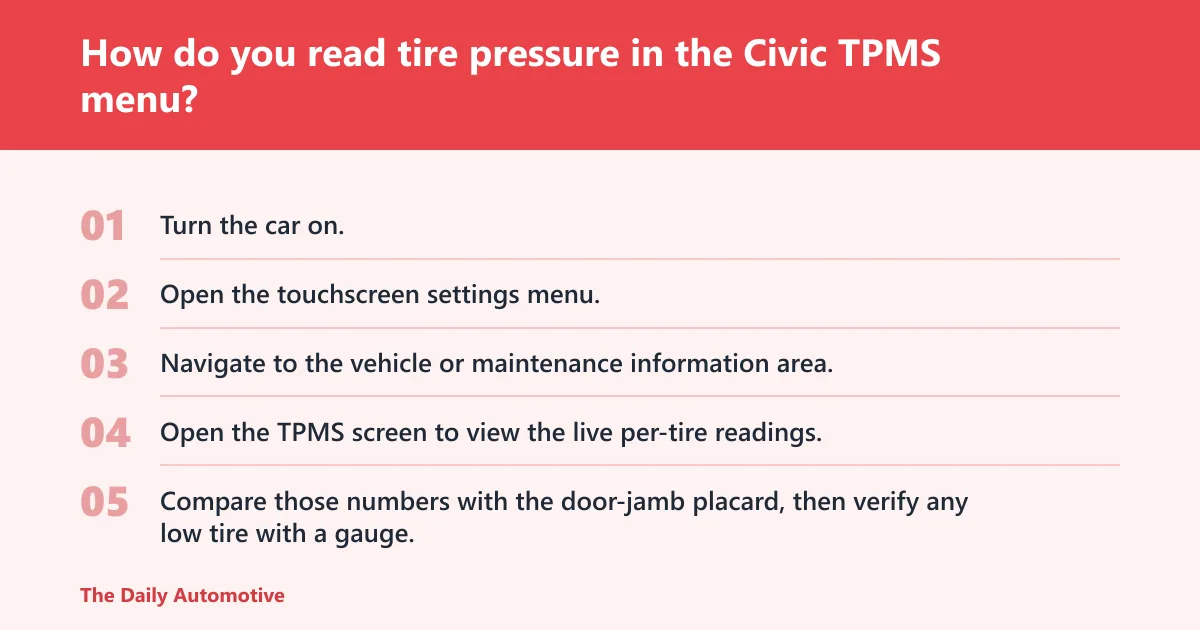
The 2022 Civic TPMS can show live per-tire readings in the touchscreen settings menu. That helps you find which tire is low and confirm whether a warning matches one corner of the car, but it still does not replace a gauge when you need exact inflation.
Find the per-tire display on the touchscreen
- Turn the car on.
- Open the touchscreen settings menu.
- Navigate to the vehicle or maintenance information area.
- Open the TPMS screen to view the live per-tire readings.
- Compare those numbers with the door-jamb placard, then verify any low tire with a gauge.
Suppose the touchscreen shows 30 psi front left, 32 psi front right, and 32 psi at both rears. That screen helps identify the weak tire quickly, but a gauge should still confirm the front left reading before you add air.
When to trust TPMS and when not to
Trust TPMS for a quick check, for spotting a tire that is lower than the others, and for confirming whether a pressure warning is tied to one tire. Do not trust it as the final setting tool if the goal is exact placard pressure.
Use the gauge to set pressure. Use TPMS to confirm what changed.
What should you do if one tire is lower than the others?
Bring the low tire up to the placard PSI, then re-check it with the gauge and the TPMS screen. If the same tire keeps dropping while the others hold steady, that pattern points to a slow leak, a valve-stem issue, or a puncture that needs inspection.
If that didn’t work, try this next
- Inflate the tire with an air compressor or inflator in short bursts.
- Stop after each burst and re-check the gauge before adding more air.
- When the tire reaches the target, compare the final reading with the placard, not the sidewall.
- Look at the TPMS screen again to confirm the low tire no longer stands out.
- If the tire falls low again after a short drive, inspect it for a leak or damaged valve stem.
How to tell tire pressure on Honda Civic 2022 comes down to this: the gauge tells you the real PSI, TPMS tells you which tire needs attention, and the placard tells you where that tire should end up.
2022 Civic trim checklist
| Trim | Placard PSI source | TPMS menu path | What to do if one tire reads lower than the rest |
|---|---|---|---|
| Sport | Driver-side door-jamb placard; use the cold PSI listed there | Touchscreen settings menu > vehicle information > TPMS display | Inflate the low tire to the placard PSI, then verify with the gauge and re-check on the screen |
| Touring | Driver-side door-jamb placard; use the cold PSI listed there | Touchscreen settings menu > vehicle information > TPMS display | Match the low tire to the placard PSI, then watch for repeat loss after a short drive |
| Hatchback | Driver-side door-jamb placard; use the cold PSI listed there | Touchscreen settings menu > vehicle information > TPMS display | Correct the low tire, then re-check with a gauge before assuming the warning is gone |
Common mistakes
The biggest mistake is using the tire sidewall number as the target. That number is a maximum, not the Civic’s recommended cold PSI.
Another mistake is checking after driving and treating the warmer reading as final. Cold tires give the baseline you need for an accurate comparison.
Relying on TPMS alone is another trap. It can show live per-tire readings, but a manual gauge is still needed to set exact pressure.
How often should you check?
Check tire pressure at least once a month and before long road trips. Temperature changes can alter tire pressure, so a cold morning can produce a lower reading than a warm afternoon even when nothing is wrong.
Correct pressure helps fuel efficiency, braking, handling, and tire lifespan. Underinflation and overinflation both work against those goals, which is why the gauge-and-placard method matters more than a dashboard warning by itself.
Frequently asked questions
How to check tire pressure on a 2022 Honda Civic Sport?
Use the driver-side door-jamb placard for the cold PSI, then confirm each tire with a gauge at the valve stem. On the touchscreen, open the TPMS screen through the settings menu to see which tire is low. Match the tire to the placard, not the sidewall.
How to check tire pressure on 2022 Honda Civic Touring?
Check the placard on the driver-side door jamb first, because that is the trim-specific target. Then use the touchscreen settings menu to view the TPMS per-tire readings. If one tire is below the others, inflate it and re-check with the gauge.
How to check tire pressure on 2022 Honda Civic Hatchback?
Start with the hatchback’s driver-side door-jamb placard, which lists the cold PSI for that setup. Use a manual gauge for the actual pressure, then compare it with the TPMS display in the touchscreen settings menu. Refill low tires and verify again after adjustment.
How to see tire pressure on Honda Civic Sport 2022?
Open the touchscreen settings menu, then go to the vehicle information or TPMS screen to view live per-tire readings. Use that screen to spot the low tire, not to set the final pressure. The final number still comes from the door-jamb placard and a gauge.
How to find tire pressure on 2022 Honda Civic?
Look at the driver-side door-jamb placard for the cold PSI, then use a gauge on each valve stem to compare the real readings. If the placard is unreadable, check the owner’s manual. TPMS can help identify a low tire, but it does not replace the gauge.
Products related to this article
Sponsored / affiliate links. As an Amazon Associate I earn from qualifying purchases. I may earn additional commission from eligible campaigns.