How to Disable BMW Auto Start/Stop: Button, iDrive & Why It Resets
To disable BMW Auto Start/Stop for a drive, use the switch next to the Start/Stop button, or on iDrive 8.5 and 9 cars swipe down from the top of the screen and tap Disable. BMW USA says the setting lasts only one drive cycle, so it comes back the next time you start the engine. This guide covers the button, the iDrive paths, the Sport modes, and when the engine will not stop, using BMW USA and US government pages. Settings vary by model, year and market, so check your owner’s manual.
Method 1: Using the Auto Start/Stop Button (or iDrive Shortcut)
The fastest way to turn it off is the manual override. BMW’s own FAQ on using the function says to disable it by pressing the switch close to the start/stop button, and a separate FAQ for iDrive 8.5 and 9 cars lists screen shortcuts instead. Both are covered below, and both are per drive, not permanent. A related change that lives in the same Driving Assistance area is turning off BMW lane departure warning.
Best Touchscreen Wipe-Down Cloth Pick

|
uchatme Car Interior Cleaning Cloths, 5 Pack Microfiber, 11.8 x 11.8 Inch You will tap through iDrive and Driving Settings screens with your fingers, so a clean cloth for the display and glass is a small, useful extra.
|
As an Amazon Associate we earn from qualifying purchases. Spec-based pick from the listing, not a hands-on test.
Locating the Button
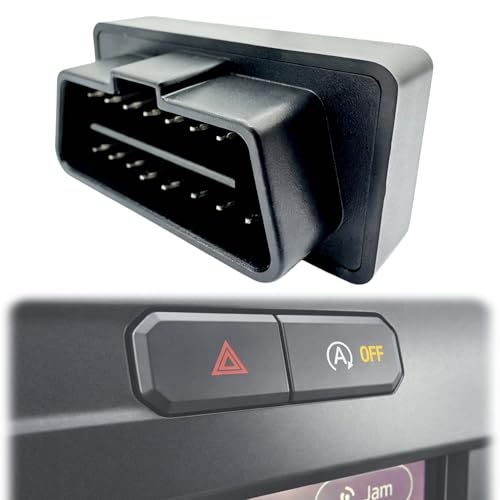
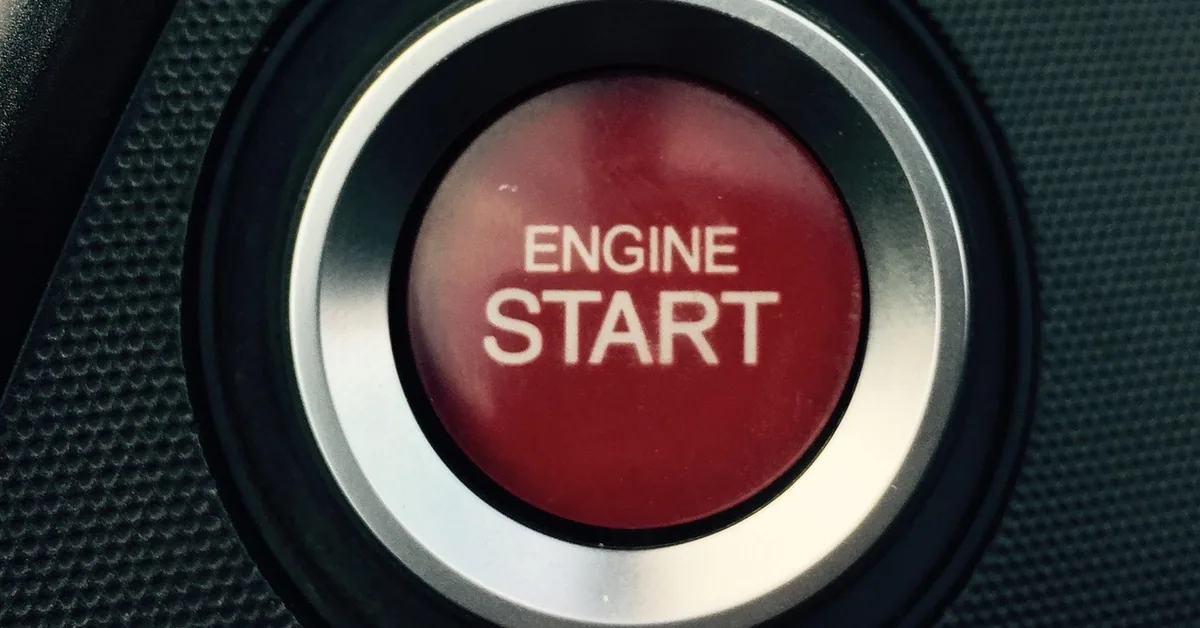
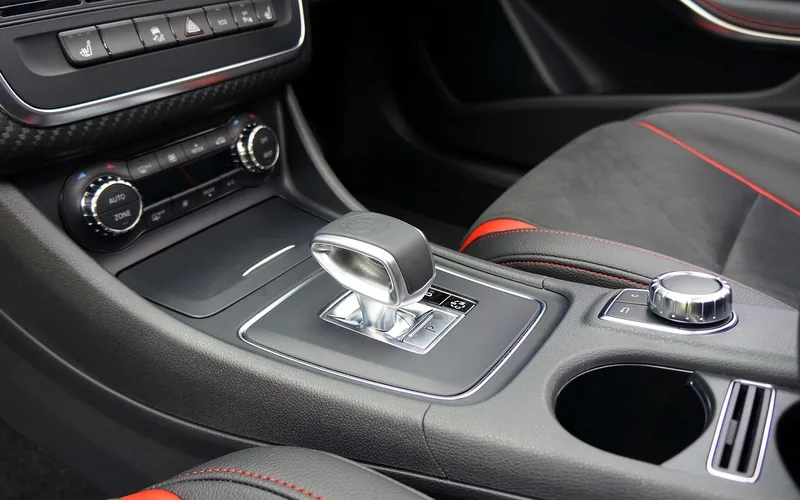
The BMW USA page on using the function only says the switch is close to the Start/Stop button. It does not name a symbol, a color or a console position, and the page does not say which model years it covers. Shape, label and position differ by model and year, so find it in your owner’s manual rather than trusting a photo from another car. A start button and a console like the ones in this article are only illustrations of where such controls tend to sit.
Disabling the System Temporarily
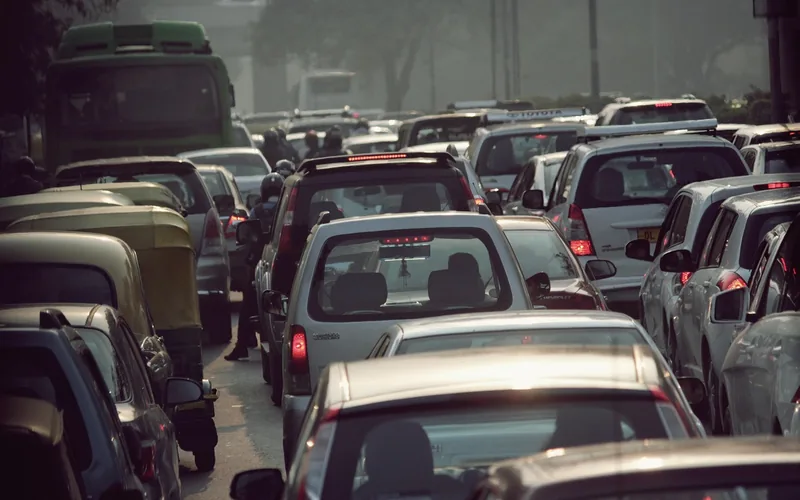
Per the BMW USA FAQ for Operating System 9, you can switch it off from the iDrive screen when you want the engine to keep running, for example in a traffic jam. On cars without mild-hybrid technology the menu path is:
- Open the Apps menu.
- Choose “Vehicle”.
- Choose “Driving settings”.
- Choose “Drivetrain and chassis”.
- Choose “Activate Auto Start/Stop” and select the setting you want.
The same FAQ adds that if you deactivate the function while the engine is being stopped automatically, the engine will start. Cars with mild-hybrid technology are described separately in BMW’s pages, so the exact menu may differ on yours.
Newer Models (iDrive 8.5/9): Use the iDrive Shortcut Instead
The BMW USA FAQ on disabling Auto Start Stop says that on vehicles with BMW Operating System 8.5 or 9 you can disable it during a drive in three ways:
- Swipe down from the top of the Central Information Display and select Disable.
- Press the Driving Settings menu button in the central control stack and select the Disable Auto Start Stop tile.
- Use the My Modes button: Auto Start Stop is disabled when the Sport driving mode is selected.
That page names Operating System versions, not model years. It does not say which years carry 8.5 or 9, so match your own screen to the description instead of assuming a year.
Which Driving Modes Turn Off Auto Start/Stop Automatically?
Two BMW USA pages agree on the selector lever. The Operating System 9 FAQ lists selector lever position S, selector lever position L and driving mode “SPORT PLUS” as ways to deactivate it. The 8.5/9 disable page says that toggling the selector to S or L lets the engine keep running during a quick left-hand turn across traffic or during parking maneuvers. These are mode-based, so they end when you leave that position or mode.
Understanding BMW Auto Start/Stop
BMW USA describes Auto Start/Stop as a function that helps save fuel by switching off the engine during a stop, for instance in a traffic jam or at traffic lights. Drive-ready state stays on while the engine is stopped, and the engine starts automatically for driving off.
How the System Works
The BMW USA Operating System 9 FAQ gives these details, and they are the only conditions that page lists:
- It goes to standby state whenever the engine is started with the Start/Stop button, and it is active at low speeds.
- To stop the engine automatically, the selector lever must be in D, the brake pedal must stay pressed (or Automatic Hold must be holding the car), and the driver’s seat belt must be buckled or the driver’s door closed.
- The READY indicator in the instrument cluster shows that the function is ready to start the engine automatically.
- The engine restarts when you release the brake pedal. With Automatic Hold, press the accelerator instead.
- Air flow from the automatic climate control is reduced while the engine is off.

Safety Mode and Switching Off During a Stop
The same FAQ describes a safety mode. If the driver’s seat belt is unbuckled and the driver’s door is open, or the hood has been unlocked, the engine will not start automatically after an automatic stop, and it can then only be started with the Start/Stop button. To park during an automatic stop, press the Start/Stop button, which switches drive-ready off, selects P automatically, then set the parking brake.
Does Auto Start/Stop Save Fuel?
fueleconomy.gov, run by Oak Ridge National Laboratory for the US Department of Energy and the EPA, lists a potential efficiency improvement of 2% for stop-start systems and 3% to 6% for mild hybrids. That is a general figure, not a BMW figure, so treat it as a ceiling that depends on how much of your driving is stopped. The Department of Energy’s Fact of the Week 1239 also says that idling an engine for as little as 10 seconds uses more fuel than stopping and restarting the vehicle. For the wider fuel question, see our page on whether automatic start-stop reduces fuel use.
When the Engine Will Not Stop: A Checklist from BMW’s Own Page
If the engine keeps running at a stop, run through the conditions BMW USA’s Operating System 9 FAQ actually lists before assuming a fault:
- Is the selector lever in D? The page lists D as a requirement for the automatic stop. Sitting in S or L deactivates it.
- Is your foot firmly on the brake pedal, or is Automatic Hold holding the car?
- Is the driver’s seat belt buckled, or the driver’s door closed?
- Did you or a passenger already switch it off in iDrive, the Driving Settings tile or the swipe-down menu, or is My Modes in Sport?
- Is the car in SPORT PLUS? The page lists it as a deactivating mode.
The page does not list engine temperature, battery charge, outside temperature, steering angle or climate demand as conditions, so this article does not state any of them as BMW rules. If the engine never stops and every item above checks out, ask a BMW dealer to look at it. If a warning message appears on the instrument cluster, follow your owner’s manual for that message.
Which Method for Which Situation: What BMW’s Pages Say
This table is our own compilation. Every row comes from one of the BMW USA pages we read in full. Each BMW page names Operating System versions, not model years, so the middle column tells you where to look, not which year has what.
| Situation | What the BMW page says | Lasts |
|---|---|---|
| Quick toggle from a console switch | Press the switch close to the start/stop button (BMW USA FAQ on using the function) | Per BMW, one drive cycle |
| iDrive menu, car without mild-hybrid technology | Apps, Vehicle, Driving settings, Drivetrain and chassis, Activate Auto Start/Stop (Operating System 9 FAQ) | One drive cycle |
| iDrive 8.5 or 9, while driving | Swipe down from the top of the Central Information Display and select Disable, or use the Driving Settings button and the Disable Auto Start Stop tile | During that drive |
| Sport driving mode with My Modes | Auto Start Stop is disabled when Sport is selected (8.5/9 disable page) | While that mode is active |
| Parking, or a quick left turn across traffic | Toggle the selector to S or L so the engine keeps running (8.5/9 disable page) | While in S or L |
| Traffic jam | Deactivating it manually may be helpful in situations such as traffic jams (Operating System 9 FAQ) | Per drive cycle |
Permanent Disable, Coding and Add-On Modules: What We Could and Could Not Confirm
The BMW USA pages we read say the manual setting lasts one drive cycle and has to be reactivated each time. None of them describe coding, a plug-in module or any other way to change that default. Because we cannot back it with an official page, this guide does not give coding steps, does not recommend a specific app or adapter, and does not say what a modification does to your warranty, emissions compliance or diagnostics.
If you are considering anything that changes how the car’s software behaves, ask a BMW dealer or independent BMW specialist first, and read the warranty booklet that came with the car. For more model-specific pages see our guides for the 2023 BMW model year, the BMW X5 and the 2022 BMW X3 30i.
Common Mistakes and Myths About BMW Auto Start/Stop
| Common belief | What the sources we read say |
|---|---|
| Pressing the button turns it off for good | BMW USA says it only lasts one drive cycle and must be reactivated every time. |
| The engine always stops at every red light | BMW lists conditions: D, brake held or Automatic Hold, and seat belt buckled or door closed. |
| Turning it off always costs fuel | fueleconomy.gov lists up to 2% for stop-start in general. The saving depends on how much of your driving is stopped. |
| A setting that works on one BMW works on all | BMW pages name Operating System 8.5 and 9 and cars with or without mild-hybrid technology, so menus differ. |
Frequently Asked Questions About Disabling BMW Auto Start/Stop
How do I permanently turn off auto start-stop on a BMW?
The BMW USA pages we read describe only per-drive deactivation: the BMW FAQ says the setting lasts one drive cycle and needs to be reactivated every time. They do not describe a permanent method. Ask a BMW dealer what is available for your car.
Does disabling auto start/stop void my BMW’s warranty?
Turning it off with the factory switch, iDrive menu or driving mode is a feature BMW documents, and the pages we read do not mention any warranty effect. Anything that changes the car’s software or wiring is a different matter we could not verify, so check your warranty booklet or ask a dealer first.
Can the auto start/stop system be re-enabled after disabling it?
Yes. In the iDrive path for Operating System 9, the Activate Auto Start/Stop item lets you select the setting you want, and BMW says a manual deactivation only lasts one drive cycle, so the function is available again at the next start.
How do you turn off auto stop on newer BMW models (iDrive 8.5/9)?
Per BMW USA, swipe down from the top of the Central Information Display and select Disable, or press the Driving Settings menu button and select the Disable Auto Start Stop tile. Selecting Sport in My Modes also disables it.
Where is the BMW Auto Start/Stop button?
BMW USA says to press the switch close to the start/stop button. The page gives no symbol, color or model-year detail, so look in your owner’s manual for the exact location and label on your car.
Why does auto start/stop turn back on every time I start my BMW?
That is how BMW describes it. The Operating System 9 FAQ says Auto Start/Stop only lasts for one drive cycle and has to be reactivated every time, and the function goes to standby whenever the engine is started with the Start/Stop button.
Does auto start/stop save fuel?
fueleconomy.gov lists a potential efficiency improvement of 2% for stop-start systems, and the Department of Energy notes that idling for as little as 10 seconds uses more fuel than a stop and restart. Real savings depend on how often you stop.
Conclusion
Disabling BMW Auto Start/Stop is simple for one drive: use the switch near the Start/Stop button, the iDrive menu, or on 8.5 and 9 cars the swipe-down menu or the Driving Settings tile, or select S, L, SPORT PLUS or Sport in My Modes. BMW says it only lasts one drive cycle. If it will not stop the engine, check the lever position, brake, belt and door first, and use your owner’s manual for your exact model, year and market. This page is general information, not mechanical or legal advice.
Sources Read and What We Could Not Verify
Facts here come from the BMW USA owner FAQ for Operating System 9, the BMW USA FAQ on disabling Auto Start Stop, BMW USA’s FAQ on using the Auto Start Stop function, BMW USA’s FAQ on deactivating the function with Operating System 9, fueleconomy.gov (Hybrid and Other Advanced Technologies), and the Department of Energy Fact of the Week 1239. We did not test any car. Not verified: which model years use which iDrive version, the switch symbol and location on any one model, battery or starter effects, and what any modification does to warranty or emissions. For a model-specific answer see the BMW Cars Info Hub.
Products related to this article
Sponsored / affiliate links. As an Amazon Associate I earn from qualifying purchases. I may earn additional commission from eligible campaigns.