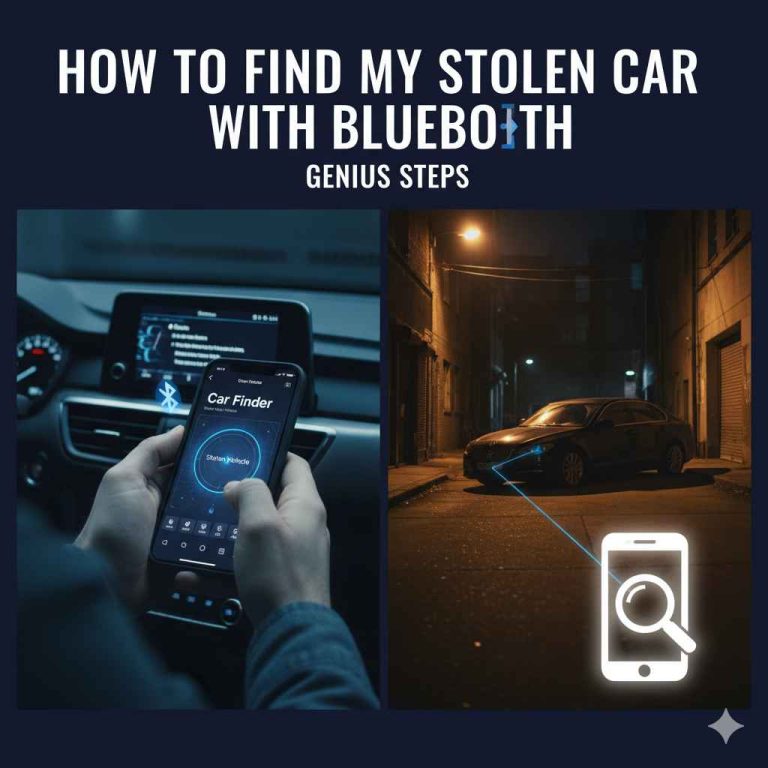
How to Find Stolen Car: Essential Bluetooth Guide
If your car is stolen, using Bluetooth might help find it. Many modern cars and accessories have Bluetooth. By using a Bluetooth scanner app on your phone, you can sometimes detect your car’s Bluetooth signal, especially if it’s still nearby or has recently been moved. This guide explains how to use Bluetooth to increase your chances of locating your stolen vehicle.
Can Bluetooth Help You Find Your Stolen Car? Your Essential Guide
Losing your car to theft is a heart-wrenching experience. It’s frustrating, scary, and can feel like a huge violation. You might feel helpless, wondering what you can possibly do. But what if I told you that the technology in your car, and even in your pocket, could offer a glimmer of hope? Many cars today come equipped with Bluetooth technology for hands-free calling or music streaming.
Sometimes, accessories like aftermarket GPS trackers or even certain car alarms also use Bluetooth. This guide is here to help you understand how you might use these Bluetooth signals to potentially find your stolen car. We’ll walk through it step-by-step, making it easy to understand and apply, even if you’re new to car tech.
Understanding How Bluetooth Can Aid in Stolen Car Recovery
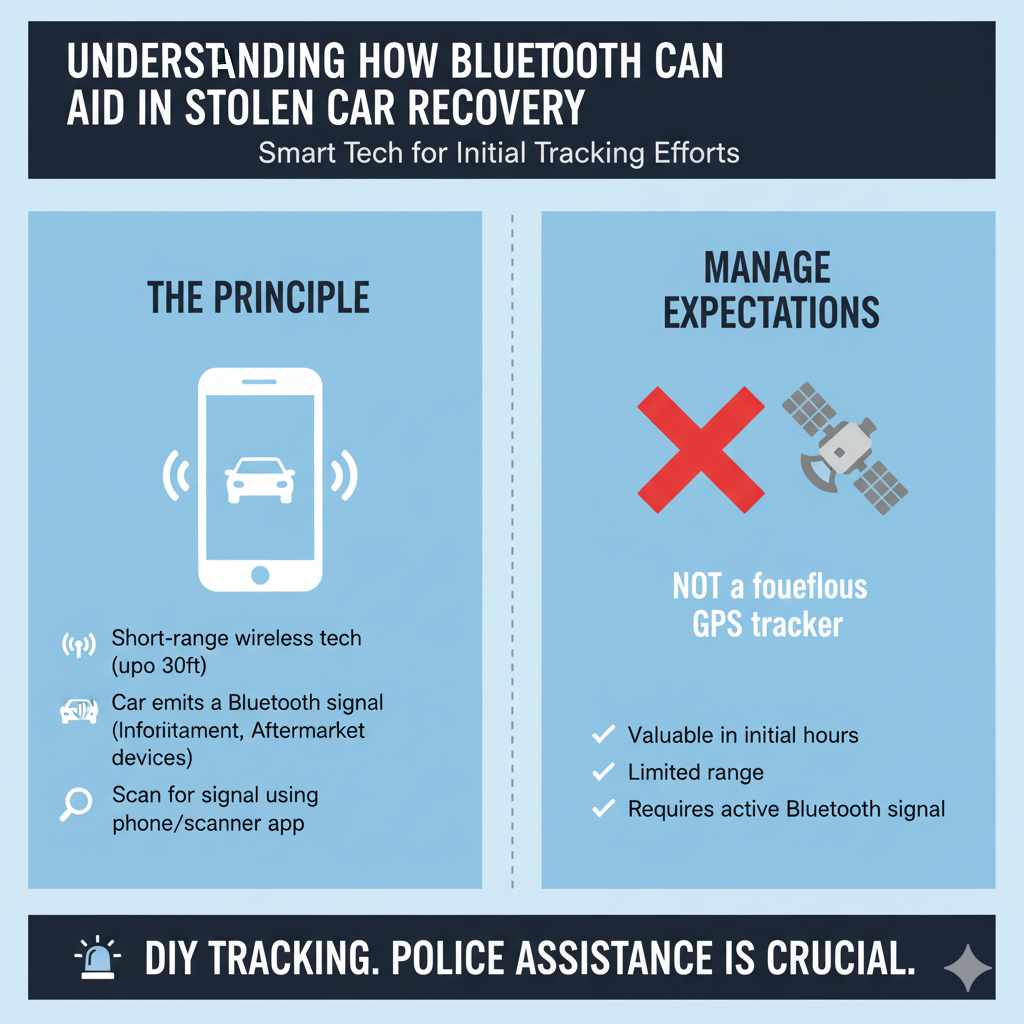
Bluetooth is a short-range wireless technology that allows devices to connect and share data without wires. Think about how your phone connects to your car’s stereo for music or to your wireless headphones. Your car’s own systems, or devices installed within it, might be broadcasting a Bluetooth signal. If that signal is still active after your car is stolen, and you have the right tools, you might be able to detect it.
The principle is simple: if your car’s Bluetooth system is on, it’s constantly looking for devices to connect to or broadcasting its presence. By using a Bluetooth scanning tool, you can look for that specific signal. It’s most effective when the car hasn’t moved very far or has recently been used, as Bluetooth has a limited range, typically up to 30 feet (10 meters) for standard devices, though some can reach further.
It’s important to manage expectations. This isn’t a foolproof, guaranteed method like a dedicated GPS tracker that constantly communicates its location over cellular networks. However, it’s a valuable tool to add to your recovery efforts, especially in the initial hours after a theft.
What Kind of Bluetooth Signals Can Your Car Emit?
Your car might have several sources of Bluetooth signals:
- Infotainment System: The built-in system for music, navigation, and phone calls often uses Bluetooth to connect to your smartphone.
- Aftermarket Devices: If you’ve installed a Bluetooth-enabled GPS tracker, hands-free car kit, or even a special alarm system, these will broadcast their own signal.
- Built-in Car Features: Newer cars come with more integrated tech, some of which might be Bluetooth enabled for diagnostics or remote functions.
The key is to identify which of these might use Bluetooth and how you can scan for them.
Immediate Steps After Your Car is Stolen
Before diving into Bluetooth searching, remember the absolute first things you must do. These are critical for the police and for your own peace of mind.
- Contact the Police Immediately: The sooner you report the theft, the sooner law enforcement can begin looking for your vehicle. Provide them with all details: make, model, year, color, license plate number, VIN (Vehicle Identification Number), along with any distinguishing features.
- File an Official Report: Ensure a formal police report is filed. This is crucial for insurance claims and official recovery efforts.
- Contact Your Insurance Company: Notify your insurance provider as soon as possible to start the claims process.
Having followed these steps, you can then proceed with additional personal efforts, like using Bluetooth scanning.
How to Use Your Smartphone to Find Your Stolen Car with Bluetooth
Your smartphone is a surprisingly powerful tool for this task. It has built-in Bluetooth capabilities and can run apps designed to scan for nearby Bluetooth devices.
Step 1: Download a Bluetooth Scanner App
The first practical step is to get a good Bluetooth scanner app on your phone. These apps scan for all nearby Bluetooth devices and display their names, signal strength, and sometimes their MAC addresses. There are many options available for both Android and iOS devices. Look for apps with good reviews and clear interfaces.
Some popular and reliable options include:
- nRF Connect for Mobile (Nordic Semiconductor): Available on both Android and iOS. It’s a powerful tool used by developers but can be used for general scanning. It shows detailed information about nearby Bluetooth Low Energy (BLE) devices.
- Bluetooth Scanner by Radwell (Android): A straightforward app that lists nearby devices and their signal strength.
- ESI Bluetooth Finder (iOS): Offers a simple interface to scan and identify Bluetooth devices.
When choosing an app, ensure it can scan for both standard Bluetooth and Bluetooth Low Energy (BLE) devices, as newer car systems and trackers might use BLE for greater efficiency.
Step 2: Identify Your Car’s Bluetooth Name (if possible)
This is a crucial preparatory step before your car is stolen, but it’s still worth considering if you can recall it. Most Bluetooth-enabled devices have a discoverable name. For your car’s infotainment system, it might be something like “My Ford,” “BMW Connected,” “Car Multimedia,” or even just the car’s model name. If you have paired your phone with your car before, you can check your phone’s Bluetooth settings under “Paired Devices” to see the name your car used to appear as. This name is what you’ll be looking for in the scanner app.
If you have aftermarket devices, try to recall their names. For example, a specific Bluetooth GPS tracker might have a manufacturer name or a model number in its Bluetooth name.
Step 3: Start Scanning Immediately and Strategically
Once you have the app, and assuming your car has been stolen, begin scanning. The effectiveness here depends heavily on proximity and speed.
- Scan Frequently in Areas of Interest: Start scanning in the area where your car was stolen. Thieves often don’t go far initially or may park nearby while they wait to see if an alarm is raised or if the car is tracked.
- Walk or Drive Around: Systematically walk or drive around the immediate vicinity, including streets, parking lots, and alleys. Keep your phone handy with the Bluetooth scanner app open.
- Pay Attention to Signal Strength: Bluetooth signal strength is indicated by a number, often in dBm (decibel-milliwatts). A stronger signal (a number closer to 0, like -50 dBm) means the device is closer. A weaker signal (e.g., -80 dBm or lower) means it’s further away. As you move, watch how the signal strength for any suspicious device changes. If it gets stronger as you move in a certain direction, that’s a good sign you might be getting closer.
Step 4: Look for Suspicious or Familiar Bluetooth Names
As you scan, you’ll see a list of all Bluetooth devices around you. You need to identify which one might be your car. This is where knowing your car’s Bluetooth name (from Step 2) is incredibly helpful. If you see a name that matches your car’s infotainment system, that is a prime candidate.
Even if you don’t recognize the name, look for devices that seem out of place or appear consistently. Some aftermarket devices might have generic names, but their consistent presence in a particular area could be a clue.
Step 5: Use Signal Strength to Pinpoint
Once you’ve identified a potential match, use the signal strength indicator to zero in on the car. Move slowly and observe the signal strength changes. If you are moving towards the car, the signal will get stronger. If you are moving away, it will get weaker. This can help you guide your search, especially if the car is in a large parking lot or hidden in a cluster of other vehicles.
Important Note: Bluetooth range is limited. If the car has moved a significant distance, or the battery has been disconnected, the signal will be gone. This method works best in the immediate aftermath of the theft or if the car is parked nearby.
Aftermarket Bluetooth Trackers: A More Reliable Option
While the built-in infotainment system’s Bluetooth can be a long shot, dedicated aftermarket Bluetooth trackers offer a more focused and potentially more effective solution for locating a stolen car. These are typically small devices you hide within your vehicle.
Types of Bluetooth Trackers
There are a few kinds of Bluetooth trackers relevant to car security:
- Personal Item Trackers (e.g., Apple AirTag, Tile): These Bluetooth trackers are designed to be attached to keys, bags, or pets. However, they can be discreetly hidden in a car. They rely on a network of other users’ devices to report their location when they come within range of another device in the network.
- Dedicated Vehicle Trackers: These are more specialized devices designed for vehicle tracking. Some use Bluetooth primarily for short-range detection, while others combine Bluetooth with GPS and cellular technology for longer-range tracking capabilities.
How Dedicated Trackers Work
If you have a dedicated vehicle tracker installed, it will likely have a companion app. This app will show you the car’s location. Many of these trackers also utilize Bluetooth for a secondary detection method. For instance, if the main GPS/cellular signal is lost, the device might still emit a Bluetooth signal that you can pick up with your phone app if you are close by.
Using Personal Item Trackers for Recovery
If you’ve hidden an Apple AirTag or a Tile in your car, you can use your phone’s respective app (Find My for AirTags, Tile app for Tile trackers) to see its last known location and potentially its current location if it’s within range of other people’s devices. This is a more robust system because it leverages a crowd-sourced network.
For example, with an AirTag, if your stolen car passes by another Apple device, its location will be updated in your Find My app. You can then use this information to guide the police.
To use these:
- Open the corresponding app on your smartphone (e.g., Find My, Tile).
- Check the map for the location of your tracker (which is in your car).
- If the tracker is nearby, the app might provide proximity detection, showing you if you are getting warmer or colder, similar to how you’d find lost keys.
These types of trackers are highly recommended for proactive security.
What If You Can’t Detect the Bluetooth Signal?
Several factors can prevent you from detecting your car’s Bluetooth signal:
- Signal Obstruction: The signal might be blocked by thick walls, metal structures, or if the car is deep inside a garage or trailer.
- Bluetooth Turned Off: The thief may have intentionally turned off the car’s Bluetooth system or infotainment system. For aftermarket devices, they might have disabled them.
- Battery Disconnected: If the car battery is disconnected, any Bluetooth signal from the infotainment system or non-battery-backed accessories will cease.
- Distance: The car could have been driven a significant distance away, beyond the range of your phone’s Bluetooth scanner.
- Device Malfunction: The Bluetooth component in the car or the tracker might have failed.
If you can’t find the signal, it doesn’t mean the car is gone forever. It just means Bluetooth isn’t the key in that specific situation. Rely on the police investigation and your insurance company. However, if you have a dedicated tracker, its network might still be reporting its location.
Tools and Apps Summary
Here’s a quick look at what you might need and what to look for:
| Item | Purpose | Key Features | Notes |
|---|---|---|---|
| Smartphone | Main device for scanning | Built-in Bluetooth, Wi-Fi | Essential for running scanner apps. |
| Bluetooth Scanner App | Detects and identifies nearby Bluetooth devices | List of devices, signal strength (dBm), MAC address | Look for apps with good reviews and BLE support. |
| Dedicated Tracker App (e.g., Find My, Tile) | Locates personal item trackers or vehicle trackers | Map view, proximity detection, last known location | Requires prior installation of the tracker in the car. |
| Car’s Bluetooth Name | Helps identify the correct signal | Brand name, model, or custom name | Try to recall or find from phone’s past pairings. |
| Aftermarket GPS/Bluetooth Tracker | Proactive tracking device | GPS for long range, Bluetooth for close proximity/backup | Highly recommended for enhanced security. Examples include Apple AirTag or other dedicated car trackers. |
Important Considerations and Best Practices
To maximize your chances of using Bluetooth to find a stolen car, and for general car security, consider these points:
- Be Proactive: The best time to prepare for a stolen car is before it happens. Consider installing a dedicated GPS/Bluetooth tracker.
- Know Your Car’s Systems: Familiarize yourself with your car’s infotainment system and any aftermarket devices you have. Know their potential Bluetooth names and how they function.
- Act Quickly: The first few hours are critical. Report the theft immediately and start your Bluetooth scanning efforts as soon as possible.
- Safety First: If you detect a signal that you believe is your car, do not approach the vehicle or confront anyone yourself. Your safety is paramount. Relay the information and your location to the police and let them handle the recovery.
- Privacy Concerns: Be aware that Bluetooth scanning apps can detect many devices. Focus on identifying your specific car’s signal.
- Battery Life: Keep your phone charged, as scanning apps can consume battery power.
- Legal Aspects: In most places, using Bluetooth scanning for personal recovery is legal. However, always be mindful of privacy laws regarding recording or tracking others. The primary goal is recovery, not vigilantism.
The National Highway Traffic Safety Administration (NHTSA) provides resources on vehicle anti-theft systems and general vehicle safety. Understanding these systems can empower you to make informed decisions about protecting your car.
When to Call the Professionals
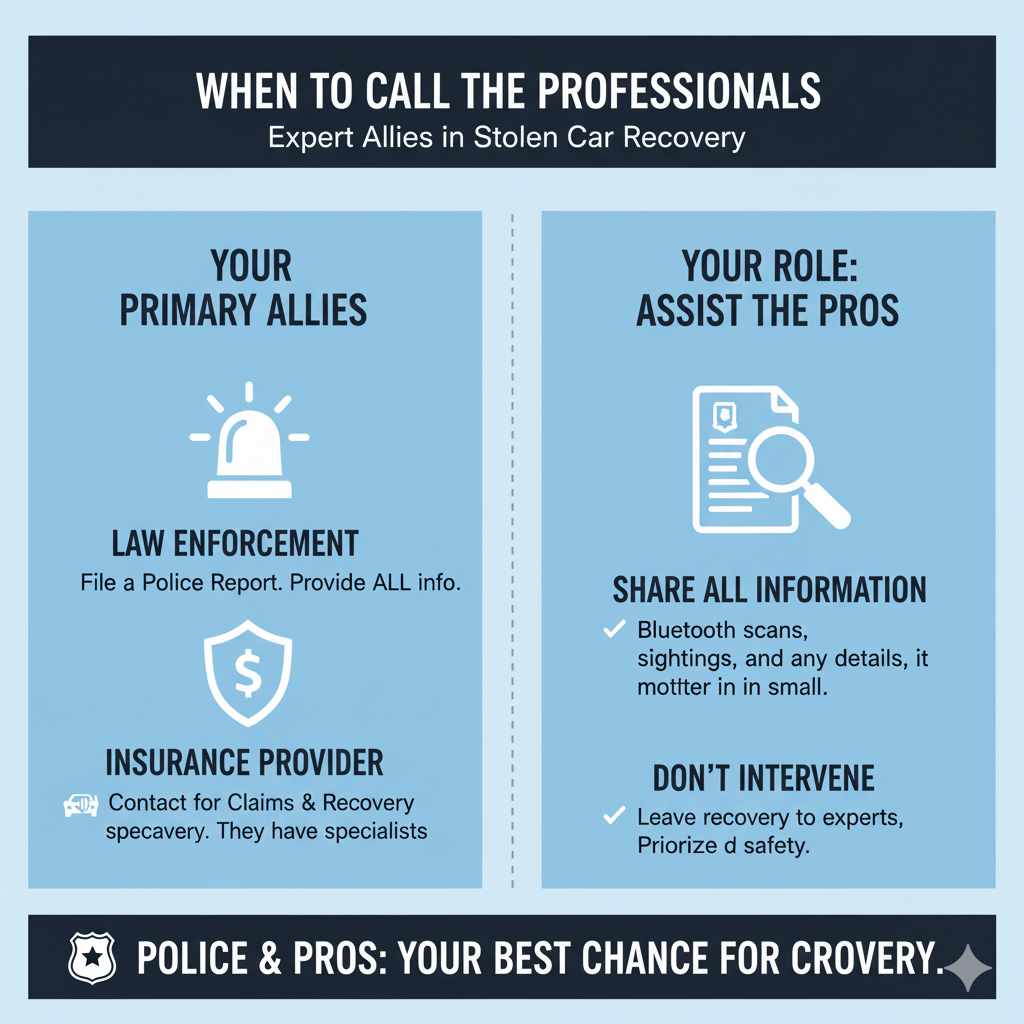
While this guide empowers you with DIY methods, remember that professional recovery services and law enforcement are your primary allies. If you have comprehensive insurance, they may work with recovery specialists. Always provide the police with any information you gather from Bluetooth scanning, or any sightings, no matter how small you think the detail is.
Conclusion
The theft of a vehicle is a stressful event, and feeling equipped with knowledge can make a difference. While not a guaranteed solution, using Bluetooth scanning with your smartphone can be a valuable tool in the initial stages of trying to locate a stolen car, especially if the car hasn’t moved far or has recently been in use. By understanding how Bluetooth works, downloading the right apps, and acting quickly and strategically, you increase your chances of recovery.
Remember to prioritize your safety, always involve law enforcement, and consider proactive measures like installing dedicated trackers for enhanced security. With a little know-how and the right approach, you can make informed decisions and take helpful steps if the unthinkable happens.
Frequently Asked Questions (FAQ)
Q1: How likely is it that my car’s Bluetooth will still be on if it’s stolen?
A1: It depends. If the thief doesn’t tamper with the car’s electronics, the infotainment system’s Bluetooth will likely remain on, especially if it was on when parked. However, some thieves know how to disable these systems.
Q2: Is a Bluetooth signal strong enough to find a stolen car that’s miles away?
A2: No, Bluetooth has a short range, typically around 30 feet (10 meters). This method is only effective if you are relatively close to the stolen car.
Q3: What if my car doesn’t have a built-in Bluetooth system?
A3: If your car lacks built-in Bluetooth, you won’t be able to use its infotainment system for tracking. Your only hope via Bluetooth would be if you have an aftermarket Bluetooth device installed (like a hidden tracker) that is actively broadcasting.
Q4: Can I use Bluetooth to track a car stolen days ago?
A4: It’s highly unlikely. After several days, the car has likely moved far away, and its battery may have been disconnected, rendering Bluetooth signals inactive.