How to Reset a Honda CR-V After a Battery Change (By Generation)
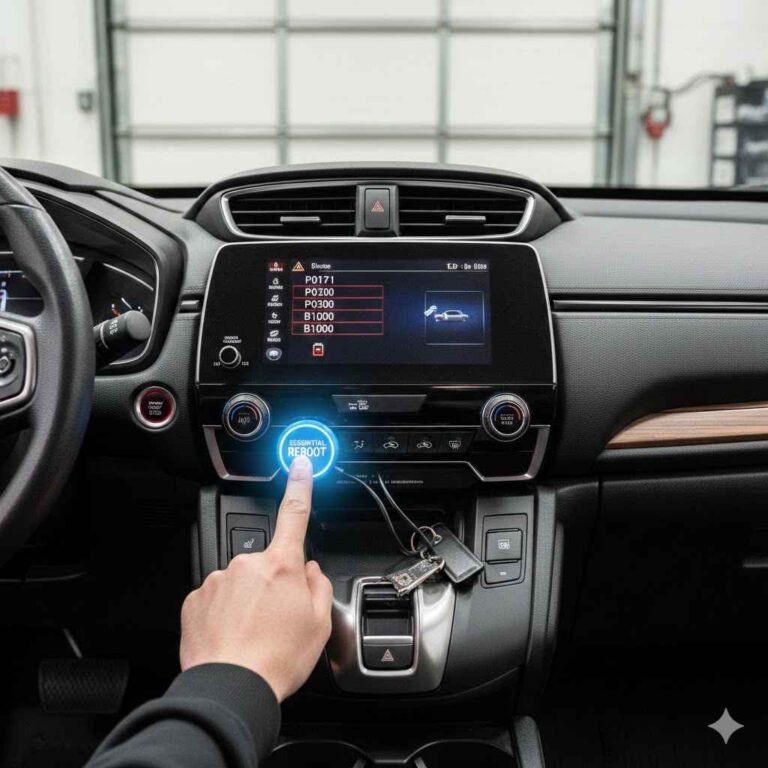
You swapped the 12V battery, reconnected the clamps, and now the radio is locked, the clock reads 12:00, and a few dash lights are glowing. It looks like the car needs a reset. In reality there is no single reset: Honda’s own manuals list a short set of things that a lost battery affects, and the rest depends on which CR-V generation you drive.
This guide separates what Honda actually documents from internet folklore, generation by generation, from the 2002-2006 CR-V to the 2023 and newer models including the Hybrid. If you are still deciding whether the battery is the problem, start with our car battery test guide. If you are ready to swap it, the steps below keep the swap from turning into a dealer visit.
What Resets When You Change the Battery on a Honda CR-V
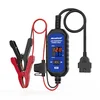
Best Battery-Swap Memory Saver Pick
|
MR CARTOOL OBD2 Memory Saver Cable with Voltage/Current Display, $22.92 (price as of 2026-10-12; varies) A memory saver feeds the car from a spare 12V battery through the OBD2 port while the original battery is out, so the clock, presets and learned settings are not wiped in the first place.
|
As an Amazon Associate we earn from qualifying purchases.
The table below combines three Honda sources read for this update: the 2004 CR-V accessory installation sheet (second generation), the 2014 CR-V owner’s manual (fourth generation), and the 2023 to 2026 CR-V and CR-V Hybrid owner’s manuals (sixth generation). Where a manual is silent, the table says so instead of guessing.
| System | What happens | How to restore it | Where Honda says so |
|---|---|---|---|
| Radio / audio | Disabled when power is lost. Older units ask for a code. | 2014: ignition ON, turn on the audio, hold the power button over 2 seconds; if ENTER CODE shows, enter the code with the preset buttons. 2023 and newer: power ON, audio on, hold the VOL/AUDIO knob over 2 seconds. | 2014 and 2023-2026 manuals |
| Station presets | Lost on older radios | Re-store them after the radio is working. The 2004 sheet lists this as a step. | 2004 sheet |
| Clock | Resets | Set it from the audio menu (2014: Menu, Adjust Clock). The 2023-2026 manuals name only the audio system. | 2014 manual |
| Navigation (if equipped) | Disabled on the 2014 manual | See the navigation manual for your car. | 2014 manual |
| Driver’s window one-touch (AUTO) | Disabled when the battery is disconnected (2004). No such note in the 2014 or 2023+ manuals. | 2004 sheet: engine running, hold the switch down until fully open, then pull up until fully closed and hold 2 seconds or more. Test AUTO. | 2004 sheet only |
| Idle (ECM/PCM idle learn) | Procedure listed for the 2004 CR-V. Not mentioned in the later manuals. | 2004 sheet: all electrical items off, hold 3,000 rpm in Park or Neutral until the radiator fan comes on, then idle about 5 minutes with items off. | 2004 sheet only |
| Emissions readiness codes | Erased | Set again only after several days of varied driving. See the retest drive below. | 2024 manual |
| VSA, brake (amber), ACC, TPMS, safety support lights | May come on after reconnecting (2023 and newer) | Drive a short distance above 12 mph; each should go off. If not, dealer. | 2024 manual |
| TPMS calibration | Battery loss is not a listed trigger | Calibrate only after changing pressure, rotating or replacing tires (2014: hold the TPMS button until the indicator blinks twice; 2023+: Settings menu, TPMS calibration). | 2014 and 2024 manuals |
| Maintenance Minder (oil life) | Not named on any battery list | Nothing to reset. Reset it only after an oil service. | All manuals read |
| Security alarm (2014) | May sound once power returns if it was armed when the battery died | Unlock a door with the key or remote to cancel it. | 2014 manual |
| Immobilizer (Canadian 2023+) | Needs resetting | Hold the brake pedal the first time you switch the vehicle on after reconnecting. | 2025 and 2026 manuals |
One correction to common advice: the idea that every Honda needs a drive-cycle or key-cycle ritual after a battery swap is not in the owner’s manuals read here. The documented steps are the audio reactivation, the clock, and (for 2023 and newer) a short drive to clear lights.
Before You Disconnect the Battery: Safe Order and What to Prepare
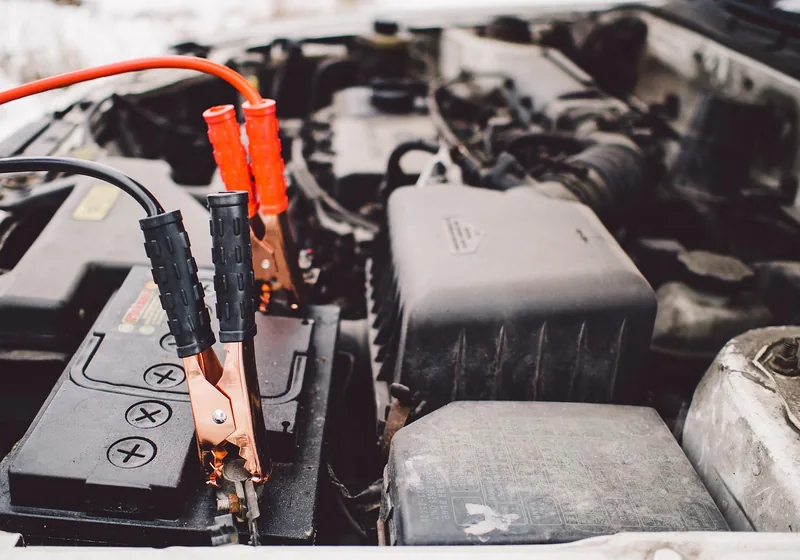
Honda’s 2014 manual says to disconnect the negative (-) cable first and reconnect it last. The 2025 manuals add a warning that the battery gives off explosive hydrogen gas during normal operation, that a spark or flame can make it explode, and that you should wear protective clothing and a face shield or have a skilled technician do the work.
- Find the radio code label first. It is in the owner’s manual kit. Honda’s manual advises not storing the label in the vehicle. If it is missing, ask a Honda dealer for the serial number and code; do not try to crack it.
- Write down the presets and clock settings you care about if your radio loses them.
- Switch everything off and keep sparks, flames and smoking materials away from the battery.
- Use the same battery specification. The 2014 manual says the replacement must match the original specifications.
- 2023 and newer: Honda says the battery condition is monitored by a sensor on the negative terminal. Handle that clamp gently and see a dealer if the gauge shows a battery sensor message afterward.
Hybrid models: only the 12-volt battery
On the CR-V Hybrid, the 12-volt battery is the ordinary one under the hood and the guidance above applies to it. Honda’s Hybrid manual tells owners not to touch the high-voltage battery and its orange wiring, and to keep the power system off during maintenance. Leave anything orange alone.
A memory saver can skip most of the table
A memory saver is a cable that plugs into the OBD2 port and clips to a spare charged 12V battery, keeping the car powered while the old battery is out. Honda’s manuals do not mention these tools, so treat the benefit as unverified for your exact car: the listing for our pick claims it keeps vehicle data during a swap, and it works only if the spare battery is connected correctly and stays connected. Without one, use the restore steps in this guide.
How to Reset a Honda CR-V After a Battery Change, by Generation
2023 and newer (sixth generation, including Hybrid)
- Reconnect the battery (negative last) and close the hood.
- Set the power mode to ON and turn on the audio system.
- If the screen shows a code entry prompt or the audio is dead, press and hold the VOL/AUDIO knob for more than two seconds.
- If the audio unit is still not recognized, Honda says to see a dealer.
- Check the gauge. VSA, brake (amber), ACC, TPMS and safety support lights may appear. Drive a short distance above 12 mph; each should go off.
- Canadian models: hold the brake pedal the first time you switch on, per Honda’s immobilizer page.
The manuals do not list a window, sunroof or idle relearn for these years. If one-touch windows or the moonroof act differently, test them and ask a dealer instead of improvising.
2012-2016 (fourth generation)
The 2014 manual is the one read for this generation.
- Reconnect the battery, negative last.
- Turn the ignition switch to ON and turn on the audio system. (If you only go to ACCESSORY you will be asked for the code instead.)
- Press and hold the power button for more than two seconds.
- If ENTER CODE appears on the display, enter the audio security code with the preset buttons. If you enter a wrong digit, finish the sequence and try again. After 10 failed tries, leave the system for one hour or see a dealer.
- Set the clock from the audio menu. Navigation models are disabled until restored per the nav manual.
- If the security alarm sounds, unlock a door with the key or remote.
2007-2011 (third generation) and 2017-2022 (fifth generation)
The owner’s manuals for these two generations were not opened for this update, so no generation-specific steps are given here. The audio, clock and warning-light pattern above is the safest starting point, but check your own manual’s battery section and Honda’s radio code page before relying on it. Our Honda CR-V battery replacement guide covers the physical swap.
2002-2006 (second generation)
Honda’s 2004 CR-V accessory installation sheet, written for technicians, lists the full sequence after reconnecting the battery:
- Enter the radio anti-theft code and re-store the station presets.
- Reset the clock.
- Start the engine. Push the driver’s window switch down until the window is fully open.
- Pull the switch up to close the window completely, then hold it for 2 seconds or more. Test the AUTO function.
- Do the idle learn: with all electrical items off, hold 3,000 rpm in Park or Neutral until the radiator fan comes on, then let the engine idle about 5 minutes with the throttle closed and electrical items off. Do not count fan-on time in the 5 minutes.
The sheet applies to the 2004 model. Whether another year needs the same steps is not confirmed by the sources read here.
Dash Lights After a Battery Swap: Normal or Not
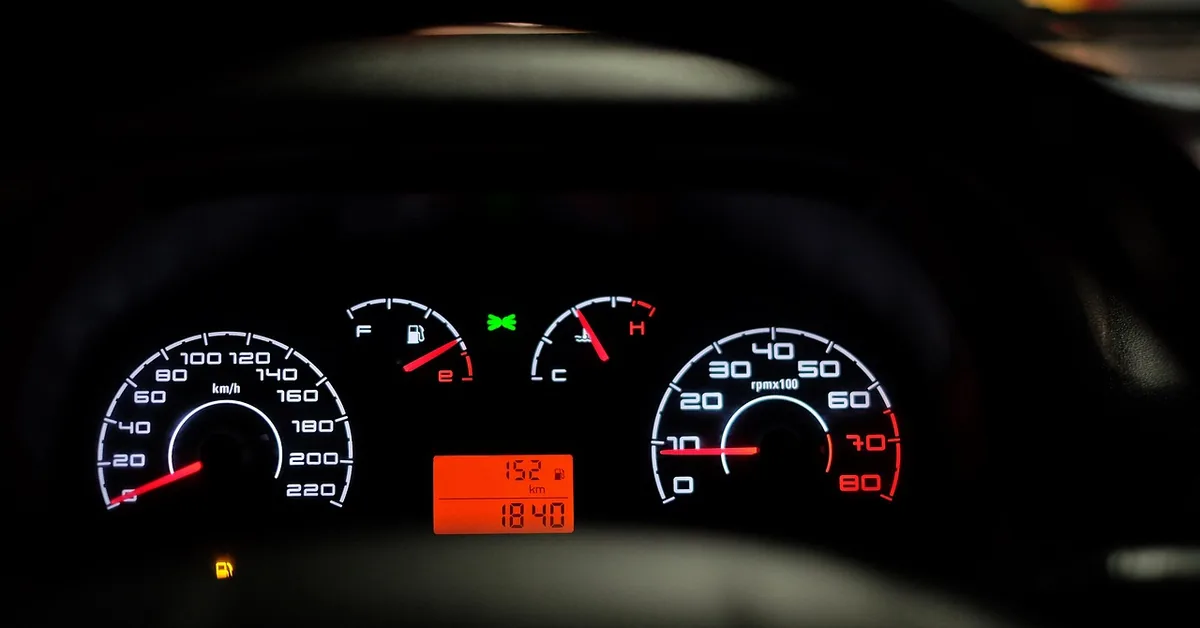
For 2023 and newer CR-Vs, Honda says VSA, amber brake, adaptive cruise (ACC), TPMS and safety support lights can appear after reconnecting the battery, and each should go off after a short drive above 12 mph. If one stays on, Honda says to have the car checked by a dealer.
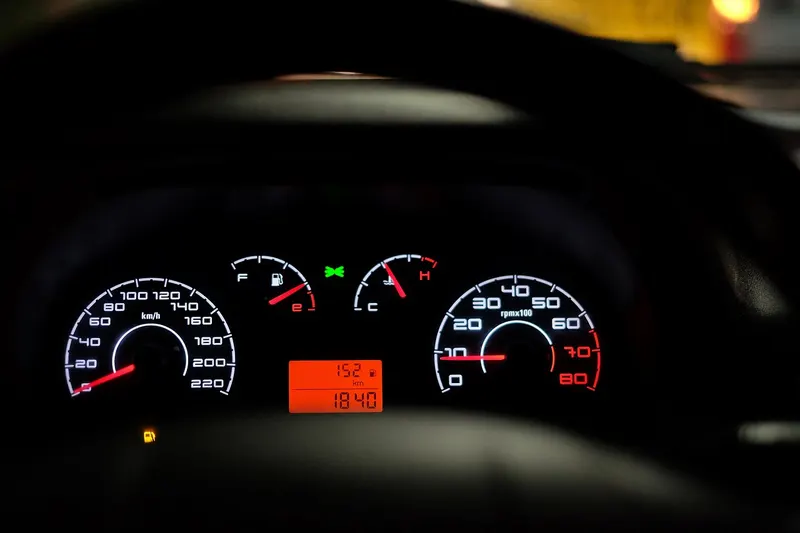
Treat a red brake or charging light that stays on, a battery sensor message, or any warning that appears while driving as a reason to stop driving and get the car checked. That is general safety guidance rather than a Honda quote, so confirm against your own manual’s indicator section.
Do not use a battery disconnect to hide a check engine light. It erases the stored readiness status, and the fault returns if the cause is still there. A basic OBD2 scanner reads the code first; our readiness check scanner guide covers the options.
Emissions Testing After a Battery Change: The Readiness Code Gap
This is the part most reset guides miss. Honda’s manual says the readiness codes are erased when the battery is disconnected and set again only after several days of driving under varied conditions, and that testing right after a dead or disconnected battery may read wrongly.
To check status in the 2024 CR-V: set the power mode to ON without starting the engine. The malfunction indicator lamp lights for several seconds. If it then goes off, the codes are set; if it blinks five times, they are not.
If you must test before they set, Honda’s retest preparation for the 2024 CR-V is:
- Fill the tank to about 3/4 full and park with the engine off for 6 hours or more, in 40 to 95 degrees F (4 to 35 C).
- Start without touching the accelerator, idle 20 seconds in Park, then hold 2,000 rpm for about 3 minutes, then idle 20 seconds.
- On a lightly traveled highway, drive 50 to 60 mph for at least 20 minutes in D without cruise control, including 90 seconds with a steady pedal (or three 30-second tries).
- Drive 10 minutes or more in city or suburban traffic, coast for several seconds when traffic allows, then park with the engine off for 30 minutes.
If the testing facility still sees unset codes, Honda says to see a dealer. Check your own manual for your model year before following the numbers above.
When to See a Honda Dealer
- The audio unit is not recognized after the knob hold, or the code is not accepted after 10 tries.
- An amber light stays on after a drive above 12 mph (2023 and newer).
- A battery sensor message appears on the gauge.
- The car cranks but will not start after the new battery goes in.
- You see any red warning that does not clear, or you smell rotten eggs near the battery; our battery smell guide explains why that is a stop-and-check sign.
Replacement battery costs and the core charge are covered in our battery replacement cost breakdown.
Honda CR-V Battery Reset FAQ
Do I need to reset a Honda CR-V after changing the battery?
Not as a single reset procedure. Honda’s manuals list what the battery loss affects: the audio system is disabled, and on older models the clock and navigation also reset. Newer CR-Vs may show amber warning lights that clear after a short drive above 12 mph. Anything else, such as one-touch windows or idle learn, depends on the model year, as covered above.
How do I get the radio code for a Honda CR-V?
The code and serial number label comes in the owner’s manual kit. If it is lost, Honda’s manual says to get the serial number and code from a Honda dealer. Do not use code-cracking tools or guessing: Honda’s older manuals say you get 10 tries, then the system stays locked for one hour.
Does a 2023 or newer CR-V need a radio code?
Honda’s 2023 to 2026 CR-V and CR-V Hybrid manuals describe reactivation instead: set the power mode to ON, turn on the audio, and hold the volume knob for more than two seconds. If the audio unit is not recognized, the manual says to see a dealer.
Do I have to recalibrate the TPMS after a battery change?
Honda’s CR-V manuals list three triggers for TPMS calibration: adjusting tire pressure, rotating the tires and replacing a tire. A battery change is not on the list. A TPMS light that appears after reconnecting the battery on a 2023 or newer model is expected to clear after a short drive above 12 mph.
How long until the car is fully normal after a battery change?
The radio and warning lights are usually back within minutes. Emissions readiness codes take longer: Honda says they are set again only after several days of driving in varied conditions, which matters if you face a smog or emissions test.
Sources named in text: Honda 2004 CR-V accessory installation instructions (AII 26132); Honda 2014 CR-V owner’s manual; Honda 2023 to 2026 CR-V and CR-V Hybrid owner’s manuals. Procedures and numbers can differ by trim and model year, so confirm against the manual for your exact car.
Products related to this article
Sponsored / affiliate links. As an Amazon Associate I earn from qualifying purchases. I may earn additional commission from eligible campaigns.