How to Roll Down Windows With a Ford Key Fob Settings
Your Ford can roll windows down from the key fob only if it has the global open/close feature enabled in settings; many trims and markets do not support it. Use the wrong sequence or assume every Ford has it, and you waste time, drain the battery, or think a working feature is broken. This guide shows how to check compatibility by model, trim, and options, then use the button sequence and troubleshoot when it fails.
Can your Ford roll down windows with the key fob?
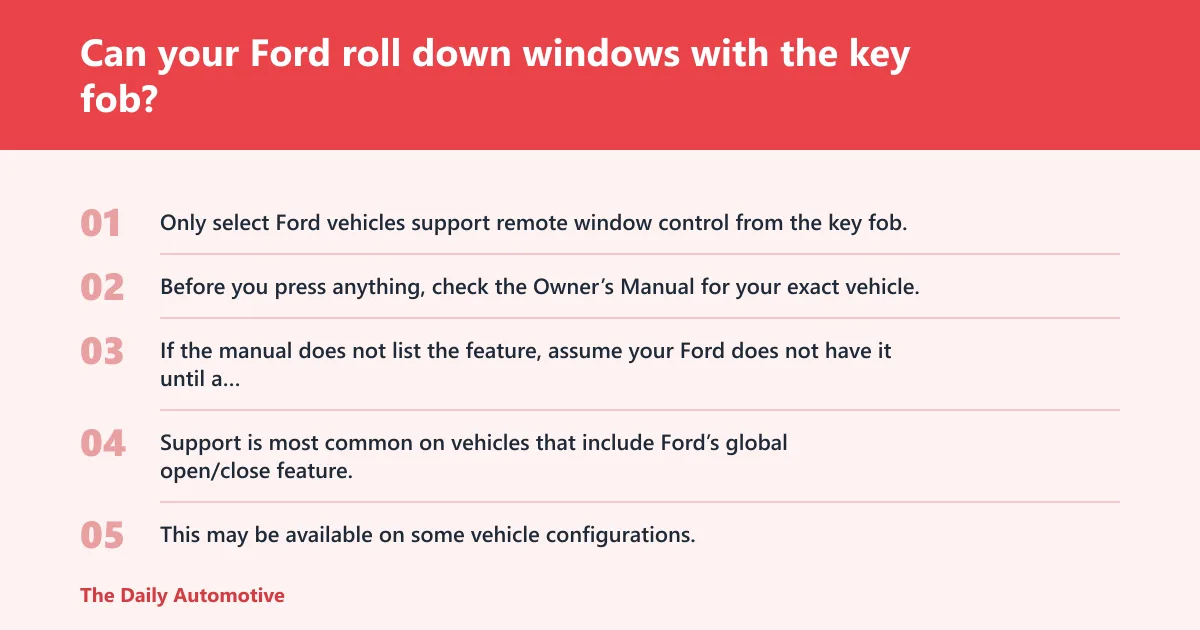


Only select Ford vehicles support remote window control from the key fob, and availability can change by model year, trim, options, packages, and supply availability. Before you press anything, check the Owner’s Manual for your exact vehicle. If the manual does not list the feature, assume your Ford does not have it until a dealer confirms otherwise.
Which model families commonly support remote window control
Support is most common on vehicles that include Ford’s global open/close feature. This may be available on some vehicle configurations, though not every trim or market version includes it. The same nameplate can have different equipment depending on production year and package content.
How trim, package, and model year change availability
A base trim may omit the feature while a higher trim includes it, and a package can add or remove it depending on the build. Ford also ties some functions to regional markets. That means a feature listed for one country or one model year may not apply to your exact vehicle.
Why the Owner’s Manual matters before you try the buttons
The Owner’s Manual is a good place to check whether your vehicle supports key fob window control and which windows it can operate. It also tells you whether the moonroof can vent during the same action, how long the button press should last, and whether any settings must be turned on in the vehicle menus.
Ford key fob window control at a glance
On supported Ford vehicles, holding the open button lowers the windows and holding the close button raises them. The exact hold time can vary by model, but Ford states at least three seconds for opening and at least two seconds for closing. Pressing either button again should stop the movement right away.
Unlock-hold opens windows on supported vehicles
Press and hold the open button only on vehicles that have the feature enabled. Ford says to hold the open button for at least three seconds. On some models, all windows respond; on others, only the configured windows or a specific set may move.
Lock-hold closes windows on supported vehicles
Press and hold the close button on supported vehicles. Ford says to hold the close button for at least two seconds. Closing behavior matters because bounce-back protection is active, so the glass may reverse if the system detects an obstruction.
Press any button again to stop movement
If the windows or moonroof start moving and you want to stop them, press the open or close button again. Ford says pressing either button on the fob stops opening, and pressing either button on the fob stops closing as well. That gives you a fast way to interrupt the action.
How to roll down windows with the key fob
On supported Ford vehicles, key fob window opening starts with a sustained press of the open button. Hold it long enough for the command to register, then watch the glass move. If nothing happens, the vehicle may not support the feature, the setting may be off, or the fob battery may be weak.
Step-by-step opening sequence
- Stand near the vehicle so the fob signal can reach it reliably.
- Press and hold the open button for at least three seconds.
- Keep holding until the windows begin to move.
- Release the button when the windows are where you want them.
- Press the open button again if you want to stop the motion early.
Know whether your Ford opens all windows or only some
Do not assume every Ford opens all glass the same way. Some vehicles are configured for global opening, while others may not move every window at all. The Owner’s Manual is the only reliable place to confirm whether your model opens all windows, only certain windows, or none through the key fob.
Say your Escape opens the front windows but not the rear ones after a three-second open-button hold. That usually points to a model-specific configuration, not a broken switch. The manual and vehicle settings will tell you whether the rear windows are supposed to respond.
How to roll up windows with the key fob
On supported Ford vehicles, you can close the windows by holding the close button on the key fob. Ford states at least two seconds for closing. Keep a close eye on the glass while it moves, because the bounce-back feature can reverse the motion if the system thinks something is in the way.
Closing sequence and stop action
- Make sure no hands, straps, or objects are in the window path.
- Press and hold the close button for at least two seconds.
- Watch the windows as they rise.
- Press the close or open button again to stop the close cycle if needed.
- If a window reverses, check for an obstruction before retrying.
Watch for bounce-back reversal during closing
The system is designed to reverse a window if it detects an obstruction while closing, helping provide bounce-back protection. That is a safety feature, not a fault. If the glass reverses repeatedly, clear the opening and check for ice, dirt, or an item that is hitting the seal.
Suppose a coat sleeve or a rubber weather-strip pinches the glass at the top of travel. The window may rise a few inches and then drop back. That is the bounce-back system doing its job. Stop the cycle, remove the obstruction, and try again only after the path is clear.
Will the moonroof or sunroof move too?
Some Ford models can vent the moonroof or sunroof when you use the key fob window feature, but that behavior is model-specific. In some vehicles, the feature may also vent the moonroof or sunroof when opening the windows. Do not assume it will open fully or follow the same timing as the side windows.
Open, vent, and close behavior can differ by model
On one Ford, the moonroof may tilt to vent when the windows open; on another, it may do nothing. The model family, trim, and equipment package control that behavior. The Owner’s Manual should name the exact response for your vehicle if the feature is installed.
How to stop moonroof movement mid-action
Just like the windows, you can stop moonroof motion by pressing the fob button again while it is moving. That matters if the opening starts where you do not want it, or if weather changes before the cycle finishes. Watch the roof glass closely because it can move faster than the windows.
Why won’t my Ford key fob roll the windows down?
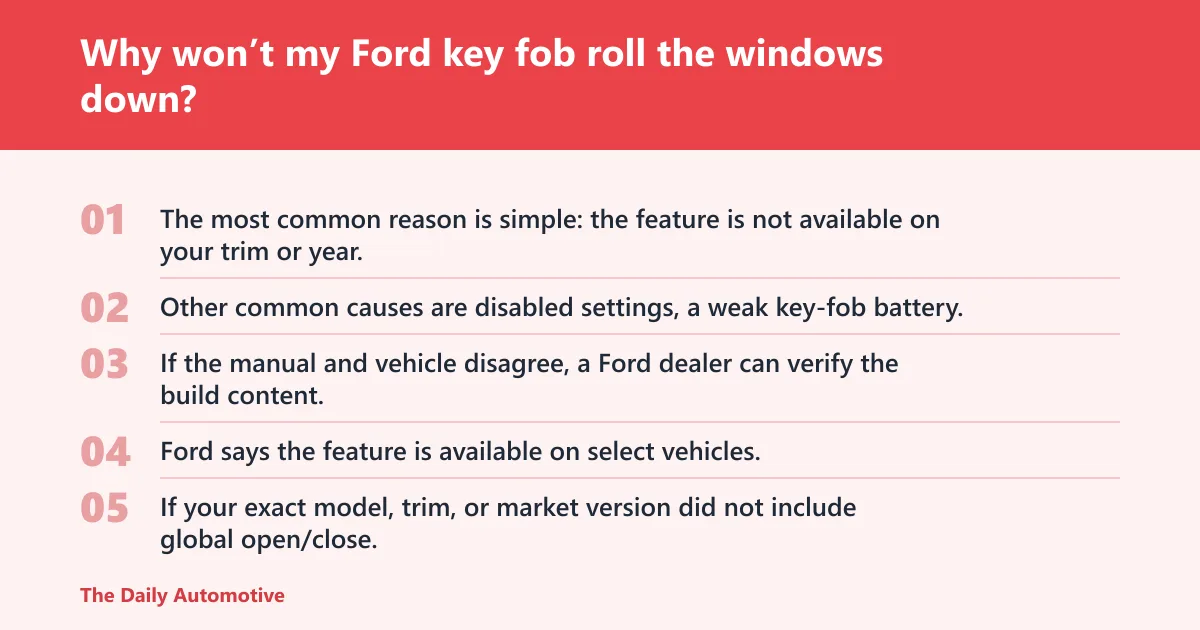
The most common reason is simple: the feature is not available on your trim or year. Other common causes are disabled settings, a weak key-fob battery, or a mismatch between the Owner’s Manual and the vehicle’s actual equipment. If the manual and vehicle disagree, a Ford dealer can verify the build content.
The feature is not available on your trim or year
Ford says the feature is available on select vehicles, so a missing response does not automatically mean failure. If your exact model, trim, or market version did not include global open/close, the fob cannot lower or raise the windows no matter how long you hold the buttons.
Remote settings may be disabled in vehicle menus
In some vehicles, the feature may need to be enabled in the settings menu before the key fob will work. If the vehicle menus show a global open/close option, check that it is enabled. A disabled setting can look like a broken fob, even when the hardware is fine.
The key-fob battery may be weak
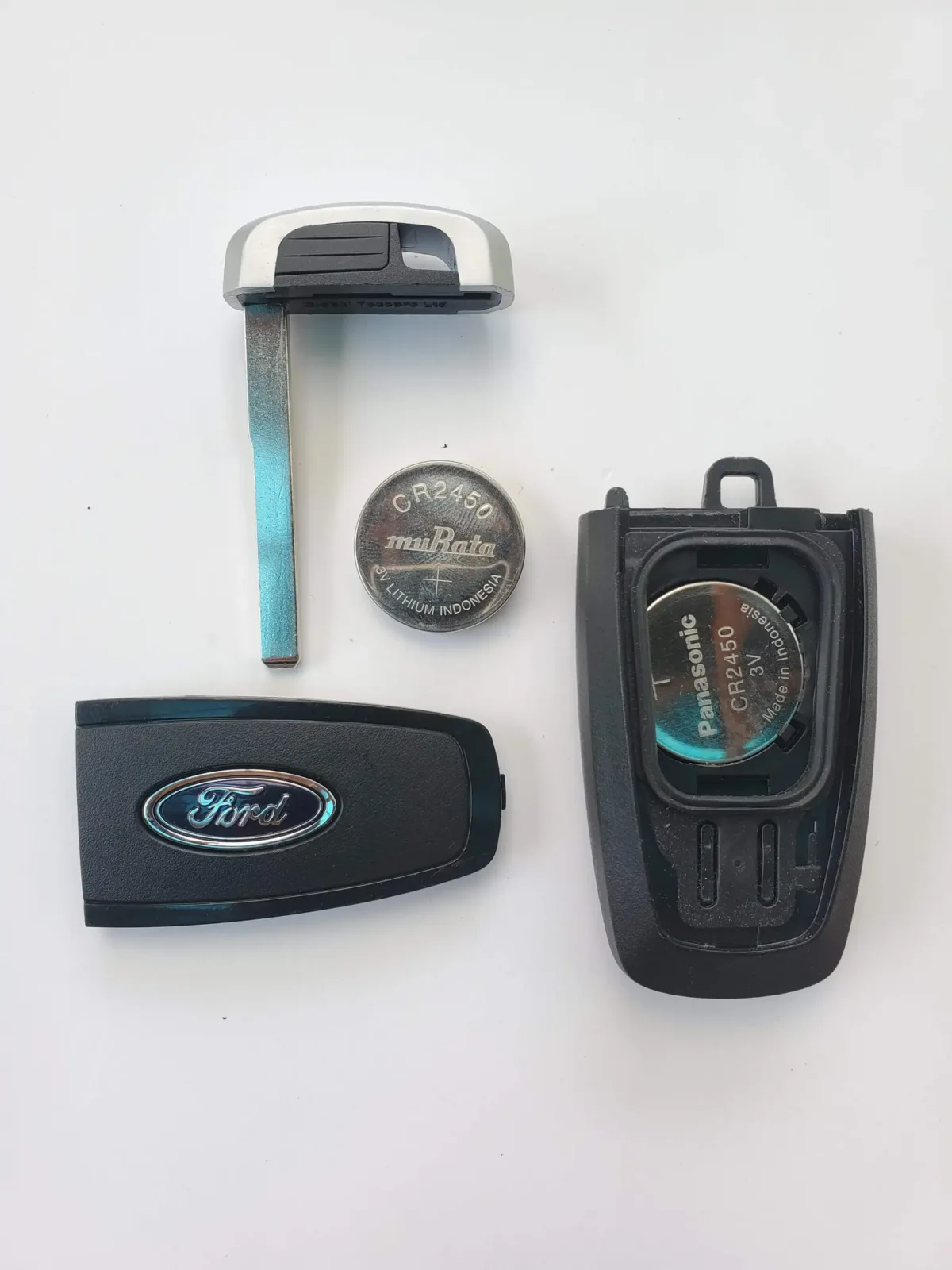
A weak battery can reduce range or make button presses unreliable. If the key fob works only when you stand very close to the vehicle, battery condition should be part of the check. Replace the battery if the remote functions are inconsistent and the vehicle is otherwise known to support the feature.
The vehicle may need manual or dealer confirmation
If the Owner’s Manual says the feature should work but the windows do not respond, use the dealer as the final confirmation point. A Ford dealer can check the build sheet, available settings, and any regional differences. That is the cleanest way to resolve a trim or equipment mismatch.
Compatibility and usage table for Ford remote windows
| Model family | Likely support status | Unlock-hold open | Lock-hold close | Moonroof behavior | Common failure reasons based on owner-manual checks |
|---|---|---|---|---|---|
| F-150 | Supported on select trims and packages | Hold the open button at least three seconds | Hold the close button at least two seconds | May vent on some builds | Feature omitted from trim, settings disabled, weak key-fob battery |
| Explorer | Supported on select trims and model years | May open all windows or only configured windows | May close all windows on equipped vehicles | May vent or remain unchanged | Owner’s Manual mismatch, option package not installed, regional variation |
| Escape | Available on select vehicles | Hold the open button for the global open function | Hold the close button for the global close function | Usually model-specific | Settings off, unsupported trim, battery weakness |
| Edge | Varies by year, trim, and market | Global opening on equipped vehicles | Global closing on equipped vehicles | May vent only | Manual does not list feature, vehicle menu not enabled, market difference |
| Expedition | Common on select higher trims | Hold the open button to open windows | Hold the close button to close windows | Can vary widely by package | Package omission, trim difference, fob battery |
| Bronco Sport | Available on select vehicles | Global open if equipped | Global close if equipped | May not be included on all builds | Model-year change, disabled menu setting, unsupported package |
| Mustang | Trim- and year-dependent | May open windows only if enabled | May close windows only if enabled | Varies by equipment | Manual does not confirm feature, options difference, regional supply availability |
Frequently asked questions
how to roll down windows with ford key fob
Press and hold the open button on a supported Ford key fob for at least three seconds. The windows should begin to lower, and on some vehicles the moonroof may vent too. If nothing happens, check the Owner’s Manual, settings menu, and key-fob battery.
how to roll up windows with ford key fob
Press and hold the close button on a supported Ford for at least two seconds. The windows should rise, and Ford’s bounce-back protection can reverse a window if it detects an obstruction. Press the button again to stop the motion if needed.
how long do i hold the unlock button to lower the windows
Ford says to hold the open button for at least three seconds to open all windows on equipped vehicles. Some models may respond slightly differently, so the Owner’s Manual for your exact year and trim is the best reference. Release once the windows reach the desired position.
how long do i hold the lock button to close the windows
Ford says to hold the close button for at least two seconds to close all windows on equipped vehicles. Keep watching the glass, because the bounce-back feature is active during closing. If the windows stop or reverse, press the fob again to stop the cycle or check for an obstruction.
does my ford have key fob window control
It may, but only if your exact model, trim, options, and market support global open/close. The Owner’s Manual should confirm that feature availability, and the vehicle settings may need to be enabled. If the manual is unclear, a Ford dealer can verify the build.
will the sunroof open too when using the key fob
Sometimes, but not always. Ford says the feature can vent the moonroof/sunroof when opening windows, and that behavior varies by model family and equipment. Check the Owner’s Manual for your specific vehicle to see whether the roof will vent, open, or stay closed.
Products related to this article
Sponsored / affiliate links. As an Amazon Associate I earn from qualifying purchases. I may earn additional commission from eligible campaigns.