How Does Bluetooth Work in a Car: Unveiling the Magic
Imagine effortlessly connecting your smartphone to your car without a single wire in sight. Bluetooth technology makes this possible, allowing you to play your favorite playlist, make hands-free calls, and even access navigation apps through your car’s audio system.
But have you ever wondered how this wireless magic really works? Understanding Bluetooth in your car can unlock a world of convenience and safety, transforming your driving experience. You’ll discover the simplicity behind this sophisticated technology and how it seamlessly integrates into your everyday life.
Stick around to uncover the secrets of Bluetooth and learn how to maximize its potential during your next drive.
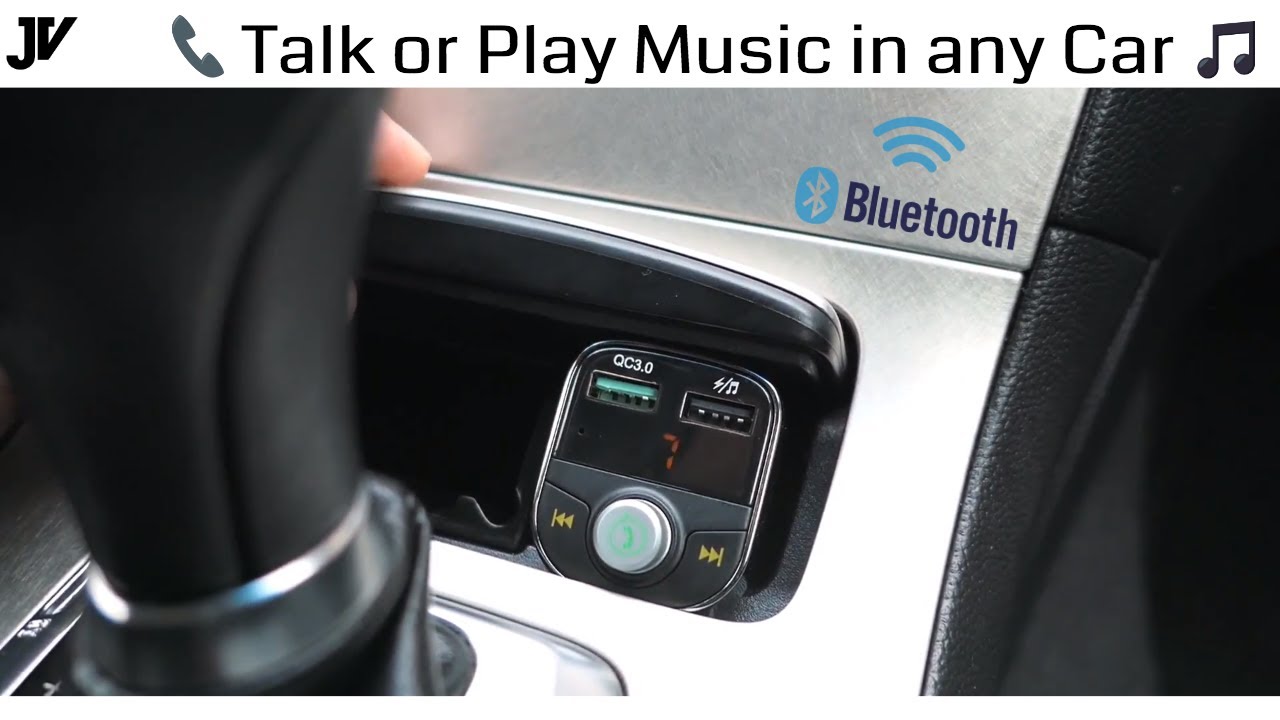
Credit: www.youtube.com
The Basics Of Bluetooth Technology
Bluetooth helps devices talk without wires. Cars use it to connect phones. This lets drivers make calls safely. Music can play from the phone to the car’s speakers. This connection is called pairing. First, the car looks for Bluetooth devices. Once paired, the connection stays until turned off. Easy setup makes Bluetooth popular in cars.
Voice commands become possible through Bluetooth. Drivers can control the phone by speaking. This keeps the focus on driving. Bluetooth uses short-range radio waves. It works best within 10 meters. No internet is needed for Bluetooth. It’s safe and secure, protecting data during transfer.
Many cars have built-in Bluetooth systems now. They help keep drivers hands-free. This technology is a standard feature in modern vehicles. It improves safety and convenience for drivers everywhere.
Bluetooth In Automotive Systems
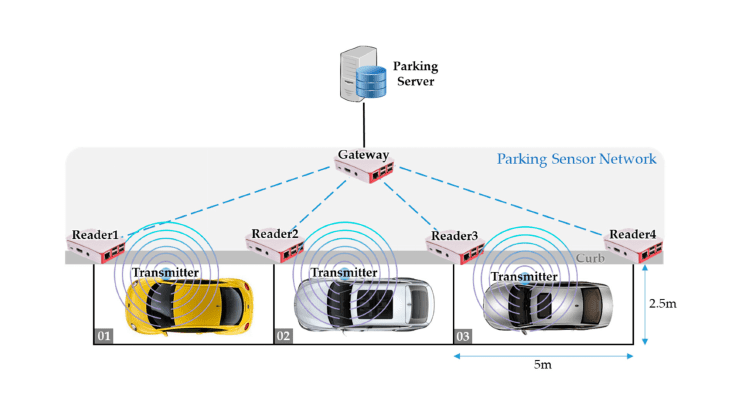
Bluetooth helps cars connect to phones and other devices. It uses radio waves to send data without wires. This lets drivers play music and make calls hands-free. Many cars have Bluetooth built in now. This makes driving safer and more fun.
Pairing is a key step in using Bluetooth. The car and phone must recognize each other first. This is done by setting both devices to search mode. Once found, they will connect and share information. This link stays active until disconnected.
Voice commands can also work with Bluetooth. Drivers talk to control music or call someone. This means no buttons are needed. It’s a simple way to keep focus on the road. Bluetooth makes driving smarter and more connected.
Pairing Devices With Car Bluetooth
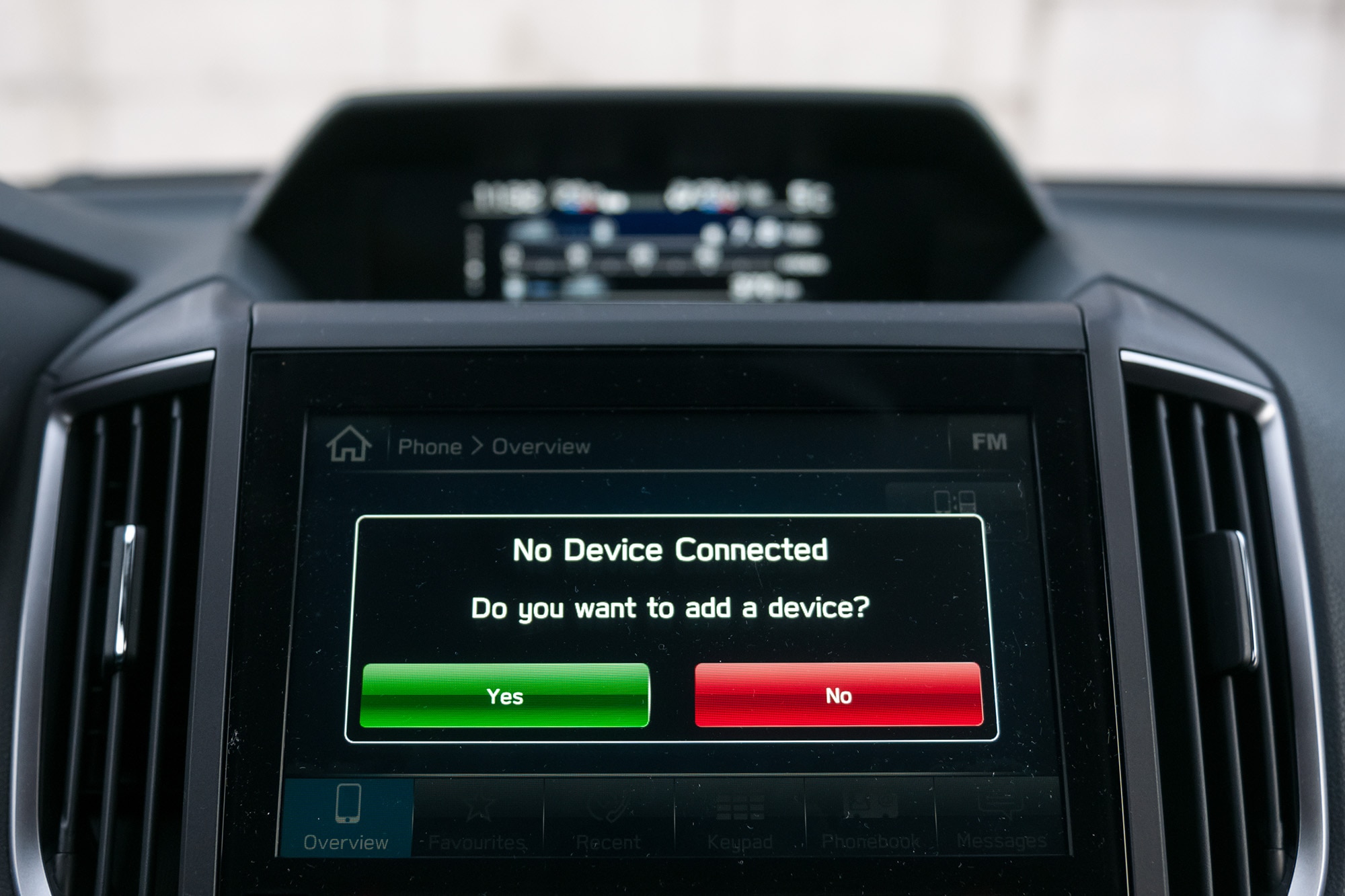
Start by turning on your car’s Bluetooth. Make sure your phone’s Bluetooth is on too. Go to the Bluetooth menu on your phone. Look for your car’s name. Tap to connect. Your phone might show a code. Check if it matches with the car’s screen. If it does, tap “Pair.” Now, your phone and car should connect.
Sometimes, devices don’t pair easily. This can be frustrating. Check if Bluetooth is on for both devices. Ensure your phone is discoverable. Keep your phone close to the car. Restart both devices if needed. If it still doesn’t work, try removing the car from your phone’s list and start again.
Credit: www.iclarified.com
Bluetooth Audio Streaming
The A2DP protocol helps in sending music from your phone to your car. It stands for Advanced Audio Distribution Profile. This protocol makes sure that the audio quality is good. It uses special methods to send clear sound. Bluetooth connects your phone to the car’s audio system. This connection allows you to play your favorite songs.
Bluetooth sends audio over the air. Sometimes, the sound might not be perfect. Walls or other signals can affect the quality. But, with A2DP, the sound is usually clear. For better sound, keep the phone and car close. Avoid too many obstacles between them. This way, you can enjoy music without breaks.
Hands-free Calling Features
Bluetoothin cars makes calling hands-free. It uses special rules, called HFP Protocol. This protocol helps connect your phone to your car. Your voice goes through the car’s speakers. This way, your hands stay on the wheel. The HFP Protocol is like a helper. It makes sure the call is clear and smooth.
Integrating contact listsis another cool feature. Your car can read your phone’s contacts. So, you can call someone without touching your phone. Just say the name out loud. This keeps driving safe and easy. Your car becomes your new phone assistant.
Data Transfer Capabilities
Bluetooth in a car helps share contactsand messages. It connects your phone to the car system. You can see your phone’s contacts on the car’s screen. You can also read messages without touching your phone. This helps keep your hands on the wheel. It’s safer and easy.
Bluetooth works well but has some limits. Sometimes the connection is not strong. This can cause messages to not show up. But it has benefitstoo. You don’t need cables. You can keep your phone in your pocket. The car can play music from your phone. It’s simple and quick.
Security And Privacy Concerns
Bluetooth technology in cars can share personal data. This includes phone contacts and call logs. It’s important to keep this data safe. Always pair your device with a trusted car system. This prevents hackers from accessing your data. Use strong passwords on your devices. Change them often.
Unauthorized access to your car’s Bluetooth can be risky. Anyone can connect if your device is discoverable. Turn off Bluetooth when not in use. This stops others from connecting. Keep your device hidden from strangers. Regularly check connected devices. Remove unknown ones.
Credit: www.capitalone.com
Future Of Bluetooth In Cars
Bluetooth in cars is growing fast. New emerging technologies are changing its use. Smart cars will have better Bluetooth features. These features will make driving easier and safer. Bluetooth can connect to many devices now. This helps drivers stay connected without distractions.
Enhancements in connectivity will improve car systems. Bluetooth will link with smart traffic signals. This can help in reducing traffic jams. Cars will talk to each other through Bluetooth. This will make roads safer for everyone.
Bluetooth can also connect to home devices. Imagine your car talking to your fridge. It can tell if you need to buy milk. This makes life easy and fun.
Frequently Asked Questions
What Is Bluetooth In A Car Used For?
Bluetooth in a car allows wireless communication between devices. It lets you stream music and make hands-free calls. You can also use it for navigation and voice commands. Bluetooth enhances driving convenience and safety by reducing the need to manually handle devices.
How Do I Connect My Phone To Car Bluetooth?
To connect your phone, first enable Bluetooth on both devices. Then, access the car’s Bluetooth settings and select your phone. Follow on-screen prompts to pair them. Once paired, your phone will automatically connect when Bluetooth is on in future drives.
Why Is My Car Bluetooth Not Working?
Car Bluetooth might not work due to compatibility issues or software glitches. Ensure both devices have updated software. Check if Bluetooth is enabled on both devices. Restart your phone and car system, and retry the pairing process to resolve connectivity problems.
Can Bluetooth Stream Music From My Phone?
Yes, Bluetooth can stream music from your phone to your car speakers. Once paired, select your car audio system from your phone’s music app. Enjoy your favorite playlists wirelessly. Make sure both devices are within range for uninterrupted streaming.
Conclusion
Bluetooth technology in cars simplifies connectivity. It enables hands-free calls. Music streaming becomes effortless. Navigation directions are clear and precise. Safety improves with voice commands. Pairing devices is quick and easy. No tangled wires or complex setups. Bluetooth enhances driving comfort.
It connects smartphones with car systems seamlessly. A reliable way to stay connected on the road. Explore your car’s Bluetooth features today. Enjoy a smarter, safer driving experience. Embrace the convenience of wireless technology. It’s a valuable tool for modern drivers.
Make the most of your car’s Bluetooth capabilities. Keep your focus on the road.