How to Cancel Zips Car Wash Membership Easily
Are you trying to figure out how to cancel your Zips Car Wash membership? Maybe you’re not using it as much as you thought, or perhaps your budget has changed. It’s a common question, and sometimes finding the exact steps can feel a little tricky, especially if you’re new to managing subscriptions. Don’t worry, though! This guide will walk you through exactly how to cancel your Zips Car Wash Membership Easily, step-by-step, so you can get it done without any fuss. We’ll cover all the simple ways to make sure your membership is stopped smoothly.
Understanding Your Zips Car Wash Membership
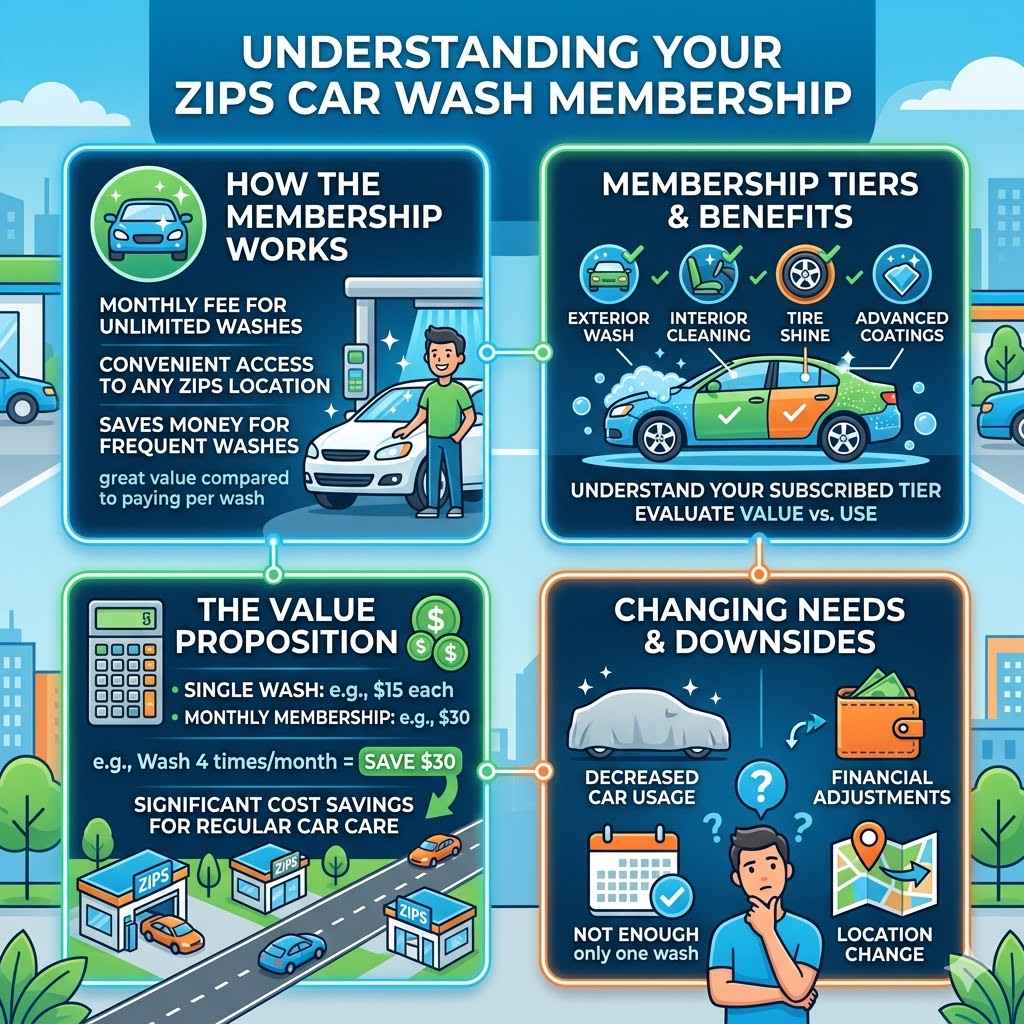
Your Zips Car Wash membership is a convenient way to keep your car sparkling clean on a regular basis. When you sign up, you typically pay a monthly fee for unlimited washes at any Zips location. This can be a great deal if you wash your car frequently, saving you money compared to paying per wash.
However, life happens, and sometimes your needs change. You might move to an area without Zips, find you don’t need washes as often, or simply want to cut down on recurring expenses. Knowing how your membership works is the first step to successfully managing it, including cancellation.
Membership Tiers and Benefits
Zips Car Wash often offers different membership levels, each with its own set of benefits. These can range from basic exterior washes to premium packages that include interior cleaning, tire shining, and advanced protective coatings. Understanding which tier you are subscribed to is important because it helps you assess if you’re getting the most value for your money.
If you’re paying for a premium service but only using the basic wash, it might be a sign that it’s time to re-evaluate your subscription or consider cancellation. The convenience of unlimited washes can be appealing, but it’s vital to ensure it aligns with your current lifestyle and needs.
The Value Proposition of Zips Car Wash
The primary value of a Zips Car Wash membership lies in its unlimited access to car cleaning services. For customers who wash their cars multiple times a month, the cost savings can be significant. A typical single wash might cost anywhere from $8 to $25, depending on the type of wash. If you wash your car just twice a month with a $20 monthly membership, you’re already saving money. Zips aims to provide this consistent value, making car care easy and affordable for its members.
Potential Downsides and Changing Needs
Despite the benefits, several factors can lead members to seek cancellation. One common reason is a decrease in car usage. If you start working from home more often, or if your vehicle is in storage for a period, the unlimited wash benefit becomes redundant. Another factor is financial adjustments. Unexpected expenses or a change in income might necessitate cutting back on recurring subscriptions. Sometimes, customers may find that the convenience is outweighed by the cost if they don’t use the service enough. Lastly, location changes can also be a driver for cancellation if a Zips Car Wash is no longer conveniently located.
How to Cancel Zips Car Wash Membership Easily Online
Many Zips Car Wash locations allow for online cancellation, which is often the most straightforward method. This process usually involves logging into your account on their website and following a few simple steps. It’s designed to be user-friendly, so even those who aren’t tech-savvy can manage their subscription with ease. Online cancellation saves you the time and effort of visiting a location in person or making phone calls.
Accessing Your Online Account
The first step to canceling online is accessing your Zips Car Wash account. You’ll likely need to visit the official Zips Car Wash website. Look for a section labeled “My Account,” “Login,” or “Manage Membership.” You will need the email address and password you used when you signed up for the membership. If you’ve forgotten your password, most websites have a “Forgot Password” link that can help you reset it. Having access to your account details is key to proceeding with the cancellation.
Finding the Cancellation Option
Once logged into your account, the cancellation option is usually found within your membership details or profile settings. It might be labeled as “Cancel Membership,” “End Subscription,” or something similar. Sometimes, it’s hidden within a “Billing” or “Account Settings” section. Take a moment to look through all the available options in your account dashboard. If you’re having trouble locating it, Zips often provides a customer support contact on their website that can guide you.
Completing the Online Cancellation Process
After finding the cancellation option, you’ll likely be guided through a confirmation process. This might involve clicking a few confirmation buttons to ensure you really want to cancel. Some companies ask for a reason for cancellation, which is optional but can help them improve their services. Once you complete all the necessary steps, you should receive a confirmation email stating that your membership has been successfully canceled. It’s a good idea to save this email for your records.
Canceling Your Zips Car Wash Membership In Person
While online cancellation is common, some Zips Car Wash locations might require or prefer in-person cancellations. This method ensures that the cancellation is processed directly by staff and can sometimes offer a chance to discuss your reasons with them. It’s a more traditional approach that works well for those who prefer face-to-face interactions or are having issues with online methods.
Locating Your Nearest Zips Car Wash
To cancel in person, you’ll need to find a Zips Car Wash location near you. You can usually find a list of locations and their addresses on the Zips Car Wash website. It’s helpful to check the operating hours of the specific location you plan to visit, as these can vary. Some locations might be corporate-owned, while others could be franchises, which might have slightly different cancellation policies, though usually they are quite standardized.
What to Bring and Who to Ask For
When you visit a Zips Car Wash to cancel your membership, it’s advisable to bring a form of identification, such as a driver’s license, along with any membership card you might have. You should speak to a manager or a customer service representative at the location. They will be able to access your account information and process the cancellation for you. Be prepared to provide your account details, such as your name, phone number, or email address associated with the membership.
The In-Person Cancellation Steps
Upon arrival, politely inform the staff that you wish to cancel your car wash membership. They will likely ask for your account information to locate your profile. Once they find your account, they will initiate the cancellation process. Similar to online cancellation, you may be asked to confirm your decision. They should provide you with a confirmation, either verbally or in writing, that your membership is now canceled. Always ask for a confirmation number or a signed document if possible.
Alternative Methods and Customer Support
If online and in-person methods aren’t working, or if you prefer direct communication, contacting Zips Car Wash customer support is another viable option. They are there to help with all membership inquiries, including cancellations. This approach can be very effective, especially if you have specific questions or encountered issues with other methods.
Contacting Zips Car Wash Customer Service
Zips Car Wash typically offers customer support through phone and email. You can usually find their contact information on their official website, often under a “Contact Us” or “Support” section. When you call or email, be ready to provide your full name, the email address or phone number associated with your account, and your membership number if you have it. This will help them locate your account quickly.
Phone Cancellation Procedures
When calling customer service, you’ll likely speak with a representative who can assist you. Explain clearly that you wish to cancel your membership. They will guide you through the necessary steps over the phone. This might involve answering a few security questions to verify your identity. The representative will then process the cancellation and inform you of any final details, such as when the cancellation will take effect.
Email Cancellation Requests
If you prefer to communicate via email, you can send a cancellation request to the customer support email address. In your email, clearly state your intention to cancel your Zips Car Wash membership. Include all the necessary account information, such as your full name, phone number, email address, and any membership ID. It’s wise to request a confirmation reply once the cancellation is processed. Keep a copy of your sent email for your records.
Important Considerations Before You Cancel
Before you finalize your Zips Car Wash membership cancellation, there are a few things to keep in mind. These considerations can help you make an informed decision and avoid any unexpected issues. Understanding the terms of your membership and the timing of your cancellation can save you from potential charges or inconveniences.
Understanding Membership Terms and Conditions
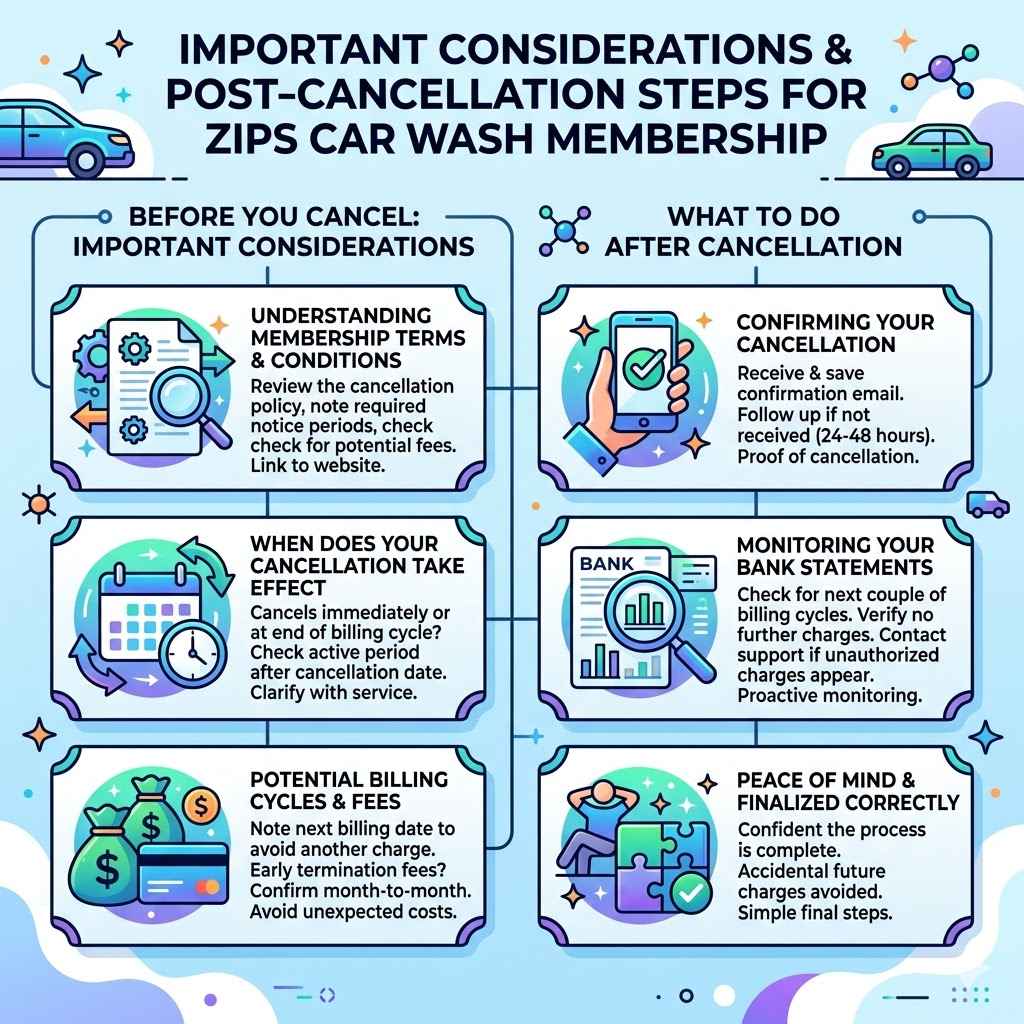
Every Zips Car Wash membership agreement comes with specific terms and conditions. These often outline the cancellation policy, including any notice periods required or potential fees. It’s crucial to review these terms, which are usually available on their website. Understanding these details beforehand ensures you know exactly what to expect during the cancellation process and avoids any surprises, like being charged for a month you didn’t intend to use.
When Does Your Cancellation Take Effect
The effective date of your cancellation can vary. Some memberships cancel immediately, while others may continue until the end of your current billing cycle. For instance, if your billing date is the 15th of the month and you cancel on the 10th, your membership might remain active until the 15th. This means you could still use the services until that date. Always clarify this with Zips Car Wash customer service or check your membership agreement for precise information on when your cancellation becomes active.
Potential Billing Cycles and Fees
Be aware of your billing cycle. If you cancel right before your billing date, you might be charged for another month of service. To avoid this, it’s often best to cancel a few days before your next billing cycle begins. Also, check if there are any early termination fees. While Zips Car Wash memberships are typically month-to-month with no long-term contracts, it’s always good practice to confirm this. Understanding these aspects ensures you don’t incur unexpected charges after you’ve decided to end your membership.
What to Do After Cancellation
Once you have successfully canceled your Zips Car Wash membership, there are a few post-cancellation steps that can provide peace of mind. These are simple but important to ensure everything is finalized correctly and to avoid any accidental future charges. Taking these extra moments can help you feel confident that the process is complete.
Confirming Your Cancellation
The most important step after canceling is to ensure you receive and save a confirmation. As mentioned earlier, this is often an email notification. If you don’t receive one within a reasonable time frame (e.g., 24-48 hours), it’s wise to follow up with Zips Car Wash customer support to confirm. Having this confirmation is your proof of cancellation, which can be invaluable if any billing discrepancies arise later.
Monitoring Your Bank Statements
After canceling, keep an eye on your bank or credit card statements for the next couple of billing cycles. This will help you verify that no further charges are being made to your account for the Zips Car Wash membership. If you do see an unauthorized charge, contact Zips Car Wash customer support immediately with your cancellation confirmation details. Proactive monitoring is a simple yet effective way to manage your finances and ensure subscriptions are properly handled.
Frequently Asked Questions
Question: How long does it take to cancel my Zips Car Wash membership
Answer: The cancellation typically takes effect at the end of your current billing cycle, though some may process immediately. Always confirm with Zips customer service for exact timing.
Question: Can I cancel my Zips Car Wash membership over the phone
Answer: Yes, you can usually cancel by calling Zips Car Wash customer support. They will guide you through the necessary steps to process your cancellation over the phone.
Question: What information do I need to cancel my membership
Answer: You will likely need your full name, the email address or phone number associated with your account, and possibly your membership number to cancel.
Question: Will I be charged if I cancel in the middle of a billing cycle
Answer: Usually, you will not be charged for the next cycle if you cancel before it begins. You may still have access until the end of your current paid cycle.
Question: Is there a fee to cancel my Zips Car Wash membership
Answer: Zips Car Wash memberships are typically month-to-month and do not have cancellation fees, but it is always best to check your specific agreement.
Summary
Successfully canceling your Zips Car Wash membership is straightforward when you know the steps. Whether you choose to go online, visit a location, or contact customer support, the process is designed for ease. By understanding your membership terms and confirming your cancellation, you can manage your subscriptions effectively and ensure you’re only paying for services you use and value.
This post has detailed all the essential methods for how to cancel Zips Car Wash membership easily. You are now equipped with the knowledge to complete your cancellation smoothly and confidently.