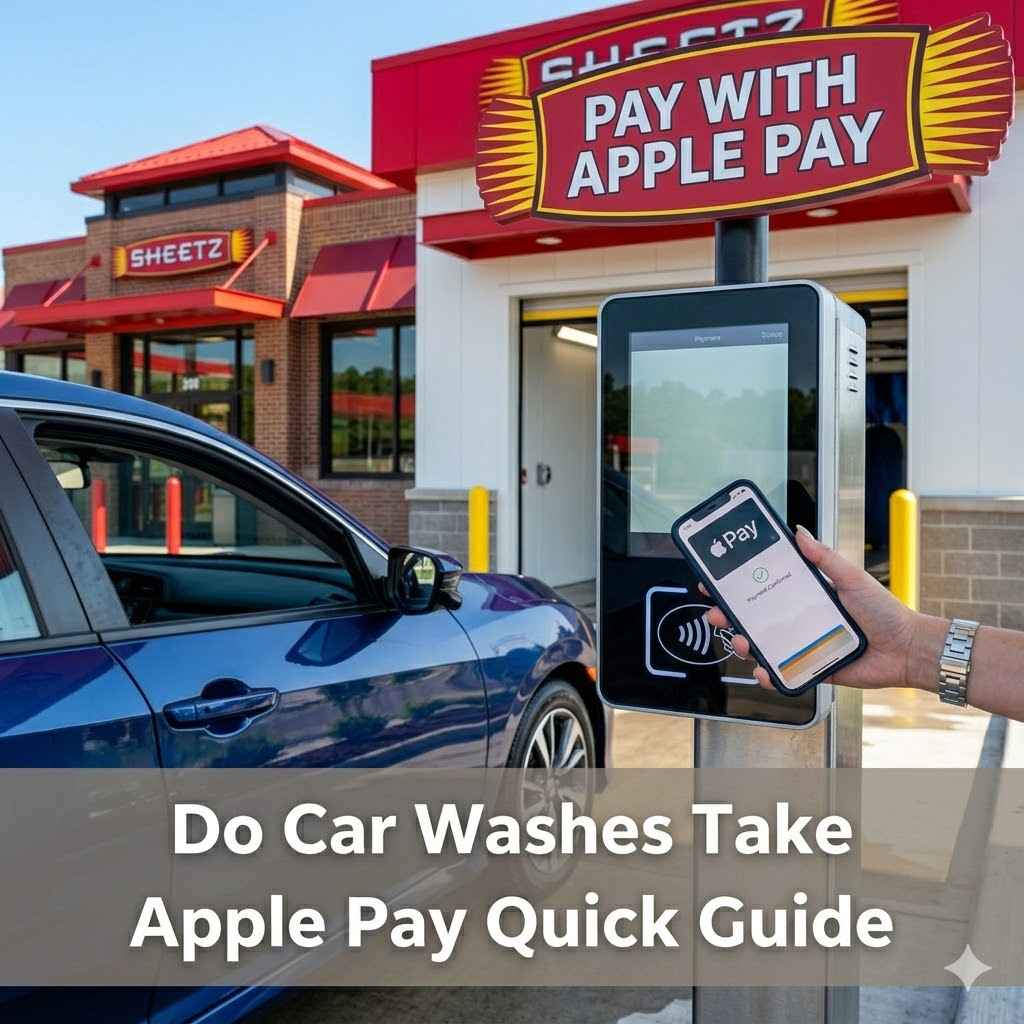
Do Car Washes Take Apple Pay Quick Guide
Yes, many car washes take Apple Pay, but the payment fails most often at coin-only vacuums, older pay stations, and attendant-only lanes. Check the terminal before you pull in. Miss that check and you may need to reverse, switch lanes, or pay another way. This guide shows how to verify Apple Pay acceptance in under 30 seconds and where it usually fails.
Quick answer
Yes, many car washes take Apple Pay, especially modern automatic washes, drive-thru bays, and self-serve stations with NFC readers. Apple Pay acceptance is not universal and can vary by location, lane, and payment point. It changes by location, by lane, and by where you pay: kiosk, bay reader, counter, or app.
One site may accept Apple Pay at the entrance kiosk while the wash bay reader rejects it, or the counter inside accepts it while the lane terminal does not. Apple Pay works at car wash locations with NFC readers, and the quickest clue is the Apple Pay logo or contactless payment symbol near the terminal.
Apple Pay also depends on your device setup. On iPhone with Face ID, you double-click the side button; on Touch ID, you double-click the home button. Apple Watch can work too, but the reader still has to support tap payment.
Which car washes are most likely to accept it?
Express exterior car washes are often the best bet because they usually use newer payment gear and higher-volume lanes. Full-service sites can also accept Apple Pay, especially at the counter, but the wash bay or exit lane may use different hardware. Self-service locations vary more, and older setups are more likely to fail.
Self-service car washes
Self-service car washes are less likely to support Apple Pay at older locations. Many still use coin boxes, basic token systems, or dated pay stations. Some newer self-serve sites do have contactless readers, but you should not assume that without a symbol or a posted notice.
Express exterior car washes
Express exterior car washes are commonly automated, and many modern sites accept contactless payment at the entry kiosk or lane reader. These locations tend to upgrade equipment more often because they process more cars per hour. If Apple Pay is supported, this format is one of the most likely to keep working consistently.
Full-service car washes
Full-service car washes often accept Apple Pay at the front counter, and modern locations are more likely to support it than smaller independents. The catch is workflow. A counter terminal may accept tap payments while the bay or valet lane does not, so you need to verify the exact place you will pay.
Chain locations versus independents
Chains and newer sites are more likely to support contactless payment, including Apple Pay, than small older independents. For example, Mister Car Wash is listed as supporting Apple Pay at many locations, especially newer or renovated sites. Love’s Travel Stops & Country Stores has many car wash bays that accept Apple Pay, particularly at newer facilities. Quick Quack Car Wash supports Apple Pay at numerous locations, depending on equipment upgrades.
How can you verify it before you pull in?
The fastest check is visual. Look for the Apple Pay logo or the contactless payment symbol at the kiosk, pay station, or counter terminal. If you can confirm that symbol before you enter the lot, you usually know whether NFC tap payment is available.
If the symbol is not visible, check the app or website before you go. Some car wash apps list payment options, and some locations post whether they support prepay or loyalty features. If that still is unclear, ask the attendant one specific question: “Does this lane or kiosk accept Apple Pay at the tap reader?”
Look for the contactless symbol
The contactless payment symbol is the sign to watch for on a kiosk or reader. It tells you the terminal is built for NFC tap payments. Apple Pay uses NFC, so the symbol is the fastest clue that the reader may work before you even open the Wallet app.
Check the app or website
A car wash app can list payment options, show whether prepay is available, and sometimes note loyalty or membership rules. This matters because some locations are app-first: they may take Apple Pay for account funding or checkout in the app, but not at the bay reader itself. The website may also mention contactless payment or a cardless lane.
Ask the attendant the right question
Do not ask only whether the car wash “takes Apple Pay.” Ask where it works. Say, “Does the kiosk, bay reader, or counter accept Apple Pay tap payments?” That narrows the answer to the exact workflow you will use and avoids a vague yes that turns into a failed tap at the lane.
Apple Pay car wash checklist
Use this before you pull in. It is built to take under 30 seconds and focuses on the workflow, not a guess. If any step fails, move to the fallback before you enter the bay or lane.
| Check | What to look for | What it means |
|---|---|---|
| 1. Reader symbol | Apple Pay logo or contactless symbol on the kiosk, lane reader, or counter terminal | NFC tap payment is likely supported |
| 2. Workflow type | Kiosk-first, pay-at-entry, pay-at-bay, pay-inside counter, or app-first | Shows where the tap must happen |
| 3. Staff confirmation | Ask if that specific terminal accepts Apple Pay | Confirms the reader, not just the site |
| 4. App or posted notice | Payment options listed in the app, on the website, or on signage | Good backup confirmation if the symbol is hard to see |
| 5. Fallback plan | Credit card, debit card, cash, Google Pay, or Samsung Pay if supported | Lets you avoid a lane stall if tap fails |
Failure matrix by workflow
| Workflow | Common failure point | What to do next |
|---|---|---|
| Kiosk-first | The kiosk lacks NFC or the screen does not offer contactless payment | Use the card slot, choose another lane, or pay inside if offered |
| Pay-at-entry | Reader is active, but the lane is set for chip or swipe only | Ask for the correct lane or use a card with chip or swipe support |
| Pay-at-bay | Bay reader rejects the tap because the terminal is offline or misconfigured | Try the attendant terminal if available, or use a backup method |
| Pay-inside counter | Counter accepts Apple Pay, but the wash bay does not | Pay at the counter first, then confirm the code or receipt needed for entry |
| App-first | The wash requires in-app checkout or a vehicle number before payment | Complete the app flow, then link a backup card if tap is unavailable |
If the bay reader rejects the tap
First, stop and do not keep tapping the same reader. Check whether the terminal is waiting for a vehicle number, wash package selection, or a different screen. Some stations may require a vehicle number or wash package selection before payment, and that can block the tap prompt until you finish the earlier step.
If the screen flashes a card icon but never shows a contactless prompt, the reader is likely not ready for NFC, or the location wants a different payment step first. In that case, use the attendant terminal, a card, or cash if the site allows it.
How do you use Apple Pay at the terminal?
At a compatible car wash terminal, you tap the reader with your iPhone or Apple Watch, then complete the device prompt if needed. The process is quick, but only if the reader is NFC-enabled and the terminal is set for contactless payment. If the reader is not set up for tap, the phone will not fix that.
Tap at the reader
Hold the top of your iPhone near the contactless symbol or place your Apple Watch close to the reader. Keep the device steady for a moment. If the terminal is compatible, it should register the tap instead of asking for insertion or swipe.
Authenticate on iPhone or Apple Watch
Apple Pay may ask for Face ID, Touch ID, or a passcode before the payment goes through. On iPhone with Face ID, double-click the side button, then authenticate. On Touch ID models, double-click the home button. Apple Watch usually confirms with a side-button press and wrist authentication already in place.
What the screen should show
A successful terminal usually shows approval, a wash package confirmation, or a receipt prompt. If the screen still asks for chip, swipe, or a code after your tap, the reader may not support Apple Pay for that lane. That is your cue to switch methods before the line backs up.
Why Apple Pay fails at car wash kiosks
Apple Pay usually fails for one of four reasons: the reader does not support NFC, the terminal is offline or misconfigured, your device setup is incomplete, or the site uses app-first or account-based payment only. The failure often has nothing to do with Apple Pay itself and everything to do with the car wash workflow.
Reader does not support NFC
If the kiosk has no Apple Pay logo or contactless symbol, it may simply be a non-NFC terminal. Older self-service locations are the most likely to have this issue. That is why self-service car washes are more likely to fail at older sites than express exterior or newer full-service locations.
The terminal is offline or misconfigured
A terminal can be physically contactless but still fail if the payment system is offline, the lane is not linked correctly, or the reader has not been enabled for tap. This is common when one terminal in a site works and another one does not, even though they look nearly identical.
Device or wallet setup problem
If your iPhone or Apple Watch is low on battery, locked in an unexpected state, or not set up for wallet authentication, the payment can stall. Make sure the device can authenticate and that your wallet is ready before you get to the reader. A dead battery means no tap, even at a compatible terminal.
App-first or account-based payment only
Some car washes may ask for payment in the app, require a package to be selected before arrival, or ask for a vehicle number first. In those cases, the bay reader may not be the payment point at all. If the site says “pay in app” or “prepay,” the reader failure is likely a workflow mismatch, not a wallet problem.
What should you use if Apple Pay fails?
Your fallback should match the site’s workflow. A credit card or debit card is often the safest fallback option, since many terminals still support chip or swipe. Cash can work at some self-service or attendant-run washes. If the terminal supports other mobile wallets, Google Pay or Samsung Pay may also work.
Say your full-service wash accepts Apple Pay at the front counter but the bay lane rejects it. Pay inside if that is the posted process, then follow the receipt or code to the wash entrance. That avoids a lane stall and keeps you from guessing at the wrong terminal.
A common first-time mistake is assuming every reader on the property works the same way. It does not. A store counter can take tap while the wash bay uses a different system, so always verify the exact payment point you will use.
Frequently asked questions
Do car washes take Apple Pay?
Many do, especially newer automatic washes, drive-thru bays, and self-serve stations with contactless readers. The main issue is workflow. Apple Pay may work at one terminal on the property and fail at another, so you need to check the exact kiosk, bay reader, or counter before you enter.
How can I tell if a car wash accepts Apple Pay?
Look for the Apple Pay logo or the contactless payment symbol near the terminal. You can also check the app, website, or posted signage, then ask the attendant whether that specific reader accepts tap payment. The quickest check is the symbol at the exact terminal you will use.
Which types of car washes are most likely to take Apple Pay?
Express exterior, modern full-service, and newer chain locations are more likely to accept Apple Pay. Self-service sites are less likely to support it, especially older ones. A modern reader with an NFC contactless symbol gives you the best chance of a working tap payment.
How do I use Apple Pay at a car wash kiosk?
Hold your iPhone or Apple Watch near the contactless symbol, then authenticate if the device asks for Face ID, Touch ID, or a passcode. Some stations may ask for a vehicle number or wash package first, so complete those steps before trying the tap.
What should I do if Apple Pay doesn’t work at the car wash?
Check whether the terminal is offline, whether the site requires a vehicle number or app checkout, and whether the reader is actually NFC-enabled. If it still fails, use a credit card, debit card, cash where accepted, or another mobile wallet if the terminal supports it.
Is there a way to check Apple Pay acceptance before I go?
Yes. Check the site’s app or website, look for contactless symbols in posted photos, or call and ask whether the kiosk, bay reader, or counter accepts Apple Pay. That is the fastest way to avoid getting trapped at the entrance with the wrong payment method.
Products related to this article
Sponsored / affiliate links. As an Amazon Associate I earn from qualifying purchases. I may earn additional commission from eligible campaigns.