How To Change The Battery In A Toyota Key Fob Yourself
Changing your Toyota key fob battery is a straightforward DIY task. You’ll typically need a small screwdriver and a replacement battery, like a CR2032. Most Toyota key fobs can be opened by carefully prying apart the two halves.
Once open, you’ll see the old battery. Pop it out and insert the new one, making sure it’s facing the right way. Snap the fob back together and test it.
Understanding Your Toyota Key Fob
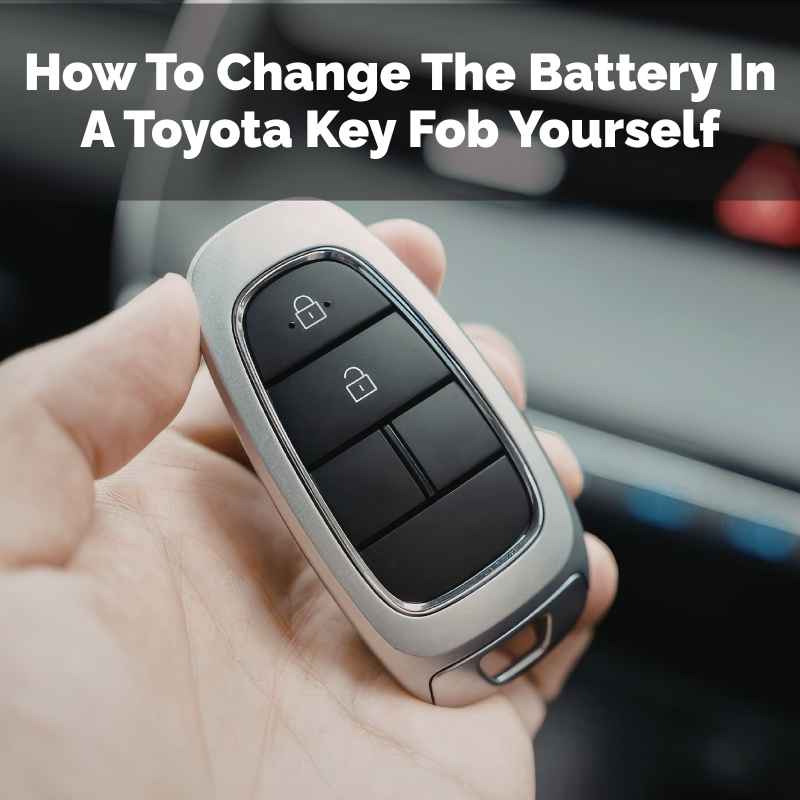
Your Toyota key fob is a small, wireless remote. It lets you do a few key things. You can lock and unlock your car doors.
You can also often open your trunk or activate your car’s alarm. Some newer models have even more functions. These buttons send a signal to your car.
This signal is like a secret code. Your car recognizes this code. Then it performs the action you asked for.
It’s a neat piece of tech that makes life easier.
But like any electronic device, it needs power to work. The power comes from a small, flat battery inside. This battery is called a coin cell battery.
It’s small but mighty. It sends out the radio waves that tell your car what to do. Over time, this battery loses its power.
It can’t send a strong enough signal anymore. That’s when you’ll notice your key fob stops working.
Most Toyota key fobs use a specific type of battery. The most common one is the CR2032. This battery is easy to find at most drugstores or supermarkets.
It’s a standard size. You can also buy them online. Knowing the battery type is the first step to fixing the problem.
You don’t want to open your fob only to find you don’t have the right battery. That would be a bummer.
When Should You Change Your Key Fob Battery?
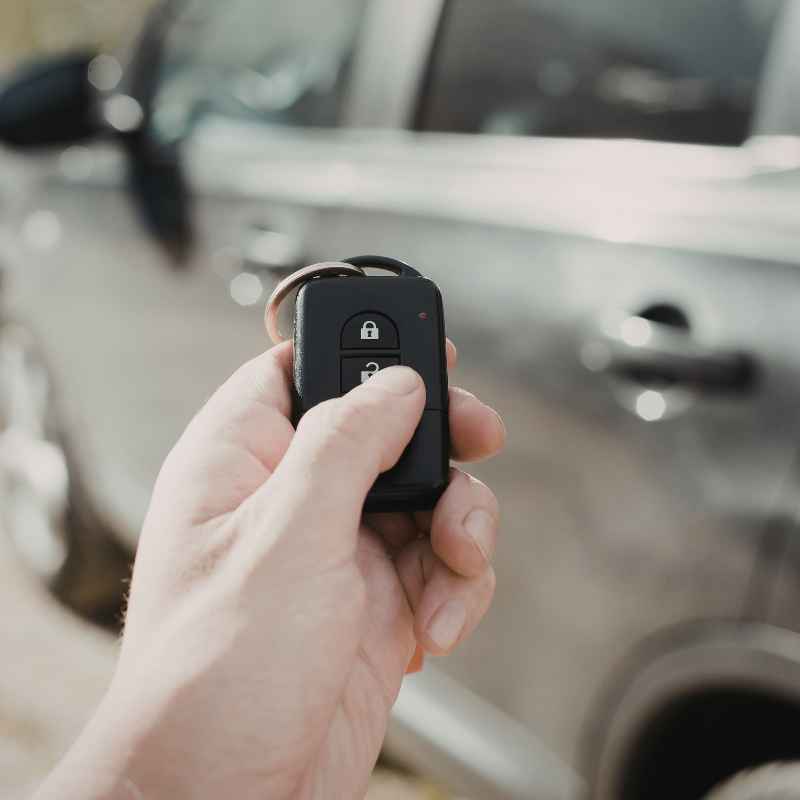
The most obvious sign is when your key fob stops working altogether. You press the lock button, and your car doesn’t respond. No lights blink, and no locks click.
This is the clearest indication. But there are other hints too. Sometimes, your key fob might become weaker.
You might have to be closer to your car for the signal to work.
You might notice that the range of your key fob is shrinking. Instead of working from across the parking lot, you now need to be right next to your vehicle. This gradual decrease in performance is a sure sign the battery is fading.
Think of it like a phone battery. When it starts to die, it doesn’t hold a charge as long. The same idea applies here.
Some Toyota models might have a warning light or message on the dashboard. This light might indicate a key fob issue. It’s always a good idea to check your car’s owner’s manual.
It will tell you if your specific model has any such alerts. Generally, if your fob is acting up, it’s a good time to consider a battery change. It’s better to replace it before it fails completely.
Gathering Your Tools and Supplies
Before you start, make sure you have everything ready. This will make the process much smoother. The most important item is the replacement battery.
As we mentioned, it’s likely a CR2032. Always double-check your owner’s manual or your current fob to confirm the exact battery type. Sometimes, older models might use a different one.
Next, you’ll need a small tool to help you open the key fob. Many people use a flathead screwdriver. A small one works best.
You could also use a butter knife. Just be careful not to scratch the plastic. Some people find a plastic trim tool or a guitar pick to be even gentler on the casing.
The goal is to get leverage without damaging the fob.
You might also want a small bowl or tray. This is to hold the tiny battery and any small screws. This prevents them from rolling away.
Losing a tiny screw can be incredibly frustrating. Having a designated spot for everything helps. Finally, have a clean cloth handy.
You can use it to wipe down the inside of the fob if it looks dusty.
Your Key Fob Battery Checklist
Battery: CR2032 (confirm your model)
Opening Tool: Small flathead screwdriver, plastic trim tool, or sturdy guitar pick
Containment: Small bowl or tray for parts
Cleaning: Soft cloth (optional)
Step-by-Step Guide: Changing Your Toyota Key Fob Battery
Let’s get to it! This process is usually very similar for most Toyota models. We’ll go through it step by step.
1. Locate the Seam or Notch
Look closely at your key fob. You’ll see two halves of the plastic casing. They are joined together.
There’s usually a small seam running all around the edge. Sometimes, there’s a tiny notch or groove on one side. This notch is often the best place to start prying.
2. Gently Pry Open the Fob
Take your chosen opening tool. Insert the tip into the notch or along the seam. Gently twist the tool.
You want to create a small gap between the two halves of the fob. Work your way slowly around the edge. You should hear a soft click as the clips release.
Be patient. Don’t force it too hard. You don’t want to break the plastic.
The fob should start to come apart.
Pro Tip: If you’re having trouble finding a notch, try the long edge of the fob. Sometimes the seam is easier to start there. Work your tool around the entire perimeter.
3. Separate the Two Halves
Once you’ve released the clips, the two halves should separate. You might need to give them a gentle pull. Be aware that some fobs have a small loop for a keychain.
Make sure that isn’t caught. Carefully lay down the two pieces. Keep track of which side is which.
4. Identify the Old Battery
Inside, you’ll see the circuit board. The coin cell battery will be sitting in a small slot. It’s usually held in place by a small clip or by friction.
Take a moment to look at how the battery is oriented. Note which side is facing up. This is very important for the next step.
5. Remove the Old Battery
Use your small screwdriver or a fingernail to gently lift the old battery out of its slot. Most batteries just pop out. If there’s a small clip holding it, gently push the clip to the side.
Avoid touching the circuit board too much. Your fingers have natural oils that can sometimes interfere with electronics. Try to handle the components as little as possible.
Contrast: Old Battery vs. New Battery
Old Battery: May look slightly corroded, appear drained, or have no charge.
New Battery: Should be clean, shiny, and have its full charge.
6. Insert the New Battery
Now, take your new CR2032 battery. Make sure it’s the correct one. Hold it by the edges.
Insert it into the battery slot. It needs to go in the same way the old one came out. Usually, the positive side (+) will be facing up.
You might see a plus symbol on the battery or the fob’s casing. Push it down gently until it clicks or sits snugly in place.
It’s critical to get the battery orientation right. If it’s in backward, the fob won’t work. It could also potentially damage the electronics.
So, take your time and double-check. If you’re unsure, look at pictures online of your specific Toyota key fob model. That often helps clarify the correct orientation.
7. Reassemble the Key Fob
Once the new battery is in, carefully place the circuit board back into its spot in the casing. Align the two halves of the fob. Press them together firmly.
You should hear the clips snap back into place. Work your way around the edges, ensuring a snug fit all the way around. Make sure there are no gaps.
Quick-Scan Table: Fob Assembly
| Step | Action |
|---|---|
| 1 | Place circuit board in its slot. |
| 2 | Align top and bottom halves of the fob. |
| 3 | Press halves together firmly. |
| 4 | Listen for clips to snap into place. |
| 5 | Ensure a tight fit with no gaps. |
8. Test Your Key Fob
This is the moment of truth! Take your reassembled key fob. Point it towards your car.
Press the lock or unlock button. Your car should respond. The lights should flash, and the doors should unlock or lock.
If it works, congratulations! You’ve successfully changed your battery. If it doesn’t work, don’t panic.
It’s usually a simple fix.
Troubleshooting: If it doesn’t work, first check that the battery is inserted correctly. Make sure it’s the right type. Then, try pressing the buttons more firmly.
Sometimes, the connection needs a bit more pressure. If you suspect you might have damaged something, or if it still doesn’t work, it might be time to consult a professional. But for most people, this process solves the problem.
Variations for Different Toyota Models
While the general process is similar, some Toyota models have slightly different key fob designs. For instance, some newer Toyota models use a push-button start. These key fobs might look a bit different but often open in a similar way.
You might find a small slider or a different type of notch to get started.
For example, a Toyota Camry or RAV4 from the last few years might have a slightly sleeker design. They might not have a visible seam that’s easy to pry. Instead, you might need to look for a small button or slot on the side.
This often releases the physical key from the fob. Once the key is out, you can usually see where to insert your prying tool.
Some older Toyota Corollas or Priuses might have a more basic fob. These are often very straightforward to open, with a simple seam. The key is always to be gentle and observant.
Look at your specific fob. See how it’s put together. The principles of separating the casing and replacing the battery remain the same.
Observational Flow: Common Fob Features
Physical Key: Many fobs have a hidden key. It slides out to open doors manually if the fob battery dies.
Battery Compartment: Usually exposed once the two halves are separated.
Circuit Board: The brain of the fob. Handle with care.
Buttons: The rubbery buttons you press. They connect to the circuit board.
If you’re unsure about your specific model, a quick search online for ” key fob battery replacement” will usually bring up helpful videos or diagrams. Seeing someone else do it on the exact same fob can be extremely reassuring. It takes the guesswork out of the equation.
Common Mistakes to Avoid
Even with a simple task, it’s easy to make a mistake. Let’s talk about a few common pitfalls to steer clear of.
1. Forcing It
The biggest mistake is using too much force. Toyota key fobs are made of plastic. They can crack or break if you try to pry them open with too much pressure or the wrong tool.
Always use a tool that fits well. Twist gently. If it feels stuck, look for another starting point or a different way to open it.
Patience is key.
2. Losing Small Parts
As mentioned earlier, losing the tiny battery or any screws (if your fob has them) is a major frustration. Always work on a clean, flat surface. Use a bowl or tray to keep parts contained.
If your fob has a screw, make sure you know where it goes. Some fobs have one small screw holding them together.
3. Incorrect Battery Type
Putting in the wrong type of battery is a common oversight. While CR2032 is most common, some older or specific models might use a CR2016 or CR2025. Using the wrong battery might not provide enough power or could even damage the fob.
Always verify the battery type before buying a replacement.
Myth vs. Reality: Key Fob Batteries
Myth: You need special tools to open a key fob.
Reality: Most common household tools like a small screwdriver or even a sturdy fingernail can work.
Myth: The battery lasts forever.
Reality: Key fob batteries typically last 1-3 years depending on usage.
4. Damaging the Circuit Board
The circuit board inside is delicate. Try not to touch it unnecessarily. Avoid poking at it with sharp metal objects.
Static electricity can also be a problem. While less common with modern fobs, it’s good practice to handle electronics with care. Wash and dry your hands before starting.
5. Not Testing
Once you’ve reassembled it, don’t just assume it works. Test it immediately. If it doesn’t, you’re still in a position to open it up again and check your work.
Trying to use it later might mean you forget the exact way you put it back together.
When to Seek Professional Help
For most Toyota owners, changing the key fob battery is a DIY job. However, there are times when it’s best to let a professional handle it. If your key fob is very old or has been damaged, it might be more complicated.
If you try to open the fob and it feels like it’s going to break, stop. It might be sealed in a way that requires special tools. Also, if you’ve
When to Call a Pro
- Fob appears cracked or damaged.
- Unable to open the fob without excessive force.
- Key fob still doesn’t work after battery replacement.
- You’re uncomfortable performing the steps.
Dealerships can replace key fobs, but this can be quite expensive. A good automotive locksmith might be a more affordable option. They often have the tools and expertise to fix or replace fobs.
They can often program new fobs to your car too. It’s worth getting a quote if you think you need professional help.
Maintaining Your Key Fob
Once your key fob is working again, you can take steps to ensure it lasts longer. One of the simplest things is to avoid dropping it. While most fobs are built to withstand some impact, repeated drops can loosen internal components or damage the battery contacts.
Keep it away from moisture. While not usually waterproof, excessive moisture can corrode the internal electronics. If your fob gets wet, dry it off thoroughly and remove the battery as soon as possible to let it air dry completely.
Avoid leaving it in extremely hot or cold places for extended periods, like on the dashboard in direct sunlight.
Simple Care Tips
Avoid Drops: Handle with care.
Stay Dry: Protect from moisture.
Temperature Control: Avoid extreme heat or cold.
Clean Gently: Wipe with a dry cloth.
Regularly check your key fob’s responsiveness. If you notice the range diminishing, it’s probably time for a battery change. It’s much better to do it proactively than to be stuck with a dead fob.
Think of it as routine maintenance for your car’s convenience features.
Frequent Questions About Toyota Key Fob Batteries
How long does a Toyota key fob battery typically last?
A Toyota key fob battery, usually a CR2032, generally lasts between 1 to 3 years. This can vary based on how often you use the fob, the climate, and the specific battery quality.
What happens if I put the battery in backward?
If you insert the battery backward, the key fob will not work. In most cases, it won’t cause permanent damage, but it’s essential to put it in the correct orientation (usually positive side up) for it to function.
Can I use a different battery size, like a CR2016, if I can’t find a CR2032?
It’s best to stick to the exact battery size specified for your Toyota key fob. While a CR2016 is thinner, and a CR2025 is slightly different, using the wrong size can lead to a poor connection or prevent the fob from closing properly. Always confirm the correct type, usually a CR2032.
My key fob still doesn’t work after changing the battery. What should I do?
First, double-check that the new battery is installed correctly and is the right type. Ensure the contacts are clean. If it still fails, the key fob itself might be damaged or malfunctioning, and you may need to visit a dealership or an automotive locksmith.
Where can I buy a replacement battery for my Toyota key fob?
You can buy replacement batteries (typically CR2032) at most drugstores, supermarkets, electronics stores, and online retailers like Amazon. They are widely available and inexpensive.
How do I find out the specific battery type for my Toyota model?
The best way is to check your Toyota’s owner’s manual. You can also carefully remove the old battery from your key fob and check the number printed on its surface. If you’re still unsure, a quick online search for ” key fob battery type” should provide the answer.
Conclusion
Dealing with a dead key fob battery can seem like a hassle. But as you’ve seen, it’s a very manageable task. By following these simple steps, you can easily replace your Toyota key fob battery yourself.
This saves you time and money. It also gives you a sense of accomplishment. You’ve tackled a common car issue and won.
Enjoy the convenience of your working remote again!
Products related to this article
Sponsored / affiliate links. As an Amazon Associate I earn from qualifying purchases. I may earn additional commission from eligible campaigns.