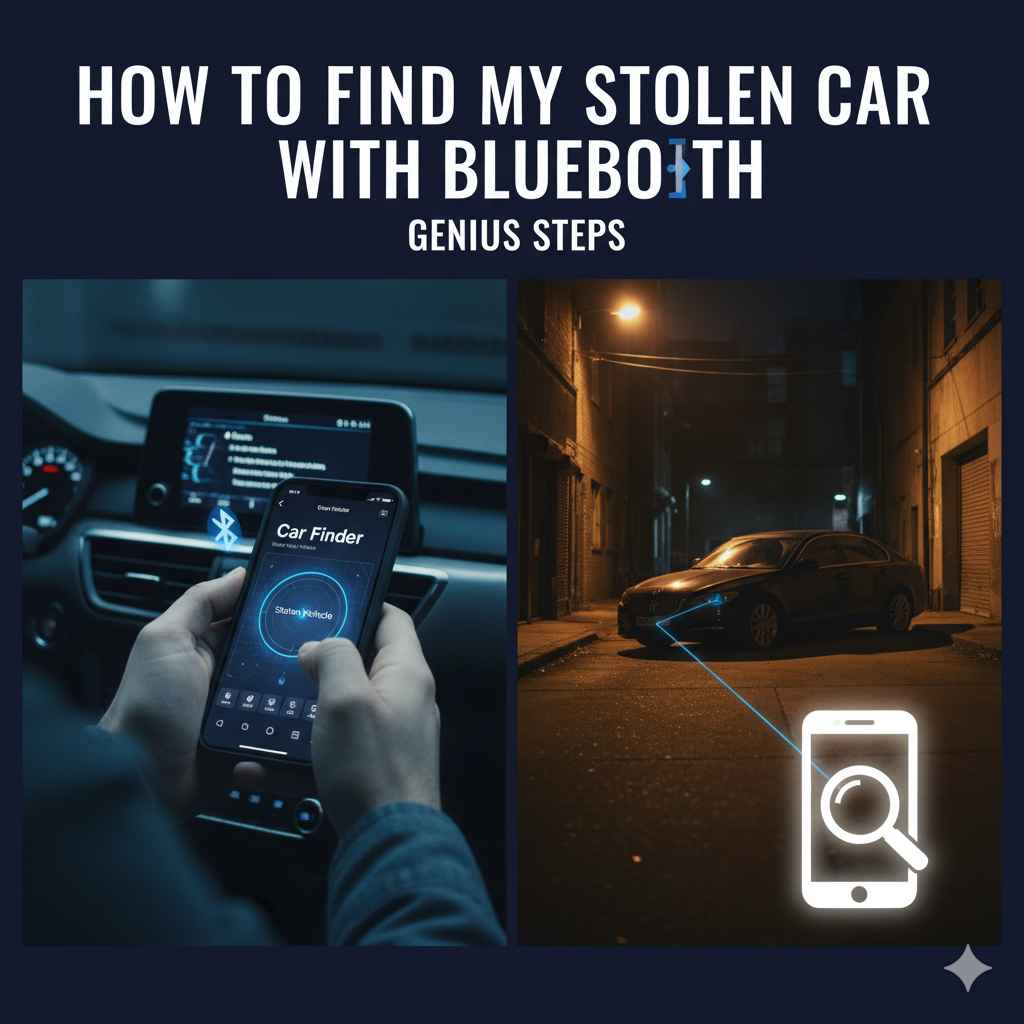
How To Find My Stolen Car with Bluetooth: Genius Steps
While your car’s built-in Bluetooth won’t directly track a stolen vehicle, you can leverage its connection to your phone. By checking Bluetooth history and connected devices on your phone, you might pinpoint the car’s last known location if it was connected when stolen. This guide provides beginner-friendly steps to maximize this tech.
Losing your car is a terrifying experience. The feeling of helplessness can be overwhelming. You might be wondering if there’s any modern technology that can help you get it back. Many cars today have Bluetooth, which connects your phone to the car’s system for calls and music. But can this technology help you if your car is stolen? The short answer is: it’s not a direct tracking device, but there are clever ways you can use your phone’s Bluetooth history to help locate your stolen vehicle. This guide will walk you through the steps in a way that’s easy to understand, even if you’re not a tech whiz. We’ll explore how to use your phone’s existing features to maximize your chances of finding your car.
Understanding Bluetooth and Car Tracking
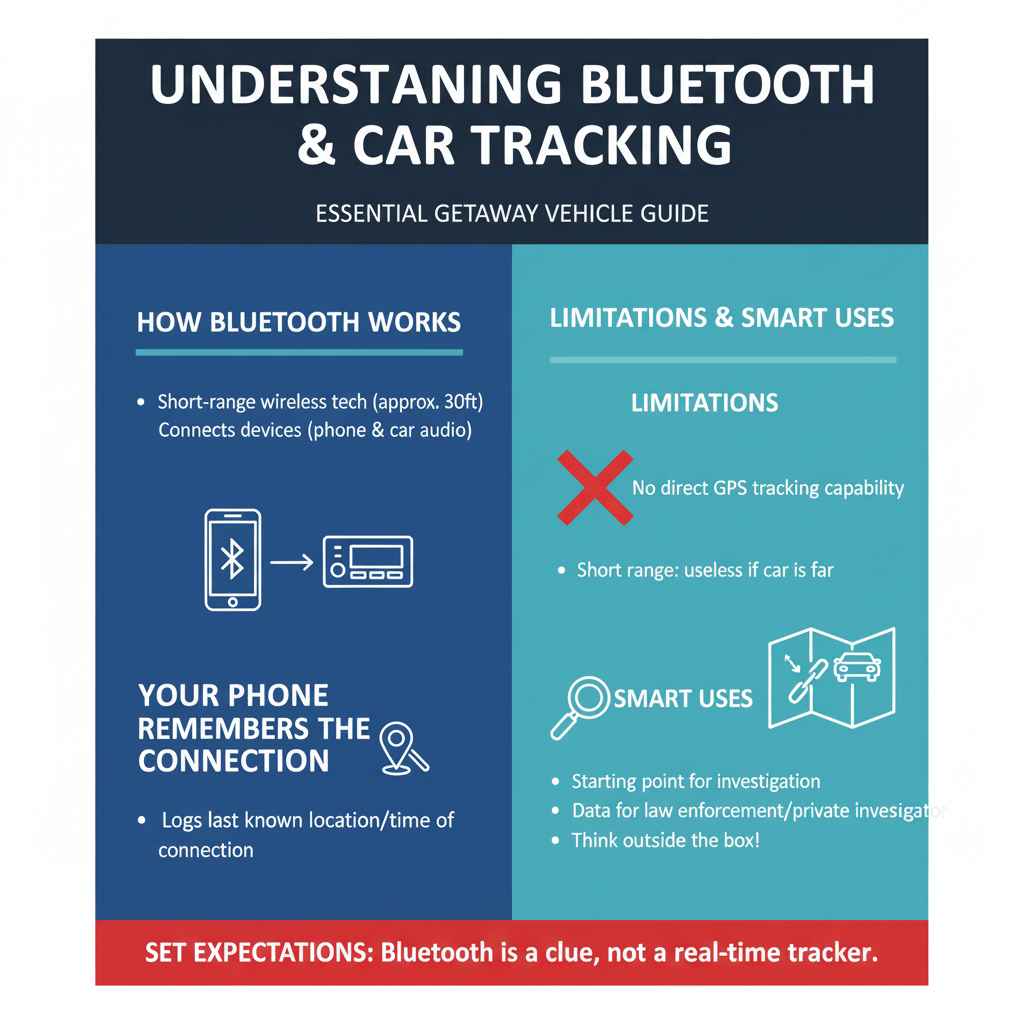
Bluetooth is a short-range wireless technology that allows devices to communicate with each other. In your car, it’s typically used for hands-free calling and streaming audio. When you connect your smartphone to your car’s Bluetooth, your phone “remembers” that connection. This memory is key. While your car’s Bluetooth system itself doesn’t have GPS tracking capabilities (like an AirTag or a dedicated tracker), the information stored on your phone about the connection can be invaluable. Think of it as your phone keeping a log of where and when it last “talked” to your car via Bluetooth.
It’s important to manage expectations early on. Bluetooth connections have a limited range, usually around 30 feet (10 meters). This means that if your car is stolen and driven away, a direct Bluetooth scan from your phone won’t work unless the car is very close by. However, the data logged by your phone about the connection can provide a starting point for law enforcement or a private investigator. This is where the “genius” steps come into play – thinking outside the box and using the information you have.
Why Your Phone’s Bluetooth History Matters
When your phone connects to your car’s Bluetooth, it creates a record. This record typically includes:
- The name of the Bluetooth device (your car’s system).
- The date and time of the connection.
- Sometimes, more advanced systems or apps might log the GPS location where the connection was made.
If your car was stolen while it was parked at your home or office, and your phone was connected just before that, the “last connected location” might be a significant clue. Even if the car is moved, the initial connection data can be a vital piece of evidence. It helps establish a timeline and a last known point where the car and your phone were together.
Step-by-Step: How to Use Bluetooth to Help Find Your Stolen Car
Here’s how you can practically use your phone’s Bluetooth features to aid in the search for your stolen vehicle. Remember, the goal is to gather as much information as possible to provide to the authorities.
Step 1: Secure Your Phone and Report the Theft
The very first thing you must do is report your car stolen to the police. This is crucial for any official investigation to begin. When you report it, provide all details about your car, including its make, model, color, license plate number, and any identifying marks. Also, inform them that your car has a Bluetooth system that connects to your phone, and you will be checking its connection history.
Ensure your phone is safe and accessible. If you use a passcode or fingerprint lock, keep it enabled. This protects your data and the information we’ll be looking for.
Step 2: Access Your Phone’s Bluetooth Settings
Every smartphone has a Bluetooth menu within its settings. The exact steps can vary slightly depending on whether you have an iPhone or an Android device and the version of its operating system.
For iPhone Users:
- Go to ‘Settings’.
- Tap on ‘Bluetooth’.
- You’ll see a list of ‘My Devices’ (previously connected devices) and ‘Other Devices’ (devices nearby).
For Android Users:
- Go to ‘Settings’.
- Tap on ‘Connections’ or ‘Connected devices’.
- Tap on ‘Bluetooth’.
- You should see a list of paired devices.
Step 3: Review Your Paired Bluetooth Devices
In your Bluetooth settings, look for your car’s system listed among the paired devices. It might show up as the car’s model name (e.g., “Ford Sync,” “BMW iDrive”) or a generic name (e.g., “Car Audio”). Tap on the information icon (it might look like an ‘i’ in a circle on iPhones, or a gear icon on Android) next to your car’s name.
This action will usually show you details about the connection. Sometimes, this screen might even show the ‘Last Connected’ date and time. While it doesn’t typically show the location, the time is important for corroborating other information.
Step 4: Utilize Location History (If Available)
Some smartphones and car systems, especially newer ones, can log the location where a Bluetooth connection was established or last detected. This is not a default feature in all situations, but it’s worth checking.
iPhone (Using Location Services History):
Your iPhone may have logged locations associated with Bluetooth connections if Location Services were enabled for Bluetooth. However, this is not a direct feature for Bluetooth device location history but rather a feature that might associate your phone’s last known location with a Bluetooth event if certain apps have permission. A more likely scenario for finding your car is if you had a specific app running that logs such data.
Android (Using Google Maps Location History):
If you use Google Maps and have Location History enabled (which is a common practice for many Android users), you might be able to see where your phone was when it last connected to your car’s Bluetooth. Here’s how:
- Open the Google Maps app.
- Tap on your profile picture or initial in the top right corner.
- Select ‘Your timeline’.
- You can then scroll through dates and times. Look for times your car’s Bluetooth would have been connected (e.g., when you usually drive it).
- If you find a connection event, look at the map to see the location. This is the location where your phone last disconnected or established linkage with the car’s Bluetooth.
This feature is extremely powerful if enabled. For more information on how Google Maps tracks your location, you can refer to Google’s own privacy and location history resources, such as their support page on managing your Location History.
Step 5: Check Other Connected Devices/Apps
Did you have any specific apps running that might log car connections? For example, some car diagnostic apps or even music streaming apps might record connection details. Consider:
- Car Diagnostic Apps: Apps like OBD-II scanners (e.g., Torque, DashCommand) often connect via Bluetooth. If you used one, the app might have a log of when and where it last connected.
- Music Streaming Apps: Less likely to log precise locations, but they might record a “last known connection” timestamp that can help build a timeline.
- Navigation Apps: If you were using a navigation app (like Waze or Google Maps) while connected to your car’s Bluetooth, the app itself may have logged a route or a final destination that correlates with the time the car disappeared.
Browse the settings and logs of any apps that commonly interact with your car’s Bluetooth system.
Step 6: Provide Information to Law Enforcement
Once you’ve gathered any potential clues from your phone’s Bluetooth history, the next crucial step is to share this information with the police. Be specific about the times and locations you found. Even a “last connected” time of 10 PM at your home address can be a critical starting point for their investigation.
Explain clearly how you found this information (e.g., “Google Maps Location History shows my phone connected to my car’s Bluetooth at this location around 11 PM last night.”) This can help them narrow down search areas or identify potential blind spots in surveillance footage.
Step 7: Consider Third-Party Tracking Apps (If You Had Them Installed)
This step is more about future prevention, but it’s relevant. If you had any third-party vehicle tracking apps installed on your phone that were designed to pair with your car or monitor its activity, check those. Examples might include apps linked to aftermarket anti-theft systems or even family safety apps that were set up to monitor vehicle usage.
Be honest about whether you had such systems in place. If you did, their logs will be far more direct than relying on general Bluetooth connection history.
Limitations of Using Bluetooth for Stolen Car Recovery
It’s vital to understand the limitations. Bluetooth was not designed as a long-range tracking system for vehicles. Here are some key points:
- Limited Range: As mentioned, Bluetooth’s range is very short. If the car is moved more than a few dozen feet from where your phone last saw it, your immediate Bluetooth scanning won’t help.
- No GPS Built-in: The Bluetooth module in your car does not have its own GPS chip. It relies on the phone to provide location data, and only then if specific features or apps are configured to do so.
- Data Persistence: The connection history on your phone can be erased or overwritten if new connections are made. Also, if the car’s infotainment system is reset or the battery is disconnected immediately after the theft, some internal logs might be lost.
- Reliance on Phone’s State: The effectiveness depends entirely on your phone’s battery, whether Bluetooth was enabled, and if location services were active and permitted for relevant apps at the time of the theft.
Therefore, while helpful, this method is best used as a supplementary tool to aid official investigations rather than a primary recovery method.
Bluetooth Features Found in Cars
Modern cars offer various levels of Bluetooth integration. Understanding what you might have can help you know what data to look for.
| Feature | Description | Relevance to Recovery |
|---|---|---|
| Hands-Free Calling | Allows making and receiving calls without holding the phone. | Logs connection times and potentially last paired location on phone. |
| Audio Streaming (A2DP) | Plays music, podcasts, or other audio from your phone. | Similar to calling; logs connection times. |
| Contact Sync | Downloads your phone’s contact list into the car system. | Very little direct recovery relevance, but confirms a successful connection. |
| Message Access Profile (MAP) | Allows the car system to read and sometimes respond to text messages. | May log timestamps of messages received/sent while connected. |
| Wi-Fi Hotspot (via phone) | Some systems can share your phone’s data connection. | Less direct, but confirms active phone interaction. |
| Integrated Navigation System | Some cars with built-in navigation might use Bluetooth for traffic data or phone integration. | May log destinations or routes with timestamps when connected to your phone. |
The more integrated the Bluetooth system, the more potential data points there might be, but this also makes the system more complex. For basic recovery, focus on the connection logs on your phone.
When to Seek Professional Help
While using your phone’s Bluetooth is a DIY approach, it’s important to know when to step back and let the professionals take over. If you manage to get a precise location or a strong lead, the police are your primary resource. They have tools and expertise that we don’t.
For those who can afford it, or if the car is particularly valuable, you might consider hiring a private investigator. They can use more advanced techniques and databases to track down stolen vehicles. However, even they will benefit from the information you gather using your phone’s Bluetooth history.
Remember, your safety is paramount. Never attempt to confront a thief or recover the vehicle yourself. Let the authorities handle it.
Preventative Measures for the Future
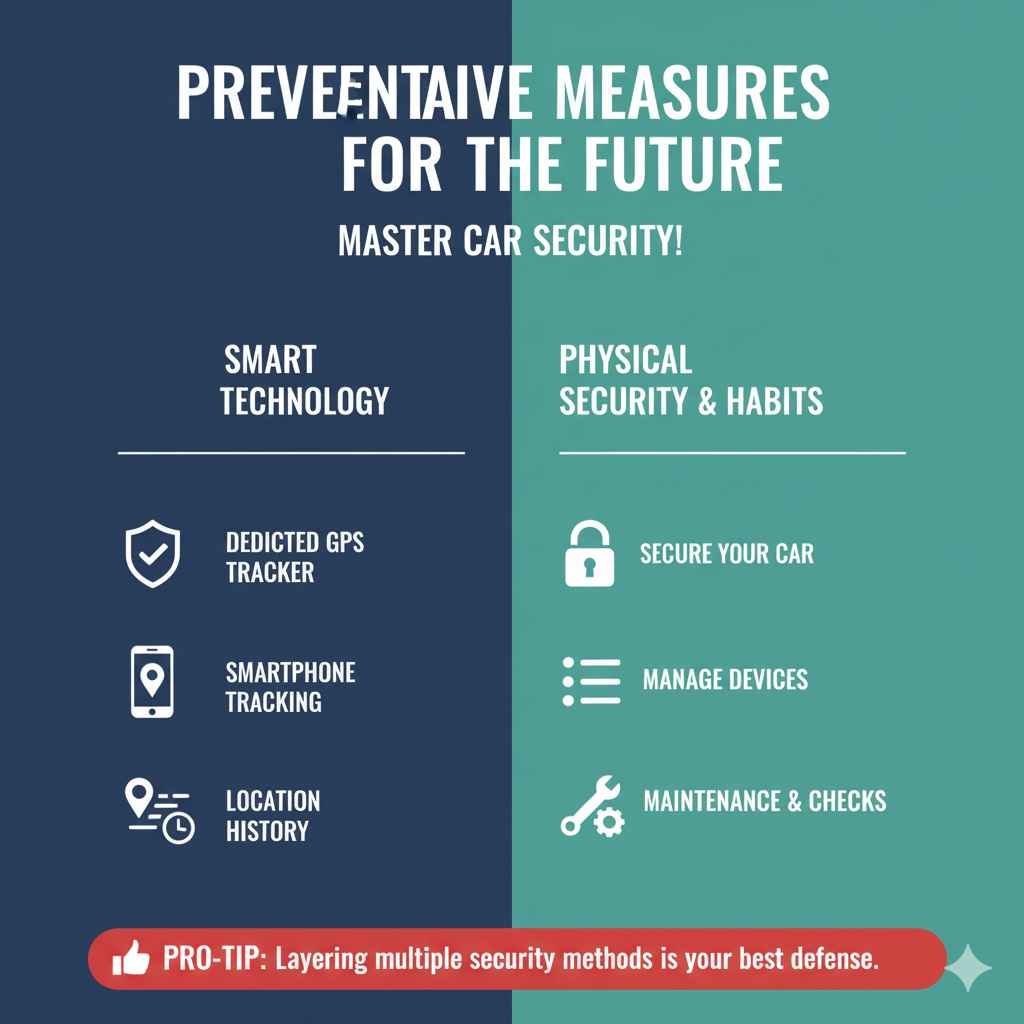
Losing a car is a stressful event, and it highlights the importance of being proactive. Here are some tips to consider for the future:
- Install a Dedicated GPS Tracker: For peace of mind, consider installing a professional GPS tracking device. Many are disguised or hardwired into the vehicle, making them difficult for thieves to find and disable. Companies like LoJack offer such services, or you can purchase aftermarket options.
- Use Smartphone Tracking Features: If your car supports integration with apps like Apple CarPlay or Android Auto, ensure your phone’s ‘Find My iPhone’ or ‘Find My Device’ feature is enabled and configured correctly. While these primarily track your phone, some integrations might offer limited car location data.
- Enable Location History: Make sure Google Maps Location History or similar services are enabled on your smartphone, provided you are comfortable with that level of data sharing. It’s a powerful tool for reconstructing events.
- Regularly Check Paired Devices: Periodically review the Bluetooth devices paired with your car and your phone. Remove any old or unrecognized devices.
- Secure Your Car: Always lock your doors, park in well-lit areas, and consider an anti-theft alarm system or a steering wheel lock if you live in a high-risk area. The National Highway Traffic Safety Administration (NHTSA) offers resources on anti-theft device recommendations.
Frequently Asked Questions (FAQs)
Q1: Does my car’s built-in Bluetooth have GPS?
A1: No, most factory-installed car Bluetooth systems do not have built-in GPS receivers. Their primary function is to wirelessly connect your phone for calls and audio. They rely on your phone for any location-based information.
Q2: Will Bluetooth automatically save my car’s location when it’s stolen?
A2: Not directly. Your car’s Bluetooth system doesn’t automatically save its own GPS location. However, your phone might log the location where it last connected to your car’s Bluetooth system, especially if you have services like Google Maps Location History or similar enabled.
Q3: How far away can I detect my car with Bluetooth?
A3: Bluetooth has a very short range, typically around 30 feet (10 meters). This means you won’t be able to track a stolen car from a distance using just your phone’s Bluetooth scanner. Its utility is in logging the last known connection point.
Q4: What happens if the thief disconnects my car’s battery after stealing it?
A4: If the car’s battery is disconnected, any logs that were stored within the car’s infotainment system related to Bluetooth connections might be lost. However, the records on your phone about the last successful connection should remain intact unless manually deleted.
Q5: Can I use multiple phones to check Bluetooth history?
A5: Yes, absolutely. If multiple people regularly use the car and pair their phones, check the Bluetooth history on all of their devices. Each phone might offer a slightly different clue or the last connection time from a different perspective.
Q6: What if my car’s Bluetooth name is generic, like “Handsfree”?
A6: Even a generic name helps identify the device in your phone’s history. Compare the connection times with what else was happening in your life. If “Handsfree” connected at 2 AM, and you know you weren’t driving then, it’s a clue the car was likely being used or moved when that connection was made.