How to Get Cars in The Sims 4: Mods, Cheats & Official Options
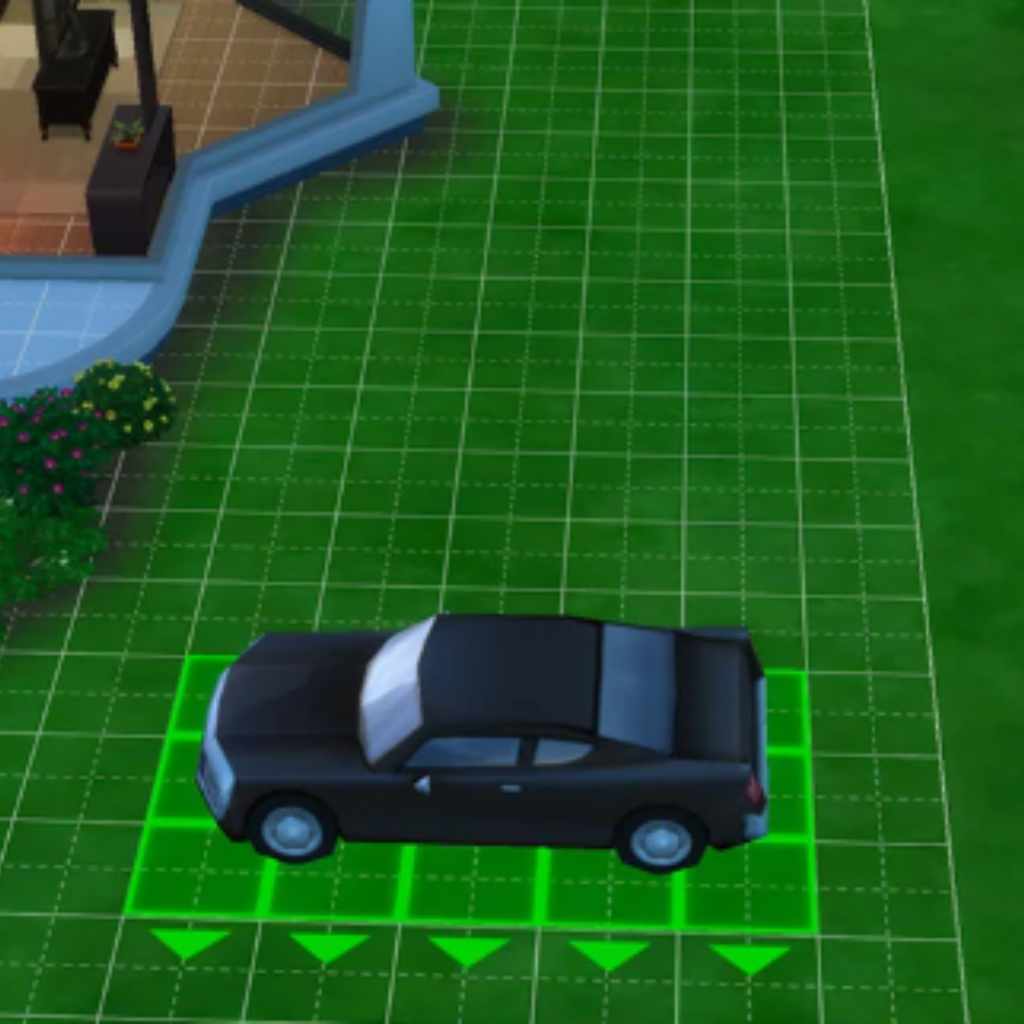
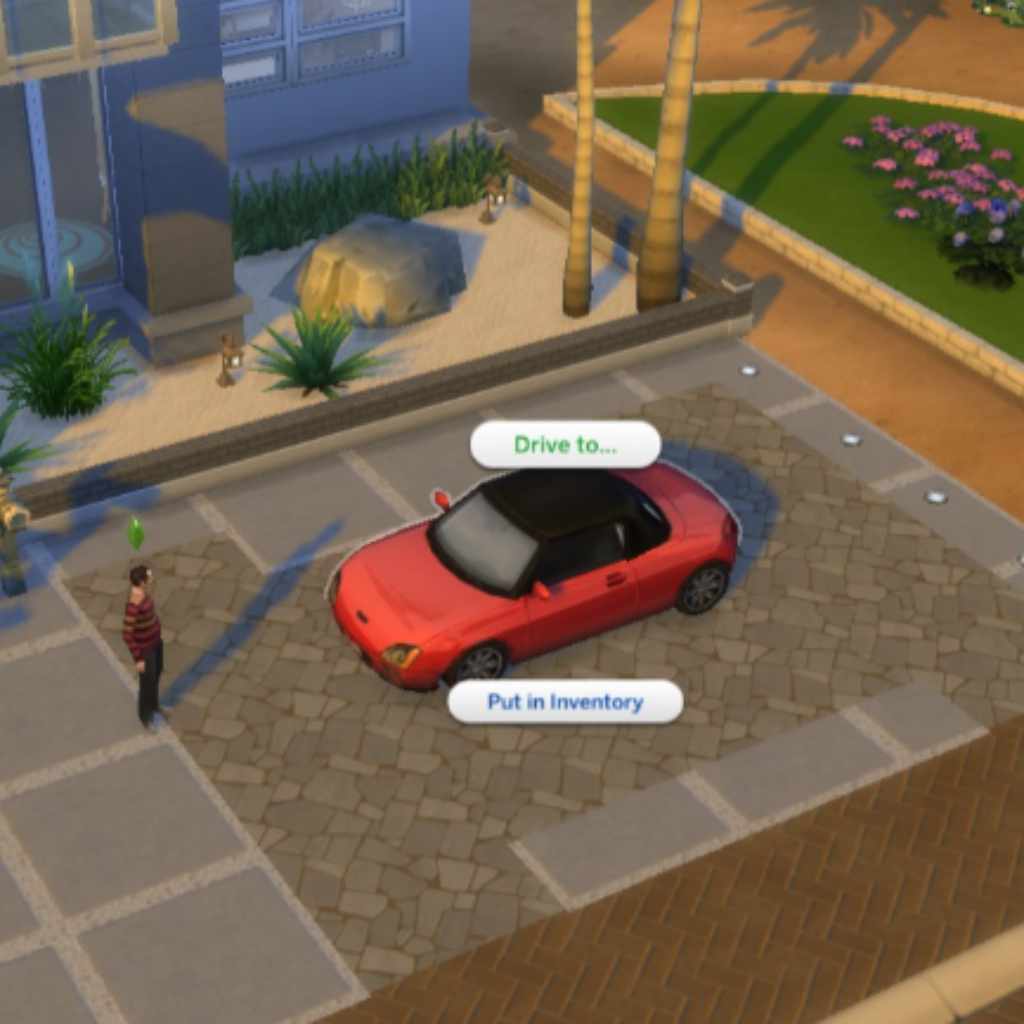
The Sims 4 has no official drivable cars — every base game and expansion pack only includes cars as static, decorative build-mode objects. To actually own and drive a car between lots, you need a mod like “Ownable Cars,” which adds five drivable vehicles and a real driving moodlet. Here’s how to install it, plus cheats and decorative CC options if you just want cars for looks.
Quick Answer
The Sims 4 has no official drivable cars in any expansion — cars are decorative build-mode objects only. To drive one, install the “Ownable Cars” mod (five drivable vehicles), or the “Ownable and Functional” CurseForge update. For looks-only cars, use LorySims’ CC catalog or the “bb.showhiddenobjects” cheat to unlock hidden base-game cars in build mode.
Cars In Sims 4
Cars add a new level of fun and realism to Sims 4. They let your Sims travel in style and save time. Driving cars makes the game world feel more alive and interactive — the same appeal that drives car-focused content in other games, like GTA 5’s special story mode vehicles. Many players enjoy customizing and collecting different vehicles for their Sims.
Car Availability
Cars are not in the base version of The Sims 4. Both the base game and every official expansion pack only include cars as static, decorative build-mode objects — Sims can place them as scenery, but no official content adds real driving. To actually buy, drive, and store a functional car in a garage, you need a third-party mod. Different mods offer different driving speeds and styles.
Game Versions With Cars
Contrary to a common rumor, the “Get to Work” expansion pack does not add drivable cars — it adds the Detective, Doctor, and Scientist active careers and retail businesses. No official EA expansion or game pack has ever added functional, drivable cars to The Sims 4. Sims travel everywhere by walking or loading-screen teleport; the only cars in the base game and packs are static, decorative build-mode objects with no driving gameplay at all. Real driving only comes from third-party mods.
Installing Car Mods
Installing car mods in Sims 4 lets you add cool vehicles to your game. Mods change the game files to bring new cars. This process is simple but needs care. Follow steps to safely add cars and enjoy new rides.
Finding Reliable Mods
Start by choosing safe and trusted sites. Two real, verifiable mods to look for: “Ownable Cars” (originally by Dark Gaia on Mod The Sims, with an “Ownable and Functional” updated version on CurseForge) adds five drivable cars — the Smoogo Minima, Smord P328, Tofunda Wagon, Vorn Stallion, and Bwan Speedster YL — that Sims can actually drive between lots for a mood-boosting “Traveled in Style” moodlet. If you want purely decorative CC instead, LorySims’ catalog covers 60 real-world car brands. Check user reviews before downloading, and avoid files from unknown sources.
Data point: The “Ownable Cars” mod prices its five vehicles from §10,000 (Smoogo Minima) up to §20,000 (Bwan Speedster YL) in-game Simoleons — worth budgeting for before you download it, since a starting Sim household usually only has a few thousand Simoleons to spend.
“Always install one car mod at a time and test it before adding another — most ‘my game broke’ reports in the Sims 4 modding community trace back to two similar mods conflicting, not a single mod being broken.” — Sims 4 modding community guidance
Downloading And Installing
Download the mod file to your computer. Most car mods come as .package files. Find your Sims 4 Mods folder in Documents. Copy the mod file into this folder. Open the game and enable mods in settings. Restart the game to load new cars.
Mod Compatibility Tips
Check if the mod fits your Sims 4 version. Some mods stop working after updates. Remove old mods before adding new ones. Use one mod at a time to test for problems. Keep mods updated for smooth gameplay.
Using Cars In Gameplay
Using cars in Sims 4 adds a new layer to gameplay. It makes moving around the neighborhood faster and more fun. Sims can use cars for daily travel, social visits, or work commutes. Cars also bring a fresh way to explore the game world.
Driving Mechanics
Driving cars in Sims 4 is smooth and easy. Sims sit inside and start the engine with a click. You control the car’s speed and direction using simple commands. The car moves realistically through streets and paths. Traffic and road rules affect how your Sim drives. This adds a touch of realism to gameplay.
Car Interaction Options
Sims can do many things with cars besides driving. They can clean, repair, or upgrade their vehicles. Sims might also honk, play music, or chat while inside the car. These interactions make cars feel like part of daily life. Cars become more than just transport; they turn into a social space.
Customizing Your Ride
Players can personalize cars to fit their Sims’ style. Paint jobs, decals, and wheel designs change a car’s look. Customizing lets you make each car unique and eye-catching. You can match cars to your Sim’s personality or career. This feature adds creativity and fun to the game.
Buying Cars In Sims 4
Buying cars in Sims 4 lets your Sims travel faster and in style. Cars add fun and realism to the game. You can get cars by different methods. Each way has its own steps and tips to follow. This guide helps you find the best way to get cars for your Sims.
In-game Car Shops
Sims 4 has special shops where Sims can buy cars. Visit these shops through the phone or computer. Browse the car catalog and pick the one your Sim likes. Some cars cost more than others, so choose wisely. After buying, the car appears in your Sim’s household inventory. You can then drive it around the neighborhood.
Using Cheats To Get Cars
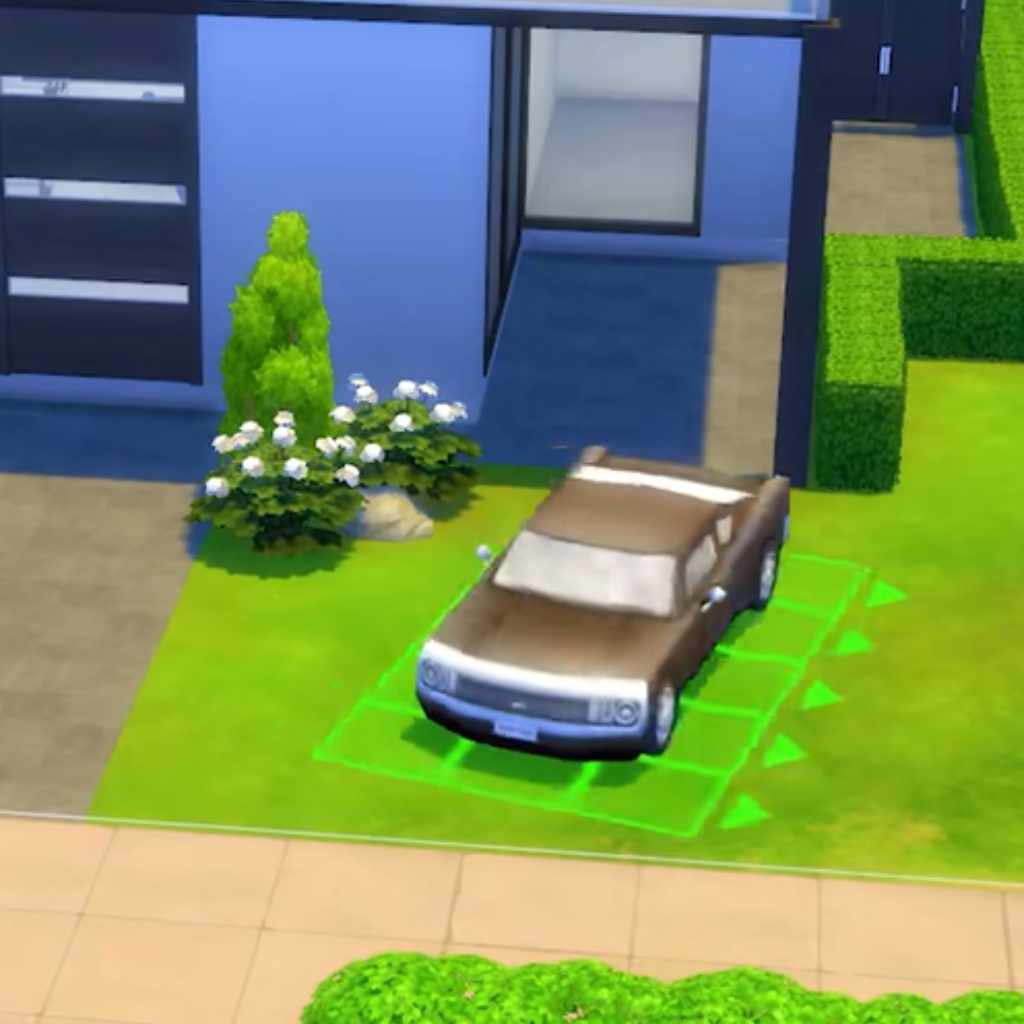
Cheats let you get cars instantly without earning Simoleons. Open the cheat console by pressing Ctrl + Shift + C. Type “testingcheats true” and press Enter. Then type “bb.showhiddenobjects” to unlock secret items, including cars. Search for cars in the buy mode and place them in your lot. This method is quick but may affect game balance.
Budgeting For Your Car
Cars can be expensive in Sims 4. Check your Sim’s money before buying. Save up Simoleons by working or selling items. Set a price limit to avoid overspending. Choose cars that fit your Sim’s budget and style. Remember, a cheaper car can still be useful for daily travel.
Troubleshooting Car Issues
Cars in Sims 4 add fun and new ways to play. Sometimes, players face problems with cars. These issues can stop the cars from working well. Troubleshooting helps fix these problems fast. It makes sure cars run smooth and add to your game experience.
Fixing Mod Conflicts
Mods can change how cars work in Sims 4. Conflicts happen when two mods don’t get along. This can cause cars to disappear or act strange. To fix this, remove all mods first. Add them back one by one. Check the car after adding each mod. This shows which mod causes the problem. Delete or update the bad mod to stop conflicts.
Performance Optimization
Cars need good game performance to run right. Slow games can make cars lag or freeze. Lower your game settings like graphics and shadows. Close other apps on your computer to free memory. Keep your Sims 4 game and mods updated for best speed. A smooth game means cars move and look better.
Common Glitches And Solutions
Car glitches happen often in Sims 4. Cars may get stuck or not appear. Restart the game to clear small bugs. Repair your Sims 4 game using the launcher tool. Clear your cache to fix loading problems. If a car crashes your game, try using a different car mod or remove extra mods. These steps fix most car glitches quickly.
Enhancing Car Experience
Enhancing your car experience in Sims 4 makes the game more exciting. It adds depth and fun to your gameplay. You can explore new ways to enjoy cars beyond just driving them.
Cars can become part of your Sim’s lifestyle and stories. There are many options to customize and interact with vehicles. This section covers how to enrich your Sims’ car life.
Car-themed Expansions
Car-themed expansions bring new cars and features to the game. They offer special vehicles that fit different styles. These expansions add garages, repair shops, and car-related activities.
Expansions create more chances for Sims to use and care for cars. You can build car collections or run auto businesses. This makes the gameplay more realistic and fun.
Community Custom Content
Community custom content provides unique cars made by other players. These cars often look different from the official ones. Custom content can include vintage cars, sports cars, and more.
Installing custom content lets you personalize your game. It brings fresh designs and styles to your Sim’s garage. Always download content from trusted sources for safety.
Car Shows And Events
Car shows and events add social and competitive fun to Sims 4. Sims can display their cars and meet other car lovers. These events include contests, races, and meetups.
Participating in car events helps Sims build relationships. It also offers rewards and recognition for car collections. These moments make your Sims’ car stories richer and more engaging.
Frequently Asked Questions
How Can I Add Cars To Sims 4 Gameplay?
You can add cars in Sims 4 by using mods or custom content. Officially, Sims 4 does not have drivable cars. Mods like “Ownable Cars” (originally by Dark Gaia, with an updated “Ownable and Functional” version on CurseForge) let Sims own and drive vehicles between lots, adding real transportation gameplay.
Are There Official Cars Available In Sims 4?
No, Sims 4 does not offer official cars as part of the base game or expansions. Players rely on mods or custom content to introduce cars. This limitation means cars are not fully integrated or drivable in the standard game.
What Mods Are Best For Sims 4 Cars?
Popular mods for Sims 4 cars include “Ownable Cars” for functional driving between lots, and LorySims’ catalog of decorative CC vehicles spanning 60 real-world car brands. Always download mods from trusted sources to avoid issues.
Can Sims 4 Cars Be Customized?
Yes, many car mods for Sims 4 allow customization. Players can change colors, styles, and sometimes performance features. Customization enhances gameplay by letting Sims reflect their personality through their vehicles.
How Much Do Cars Cost in the Ownable Cars Mod?
The five cars in “Ownable Cars” range from §10,000 (Smoogo Minima) to §20,000 (Bwan Speedster YL), with the Smord P328, Tofunda Wagon, and Vorn Stallion priced in between. Budget accordingly before downloading, since a new Sim household rarely starts with that much.
Why Did My Sims 4 Car Mod Stop Working?
Most car mod problems come from either an outdated mod after a game patch, or two similar mods conflicting with each other. Update your mods, remove duplicates, and add new ones one at a time to isolate the problem.
Conclusion
Getting cars in Sims 4 adds fun and style to your gameplay. You can find cars by exploring mods or using in-game cheats. Each method lets your Sims travel faster and look cooler. Try different ways and see what fits your play style best.
Keep your game updated to enjoy new car options. Enjoy driving around your virtual world with ease and excitement. Cars make Sims 4 more lively and interesting every time you play.
Products related to this article
Sponsored / affiliate links. As an Amazon Associate I earn from qualifying purchases. I may earn additional commission from eligible campaigns.