
How to Integrate Cars Into Your Lifestyle: A Setup Plan
Start by mapping your weekly driving needs, then choose the car, features, and maintenance schedule around commute length, cargo needs, tech use, and travel patterns. Skip that plan and you burn fuel, buy the wrong options, miss service dates, and turn the car into a source of friction. This guide maps a setup plan for commuting, connected devices, errands, family use, trips, and upkeep.
How do you make a car fit your daily routine?
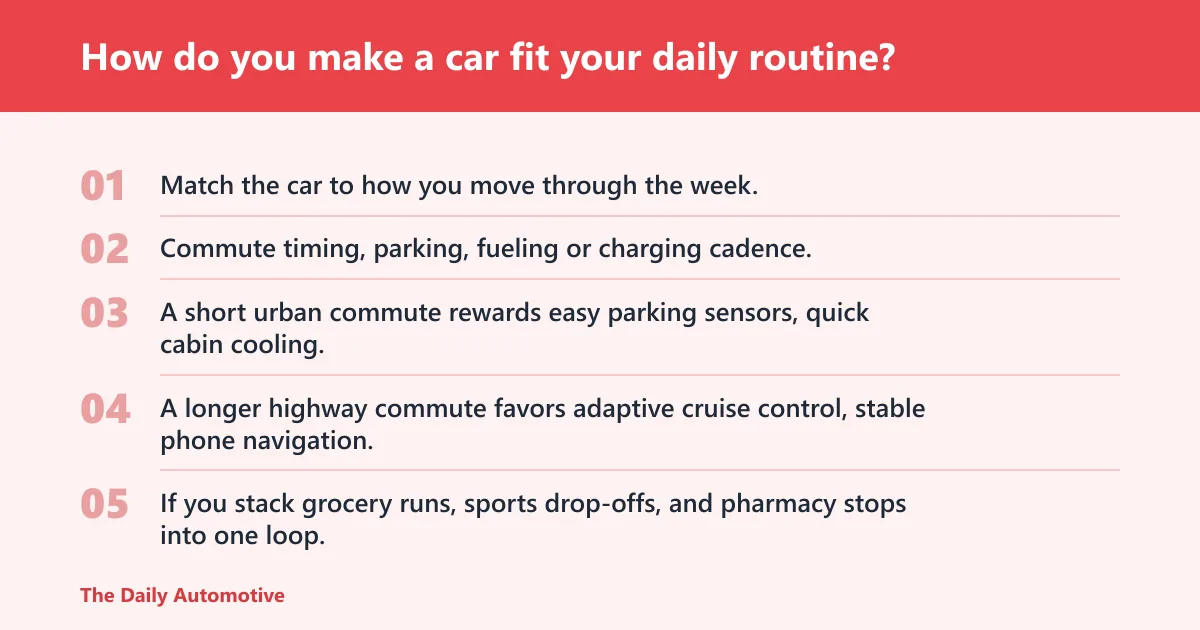


Match the car to how you move through the week. Commute timing, parking, fueling or charging cadence, and maintenance reminders should sit on your calendar beside meetings and school pickups. The best setup removes repeat decisions.
Map commute timing, errands, and parking habits
Start with the daily route. A short urban commute rewards easy parking sensors, quick cabin cooling, and strong outward visibility. A longer highway commute favors adaptive cruise control, stable phone navigation, and seats that stay comfortable after an hour or more.
Then look at errands. If you stack grocery runs, sports drop-offs, and pharmacy stops into one loop, cargo space and a low lift-over height matter more than peak horsepower. Parking also changes the feature list. Tight street parking makes remote locking, a rear camera, and compact mirrors more useful than a giant screen.
Set fueling or charging cadence around your week
Use a fixed refuel or recharge pattern instead of waiting until the tank is near empty. Gas drivers often do better with one weekly fill-up tied to a regular errand. EV drivers need a plug-in plan that fits overnight parking, work charging, or a public station on a predictable day.
Say you have a moderate daily commute and also make regular school or activity trips during the week. That is enough use to justify a repeating Sunday fuel stop or a Tuesday night charging habit, not random top-offs that break up the week.
Schedule maintenance against your calendar, not memory
Put oil changes, tire rotation, tire pressure checks, fluid checks, registration, and insurance renewal on recurring calendar alerts. A mileage-based reminder helps, but time still matters. Rubber, fluids, and paperwork all age even when the car sits.
A practical maintenance system can use three layers: a calendar reminder, a mileage reminder, and a place for receipts. Keep the service interval, tire pressure spec, and renewal dates in one note so you are not searching through glovebox papers during a deadline week.
What car features make everyday life easier?
The features that save time every day are the ones you use without thinking: infotainment, smartphone pairing, voice control, storage, climate control, and simple seating adjustments. Add convenience tech only when it solves a repeated task. Fancy features that sit unused become dead weight.
Start with infotainment, phone pairing, and voice control
A useful vehicle infotainment system should handle smartphone pairing, navigation, music, calls, and voice control without constant menu hunting. Apple CarPlay and Android Auto compatibility are common priorities for many drivers because they can mirror phone apps in a simpler interface.
For daily use, the value is not the screen size. It is whether the system connects quickly, keeps calls clear, and lets you start directions without touching your phone at a stoplight. If pairing is slow or flaky, the system becomes clutter rather than a tool.
Use storage, seating, and climate features for routine trips
Storage and comfort features matter most on ordinary trips, not rare road trips. Cupholders that fit real bottles, a cargo area with tie-downs, rear seat anchors, and vents that reach the back row all reduce small annoyances. Heated seats, a heated wheel, and dual-zone climate control help in cold or mixed-weather climates.
For families, latch access and easy-clean materials matter more than a luxury badge. For urban drivers, compact storage bins and a flat load floor often beat extra power features. Every feature should solve a repeated task.
Add convenience tech only if you will use it weekly
Remote start can matter in extreme heat or cold. A dash cam can matter if parking lots are a risk. A wireless charging pad can help if your phone battery drains on long commutes. If a feature will not see weekly use, it should not drive the purchase.
A common first-timer mistake is buying a trim level for one option and then paying more in insurance, tires, or depreciation for features that never leave the brochure.

How do you connect your phone and smart devices to the car?

Start with the simplest stable setup: CarPlay or Android Auto, a reliable cable or wireless link, and updated phone software. Then add only the apps and permissions you need. The goal is quick pairing, clear audio, and fewer distractions, not a dashboard full of overlapping controls.
Set up Apple CarPlay or Android Auto first
Apple CarPlay and Android Auto should be the first compatibility check when you shop for a car or an adapter. They handle maps, calls, music, and voice input in a familiar phone-based interface. If the vehicle supports both, that widens your options for drivers and passengers.
Check whether the car offers wired-only support, wireless support, or both. Wired connections usually stay more stable and charge the phone at the same time. Wireless connections are convenient, but they can be slower to connect and more sensitive to software updates.
Choose wired, wireless, or adapter-based connections
A wired setup is the lowest-risk choice for daily commuting. Wireless CarPlay or Android Auto is better when you climb in and out often and do not want a cable dangling across the console. A wireless adapter can be a good middle ground for an older car, but compatibility varies.
Expect basic adapters to cost in roughly the low-to-mid range, with higher-end units sometimes costing more. Cheap units may lag, disconnect, or fail after phone updates. That matters more than the sticker price because a bad adapter can make the whole infotainment system harder to trust.
Check app permissions, updates, and compatibility limits
Connected phone features depend on permissions, software versions, and the vehicle’s head unit. If the phone OS updates but the car interface does not, features can break or behave oddly. Review camera, microphone, location, and notification permissions so the car does not ask for more access than needed.
For smart devices, keep the car app, phone OS, and infotainment firmware current when the manufacturer allows it. If your phone and the vehicle do not fully agree, choose the more stable function and ignore the rest. A phone that keeps dropping calls is more useful as a hotspot than as a complicated control center.
What connected car features are worth paying for?
Pay for connected features only when they save time or reduce hassle. Remote locking, remote start, and vehicle status alerts can help, especially if the car lives outside or you share it with other drivers. Subscription-dependent functions are worth it only when the service stays reliable and replaces a real task.
Compare remote locking, remote start, and status alerts
Remote locking is useful for a car parked in a busy lot or used by multiple family members. Remote start helps in hot or cold weather if local rules allow idling and the feature is properly configured. Vehicle status alerts can warn about low tire pressure, battery issues, or an unlocked door.
If the car already gives you a clear dashboard warning and you check it regularly, some app alerts become redundant. The useful test is simple: does the feature save a walk to the parking spot or prevent a missed problem?
Know which functions depend on subscriptions
Many connected features are subscription-dependent after the first term. That can include remote access, live traffic, Wi-Fi hotspot service, or location-based functions. Read the ownership terms carefully, because a feature advertised in the showroom may cost extra later.
Subscription fatigue is real. If a feature stops working when the trial ends, factor that into the car’s true cost. A feature that depends on a paid plan is not the same thing as a feature built into the vehicle.
Avoid features that duplicate what your phone already does
If your phone already handles navigation, music, and hands-free calls, the car’s extra app may not add enough value. Redundant apps can slow down login, split settings across devices, and create more failure points. Simpler is often better.
Suppose a driver uses a separate app for unlocking, another for charging status, and a third for route planning. If one account logs out or the network drops, the whole workflow stalls. One stable system beats three half-used ones.
Should you upgrade, retrofit, or replace the car?
Use age, reliability, and daily needs to choose the path. Small upgrades make sense when the car is sound and the problem is convenience. Retrofitting makes sense only for specialized projects. Replacement is the right answer when the vehicle no longer fits the work it has to do.
Compare upgrade cost against replacement cost
Start with the cheapest fix that solves the real problem. A dash cam, better tires, roof storage, or a wireless CarPlay adapter may cost far less than a new vehicle and solve the exact complaint. If reliability is failing, though, the repair money can become a trap.
Look at total ownership cost, not only the purchase price. A newer car with lower fuel use, better safety tech, and less downtime can cost more upfront but less over time. The deciding factor is whether the current car can still support the week without constant repair disruption.
Treat EV conversion as a specialized custom job, not a basic add-on
An EV retrofit kit often includes a battery pack, electric motor, controller, charging port, and some level of custom installation. That is not a bolt-on upgrade like a roof box. It changes the car’s electrical, structural, and safety profile.
Autolibre trains mechanics and technicians through online courses, and the company has helped convert vehicles across 14 Latin American countries. Rest of World says a conversion starts at $6,000, while a popular new EV model mentioned costs around $18,100. The process requires skilled EV technicians.
What should you know before retrofitting a gas car to electric?
A gas-to-electric conversion can work, but it is a major custom build with safety, cost, and packaging limits. You need the right vehicle, the right technician, and a realistic budget. For many drivers, replacement is cheaper and simpler than conversion.
Understand the main hardware: battery pack, motor, controller, and charging port
The core parts are straightforward on paper. The battery pack stores energy, the electric motor moves the car, the controller manages power delivery, and the charging port connects to external charging equipment. The hard part is fitting all of that safely into a chassis designed for a different drivetrain.
A planning calculator can support both definite and indefinite integrals, show full working step by step, include interactive graphs and plots, handle integrals with many variables, and let users set the variable of integration and the bounds. That kind of structured thinking is useful when you are comparing conversion layouts and space constraints, even though the conversion itself is a mechanical job.
Plan for custom installation, wiring, and safety checks
Custom installation is the point where projects fail if the work is rushed. High-voltage wiring, battery mounting, cooling, braking integration, and charging safety all need proper design and inspection. This is not the place for guesswork.
Is retrofitting an older car safe? It can be, but only when the work is done by qualified technicians, with proper parts, testing, and documentation. A cheap build that skips thermal management or electrical protection is not a safe bargain.
Compare the conversion budget with the value of the finished vehicle
If a conversion starts near $6,000 and the donor car is worth very little, the math can still fail once labor, certification, and parts are added. A finished converted car may be worth less than the sum invested, especially if the platform is old or uncommon.
Ask whether the converted vehicle will meet your daily routine better than a replacement EV or a well-maintained gas car. If the answer is no, the project is a hobby, not a practical ownership choice.
How do you build a lifestyle-fit checklist by driver type?
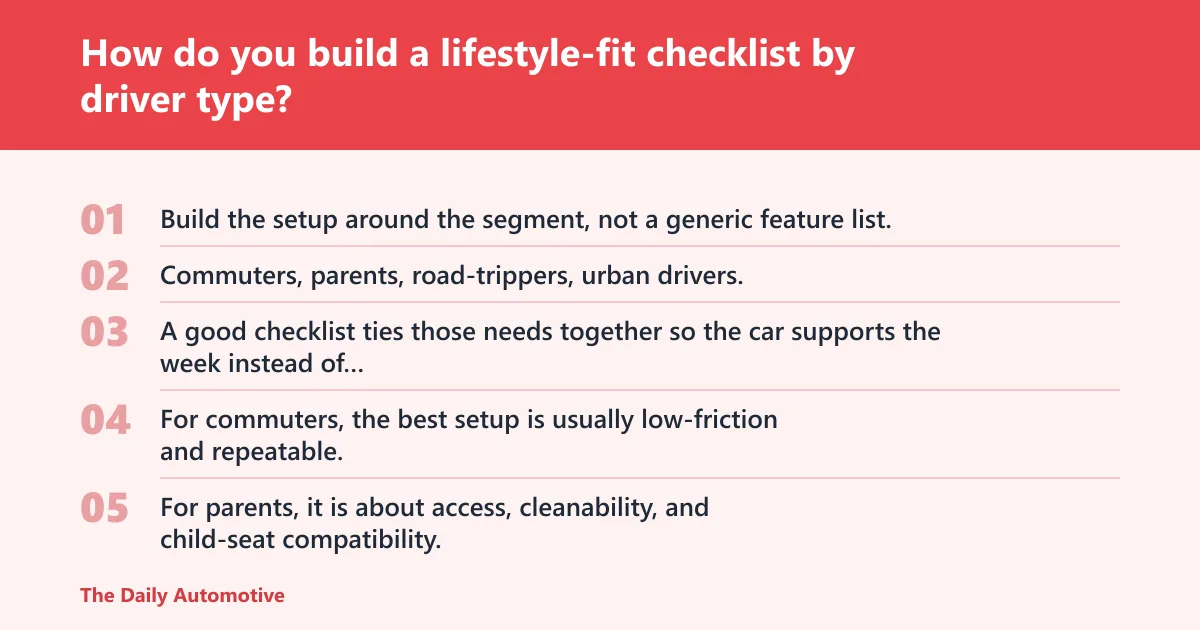
Build the setup around the segment, not a generic feature list. Commuters, parents, road-trippers, urban drivers, and business users need different hardware, different routines, and different budgets. A good checklist ties those needs together so the car supports the week instead of fighting it.
| Driver segment | Recommended features | Recurring tasks | Optional upgrades | Budget tier |
|---|---|---|---|---|
| Commuter | Apple CarPlay or Android Auto, voice control, adaptive cruise, good seats | Weekly fuel or charging, tire pressure checks, monthly cabin cleanup | Wireless adapter, dash cam, phone mount | Low to medium |
| Parent | Rear-seat anchors, easy-clean surfaces, rear camera, strong climate control | Cabin reset after school runs, kid-seat inspection, fluid checks | Roof storage, seat-back organizers, remote start | Medium |
| Road-tripper | Navigation, strong cargo room, charging ports, comfortable seats | Tire checks before departure, route planning, rest-stop planning | Roof box, extra charging cable, tire inflator | Medium to high |
| Urban driver | Compact size, parking sensors, rear camera, remote locking | Parking strategy, monthly app review, frequent tire checks | 360-degree camera, compact trunk organizer | Low to medium |
| Business or fleet user | Uptime alerts, standardized setup, clear telematics, durable interior | Delivery workflow review, driver training, cost-per-mile tracking | Dash cam fleet pack, tool storage, charging infrastructure | Medium to high |
Attach tasks and upgrades to the way the car is used
For commuters, the best setup is usually low-friction and repeatable. For parents, it is about access, cleanability, and child-seat compatibility. For road-trippers, it is route planning, cargo control, and charging or fueling stops. For urban drivers, it is parking and theft prevention.
For fleet or business vehicle use, think in terms of delivery workflow, cost per mile, uptime needs, driver training, and standardized conversion or setup. A business car that sits in the shop is not a business asset. A uniform setup also makes handoffs faster and reduces training errors.
Use a simple budget tier for common upgrades
Keep the budget tied to the feature’s actual job. A dash cam can be a low-cost safety add-on. A wireless CarPlay adapter usually fits a low-to-medium tier. Roof storage and charging accessories often sit in the medium tier, while a full connected-car stack or EV conversion belongs in a much higher bracket.
How much should you spend? Enough to solve a repeated problem, not enough to duplicate features you already own. If the upgrade does not shorten a task or reduce a risk, skip it.
How do I integrate my car into my lifestyle?
Start with the tasks your week already contains: commuting, errands, family pickups, charging or fueling, and maintenance. Then match the car’s features, storage, and tech to those tasks. The best fit is the one that lowers friction every time you open the door.
How do I make car ownership fit my daily routine?
Put routine jobs on the calendar. That includes fuel or charging stops, tire pressure checks, fluid checks, cleaning, and service dates. When the car follows the same schedule pattern as your week, it becomes easier to own and easier to trust.
How do I integrate smart devices with cars?
Begin with one stable connection method and keep the software current. Use CarPlay or Android Auto for navigation, music, and calls, then add connected app functions only if they solve a real task. Compatibility, permissions, and subscription terms matter as much as the hardware.
What car features make life easier every day?
The daily winners are infotainment that works, good phone pairing, voice control, practical storage, and comfort features you touch often. Remote locking, remote start, and clear alerts help when they save a trip or a delay. If a feature sits unused, it is not a convenience feature.
How much does it cost to retrofit a gas car to electric?
A conversion can start around $6,000, but that is only a floor, not a finished-job estimate. Battery size, labor, wiring, certification, and parts quality push the real total higher. Compare that cost with the value of the finished car and with the price of replacing it.
Is retrofitting an older car safe?
It can be safe when skilled EV technicians handle the build, the wiring, the battery mounting, and the inspection process. It is not safe as a casual DIY project. High-voltage systems, thermal management, and braking integration leave little room for shortcuts or guesswork.
How do I choose car upgrades for my commute and family needs?
Choose upgrades by repeat use, not by brochure appeal. Commuters usually benefit most from connectivity and comfort. Families need storage, safety access, and cabin organization. If an upgrade does not change a weekly pain point, it is probably the wrong one.
What should I consider before living with a car full time?
Think about parking, fuel or charging access, maintenance cadence, weather protection, insurance, and how much the car must do on a normal day. Full-time living also depends on storage, cleaning, and the ability to keep everything organized without turning the cabin into a closet.
how to use auto integrate
Use the phrase as a setup goal, not a product name: integrate the car’s tech, maintenance, storage, and commute plan into one routine. Start with phone pairing, then add alerts, reminders, and small upgrades that support the way you already drive. The car should fit the schedule.
Products related to this article
Sponsored / affiliate links. As an Amazon Associate I earn from qualifying purchases. I may earn additional commission from eligible campaigns.