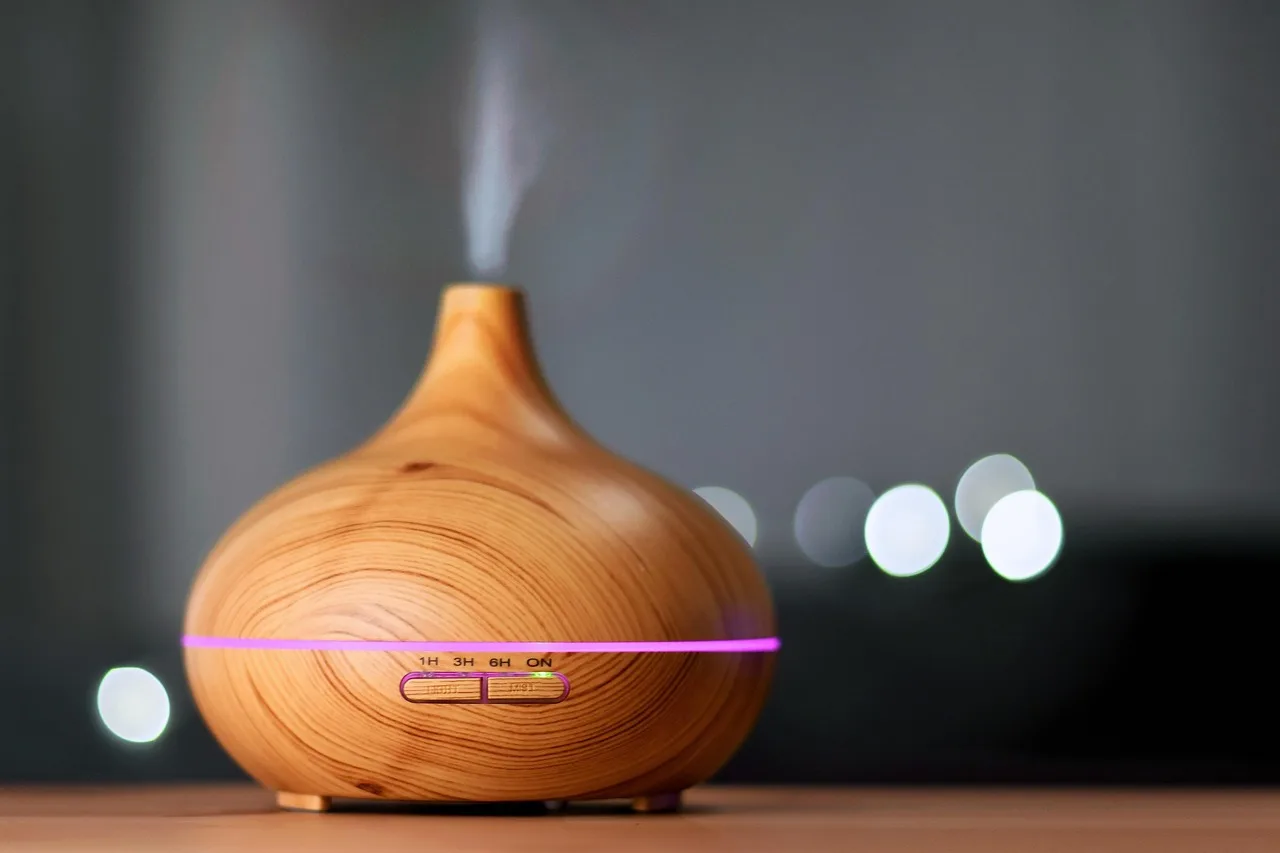
AIRCARE Humidifier CF Code
AIRCARE humidifier CF means “check filter” and usually means the wick needs replacement or the built-in timer needs a reset after a filter change; if the wick is clogged, replace it, and if the filter is new, clear the reminder. Ignore it and output can fall, rooms can dry out, and the humidifier can keep running without doing its job. This guide shows the fast fix path for CF, CL, and F messages, including when to change the wick and when the code points to another fault.
What the CF code means

CF on an AIRCARE evaporative humidifier is a filter reminder, not a failure message. It flashes at approximately 720 hours of use, so it often appears after long normal operation, not after a sudden fault.
AIRCARE uses a wicking filter made from special paper material that absorbs water and feeds evaporation. When that wick loads up with mineral deposits or reaches the end of its service window, airflow and output can drop even though the fan still runs.
That is why CF matters. It tells you to check the wick before output drops further or the humidifier starts leaving you with a dry room.
When should you replace the wick?
AIRCARE recommends replacing the wicking filter every 30 to 60 days of operation. If the wick looks dirty, feels stiff, has tears, or is caked with mineral buildup, do not wait for the timer to decide for you.
Replace early when output falls off, the filter stays discolored after rinsing, or the unit needs frequent top-offs but still moves little moisture into the room. Waiting for a visibly failed wick can make the humidifier work harder for less result.
Picture a 2,000-square-foot unit running through a dry spell for weeks. If CF appears and the wick shows heavy mineral crust or warped paper, replacing the filter is usually faster than trying to revive it with cleaning alone.
Suppose the wick is only a few weeks old but the humidifier has already been running near daily. If the CF message appears and the wick is dark at the edges or feels stiff, treat that as a replacement cue, not a cleaning challenge.
Cost and lifespan matter here. A new wick is cheaper than running a clogged one long enough to cut output, and early replacement usually protects performance better than squeezing extra days out of a saturated filter.
How do you clear CF?
To clear CF, unplug the humidifier, pour out any remaining water, inspect or replace the filter, then refill the unit. The reminder resets after a filter change and refill, but some units need a brief power-down before they stop flashing.
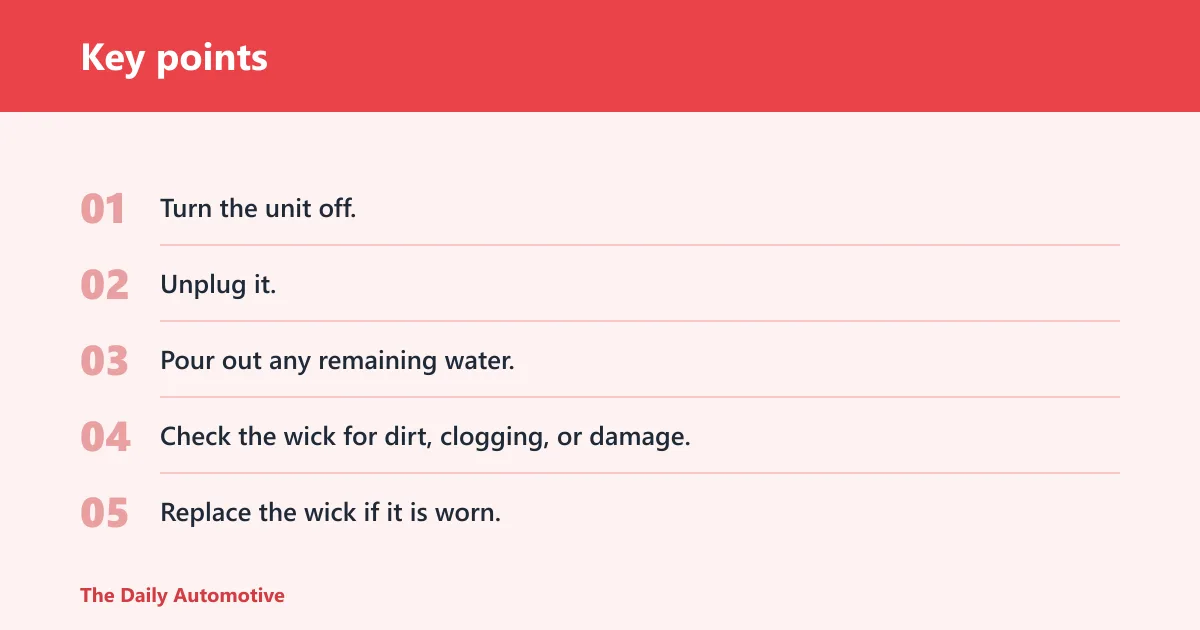
- Turn the unit off.
- Unplug it.
- Pour out any remaining water.
- Check the wick for dirt, clogging, or damage.
- Replace the wick if it is worn.
- Refill the tank or base as directed for the model.
- Plug the unit back in and restart it.
If CF keeps flashing after service, unplug the unit for about ten minutes. That reset step can clear a persistent reminder when the filter has already been changed or inspected.
An extended power outage can also reset the CF notification. If the display changes after an outage, treat it as a timer-state issue and recheck the filter before assuming the message means something new.
Filter troubleshooting table
| Message shown | Likely cause | What to check first | Next action |
|---|---|---|---|
| CF | Check filter reminder at approximately 720 hours of use | Wick condition, seating, and remaining water | Replace a dirty or damaged wick, refill, then reset the reminder |
| CL | Control lock feature is activated | Whether the buttons respond | Hold the power button for five seconds to turn off CL |
| F | Fill indication, usually low water | Water level, float indicator, float rod, and unit leveling | Add water and level the unit; inspect the float if F persists |
| CF still flashing after reset | Timer state, power interruption, or poor filter fit | Unplug time, refill step, and correct wick installation | Unplug for about ten minutes, then retry; contact support if it will not clear |
Why CF can stay on after a new filter
CF can remain after a new wick if the reminder timer did not fully clear, if the unit recently lost power, or if the new filter is not seated correctly. In that case, the message is usually about reset state, not a bad replacement part.
Check for a filter that sits crooked, a refill step that was skipped, or a power interruption that changed the display state. A fresh wick should not be treated as failed until the reset path has been tried.
Low output, white dust, or mineral buildup can still appear alongside CF if the wick is overloaded or the water path is not working normally. Do not assume the humidifier itself is bad until the filter and water level have been checked first.
What do CL and F mean?
CL indicates the control lock feature is activated. F simply means fill, usually because the water is low, but a bent, broken, or misread float can also trigger it.
To turn off CL, hold the power button for five seconds. If the buttons stay locked after that, power-cycle the unit and try again, since the display may need a fresh start after a brief interruption.
For F, confirm that the humidifier has enough water and that it sits level. The float indicator or float rod reads water level, so it must move freely and stay aligned. If it bends or breaks, the unit may think the reservoir is empty when it is not.
A common first-timer mistake is to top off the tank and stop there. If the base is tilted on thick carpet, the float can read wrong and keep F on even with adequate water inside.
Quick fill checks
- Make sure the unit sits on a flat, stable surface.
- Look for visible damage to the float indicator or float rod.
- Confirm the float moves freely and is not stuck.
- Refill the unit if the water level is low.
- Retry after leveling the base if F remains on.
AIRCARE parts and support
For replacements, use AIRCARE brand wicking filters, floats, and Bacteriostat additive. The brand parts are the safest match for the reminder system and for the water-level hardware that supports it.
If you need help clearing a stubborn message, AIRCARE customer support can be reached at 1-800-547-3888 from 7:00am to 5:00pm CST, Monday through Friday. That is the right next step when CF will not clear after a reset, or when the float hardware looks damaged.
Replace, clean, or call
- Replace the wick if it is dirty, stiff, torn, or beyond the 30 to 60 day window.
- Clean only the areas the manual allows you to service; do not expect cleaning to restore a worn wick.
- Call support if CF keeps flashing after a ten-minute unplug, or if F persists after level and float checks.
Frequently asked questions
What does the CF code mean on an AIRCARE humidifier?
CF means “check filter.” On AIRCARE evaporative humidifiers, it is a reminder tied to wick maintenance, not a fault code. It appears at approximately 720 hours of use, so the first check should be the wick, not the motor or fan.
How do I clear the CF code on my AIRCARE humidifier?
Unplug the unit, pour out any remaining water, inspect or replace the wick, then refill and restart it. If CF keeps flashing after that, unplug the humidifier for about ten minutes and try again. That reset often clears a persistent reminder.
Does CF mean my humidifier is broken?
No. CF usually means the unit wants a filter check, and often a replacement wick is the real fix. It only starts to look like a control issue if the message will not clear after a proper filter change, refill, and reset.
How often should I replace the AIRCARE wick filter?
AIRCARE recommends replacing the wicking filter every 30 to 60 days of operation. Replace sooner if the wick is dirty, damaged, or loaded with mineral buildup. A clogged wick can reduce output long before the reminder finally appears.
Why does CF keep flashing after I change the filter?
CF can stay on if the reminder timer did not reset, if a power outage changed the display state, or if the new wick is not seated correctly. Unplugging the unit for about ten minutes is the next step when a new filter does not clear the message.
What is the difference between CF, CL, and F on an AIRCARE display?
CF means check filter, CL means control lock is activated, and F means fill. CF points to wick maintenance, CL is a button-lock setting, and F usually means low water, though a float or leveling problem can also cause it.
Products related to this article
Sponsored / affiliate links. As an Amazon Associate I earn from qualifying purchases. I may earn additional commission from eligible campaigns.