OBD2 Scanners for Beginners: What to Look For Today
For most beginners, the best OBD2 scanner is a basic code reader with live data and code definitions; spend more only if you need ABS/SRS coverage, service resets, or a phone app. Buy the wrong one and you pay for menus you never touch, or miss the one function that would have saved a diagnosis. This guide shows the minimum features worth paying for, then gives a simple buy-or-skip path for first-time buyers.
The top pick here is the LAUNCH CRP129E V2.0 Elite for beginners who want more than a check-engine-light reader without jumping straight to shop-grade gear. It gives live data, multiple reset functions, and broader system coverage than a basic code reader, so it fits the DIY owner who expects to diagnose more than one problem.
Quick comparison
| Product | Badge | Best for | Price | ||
|---|---|---|---|---|---|
 |
ViaBecs OBD2 Scanner Bluetooth 5.1 Adapter for iPhone &ViaBecs | Budget pick | Bluetooth 5.1 OBD2 adapter for iOS/Android | $14.24
Price as of 26 Sep 2026
|
View |
 |
ANCEL AD310 Classic Enhanced Universal OBD II Scanner CarANCEL | Our pick | Wired OBD2 code reader for 1996+ vehicles | $23.99
Price as of 26 Sep 2026
|
View |
 |
LAUNCH CRP129E V2.0 Elite OBD2 Scanner, 12 Reset, LifetimeLAUNCH | Upgrade pick | OBD2 scanner with 12 resets and updates | $196.00
Price as of 26 Sep 2026
|
View |
 |
Autel Scanner MaxiCOM MK808Z-BT: Same As MK808BT Pro,Autel | Upgrade pick | Bidirectional OBD2 scanner with 28+ services | $549.00
Price as of 26 Sep 2026
|
View |
 |
Veepeak OBDCheck BLE Bluetooth OBD II Scanner for iOS &Veepeak | Also great | Bluetooth OBD2 scanner for iOS and Android | $31.98
Price as of 26 Sep 2026
|
View |
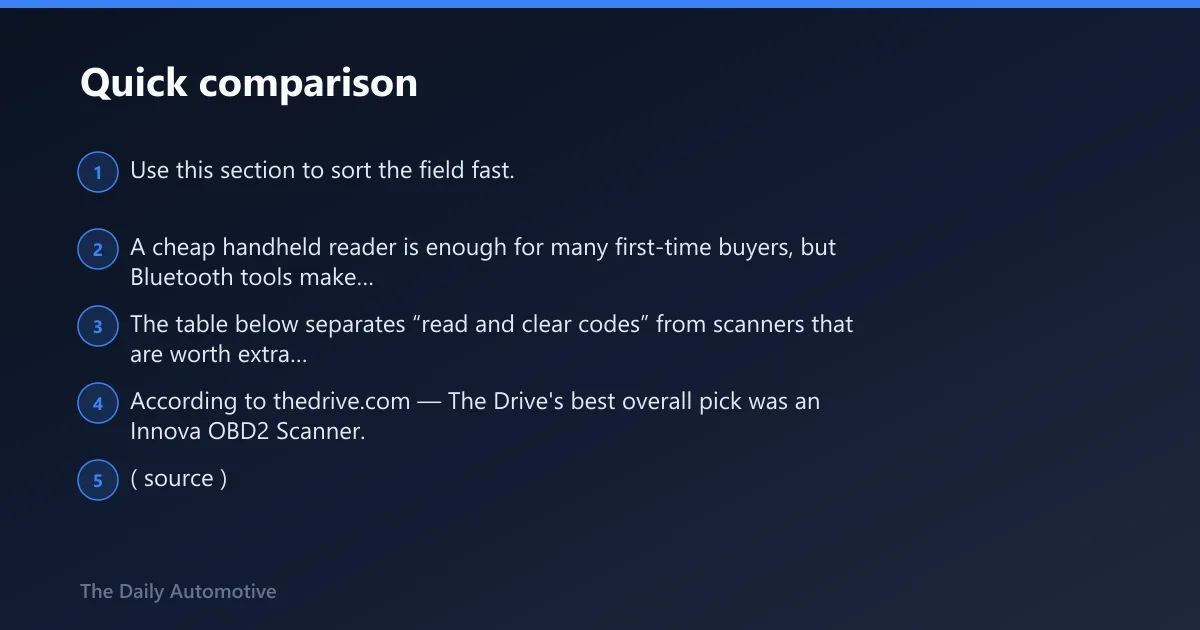
Use this section to sort the field fast. A cheap handheld reader is enough for many first-time buyers, but Bluetooth tools make sense when you want app help and live data on a phone you already own.
The table below separates “read and clear codes” from scanners that are worth extra money for live data, service resets, and deeper system access.
According to thedrive.com — The Drive’s best overall pick was an Innova OBD2 Scanner. (source)
How we chose
We compared each scanner for first-time buyer fit, not feature count. The main filters were easy menus, readable screens or usable app support, what each unit can actually read or reset, and whether the price matched a beginner’s likely use case.
We also checked the boring parts that matter later: update policy, pairing friction, and whether the tool is limited to the engine module or reaches into other systems. That matters because many beginners pay for features they never use, then still cannot read ABS or transmission codes.
Value mattered too. A basic reader should be cheap enough to justify for one check-engine-light event. A midrange scanner should pay for itself by adding live data, service resets, or battery and alternator testing.
Beginner scanner decision table
| Option | Best for | What it reads or resets | Display / app / update costs | Best fit by use case |
|---|---|---|---|---|
| Handheld basic code reader | Simple check engine light answers | Reads and clears engine trouble codes only; usually no ABS or transmission codes | Built-in screen; no app needed; updates are often limited or absent | Buy this if you only want to know why the light came on and whether the code returns |
| Bluetooth/app scanner | Phone-based scanning and code explanations | Generic OBD-II codes, live data, and app-guided code lookups depending on the app | Depends on app support; some apps are free, some charge for extra features or vehicle coverage | Buy this if you want your phone to do the screen work and you do not mind app setup |
| Midrange handheld scanner | DIY troubleshooting beyond engine codes | Often adds live data, ABS or transmission coverage, oil light reset, and service functions | Larger built-in display; updates may be lifetime or subscription-based | Buy this if you plan to diagnose rough idle, sensor issues, or post-repair readiness checks |
| Bidirectional scan tool | Advanced DIY and near-shop use | Can run active tests and command some components, with broader module access on supported vehicles | Usually highest software and hardware cost; updates or subscriptions can add up | Buy this only if you already know you need dealer-style control, not just code reading |
Basic handheld code readers: best for checking a check engine light
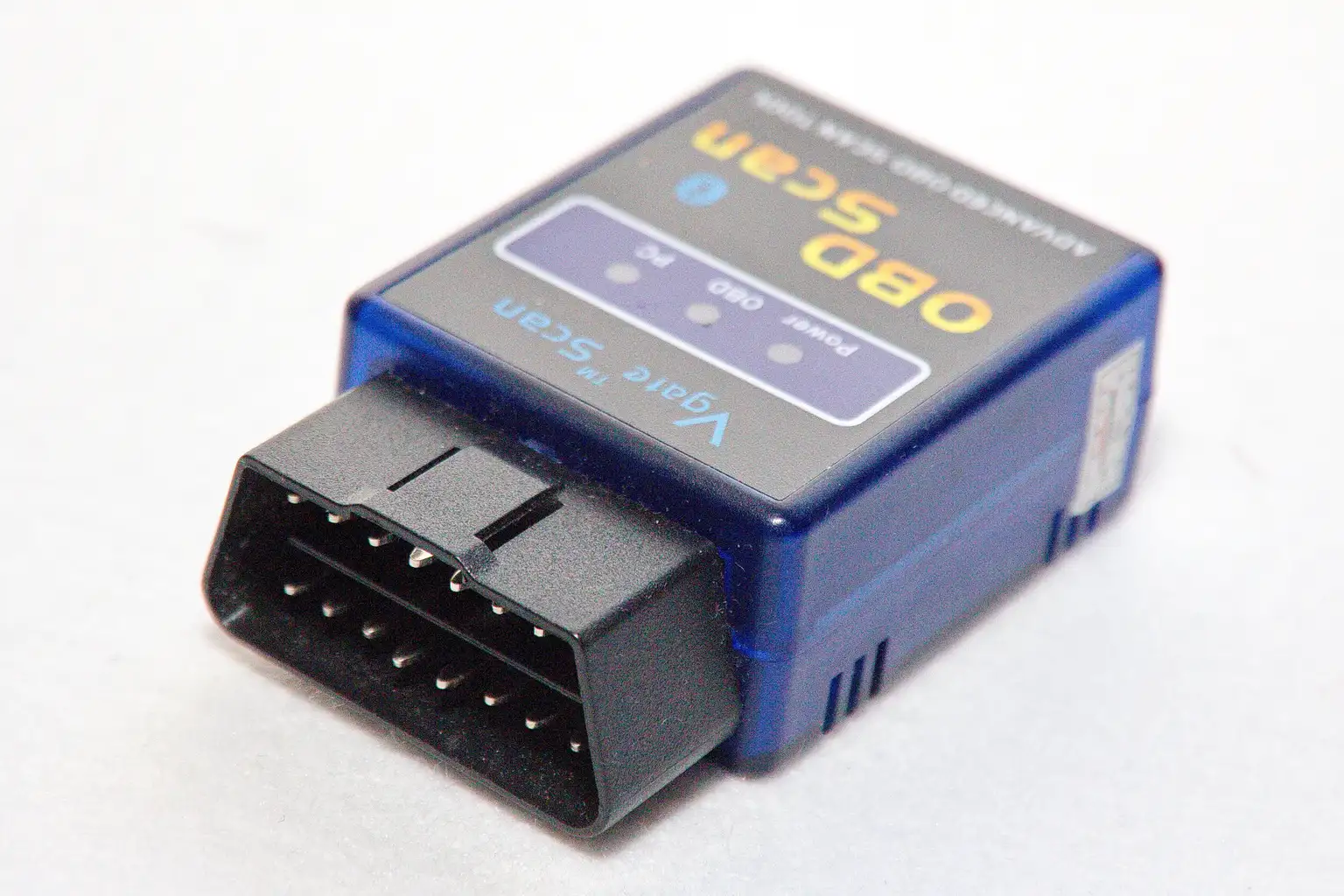
A basic handheld OBD2 scanner is the right buy when you only want to read and clear engine trouble codes. It connects to the vehicle’s onboard diagnostics port, pulls the code that turned on the check engine light, and tells you whether the fault is still present after repair.
The ANCEL AD310 fits that job well. It is a wired OBD2 code reader for newer vehicles that support OBD2, and it keeps the interface simple for first-time buyers who do not want app setup or menu hunting.
Its honest strength is also its limit. It reads and clears engine fault codes, but that usually means no ABS codes, no transmission codes, and no service resets. If you need only a plain answer for a check-engine light, that limitation is fine. If you want to diagnose anything broader, it will feel short.
Bluetooth/app scanners: best for phone-based scanning
Bluetooth OBD2 scanners work by pairing with a phone or tablet, then sending data to an app that can show codes, define them, and often display live data. They make sense when you want a familiar screen, more room for explanations, and fewer buttons on the scanner itself.
The ViaBecs OBD2 Scanner Bluetooth 5.1 Adapter is a low-cost way into that setup. It is built for iPhone and Android use, supports 9 common OBD-II protocols, and uses Bluetooth 5.1 for a stable wireless connection.
The drawback is the same one that catches a lot of beginners: the scanner is only as helpful as the app you pair with it. Some third-party apps are straightforward, others hide useful data behind paywalls, and app compatibility can vary by phone and vehicle. Bluetooth also adds setup steps, so it is not always easier than a handheld reader.
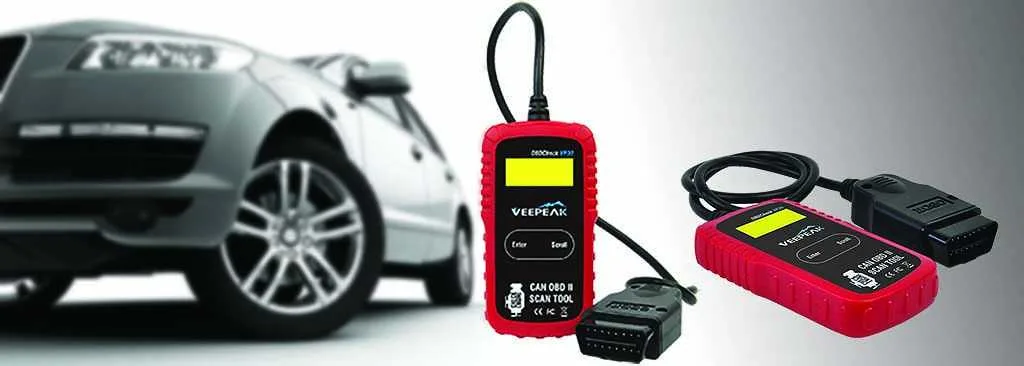
The Veepeak OBDCheck BLE is another phone-first option. Based on the spec sheet and owner feedback, it is a cleaner fit for buyers who want a generic code reader for iOS and Android without paying for a large handheld screen.
Its drawback is that it stays in the basic Bluetooth lane. It reads and clears generic OBD-II codes, but it does not turn into a midrange diagnostic tool just because it is wireless.
Midrange scanners: best for live data and more systems
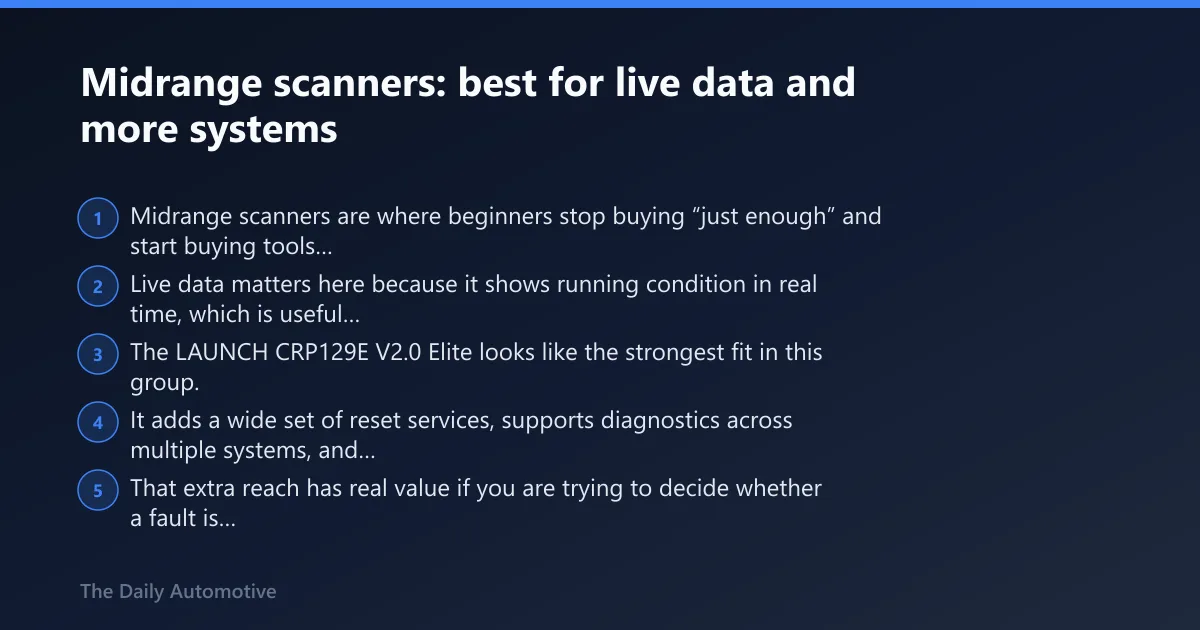
Midrange scanners are where beginners stop buying “just enough” and start buying tools that help with real troubleshooting. Live data matters here because it shows running condition in real time, which is useful for rough idle, misfires, sensor behavior, and a problem that only shows up under load.
The LAUNCH CRP129E V2.0 Elite looks like the strongest fit in this group. It adds a wide set of reset services, supports diagnostics across multiple systems, and uses a graphic display for PID data, which can make the readings easier to follow than a barebones code list.
That extra reach has real value if you are trying to decide whether a fault is engine-only or tied to another system. It also helps after repairs, when emissions readiness checks matter before an inspection and you want to know whether the car has completed its monitors.
The tradeoff is price and complexity. This is not the first scanner I would hand to someone who only wants to erase a check engine light once a year. It is for the buyer who expects to keep diagnosing.
Need more than service resets and live data? The Topdon ArtiDiag Pro Bidirectional Scan Tool sits in a different class. It is a bidirectional scan tool, so it is closer to dealership-level functionality than the average beginner needs, with broader active-test capability and a higher cost to match.
Its drawback is obvious: at $479 at writing, plus a 2-year subscription to the software, it is a serious buy for a new owner. That price only makes sense if you know you will use the deeper controls and special functions.
The Innova OBD2 Scanner category also belongs in this discussion even though that specific model is not one of the products listed here. The reason is simple: it can read ABS and transmission codes, can be paired with an app, and runs tests on the battery and alternator. That mix is why many beginners eventually move up from a plain reader.
What beginners should ignore first
Most beginners should ignore bidirectional functions, dealer-level module access, and long lists of special tests. Those features sound impressive, but they add cost fast and do little for someone who only needs to read a code, confirm the fault returned, and check whether a repair cleared the monitor.
That same warning applies to scanners packed with extra service menus. Oil light reset is useful on the right car, but it is not a reason to buy a heavy tool if your only job is reading a check-engine-light code. The same goes for battery, alternator, and service functions: helpful, yes; required, no.
Which one should you buy?
Buy the cheapest reader if you only want check-engine-light answers. The ANCEL AD310 is the cleanest fit for that job, and it keeps you from overpaying for features you will never open.
Buy Bluetooth if you want your phone to do the heavy lifting. The ViaBecs adapter and the Veepeak BLE both make sense when app-based code definitions, live data, and a small wireless dongle sound better than a dedicated screen.
Buy a midrange unit if you plan to diagnose more than one system. The LAUNCH CRP129E V2.0 Elite is the practical step up for live data, service resets, and broader coverage without jumping to a bidirectional tool.
If you are already thinking about ABS, transmission, battery, alternator, and app pairing all at once, that is usually the point where the scanner should match the job rather than the budget. The cheapest tool will still read engine codes; it just will not carry you much further.
What is a good obd2 scanner to buy
A good OBD2 scanner for a beginner is one that matches the actual job, not the biggest feature list. If you only need to read and clear engine trouble codes, a basic handheld reader is enough. If you want live data, app help, or service resets, spend more only on those specific features.
What is a good obd2 scanner
A good OBD2 scanner is one that connects cleanly, shows codes you can understand, and fits your repair habits. The most basic function is to read and clear engine trouble codes, but better tools also show live data, can read multiple systems, and may support ABS or transmission codes.
How to choose the best obd2 scanner
Start with the jobs you actually expect to do, then check screen readability, compatibility, and update or app costs. If the scanner needs an app, confirm phone support before you buy. If you want more than engine codes, verify ABS, transmission, and service-function coverage instead of assuming it is included.
What does an obd2 scanner do
An OBD2 scanner plugs into the vehicle’s onboard diagnostics port and reads trouble codes that turn on the check engine light. It can clear those codes after repairs, and some scanners also show live data, read other modules, or check emissions readiness before inspection.
Do I need a bluetooth obd2 scanner or a handheld one
Choose handheld if you want a self-contained tool with a screen and no app setup. Choose Bluetooth if you prefer using a phone, want app-based code definitions, and do not mind pairing steps or possible subscription costs. Neither is automatically better; the easier one is the one you will actually use.
Can an obd2 scanner clear check engine lights
Yes. Clearing check engine lights is one of the main jobs of an OBD2 scanner, along with reading the code that triggered the light. The important caveat is that clearing the light does not fix the fault. If the problem remains, the code often comes back after the car runs again.
Which obd2 scanner is easiest for beginners
The easiest scanner for beginners is usually a basic handheld code reader with a clear display and simple menus. A large backlit screen helps, as does a short button path from plug-in to code reading. Bluetooth tools can be simple too, but only after the app is installed and paired correctly.
What features should a beginner look for in an obd2 scanner
Beginners should look for readable code definitions, live data if they plan to diagnose rough running, and a layout that does not bury basic functions. If they expect more than engine-only work, they should check for ABS, transmission, oil light reset, and battery or alternator testing before paying extra.
Will a cheap obd2 scanner read ABS or transmission codes
Usually no. Many cheap readers only handle engine trouble codes, which is fine for the check engine light but not enough for broader diagnostics. ABS codes and transmission codes are often reserved for more advanced scanners, so buyers should verify that support before assuming a low-cost reader can do it.
Products related to this article
Sponsored / affiliate links. As an Amazon Associate I earn from qualifying purchases. I may earn additional commission from eligible campaigns.