Does a 2013 Ford Fusion Have a Backup Camera? Trim Guide
A 2013 Ford Fusion can have a backup camera, but it was not standard on every trim. You need to check the trim and option group, because some cars left the factory without one. Skip that step, and you can pay for a feature you expected or miss a resale selling point. This guide breaks down standard, optional, and aftermarket camera setups by trim and shows how to confirm factory equipment on a used car.
Does a 2013 Ford Fusion have a backup camera?


A 2013 Ford Fusion may have a backup camera, but only certain builds left the factory with one. The 2013 Fusion backup camera was not standard equipment, and availability depended on trim and option content. The base S is very likely not equipped, while SE, SEL, and Titanium can have one when the right package is present.
Factory camera versus aftermarket camera
Factory backup camera means OEM equipment installed by Ford and tied into the car’s display system. Aftermarket backup camera means a retrofit kit added later, which may need wiring, a harness, or a compatible screen. Those are different systems, and used-car shoppers should not treat them as the same thing.
In many factory setups, the image appears through SYNC or a navigation screen when the transmission is shifted into reverse. An aftermarket kit may work differently, and some kits only function if the car already has the right display hardware.
📊 The camera did not become standard across the lineup until the 2015 model year. Source: Does a 2013 Ford Fusion Have a Backup Camera? By Trim.
Which 2013 Ford Fusion trim has a backup camera?
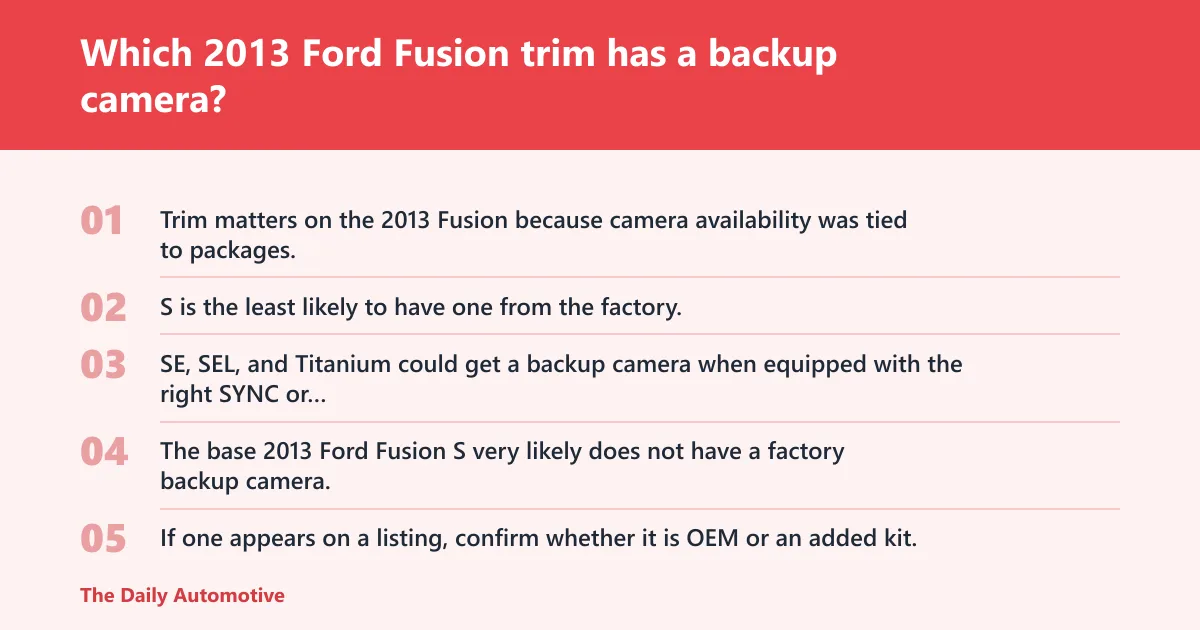
Trim matters on the 2013 Fusion because camera availability was tied to packages, not to every badge on the decklid. S is the least likely to have one from the factory. SE, SEL, and Titanium could get a backup camera when equipped with the right SYNC or navigation technology package.
2013 Ford Fusion S
The base 2013 Ford Fusion S very likely does not have a factory backup camera. If one appears on a listing, confirm whether it is OEM or an added kit. On this trim, check for SYNC or a factory navigation display first, since those systems control camera output.
2013 Ford Fusion SE
On the SE, backup camera availability depends on technology packages and build content. It is not safe to assume the camera came with the car. Many SE cars will have the needed display only if they were ordered with the right option group, so package verification matters.
2013 Ford Fusion SEL
The SEL could be equipped with a backup camera, but it was not standard across every build. The same caution applies here, package content decides the feature, not trim name alone. One SEL may have factory video display hardware, while another may not.
2013 Ford Fusion Titanium
The Titanium sits higher in the lineup, but that does not mean every car got a backup camera. Its camera availability still depended on package content and equipment grouping. Higher trim often increases the odds of SYNC and navigation hardware, but buyers still need to verify the exact build.

2013 Fusion trim verification table
Use this table as a quick buyer check. It separates factory availability from retrofit assumptions, so you can spot the difference before paying for a car that may not have the equipment you wanted.
| Trim | Factory camera availability | Package dependency | Screen/display requirement | What to inspect on a used vehicle |
|---|---|---|---|---|
| S | Very likely no factory camera | Usually none unless special equipment was added | SYNC or navigation display needed for OEM video | Check for SYNC hardware, reverse-image behavior, and any added camera lens near the rear |
| SE | Possible, but not standard | Tied to technology packages | Display required to show camera feed | Verify window sticker, build sheet, and whether the screen switches to camera view in reverse |
| SEL | Possible, but not standard | Tied to technology packages | SYNC or navigation screen required | Look for package codes, screen type, and an OEM camera lens integrated near the license plate area |
| Titanium | Possible, but not standard | Tied to higher-level option grouping | Factory display required | Confirm factory navigation or SYNC display, then test for automatic reverse-camera activation |
How the factory camera setup works on the 2013 Fusion
The factory backup camera on a 2013 Fusion depends on a display system that can show the image when you shift into reverse. In practical terms, the camera feed needs SYNC or a navigation screen to appear. Without that screen, the camera cannot present the rear-view image the way Ford intended.
SYNC and screen requirements
SYNC is Ford’s infotainment system, and the display is not optional for a factory camera feed. If the car has the right camera but no compatible display, the image has nowhere to go. That is why package checks matter on SE, SEL, and Titanium models: the camera often follows the screen hardware.
Where the image appears in reverse
In a factory setup, the screen should switch to a rear-view image when the shifter is placed in reverse. That automatic behavior is one of the clearest signs that the camera is OEM and active. If the screen stays on audio or climate functions only, the car may not have the factory camera system.
Say your 2013 Fusion SEL has a center screen but no rear image when shifted into reverse. That usually means the display is present, but the camera hardware or package content is missing, disabled, or replaced. A screen alone is not proof of a factory backup camera.
How can you tell if a used 2013 Fusion has one?
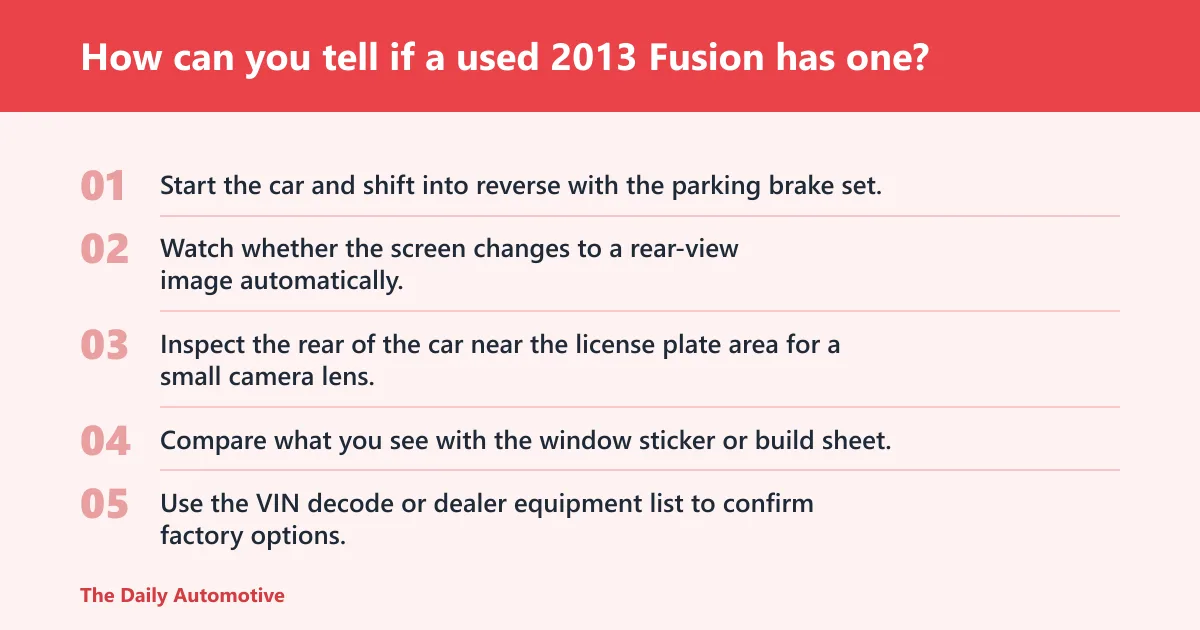
You can confirm a factory backup camera by checking three things: the display behavior, the rear camera lens location, and the build paperwork. A real OEM setup should show an image on the screen in reverse, have a visible camera near the license plate area, and appear on the window sticker, build sheet, or VIN decode.
- Start the car and shift into reverse with the parking brake set.
- Watch whether the screen changes to a rear-view image automatically.
- Inspect the rear of the car near the license plate area for a small camera lens.
- Compare what you see with the window sticker or build sheet.
- Use the VIN decode or dealer equipment list to confirm factory options.
Look for the reverse-image behavior
The easiest check is the screen. A factory camera should bring up a rear-view image when the car is placed in reverse. If a listing claims the car has one, but the screen never switches, that claim needs more proof. The absence of that behavior is a red flag on a used vehicle.
Inspect the rear camera location
Most factory cameras sit near the trunk release or license plate area, where they have a clear view behind the car. A loose-looking add-on lens, exposed wiring, or an aftermarket bezel often signals a retrofit instead of factory hardware. That difference matters for repair costs and replacement parts.
Use paperwork, not assumptions
Window stickers, build sheets, and VIN-based equipment lists are the clearest proof. They tell you what left the factory with the car. That matters because an SE or Titanium can be sold without the technology package, and that means no factory camera even if the trim sounds well equipped.
A common mistake is assuming a 2013 Fusion SE automatically comes with a backup camera just because another trim level does. One car may have a navigation package and camera, while another may have only the basics. The badge alone does not settle the question.
Can you add a backup camera to a 2013 Ford Fusion?
Yes, you can add a backup camera to a 2013 Ford Fusion without one, but the ease depends on the display already in the car. Some retrofit kits are priced for the Fusion 2013-2016 at $24.99, $27.89, or $25.70, and one option was described as best for a 2013 Fusion S or SE without the factory backup camera.
Retrofit options and display limits
Aftermarket backup camera kits can solve the no-camera problem, but fitment depends on the existing head unit. One listed drawback was that a retrofit camera only works if the Fusion already has the SYNC display. That limitation matters a lot: a camera is easier to add when the screen is already in place.
OEM-style camera listings for the Fusion 2013-2016 were priced at $24.99 in one listing, while other rear-view camera options were listed at $27.89 and $25.70. Price alone does not prove compatibility. The real question is whether the kit matches your trim, screen type, and wiring path.
When a retrofit is easier or harder
A retrofit is easier when the car already has a compatible display, the wiring path is straightforward, and the kit is made for the exact Fusion generation. It is harder when the car lacks the proper screen, because then the install may require more parts than the camera itself.
In plain terms, a retrofit camera can be a good fix for an S or SE that left the factory without one, but it should be treated as an added system, not as proof of factory equipment. Buyers should not pay factory-camera money for an aftermarket add-on.
When did backup cameras become standard on the Fusion?
The backup camera did not become standard across the Fusion lineup until the 2015 model year. That is the key comparison point for used-car shoppers. A 2013 Fusion may have one, but standard equipment across all trims did not arrive until later.
Federal rear visibility standard
The U.S. NHTSA required all automobiles sold in the U.S. built beginning in May 2018 to include backup cameras. That federal requirement is separate from Ford’s own rollout. It explains why later vehicles generally make rear cameras far more common than a 2013 Fusion.
What that means for buyers
If you are comparing a 2013 Fusion with a 2015 or newer Fusion, the newer car is the simpler buy if a factory backup camera is a must-have. On the older car, the camera may be present, but only with the right package or a later retrofit.
AHG Auto Service notes that Ford added a backup camera as a stand-alone option in 2007, and AHG also says the 2013 Ford Focus had an optional backup camera. That helps put the Fusion’s 2013 setup in context: optional tech was already common, but standard fitment had not yet arrived.
Frequently asked questions
Did the 2013 Ford Fusion S come with a backup camera?
The 2013 Fusion S very likely did not come with a factory backup camera. If one is present, it should be treated as either a special build with extra equipment or an aftermarket addition. Check for SYNC or navigation hardware before assuming OEM equipment.
Did SE, SEL, or Titanium trims get a backup camera on the 2013 Fusion?
Yes, but only on builds with the proper technology package or related equipment grouping. These trims did not get the camera as standard equipment across every example. A used-car buyer should verify the package list, the screen type, and the reverse-image function.
Was the backup camera standard on any 2013 Ford Fusion trim?
No. The 2013 Fusion backup camera was not standard equipment. Ford did not make it standard across the lineup until the 2015 model year, so every 2013 trim still needs a build-specific check.
Can you add a backup camera to a 2013 Ford Fusion without one?
Yes. Aftermarket kits exist for the Fusion 2013-2016, but fitment depends on the display already in the car. Some retrofit cameras only work if the Fusion already has the SYNC display, so check your head unit before buying parts.
Products related to this article
Sponsored / affiliate links. As an Amazon Associate I earn from qualifying purchases. I may earn additional commission from eligible campaigns.