How To Add Bluetooth To Car Stereo: Essential Guide
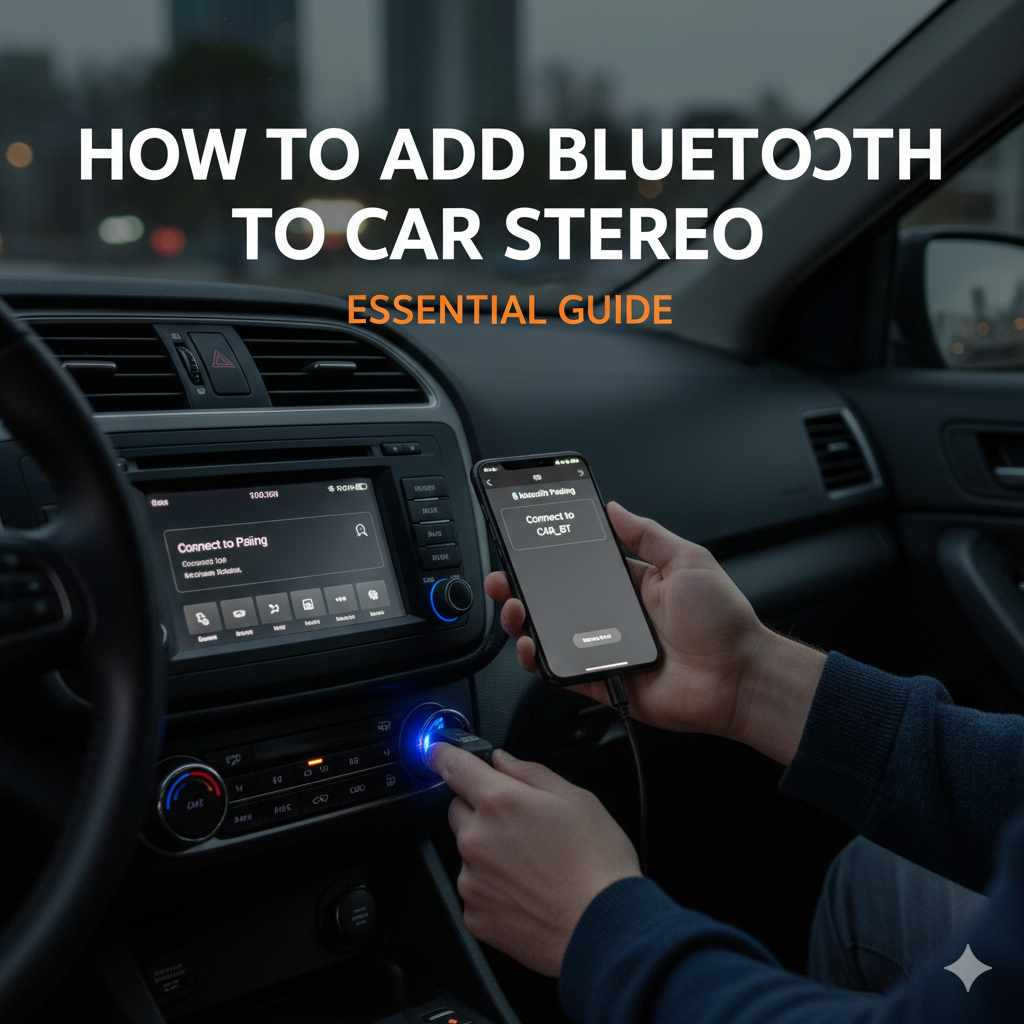
Don’t have Bluetooth in your older car? No problem! You can easily add Bluetooth to your car stereo using simple adapters or by upgrading your head unit. This guide makes it easy to enjoy hands-free calls and stream music wirelessly, even in cars without built-in Bluetooth technology. We’ll walk you through the most common and beginner-friendly methods.
Remember those days of juggling your phone for directions while trying to keep your eyes on the road? Or frantically fumbling with AUX cords just to play your favorite playlist? If your car stereo doesn’t have built-in Bluetooth, you might feel like you’re stuck in the past. But don’t worry, bringing your car’s audio system into the 21st century is easier than you think! You don’t need to be a car-tech wizard to get this done. This guide is here to show you the simplest ways to add Bluetooth to your car stereo, making your drives safer and way more enjoyable. Let’s get you connected!
Why Add Bluetooth to Your Car Stereo?
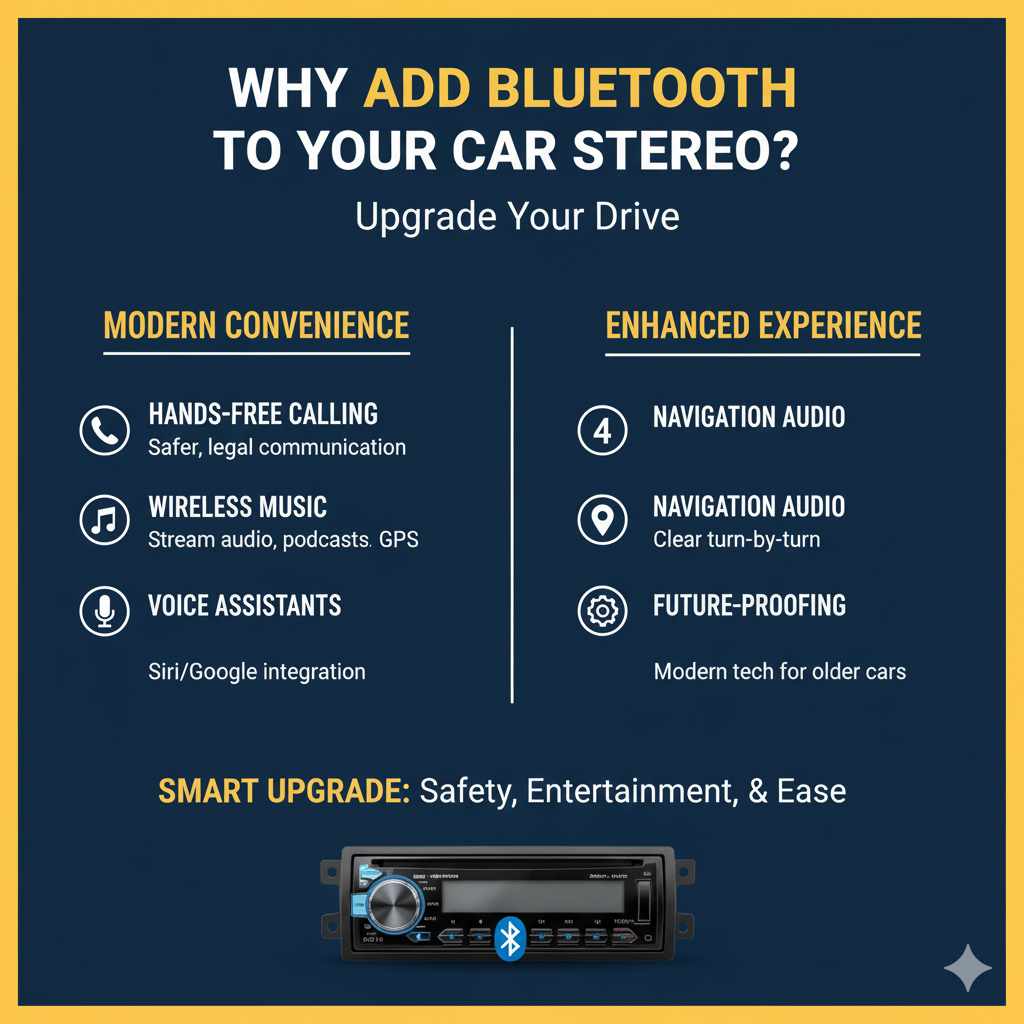
Modern driving demands convenience and safety. If your car stereo is an older model, you’re missing out on some fantastic features that most new cars take for granted. Adding Bluetooth can transform your driving experience for several key reasons:
- Hands-Free Calling: This is a big one for safety. With Bluetooth, you can answer or make calls without taking your hands off the steering wheel or your eyes off the road. Many systems will read out incoming caller IDs, and some even allow voice controls for making calls.
- Wireless Music Streaming: Say goodbye to tangled cords and limited CD collections. Stream music, podcasts, and audiobooks directly from your smartphone or tablet to your car’s speakers. Your entire digital library is now your car’s soundtrack.
- Navigation Audio: Use your phone’s GPS apps for directions and have the turn-by-turn audio seamlessly play through your car’s speakers. No more straining to hear your phone’s tiny speaker.
- Voice Assistants: Some Bluetooth integrations allow you to access your phone’s voice assistant (like Siri or Google Assistant) through your car’s audio system, enabling you to send texts, get information, or even control certain car functions with your voice.
- Future-Proofing: Even if your car is older, integrating modern tech like Bluetooth can significantly enhance its appeal and functionality, making your daily commute or road trips much more pleasant.
Understanding Your Car Stereo Options
Before we dive into the “how-to,” it’s helpful to know what kind of car stereo you’re working with. Most car stereos fall into a few categories:
- Factory/Stock Stereos: These are the units that came standard with your car when it was new. They’re often integrated into the dashboard design.
- Aftermarket Stereos: These are units that have been installed by a previous owner or by you. They come in various brands and offer different features.
The good news is that almost any car stereo, regardless of its age or type, can be updated with Bluetooth capabilities. We’ll explore the most common and beginner-friendly methods.
Method 1: Bluetooth FM Transmitter – The Easiest (and Cheapest!) Fix
This is by far the simplest and most budget-friendly way to add Bluetooth to your car. An FM transmitter acts as a bridge, taking the audio from your phone (via Bluetooth) and broadcasting it on an unused FM radio frequency. Your car stereo then tunes into that frequency, playing the audio through your speakers.
What You’ll Need:
- Bluetooth FM Transmitter device
- Your smartphone with Bluetooth enabled
- A car with a working 12V power outlet (cigarette lighter socket) and an FM radio
Step-by-Step Guide:
- Plug in the FM Transmitter: Find an available 12V power outlet in your car (usually the cigarette lighter socket). Plug your FM transmitter into it. The device should power on.
- Pair Your Phone: Turn on Bluetooth on your smartphone. The FM transmitter will likely have a small screen or LED lights indicating it’s ready to pair. On your phone, go to Bluetooth settings, scan for devices, and select the name of your FM transmitter when it appears. Follow any on-screen prompts or voice instructions from the transmitter for pairing.
- Find an Empty FM Frequency: This is crucial for clear audio. Turn on your car stereo and tune it to an FM radio station. You want to find a station that is weak or has no signal in your area – think of static. Common choices are usually very low numbers (e.g., 88.1 MHz) or very high numbers (e.g., 107.9 MHz). Drive around a bit if needed to find a completely dead spot.
- Set the Transmitter to the Same Frequency: Most FM transmitters have buttons to adjust the broadcast frequency. Tune the transmitter to match the empty FM frequency you found. Your transmitter’s manual will tell you how to do this.
- Test the Audio: Play some music or make a test call from your phone. You should now hear the audio through your car’s speakers. If you hear static or interference, try a different empty FM frequency.
- Adjust Settings (Optional): Some transmitters have adjustable bass, treble, or volume controls. Experiment to find the best sound quality. Many also have buttons to answer/end calls or skip tracks.
Pros of FM Transmitters:
- Extremely affordable.
- Very easy to install – just plug and play.
- No permanent modification to your car required.
- Portable – you can easily move it to another car.
- Many models include USB ports for charging your phone.
Cons of FM Transmitters:
- Audio quality can sometimes be compromised by static or interference, especially in areas with many strong radio signals.
- Finding a truly “empty” FM frequency can be challenging in some locations.
- Requires a 12V power outlet.
Method 2: Bluetooth AUX Adapter – For Better Sound Quality
If your car stereo has an “AUX” input jack (it looks like a headphone jack, typically 3.5mm), you can use a Bluetooth-to-AUX adapter. This method generally offers superior sound quality compared to FM transmitters because it uses a direct wired connection.
What You’ll Need:
- Bluetooth-to-AUX adapter (e.g., a small receiver with a 3.5mm jack)
- Your smartphone with Bluetooth enabled
- A car with an AUX input jack and a working 12V power outlet or a USB port for the adapter’s power
- Optional: A stereo 3.5mm audio cable if the adapter doesn’t have one built-in
Step-by-Step Guide:
- Locate Your AUX Input and Power Source: Find the AUX input jack on your car’s stereo or dashboard. Also, identify a suitable power source – usually a 12V outlet or a USB port. Some adapters are battery-powered, but these require frequent recharging.
- Connect the Adapter: Plug the 3.5mm jack of the Bluetooth adapter into your car’s AUX input. If the adapter requires external power, connect its charging cable to the 12V outlet or USB port. If your adapter is battery-powered, ensure it’s charged.
- Pair Your Phone: Turn on Bluetooth on your smartphone. Activate the Bluetooth adapter (most have a power button or automatically turn on when powered). On your phone, scan for Bluetooth devices. Select the adapter’s name from the list and pair it.
- Set Your Car Stereo to AUX Mode: On your car stereo, press the “Source,” “Mode,” or “Input” button until you select “AUX.
- Test the Audio: Play music or another audio source from your phone. The sound should now come through your car’s speakers. Since this is a direct connection, interference is rare, resulting in clearer audio than FM transmitters.
- Manage Cables: Decide where to route the adapter’s cable and power cord neatly to avoid clutter. Some adapters come with clips or adhesive pads.
Pros of Bluetooth AUX Adapters:
- Significantly better sound quality than FM transmitters.
- Little to no interference issues.
- Relatively inexpensive.
- Easy to install and remove.
- Some adapters have built-in microphones for hands-free calling.
Cons of Bluetooth AUX Adapters:
- Requires your car stereo to have an AUX input.
- May still require a power source (12V or USB), unless it’s battery-powered.
- No steering wheel controls for your music.
- Cable management might be needed.
Method 3: Upgrading Your Head Unit – The Most Comprehensive Solution
If you’re looking for the best integration, all-around features, and the most modern experience, upgrading your car’s head unit (the car stereo itself) is the way to go. This is a more involved process and might require some basic car audio installation knowledge or professional help, but it provides the most seamless and feature-rich Bluetooth experience.
What You’ll Need:
- New aftermarket car stereo with built-in Bluetooth
- Vehicle-specific dash kit (to make the new stereo fit your dashboard opening)
- Vehicle-specific wiring harness adapter (to connect the new stereo to your car’s existing wiring without cutting)
- Antenna adapter (if needed)
- Radio removal tools or screwdrivers
- Wire strippers and crimpers (or Posi-Products Connectors for solder-free connections)
- Electrical tape or heat shrink tubing
- A friend to help (optional, but recommended!)
Step-by-Step Guide (Simplified Overview):
Disclaimer: This is a more complex DIY project. If you’re not comfortable with car electronics, consider professional installation. Always disconnect your car’s battery before starting electrical work to prevent shorts and personal injury. Refer to your specific car’s repair manual and the manuals for your new stereo, dash kit, and wiring harness.
- Disconnect the Battery: Using a wrench, disconnect the negative (-) terminal of your car battery.
- Remove the Old Head Unit: Carefully use radio removal tools or screwdrivers to pry or unscrew your current car stereo from the dashboard. There might be trim pieces to remove first.
- Wire the New Harness: Connect the wiring harness adapter for your new stereo to the wiring harness that came with your new head unit. This is where you match wires by color or function (e.g., power, ground, speakers, illumination). Use crimp connectors or solder and heat shrink for secure, reliable connections. Posi-Products connectors are a popular, solder-free option for this.
- Connect the Adapters: Plug in the antenna adapter and dash kit according to their instructions. The dash kit provides a mounting frame for the new stereo.
- Connect the New Head Unit: Plug the wired harness (from step 3) into the back of your new stereo.
- Mount the New Head Unit: Slide the new stereo into the dash kit and secure it.
- Reconnect the Battery: Reconnect the negative terminal of your car battery.
- Test Everything: Turn on your car and test all functions of the new stereo: Bluetooth pairing, calls, music playback, radio, USB, etc. Ensure all speakers are working correctly.
Pros of Upgrading the Head Unit:
- Fully integrated Bluetooth experience.
- Access to modern features like Apple CarPlay, Android Auto, larger touchscreens, advanced EQ settings, and more.
- Improved audio quality and power from a new amplifier.
- Modern look and feel for your car’s interior.
- Often includes a microphone for clearer hands-free calls, sometimes separate for optimal placement.
Cons of Upgrading the Head Unit:
- Most expensive option.
- Requires more tools and technical skill; professional installation is recommended for beginners.
- Permanent modification to your car’s dashboard.
- Needs specific dash and wiring kits for your car model, which adds to the cost.
Choosing the Right Bluetooth Solution for You
To help you decide, let’s compare the main methods:
| Feature | Bluetooth FM Transmitter | Bluetooth AUX Adapter | New Head Unit |
|---|---|---|---|
| Ease of Installation | Very Easy (Plug & Play) | Easy (Plug & Play) | Moderate to Difficult (Requires wiring) |
| Cost | Lowest ($) | Low ($$) | Highest ($$$) |
| Audio Quality | Fair (can have static) | Good (direct connection) | Best (designed for audio) |
| Features | Basic (calls, streaming) | Basic to Moderate (calls, streaming, sometimes mic) | Extensive (CarPlay, Android Auto, GPS, etc.) |
| Requires AUX Input? | No | Yes | No (replaces stereo) |
| Permanent Modification? | No | No | Yes |
For the absolute beginner on a tight budget: Start with a Bluetooth FM Transmitter. It’s the quickest and cheapest way to get wireless audio. If static becomes an issue, then consider the AUX adapter.
For good quality audio with minimal fuss: If your car has an AUX input, a Bluetooth AUX Adapter is an excellent choice. It provides a clear sound without the complexities of installing a new stereo.
For the ultimate upgrade and modern features: If you want the best multimedia experience, Apple CarPlay, Android Auto, and a sleek new look, investing in a new head unit is the way to go. This is a project that might be best tackled with professional help if you’re new to car electronics.
Important Considerations for Safety and Quality
No matter which method you choose, keep these tips in mind for a safe and enjoyable experience:
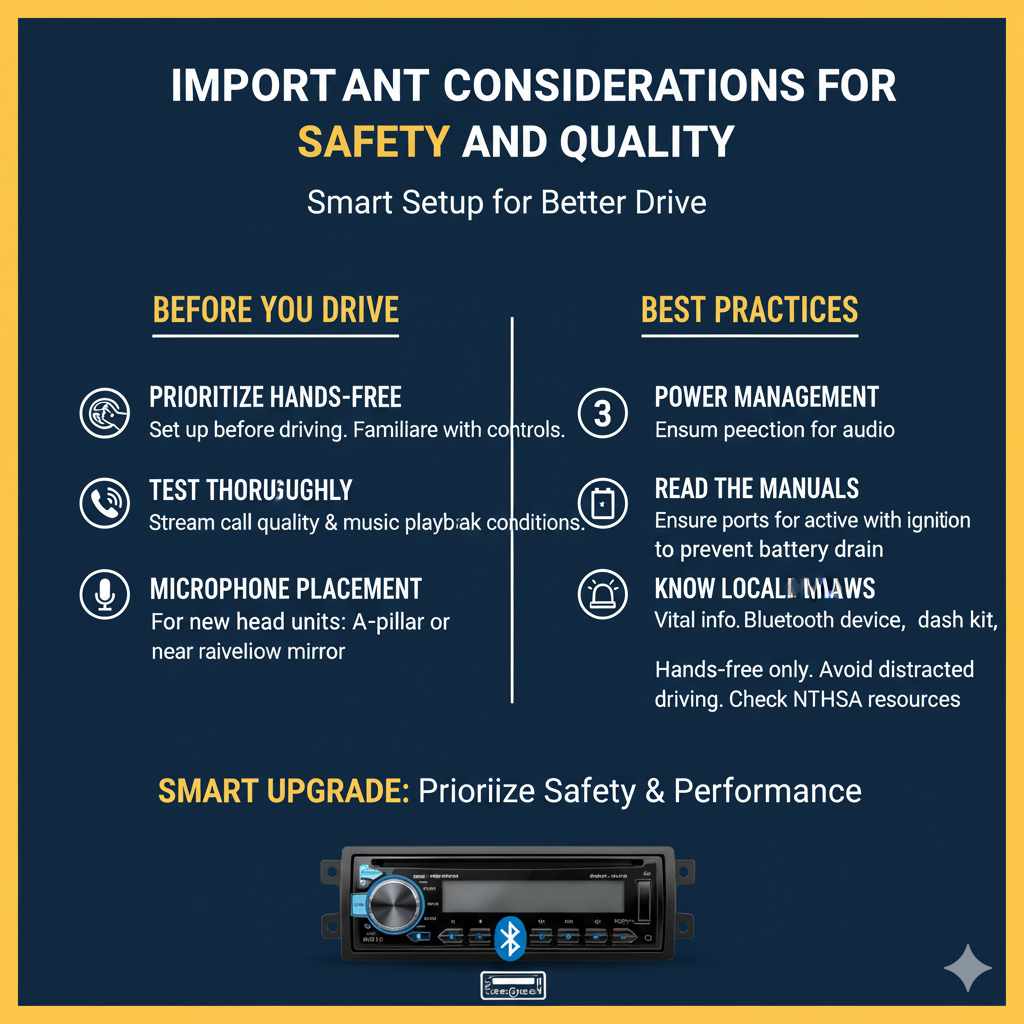
- Prioritize Hands-Free: The primary benefit is safer driving. Always set up your Bluetooth device before you start driving. Familiarize yourself with its controls while parked.
- Test Thoroughly: Before relying on your new Bluetooth setup for important calls or navigation, test it out in various conditions (e.g., highway, city). Ensure call quality is clear on both ends and music playback is smooth.
- Microphone Placement (for Head Unit Upgrades): If you’re upgrading your head unit, consider where the external microphone will be placed. The best location is usually on the A-pillar or near the rearview mirror for clear voice pickup.
- Power Management: If using adapters that require a 12V or USB port, ensure that port is always active or turns on with your ignition. Some cars only power these ports when the ignition is on to prevent battery drain. Check your car’s manual if unsure.
- Read the Manuals: Always read the instruction manuals for your specific Bluetooth device, dash kit, and wiring harness. They contain vital information tailored to your components. You can often find these manuals online if you’ve lost the physical copy.
- Legal Aspects: Be aware of local laws regarding mobile phone use while driving. Even with hands-free systems, distracted driving is dangerous and illegal in many places. For example, the National Highway Traffic Safety Administration (NHTSA) provides extensive resources on distracted driving.
Frequently Asked Questions (FAQ)
Q1: Can I add Bluetooth to a very old car?
A1: Absolutely! Even cars from the late 1990s or early 2000s can be updated. The easiest methods, like FM transmitters or AUX adapters, work with almost any stereo that has an FM radio or an AUX input. Upgrading the head unit is also possible for most vehicles.
Q2: Will adding Bluetooth void my car’s warranty?
A2: For the simple plug-and-play methods (FM transmitters, AUX adapters), it’s highly unlikely. These don’t alter your car’s original wiring. Upgrading the head unit could potentially affect the warranty on your car’s infotainment system if it’s still under warranty, but it generally won’t void the warranty on other parts of the car.