Can You Play Oculus In The Car? Essential Guide
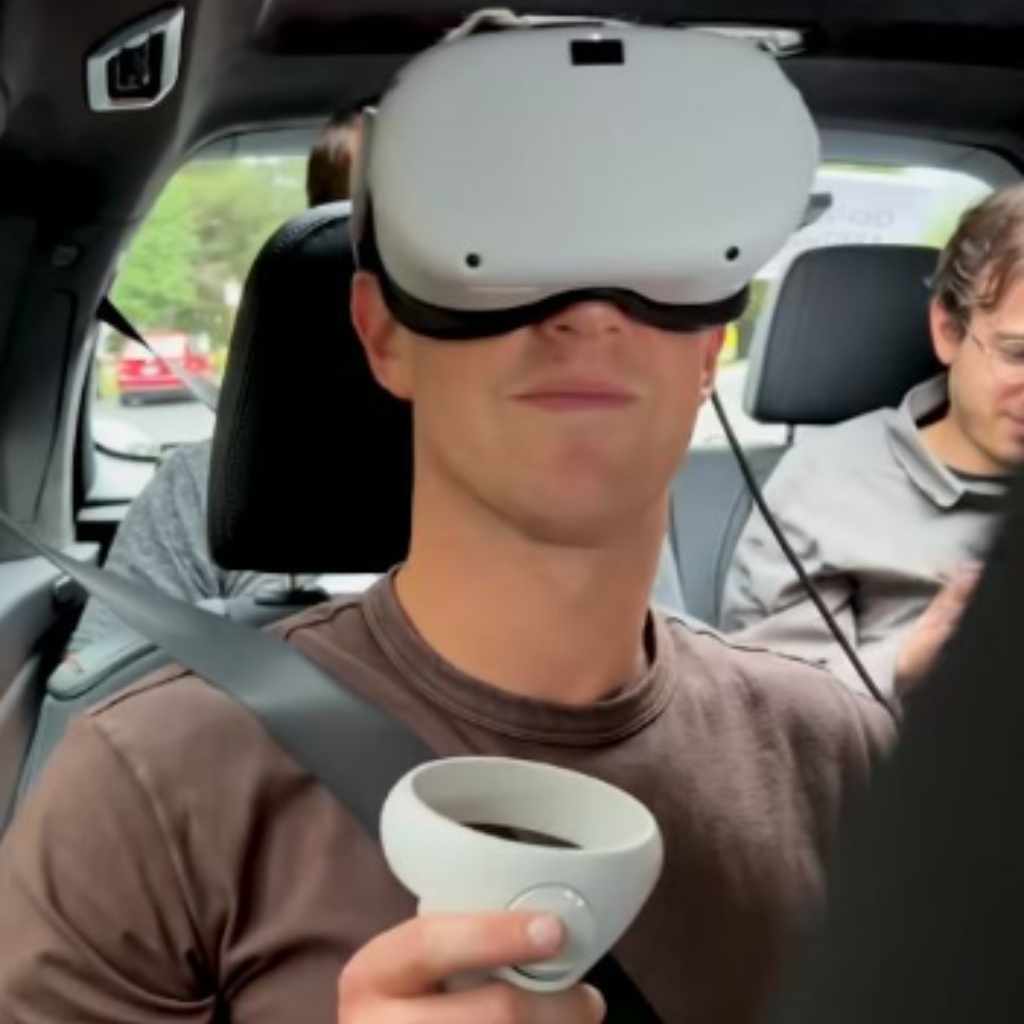
Can you play Oculus in the car? Technically, yes, you can power it on, but for the sake of safety, legality, and a good experience, playing the Oculus (Meta Quest) while the vehicle is in motion is strongly discouraged and often outright dangerous or illegal. We will explore the few exceptions and the major safety concerns you must know before attempting this.
We all love our portable tech, especially the immersive fun of an Oculus (now Meta Quest) headset. When taking a long road trip, you might wonder if you can use that downtime to jump into a virtual world while someone else handles the driving. After all, the headset is portable, right? It’s a completely natural question for modern drivers and passengers alike.
However, mixing VR headsets with moving vehicles brings up some serious safety and even legal issues. Don’t worry; we are going to break down exactly what is possible, what is suggested, and what you absolutely must avoid. We’ll look at how to set up the headset safely for stops and how to keep your entertainment hassle-free. Stay with me, and you’ll know exactly how to handle your VR gaming safely on the road!
Understanding the Two Scenarios: Driver vs. Passenger
The very first step in answering “Can you play Oculus in the car?” is determining who is using it. The rules and safety requirements change dramatically depending on whether you are behind the wheel or just enjoying the ride as a passenger.
The Driver: A Strict No-Go (And Why)
If you are the driver, the answer is an immediate and resounding NO. This isn’t just a friendly suggestion; it is a matter of law and immediate life safety.
Using any virtual reality device while operating a motor vehicle is incredibly dangerous. Even brief glances away from the road can lead to catastrophic accidents. Modern safety experts, including groups associated with the National Highway Traffic Safety Administration (NHTSA), stress that anything that takes your visual focus off the road is considered distracted driving.
- Visual Obstruction: The headset completely covers your eyes, making true road awareness impossible.
- Cognitive Distraction: Even if you could see the road vaguely, your brain would be fully engaged in the virtual environment, severely slowing down reaction times.
- Legal Consequences: In almost every jurisdiction, using an electronic device that obstructs vision or diverts attention is illegal and carries heavy fines, points, and insurance rate hikes if caught.
As your automotive guide, I must be absolutely clear: Never use an Oculus headset if you are responsible for operating the vehicle.
The Passenger: Safety First, But Generally Allowed
If you are a passenger, the situation is much different. Passengers are generally free to use electronic devices, including VR headsets, as long as they adhere to general best practices for occupying a moving vehicle.
While legal constraints on focused passenger entertainment are rare, safety concerns remain paramount. You must ensure your setup does not endanger you or others during sudden stops or impacts. We will dive into the safest ways to do this next.
Powering the Oculus Quest in a Moving Vehicle
The Oculus Quest series (Quest 2, Quest 3) requires substantial power, especially during intense gameplay. A standard USB-C cable plugged into a car charger might not cut it, or it might ruin your battery life faster than intended if the power draw is too high.
Power Requirements Overview
To keep your session going without constantly worrying about the battery dying, you need a reliable power source. The Quest typically draws power in the range of 15W to 20W under heavy load.
Here is a comparison of common in-car power solutions. Remember, you need a solution that offers stable voltage and sufficient amperage.
| Power Source Type | Typical Output | Reliability for VR | Notes |
|---|---|---|---|
| Standard 12V USB Port (Built-in) | 5V, 1A (5W) – 5V, 2.4A (12W) | Low/Slow Charging | Often too low to sustain use during intense gameplay; may only slow battery drain. |
| High-Output Car Adapter (QC 3.0/PD) | Up to 18W – 30W | Good | Requires a modern USB Power Delivery (PD) or Quick Charge 3.0 (QC) charger that supports the required voltage profile. Highly recommended. |
| Power Inverter (AC Outlet) | 100W+ (Standard household plug) | Excellent | Allows you to use the standard Oculus wall charger. Ensure the inverter is pure sine wave for sensitive electronics if possible, though most modern devices handle modified sine waves fine. |
Best Power Method: USB-C PD Adapter
For most users, purchasing a high-quality USB-C Power Delivery (PD) car charger is the simplest solution. Look for one rated for at least 25W or higher that explicitly supports 9V/2A or higher output profiles, which the Quest devices utilize.
- Plug the PD car charger securely into your vehicle’s 12V accessory socket (cigarette lighter).
- Use a high-quality, certified USB-C cable (preferably one that came with the headset or is rated for high power transfer).
- Plug the cable into the Quest. The headset should indicate it is charging or maintaining its current battery level even during demanding use.
Pro Tip from Md Meraj: Always check the ratings on your adapter before plugging in. A cheap adapter might promise high wattage but deliver unstable power, which isn’t great for the longevity of your headset’s battery.
Setting Up for Comfort and Immersion (Without Motion Sickness)
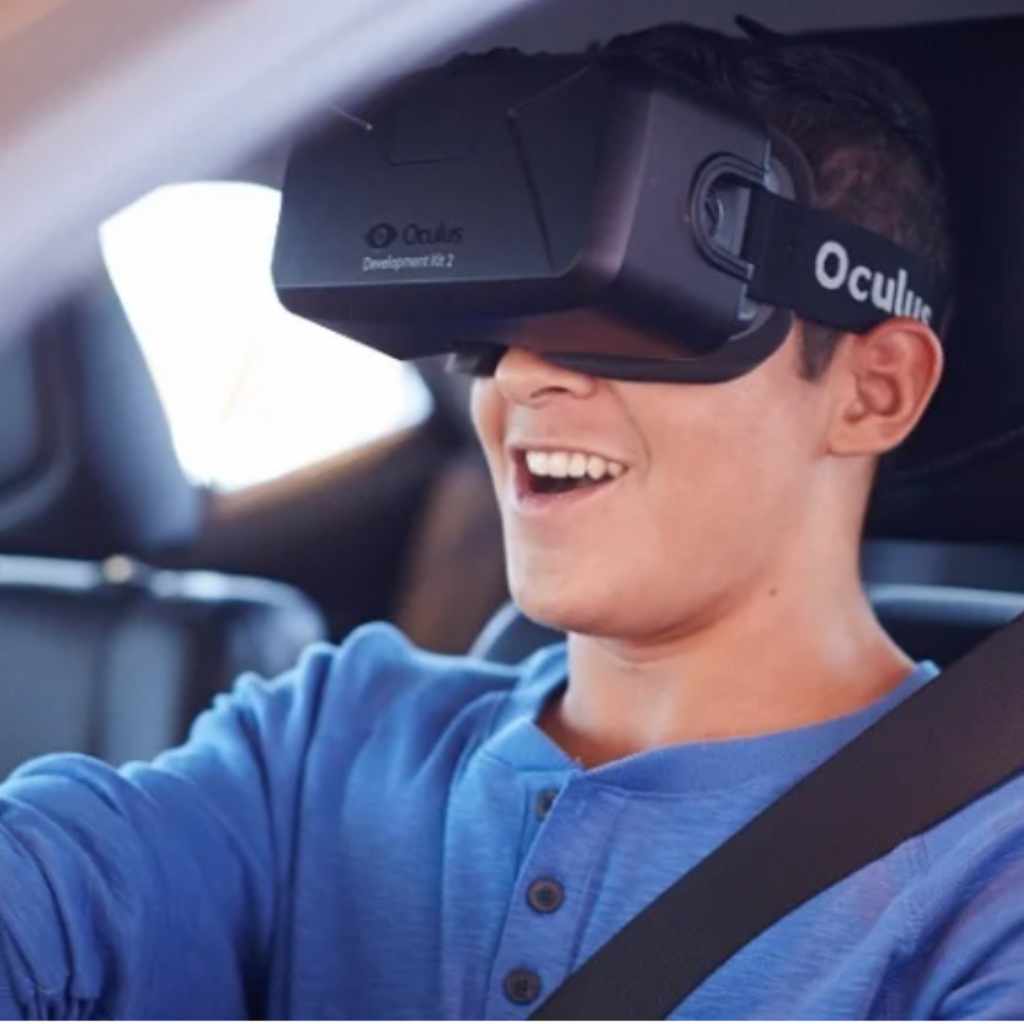
Playing VR in a seated, moving car introduces a unique challenge: simulation sickness (motion sickness). Your eyes see movement (the game world shifting), but your inner ear senses you are stationary relative to the car seat. This mismatch causes nausea.
Choosing the Right Content
This is arguably the most critical factor for avoiding misery. Not all VR games are created equal for car use.
Content to AVOID in a Moving Car:
- Fast-Paced Free Movement Games: Anything that simulates first-person running or flying (like racing simulators or elaborate space combat) is a major sickness trigger.
- Smooth Turning/Drifting Mechanics: Any movement mechanism that isn’t based on discrete steps will likely cause issues.
- First-Person Perspective (FPP) Experiences: Anything where the horizon line shifts rapidly is problematic.
Content That Works Best:
Stick to experiences that match the environmental reality of being inside a car:
- Stationary Experiences: Meditation apps, passive 360-degree videos, or virtual escape rooms where you only move your head, not your whole body viewpoint.
- Rhythm Games (With Caveats): Games like Beat Saber, if played while seated and remaining relatively still, can sometimes work, but intense side-to-side action should be treated cautiously.
- App/Movie Viewing: Using the headset as a massive personal cinema screen (e.g., using NetflixVR or Bigscreen) is usually the safest bet, as the content is relatively static.
Managing Vehicle Motion
Even with the right content, how the car moves matters significantly. The smoother the ride, the better your VR experience will be.
When traveling, try to communicate with the driver:
- Request Gentle Driving: Ask the driver to minimize hard braking, sharp accelerating, and aggressive cornering. Smooth is an understatement—it needs to be pillow-soft.
- Choose Your Seat Wisely: If possible, sit in the middle back seat. This position is typically the most stable, as it is centrally located over the vehicle’s axis of rotation, minimizing the feeling of lateral sway compared to edge seats.
- Focus on a Fixed Point (When Taking Breaks): If you start feeling queasy, immediately remove the headset and focus your eyes on a non-moving object inside the car, like the headrest in front of you, until your equilibrium settles.
For more information on road safety and vehicle dynamics that affect passenger comfort, resources from organizations like the Insurance Institute for Highway Safety (IIHS) often provide helpful data on passenger movement within a vehicle structure.
Physical Safety and Securing Your Gear
If an accident or even a sudden emergency stop occurs, unsecured electronics become dangerous projectiles. This is true for phones, tablets, and especially large, padded headsets like the Oculus Quest.
Securing the Headset
You cannot just toss the headset onto the center console or a side seat. It must be secured, even when you are actively wearing it.
Passenger Safety Checklist for VR Use:
- Wear Your Seatbelt Correctly: This is non-negotiable. The lap belt must go low across your hips, and the shoulder belt must cross your chest and shoulder securely.
- Use a Secure Cushion/Pillow: If leaning against the window or door, ensure you have a sturdy pillow or travel neck rest to stabilize your head against side bumps.
- Strap Management: Ensure all straps on the headset are snugly fitted. A loose strap allows the device to shift excessively during minor turbulence.
- Storage During High-Risk Driving: If the road gets rough (e.g., winding mountain roads or heavy traffic), power down the headset immediately and place it securely in a dedicated, padded carrying case, perhaps on the floor between the seats or buckled into an empty seat.
The Danger of Viewing Angle on the Road
Even if you are only looking at a static screen inside the VR environment, you cannot become complacent about outside hazards.
Imagine this scenario: You are watching a movie in Bigscreen. Suddenly, the driver slams on the brakes because a deer jumps out. Your natural, instinctual reaction is to look up and react, but the headset locks your vision to the virtual movie screen. This delay in awareness is what leads to injuries, even for passengers.
A good rule of thumb: If the driver needs to react suddenly to the road ahead, you must be ready to drop the headset instantly.
Legal Considerations for Passenger VR Use
While laws primarily target drivers, some regions are beginning to look at what passengers can legally do, especially concerning visual obstruction.
State-Specific Laws on Passenger Distraction
In the United States, general distracted driving laws often focus on holding handheld devices, but VR headsets are a unique gray area. Currently, very few local statutes specifically ban a passenger from wearing a VR headset. However, this can change quickly.
The main legal risk for a passenger is falling under broader laws regarding “obstructing vision” or “reckless endangerment” if the way the device is used—or if the user enters a state of panic and throws the device—contributes to an accident.
For instance, laws related to seat belt usage and securing cargo are nearly universal. An unsecured headset could technically violate cargo rules if it caused damage during a collision. Always check your local Department of Motor Vehicles (DMV) guidelines for the state you are traveling through, especially regarding electronic devices used near the windshield or driver’s sightline.
For general guidelines on how technology might interact with driving safety, resources provided by state transportation departments can offer context on passenger behavior expectations.
Alternative: Using the Oculus While Parked
If you have a long wait at a charging station, or you are stopping for lunch, utilizing the Oculus while the car is parked offers the best combination of safety, enjoyment, and power management.
Advantages of Parked VR Time
| Factor | While Moving | While Parked |
|---|---|---|
| Motion Sickness Risk | High | Zero (related to vehicle motion) |
| Power Stability | Moderate (requires high-output charger) | Excellent (can use the standard wall charger) |
| Safety & Legality | Potential hazard/Legal gray area | Completely safe and legal |
| Content Freedom | Limited to stationary apps | Full selection available |
Simple Steps for Parked VR Entertainment
When parked, you can relax the restraint system slightly and enjoy your experience fully:
- Ensure the parking brake is firmly engaged.
- Turn the engine off, or at least place the car in accessories mode so the starter battery isn’t impacted significantly.
- If possible, use the standard wall plug charger for the best battery health.
- Take advantage of the extra space! If your car has wide back seats, position yourself comfortably for better immersion.
- If the car is hot (summer), remember that the Quest can overheat in direct sunlight or extremely high cabin temperatures. Keep the car air conditioning running periodically to ensure the headset stays within its safe operating temperature range (usually around 90°F or 32°C).
Troubleshooting Common Road Trip VR Issues
Even when following all the best practices, issues can pop up. Since you are dealing with car vibrations and fluctuating power, you might see specific problems.
Tracking Loss
The Quest uses inside-out tracking cameras. These cameras need stable visual references (like patterns on the car seats or floor) to orient themselves in 3D space.
Why it happens in a car:
- Low Light: If you are driving through a tunnel or at night, the cameras might not see clearly enough.
- Rapid Vehicle Motion: Extreme side-to-side movement can confuse the tracking algorithms.
- Reflections: Sunlight glinting off metal surfaces or windows can confuse sensors.
Fix: If tracking is lost, pause the game, gently jiggle the headset to encourage re-calibration, or manually reset the guardian boundary if the headset prompts you to do so. If the car is moving too aggressively, the only fix is to stop playing until the motion stabilizes.
Headset Overheating
The Quest generates heat, and a hot car cabin adds a dangerous amount of external thermal load.
Fix: If you receive an overheating warning:
- Immediately remove the headset.
- Turn off the headset completely (not just sleep mode).
- Point a small fan (like a USB battery-powered fan) from the front seat toward the passenger wearing the headset, or direct airflow toward the headset itself if it’s on a nearby seat.
- Do not expose the headset lenses directly to intensely bright, magnified sunlight, as this can permanently damage the internal screens.
FAQ: Oculus in the Car
Here are quick answers to common beginner questions about using your VR headset on the road.
Q1: Will using the Oculus drain my car battery if the engine is off?
A: Yes, if you are using a power inverter plugged into the 12V socket, or if you are running the car solely in accessory mode for too long. Always monitor the intensity of your use. If the car has been off for more than an hour, it’s safest to start the engine periodically to recharge the car battery.
Q2: Is it illegal for a passenger to wear an Oculus in any state?
A: Currently, very few laws specifically target passengers wearing VR headsets. However, laws against reckless driving or obstructing the driver’s view (if the passenger is sitting in the front seat and leaning over) could theoretically apply.
Q3: Can I use the Oculus while the car is idling at a long stoplight?
A: While the car isn’t moving, you still need to be extremely cautious. If the stoplight changes, the driver might accelerate suddenly before you have time to react. It’s best practice to only use it when the vehicle is fully parked and shut off.
Q4: How do I prevent motion sickness when playing VR in a car?
A: Choose quiet, stationary VR experiences (like viewing movies or 360-degree tours). Keep the ride smooth, sit near the center of the back seat, and stop immediately if you feel even slightly unwell.
Q5: Can the Quest 3 handle the vibrations of a rough road?
A: The hardware itself is sturdy, but vibrations often cause tracking issues, leading to a very bad experience. Extreme road vibrations will disrupt the headset’s ability to map your position accurately, resulting in flickering or lost guardian boundaries.