
Can You Transfer Numbers Between Carriers? Essential Guide
Yes, you can transfer a number between carriers if the line is active and the account name, billing address, and account or PIN details match exactly. Bad port data can trigger rejection, delay service, or cut off your current line. This guide explains how wireless, landline, and VoIP number transfers work and how to avoid the common failure points.
Can you transfer a phone number between carriers?



Yes, many active U.S. numbers can usually move between carriers through number porting. The number moves; the phone, SIM, or eSIM does not. Portability rules cover wireless numbers and, with separate timing and verification steps, many landline and VoIP numbers too.
What number porting means
Number porting is the handoff of a telephone number from one provider’s switching system to another. The old carrier releases the number after account verification, and the new carrier takes over service on that number. It is a verification process, not a simple form submission.
Which numbers are usually portable
Wireless numbers are usually the simplest to move. Landline and VoIP numbers are often portable too, but they may face extra checks, longer timelines, or rate-center limits. Some numbers tied to special services, disconnected accounts, or certain business systems can take more work.
What changes and what does not when the number moves
The number changes carriers, but device ownership does not change by default. A locked phone can still be locked after porting, and an unlocked phone can still need a fresh SIM or eSIM from the new carrier. Voicemail, texts, and contacts do not automatically migrate with the number.
What you need before you start the port
You need exact account data from the old carrier before submitting the request to the new carrier. The most common failure point is a mismatch in account number, port-out PIN, billing name, or service address. Device financing and account status matter too.
Carrier account number
The account number must match the old carrier record exactly. It is often on the bill, in the online account portal, or on customer-service paperwork. Some carriers use separate numbers for billing and wireless service, so do not guess if the label looks ambiguous.
Port-out PIN or transfer PIN
Many carriers require a port-out PIN or transfer PIN to stop unauthorized transfers. These PINs may be numeric, alphanumeric, or one-time codes, and some may expire quickly. Their job is security: the new carrier uses them to verify you control the line.
Billing name and service address
The billing name and service address must match the carrier record exactly. That includes punctuation, suite numbers, apartment numbers, and business account formatting. “John A. Smith” is not always the same as “John Smith,” and “Apt 4B” matters if the account uses it.
Account status, financing, and balance checks
An active line is usually required for a smooth port, and past-due balances can block release. Device installment plans, equipment-financing holds, fraud freezes, and other account restrictions can also stop a transfer. Prepaid plans and family plans often need the primary account holder’s details for approval.
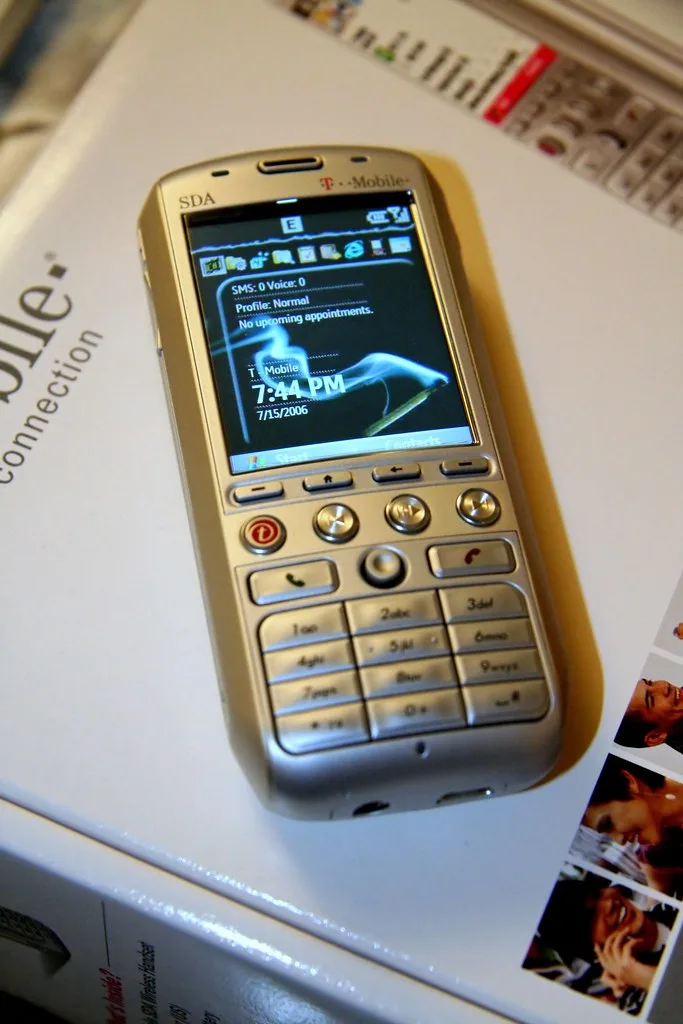
How do you move your number to a new carrier?
Start the request with the new carrier, keep the old line active, and wait for both carriers to confirm the handoff. The new carrier submits the port, the old carrier verifies the account data, and the number activates when the release completes. Timing varies by service type.
Start the request with the new carrier
Give the new carrier the old account number, port-out PIN, billing name, service address, and any required account PIN. If the line is part of a family or business account, the request may need the account owner or an authorized user listed on the account.
Keep the old line active until the port finishes
Do not cancel the old line first. Cancellation can turn an active number into a disconnected number, which may remove portability. Keep service live until the port completes and the new carrier confirms activation, even if you have already installed a temporary SIM or eSIM.
Watch for confirmation and activation timing
Wireless-to-wireless ports can sometimes complete quickly, including within the same day, when the information matches. Landline and VoIP transfers often take longer, sometimes several business days. During the cutover, you may see a brief overlap where one phone rings while the other has not fully switched yet.
Why do number transfers get rejected?
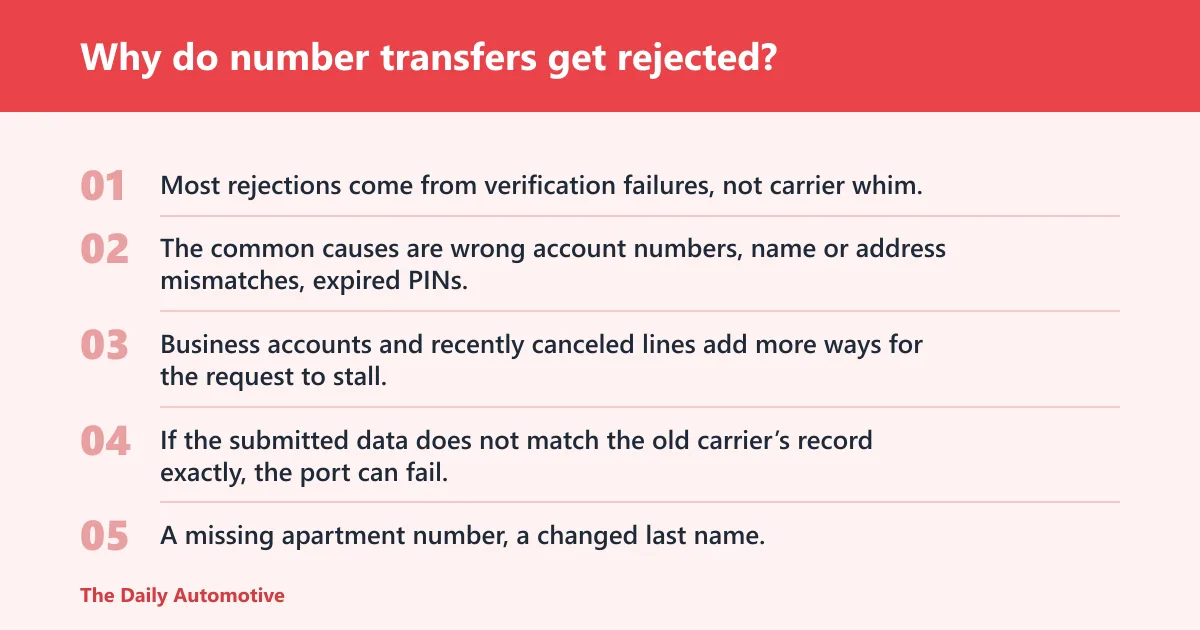
Most rejections come from verification failures, not carrier whim. The common causes are wrong account numbers, name or address mismatches, expired PINs, past-due balances, financing holds, or a frozen account. Business accounts and recently canceled lines add more ways for the request to stall.
Mismatch in account number, name, or address
If the submitted data does not match the old carrier’s record exactly, the port can fail. Even small differences matter. A missing apartment number, a changed last name, or a billing address entered in the wrong format can trigger a rejection code.
Wrong or expired port-out PIN
Port-out PINs are often time-limited, and some carriers refresh them frequently. If the PIN expires before the new carrier submits the request, the old carrier will not authorize the release. A one-time PIN used yesterday may be useless today.
Past-due balance, device financing, or account freeze
Past-due balances can place a hold on number release, especially on postpaid and business accounts. Installment plans may keep a line tied to an account until the remaining device balance is resolved or the carrier allows transfer. Fraud reviews and account freezes can block the port entirely.
Other common carrier-side blocks
Recently canceled numbers may not be portable if the carrier already retired them. Some prepaid accounts need a refill or active status before transfer. Business lines can require a company PIN, tax ID, or authorized contact. Landline and VoIP numbers may also face service-class restrictions.
Say your wireless line uses an apartment address recorded as “12B,” but the new form says “Unit 12-B.” That may be enough for a rejection if the carrier treats the address as an exact match. The fix is to copy the billing record character for character before resubmitting.
How long does a number transfer take?
Wireless-to-wireless ports are often fast, while landline and VoIP ports usually take longer because more systems have to verify the transfer. A clean wireless port may finish the same day, but a landline or VoIP move can take one to several business days depending on the providers involved.
Wireless-to-wireless timing
For mobile numbers, the cutover is often measured in minutes to hours once the request is approved. Delays usually mean a data mismatch, a hold on the old account, or a queue at either carrier. Keep both phones available until the old line stops receiving service.
Landline and VoIP timing
Landline ports can take longer because the number may move through local exchange and routing records rather than a mobile account system. VoIP ports may also need provider-specific checks. If the number supports emergency calling or business features, additional validation can add time.
Cutover window and temporary service overlap
Cutover is the point when the old carrier stops carrying the number and the new carrier starts. During this window, you may see brief overlap or a short gap. Avoid changing voicemail greetings or 2FA settings until calls and texts work on the new line.
Use this porting-prep checklist before you submit
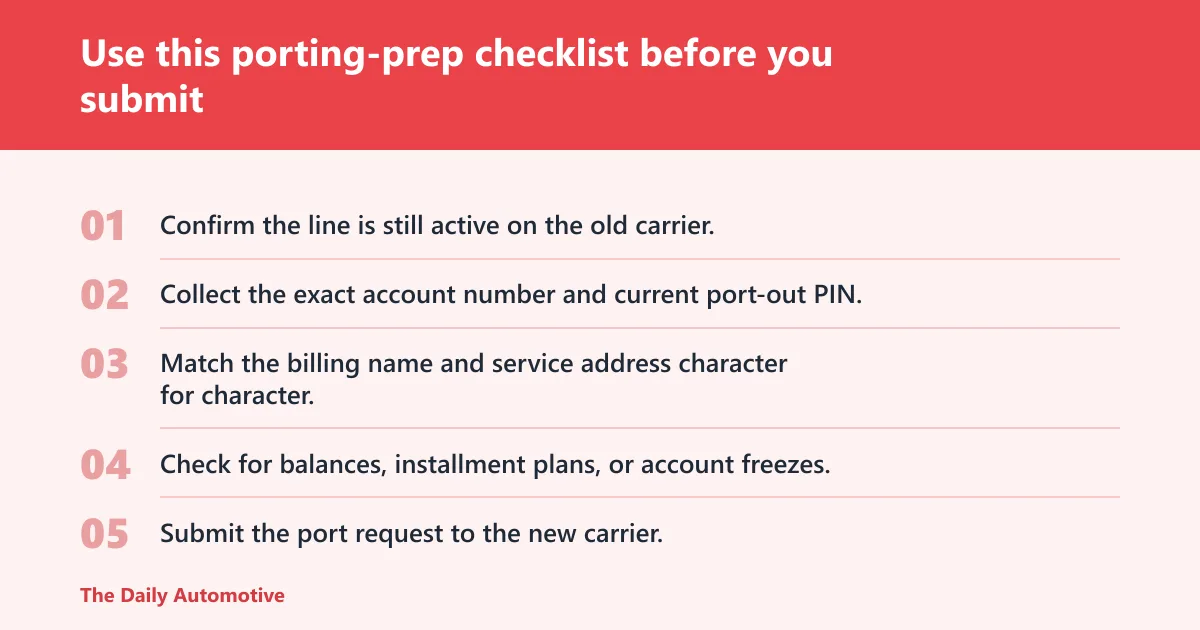
Use a pre-submit check to catch avoidable rejections before the request goes in. Confirm the old line is active, the exact account data is correct, and any billing or financing holds are cleared. For family, prepaid, and business accounts, verify who is authorized to approve the port.
| Item to verify | What to check | Likely rejection if wrong |
|---|---|---|
| Carrier account number | Copy it from the bill or account portal exactly | Yes: wrong account or unreadable number |
| Port-out PIN | Confirm current format and expiration window | Yes: expired or invalid PIN |
| Exact billing name | Match punctuation, middle initials, and business name | Yes: name mismatch |
| Service address | Use the account’s exact street, suite, and ZIP format | Yes: address mismatch |
| Device financing status | Check for installment plans or payoff holds | Yes: financing block |
| Account balance | Clear past-due charges if required | Yes: unpaid balance hold |
| Carrier-specific lock status | Look for fraud freezes, port blocks, or number locks | Yes: account frozen or locked |
- Confirm the line is still active on the old carrier.
- Collect the exact account number and current port-out PIN.
- Match the billing name and service address character for character.
- Check for balances, installment plans, or account freezes.
- Submit the port request to the new carrier.
- Keep the old service working until the new line activates.
For prepaid accounts, the biggest risk is assuming “paid up” equals “portable.” Some prepaid lines still require an active refill window or a separate transfer PIN. For family plans, the account owner may need to approve the move. For business accounts, ask whether an authorized user can submit the request.
What happens to voicemail, texts, and contacts after the switch?
Voicemail, texts, and contacts do not automatically move with a port. The number transfers, but stored messages stay with the old carrier’s service, and phone contacts are usually saved on the device or in a cloud account. Two-factor codes can break if you change too many settings at once.
Voicemail transfer limits
Voicemail boxes usually do not port. Once the number moves, the old voicemail system may stop accepting new messages, and saved messages can become inaccessible. Record important messages or save them another way before the transfer completes.
Text message and two-factor code risks
SMS may pause during cutover, and some apps treat a number change as a security event. If you use text-based two-factor authentication, update those accounts only after the new line receives calls and texts normally. Keep backup codes ready in case a login prompt appears mid-port.
What to back up before the port
Back up contacts, voicemail recordings you need, and any app-based authentication settings tied to the old number. If your phone stores messages locally, export what matters before removing the old SIM or deactivating the old eSIM. A short checklist prevents a messy reset later.
What if your transfer gets stuck?
Start with both carriers, because the old carrier controls release and the new carrier controls the submission. Have the account number, port-out PIN, exact billing name, and service address ready, along with any rejection code. If the carrier will not release a valid number, escalate through formal complaint channels.
Who to contact first
Ask the new carrier to read back the exact data on the request and the rejection reason. Then contact the old carrier to check for holds, balances, or PIN expiration. If one carrier says the other is at fault, get the issue number or case reference from both sides.
What documents and status details to have ready
Keep the latest bill, account number, port-out PIN, and any screenshots of the rejection. For business lines, include proof of authorization. For prepaid lines, keep refill dates and plan status handy. Precise details speed up the manual review.
When to escalate through FCC complaint channels
If both carriers refuse to resolve a valid port and the number should be portable, federal number portability rules may apply. The FCC’s complaint process is the formal escalation path when routine support fails. Use it when the number is eligible, the data is correct, and the carrier still will not release it.
How do I port my number to a new carrier?
Give the new carrier your account number, port-out PIN, billing name, and service address exactly as they appear on the old account. Keep the old line active until the transfer completes. Then wait for confirmation before changing voicemail, authentication settings, or device setup.
Can I transfer a number if my account is past due?
Sometimes, but not always. A past-due balance can hold the number at the old carrier, especially on postpaid, family, and business accounts. Before submitting the port, check whether the account must be brought current or whether the carrier will release the number with a balance still open.
Can I transfer a landline or VoIP number to a mobile carrier?
Often yes, but expect more verification and a longer timeline than a wireless-to-wireless port. Landline and VoIP numbers can depend on local routing, provider policies, and account type. Keep the old service active until the mobile carrier confirms the number is live.
Why was my number transfer rejected?
The most common reasons are wrong account number, name mismatch, address mismatch, expired PIN, past-due balance, financing hold, or account freeze. Business lines and prepaid lines often add extra approval rules. Ask the new carrier for the specific rejection code so you can correct the right field.
Will I lose service when switching carriers?
You may have a brief interruption during the cutover, but you should not lose the number if the port is approved. The safer approach is to keep the old service active, activate the new SIM or eSIM only when instructed, and avoid canceling the old line too early.
Can I keep my number if I switch plans or phones?
Usually yes. Switching plans or phones does not require a number transfer if the number stays on the same carrier. If you move to a different carrier, the port rules apply. If the phone changes, make sure device unlocking is handled separately from the number move.
Products related to this article
Sponsored / affiliate links. As an Amazon Associate I earn from qualifying purchases. I may earn additional commission from eligible campaigns.