Carbinox Watch Text Messages Not Working? How to Fix It
Carbinox watches receive text messages by pairing with the free CARBINOX PRO app over Bluetooth — if messages stop coming through, it’s almost always a settings or connection issue, not a broken watch.
The most common cause is the CARBINOX PRO app getting closed in the background, which silently disconnects the watch until you reopen it.
This guide covers the real pairing steps, the official fix for missed text notifications, and when to contact Carbinox support directly.
Quick Answer
If your Carbinox watch stops receiving texts, first check that neither your phone nor watch is on silent or Do Not Disturb, then make sure SMS notifications are enabled in both your phone’s settings and inside the CARBINOX PRO app. Keep the app running in the background — closing it disconnects Bluetooth and stops notifications until you reopen it.
Introduction To Carbinox Smartwatches
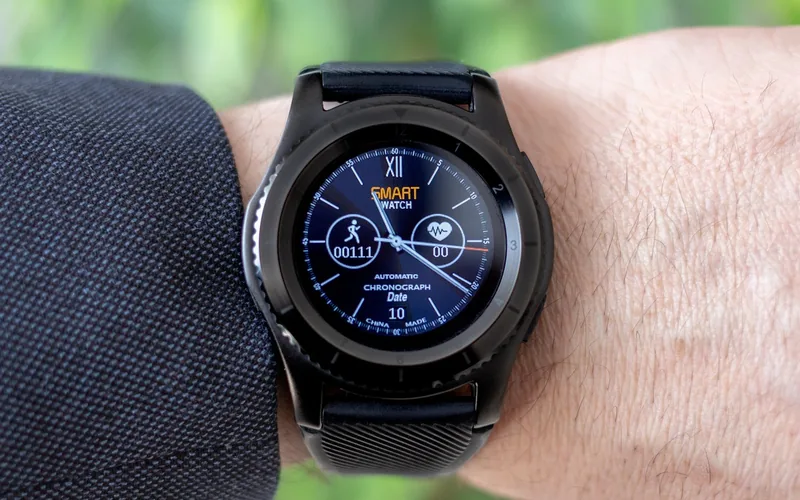
The Carbinox smartwatch line (Blaze, Pro, Vortex, Ranger, and Edge models) offers connectivity with your smartphone through the CARBINOX PRO app. You can receive text message notifications directly on your wrist without needing to check your phone.
With a rugged, outdoor-oriented design, the watch is built to withstand daily activity. The durable materials help it hold up through tough conditions while keeping you connected.
Key Features Of Carbinox Watches
The Carbinox Watch offers text message notification mirroring. Users can receive alerts directly on their wrist without checking their phone constantly.
Health and fitness tracking is another standout feature. The watch monitors heart rate and tracks steps, helping users stay active and reach fitness goals.
Battery life is designed to last several days on a single charge. The durable design is built for outdoor activities and daily wear.
Setting Up Your Carbinox For Text Messages
Carbinox watches pair with your phone through the free CARBINOX PRO app (available on both Android and iOS) — not a generic fitness app. Using the correct app name matters, since searching the app store for just “Carbinox” can surface unrelated apps.
- Download the CARBINOX PRO app: Get it from the Google Play Store or Apple App Store — not any other generically-named fitness app.
- Turn on Bluetooth: Enable Bluetooth on your phone before opening the app.
- Power on your watch: Make sure your Carbinox watch (Blaze, Pro, Vortex, Ranger, or Edge) is charged and turned on.
- Pair inside the app: Open CARBINOX PRO, search for nearby devices, and select your watch model from the list.
- Enable SMS notifications in the app: Inside CARBINOX PRO’s notification settings, turn on SMS/text alerts specifically — this is a separate setting from your phone’s own notification permissions.
- Test it: Send yourself a text message and confirm it appears on the watch before relying on it.
Carbinox Watch Not Receiving Text Messages? Official Fix
This is the single most common Carbinox watch problem people search for. Per Carbinox’s own troubleshooting guide, work through these in order before assuming the watch is faulty:
📊 The #1 reported cause of a Carbinox watch suddenly no longer receiving texts is the CARBINOX PRO app getting force-closed in your phone’s recent-apps switcher — the Bluetooth notification bridge only works while the app is running in the background. Source: Carbinox Official Troubleshooting Guide
- Check silent mode on both devices: Make sure neither your phone nor your watch is in silent mode.
- Keep the CARBINOX PRO app running: Don’t force-close it from your phone’s recent apps — doing so disconnects the watch until you reopen the app.
- Enable SMS notifications in two places: Turn on notification permissions for CARBINOX PRO in your phone’s system settings, and separately enable SMS alerts inside the app itself.
- Turn off Do Not Disturb on the watch: A DND mode on the watch itself will silently block incoming alerts.
- Reconnect after a network drop: If your phone loses Bluetooth or signal briefly, notification syncing can reset and need to reconnect.
“Make sure you don’t have the ‘Do Not Disturb’ feature turned on for your smartwatch, and check that SMS notifications are enabled inside the CARBINOX PRO app, not just on your phone.”
If none of these steps fix it, Carbinox support can be reached directly at [email protected] for model-specific help.
Benefits Of Receiving Texts On Your Wrist
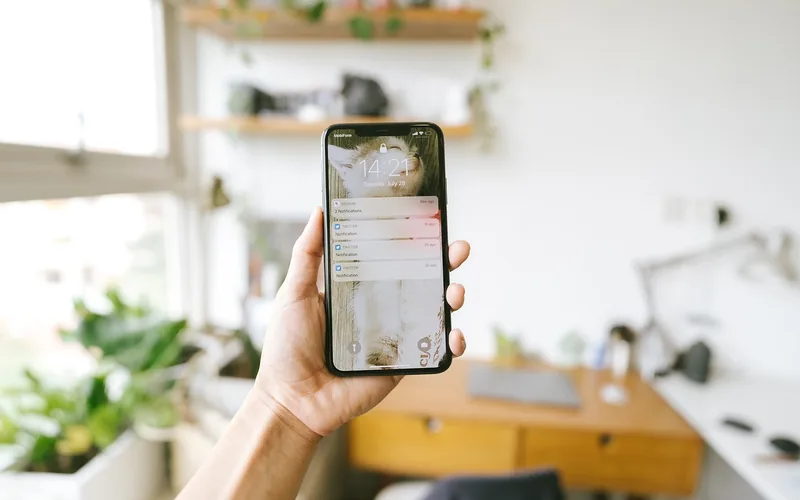
Receiving text message notifications on your wrist is convenient. It keeps you aware of incoming messages without pulling out your phone every time it buzzes, which is especially useful during workouts or outdoor activities where your phone isn’t easily accessible.
Glancing at a notification on your wrist rather than unlocking your phone can also cut down on unnecessary screen time and phone-checking habits.
Navigating Text Messages On Carbinox
Carbinox watches make it easy to see that a message has arrived. Notifications appear on the screen showing the sender’s name and message preview when a text comes in.
As covered in the FAQ below, Carbinox watches are notification-mirroring devices — they display incoming texts but do not support composing or sending a reply directly from the watch. To reply, you’ll need to pick up your connected phone.
Privacy And Security Features
Like most Bluetooth Low Energy wearables, Carbinox watches only mirror notifications while paired and connected to your phone — your messages themselves stay stored on your phone, not on a separate cloud server tied to the watch.
| Feature | Description |
|---|---|
| Notification Mirroring | Displays alerts from your paired phone; nothing is stored independently on the watch. |
| Bluetooth Pairing | Requires an active connection to your phone — out of range, notifications stop. |
Comparing Carbinox With Other Smartwatches
The Carbinox Watch offers straightforward text notification mirroring aimed at outdoor/rugged use rather than a full smartwatch app ecosystem. This puts it in a different category than mainstream fitness smartwatches like Amazfit, which (as covered in the FAQ) also supports text notifications but through its own companion app and typically a broader app/feature set.
| Smartwatch | Text Notifications | Reply From Watch | Focus |
|---|---|---|---|
| Carbinox | Yes, via CARBINOX PRO app | No | Rugged/outdoor durability |
| Amazfit | Yes, via Zepp/Amazfit app | Varies by model | Fitness + broader app ecosystem |
User Reviews And Feedback
Feedback on Carbinox watches is mixed but generally positive on the core notification feature working as expected once set up correctly. The most common complaint tied to text messages isn’t the watch hardware itself, but the CARBINOX PRO app disconnecting in the background — the same issue covered in the troubleshooting section above.
Some users also note the screen can be harder to read in direct sunlight, and battery life varies depending on how many notification types are enabled.
Frequently Asked Questions
Can You Text From A Carbinox Watch?
No, you cannot send texts directly from a Carbinox watch. The watch mirrors notifications from your paired phone but lacks messaging or reply capabilities of its own. Users can receive alerts for incoming messages, but responding requires the connected smartphone.
What App Do I Need For My Carbinox Watch?
You need the official CARBINOX PRO app, available for free on both the Google Play Store and Apple App Store. Searching for just “Carbinox” in an app store can return unrelated results, so search for “CARBINOX PRO” specifically.
How Do I Get My Smart Watch To Show Text Messages?
To receive text messages on your smartwatch, ensure it’s paired with your smartphone via Bluetooth using the CARBINOX PRO app. Enable notifications in the app’s settings, and check your phone’s own notification permissions to confirm the app is allowed to alert you.
Why Is My Carbinox Watch Not Getting Text Messages?
Your Carbinox watch may not receive text messages due to the CARBINOX PRO app being closed in the background, Do Not Disturb being enabled on the watch, or SMS notifications not being enabled inside the app itself (a separate setting from your phone’s permissions). Restarting both devices and reopening the app often resolves it.
Can You Get Text Messages On An Amazfit Watch?
Yes, you can receive text messages on an Amazfit watch. It syncs with your smartphone through the Zepp or Amazfit app, displaying notifications from messaging apps. Customize notification settings within the app to manage how messages appear on the watch.
Conclusion
Carbinox watches mirror text message notifications on your wrist through the free CARBINOX PRO app — once paired correctly, with SMS alerts enabled in both the app and your phone’s settings, it works reliably. If messages stop coming through, the app getting closed in the background is the most common cause, not a defective watch.
Products related to this article
Sponsored / affiliate links. As an Amazon Associate I earn from qualifying purchases. I may earn additional commission from eligible campaigns.
 Maxlaxer El Wire Blue Interior Car LED Strip Lights, 5M Neon Wire USB 5V with Fuse Protection for Automotive Interior Decoration, with 6mm Sewing Edge
 Maxlaxer El Wire Ice Blue Interior Car LED Strip Lights, 5M Neon Wire USB 5V with Fuse Protection for Automotive Interior Decoration, with 6mm Sewing Edge