Does Uber Have Car Seats for Toddlers? Ages, Sizes & Cities
Uber has toddler car seats only in some cities and only on certain Uber service types, such as Uber Car Seat where available; otherwise you must bring your own or use a rideshare that lists a child-seat option. Skip that check and you can face a canceled trip, an unsafe ride, or a seat that does not fit your child. This guide shows how to verify availability fast, what ages and sizes fit each seat stage, and how to choose the right Uber option for toddlers.
Uber car seat basics


Uber child-seat availability is market-specific. The Uber Help Center and the in-app ride details are the source of truth for your city, your pickup point, and the ride type you select. A child-seat option may appear in one place and not another, and airport service can differ from street pickups.
Treat Uber Car Seat as a ride-by-ride check, not a built-in feature. Uber’s own booking flow and service pages indicate that availability, reservation timing, and any fees are shown in the app when the product is offered; if the app does not list the option for your ride, assume it is unavailable for that trip.
What the service is and is not
Uber child-seat options are not the same as bringing a family vehicle with a built-in restraint, and they are not a promise that any seat stage will be available. In practice, the listing tells you which seat type, if any, the market supports for that ride request. Uber’s help materials describe child-seat products as location-dependent services rather than a universal setting on every ride.
Do not assume a toddler can use a booster just because a child-seat service appears. A booster, a toddler seat with a seat belt or restraint, and an infant-only seat solve different size needs.
Why availability changes by city and ride type
Availability changes because local fleets, airport rules, and service rules control which child seats are stocked and where they can be requested. One city may offer a child-seat product at airport pickup, while another city may not offer it at all, or may offer it only on selected ride categories.
Because Uber does not publish a universal city list for child seats, the app matters more than third-party travel benchmarks. Airport rules and vehicle-class limits can also change what appears; if the product does not show up for your exact pickup, the answer for that ride is no.
When the app listing is the source of truth
Use the app listing when you need the final answer. It tells you whether the child-seat service is listed, whether you must reserve ahead, and whether pickup timing is limited. If the option is absent from the listing, do not count on the driver having a seat at arrival. Uber’s own service pages are the right place to confirm those constraints because they are tied to the current market and ride type.
Does Uber have car seats for toddlers?
Sometimes, yes. Uber can have a toddler-appropriate car seat only in markets where a child-seat service is listed, and the correct fit depends on your child’s size and seat stage. A toddler may still need rear-facing or a seat with a restraint; a booster is often too early for that stage.
When a toddler still needs rear-facing
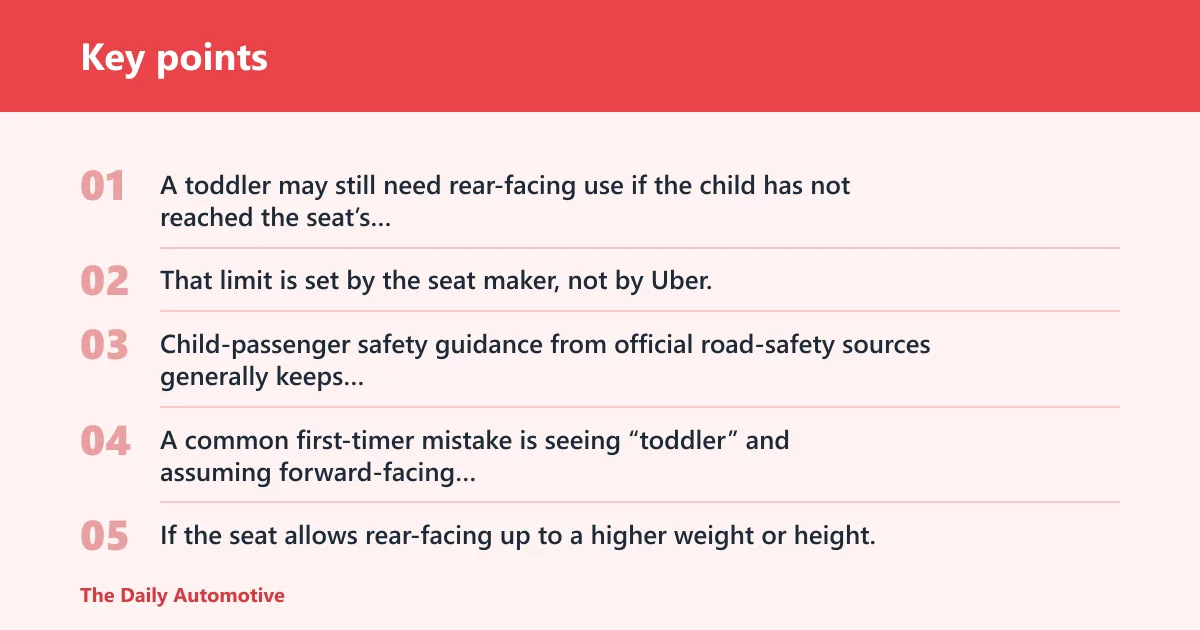
A toddler may still need rear-facing use if the child has not reached the seat’s rear-facing limit. That limit is set by the seat maker, not by Uber. Child-passenger safety guidance from official road-safety sources generally keeps toddlers rear-facing as long as the seat allows, because younger children have proportionally larger heads and weaker neck control than older children.
A common first-timer mistake is seeing “toddler” and assuming forward-facing automatically fits. It does not. If the seat allows rear-facing up to a higher weight or height, use that configuration until the child outgrows it.
When a seat with a restraint may fit
A toddler seat with a restraint is the usual fit when the child has outgrown infant-only use but is not ready for a booster. Size still matters more than age. Use the seat maker’s weight and height limits first, and compare them against the child’s standing height and torso fit.
Follow the seat maker’s weight and height limits first. If the child falls within the listed range, a restrained toddler seat is the stage to look for, not a booster.
When a booster is too early
A booster is not the same as a toddler seat. A booster is for a child who can sit correctly with the vehicle’s lap-and-shoulder belt, which usually means older and taller than the toddler stage. That is why booster readiness is a sizing question, not an age label.
Use a booster only when the child can sit properly with the lap-and-shoulder belt and meets the seat or market rules. If your child is still small enough to need a seat with a restraint, a booster is the wrong stage.
Toddler seat stages
Think by fit and restraint level, not by the label on the service. Infant-only seats, convertible seats, toddler seats, and boosters each fit different bodies, and some markets may list only one of those options. Uber’s listing, if offered, should tell you which stage the local service supports.
Infant-only car seats
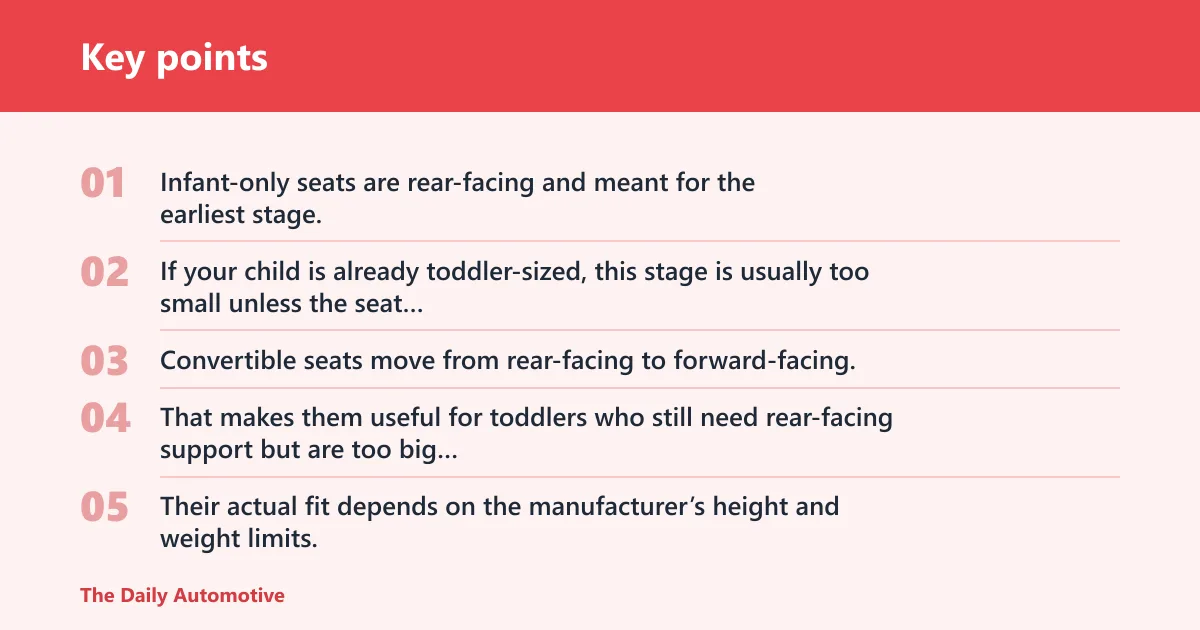
Infant-only seats are rear-facing and meant for the earliest stage. If your child is already toddler-sized, this stage is usually too small unless the seat maker’s limits still fit.
Convertible car seats
Convertible seats move from rear-facing to forward-facing. That makes them useful for toddlers who still need rear-facing support but are too big for an infant-only seat. Their actual fit depends on the manufacturer’s height and weight limits, so check the listing for your model.
Booster seats
Boosters raise the child so the vehicle belt fits better. They are for older, taller children who can use a lap-and-shoulder belt correctly. Use them only when the child has the maturity and size to sit upright for the whole ride without the belt riding up on the belly or neck.
I-Size and R129
i-Size, also called R129, uses height-based sizing instead of only weight. That matters because the child’s standing height is often a better practical fit check than age alone. R129 systems also place greater emphasis on side-impact and head-and-neck protection than older, weight-only group labels.
If you see R129 in a local listing, compare the child’s standing height first, then check the seat’s weight and installation notes. Height-based sizing often reduces guesswork when you are moving between countries or vehicle classes.
ISOFIX and LATCH are the same idea in different regions: lower-anchor installation systems that connect the car seat to the vehicle without relying only on the seat belt. ISOFIX is the international name; LATCH is the U.S. name. In rideshare trips, that matters because some Uber child-seat products are already installed by the vehicle owner, while a parent-supplied seat may need anchors that the car offers; if the vehicle does not have the needed anchors, you may have to use the seat belt installation method instead, if the seat allows it.
How to check your city
Open the app and compare the ride types shown for your pickup area. Then verify whether a child-seat or Uber Car Seat option appears, whether the service requires advance booking, and whether the pickup window fits your schedule. If any of those details are missing, assume the option is not available for that trip.
- Enter your exact pickup and destination.
- Review the ride types that appear in your city.
- Look for a child-seat or Uber Car Seat listing.
- Open the ride details and check advance reservation rules.
- Confirm whether pickup-time limits are stated.
- Compare the seat stage shown in the listing with your child’s size.
- If the option is absent, switch to your backup plan before you request the ride.
Follow the vehicle and product manual; child restraints and aftermarket seat accessories must be allowed by both the car-seat and vehicle manual, and keep items out of airbag zones and the driver’s view while checking local laws.
Uber have car seats checklist
Use this table as a fast market check. It does not claim universal city coverage; it shows sample app-verification fields you should confirm in your own Uber app before you book. Uber’s help pages do not promise the same child-seat result in every city.
| City | Ride type | Child-seat service listed in the app | Advance booking needed | Backup plan if unavailable |
|---|---|---|---|---|
| New York City | Airport pickup or city pickup | Verify in-app for the exact pickup; market-dependent | Check the booking screen; if a reservation prompt appears, follow it | Bring your own approved seat or use another transport mode |
| Los Angeles | Standard or airport ride | Verify in-app for the exact pickup; market-dependent | Check the booking screen; do not assume same-day availability | Book a regular ride and travel with your own approved seat |
| London | Street pickup or airport pickup | Verify in-app for the exact pickup; market-dependent | Check whether the app offers scheduled booking for the child-seat product | Use a personal car seat, rental car with your seat, or another transport mode |
| Toronto | Any Uber ride type shown | No child-seat listing visible unless the app shows one for your pickup | Not available to reserve if the option is not listed | Travel with your own approved seat or choose a different service |
If the app shows a child-seat service, read the ride details again before you tap request. Availability can be limited by pickup time, and some markets only support the option at specific locations. Uber’s app experience is the right place to confirm whether the product appears for that ride and whether the service can be booked now or only in advance.
How much does it cost?
Pricing depends on the city and service listing. If your local Uber child-seat option shows a fee, read that price in the app before you book. Do not assume a universal rate, because local inventory and ride category can change the total.
Daily rate versus per-rental cap
Any daily-rate benchmark from a rental-car company is not an Uber price. Uber-specific pricing for child seats is market-dependent and may be included in the ride, added as a separate fee, or shown only after you select the product in-app. If the app does not show the fee clearly, do not proceed until you can verify it.
For Uber, use the app listing instead of assuming a daily rate or cap. If the listing does not show the fee clearly, do not proceed until you can verify it.
Why pricing can vary by location
Pricing can vary because child-seat inventory is local. A city with limited seats may price the service differently from one with more supply, and airport pickup can follow different rules than street pickup.
What matters before you pay is simple: the exact fee, whether it is tied to the ride, and whether a reservation surcharge applies. If the listing is unclear, skip the request and choose a backup.
What if your child is between stages?
Start with the child’s current seat limits, then choose the more protective option if the child falls between categories. A child who is too small for a booster should stay in a restrained seat, and a child who still fits rear-facing should usually stay rear-facing until the seat’s own limits are reached.
Suppose your child is 3 years old, 15kg, and 98cm. That child is clearly in toddler-seat territory, not booster territory, so a restrained toddler seat or a convertible seat that still fits rear-facing is the safer match if the market offers it.
Picture a child who is 4 years old and 106cm. If the only available Uber child-seat option is a booster and the child still needs a restraint by the seat maker’s limits, skip the ride.
When size is unclear, do not guess. Choose the seat stage with more restraint, or use a different transport option if the app only offers a stage the child has outgrown or has not yet reached.
What if no car seat is available in my city?
If the app shows no child-seat inventory, treat that as a hard stop for that ride request. The fast fallback is to travel with your own approved child seat, use a rental car that can accept your seat, or choose another transport option that keeps the child properly restrained.
Do not wait until pickup time to find out the option is gone. If the market does not list the service, or the listing is sold out, switch plans before you request the ride. That avoids cancellations and avoids putting the child in a seat stage that does not fit.
Frequently asked questions
What ages and sizes count as toddler car seat users?
Toddler fit is better judged by stage, weight, and height than by age alone. Use the child’s current seat limits, not the label on the service. If the child is between stages, choose the more protective option.
Which Uber cities offer car seat options?
There is no universal city list that applies everywhere. Uber child-seat availability changes by market, ride type, and pickup location, so the app is the only reliable way to confirm a specific city. Check the exact pickup city, then verify whether the child-seat option appears for that ride.
How much does a car seat rental cost by day?
Uber pricing varies by city and listing, so the app should show the fee for your ride. Use the in-app price only; there is no reliable Uber-wide daily rate. If the fee is not shown, the market is not giving you a complete quote yet.
Can I request a car seat when booking in advance?
Often yes, but only if the local listing allows reservation. Uber’s booking flow and help pages show the reservation details inside the product listing when advance booking is supported. If the app does not offer the option at booking, it is not confirmed.
Are toddler seats forward-facing or rear-facing?
Either can be correct, depending on the seat and the child’s size. Many toddlers still need rear-facing use until they outgrow the seat’s rear-facing limits, while other toddler seats are forward-facing seats with a restraint. Do not switch to forward-facing just because the child is older or taller by age alone.
What if my child is between car seat stages?
Use the child’s current seat limits, not the label on the service name. If the child still fits rear-facing or still needs a restraint, stay with that stage. If the app only offers a booster and the child is not ready for it, skip the ride and bring your own approved seat.
Products related to this article
Sponsored / affiliate links. As an Amazon Associate I earn from qualifying purchases. I may earn additional commission from eligible campaigns.