How to Set Car Radio to Satellite: Easy Step-by-Step Guide
Switching your car radio over to satellite is a quick, one-time setup that most factory infotainment systems and aftermarket head units already support.
Instead of losing a station to static every time you drive through a tunnel or between cities, satellite radio broadcasts the same signal nationwide, so a channel you find in Ohio sounds identical in Arizona. Beyond the steadier reception, you get access to hundreds of channels spanning commercial-free music, live sports play-by-play, comedy, and talk shows that AM/FM simply doesn’t carry.
The good news is that activating it takes only a few minutes once you know where to look. Most vehicles built in the last decade or so already have a satellite tuner and antenna built in — you just need to find the right menu setting and pair it with an active subscription. This guide walks through locating that setting, activating service with your provider, and tuning in your first channels.
Introduction To Satellite Radio
Rather than broadcasting from a single tower like a traditional AM/FM station, satellite radio beams its signal down from a network of satellites orbiting the earth, which is why the same channel comes through just as clearly whether you’re driving through downtown Chicago or a stretch of empty interstate in Nebraska. That coverage is also why tunnels and mountain passes cause fewer dropouts than they do with terrestrial radio, though a receiver can still lose the signal briefly under a very thick overpass. The tradeoff for that consistency is access to a lineup of a few hundred channels covering music genres, national news, and talk programming — most of it commercial-free on the music side, so you’re not counting down thirty seconds of ads between songs.
Audio quality holds up well across the whole broadcast, without the hiss and fade that creep into a weak FM signal near the edge of a station’s range. Providers like SiriusXM also lock up exclusive programming you can’t pick up anywhere else — full-season NFL and MLB play-by-play, comedy channels built around specific headliners, and concert broadcasts — which is part of why long-haul drivers tend to stick with a subscription even after the free trial period ends. A road trip that crosses two or three states no longer means re-scanning for a new local station every hour; your preset channel just keeps playing.
SiriusXM is effectively the only satellite radio provider left in North America, the result of Sirius and XM merging back in 2008 into a single service with one combined channel lineup. Apps like Pandora and iHeartRadio sometimes get mentioned in the same breath, but those stream over your phone’s data connection or Wi-Fi rather than a satellite signal, so they don’t need a dedicated in-car receiver or antenna the way SiriusXM does. If your dashboard has a “SAT” or “SiriusXM” button, that’s the one to look for; the streaming apps instead connect through Bluetooth or a USB/aux cable like any other phone audio source.
Required Equipment
Every satellite radio setup starts with a tuner that can actually pick up the signal. In most vehicles built since the mid-2000s, that tuner is already integrated into the factory head unit, and all you need is a small roof-mounted antenna feeding it. Older cars or aftermarket stereos usually need a separate plug-in receiver, often mounted near the dash or under the seat, that connects to the radio through an auxiliary input or a dedicated SiriusXM adapter port. Before buying anything, check your radio’s manual or look for an “XM” or “SiriusXM” logo on the faceplate to confirm what kind of hardware you’re working with.
Hardware alone won’t play anything — you also need an active SiriusXM subscription tied to your receiver’s unique radio ID. Plans range from a stripped-down entry tier with the core music and talk channels up to an “All Access” package that adds every sports, comedy, and premium channel in the lineup, and new subscribers typically get a free trial period (often three months) before the plan starts billing monthly or annually. If you’re only using satellite radio on road trips a few times a year, it’s worth comparing the month-to-month rate against an annual plan, since SiriusXM regularly offers discounted renewal rates if you call in to negotiate.
Preparing Your Car
Start by confirming your radio can actually handle a satellite signal — check the owner’s manual or look at the head unit itself for a “SAT,” “XM,” or “SiriusXM” label near the source or menu button. If nothing on the dash suggests satellite capability, an aftermarket SiriusXM adapter can add the feature by routing through your radio’s aux input or FM modulator, without needing to rewire anything.
If you’re installing an aftermarket receiver, gather a small screwdriver, the antenna cable that comes in the kit, and a few zip ties for routing wires cleanly. The antenna itself needs a clear view of the sky, so most installers mount it on the roof or rear window shelf rather than tucking it inside the cabin, where metal and glass block reception. Run the cable to the receiver, plug everything in, and power on the radio to confirm you’re getting sound before buttoning up the interior panels — it’s much easier to fix a loose connector now than after the dash trim is back in place.
Activating Satellite Radio
Activation is handled entirely by the provider, not by anything you configure on the radio itself. Call SiriusXM’s customer service line or start the process online, and have your radio ID ready — most units display it automatically if you tune to channel 0 or 1, or you can find it printed on a sticker near the receiver. Give that ID to the representative (or enter it during online signup) along with your chosen plan, and their system pushes the activation signal out to your specific receiver, usually within 10 to 15 minutes.
If you’d rather sign up online, create an account at siriusxm.com, enter your radio ID and payment details, and select a plan — the site walks you through the same steps a phone rep would. You’ll get an email confirmation once the subscription is live, and from that point your receiver should pick up channels the next time you turn the key, though a hard reboot (turning the car off and back on) sometimes speeds up that first activation.
Tuning Your Car Radio
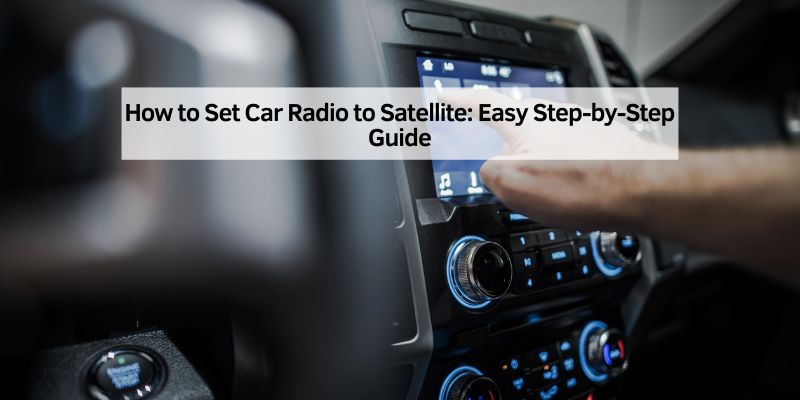
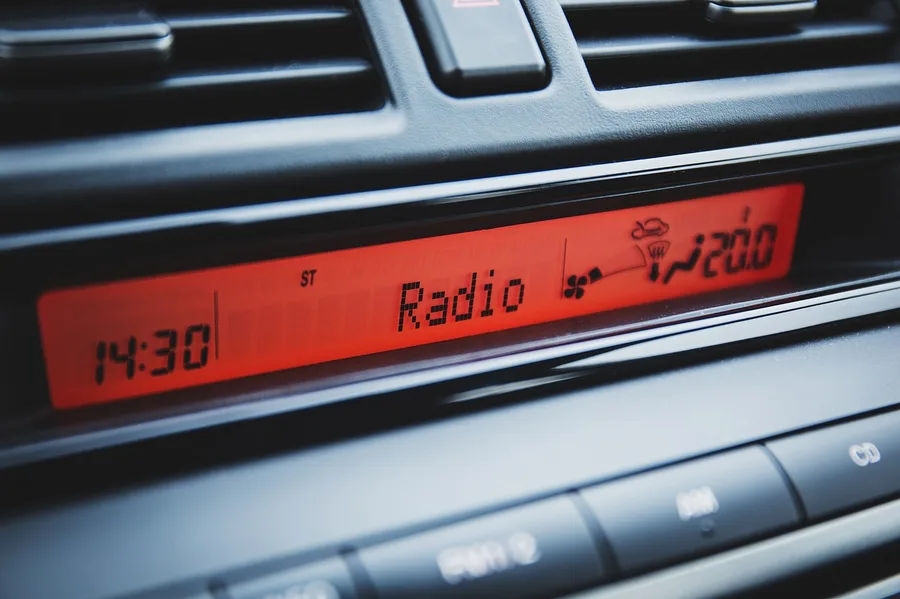
With the radio powered on, press the “Source” or “Menu” button until the display shows “SAT” or “SiriusXM” as one of the available inputs — on most factory systems this cycles alongside FM, AM, Bluetooth, and USB rather than sitting in a separate menu. Once you’ve selected satellite as the source, use the tuning knob, the up/down arrows, or the seek button (depending on your radio’s layout) to scroll through the channel lineup, which is typically organized by category — music genres first, then news, sports, and talk.
When you land on a channel worth keeping, hold down one of the numbered preset buttons (most radios give you six per source) for two or three seconds until the display confirms the save with a beep or a brief flash. From then on, a quick tap of that preset jumps straight back to the channel instead of scrolling through the lineup again — worth doing for your five or six favorites before a long drive.
Troubleshooting Common Issues
Most setup problems come down to one of three things: the radio isn’t actually satellite-capable, the antenna has a poor line of sight to the sky, or the subscription hasn’t fully activated yet. Working through those in order — confirm compatibility in the manual, check the antenna placement, then verify the account status — resolves the large majority of “no signal” complaints.
Signal Interference
Because the signal comes from satellites rather than a ground tower, anything directly overhead can block it — parking under a dense tree canopy, a multi-level parking garage, or driving under a highway overpass will all cause momentary dropouts, and long tunnels will cut the signal entirely until you exit. Heavy cloud cover or storms can weaken reception slightly but rarely kill it outright; a persistently weak signal in open conditions is more often a sign the antenna is dirty, loose, or mounted somewhere with a partially blocked view of the sky, like under a sunroof deflector or rear spoiler. Cleaning the antenna and reseating its connector fixes most of these cases.
Subscription Problems
If every channel suddenly shows static or a “Subscription Update Needed” message instead of audio, the problem is almost always on the account side rather than the hardware. Log into your SiriusXM account online to confirm the plan is current and the payment method on file hasn’t expired, since a declined card is the most common reason service quietly lapses. If everything on the account looks fine but the radio still won’t play, a full power cycle — or asking the provider to resend an activation “refresh” signal to your radio ID — usually clears it up within a few minutes.
Maximizing Your Experience
The channel lineup is large enough that most subscribers never explore past the handful of presets they set up on day one, which means entire categories — comedy, classic sports broadcasts, decades-specific music channels — often go untouched. Scrolling through the full guide once a month or so, rather than only ever seeking within one genre, is the easiest way to find a channel worth adding to your presets before your next long drive.
Higher-end SiriusXM-capable radios also support pausing and rewinding live satellite audio for up to an hour, so missing the start of a game or an interview because you had to answer a call doesn’t mean losing the segment entirely. Some units add a signal-strength meter in the display menu, which is worth checking if you’re chasing down a weak-reception spot rather than just guessing where the antenna might be shadowed.
Conclusion And Final Tips
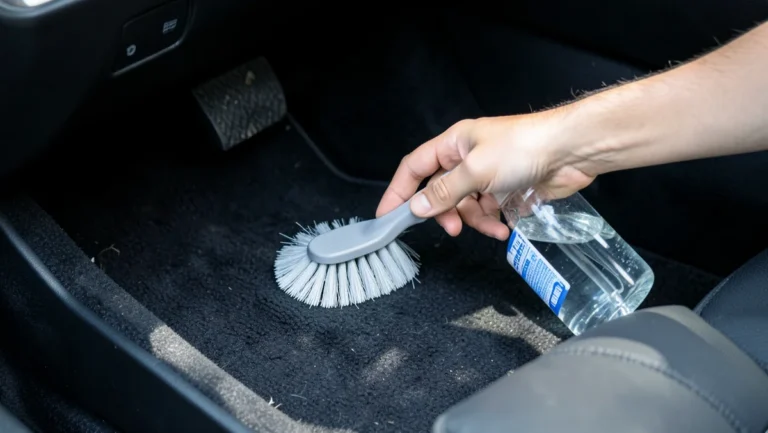
A quick antenna check every few months goes a long way toward keeping reception consistent — wipe off any accumulated grime, and look for cracks or a loose base that could let water in, since a corroded connector is a common cause of intermittent signal loss that’s easy to mistake for a subscription problem.
It’s also worth keeping the head unit’s firmware current, since manufacturers occasionally push updates that fix channel-guide bugs or improve tuning reliability. Check your car’s manual for the update process — some systems update automatically over Wi-Fi, while others need a dealer visit or a USB file transfer.
Beyond that, staying on top of your renewal date is really the only ongoing maintenance satellite radio needs — as long as the subscription stays active and the antenna has a clear view of the sky, the system runs itself, leaving you free to just work through the channel guide and build out your presets over time.
Frequently Asked Questions
How Do I Get Satellite Radio In My Car?
Purchase a satellite radio receiver or adapter kit. Subscribe to a satellite radio service like SiriusXM. Install the receiver or adapter using the car’s audio system. Follow the manufacturer’s instructions for setup. Enjoy your favorite channels and content.
How Do I Program My Siriusxm Radio In My Car?
Turn on your car radio and select SiriusXM. Find the desired channel using the tuning knob or buttons. Press and hold a preset button to save the channel. Repeat for other channels. Ensure your radio is activated with a subscription for full access.
Why Is My Satellite Radio Not Working In My Car?
Check the antenna connection, ensure the subscription is active, and verify the radio’s software is updated. Obstructions like tunnels or tall buildings can also disrupt signal reception.
How Do I Know If My Car Has Satellite Radio?
Check your car’s audio system for an “XM” or “Sirius” logo. Look for a “SAT” or “SiriusXM” button on the radio. Review your car’s manual or contact the dealer for confirmation. You can also try tuning to satellite radio channels.
Conclusion
Switching a car radio over to satellite comes down to three things: confirming your hardware supports it, activating a subscription tied to your radio ID, and then tuning in from the source menu the same way you’d switch to FM or Bluetooth. Once that’s done, the antenna and subscription handle themselves, and the modest monthly cost buys you a lineup you won’t outgrow — coast-to-coast reception, ad-free music, and exclusive sports and talk content that regular radio can’t match. Check your owner’s manual if any step above looks different on your specific model, since exact menu wording varies by manufacturer.
Happy listening!
Products related to this article
Sponsored / affiliate links. As an Amazon Associate I earn from qualifying purchases. I may earn additional commission from eligible campaigns.