How to Use Lyft Car Service: No-Surprises
Use Lyft by placing the pickup pin where the car can stop, picking the right ride type, checking the upfront fare, and matching the driver and plate before you enter. Skip those checks and you can pay more, wait longer, or land at the wrong curb. This guide walks through each pre-request step, where surprise charges start, and how to avoid pickup mistakes.
Setting up your account and ride options
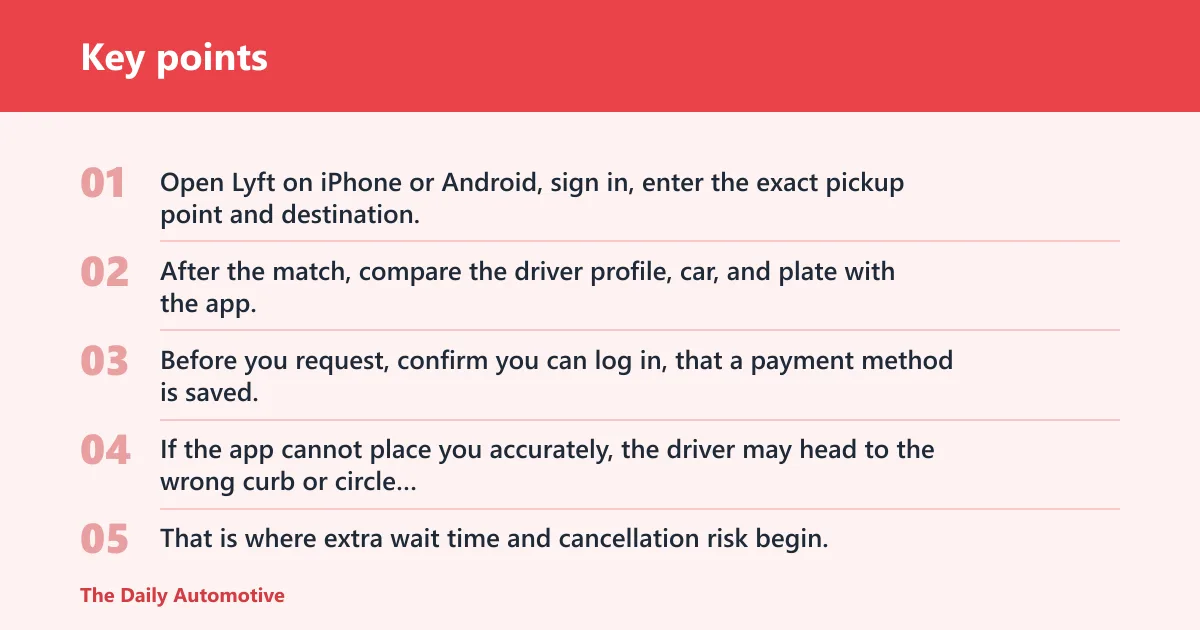


Open Lyft on iPhone or Android, sign in, enter the exact pickup point and destination, choose a ride type, and review the fare estimate before you request. After the match, compare the driver profile, car, and plate with the app, then pay in-app and save the receipt.
Start with the app and account
Lyft’s rider app handles the trip. Before you request, confirm you can log in, that a payment method is saved, and that location services are on so the pickup pin lands in the right spot.
If the app cannot place you accurately, the driver may head to the wrong curb or circle the block. That is where extra wait time and cancellation risk begin.
Choose the ride that fits the trip
You may see standard, Extra Comfort, XL, Black, Black SUV, and Access, but availability varies by location. Pick the smallest ride that actually fits your group and luggage, because a vehicle that is too small often leads to a second request, a delay, or a higher fare.
How do you request a Lyft ride step by step?
To request a Lyft ride, install the app, create or log in to your account, enter the pickup pin and destination, choose a ride type, and confirm the request after checking the price estimate. The app then matches you with a driver and shows arrival details, vehicle information, and pickup instructions.
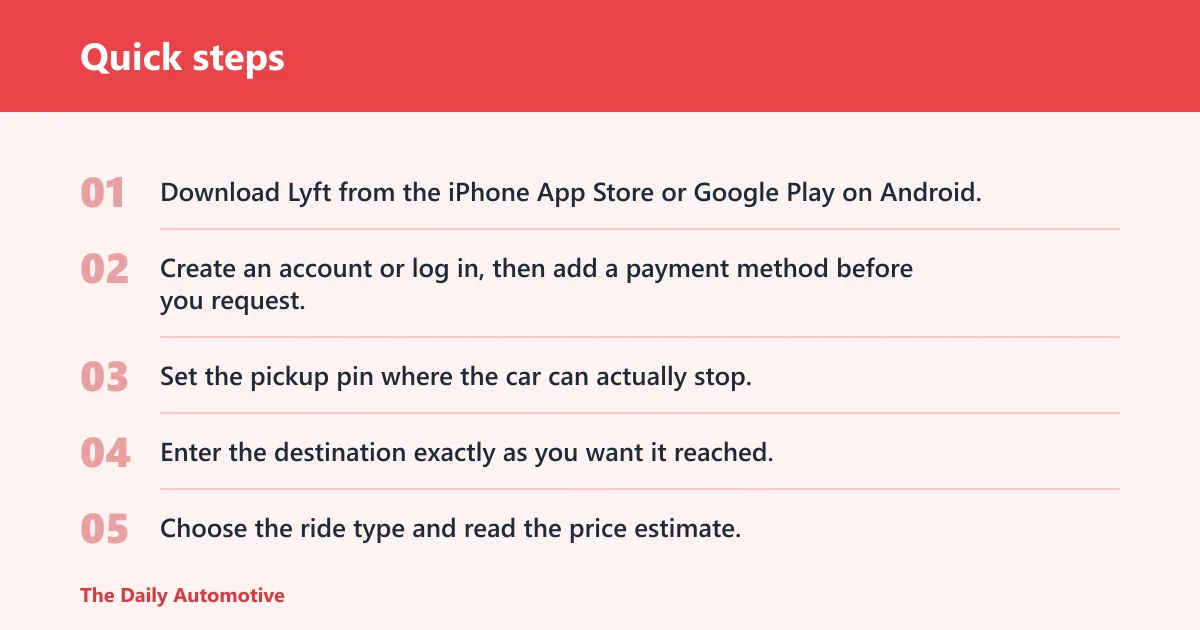
- Download Lyft from the iPhone App Store or Google Play on Android.
- Create an account or log in, then add a payment method before you request.
- Set the pickup pin where the car can actually stop.
- Enter the destination exactly as you want it reached.
- Choose the ride type and read the price estimate.
- Tap to request, then watch for driver, car, and ETA details.
Set the pickup pin and destination carefully
The map pin matters more than the street name. If you pin the wrong side of a hotel, the wrong terminal, or the middle of a large lot, the driver may arrive at the right address but the wrong stopping point. That is a common cause of delays.
Say your hotel has a front entrance on one street and a rideshare lane around the corner. Pinning the main address instead of the pickup lane can add several minutes while the driver loops back or waits for a message.
Confirm before you tap request
Before booking, read the ride type, pickup location, destination, and estimate one more time. If the app shows a different pickup than you intended, fix it now. Once a ride is confirmed, changing the route or pickup details can alter the fare or trigger a new request.
How much will your Lyft cost?
Lyft often shows an upfront estimate before you request, but the final charge can change if the trip runs longer, includes tolls, adds wait time, or needs a route change. Tips and certain market-based price increases can also appear on the bill after the ride ends.
Estimate versus final charge
The estimate is the app’s early price view. It is not always the amount that lands on the card. A quoted fare can shift when real-world factors change the trip, especially pickup delays, route changes, airport fees, or other charges that apply in the market.
The easiest way to think about it: the estimate helps you decide whether to request. The final bill reflects what happened on the road.
What can change the price?
Waiting time is a common source of extra cost. If the driver arrives and cannot find you, or if curb access is slow, time starts to matter. Tolls, tips, cleaning charges, and route changes can also affect the final amount. Surge-style pricing may apply where the market uses it.
A common first-timer mistake is treating an airport quote as a locked price. If the pickup lane is congested and the trip takes longer than expected, the final amount may not match the first estimate.
Pickup and ETA basics
Pickup works best when the pin, the curb, and the app instructions all point to the same place. After matching, watch the driver ETA, then confirm the car make, color, and plate before you enter. Airport pickups and curbside rules can change where the car is allowed to stop.
Match the car, plate, and driver
When the driver arrives, compare the app’s driver profile and vehicle details with the real car. Do not get in if the plate does not match. The app is also where you can review ETA updates and any messages from the driver about where to meet.
Airport and curbside rules
Airport pickups can be slower and less flexible than a neighborhood curb. Some airports require a rideshare zone, a terminal-level pickup, or a specific lane. If you stand at the wrong curb, the driver may not be allowed to stop, and the ride can be delayed or canceled.
Suppose you land with a carry-on and check bag, but you wait at departures while the app directions point to arrivals. The driver may reach the correct terminal and still be unable to find you, which can cost time and possibly a cancellation fee if the window expires.
Lyft ride checklist
Use this checklist before you request and again before you get in. It is the fastest way to prevent wrong-pickup confusion, avoidable waiting, and a fare that changes for reasons you could have spotted in the app.
| Step | What to confirm in the app | What can go wrong | Likely cost/time consequence |
|---|---|---|---|
| Pickup pin | Pin sits at the exact curb or entrance | Driver reaches the wrong side of the block | Delay, extra waiting, possible cancellation risk |
| Destination | Address, terminal, or venue name is correct | Driver heads to the wrong stop or building | Route change, longer trip, higher final charge |
| Ride type | Standard, Extra Comfort, XL, Black, Black SUV, or Access fits the trip | Vehicle is too small or unavailable | Second request, delay, or higher price |
| Driver ETA | Arrival window and route are visible | You are not ready when the driver arrives | Wait time charges or cancellation fee |
| Airport pickups | Terminal, zone, or curb instructions match the airport rules | You wait at the wrong level or lane | Missed pickup, delay, possible no-show charge |
| Late-night pickups | Lighting, exact meetup spot, and phone access are ready | Driver cannot identify you in a dark or crowded area | Longer wait, cancellation risk, extra time cost |
| Shared or group rides | Seat count and luggage fit the party | Group exceeds vehicle capacity | Need a second car or a larger, pricier ride |
| Destination changes | Route still matches the real stop after booking | App recalculates distance and time | Final charge may rise |
How do you pay and get a receipt?
Lyft generally charges the payment method on file in the app after the ride ends. Credit and debit cards are standard options, and some markets may support digital wallet options where available. Your receipt appears in the app and usually arrives by email, which helps if a charge looks wrong.
Keep payment ready before you request
Do not wait until the car arrives to add a card. The app needs a valid payment method before booking in most cases. If payment fails at the end of the ride, you may lose time sorting it out and could still need to resolve the charge through ride history.
Use ride history to review charges
Ride history is the place to compare the estimate, the route taken, and the final billed amount. If something looks off, check whether there was waiting time, a toll, a destination change, or an added fee before you report the issue through the app.
What should you check before getting in?
Before you enter any Lyft, verify the driver profile, vehicle details, and plate, then use Share Trip if you want someone else to follow the ride. Buckle up as soon as you sit down, keep an eye on the route, and use the rating and issue tools if something does not look right.
Driver profile and vehicle details
The app should show the driver’s name, photo, car color, make, and plate. If one detail does not match, do not get in. That check takes seconds and prevents the worst kind of pickup mistake, including entering the wrong vehicle in a busy curb lane.
Safety tools you can use in-app
Share Trip lets another person follow the ride’s progress. That is especially useful for late-night pickups, airport arrivals, and new-city trips. After the ride, rate the driver and report any problem directly in the app if the vehicle, route, or behavior did not match the booking.
Seat belts still matter. Lyft can provide the ride, but the rider still has to use the restraint properly and pay attention to the vehicle environment.
What can go wrong before you sit down?
Wrong-pin pickups, curb confusion, and no-show timing cause most avoidable problems. If the driver cannot find you, answer messages quickly and move to the exact meeting point shown in the app. The longer the handoff takes, the more likely the trip becomes a cancellation or waiting-fee issue.
How do Lyft ride types differ?
Lyft ride types mainly differ by vehicle size, comfort level, and eligibility. Standard is the basic choice, Extra Comfort is a step up where available, XL fits larger groups, Black and Black SUV are premium options, and Access is intended for riders who need accessible service. Availability varies by location.
What the common options mean
XL uses an SUV with seats for five passengers. Black requires an eligible 2018 or newer premium vehicle. Black SUV is the larger premium option. Access is not offered everywhere, so confirm availability in the app before planning a trip around it.
Plan around local supply
A ride type may appear one day and vanish the next if local supply changes. If you need a specific vehicle for luggage, a business pickup, or accessibility, check the app early rather than at the curb.
Frequently asked questions
Can you use Lyft without the app?
For most riders, the app is the main way to request, track, and pay for a Lyft. It also holds the pickup pin, driver details, receipt, and ride history. If you need a predictable trip, the app is the best place to manage each step.
How do you change a Lyft destination after booking?
Open the ride in the app and edit the destination if the trip is still active and the feature is available in your market. A destination change can affect the route and final fare, so confirm the new address before the driver continues.
What happens if my Lyft driver can’t find me?
If the driver cannot find you, the app usually shows messages, ETA updates, and the pickup location you set. Move to the exact pin, watch for the car and plate, and reply quickly. Long delays can lead to wait-time charges or cancellation.
How do I cancel a Lyft ride without being charged?
Cancel as soon as you know you no longer need the trip, before the app’s cancellation window closes. The exact timing can vary by market and ride conditions, so the best way to avoid a fee is to cancel immediately rather than waiting for the car to arrive.
How do you pay for a Lyft ride?
Lyft charges the payment method saved in the app, usually a credit or debit card, and some markets may offer digital wallet options where available. After the ride, check the in-app receipt and email receipt so you can compare the estimate with the final bill.
What should you check before getting into a Lyft?
Check the driver’s name, photo, vehicle make and color, and the plate number in the app, then make sure the car matches before you open the door. If anything is off, step back and recheck the ride details rather than guessing at the curb.
How do I know what a Lyft ride will cost?
The app shows an estimate before you book, but the final charge may change if the trip takes longer, picks up tolls, includes wait time, or changes destination. Treat the estimate as a planning tool, not a guaranteed final price.
Products related to this article
Sponsored / affiliate links. As an Amazon Associate I earn from qualifying purchases. I may earn additional commission from eligible campaigns.