What Is RDS on a Car Radio? Radio Data System Explained
RDS stands for Radio Data System, a small stream of text data that FM stations broadcast alongside their regular audio. Your car radio decodes that data to show the station’s name, the current song or artist when the station sends it, traffic alerts, and program type, all without interrupting the music. Nearly every FM tuner built since the late 1990s supports it, though some radios still need it switched on in a settings menu.
Drive into an unfamiliar city and a compatible radio will swap the frequency number for the station’s actual name, like 96.3 KRock instead of 96.3 FM. If a wreck is blocking traffic ahead, the radio can also interrupt a CD or a different station to play the local traffic bulletin, then switch back automatically once it ends.
How RDS Works
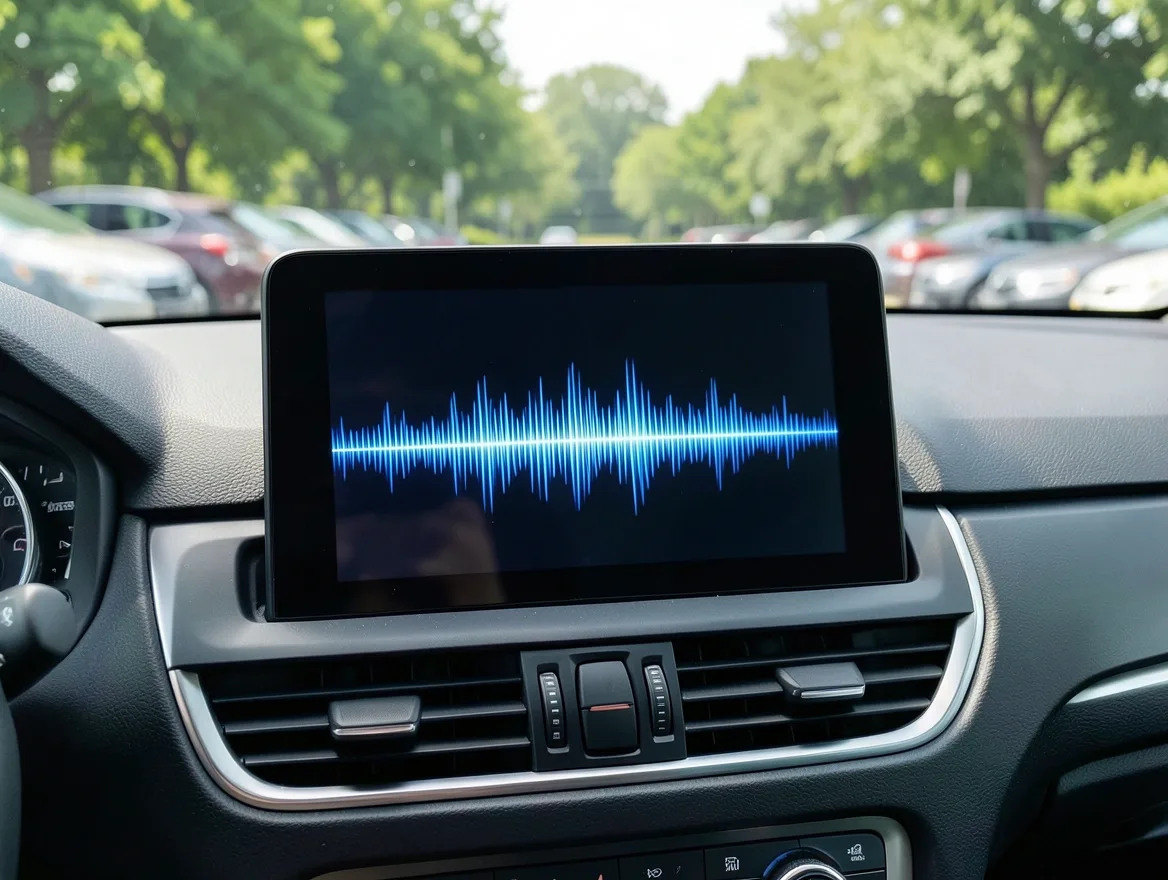
FM stations add a low-power subcarrier at 57 kHz on top of their normal broadcast signal, carrying a digital data stream at roughly 1,187.5 bits per second. That’s far too slow for audio, but it’s plenty for short bursts of text. Your car’s antenna picks up this subcarrier along with the regular FM signal, and a small decoder chip inside the radio pulls the data stream apart into separate fields.
Each field carries a specific type of information, identified by a short code so the radio knows where to route it. The PS (Program Service) field holds the station’s name, capped at eight characters. The RT (Radio Text) field can hold up to 64 characters of scrolling text, which is where song and artist names appear if the station chooses to send them. A separate PTY (Program Type) code tells the radio whether it’s tuned to news, sports, rock, or another genre, and the TA/TP flags mark a station as carrying traffic bulletins.
RDS Features
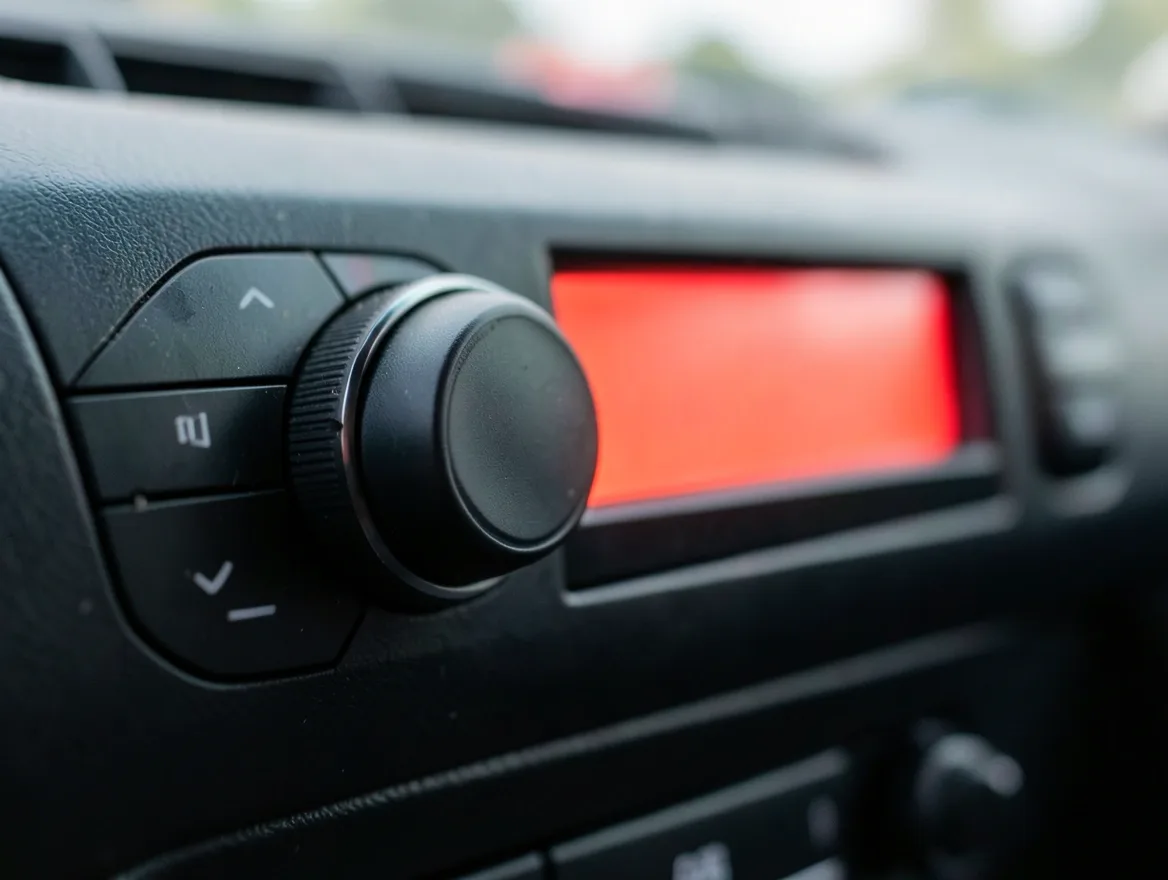
The Program Service name is the most visible feature: instead of a bare frequency, your display shows the station’s actual name, so switching between presets is easier to follow.
Traffic Announcements (TA) let the radio interrupt whatever you’re listening to, even a CD or an aux input on older systems, whenever the tuned station broadcasts a traffic bulletin, then return to your previous source once the update ends.
Alternative Frequency (AF) switching is the feature most drivers never notice because it works silently: as you leave one transmitter’s range, RDS-equipped radios scan for another frequency broadcasting the same network and retune to it automatically, so a long highway drive doesn’t mean losing the station every 40 miles.
Radio Text: Why Song and Artist Names Don’t Always Show
The Radio Text field is optional on the broadcaster’s end. A station has to actually enter the song title and artist for every track and push it out over RDS; plenty of stations, especially smaller or automated ones, only ever send their own name and slogan and never touch the Radio Text field at all. That’s why the same radio can show “Now Playing: Artist – Song” on one station and nothing but the call letters on the next.
RDS itself has no effect on audio quality. It doesn’t adjust bass, treble, or noise reduction, and it can’t turn a weak signal into a clearer one; the data and the audio travel on the same broadcast but are handled by completely separate parts of the radio’s circuitry.
RDS And Safety
Traffic Announcements are the safety feature most drivers actually use. When the tuned station flags an update with the TA/TP codes, a compatible radio interrupts music, a CD, or even an aux source to play the bulletin, then switches back once it ends, so you hear about a crash or lane closure ahead without having to hunt for a traffic station yourself.
Some markets also broadcast the Traffic Message Channel (TMC), a separate RDS data stream built for navigation systems rather than your ears. A built-in nav unit can read TMC data to flag congestion directly on the map, but this depends on the head unit supporting TMC and, in some regions, a subscription; a basic RDS radio without a navigation screen can’t turn that data into directions on its own.
Setting Up RDS
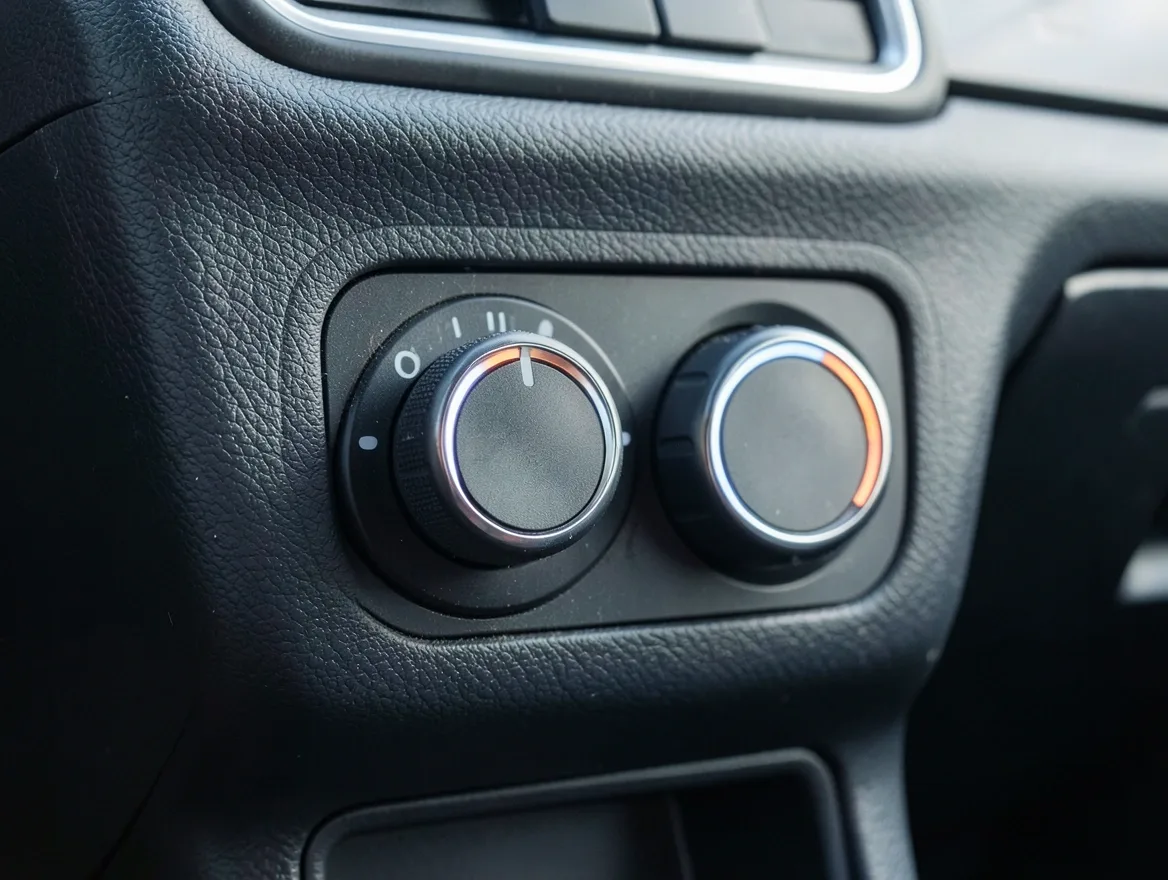
Nearly every factory car radio built since the late 1990s supports RDS, but not every one has it turned on by default. Check for a labeled RDS button, or a setting buried inside the radio’s menu under Tuner, Display, or FM options — the owner’s manual or your stereo’s own documentation will confirm whether your specific model has it.
Turn the radio on, open that menu, and switch RDS to on. You may need to re-scan or re-save your presets afterward so the radio pairs each station’s frequency with its incoming data stream; once that’s done, station names and any Radio Text should appear automatically.
Troubleshooting RDS
A blank or flickering RDS display almost always comes down to signal strength rather than a broken radio. The data subcarrier is weaker than the main audio signal, so it drops out first in tunnels, near tall buildings, or in hilly terrain, even while the audio itself still sounds fine.
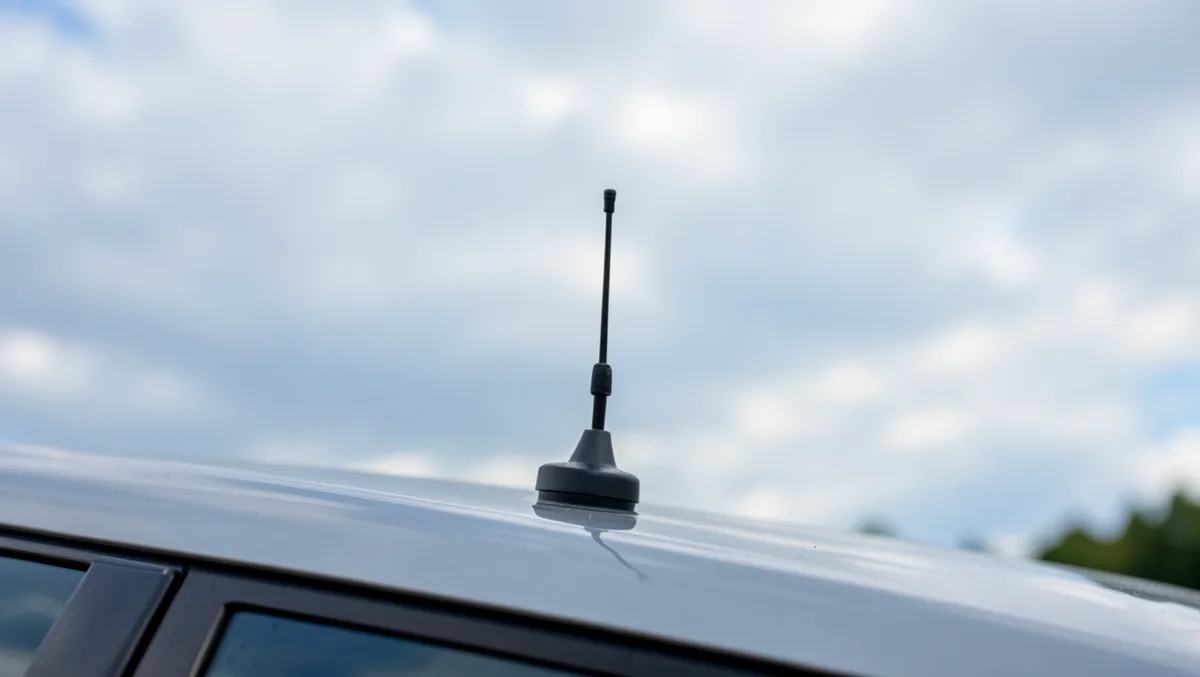
Check that the antenna is fully seated and undamaged, since a loose connection affects RDS before it affects sound quality. Moving away from parking garages or dense buildings, and re-scanning stations after a firmware update, both help; a station’s own equipment being misconfigured is also a common cause and isn’t something you can fix from the driver’s seat.
Where RDS Fits Today
RDS itself hasn’t changed much in the last two decades — it’s still the same low-bandwidth text layer riding on FM. What has changed is what sits next to it: HD Radio and DAB+ carry far more data than RDS’s 64-character Radio Text limit, including album art and longer song descriptions, and most new cars now pair FM/RDS with a separate connected system for streaming apps, real-time traffic, and turn-by-turn navigation.
So if a newer car shows album art or a longer scrolling description than an older RDS radio ever could, that’s typically the infotainment system’s own connected features doing the work, not RDS itself reaching further than it always has.
Frequently Asked Questions
What Is the RDS Button on My Car Radio?
RDS stands for Radio Data System. Pressing it toggles a small text display that shows the station’s name, program type, and traffic alerts, using extra data most FM stations already broadcast alongside their programming.
Is RDS Radio the Same as DAB?
No. RDS adds text data to an FM broadcast; DAB (Digital Audio Broadcasting) is an entirely different, fully digital radio format with its own frequencies, more stations, and generally cleaner sound. A radio needs separate hardware to receive DAB, while RDS works over the same FM tuner every car already has.
What Is the Difference Between FM and RDS?
FM (Frequency Modulation) is the broadcasting method that carries the actual audio. RDS is a small data channel riding on top of that same FM signal, carrying text like the station name and traffic flags. Turning RDS off doesn’t change the audio at all — it only removes the extra text from the display.
Why Doesn’t My Car Radio Show the Song Title or Artist Name?
Song and artist names come through RDS’s optional Radio Text field, and sending it is up to the station, not your radio. Many smaller or automated stations only broadcast their name and never fill in Radio Text, so the display stays blank or shows just the call sign no matter how new the radio is.
Where Is the RDS Switch on a Car Radio?
Look for a labeled RDS button near the tuning controls, or open the radio’s menu and check under Tuner, Display, or FM Settings. Most factory radios built since the late 1990s ship with RDS turned on by default, so if station names are already showing, it’s already active.
Does RDS Use Cellular Data or Cost Anything?
No. RDS is a one-way signal broadcast for free alongside a station’s regular FM transmission, not a cellular connection. It doesn’t need a SIM card, data plan, or subscription of any kind — any RDS-capable radio receives it automatically within range of the transmitter.
Conclusion
RDS turns a bare FM frequency into a station name, a traffic alert, and sometimes a song title, all without adding a data plan or extra hardware. Check your radio’s menu for the setting if station names aren’t showing yet, and don’t expect it to fix audio quality or draw you a map — those are jobs RDS was never built to do.
Products related to this article
Sponsored / affiliate links. As an Amazon Associate I earn from qualifying purchases. I may earn additional commission from eligible campaigns.