Why Technology Can’t Fix Education on Its Own: Limits
Technology can’t fix education on its own because devices do not replace a clear curriculum, trained teachers, or enough time to use them well; if those pieces are weak, edtech usually turns the same failure into software. The cost is wasted money, more screen time, and classrooms that look modern while learning stays flat. This guide explains why edtech fails, what problems it can solve, and the decision rule for separating useful tools from expensive distractions.
Why technology alone cannot fix education
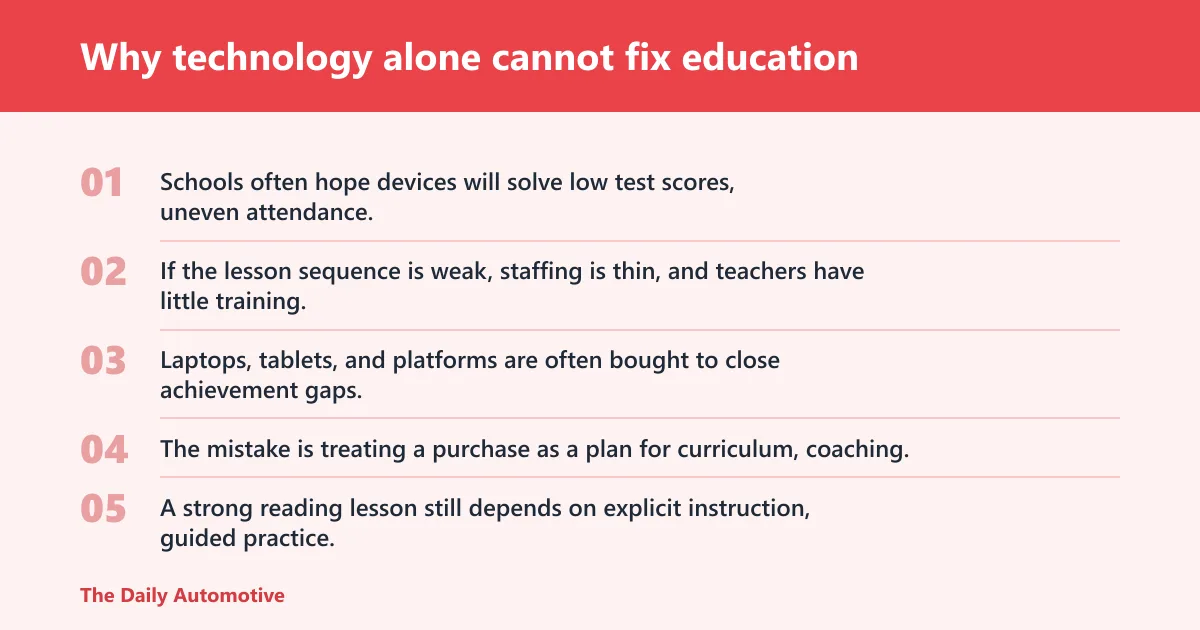
Schools often hope devices will solve low test scores, uneven attendance, and teacher shortages at the same time. That asks too much of hardware or software. If the lesson sequence is weak, staffing is thin, and teachers have little training, technology usually adds another layer instead of fixing the core problem.
What schools usually hope devices will solve
Laptops, tablets, and platforms are often bought to close achievement gaps, speed grading, modernize classes, and make students more engaged. Those goals are not wrong. The mistake is treating a purchase as a plan for curriculum, coaching, and classroom management.
Why curriculum, staffing, and training matter more than hardware
A strong reading lesson still depends on explicit instruction, guided practice, and feedback. A math app cannot replace a teacher who spots a recurring error and corrects it in real time. When staffing is thin or training is weak, even good tools sit unused or get used for shallow tasks.
How weak implementation turns useful tools into expensive clutter
Implementation quality matters more than the device label. If students spend several minutes logging in, switching platforms, and resetting passwords, the lesson loses time. A tool that looks efficient on a purchase order can become a daily workflow burden.
What classroom technology can and cannot do
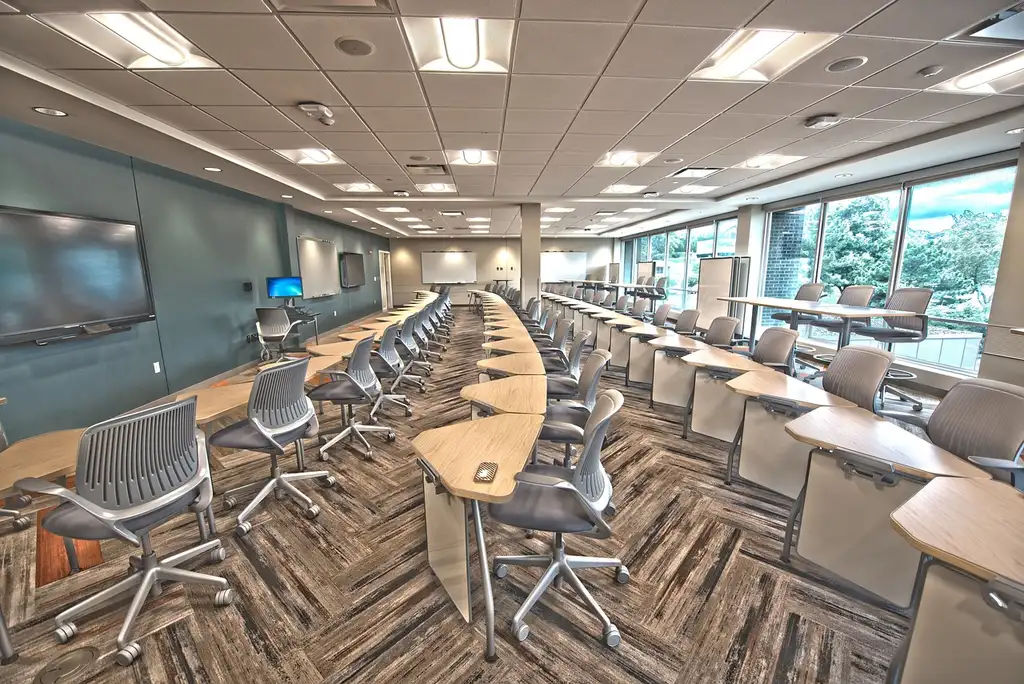
Classroom technology can support practice, feedback, and access to materials, but it does not automatically improve understanding. Its value depends on the task, the age group, and how much teacher control remains in the lesson. Some tools help most when they remove friction; others help only when the teacher already has a sound plan.
Laptops and tablets
Laptops and tablets work well for research, typing, adaptive practice, and access to shared materials. They are less useful when students need extended reading, discussion, or work that depends on close attention to paper annotations. For younger students, device access often needs tighter limits because distraction risk rises quickly.
Interactive whiteboards
Interactive whiteboards can support whole-class modeling, annotation, and quick checks for understanding. They can also become oversized screens for passive watching. If the board is used mainly to project slides, it adds cost without changing teaching quality.
Learning management systems
Learning management systems help organize assignments, post materials, and collect work. They are helpful when classes need one place for deadlines and feedback. They are less helpful when teachers must duplicate information across multiple platforms, which increases switching time and creates confusion for students and families.
Digital assessment tools
Digital assessment tools can speed basic grading and give quick data on item-level errors. That is useful for short quizzes and retrieval practice. They are weaker for writing, discussion, or tasks that need nuanced feedback, because automated scoring rarely captures reasoning, voice, or evidence use well.
| Tool | Best use | Common failure mode | Teacher time cost | Student distraction risk |
|---|---|---|---|---|
| Laptop or tablet | Typing, research, adaptive practice | Open tabs, off-task browsing | Medium to high | High |
| Interactive whiteboard | Modeling and class annotation | Passive slide viewing | Medium | Low to medium |
| Learning management system | Assignments, resources, feedback | Platform switching and login friction | High at start, medium later | Medium |
| Digital assessment tool | Fast checks for understanding | Shallow measurement of complex work | Low to medium | Low |
How technology affects learning outcomes
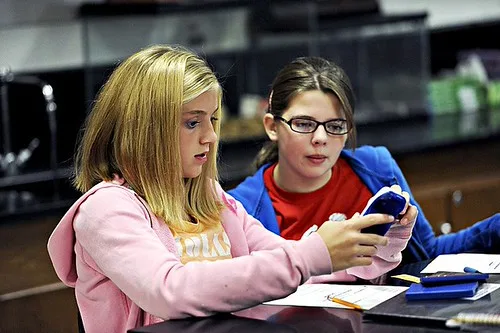
Technology affects learning outcomes when it changes practice quality, feedback speed, or access to material. It does not guarantee better retention, stronger reading comprehension, cleaner writing, or higher test performance. Those gains depend on whether the tool supports the skill being taught instead of replacing instruction with clicks.
Retention and recall
Tools that support retrieval practice, spaced review, and quick feedback can improve recall. But simple digitization of worksheets rarely changes memory outcomes. If students click through prompts without thinking, the interface changes while the learning task stays shallow.
Reading comprehension and writing quality
Reading on screens can be fine for short passages, but longer texts often suffer when students skim, split attention, or jump between tabs. Writing can improve when typing removes handwriting friction, yet quality falls if students rely on autocorrect, template answers, or copy-paste habits.
Test performance versus deep learning
Some tools raise short-term scores by drilling likely test items. That does not always mean deeper understanding. A school can improve a dashboard number while students still cannot explain a concept, write a coherent paragraph, or transfer knowledge to a new problem.
When technology hurts student attention
Technology hurts attention when the device competes with the lesson. Notifications, open tabs, and constant switching increase cognitive load. The issue is not screen use by itself; it is whether the screen reduces or multiplies the number of things a student must track at once.
Distraction risk from notifications and open tabs
Messages, alerts, and browser tabs create a steady pull away from the lesson. Even when students do not actively click away, the option to switch attention can weaken focus. That is why phone bans and device-use rules matter in classrooms that use laptops heavily.
Multitasking and cognitive load
Students often think they can listen, type, search, and message at the same time. In practice, multitasking usually means rapid task switching. Each switch adds mental overhead, which hurts comprehension and slows work that requires memory or reasoning.
How screen-heavy lessons can weaken focus
Screen-heavy lessons are most risky when every step happens on the same device: instructions, reading, quizzes, chat, and submission. That setup leaves little room for reflection. A paper draft, a board note, or a spoken explanation can lower that load.
Why teacher training and workflow matter more than software features
Software features matter less than teacher control, setup time, and lesson design. A tool only helps if teachers can steer it, grade through it, and recover quickly when it fails. If the product adds work at every stage, the classroom pays for convenience the vendor never bears.
Pedagogical control in the classroom
Teachers need to decide when students should listen, write, discuss, or practice independently. Tools that force a fixed sequence reduce that control. Good classroom technology supports instruction; it does not dictate it.
Setup time, troubleshooting, and platform switching
A few minutes lost to logins, battery issues, updates, or broken links is not minor when it happens across several classes. Platform switching also fragments attention for students and staff. The hidden cost is time that could have gone to discussion, feedback, or correction.
Lesson design and grading burdens
Digital tools can speed some grading, but they also create new tasks: file organization, comment management, data review, and parent communication. If a tool does not reduce total labor, it is adding burden under a modern label.
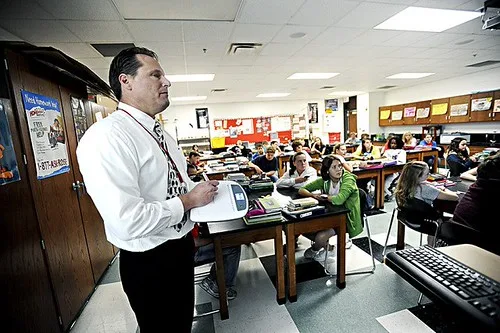
Say your middle school class has 28 students on Chromebooks and the quiz platform requires three logins before the first question. By the time half the class is ready, the lesson has already lost pace. The platform did not fail technically; the workflow failed instructional time.
The digital divide is a separate problem
The digital divide is about access, not lesson quality. Home internet, device ownership, and device reliability shape whether students can complete online work. That is a different issue from whether a tool is pedagogically sound, and schools should not confuse the two.
Home internet access and device ownership
A student with only a shared phone at home may not be able to use a learning portal the same way a student with a laptop and stable internet can. Assigning digital-only homework can widen gaps even when the in-class lesson is strong. Access plans matter as much as software plans.
Rural and low-income access gaps
Rural students may face limited broadband options. Low-income families may face data limits, older devices, or no printer. A school that rolls out digital homework without a fallback will penalize the very students it claims to support.
Why equity requires more than handing out devices
Device distribution alone does not fix language support, special education needs, or adult help at home. Equity also includes teacher training, offline materials, and flexible deadlines. Without those supports, the gap merely shifts from classroom access to homework completion.
How technology is changing education
Technology is changing education by moving more tasks online, increasing data collection, and shifting more lesson materials into platforms. That can speed access and communication. It can also increase surveillance, standardize teaching, and place more unpaid management work on teachers if schools are not careful.
When technology helps by subject, age group, or task type
Technology tends to help most in short practice cycles, typing-heavy work, and organized content delivery. It often helps older students more than younger ones because they can manage tools with less supervision. It backfires more often in tasks that need close reading, discussion, handwriting, or sustained concentration.
What school policy should cover
Policy should cover phone bans, device-use rules, screen-time limits, and acceptable-use policies. Clear rules reduce conflict and protect learning time. Without them, each classroom invents its own standard, and students get mixed signals about when screens are tools and when they are distractions.
- Define the learning problem in one sentence.
- State the evidence that the problem is instructional, not just logistical.
- Estimate teacher time added for setup, troubleshooting, and grading.
- Rate distraction risk for the target age group.
- Check whether access gaps make the tool unfair at home.
- Choose a non-tech fallback before buying anything.
A decision checklist for schools

Schools should buy technology only when it solves a specific learning problem better than a simpler option. A good checklist asks whether the tool improves instruction, reduces staff burden, and works for all students. If it only digitizes a bad process, it should not be purchased.
| Goal | Evidence needed | Teacher time cost | Student distraction risk | Equity impact | Fallback non-tech option |
|---|---|---|---|---|---|
| Improve reading fluency | Faster accurate reading on grade-level text, not just more clicks | Medium | Low | Moderate if home access is uneven | Guided oral reading with print text |
| Speed quiz feedback | Teachers can act on item-level errors the same day | Low to medium | Low | Low if used in class only | Paper exit ticket |
| Support writing drafts | Draft quality improves, not just typing speed | Medium to high | Medium | Moderate if devices are uneven at home | Handwritten outline and peer review |
| Replace paper homework | Completion rises without increasing errors or complaints | High at launch | Medium | High if internet access is limited | Printed packet or in-class completion |
| Track behavior or attendance | Data leads to faster intervention, not just more dashboards | Medium | Low | Low to moderate | Manual logs and counselor follow-up |
A common first-timer mistake is buying a platform for “engagement” without naming the instructional problem. If a teacher needs better reading comprehension, the school should ask how the tool measures comprehension, how much time it adds, and what happens for students with limited home access. If those answers are vague, the purchase is likely doing too much marketing and too little teaching.
Frequently asked questions
why technology is not good for education
Technology is not good for education when it is treated as a shortcut around curriculum, teacher skill, or student support. Devices can help with practice and access, but they can also add distraction, setup time, and cost. The result is often a busier classroom, not a better one.
why technology is bad for education
Technology is bad for education when it replaces instruction with passive screen use or digitized worksheets. It becomes a problem if students spend more time logging in, switching tabs, and fixing errors than learning content. The issue is rarely the tool alone; it is weak design and poor use.
how does technology hurt our education
Technology hurts education when it increases cognitive load, weakens attention, or widens access gaps. It can also burden teachers with troubleshooting, grading, and platform management. In those cases, the class may look modern while reading, writing, and retention stay unchanged or fall behind.
how has technology affected education
Technology has affected education by making materials easier to distribute, feedback faster in some settings, and homework more centralized. It has also made classrooms more dependent on devices, accounts, and internet access. Those changes help some tasks, but they do not solve staffing, training, or curriculum weaknesses.
why should technology not be in classrooms
Technology should not be in classrooms when the task is better done with discussion, print, or direct teacher guidance. A phone ban or limited device policy can protect focus and reduce misuse. The right question is not whether screens belong everywhere, but where they improve learning enough to justify the tradeoffs.
Products related to this article
Sponsored / affiliate links. As an Amazon Associate I earn from qualifying purchases. I may earn additional commission from eligible campaigns.
 RockyMounts BackStage 2" Receiver Swing Away platform hitch 2 bicycle rack. Allows full access to the rear of the vehicle with bikes on or off the rack.
 RVS Technology G6 Engine oil Treatment; For Gasoline Engines with a Motor oil capacity up to 6 quarts; Save fuel, Boost Power and Safely Restore and protect your Car, Truck, and all other engines