Can You Leave a Laptop in a Cold Car? Risks Explained
A laptop can usually sit in a cold car for a short time, but do not power it on until it has warmed to room temperature and any condensation has dried. Cold itself rarely kills it. Fast warm-up, moisture inside the chassis, and a battery pushed outside its safe range can cause damage or failure. This guide covers the temperature risks, what to check before starting it, and the safest way to warm it back up.
Cold storage vs operating temperature and condensation
The short answer is simple: cold storage and cold use are different risks. A laptop may tolerate being parked in a cold car, but that does not mean it is safe to boot immediately or charge right away. The bigger danger is what happens when cold parts meet warmer air too quickly.
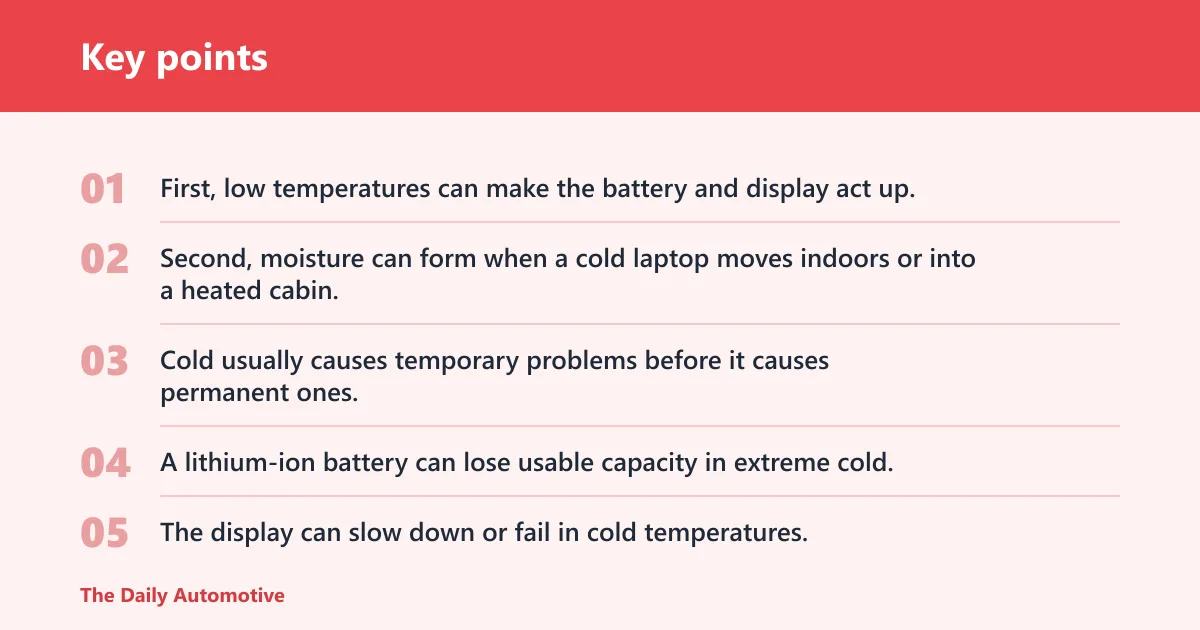
Two things matter most. First, low temperatures can make the battery and display act up. Second, moisture can form when a cold laptop moves indoors or into a heated cabin, and that moisture can short internal parts before the computer has had time to dry.
What cold actually does to a laptop
Cold usually causes temporary problems before it causes permanent ones. A lithium-ion battery can lose usable capacity in extreme cold, so a laptop may show a lower charge than expected or shut down sooner than normal. Charging in extreme cold is also a bad idea.
The display can slow down or fail in cold temperatures. Very low temperatures can make a display sluggish or more fragile, and some models may be more sensitive than others. Very low temperatures can also make plastics and adhesives less flexible, which raises the chance of cracks or separation if the device is bumped while brittle.
Why storage risk is different from use risk
Safe storage temperature is not the same as safe operating temperature. A laptop may survive a cold overnight storage period, then fail when it is powered up too soon. That is why a device that looks fine on the outside can still be at risk once it is turned on.
Apple says not to store a laptop where temperatures exceed 113°F, and it specifically warns against leaving MacBooks in a parked car. That warning is about heat, but it matters here because parked cars can swing hard in both directions. The cabin can also change temperature quickly, even when the day feels mild outside.
The two-step failure path: cold soak, then condensation
The main post-cold danger is condensation. When a cold laptop enters warm air, water can form on and inside the chassis. If power is applied before that moisture is gone, short circuits or corrosion can follow.
Say your laptop spent the night in a car at 20°F, then you bring it into a 70°F office and open the lid right away. The screen may light up, but moisture can still be forming on internal parts that cannot be seen from the outside. That is the failure mode to avoid.
Can you leave a laptop in a cold car overnight?
Yes, sometimes, but only as temporary storage and not as a habit. Overnight cold storage is lower risk when the laptop is fully shut down, the battery is not already weak, and the car stays well below heat risk. Even then, let the device warm slowly before using it.
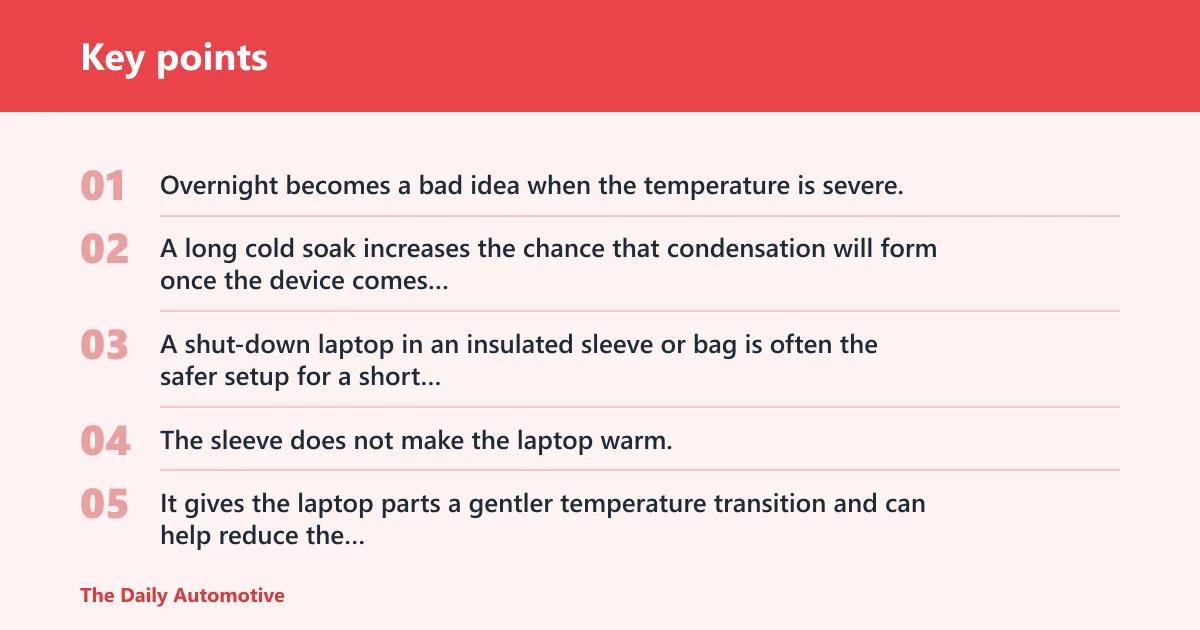
Overnight becomes a bad idea when the temperature is severe, when the car may also heat up during the day, or when the laptop is needed immediately on arrival. A long cold soak increases the chance that condensation will form once the device comes back indoors.
When overnight storage is lower risk
A shut-down laptop in an insulated sleeve or bag is often the safer setup for a short overnight stay. The sleeve does not make the laptop warm, but it can slow the rate of cooling and reduce thermal shock when the device is moved back into warmer air.
That slower change matters. It gives the laptop parts a gentler temperature transition and can help reduce the chance of moisture forming too quickly when you bring it inside.
When overnight storage becomes a bad idea
Long cold exposure becomes more concerning when the temperature is severe, when the battery is already low, or when the laptop has been left in the car for many hours and then brought straight into a warm room. In those cases, the battery, screen, and internal moisture risk all rise at once.
Also remember that parked-car temperature is not fixed. Even on a mild day, a car can exceed 110°F while outside temperatures are in the mid-60s, and car interiors can rise quickly in the first 10 minutes. Cold-day storage can turn into a heat problem faster than many people expect.
What changes if the laptop is in a sleeve or bag
An insulated sleeve or bag helps, but it does not make the laptop immune to cold or condensation. It mainly slows heat loss and heat gain. That can buy you time during a short errand or a brief commute, not an all-day storage plan.
Use it as a buffer, not a guarantee. If the laptop has been out in the cold for hours, the sleeve does not remove the need for a slow warm-up before power-on.
How cold is too cold for a laptop in a car?
There is no single street-level number that applies to every laptop, and the maker’s operating and storage temperature ranges are the best guide. Freezing conditions are where concern rises quickly for some models, but the exact limit varies widely. The safer rule is to treat cold storage as a condition that requires a slow warm-up before use.
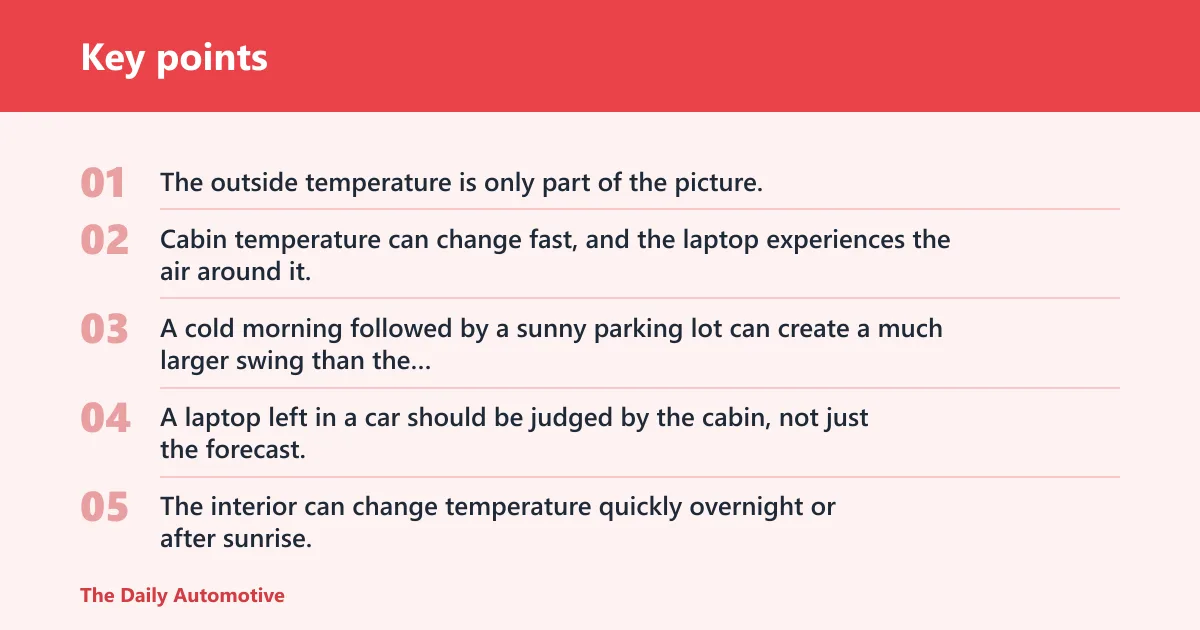
The outside temperature is only part of the picture. Cabin temperature can change fast, and the laptop experiences the air around it, not the weather report. A cold morning followed by a sunny parking lot can create a much larger swing than the outdoor reading suggests.
Outside temperature versus cabin temperature
A laptop left in a car should be judged by the cabin, not just the forecast. The interior can change temperature quickly overnight or after sunrise. That is one reason car storage is risky even when the day starts out cool.
Apple’s guidance is useful here because it sets an upper limit of 113°F for storage, and it warns against leaving MacBooks in a parked car. Cold weather does not cancel that warning. It only adds a second risk: the temperature can swing enough to create condensation once the laptop is moved.
Why freezing air raises display and battery concerns
Lithium-ion batteries do not like extreme cold, and they should not be used or charged in extreme cold temperatures. The usual symptom is reduced capacity or slower charging, not instant failure. The bigger battery hazard comes when charging is attempted outside the safe range.
Displays have their own weak point. Very low temperatures can make the panel respond slowly or behave erratically until it warms. If the laptop is bumped while brittle, the chance of damage rises.
Why short errands are different from all-night storage
Short errands are usually lower risk because the laptop does not have time to reach the same deep cold as an overnight park. A few minutes in a cold car is different from hours in the same cabin. The risk rises as the device approaches the ambient temperature for longer periods.
Picture a laptop placed in the back seat for a short grocery stop on a cold day. If the cabin is only mildly cold and the device stays shut down, the storage risk is usually modest. Leave that same laptop overnight in a freezing car, and the warm-up step becomes far more important.
What happens to laptop parts?
Different parts fail in different ways. The battery is usually the first part to complain, the screen is the most visible weak point, and internal materials can become less tolerant of stress when cold. That is why “the laptop survived” is not the same as “the laptop is fine to use.”
Lithium-ion battery behavior in cold weather
A lithium-ion battery is sensitive to both cold and heat. In the cold, it can lose capacity and deliver less runtime. Charging in extreme cold is the part to avoid most strongly, because that is when battery stress becomes more serious.
Cold does not usually ruin the battery in one night. Repeated exposure to bad temperature ranges is the bigger problem. Heat is still the harsher long-term enemy, but cold storage can cause temporary performance loss and, if charging is forced, more serious damage.
LCD screen and display limits below freezing
The LCD screen is one of the parts most likely to show trouble first. A cold panel can respond slowly, show ghosting, or fail to light cleanly until it warms. Some models may be more sensitive than others.
That does not mean every cold laptop screen breaks. It means the display is less forgiving when temperatures drop hard. If the device is opened or pressed while the panel is still brittle, damage becomes more likely.
SSD, adhesives, and other cold-sensitive parts
Solid-state drives are usually less vulnerable than spinning hard drives, but they are not immune to temperature stress. Adhesives, seals, and internal mounting materials can also become less pliable in deep cold. Heat can also stress adhesives and LCD panels, which is another reason parked-car storage is risky across seasons.
The parts do not fail all at once. One component may work while another starts acting oddly. That is why a laptop that powers on later is not proof that the cold exposure was harmless.
Cold-car decision table
Use this table for a fast check before you touch the power button, but check your laptop maker’s operating and storage temperature ranges first. It separates storage risk from startup risk and gives a clear next step based on temperature, time, and shutdown state.
| Outside temperature | Time left in car | Laptop state | Risk label | Safest next step |
|---|---|---|---|---|
| Above 32°F | Under 30 minutes | Fully shut down | Low risk | Move it indoors, let it reach room temperature, then check for moisture before use. |
| Above 32°F | Several hours | Sleep mode | Avoid powering on yet | Wake it only after a slow warm-up, and expect battery drain if sleep was used. |
| At or below 32°F | Overnight | Fully shut down | Avoid powering on yet | Bring it inside, keep it closed, and wait until it is fully warmed and dry. |
| At or below 32°F | Overnight | Sleep mode | High condensation risk | Do not start it right away. Let it warm slowly and dry completely first. |
| Below 0°F | Any extended period | Any state | High condensation risk | Keep it insulated, avoid charging, and wait longer than usual before use. |
| Mid-60s outside, sun on the car | More than 30 minutes | Any state | Heat risk | Remove it from the car if possible; parked interiors can exceed 110°F. |
Should you turn it on right away?
No. A cold laptop should warm to room temperature before it is powered on, and it should be dry before charging or use. Immediate startup can trap moisture inside the case or force a battery and display to work outside their safe range.
That waiting step is not optional busywork. It is the main protection against condensation-related failure after cold exposure.
Why immediate startup can cause damage
When a cold device meets warm air, condensation can form on internal metal, solder joints, connectors, and circuit boards. If the laptop is powered up during that window, the moisture can short parts or leave behind corrosion.
That is why a laptop that looks “fine” from the outside still needs a pause. The inside warms more slowly than the room around it.
How long to wait before powering
A short wait may be enough after only a mild temperature change, but a deep cold soak needs more time. If the laptop was in a cold car or you suspect moisture, wait at least an hour and longer if it still feels cold to the touch.
If the device was in a below-freezing car, give it more time than you would for a mild temperature change. Keep the lid closed until the chassis has warmed evenly. That reduces the chance of condensation on the screen and keyboard.
Why warm air and moisture are the real threat
The hazard is not the warm room itself. The hazard is the sudden shift from cold surfaces to humid air, followed by immediate power-on. If the laptop is still cold enough to feel chilled to the touch, it is too early to start working on it.
Wait until the metal or plastic shell no longer feels cold, then give it a bit longer. That extra margin is cheap insurance against water inside the case.
Storage tips that reduce risk
Cold-car storage is about damage control, not perfection. Shut the laptop down, slow the temperature change, and place it where heat and sunlight cannot build up unexpectedly. Those steps reduce both cold exposure and the chance of a bad warm-up.
Why shutdown beats sleep mode
Full shutdown is preferred for storage. Sleep can drain the battery over time, and a low battery is the last thing you want after a cold soak. Hibernate is safer than sleep for short interruptions because it saves the session and uses less power.
For a parked car, sleep is not the best choice for long storage. The laptop may wake unexpectedly, battery life can fall, and the device can still be exposed to the same temperature swings.
How an insulated sleeve or bag helps
An insulated sleeve or bag helps slow cooling and heating, which lowers thermal shock. It is a practical choice for temporary cold-weather storage, especially if the laptop has to ride along between stops.
It does not replace shutdown or a slow warm-up. It just gives the laptop a gentler transition.
Best place in the car: off the dash and out of direct sun
Keep the laptop away from direct sunlight and off the dashboard. The dash gets hot quickly, and the window area magnifies heat gain. A shaded floor area or trunk space is usually better than a sunlit seat or front panel.
A windshield sunshade can help reduce cabin heat buildup in hot weather, but it is not a winter storage solution. It does little for cold protection, and it does not solve condensation after a cold soak.
Frequently asked questions
Will a cold laptop be damaged if I turn it on right away?
It might be. The bigger danger is condensation, not the cold alone. A cold laptop moved into warm air can collect moisture inside the case, and powering it on before that moisture dries can short internal components or leave corrosion behind.
Does cold weather ruin laptop batteries?
Cold weather usually causes temporary battery capacity loss rather than immediate ruin. The stronger risk is charging in extreme cold, which should be avoided. Repeated exposure to bad temperatures is more harmful than a single cold trip, especially if the battery is already aging.
How long should I wait before using a laptop from a cold car?
Wait until it has reached room temperature and no longer feels cold to the touch. A short wait may be enough after a mild temperature change, but a cold car needs more time. If the car was below freezing, the longer wait is the safer choice, especially before charging or opening the lid.
Is sleep mode safe for a laptop left in a cold car?
Not for long storage. Sleep can drain the battery, and that becomes a problem in a cold car where battery performance is already reduced. Full shutdown is safer. If you need a short break, hibernate is a better choice than sleep.
Products related to this article
Sponsored / affiliate links. As an Amazon Associate I earn from qualifying purchases. I may earn additional commission from eligible campaigns.