Does Car Wash Take Apple Pay? What You Need To Know
Many car washes accept Apple Pay, but not all. The safest move is to check the location’s payment screen, app, or website before you go. If you guess wrong, you can get stuck at the kiosk, miss your turn, or pay more for a different wash. This guide shows how to verify Apple Pay acceptance, what to do at automatic, self-serve, and tunnel washes, and which backup payment to carry.
Payment gear differs by terminal, so verify each spot
Sometimes. Apple Pay only works with participating merchants, and acceptance can change by location, lane, or kiosk even within the same car wash chain. A wash may take Apple Pay at one terminal, then require chip, tap, cash, or an app-based checkout at another point on the property.
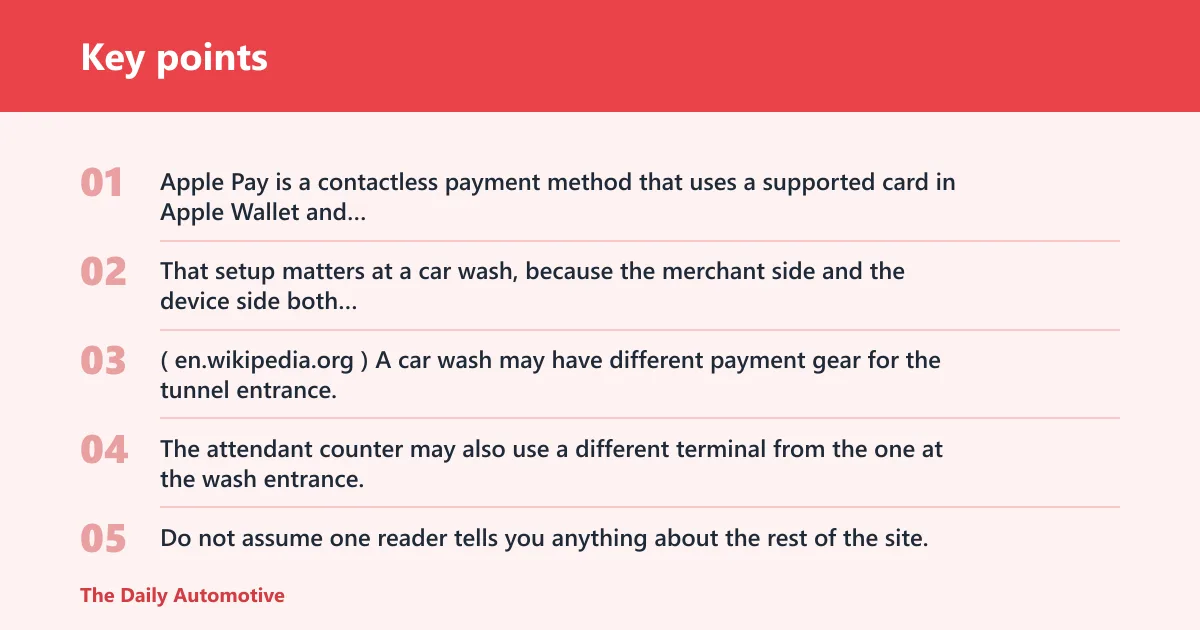
Apple Pay is a contactless payment method that uses a supported card in Apple Wallet and requires Face ID, Touch ID, or passcode to authorize the payment. That setup matters at a car wash, because the merchant side and the device side both have to line up before payment goes through. (Wikipedia)
Why payment support varies by wash and lane
A car wash may have different payment gear for the tunnel entrance, the self-serve bay, the vacuum station, and the membership kiosk. The attendant counter may also use a different terminal from the one at the wash entrance. Do not assume one reader tells you anything about the rest of the site.
Suppose a tunnel wash takes tap payments at the entry kiosk but the vacuum station only accepts coins or a separate card reader. In that case, Apple Pay may work for the wash package and fail for the vacuum stop. You need to check each payment point you plan to use.
Apple Pay at car washes
Apple Pay can be used on the web and in the app for participating merchants. On Safari for Mac, users can check out with Apple Pay using Touch ID or passcode. On other browsers, users can scan a code with an iPhone to complete payment. That matters for wash memberships and app-based billing.
Apple Wallet can be set up by adding a credit or debit card, and card compatibility can be checked with the card issuer. Apple Pay is not available in all markets, so the merchant and your card both have to be eligible before a transaction can complete.
Car wash payment table
| Wash type | How to check Apple Pay acceptance | Likely payment methods | Backup option |
|---|---|---|---|
| Automatic tunnel washes | Look for the Apple Pay logo at the entrance kiosk or check the Apple Maps store listing, then confirm the lane you will use | Tap, chip, app checkout, or a cashier-assisted lane | Carry a chip card and a second card |
| Self-serve bays | Check the bay reader itself, not just the main sign at the property entrance | Chip, tap, cash, coins, or a bay-specific app | Bring cash and a card |
| Touchless washes | Check the payment screen before entering the wash or look up the location in Apple Maps | Tap, chip, kiosk, or app-based payment | Use another card or the wash’s app |
| Vacuum stations | Look at the vacuum payment point itself; it may differ from the wash entrance | Coins, card tap, chip, or a separate machine token | Keep quarters or a backup card |
| Membership kiosks | Check the membership sign-up screen, app, or store listing before you arrive | Apple Pay, card on file, or recurring billing in the wash app | Use another card or complete sign-up later online |
How to check before you arrive
A quick way to confirm Apple Pay is to check the location’s payment details before you drive over. Look for the Apple Pay logo, scan the business listing in Apple Maps, or check the wash website or app. If the location lists payment types, pay attention to the exact lane or service, not only the brand name.
Use Apple Maps store listings
Apple Maps store listings can show whether a business accepts Apple Pay, which can help when you want to check a local car wash before leaving home. This is useful for standalone washes, but you still need to confirm the specific lane or kiosk you plan to use.
Look for the Apple Pay logo
An Apple Pay logo on the kiosk, reader, or posted sign is a strong sign that the location is a participating merchant. The logo should be treated as location-specific, not chain-wide. A logo at the membership desk does not guarantee the vacuum station or self-serve bay accepts it too.
Check the wash website or app
Some car washes route payment through their own app instead of the terminal. In those cases, the website or app may be the best place to confirm whether Apple Pay, card entry, or stored payment methods are required. If the app needs an account before checkout, set that up first.
- Open Apple Maps and search the car wash by name.
- Check whether the listing shows Apple Pay under payment options.
- Read the wash website or app for lane-specific rules.
- Look for the Apple Pay logo at the kiosk you will use.
- Carry a backup card or cash if the listing is unclear.
Can you use Apple Pay at the kiosk or in the app?
Yes, if that kiosk or app supports it. A car wash kiosk may accept Apple Pay, tap, chip, or an app-based payment flow, and the lane or kiosk can differ from the attendant counter. Some washes use a separate payment screen at the entrance, while others send you into their app before you can start the wash.
Kiosk payment readers and lane differences
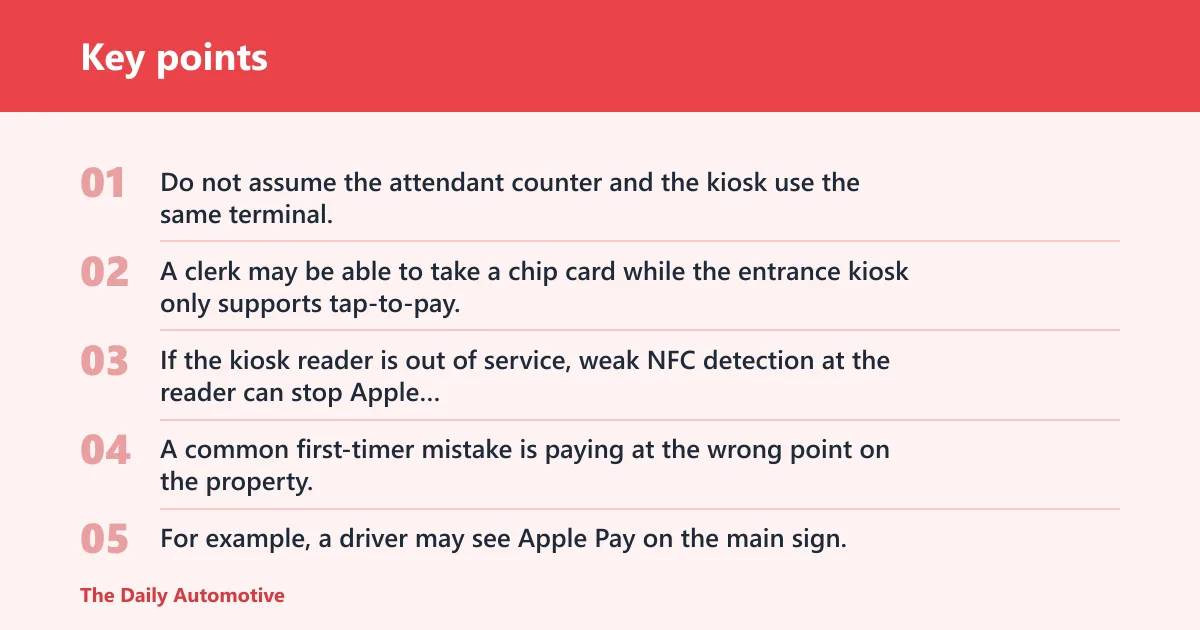
Do not assume the attendant counter and the kiosk use the same terminal. A clerk may be able to take a chip card while the entrance kiosk only supports tap-to-pay. If the kiosk reader is out of service, weak NFC detection at the reader can stop Apple Pay from registering, even when the merchant accepts it.
A common first-timer mistake is paying at the wrong point on the property. For example, a driver may see Apple Pay on the main sign, then reach a self-serve bay that only takes coins or a separate card reader. That mismatch can delay the wash and force a backup payment.
When a car wash uses its own app instead of tap-to-pay
Some businesses push payment into their own app or membership system rather than the terminal. That can mean Apple Pay is available on the web or inside the app, but not at the physical kiosk. You may need to create an account, add a card, or start the purchase before you reach the lane.
Apple Pay is an easy and secure way to pay for membership purchases when the merchant supports it. It is still a merchant-specific flow, so the app has to be built for Apple Pay and the location has to accept it. If the app only accepts card-on-file billing, Apple Pay will not help at the kiosk.
What if Apple Pay does not work?
If Apple Pay fails, try the next payment option the wash accepts. The problem may be the reader, the lane, the app, or the card setup. Weak NFC detection, out-of-service hardware, or a temporary hold request can stop a transaction even when the location normally accepts Apple Pay.
Reader failures, weak NFC, and payment holds
At a car wash, payment readers take more wear than a typical checkout terminal. Sun glare, dirt, and moisture can make a reader harder to use, and some systems briefly place a hold before the wash starts. If the screen stalls, switch to chip, another card, or a different lane if the attendant directs you there.
Best backup payment to carry
Bring at least one backup card, and carry cash where the wash accepts it. If the location uses an app, add a second card to that app before you arrive. That gives you a fallback if the Apple Pay reader does not respond or the location only accepts another payment method at that lane.
Why some car washes do not accept Apple Pay
Older terminals are one reason. Limited hardware support is another. Some car washes also prefer cash, chip, tap, or their own app-based billing system, especially when they run memberships or monthly wash plans. In those cases, Apple Pay may be available only at certain points, or not at all.
Merchant preference and membership systems
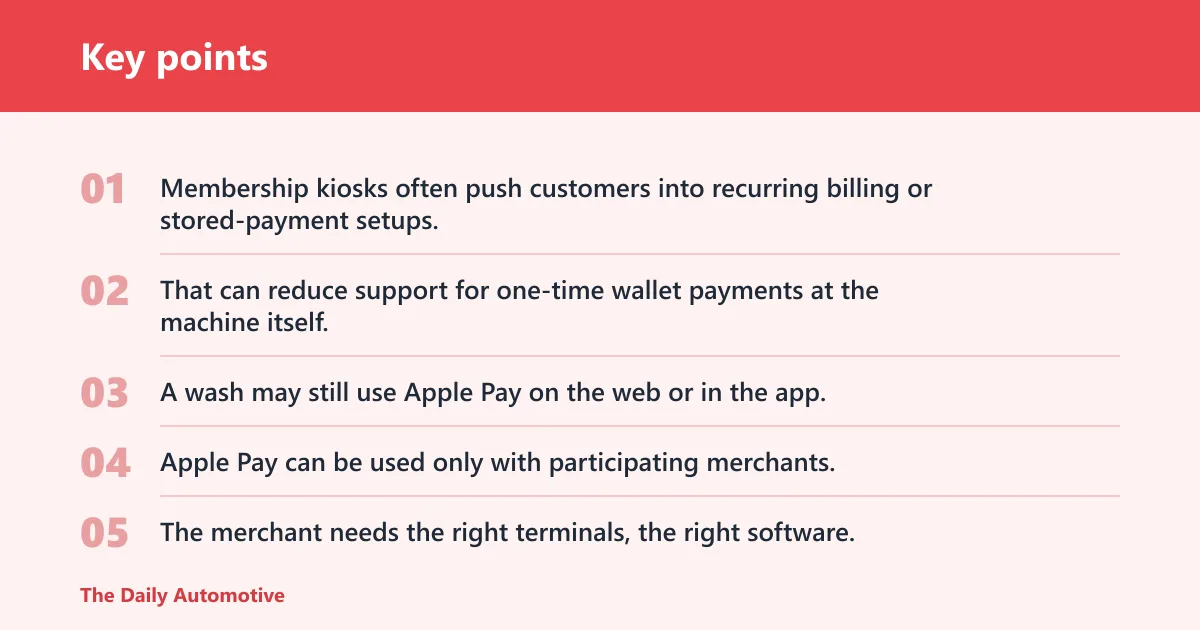
Membership kiosks often push customers into recurring billing or stored-payment setups. That can reduce support for one-time wallet payments at the machine itself. A wash may still use Apple Pay on the web or in the app, but require the member account to be tied to another billing method for ongoing charges.
What the merchant and location need
Apple Pay can be used only with participating merchants, and acceptance varies by location. The merchant needs the right terminals, the right software, and a setup that matches the lane you plan to use. A supported card from a participating card issuer is also required.
Is Apple Pay safer than using a card at a car wash?
Apple Pay can be safer than entering a card number into a public terminal because the payment is authorized on the device with Face ID, Touch ID, or passcode, and the card details stay inside Apple Wallet. That said, it does not protect you from a broken reader, a declined transaction, or a merchant that does not accept it.
What Apple Pay does and does not protect against
Apple Pay reduces direct card handling at the kiosk, but the merchant still has to support it. It does not override the location’s payment rules, and it does not fix a lane that only accepts chip or cash. If the wash has a separate app or membership portal, that system may still require its own account setup.
Frequently asked questions
Do car washes take Apple Pay?
Some do, but not all. Apple Pay works only with participating merchants, and a car wash may support it at one lane or kiosk but not another. Check the Apple Maps store listing, look for the Apple Pay logo, or confirm on the wash website before you leave.
How can I tell if a car wash accepts Apple Pay before I get there?
Check the Apple Maps store listing first, then look at the wash website, app, or posted payment signs. If the business shows Apple Pay as a payment option, that is a good sign, but you still need to confirm the exact lane, kiosk, or membership screen you will use.
Can I use Apple Pay at a drive-through car wash?
Often, yes, if the drive-through lane uses a compatible kiosk or reader. The key is the lane terminal, not the building itself. If the wash routes payment through its app or a separate kiosk, Apple Pay may work there even if the attendant counter uses a different system.
Do self-serve car washes take Apple Pay?
Sometimes, but self-serve bays are among the most variable setups. One bay may take tap-to-pay while another takes coins or a different card reader. Check the reader on the bay you plan to use, and carry cash or a backup card in case the bay does not support Apple Pay.
Do automatic car washes accept Apple Pay?
Many automatic tunnel or touchless washes do, but acceptance depends on the entrance kiosk or app flow. Look for the Apple Pay logo at the payment point and verify the specific lane. A chain’s main sign does not guarantee that every automatic lane at that site accepts it.
What if the car wash doesn’t take Apple Pay?
Use another card, cash where accepted, or the wash’s own app if it offers one. If the location only supports chip or tap at a specific kiosk, follow that lane’s instructions. If the app requires account setup, complete that before you arrive so you are not stuck at the screen.
Can I use Apple Pay in the car wash app or kiosk?
Yes, if the merchant has enabled it in that app or kiosk. Some washes use Apple Pay on the web or in the app for participating merchants, while others use card-on-file billing or a separate membership system. Check the app details before you queue up at the lane.
Products related to this article
Sponsored / affiliate links. As an Amazon Associate I earn from qualifying purchases. I may earn additional commission from eligible campaigns.