Does A Car Wash Take Apple Pay? (Updated Payment Guide)
Yes, many car washes take Apple Pay, but acceptance depends on the setup: app-based, kiosk-based, and some staffed locations usually do; older coin-only or card-only setups often do not. If you guess wrong, you can lose time in line or need another payment method. This guide shows where Apple Pay usually works, where it fails, and how to check before you pull in.
Does a car wash take Apple Pay?
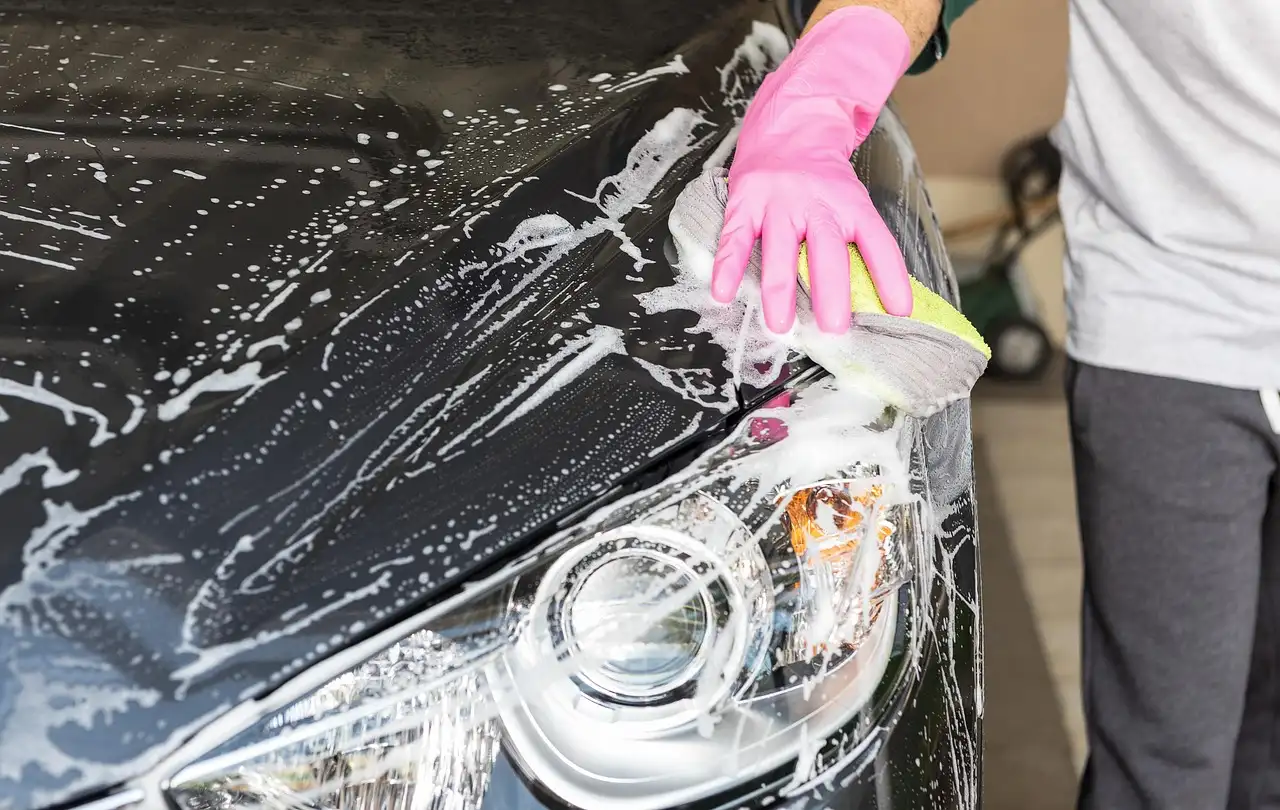
Some do. Some do not. Apple Pay is more likely to work where the car wash uses a contactless NFC payment terminal, a modern kiosk, or an app tied to an account or membership. It is least likely to work at older coin boxes, cash-only machines, and sites with no tap-to-pay hardware.
What Apple Pay needs to work
Apple Pay generally requires a contactless reader that can communicate with your iPhone or Apple Watch by NFC. You also need to confirm the payment with Face ID, Touch ID, or a passcode. If the kiosk only accepts inserted cards, coins, wash codes, or operator-specific cards, Apple Pay will not be an option.
Apple Pay also uses tokenization, which means the kiosk does not receive your actual card number. That matters for security, but it does not change the main issue at a car wash: the machine still has to support contactless payment first.
| Car wash format | Likely Apple Pay support | What to look for on-site | Best fallback payment method |
|---|---|---|---|
| Tunnel washes | Often, but operator-specific | Attendant lane, kiosk with tap symbol, screen prompt for contactless payment, or membership upsell | Credit card or debit card; sometimes wash code |
| Self-service bays | Mixed; not universal | Card kiosk instead of coin box, NFC icon, Apple Pay or contactless logo, app instructions | Coins, cash, or card at the kiosk |
| Gas-station washes | Sometimes | Pay-at-the-pump style terminal near the wash, contactless reader, or payment screen tied to the store register | Credit card or debit card |
| Membership and app-based washes | Commonly through the app or account | Recurring billing notice, plate recognition, account login, in-app checkout | Card on file, fleet card, or store-issued wash code |
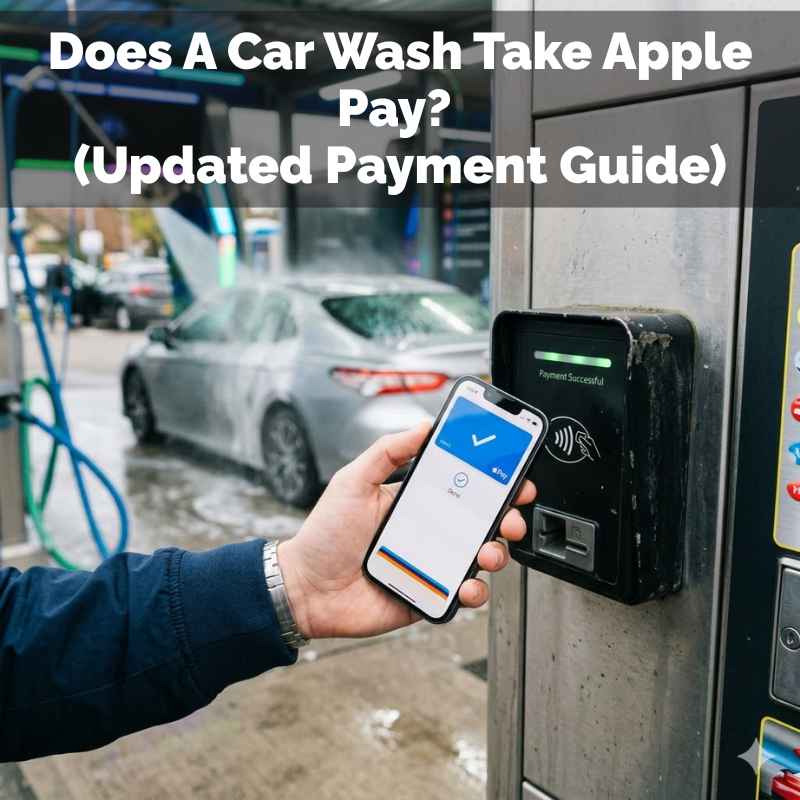
Look for the contactless payment symbol, Apple Pay logo, or a tap-to-pay prompt before you enter the lane. A working kiosk usually has a visible NFC reader area, a screen that says tap or contactless, and weatherproof hardware designed for outdoor use. If the reader looks cracked, blank, or taped over, assume tap payment may not work.
Check the kiosk screen and reader
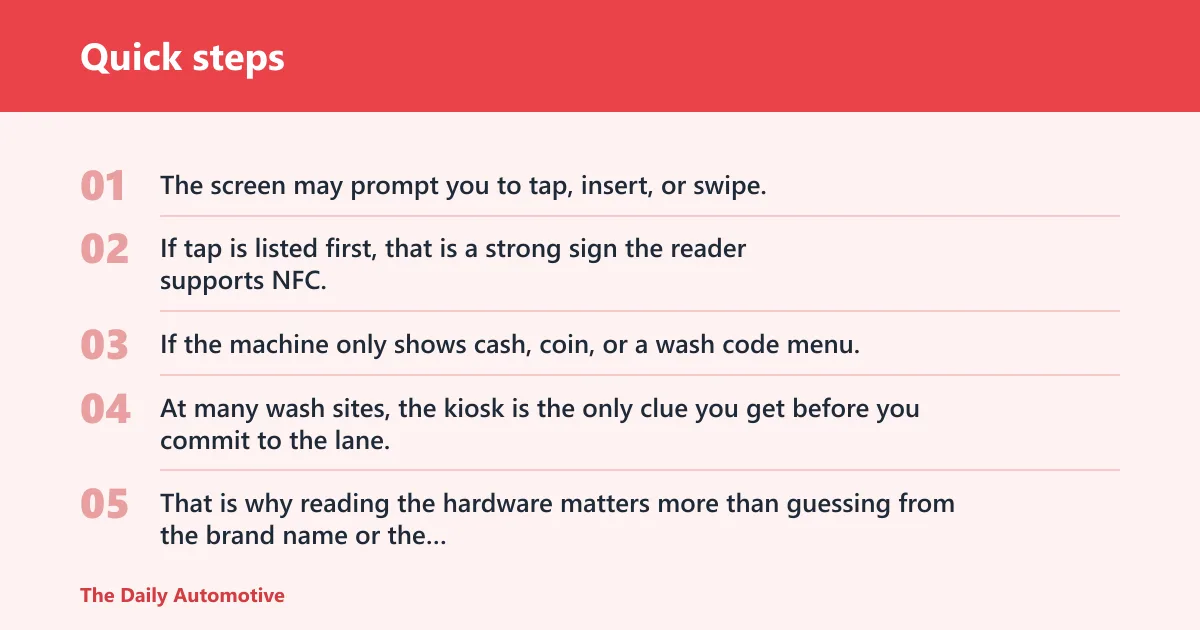
The screen may prompt you to tap, insert, or swipe. If tap is listed first, that is a strong sign the reader supports NFC. If the machine only shows cash, coin, or a wash code menu, Apple Pay is unlikely to be accepted.
At many wash sites, the kiosk is the only clue you get before you commit to the lane. That is why reading the hardware matters more than guessing from the brand name or the location type.
Ask the attendant before you enter the lane
If there is an attendant, ask whether the wash takes Apple Pay or only cards, cash, or wash codes. That takes seconds and is safer than lining up for a lane you cannot use. If the attendant points you toward a membership lane or app checkout, follow that direction before you queue.
If a wash has two lanes and only one kiosk shows a contactless symbol, choose that lane before you pay. A common first-timer mistake is entering the wrong line and finding out too late that the other lane only takes a wash code or a fleet card.
Can you use Apple Pay at the kiosk?
Yes, if the kiosk has an NFC contactless payment reader and the operator has enabled Apple Pay. On an iPhone or Apple Watch, you usually bring up the wallet, authenticate, and hold the device near the reader until the kiosk confirms payment. If the kiosk does not recognize the tap, use the fallback method shown on-screen.
How to pay with iPhone or Apple Watch
- Open Apple Pay or double-click the side button on the iPhone, if prompted.
- Authenticate with Face ID, Touch ID, or your passcode.
- Hold the top of the iPhone or the face of the Apple Watch near the contactless reader.
- Wait for the kiosk to confirm the transaction before moving forward.
The tap distance is short. If the device is too far from the reader, the kiosk may never register the payment. Keep the phone or watch steady and close to the reader until the terminal responds.
When the reader is not working
If the reader fails, check for a damaged screen, a wet keypad, or a display that is frozen on an error message. Outdoor kiosks take abuse from weather, dirt, and repeated use, so the hardware itself may be the problem. In that case, switch to a card, cash, or wash-code option if the site offers one.
Do self-service bays accept Apple Pay?
Sometimes, but not reliably. Self-service bays may still use coin boxes, older controls, or cash-only stations, and those setups usually do not support Apple Pay. Newer bays are more likely to have a card kiosk or app-based payment path, which can include contactless checkout if the operator installed NFC hardware.
Coin box versus card kiosk
A coin box is the clearest sign that Apple Pay will not work. A card kiosk is more promising, but it still has to support contactless payment specifically. If the bay has only coins, bills, or a card insert slot with no tap symbol, plan on using cash or a physical card instead.
App-based bay payment
Some self-service operators move payment into an app or account. That setup may let you pay before starting the wash, then start time in the bay through the app or a code tied to your account. In that case, Apple Pay may be accepted inside the app even if the bay hardware itself has no visible tap reader.
Suppose a bay has a weathered coin box and a small sticker that says “card only” near the timer. That usually means Apple Pay is not available at the machine itself. If the operator also offers an app, that app may still support Apple Pay for loading funds or starting a session.
Why Apple Pay may fail at a wash
Apple Pay can fail at a car wash for reasons that have nothing to do with your phone. The reader may be damaged, the screen may be wet, the operator may not support Apple Pay on that machine, or the site may have a network problem. If the machine cannot validate the transaction, your tap will not go through.
Damaged outdoor hardware
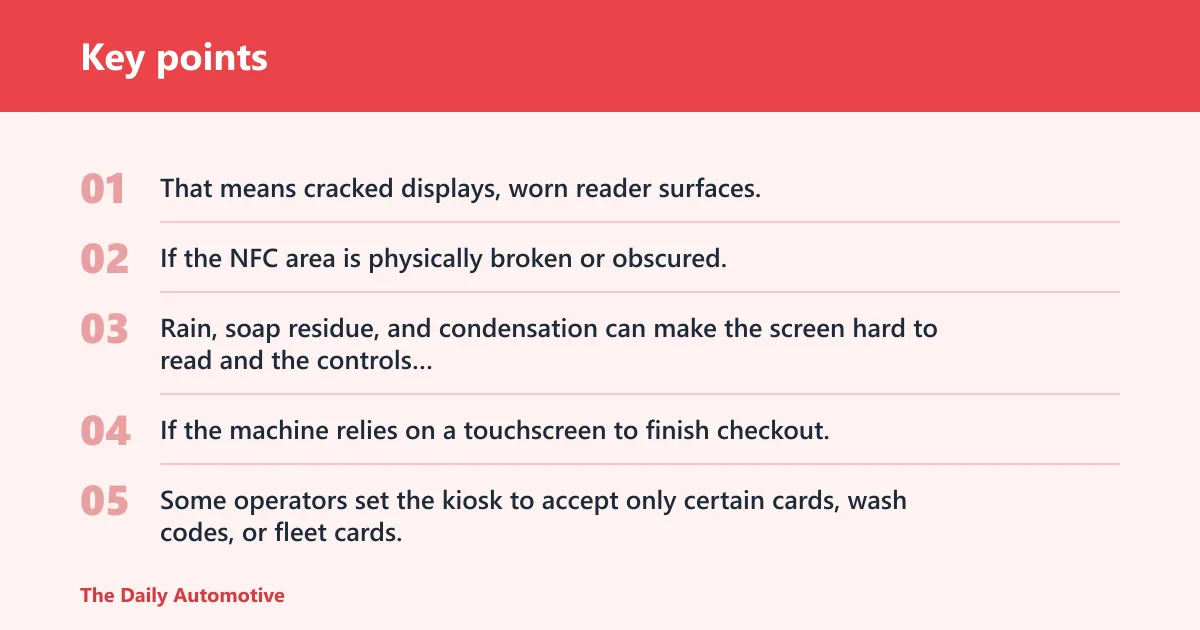
Car wash kiosks live outside. That means cracked displays, worn reader surfaces, and weather damage are common failure points. If the NFC area is physically broken or obscured, the terminal may accept neither Apple Pay nor another tap-to-pay card.
Wet or unreadable screens
Rain, soap residue, and condensation can make the screen hard to read and the controls hard to use. If the machine relies on a touchscreen to finish checkout, water can interrupt the process before you ever get to the payment step.
Operator rules and network issues
Some operators set the kiosk to accept only certain cards, wash codes, or fleet cards. Others route transactions through a network that may be slow or unavailable. In that case, the machine may look ready but still reject contactless payment.
Signal or account problems
Membership lanes and app-based systems can fail if the account is not linked correctly or the plate recognition does not match. If the app cannot identify your plan, the wash may ask for another payment method even though Apple Pay is set up on your device.
What payment methods do most car washes accept besides Apple Pay?
Common backup options may include credit cards, debit cards, cash, wash codes, and fleet cards. Some sites also rely on recurring memberships or account-based billing, especially when the wash uses plate recognition. The exact mix depends on the operator and the hardware at that location.
Credit and debit cards
Card readers are still the most common fallback after Apple Pay. If tap-to-pay is unavailable, chip or swipe payment may still work, provided the kiosk has those options. Keep a physical card handy if you do not know the site.
Cash and wash codes
Older self-service sites may still take bills, coins, or a printed wash code. Wash codes are common when a gas-station wash or tunnel wash is tied to a store register or app checkout. If the kiosk asks for a code, Apple Pay will not replace it unless the operator built that option into the system.
Fleet cards and memberships
Fleet cards are common at commercial-focused washes. Membership lanes may skip direct payment because the account is billed on a recurring basis. If the plate is recognized and the account is active, you may not need to pay at the kiosk at all.
Frequently asked questions
Can I use Apple Pay at a drive-through car wash kiosk?
Yes, if the kiosk has a contactless reader and the operator has enabled Apple Pay. Look for the tap symbol, Apple Pay logo, or a screen prompt that says contactless. If the reader is damaged or the machine only accepts cards, you will need another payment method.
Do self-service car washes accept Apple Pay?
Sometimes, but not consistently. Self-service bays may use coin boxes, cash-only timers, or card kiosks that do not support NFC. If the site has an app or a modern payment kiosk, Apple Pay is more likely to work than at an older bay.
Can I pay for a car wash with Apple Pay on my iPhone or Apple Watch?
Yes, if the terminal supports contactless payment. Use Face ID, Touch ID, or your passcode to confirm, then hold the iPhone or Apple Watch close to the reader. If the terminal does not recognize the tap, the wash likely does not accept Apple Pay on that machine.
Why won’t Apple Pay work at my local car wash?
The most common reasons are no NFC hardware, damaged outdoor equipment, wet or unreadable screens, network trouble, or operator rules that block contactless payment on that lane. Membership systems can also fail if the account, plate number, or app payment method is not linked correctly.
How can I tell if a car wash has NFC tap-to-pay before I pull in?
Look for the contactless symbol, Apple Pay logo, or a screen that says tap to pay. A modern kiosk usually has clear reader hardware and weatherproof controls. If you still are unsure, ask the attendant before entering the lane. That is the fastest way to avoid a payment problem at the wash.
Products related to this article
Sponsored / affiliate links. As an Amazon Associate I earn from qualifying purchases. I may earn additional commission from eligible campaigns.