How To Add Bluetooth To Car Without Aux: Your Genius Solution
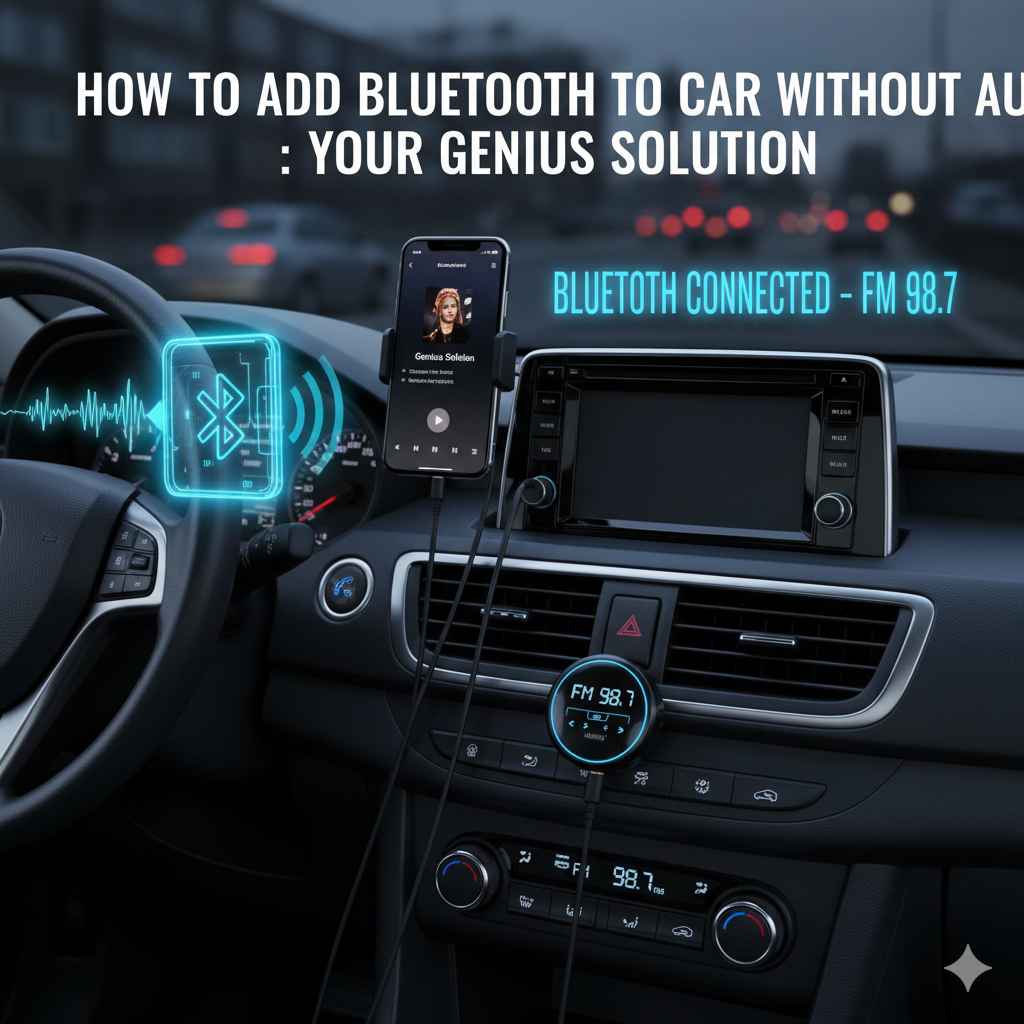
If your car lacks an aux input, you can easily add Bluetooth for hands-free calls and music streaming using adapter kits like Bluetooth FM transmitters or cassette adapter devices. These are simple, affordable solutions that don’t require complex car modifications.
Is your car’s sound system stuck in the past? You love your car, but the lack of modern features like Bluetooth connectivity can be a real bummer. Having to choose between making calls or enjoying your favorite playlists through your car’s speakers can feel like a downgrade. But don’t worry, there’s no need to trade in your beloved ride! You can easily bring your car’s audio into the 21st century, even without a standard aux port.
This guide is designed specifically for you. We’ll walk through easy, budget-friendly ways to add Bluetooth to your car. No confusing jargon, just simple steps that will have you streaming music and taking calls wirelessly in no time. Let’s get your car updated!
Many older cars were manufactured before Bluetooth became a standard feature. This leaves drivers with limited options for connecting their smartphones to the car’s audio system. Relying on radio stations can be unreliable, and the thought of complex wiring might seem daunting. Fortunately, technology has provided some brilliant, user-friendly solutions that bypass the need for an aux port altogether.
We’re going to explore the most effective and straightforward methods. You’ll learn about devices that are incredibly simple to install and use, making the upgrade process accessible to anyone. Get ready to transform your driving experience and enjoy seamless audio connectivity, all without needing a mechanic or expensive system overhaul. Come along as we unlock the secrets to a Bluetooth-enabled car!
Why Adding Bluetooth is a Game Changer
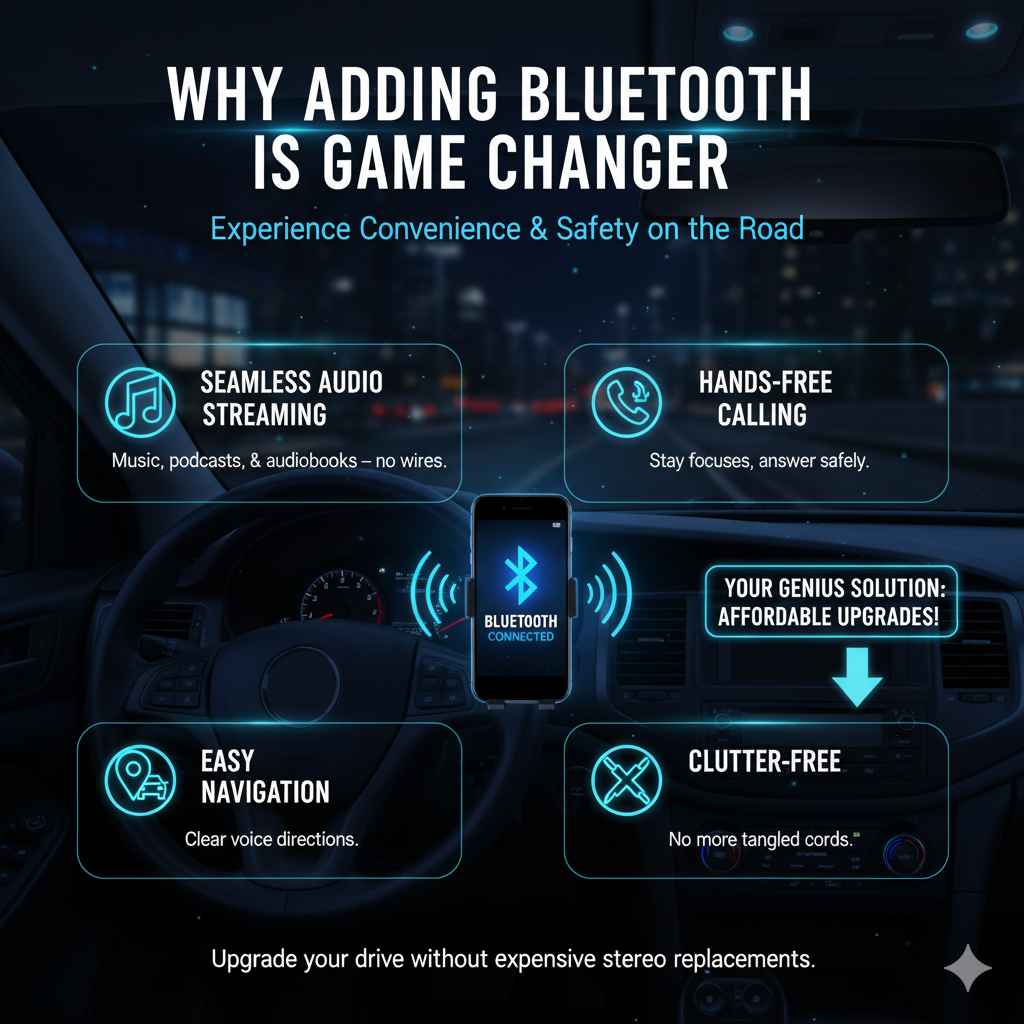
Imagine this: you’re on a road trip, and your favorite podcast plays effortlessly through your car’s speakers. Or maybe you receive an important call while driving, and you can answer it safely and clearly, all without fumbling with wires. That’s the magic of Bluetooth in your car. It’s not just about convenience; it’s about safety, too.
Having Bluetooth allows you to:
- Stream music, podcasts, and audiobooks directly from your phone.
- Make and receive hands-free phone calls, keeping your hands on the wheel and your eyes on the road.
- Access your phone’s navigation system through your car’s speakers for clearer directions.
- Avoid the frustration of tangled wires and the limitations of older audio inputs.
For many drivers, the absence of Bluetooth is a daily annoyance. Upgrading your car stereo can be incredibly expensive, and sometimes the existing factory radio is integrated in a way that makes replacement difficult or undesirable. Thankfully, there are clever workarounds that offer a similar experience without the hefty price tag or complex installation.
Method 1: The Bluetooth FM Transmitter – Your Radio’s New Best Friend
This is perhaps the most popular and easiest way to add Bluetooth functionality to a car that lacks an aux port. An FM transmitter essentially acts as a bridge between your phone and your car’s existing radio system.
How It Works
A Bluetooth FM transmitter is a small device that plugs into your car’s cigarette lighter or 12V power socket. You pair your smartphone to the transmitter via Bluetooth. The transmitter then plays the audio from your phone. You tune your car’s radio to a specific, unused FM frequency. Congratulations, you’ve just created a wireless connection between your phone and your car’s speakers!
What You’ll Need
- A Bluetooth FM Transmitter device.
- A smartphone with Bluetooth capability.
- Your car’s 12V power socket (cigarette lighter port).
- An empty FM frequency in your area.
Step-by-Step Installation
- Choose Your Device: There are many brands and models available. Look for one with good reviews, clear audio quality, and features like USB charging ports (very handy!).
- Plug It In: Insert the FM transmitter into your car’s 12V power socket. The device will likely power on automatically.
- Pair Your Phone: On your smartphone, go to Bluetooth settings and search for new devices. Look for the name of your FM transmitter (it’s usually listed in the device’s manual) and select it to pair.
- Find an Empty FM Frequency: This is crucial for clear sound. Turn on your car radio and scan through the FM stations. You want to find a station that has static and no clear broadcast. Common choices are often in the lower or higher ends of the FM dial (like 88.1 MHz or 107.9 MHz), but it depends on where you are. Some transmitters have a small screen that shows the frequency they are set to transmit on, allowing you to manually select this on your car radio. Alternatively, some transmitters have buttons to adjust the frequency the transmitter broadcasts on, and you’ll set it to the clear station you found.
- Tune Your Transmitter: If your transmitter has buttons to adjust its broadcast frequency, set it to the same empty FM frequency you found on your car radio. Most modern transmitters will display the frequency they are using.
- Play Your Audio: Once paired and tuned, open your music app, podcast player, or any audio source on your phone. Play your audio. You should now hear it through your car’s speakers.
- Adjust Volume: Start with your phone’s volume at a moderate level, then adjust your car stereo’s volume. Some transmitters also have their own volume controls.
Pros of FM Transmitters
- Extremely Easy to Install: No wiring or technical skills needed. Just plug and play.
- Affordable: They are generally very inexpensive, often costing between $20 and $50.
- Portable: You can easily move it between cars.
- Multi-functional: Many models offer USB ports for charging your phone, and some even have built-in microphones for hands-free calls.
Cons of FM Transmitters
- Sound Quality Can Vary: The audio quality is dependent on finding a truly empty FM frequency. Interference from local radio stations can sometimes cause static or a degraded sound experience.
- Relies on FM Radio: If you’re in an area with many strong radio signals, finding a clear frequency can be challenging.
- Not True Bluetooth Integration: It’s a workaround, not a native system.
For a more in-depth look at how radio waves work for broadcasting and potential sources of interference, you can explore resources from institutions like the Federal Communications Commission (FCC).
Method 2: The Bluetooth Cassette Adapter – For the True Retroist
Do you have a car with a cassette player? Don’t laugh – many fantastic cars from the 90s and early 2000s are equipped with them! If your car has a cassette deck, you have another fantastic option for adding Bluetooth: a Bluetooth cassette adapter.
How It Works
This clever device looks like a regular cassette tape, but it has Bluetooth connectivity built-in. You pop the “tape” into your car’s cassette player. Your smartphone pairs with the adapter via Bluetooth. When you press play on the cassette adapter, it makes your car’s cassette player think it’s playing a tape, but the audio is actually coming wirelessly from your phone.
What You’ll Need
- A Bluetooth Cassette Adapter.
- A smartphone with Bluetooth capability.
- A car with a working cassette player.
Step-by-Step Installation
- Purchase a Bluetooth Cassette Adapter: These are readily available online from various electronics retailers.
- Charge the Adapter: Most Bluetooth cassette adapters have a built-in rechargeable battery. You’ll likely need to charge it using a USB cable (often included) before its first use.
- Pair Your Phone: Once charged, put the cassette adapter into “pairing mode.” This usually involves pressing and holding a button on the adapter until an indicator light flashes. Then, on your smartphone, go to Bluetooth settings, search for devices, and select the cassette adapter to pair.
- Insert the Adapter: Place the Bluetooth cassette adapter into your car’s cassette player like a regular tape.
- Press Play: Press the “play” button on the cassette adapter itself. You might also need to ensure your car’s cassette player’s play button is engaged, though some adapters work by just being inserted and having their play button pressed.
- Play Your Audio: Open any music or audio app on your smartphone and start playing. The sound should now come through your car speakers.
- Manage Calls: Many adapters have a built-in microphone and a button to answer or end calls. When a call comes in, press the button on the adapter.
Pros of Bluetooth Cassette Adapters
- Excellent Sound Quality: Generally offers better and more consistent sound quality than FM transmitters because it’s a direct connection to your audio system, not relying on radio waves.
- Simple to Use: Very straightforward setup process.
- Preserves Original Look: If you like the original look of your car’s interior, this solution doesn’t alter it significantly.
- Good for Call Quality: The microphone is typically closer to you than on an FM transmitter, potentially improving call clarity.
Cons of Cassette Adapters
- Requires a Cassette Player: This is the biggest limitation. If your car doesn’t have one, this method is out.
- Battery Life: You need to remember to charge the adapter regularly.
- Cassette Mechanism Noise: In some cases, you might hear the whirring of the cassette player mechanism, especially during quiet parts of audio.
Method 3: Bluetooth Receiver Adapters (for Cars with USB or Other Ports)
Some cars without an aux jack might still have aUSB port that can play audio files. While not a direct “aux,” a USB port might be usable with a specific type of Bluetooth receiver. Similarly, older cars might have other proprietary audio inputs that a universal adapter can interface with.
How It Works
These are small devices that plug into a USB port. The USB port needs to support audio playback, not just charging. The adapter acts as a Bluetooth receiver, allowing you to pair your phone and stream audio through the USB connection, which then routes to your car’s speakers via its internal system.
What You’ll Need
- A Bluetooth USB audio adapter (ensure it’s compatible with audio playback via USB).
- A smartphone with Bluetooth capability.
- A car with a USB port that supports audio playback.
Step-by-Step Installation
- Confirm USB Audio Support: This is the most critical step. Not all USB ports in cars are designed to play audio. Some are for charging only or for playing music from a USB drive. Check your car’s manual or look for indicators next to the USB port that suggest audio compatibility. You want a port that can play music when a USB drive with music files is plugged in.
- Purchase a Bluetooth USB Audio Adapter: Look for adapters specifically designed for car audio and specify USB audio playback.
- Plug in the Adapter: Insert the Bluetooth receiver into your car’s compatible USB port.
- Pair Your Phone: Put the adapter into pairing mode (follow its instructions). On your smartphone, go to Bluetooth settings, search for devices, and select the adapter to pair.
- Play Your Audio: Once paired, open your audio app and play music. The sound should stream through the USB connection to your car’s speakers.
Pros of Bluetooth USB Audio Adapters
- Simpler than FM: No need to find radio frequencies; it’s a direct digital audio transfer.
- Relatively Clean: Minimal wires, just the adapter plugged into a port.
- Potentially Better Sound: Can offer good audio quality if the car’s USB port supports it well.
Cons of Bluetooth USB Audio Adapters
- USB Audio Support is Key: Many cars’ USB ports do not support audio streaming, making this method useless for many.
- Compatibility Issues: Even with USB audio support, some adapters might not work perfectly with all car systems.
- Limited Availability: These are less common than FM transmitters or cassette adapters.
Comparing Your Bluetooth Solutions
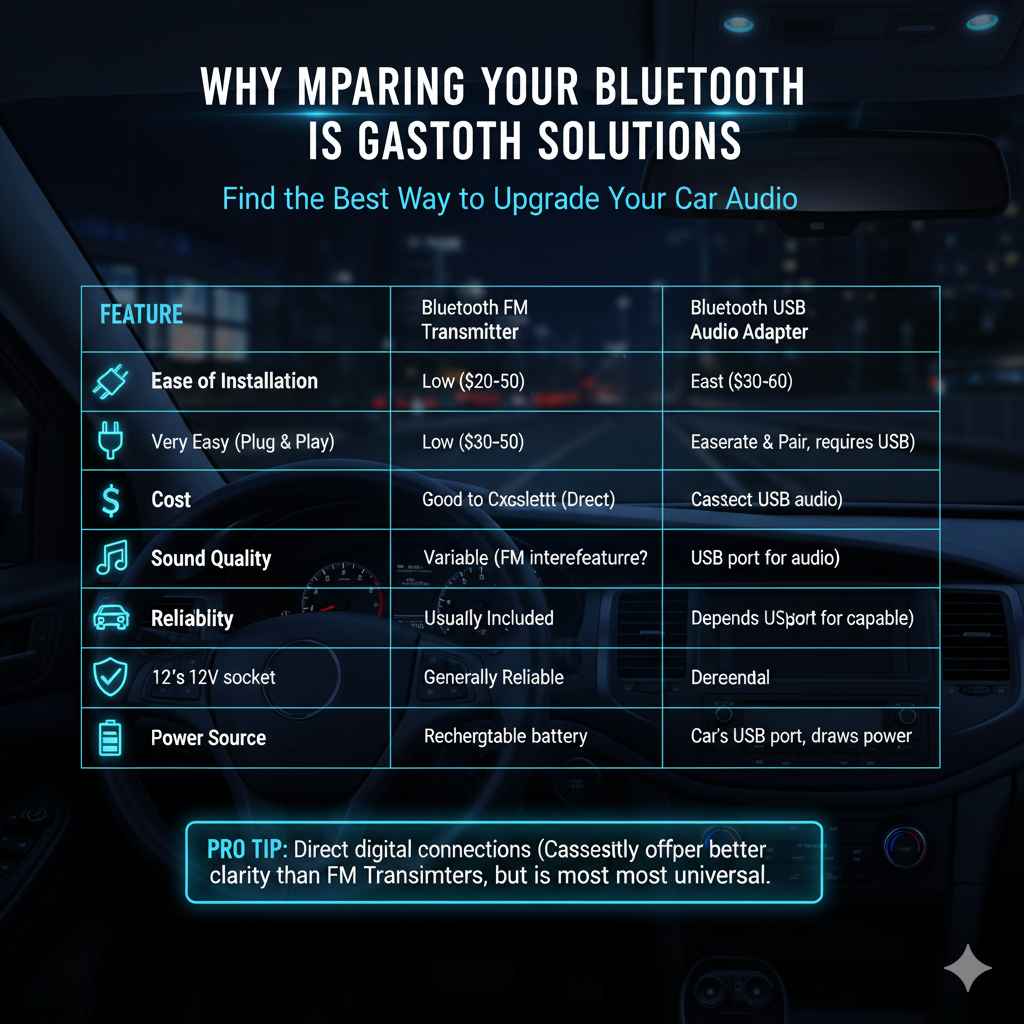
To help you decide, here’s a quick comparison of the most common methods:
| Feature | Bluetooth FM Transmitter | Bluetooth Cassette Adapter | Bluetooth USB Audio Adapter |
|---|---|---|---|
| Ease of Installation | Very Easy (Plug & Play) | Very Easy (Insert & Press Play) | Easy (Plug & Pair, but requires USB audio support) |
| Cost | Low ($20-$50) | Moderate ($30-$60) | Moderate ($30-$60) |
| Sound Quality | Variable (Depends on FM interference) | Good to Excellent (Direct connection) | Good (If USB port is capable) |
| Requires Specific Car Feature? | 12V power socket | Cassette player | USB port for audio playback |
| Hands-Free Calling | Usually Included | Usually Included | Depends on adapter; less common |
| Reliability | Can be affected by radio signals | Generally Reliable | Reliable if USB port is compatible |
| Power Source | Car’s 12V socket | Rechargeable battery | Car’s USB port (draws power) |
When considering audio quality, it’s worth noting that a direct digital connection (like through USB or a cassette player) will generally offer superior clarity and fidelity compared to an analog broadcast method like an FM transmitter. However, the convenience and universal applicability of FM transmitters make them a go-to for many.
Tips for the Best Bluetooth Experience
No matter which method you choose, here are some tips to ensure you get the best possible experience:
- Read Reviews: Before buying, check reviews from other users. Look for comments on sound quality, ease of use, and reliability in real-world driving conditions.
- Check Your Car’s Manual: If you’re considering a USB adapter, always consult your car’s manual to confirm if the USB port supports audio playback. You can often find digital copies of your car manual on the manufacturer’s official website, which is a great resource for understanding your vehicle’s features.
- Update Your Phone’s Software: Ensure your smartphone’s operating system and Bluetooth drivers are up to date. This can often resolve connectivity issues.
- Experiment with FM Frequencies: For FM transmitters, don’t settle for the first frequency you try if it has static. Drive around a bit and try different unused frequencies.
- Keep Audio Levels Balanced: Set your phone’s volume to about 75-80%, then use your car’s stereo volume for fine adjustments. This often results in cleaner sound and less hiss.
- Consider a Model with a Microphone Extension: If you opt for an FM transmitter or a cassette adapter with a built-in microphone, and you find call quality is poor, look for models that come with an optional microphone extension cable. This allows you to place the microphone closer to your mouth.
- Safety First: When installing or adjusting any device, pull over to a safe location. Never attempt to set up new equipment while driving.
Frequently Asked Questions (FAQ)
Q1: Will adding Bluetooth affect my car’s original radio system?
A: No, these methods are non-invasive. They work by using your car’s existing audio output (radio waves for FM transmitters, cassette deck internals, or USB connection) without altering the car’s original wiring or computer systems. It’s safe for your car.
Q2: Can I charge my phone at the same time as using Bluetooth?
A: Many Bluetooth FM transmitters come with one or more USB ports that allow you to charge your phone simultaneously. Bluetooth cassette adapters and USB adapters draw power from their respective ports and don’t typically offer additional charging ports.