BMW Battery Replacement Without Programming: Registration Rules
A BMW battery can be swapped with hand tools, but the paperwork behind it is the catch. BMW Group’s owner’s manuals recommend that a new battery be registered on the car by a dealer or other qualified shop, and VARTA lists BMW among the brands that need a diagnostic tool to do it. This guide covers the swap, what registration does, what resets when power is cut, and when to stop and hand the job to a shop.
Tools and Materials You’ll Need
Gather everything before you disconnect anything. The battery itself matters more than any tool on the list: both BMW Group’s manuals and VARTA say to fit only a battery that the vehicle maker recommends or that is compatible with your model.
- A replacement battery that matches the original in technology (AGM, EFB or flooded), capacity (Ah) and physical size. VARTA recommends like-for-like or better-for-like and says never to downsize.
- Safety glasses and chemical-resistant gloves.
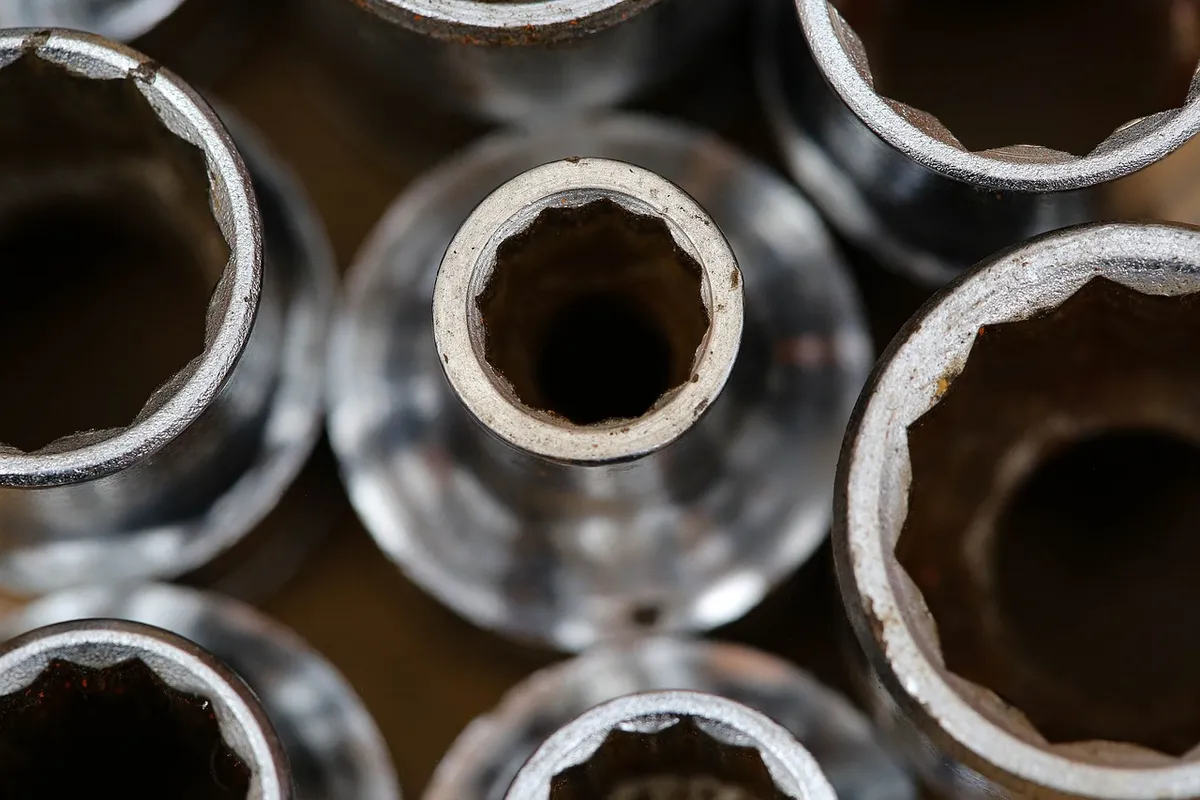
- A socket or wrench set that fits your terminal clamps and hold-down. Sizes vary by model, so check the old clamps rather than assuming.
- A terminal brush for the clamps and posts (see the pick below).
- A torque wrench, because VARTA says to tighten the clamps to the torque listed in the vehicle manual.
- The Battery page of your owner’s manual, and a plan for who will register the new battery afterward.
Best Terminal Cleaning Brush Pick
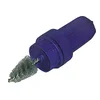 |
Lisle 11120 Battery Brush
|
As an Amazon Associate we earn from qualifying purchases. Spec-based pick from the listing, not a hands-on test.
Step-by-Step: How to Remove and Install a New BMW Battery
Battery location and hold-down details change by model, so the Battery page of your own manual is the authority. VARTA reports that across all makes only about 58% of batteries sit under the bonnet, about 40% are in the boot and a few are in the cabin, so do not assume the engine bay. Our pages on the BMW X3 battery location and the 2015 BMW X5 battery location cover two common cases.
Step 1: Prepare the car and yourself
- Read the Battery page of your owner’s manual.
- Switch the engine off and remove the key, as VARTA instructs.
- Note where the positive and negative terminals sit before you remove anything, to avoid reverse polarity.
- Put on safety glasses and gloves. The hazard icons in BMW Group’s manual show no smoking, no open flames and no sparks, goggles, and a chemical burn warning.
Step 2: Disconnect and remove the old battery
Remove the ground (negative) cable first. VARTA says this prevents a short circuit between the positive terminal and the vehicle body. Our guide on which battery terminal to disconnect first explains the order in more detail. Then remove the positive cable and the hold-down, and lift the battery out without tilting it. The manual’s hazard icon says to wear gloves and not to tilt the battery, and to keep a full battery upright in transport.
Look at the compartment while it is empty. VARTA says corrosion around the battery can indicate leaked acid, and in that case a workshop should investigate the cause.
Step 3: Clean, seat and connect the new battery
- Check the compartment and brackets for rust and damage, and clean the compartment.
- Remove surface rust and dirt from the terminal clamps. VARTA says this dirt raises contact resistance and can cause malfunctions or early battery failure.
- Seat the battery properly in the tray and fit the hold-down.
- Check the polarity of the cables again, then connect the red positive cable first and the black negative cable second.
- Tighten the clamps with a torque wrench to the value in the vehicle manual, and do not twist or strain the terminals.
- Leave the battery’s vent openings alone. The manual’s icon for an explosive gas mixture says not to close any openings of the battery.
Step 4: After the swap
Expect a few settings to need attention, covered in the section on what resets below. Then arrange registration. BMW Group’s manuals recommend this after every battery change, and the next section explains why.
Do You Need to Register the Battery? Registration vs. Programming Explained
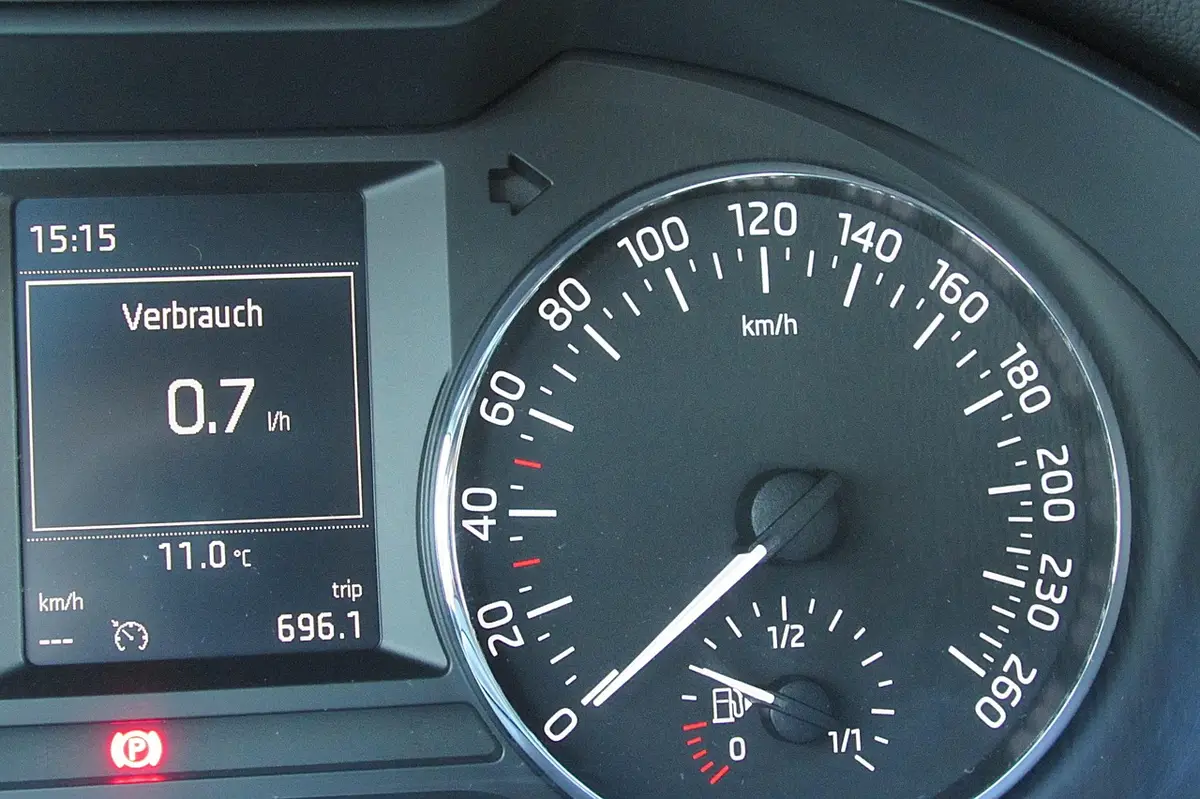
Registration tells the car that a new battery is installed. VARTA describes the system behind it: a Battery Management System (BMS) with an Electronic Battery Sensor (EBS) monitors the battery over its life, counting starts and the energy flowing through it, tracking state of charge, controlling charging and adapting to the battery’s state of health. In its worked example, VARTA says registration resets the monitored battery usage counter in the BMS to zero.
The manuals quoted here are BMW Group’s owner’s manuals for the MINI Cooper (2017 and 2025 editions). Read the Battery page of the manual for your own BMW and model year for the exact text.
| Source | What it says | Why it matters |
|---|---|---|
| MINI Cooper owner’s manual, 2017 (BMW Group) | After a battery replacement, the manufacturer recommends registering the battery on the vehicle at a dealer’s service center or another qualified shop. | Comfort features become fully available and related Check Control messages stop showing. |
| MINI Cooper owner’s manual, 2025 (BMW Group) | Recommends an authorized service center or another qualified shop register the battery after it has been changed. | Once re-registered, comfort features work without limitation and related messages disappear. |
| VARTA article on battery registration | Lists BMW among brands that need an active registration of the new battery in the BMS, using a diagnostic device. | If the reprogramming is not done correctly, start-stop can be restricted or fail, fuel use can rise and comfort functions can be limited. |
Neither BMW Group’s manuals nor VARTA describe a way to skip registration, so this page does not offer a workaround. The honest reading of “without programming” is that the physical swap needs no coding session, while registration is recommended and, per VARTA, needs a diagnostic tool.
Registration vs. coding: what the difference means
Registration records that a new battery is in the car. VARTA’s examples of workshop tools ask for the battery’s capacity, manufacturer and technology, which is why a like-for-like battery keeps the job simple. Our page on whether a BMW battery needs to be programmed goes deeper on that question.
What happens if you skip it
The practical risk is a car that starts and drives but keeps warnings or loses features: comfort functions limited, Check Control messages left showing, and, per VARTA, a restricted or failed start-stop function if the reprogramming is done incorrectly.
How to Tell If Your BMW Has an Intelligent Battery Sensor (IBS)
Neither BMW Group’s manuals nor VARTA give a visual test for the sensor, and the manuals send you to the Battery page instead of asking you to find it. VARTA says every modern vehicle with a start-stop function or a hybrid system holds an energy management system. So if your BMW has auto start-stop, treat registration as applicable. If you are unsure, a BMW dealer can confirm for your VIN, and the Battery page of your manual is the reference.
Related reading: how to identify your car battery type.
What Resets When Power Is Cut: Memory, Settings and Coding
Disconnecting the battery interrupts power to every module. BMW Group’s MINI manuals list items that may need to be set again afterward:
| Item that may need resetting | Where it is listed |
|---|---|
| Time and date | Both the 2017 and 2025 manuals |
| Glass sunroof: initialize the system | Both manuals |
| Parking brake: initialize | 2025 manual |
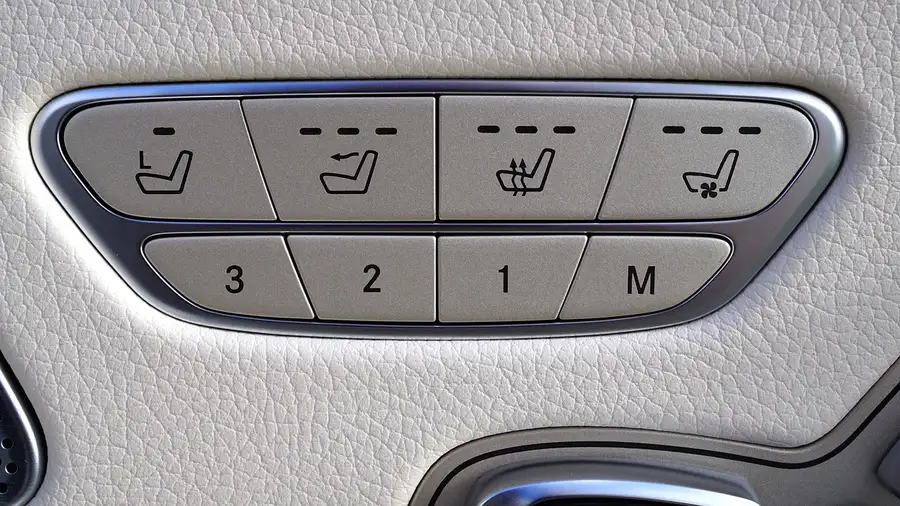
| Memory function: save the positions again | 2025 manual |
| Airbag, sensor and comfort system recalibration | VARTA says this may be needed after a swap on modern cars, and advises a professional garage for them |
BMW Group’s manuals and VARTA do not mention memory-saver devices, so this page makes no recommendation on them. Our guide on how to change a BMW battery without losing settings covers that question separately.
Choosing the Right Replacement Battery: AGM, EFB or Flooded
VARTA says AGM is built for demanding applications and supports any start-stop system, while EFB is an improved flooded battery. The fit matters because the vehicle’s energy management is designed around a certain battery performance.
| Swap | VARTA guidance |
|---|---|
| Same technology, same capacity | Recommended: like-for-like replacement |
| EFB to AGM | Always possible, and advised if the customer faces recurring battery problems |
| AGM to EFB | Downgrading is not recommended |
| Smaller capacity | Never downsize the replacement battery |
Neither VARTA’s FAQ nor BMW Group’s manuals address moving from a standard flooded battery to AGM, so ask a shop before changing technology. For model-specific picks, see our best BMW battery guide, and to decide whether you need one at all see how to tell if your car battery needs replacing.
Safety: Acid, Gas, Sparks and When to Stop
This is a safety-sensitive job. A 12 V battery holds acid and can give off explosive gas, and the car has electronic systems tied to it.
- The hazard icons in BMW Group’s manual say: no smoking, no open flames, no sparks; wear safety goggles; keep away from children; wear gloves and do not tilt the battery; do not close any openings of the battery.
- Flush acid splashes with water immediately. In the event of contact with the eyes or swallowing, seek a physician immediately.
- Never touch components under voltage. The 2025 manual warns that contact with live components can lead to electric shock.
- Charge only through the jump-start terminals in the engine compartment with the engine off. The manuals warn that chargers connected through sockets or lighters can overload the 12 V system. See also can you jump a BMW battery.
- Old batteries are hazardous waste. VARTA says car workshops and recycling centers take them, and that 99% of a battery can be recycled.
Stop and use a professional if you see corrosion that suggests a leak, if you are unsure how to register the battery, if warning lights remain after registration, or if an airbag light appears. VARTA advises that airbags and sensors may need recalibration after a swap on modern cars.
Common Mistakes to Avoid When Replacing a BMW Battery
- Fitting a smaller-capacity battery. VARTA says never downsize.
- Replacing an AGM battery with an EFB. VARTA says downgrading is not recommended.
- Removing the positive cable first, or connecting the negative first. VARTA says to remove the ground cable first and connect the red positive cable first.
- Skipping the torque wrench. Loose clamps cause contact interruptions from vibration, per VARTA.
- Treating registration as optional. BMW Group’s MINI manuals recommend it after every change.
Frequently Asked Questions About Replacing a BMW Battery Without Programming
How do you replace a BMW battery without programming?
The swap itself needs only hand tools: negative cable off first, compatible battery in, positive cable on first. BMW Group’s MINI manuals then recommend a dealer or qualified shop register the battery, and VARTA says BMW needs a diagnostic tool for that. Neither describes a way to skip registration.
Can I replace my BMW battery myself?
You can do the mechanical swap with eye and hand protection and no sparks near the battery. VARTA advises a professional garage for cars with start-stop and many electronic systems, and registration needs a diagnostic tool. If unsure at any step, stop and use a shop.
Do I need to register a new battery, or is that the same as programming?
Registration tells the car a new battery is installed. BMW Group’s MINI manuals call it registering the battery on the vehicle. Fitting a different battery type is a related question: VARTA recommends like-for-like or better-for-like and never a smaller battery.
What happens if I skip battery registration?
BMW Group’s MINI manuals say registration makes all comfort features available and clears related Check Control messages, so skipping it can leave them limited. VARTA warns incorrect reprogramming can restrict start-stop, raise fuel use and limit comfort functions.
Will I lose my radio presets and other settings when I replace the battery?
BMW Group’s MINI manuals list time, date, sunroof initialization, parking brake initialization and memory function positions as items that may need resetting. Radio presets are not listed, so check the Battery page of your own manual.
Does the new battery need to match the exact specs of the old one?
It must be compatible with your model. BMW Group’s MINI manuals warn that unrecommended batteries can damage vehicle systems, and VARTA says AGM to EFB is not recommended while EFB to AGM is always possible.
Conclusion
Replacing a BMW battery yourself is a hand-tools job, but the manuals and VARTA treat the registration that follows as part of the job. Match the original battery, follow the cable order, respect the acid and gas hazards, and have the new battery registered by a dealer or qualified shop. For related reading, see how to check car battery health and what a BMW collects and shares.
This guide does not cover battery prices, hybrid or electric BMW high-voltage batteries, or step-by-step registration procedures on specific diagnostic tools; ask a BMW dealer or qualified shop for those.
Products related to this article
Sponsored / affiliate links. As an Amazon Associate I earn from qualifying purchases. I may earn additional commission from eligible campaigns.