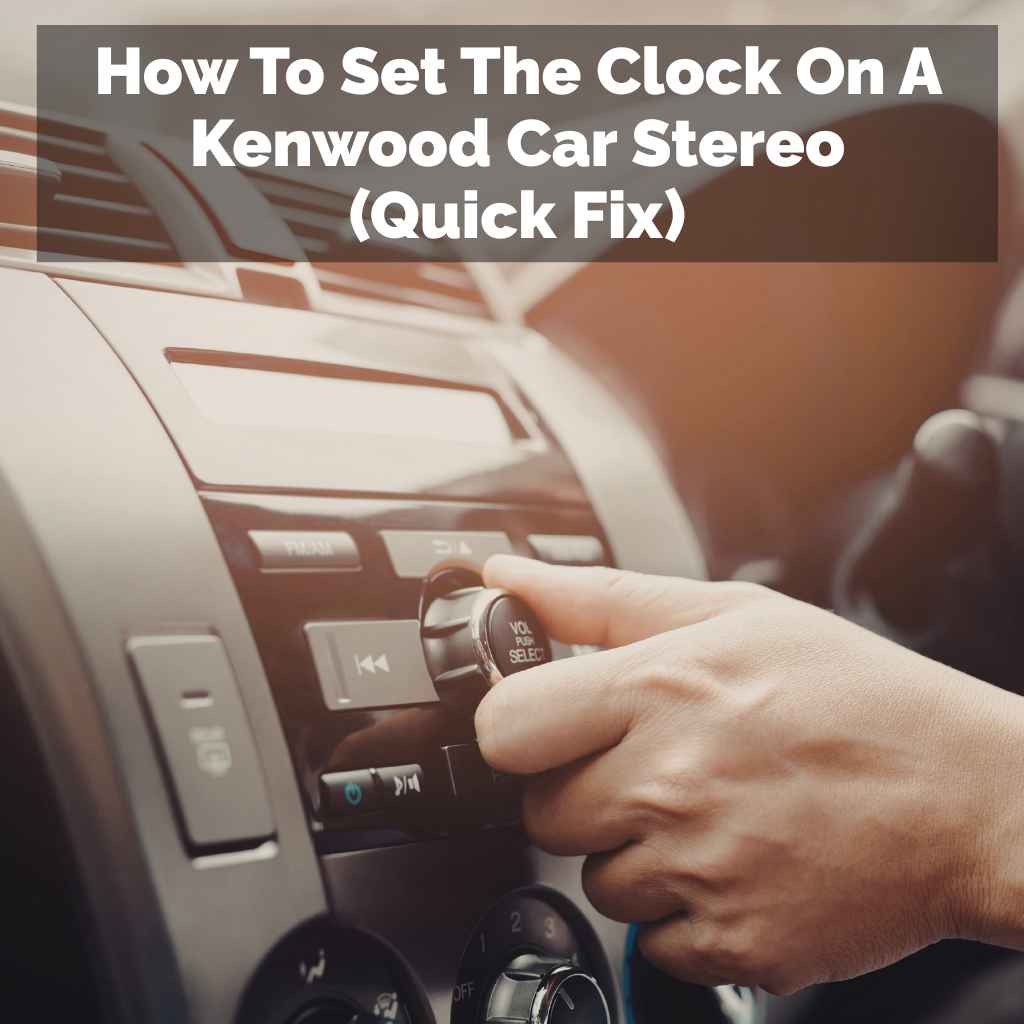
How to Set the Clock on a Kenwood Car Stereo (All Models + GPS)
Most Kenwood stereos set the clock by holding DISP or MENU until the hour flashes, then adjusting it with the tuning knob or touchscreen — but GPS-equipped DMX, DDX, and DNX receivers set the time automatically via GPS-SYNC. Use the wrong button for your model and you land in a different menu entirely. This guide covers exact steps for KDC, DPX/KMM, and DMX/DDX/DNX/DNN families, plus fixes if the clock won’t hold its setting.
Quick Answer
To set a Kenwood stereo clock: hold DISP (basic KDC models) or hold AUDIO/MENU then select Settings > Clock (DPX, KMM, DMX, DDX, DNX models). Adjust the hour and minute with the tuning knob, Control knob, or touchscreen, then confirm. GPS-equipped touchscreen models can set the clock automatically — check Settings > Date & Time > GPS-SYNC.
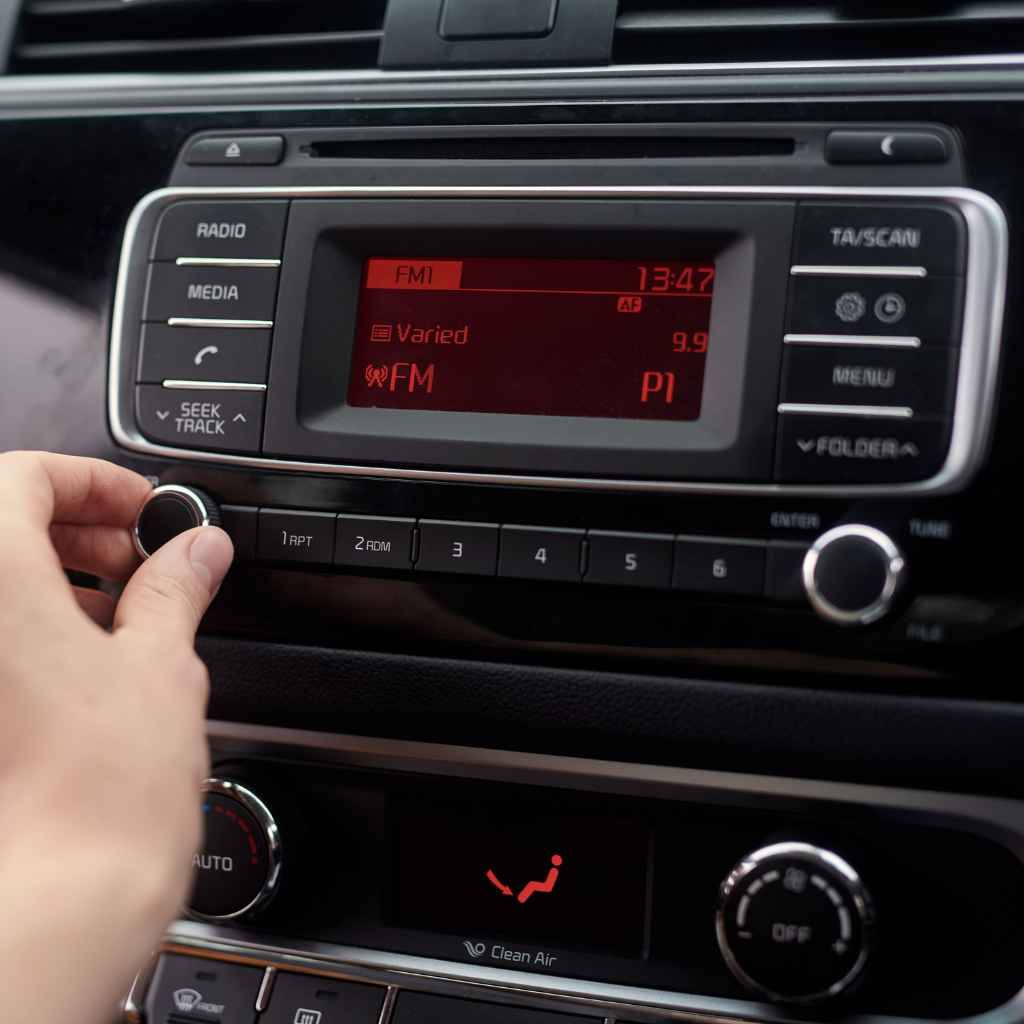
Does Your Kenwood Stereo Set Its Own Clock?
Some Kenwood receivers never need manual clock setting at all. GPS-SYNC is a setting on touchscreen multimedia and navigation receivers (the DMX, DDX, DNX, and DNN series) that pulls the current time from GPS satellites and keeps the clock accurate automatically, including time zone. On 2-DIN digital media receivers without a screen (the DPX and KMM series), a similar feature called TIME SYNC uses radio data system (RDS) signals from FM stations instead of GPS.
📊 Kenwood’s own instruction manual for the DPX500BT/DPX300U confirms TIME SYNC “synchronizes this unit’s clock with the radio data system station’s time data.” — Source: Kenwood DPX500BT/DPX300U Instruction Manual
Basic CD and digital media receivers in the KDC series have no auto-sync feature of any kind — if you own one of these, you’ll need to set the clock manually every time it loses power, including after a dead battery or a disconnect.
Find Your Kenwood Model Family First
Your model number is printed on the front face of the stereo, and it determines which menu path applies. Kenwood groups its car receivers into three broad families, each with its own clock-setting interface.
| Model Prefix | Type | How You Access the Clock Menu | Auto Clock Sync? |
|---|---|---|---|
| KDC | Basic CD/digital media receiver, no screen | Hold the DISP button | No – manual only |
| DPX, KMM | 2-DIN digital media receiver with small display | Hold AUDIO, turn Control knob to Settings > Clock | TIME SYNC (RDS), optional |
| DMX, DDX, DNX, DNN | Touchscreen multimedia or navigation receiver | Tap Settings > Date & Time (or System) | GPS-SYNC, optional |
How to Set the Clock, Step by Step
KDC Series (Basic CD and Digital Media Receivers)
This is the method most Kenwood owners run into first, since it covers the simplest, most common single-DIN units.
- Find the DISP button: it’s usually on the main face of the stereo, sometimes labeled as a secondary function on a numbered preset button.
- Press and hold DISP: hold it for about 2–3 seconds until the hour digits start flashing.
- Adjust the hour: turn the tuning knob or volume knob (or press the left/right arrow buttons) to change the hour, including AM/PM if shown.
- Move to minutes: press DISP again briefly — the minute digits should start flashing.
- Adjust the minutes: use the same knob or arrow buttons.
- Confirm and save: press and hold DISP once more for 2–3 seconds, or simply wait 5–10 seconds without pressing anything — most KDC units save automatically once you stop making changes.
If DISP doesn’t respond at all, some very old single-DIN units use a press-and-hold on SRC or the power knob instead to cycle to a “Clock Set” option on the display — watch for the numbers to start blinking, which is always your sign you’re in the right mode.
DPX and KMM Series (Digital Media Receivers With a Menu System)
These use a small display and a physical Control knob instead of a touchscreen, and the clock lives inside a settings menu rather than behind a single dedicated button.
- Press and hold AUDIO to enter Function setting mode.
- Turn the Control knob to scroll to “SETTINGS,” then press the knob in to select it.
- Scroll to “CLOCK” and press the knob in again.
- Select a clock setting item — choose manual hour/minute adjustment, or turn TIME SYNC on to let RDS keep the clock accurate automatically.
- Adjust the values by turning the knob, pressing it in to confirm each digit and move to the next.
- Exit and save by pressing and holding the button marked 6 (or MENU on some models) to leave Function setting mode.
DMX, DDX, DNX, and DNN Series (Touchscreen Multimedia and Navigation Receivers)
On touchscreen models, the clock is buried in a Settings menu rather than tied to a hardware button, and navigation-capable units (DNN/DNX) add GPS auto-sync and time zone selection that CD-only models don’t have.
- Press HOME, then tap the Settings (gear) icon.
- Tap “Date & Time” (some models label it “Clock” under a System or General menu).
- Leave “Automatic date & time” checked if your unit has GPS or navigation — this is the GPS-SYNC option, and it keeps the clock and time zone correct without any input from you.
- Uncheck it to set the clock manually if you’d rather not rely on GPS, or if your unit has no GPS antenna connected.
- Tap “Set time,” adjust the hour and minute with the on-screen arrows or keypad, then tap Set to confirm.
- Tap “Select time zone” and choose your region if you set the clock manually.
- Press the physical exit/back button (often marked with a small triangle or the number 6) to save and leave the menu.
For a video walkthrough of the DISP-button method on a KDC-series unit, this clip shows the exact sequence in real time:
12-Hour vs. 24-Hour Format
Sometimes the clock isn’t wrong — it’s just in the format you’re not expecting. A stereo showing “15:00” instead of “3:00 PM” is running in 24-hour format, not malfunctioning.
Myth: My stereo is broken because it shows 15:30.
Reality: It’s set to 24-hour format. Find “Time Format,” “Clock Mode,” or “12H/24H” in the same menu where you set the clock, then switch it to 12H.
On KDC and DPX/KMM models, this option usually sits right next to the hour/minute adjustment inside the clock menu. On touchscreen models, look for it under Settings > Date & Time alongside the time zone selector.
What to Do When the Clock Won’t Set or Keeps Resetting
If the usual button sequence isn’t working, or the clock resets to 12:00 every time you turn off the car, work through these causes in order.
Get Your Exact Model Number
The model number is printed on the stereo’s front face, usually starting with KDC, KMM, DPX, DDX, DNX, or DNN. Searching “[your model number] manual PDF” turns up the exact button sequence for that unit, since Kenwood’s menu wording shifts slightly between generations. If you ever need to pull the unit for a closer look at the label, this guide to removing a car stereo walks through it safely. (If your stereo turns out to be a JVC instead of a Kenwood, the button layout is different — this JVC clock-setting guide covers that brand specifically.)
Check for a Constant Power Connection
For the clock to hold its setting, the stereo needs one wire (usually yellow) wired directly to a power source that stays live even with the ignition off. If that wire is disconnected, or wired to a switched circuit instead, the clock and radio presets will reset every time you park. This is the same wiring covered in this guide to a car stereo’s wiring harness.
Check for a Weak Backup Battery or Capacitor
Some older stereos hold the clock in memory using a small internal battery or capacitor rather than relying only on the car’s wiring. If that component fails, the clock resets even when the constant power wire is fine.
Try a Firmware Update
If your stereo is a touchscreen model and the clock drifts, freezes, or won’t save at all even though the wiring checks out, a firmware update from Kenwood’s support site can resolve known display and clock bugs on that model. Check the model support page for an update file before assuming the unit is faulty.
| Symptom | Likely Cause | What to Do |
|---|---|---|
| Clock resets every time the car turns off | Missing or switched constant 12V power wire | Check the yellow memory wire; have an installer verify it if you’re not comfortable with wiring |
| Clock is off by exactly 5, 12, or several hours | Wrong time zone selected (GPS models) or 12/24-hour mismatch | Check Time Format and Time Zone settings, not just the hour/minute |
| Clock won’t leave 12:00 no matter what you press | Wrong button for your model family, or unit isn’t in setting mode yet | Confirm your model prefix (KDC/DPX/DMX) and use the matching method above |
| Clock resets even with wiring confirmed good | Weak internal backup battery/capacitor, or a firmware bug | Check for a firmware update; if that fails, the unit may need repair |
When Is It Normal for the Clock to Reset?
- After a battery replacement or disconnect: completely normal. Disconnecting the car battery clears the stereo’s memory, including the clock and radio presets, so it will flash 12:00 until you set it again — and if the radio itself seems off afterward too, this guide to a radio not working after a battery change covers that separately.
- Buying a used car: the previous owner may have left it wrong, or it reset in storage. Find the model number and use the matching method above.
- Daylight Saving Time changes: this is the single most common reason people search for clock-setting instructions twice a year — it’s worth knowing your model’s method ahead of time so you’re not guessing in the driveway.
What’s not normal is a clock that loses time every single time you park, or one that jumps to random values on its own — both point to the wiring or hardware issues covered above, not a setting you’re missing.
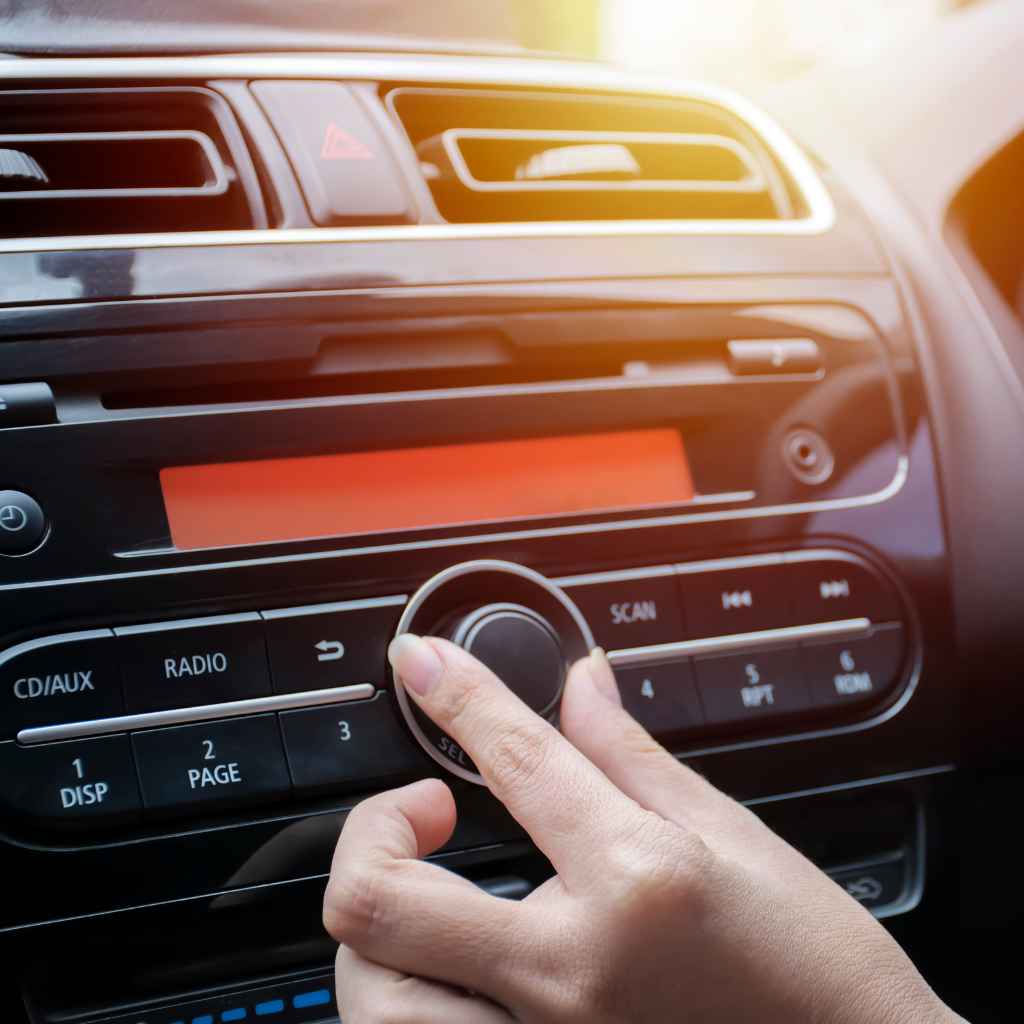
A Kenwood Clock That Wouldn’t Budge
A few years back I bought a used car with a decent Kenwood stereo already installed. Everything worked except the clock — it was stuck flashing 12:00. I pressed every button I could find and held a few down, and nothing changed. The manual that came with the car was a tiny booklet full of diagrams too small to read in the driveway.
A friend who worked at a car audio shop walked me through it over the phone in about two minutes: hold DISP, not tap it, for a few full seconds until the display actually started blinking. It was a button combination I’d never have guessed on my own, and it’s exactly why the exact hold-time and sequence matter more than which button you think looks right. If your Kenwood unit also has Bluetooth you’re trying to pair while you’re in there, this guide to adding Bluetooth to a car stereo covers that setup too.
“It took a friend at a car audio shop showing me a button combo I’d never have guessed for the clock to finally stop flashing 12:00.”
Why a Correctly Set Clock Actually Matters
- Automatic dimming and display features on some models use the clock time to switch between day and night brightness.
- Navigation and app integration on DNX/DNN models can rely on an accurate system clock for timing features.
- It flags real problems early: a clock that won’t hold its setting is often the first visible sign of a wiring or power issue that could affect other electronics in the car.
Frequently Asked Questions
Why does my Kenwood clock reset every time I turn off the car?
This almost always means the stereo isn’t getting constant 12V power to its memory wire (usually yellow). If that wire is disconnected or wired to a switched circuit instead of one that’s always live, the clock and radio presets reset every time the ignition turns off. This is a wiring fix, not a setting.
How do I find my Kenwood stereo’s model number?
Look on the front face of the unit — it’s usually printed there, starting with KDC, KMM, DPX, DDX, DNX, or DNN. If it’s not visible, you may need to carefully pull the stereo out slightly to check a label on the side, but be cautious if you’re not experienced with car audio removal.
My Kenwood stereo doesn’t have a CLOCK button. What do I do?
Look for DISP instead — it’s the most common entry point on KDC-series units. On DPX, KMM, DMX, DDX, and DNX models, hold AUDIO or MENU and navigate to Settings, then Clock or Date & Time.
Does my Kenwood stereo set the clock automatically?
Only if it’s a GPS-equipped touchscreen model (DMX, DDX, DNX, DNN) with GPS-SYNC enabled under Settings, or a DPX/KMM digital media receiver with TIME SYNC turned on, which uses RDS radio signals instead of GPS. Basic KDC-series receivers have no auto-sync feature and always need manual setting.
How do I switch my Kenwood stereo between 12-hour and 24-hour time?
Open the same menu you use to set the clock (hold AUDIO or MENU, or tap Settings on a touchscreen) and look for “Time Format,” “Clock Mode,” or “12H/24H.” Select your preferred format and confirm.
Is there a factory reset that will fix a Kenwood clock that won’t cooperate?
Yes, most Kenwood stereos have a factory reset, usually a button combination or a small recessed button pressed with a pen tip. It erases all settings, including radio presets and the clock, so treat it as a last resort after checking power and wiring first.
Back to Having the Right Time
Once you know your model family, whether it’s a KDC unit that needs DISP held for a few seconds, a DPX/KMM receiver with a Control-knob menu, or a touchscreen model that can set itself via GPS, setting a Kenwood clock takes under a minute. If it keeps resetting after that, the fix is almost always the constant power wire, not the button sequence.
Products related to this article
Sponsored / affiliate links. As an Amazon Associate I earn from qualifying purchases. I may earn additional commission from eligible campaigns.