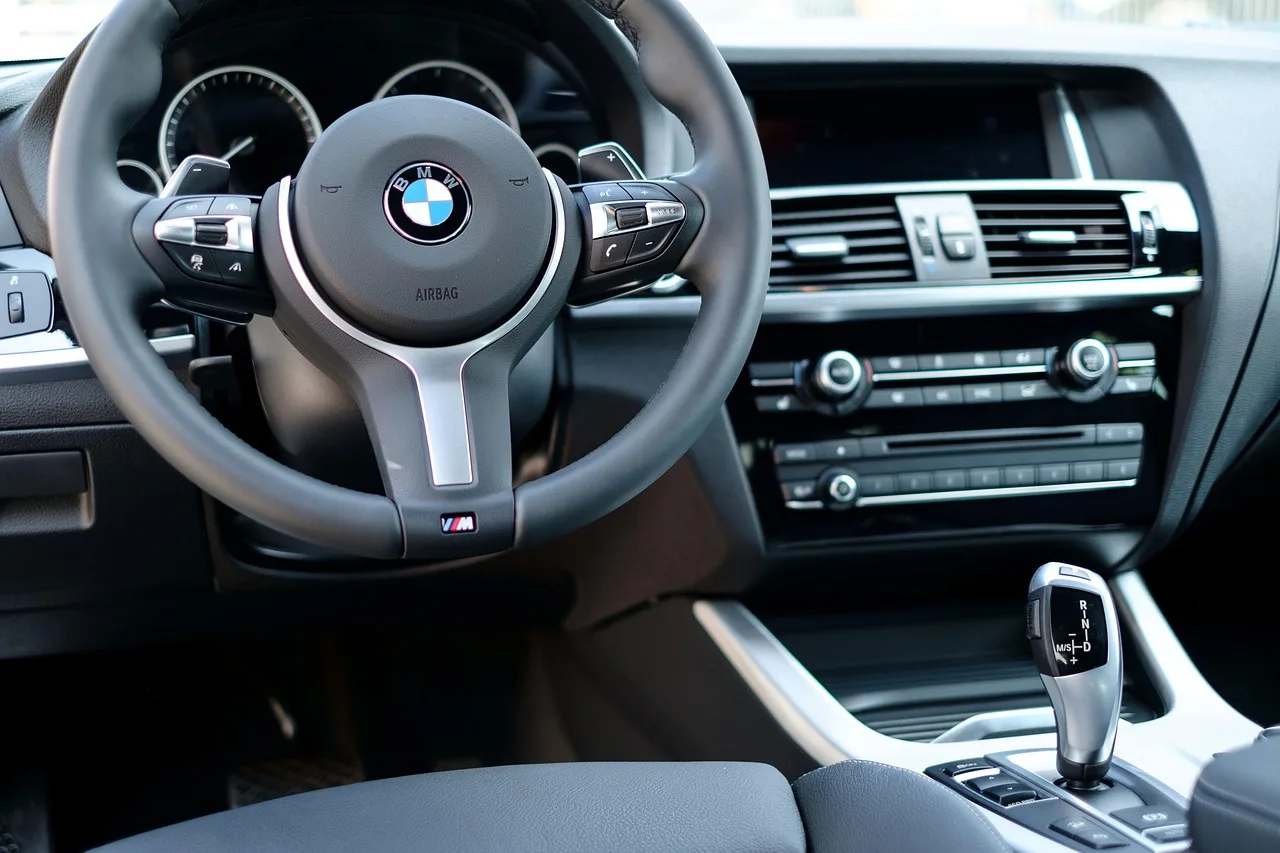
What Is Automotive Software? A Clear Explanation
Automotive software is the code that runs vehicle functions and related systems, from engine control and braking to infotainment, diagnostics, telematics, and cloud services, across embedded ECUs, scan tools, phone apps, and backend servers. If you confuse one layer for another, you can waste money, delay repairs, and pick the wrong fix or the wrong subscription. This guide breaks down the four main layers, where each runs, and how to tell them apart.
What is automotive software?
Automotive software is the code used in vehicles and vehicle systems. It controls hardware inside the car, exchanges data with diagnostic tools, and supports connected services outside the vehicle. Modern vehicles contain many ECUs, and a single vehicle can run tens of millions of lines of code. One competitor says modern vehicles can contain over 100 million lines of code.
What it controls inside a vehicle
At the vehicle level, software can manage engine behavior, braking, transmission shifts, battery control, cabin functions, media playback, navigation, and safety logic. This is why the move from mechanical systems to electronic control matters so much. Software now sits between the driver’s input and the hardware response.
How it differs from general-purpose software
Regular software often runs on a laptop, phone, or server where timing is flexible. Automotive software is different because some of it must react in real time and coordinate with sensors, actuators, and network messages. A delayed brake command or a missed sensor update is not a small bug. It is a vehicle behavior problem.
📊 Automotive software development began with electronic control units in the 1970s. Source: What Is Automotive Software? A Clear Explanation.
What does automotive software do in a car?
Automotive software runs control, safety, diagnostics, infotainment, and connectivity functions in a car. It can adjust powertrain behavior, support driver-assistance features, report fault codes, move data across vehicle networks, and connect the car to mobile apps or cloud services. Those jobs may live in different layers of the stack.
Control and real-time functions
Control software keeps subsystems working within target limits. It may handle throttle response, braking coordination, battery management, or transmission logic. In many cases, that code must run on schedule and respond to sensor input within tight timing windows. That is where embedded software and ECUs matter most.
Safety, diagnostics, infotainment, and connectivity
Safety software can watch for faults, manage fallback behavior, or coordinate driver-assistance logic. Diagnostics software reads fault codes and live data. Infotainment software handles touchscreens, phone integration, navigation, and media. Connectivity software links the vehicle to remote services, fleet systems, or phone apps.
Suppose a dashboard warning appears after a rough start on a cold morning. The fault may be stored in an ECU, read through OBD2, and interpreted by a scan tool. That is a diagnostic workflow, not an infotainment issue.
How vehicle software is layered
Vehicle software is easier to understand when you separate it into layers. A common layered architecture model divides systems into hardware, middleware, and application layers. In practice, you can also think in terms of embedded vehicle code, diagnostic tools and protocols, and connected services or cloud platforms.
Embedded software inside ECUs
This is the code that runs in Electronic Control Units, or ECUs. These are embedded controllers inside the vehicle that run real-time code and manage engine, braking, transmission, battery, and other subsystems. They are part of the vehicle’s internal control network.
Diagnostic software and protocols
This layer includes the tools and protocols used to read data from the vehicle. CAN bus is often a common in-vehicle communication network for logging and diagnostics. CAN FD is a higher-data-rate variant used when more vehicle data needs to move. OBD2 is often used as a common entry point for reading fault codes and live data. J1939 is used in commercial and heavy-duty contexts. (en.wikipedia.org) (en.wikipedia.org)
Connected services and cloud platforms
This layer sits outside the vehicle. It includes mobile apps, fleet dashboards, remote diagnostics portals, and backend servers. Some pages describe automotive software as cloud-based software connected to vehicle hardware, and that is only one layer of the stack. It is not the whole category.
What is ECU software in vehicles?
ECU software is the embedded code inside an Electronic Control Unit that runs a specific vehicle function. It keeps subsystems such as engine control, braking, transmission, battery management, and body electronics operating according to sensor inputs and calibration values. Real-time behavior is the key feature.
How ECUs fit into modern vehicles
Modern vehicles may contain many ECUs, each with a narrower job than a general computer. One ECU might manage airbags. Another might handle battery state. Another might supervise a camera system. This distribution lets the vehicle separate safety-critical tasks from comfort and media functions.
Why real-time behavior matters
An ECU often has to react within fixed timing limits. That is why the code is written for deterministic behavior rather than general desktop convenience. If a wheel-speed signal arrives late or a brake command is delayed, the ECU cannot treat that as background noise.
What standards are used in automotive software development?
Automotive software development uses standards to make systems interoperable, easier to test, and easier to integrate across suppliers. AUTOSAR is presented as a widely adopted standard for automotive software engineering. CAN bus, CAN FD, and J1939 define how data moves. Those standards fit different parts of the stack and workflow.
AUTOSAR and software architecture
AUTOSAR supports hardware abstraction and reusable components. That matters because carmakers and suppliers often build software for different chips and control units. By separating software from hardware details, AUTOSAR helps teams reuse code and reduce integration friction.
CAN bus, CAN FD, and J1939
CAN bus is a workhorse network for embedded automotive systems. CAN FD extends the data rate for logging and diagnostics workflows that need more bandwidth. J1939 is common in commercial vehicles and machinery, where diagnostics and communication standards differ from passenger-car workflows. AutoPi says its CAN FD Pro can collect CAN, CAN FD, LIN, OBD2, and J1939 data.
Why standards matter for integration and diagnostics
Standards let repair tools, fleet systems, and engineering tools talk to vehicle data in a predictable way. They also make it easier to trace a symptom back to a subsystem. A fault code from OBD2 may point to one module, while CAN log data may show whether the problem came from a sensor, wiring, or control logic.
How do ADAS, infotainment, and telematics fit in?

ADAS, infotainment, and telematics are three visible software categories in modern vehicles. ADAS depends heavily on sensors and software. Infotainment manages the user-facing screen and media stack. Telematics collects vehicle data and sends it to remote systems for fleet monitoring, remote diagnostics, or connected-car services.
ADAS and sensor-dependent features
ADAS includes lane keeping, adaptive cruise control, and parking assist. These features rely on camera, radar, ultrasonic, or other sensor inputs, then software interprets the scene and decides what to do next. DXOMARK applies automotive image-quality testing to front-facing ADAS cameras and references IEEE P2020 as part of its automotive camera evaluation work. It also highlights a 170 dB dynamic range solution for automotive testing.
Infotainment and user-facing software
The infotainment system is the in-car interface for media, navigation, phone integration, and connectivity. It may sync with smartphones, route audio, and display navigation prompts. This layer is visible to the driver, but it is still part of a broader software architecture that also includes embedded control code beneath it.
Telematics and fleet or remote data
Telematics collects vehicle data and sends selected information to cloud platforms or fleet software. That can support remote diagnostics, location reporting, maintenance planning, or driver-behavior workflows. Telematics is often the layer that turns vehicle signals into business data.
Picture a fleet van with a fault stored in the engine ECU and a location ping sent to a cloud dashboard. The ECU code and the fleet dashboard are related, but they are not the same software layer. One runs in the vehicle. The other lives off-vehicle.
What are examples of automotive software systems?
Examples of automotive software systems include ECU control code, OBD2 scan tools, CAN bus loggers, ADAS camera software, infotainment operating systems, telematics platforms, and cloud-based fleet applications. Each one touches a different part of the vehicle software stack and serves a different user group.
| Software type | Where it runs | Who uses it | Data it touches | One real example |
|---|---|---|---|---|
| Embedded ECU software | Inside the vehicle, on an ECU | Vehicle controls engineers, OEMs, service systems indirectly | Sensor signals, actuator commands, calibration values | Engine control logic in a powertrain ECU |
| Diagnostic software | Scan tool, service laptop, or handheld reader | Repair shops, technicians, fleet maintenance teams | Fault codes, live data, freeze-frame data | OBD2 code reader pulling diagnostic trouble codes |
| In-vehicle networking software | Across vehicle networks | Engineers, calibration teams, test labs | CAN bus messages, CAN FD logs, J1939 traffic | CAN FD data logger used in validation |
| ADAS software | Vehicle compute module, camera or sensor domain controller | OEMs, ADAS teams, test labs | Camera frames, radar input, object detection data | Lane-keeping assist logic |
| Infotainment software | Head unit or cockpit controller | Drivers, passengers, OEM UX teams | Media files, navigation data, phone integration data | In-car navigation and smartphone mirroring |
| Telematics and cloud software | Backend servers and mobile apps | Fleet managers, OEM service teams, drivers | Vehicle status, GPS, maintenance and usage data | Remote diagnostics dashboard |
How is automotive software different from regular software?
Automotive software is different because it is tied to hardware control, safety rules, and vehicle communication networks. General-purpose software may fail in a browser tab. Vehicle software may affect braking, steering support, battery behavior, or driver alerts. It also has to work across embedded, diagnostic, and cloud layers.
Why the boundaries matter
- Identify where the software runs: inside an ECU, on a scan tool, or in the cloud.
- Identify who uses it: driver, technician, engineer, fleet manager, or OEM service team.
- Identify the data it touches: sensor signals, fault codes, video frames, or telematics records.
- Check whether it controls hardware, reads data, or stores and analyzes data remotely.
A common first-timer mistake
A common first-timer mistake is calling a phone app “the car software” when the actual fault sits in an ECU or a networked sensor module. Another mistake is assuming a cloud dashboard can fix a vehicle problem on its own. It cannot. It only reads, stores, or presents what the vehicle sends.
Why is automotive software important in modern vehicles?
Automotive software is important because it controls core vehicle behavior, supports safety systems, enables diagnostics, and connects the car to users and service platforms. It also shapes repair workflows, fleet operations, and software updates. Without software, modern vehicles would lose much of their control logic and connectivity.
Why it matters for repair and data access
For the aftermarket and service world, software determines how quickly a technician can read a fault code, how much live data is available, and whether a subsystem can be traced through network logs. That is why OBD2, CAN FD, and J1939 matter outside OEM engineering teams.
Why it matters for OEMs and suppliers
For OEMs and suppliers, software defines how ECUs interact, how ADAS behaves, how infotainment feels, and how vehicle data reaches cloud systems. Standards like AUTOSAR help the pieces fit together across hardware generations and supplier boundaries.
What is AUTOSAR in automotive software?
AUTOSAR is an automotive software architecture standard used to organize vehicle software into reusable components with hardware abstraction. It is designed to improve interoperability across ECUs, suppliers, and chip platforms. In simple terms, it helps teams write software that is easier to move and integrate. (en.wikipedia.org)
Where AUTOSAR fits in the stack
AUTOSAR sits in the embedded software architecture layer. It is not a diagnostic protocol like OBD2, and it is not a cloud platform. It helps structure ECU software so applications can sit above a standardized base. That matters when the same function must run on different hardware.
Frequently asked questions
How does automotive software relate to ADAS and infotainment?
ADAS depends on software to interpret sensor input and support functions such as lane keeping, adaptive cruise control, and parking assist. Infotainment software runs the in-car interface for media, navigation, phone integration, and connectivity. Both are visible to users, but they sit in different parts of the software stack.
What tools or protocols are used to read vehicle software data?
OBD2 is the common entry point for fault codes and live data. CAN bus and CAN FD are used for logging and diagnostics, while J1939 matters in commercial and heavy-duty vehicles. Scan tools, loggers, and telematics systems often read from these sources and pass data to repair or fleet workflows.
Products related to this article
Sponsored / affiliate links. As an Amazon Associate I earn from qualifying purchases. I may earn additional commission from eligible campaigns.