Auto-Detection Panel Tech for Radiology Efficiency
Auto-detection panel tech is a radiology workflow layer that identifies panel state, study context, and handoff points so technologists can cut manual steps. Buy it only if it reduces repeat clicks and keeps actionable alerts to a low level per study. If it is ignored or configured badly, it adds noise, slows reading rooms, and trains staff to dismiss alerts. This guide explains what it does, where it fits in PACS/RIS flow, and how to evaluate it without creating alert fatigue.
What auto-detection panel tech does in radiology
Auto-detection panel tech flags findings, study states, or workflow triggers and sends them to the right person at the right time. In radiology, that usually means moving beyond image recognition alone and acting as a workflow control point for triage, priority setting, and escalation.
Where it sits in the imaging workflow
It sits between acquisition and final reporting, and sometimes at the modality or worklist layer before image interpretation starts. That placement matters because a panel that only analyzes images after the fact cannot help much with scanner reruns, queue order, or urgent-case handoff.
Common touchpoints include acquisition metadata, the modality worklist, PACS study arrival, RIS order status, and report status changes. A panel can flag a likely critical finding, push an urgency marker, or route to a second reader when the study fits a predefined rule.
How it differs from general AI image-analysis tools
General image-analysis tools often stop at detection: nodule, bleed, fracture, or opacity. Auto-detection panel tech is broader. It has to connect the finding to an operational response, such as a STAT flag, a delayed-read queue, or a technologist callback.
That difference changes the buying question. A model with high sensitivity is not enough if it cannot write back to RIS, create an auditable alert, or respect role-based permissions. In radiology, a fast but disconnected detector can still leave the bottleneck untouched.
Which findings it is usually built to flag
Typical use cases include critical incidental findings, suspicious post-procedure complications, exam quality issues, missing protocol elements, and studies that look mismatched to the order. Some systems also watch for repeat-scan risk, such as motion artifact or incomplete coverage.
Picture a 32-channel CT suite where the technologist sees a chest exam arrive with an order for PE, but the contrast timing is wrong. A panel that detects the mismatch early can prevent a wasted scan and a downstream retake.
How auto-detection can speed radiology workflow
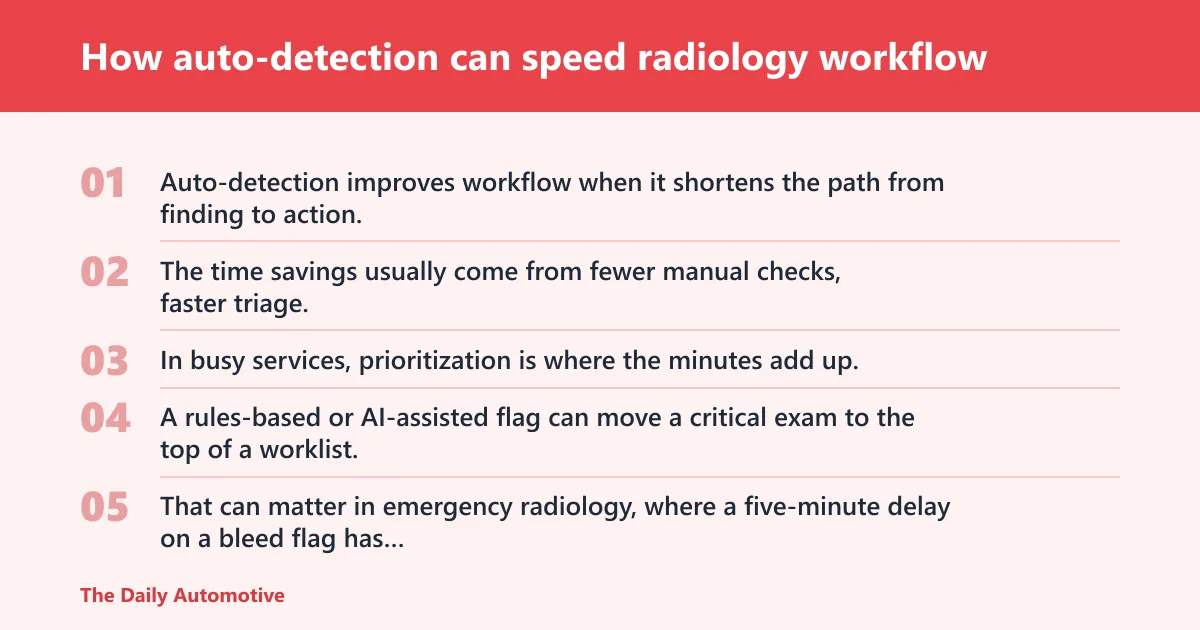
Auto-detection improves workflow when it shortens the path from finding to action. The time savings usually come from fewer manual checks, faster triage, quicker escalation of urgent studies, and fewer repeat acquisitions that would otherwise consume scanner and reader time.
Triage and case prioritization
In busy services, prioritization is where the minutes add up. A rules-based or AI-assisted flag can move a critical exam to the top of a worklist, trigger a phone call, or assign the case to a subspecialist queue instead of letting it sit in order-of-arrival mode.
That can matter in emergency radiology, where a five-minute delay on a bleed flag has more operational consequence than a similar delay on a routine outpatient follow-up. The practical goal is not speed everywhere. It is faster action on the cases that change clinical flow.
Repeat-scan reduction
Repeat-scan reduction is one of the clearest efficiency gains, because one avoided rerun saves scanner time, technologist time, and patient throughput. A panel that catches incomplete coverage, motion artifact, contrast timing errors, or positioning problems before the patient leaves can prevent downstream waste.
A common first-timer mistake is tuning alerts only for obvious pathology and ignoring acquisition quality. That creates a system that flags disease but misses the fixable error that caused the bad study in the first place.
Reporting bottlenecks and turnaround time
Auto-detection helps reporting when it routes the right studies into the right queue and escalates unresolved items before they become late reads. The biggest turnaround-time gains usually come from better prioritization and fewer rework loops, not from the detector itself.
Practical gains depend on department design. A teleradiology group with overnight queues may see smoother first-read order. An ED may see fewer “waiting on clarification” delays. An outpatient center may care more about avoiding repeats than shaving a minute from report sign-off.
What features should a radiology panel include?
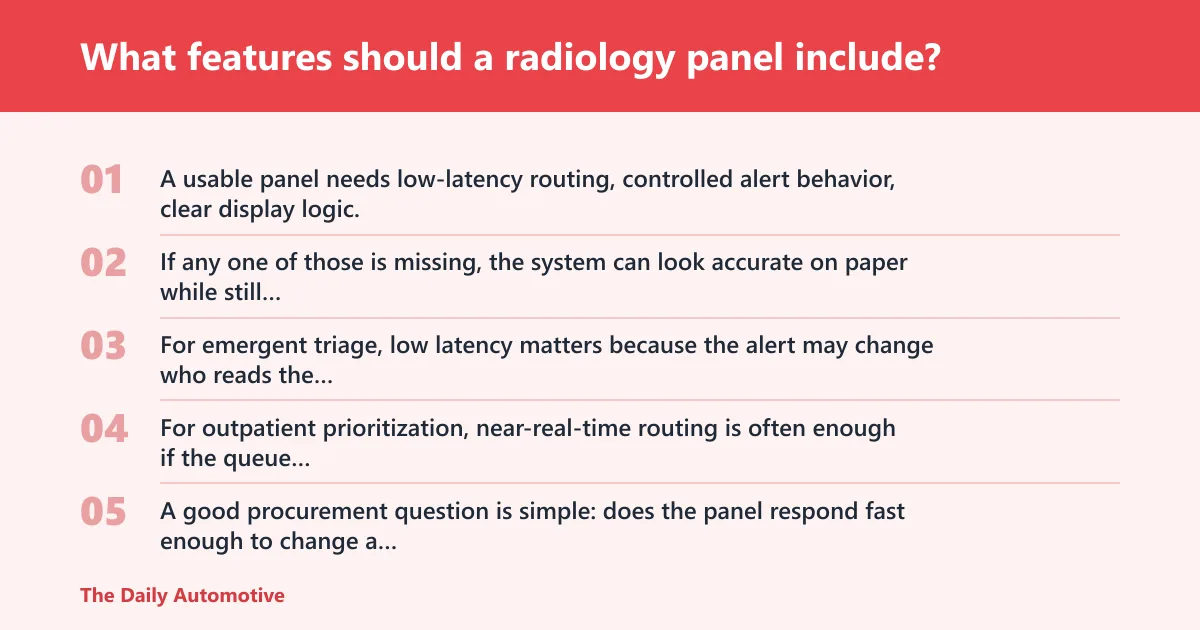
A usable panel needs low-latency routing, controlled alert behavior, clear display logic, and stable integration with the rest of the stack. If any one of those is missing, the system can look accurate on paper while still creating operational drag.
Latency and response-time targets
Latency needs should match the workflow. For emergent triage, low latency matters because the alert may change who reads the study next or whether a technologist repeats an acquisition. For outpatient prioritization, near-real-time routing is often enough if the queue updates before final reading.
A good procurement question is simple: does the panel respond fast enough to change a human decision, not just display a result? If the answer is no, the panel is analytics, not workflow orchestration.
Accuracy, sensitivity, and false-positive behavior
Accuracy claims mean little without sensitivity, specificity, and false-positive behavior in the actual use case. A panel tuned too aggressively can flood the queue with low-value alerts and cause alarm fatigue. A panel tuned too conservatively can miss findings and create false reassurance.
Validation should cover the exact detection categories being deployed. If the panel flags intracranial hemorrhage, pneumothorax, or exam-quality defects, each category needs its own performance review, because one strong class can hide one weak class.
Display, overlay, calibration, and power requirements
Hardware matters when the panel includes a display or overlay. Screen size or matrix size should fit the reading room or modality station, and calibration should be scheduled often enough to preserve visibility and consistency. If the overlay hides anatomy or competes with the image, it becomes a distraction.
Network connectivity, power backup, and fail-safe behavior also matter. If the panel loses connectivity during a busy shift, it should fail in a known state, preserve audit logs, and avoid creating phantom alerts on reconnection.
| Deployment type | Latency tolerance | Alert routing | Integration needs | False-positive risk | Expected efficiency gain |
|---|---|---|---|---|---|
| ED | Seconds to a few minutes | Direct to urgent worklist and on-call escalation | High: PACS, RIS, modality worklist, audit logs | High if tuned too broadly | High when it reduces triage delays and repeat scans |
| Stat outpatient | Minutes | Priority queue plus radiologist notification | Moderate: PACS and RIS status sync | Moderate | Moderate, mainly from queue order and fewer callbacks |
| Inpatient | Minutes to near-real-time | Team queue, then escalation if overdue | High: role-based routing and status updates | Moderate | Moderate, especially in handoff-heavy services |
| Teleradiology | Near-real-time | Remote worklist flag with SLA-based escalation | High: secure interfaces and auditability | Lower if workflow is tightly controlled | Moderate to high for prioritization and overnight throughput |
How do PACS and RIS integrations work?
PACS and RIS integration is what turns a detector into a workflow layer. Without write-back, routing, and auditability, the tool may detect something useful but still leave staff to copy data by hand or reconcile mismatched statuses later.
HL7, FHIR, and DICOM touchpoints
HL7 and FHIR usually handle order, patient, status, and notification exchanges, while DICOM handles image and study objects. A panel may read DICOM metadata, update a study flag, and then send an HL7 or FHIR message that marks the case urgent or pending review.
The exact interface map matters. Some sites need the panel to watch the modality worklist. Others need it to post a result status back to RIS and stamp the case in PACS with a visible triage marker.
Alert routing, user roles, and audit logs
Alert routing should respect user roles and permissions. Technologists may need one alert path, radiologists another, and supervisors a third. Audit logs should show who received the alert, when it fired, what action was taken, and whether the alert was acknowledged or escalated.
That record is not optional. It is how departments verify compliance, defend decisions in QA review, and identify whether the panel is creating ignored noise instead of useful action.
Modality worklist and escalation paths
Worklist integration should support urgent-case flags, manual override, and escalation if a case sits too long without acknowledgment. Rules-based prioritization is still useful when policy is clear, while AI-based prioritization helps when the input is image-driven and time-sensitive.
If escalation is absent, staff may see the same case sit in the queue with no follow-up. That is a software problem, not a clinical one.
How to validate AI-assisted detection before deployment
Validation should prove the model works on your case mix, not only on the vendor’s sample set. The right process checks performance by modality, indication, scanner type, and department, then confirms that the alert actually fits your operational thresholds.
Validation set requirements
The validation set should reflect local prevalence, local protocols, and the edge cases the department sees most often. It needs enough positive and negative cases for each target finding, plus studies that test borderline calls, artifact, and common mimics.
Human-in-the-loop review is important for validation. Radiologists or qualified reviewers should confirm which detections are actionable, which are not, and which need a different rule rather than a different model.
Retraining and drift monitoring
Retraining should be triggered by drift in scanners, protocols, patient mix, or performance on routine QA samples. If the alert rate changes sharply or a new false-positive pattern appears, the system needs review before staff lose confidence.
Quality teams should watch sensitivity, specificity, alert volume, and downstream action rates. A rise in detections means little if it does not change behavior or if it overwhelms readers with low-value prompts.
Human-in-the-loop review and QA/QC
Peer review, QA/QC, and documentation should be part of the deployment from day one. That means clear ownership for alert review, thresholds for disabling a noisy rule, and a pathway for documenting false positives, missed findings, and corrective action.
Clinical safety also depends on training. Staff need to know what the alert means, what it does not mean, and which finding categories still require full human interpretation.
Which imaging departments benefit most from automated detection tools?
Departments benefit differently based on urgency, queue structure, and how costly a missed handoff is. The best fit is usually the place where the panel can change a decision, reduce repeat work, or compress a bottleneck that already hurts throughput.
ED deployments
Emergency departments benefit most when the panel routes urgent findings fast and reliably. If the alert can move a study ahead in the queue, it can save more time than a generic image-analysis score ever would. The main risk is too many alerts during peak volume.
Stat outpatient and inpatient workflows
Stat outpatient workflows usually want fast prioritization, not constant escalation. Inpatient services benefit when the panel tracks handoffs, follow-up requests, and late reads across teams. Here, the gain often comes from fewer missed priority changes and fewer status-check calls.
Teleradiology use cases
Teleradiology groups need secure routing, clean audit logs, and predictable escalation paths because the reader is remote. A panel can help sort overnight reads and flag clinically urgent work, but only if the integration respects permissions and keeps the queue trustworthy.
Common failure modes and how to reduce them
The main failure modes are false positives, alarm fatigue, edge-case misses, and poor routing. A deployment can fail even with good detection if it creates too many low-value alerts or if the alert reaches the wrong user at the wrong time.
False positives and alert fatigue
False positives matter because every extra alert costs attention. If the system repeats the same low-confidence finding across many studies, staff start dismissing all alerts, including the important ones. That is why threshold tuning should be tied to local workflow capacity.
Suppose a 200-bed hospital routes every borderline lung opacity to both the ED radiologist and the charge technologist. The volume doubles, acknowledgments slow down, and the alert channel stops meaning much. That is an operations failure, not a model failure.
Edge cases and missed findings
Edge cases often appear in post-op studies, unusual anatomy, and poor-quality images. A detector can look strong on standard cases while missing studies with motion, device overlap, or nonstandard contrast timing. Those should be built into validation, not treated as exceptions after go-live.
Documentation, peer review, and compliance
Documentation should capture model version, deployment date, rule changes, and any override criteria. Peer review should examine missed findings and alert noise at scheduled intervals, while compliance teams confirm the system fits local privacy, retention, and access-control rules.
For context on transparent evaluation, CNET says it tested carbon monoxide brands to judge performance and pick the best for home protection, says its article was updated on September 15, 2026, at 7:00 am EDT, cites 25+ years of experience in its labs team, lists 23 product reviewers working in labs, and says it has 15k square feet of lab space. Procurement teams should expect that same level of specificity from radiology vendors.
What does deployment typically cost?
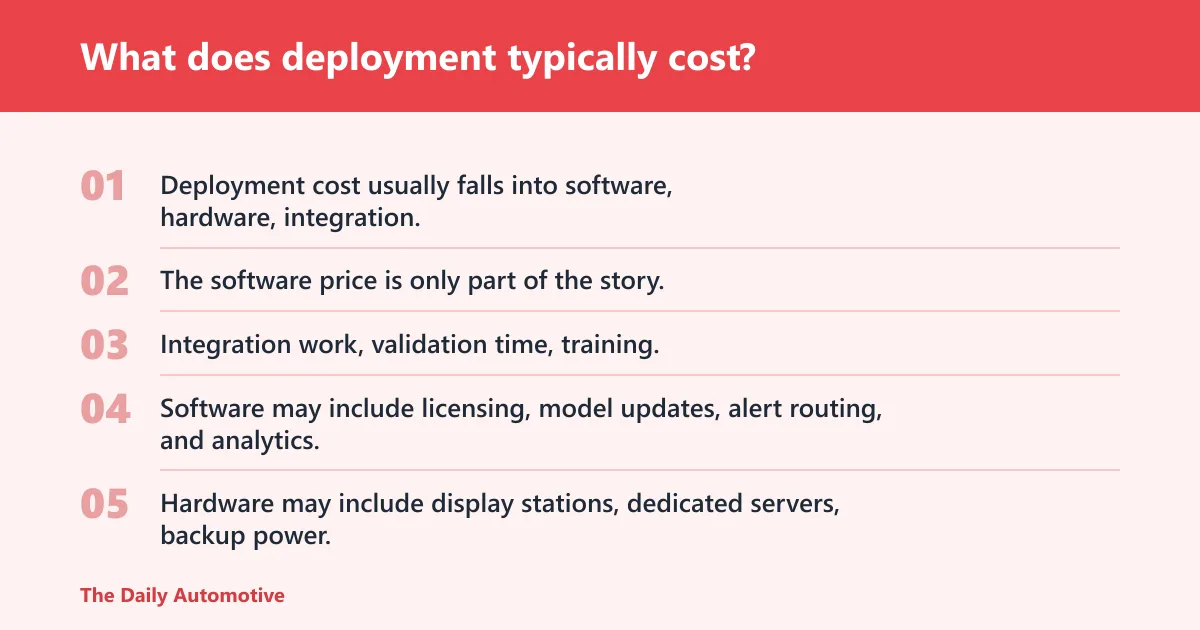
Deployment cost usually falls into software, hardware, integration, and change-management buckets. The software price is only part of the story. Integration work, validation time, training, and ongoing monitoring often drive the real total cost of ownership.
Software, hardware, and integration cost buckets
Software may include licensing, model updates, alert routing, and analytics. Hardware may include display stations, dedicated servers, backup power, or edge devices for on-site inference. Integration costs rise when PACS, RIS, modality worklist, and identity systems all need custom work.
Implementation and training cost drivers
Implementation cost rises when the department has multiple scanners, multiple shifts, or multiple reading groups. Training also affects adoption, because staff need to learn alert meanings, escalation steps, and what to do when the panel and the human disagree. Setup work affects adoption too, especially when the site has to map local roles, queue rules, and handoff paths before go-live.
Buying signals versus hidden operating costs
Good buying signals include role-based routing, audit logs, configurable thresholds, and local validation support. Hidden operating costs include false-positive review, periodic retraining, interface maintenance, and extra QA time for alerts that never convert into useful action.
As a procurement screen, ask whether the panel reduces manual touches per case. If it does not, the price tag is probably buying detection theater rather than a workflow improvement.
Frequently asked questions
How does auto-detection improve radiology workflow efficiency?
It saves time by reducing manual triage, prioritizing urgent cases, and preventing repeat scans when acquisition problems are caught early. The biggest gains come when the alert changes the order of work or removes a rework loop, not when it simply adds another notification.
What features should a radiology auto-detection panel include?
It should include low-latency routing, configurable thresholds, PACS/RIS integration, audit logs, role-based permissions, and clear alert presentation. Hardware should be readable, calibrated on a schedule, connected reliably, and backed by power protection if the system is mission-critical.
How do you evaluate accuracy, latency, and false positives in detection systems?
Use a local validation set that matches your department mix, then measure sensitivity, specificity, alert timing, and the downstream action rate. A useful system delivers alerts fast enough to change workflow and stays quiet enough that staff do not start ignoring it.
What integration standards matter for PACS/RIS workflows?
HL7, FHIR, and DICOM are the core touchpoints because they move orders, study context, and image data between systems. Also verify modality worklist support, alert routing, audit logging, and permission handling, since those determine whether the panel fits your actual workflow.
What are the main failure modes or limitations of detection panels?
The main risks are false positives, alarm fatigue, missed edge cases, and poor routing to the wrong user or queue. A panel can also fail operationally if it does not account for validation drift, version control, or the QA process that keeps detection aligned with local practice.
Products related to this article
Sponsored / affiliate links. As an Amazon Associate I earn from qualifying purchases. I may earn additional commission from eligible campaigns.