Best GPS for Road Trips (2026): Based on Specs and Reviews
For most road trips, Garmin DriveSmart 55 is the best pick if you want a 5.5-inch screen, built-in traffic, and easy updates without paying for a larger unit you may not need. Pick the wrong size, and the screen can be harder to read, and map updates can become a chore. This guide weighs DriveSmart 55 against larger and cheaper Garmin road-trip GPS options by screen size, traffic method, and update ease.
Quick picks
Quick take: the 55 fits compact dashboards well; the 53 with Traffic is the cleaner choice if you want phone-free traffic; the 76 is the step-up screen; and the 86 is the largest Garmin here. One non-Garmin option appears below for buyers who want a different brand and a 6-inch screen, especially if they prefer TomTom’s built-in traffic and Wi-Fi updates over Garmin’s interface.
Quick comparison
| Product | Badge | Best for | Price | ||
|---|---|---|---|---|---|
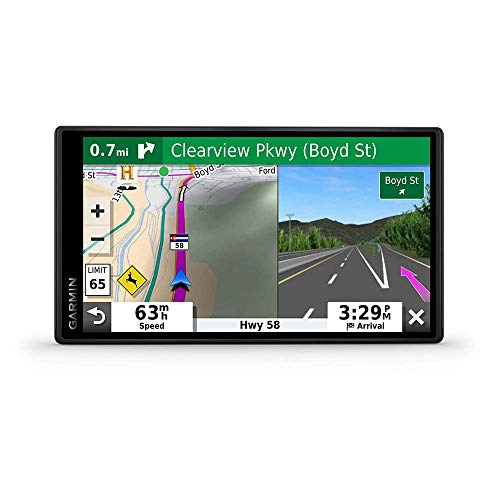 |
Garmin DriveSmart 55 & Traffic: GPS Navigator with a 5.5”Garmin | Our pick | 5.5 inch · Renewed · Garmin Traffic | $159.99
Price as of 21 Oct 2026
|
View |
 |
TomTom GO Navigator for car (large 6 inch display,TomTom | Also great | 6 inch · TomTom Traffic · Wi-Fi updates | $424.36
Price as of 21 Oct 2026
|
View |
 |
Garmin DriveSmart 86 8-inch Bright Crip Glass Screen CarGarmin | Upgrade pick | 8 inch · High-resolution · Voice assist | $239.99
Price as of 21 Oct 2026
|
View |
This table answers the main question fast: which Garmin gets traffic without a phone, and which one needs Garmin Drive. It also shows why the 5.5-inch DriveSmart 55 is the compact pick.
How we chose
The right road-trip GPS is less about raw screen size and more about traffic, updates, and phone dependence. That matters when you are far from a charger, in a rental car, or switching drivers mid-trip.
- Traffic method: app-paired live traffic or included traffic cable.
- Screen size and dash footprint: how much glass the unit uses and how much it blocks.
- Update convenience: built-in Wi‑Fi versus app-connected or other update paths.
- Phone dependence: what still works if your phone dies, loses signal, or is not running the app.
- Best use case: solo travel, family road trips, or phone-free driving.
Say your dashboard is small and your windshield already feels crowded. A 7-inch or 8-inch unit may be easier to read, but it can also take more visual space than you want during a long drive.
Garmin DriveSmart 55: best for compact road trips
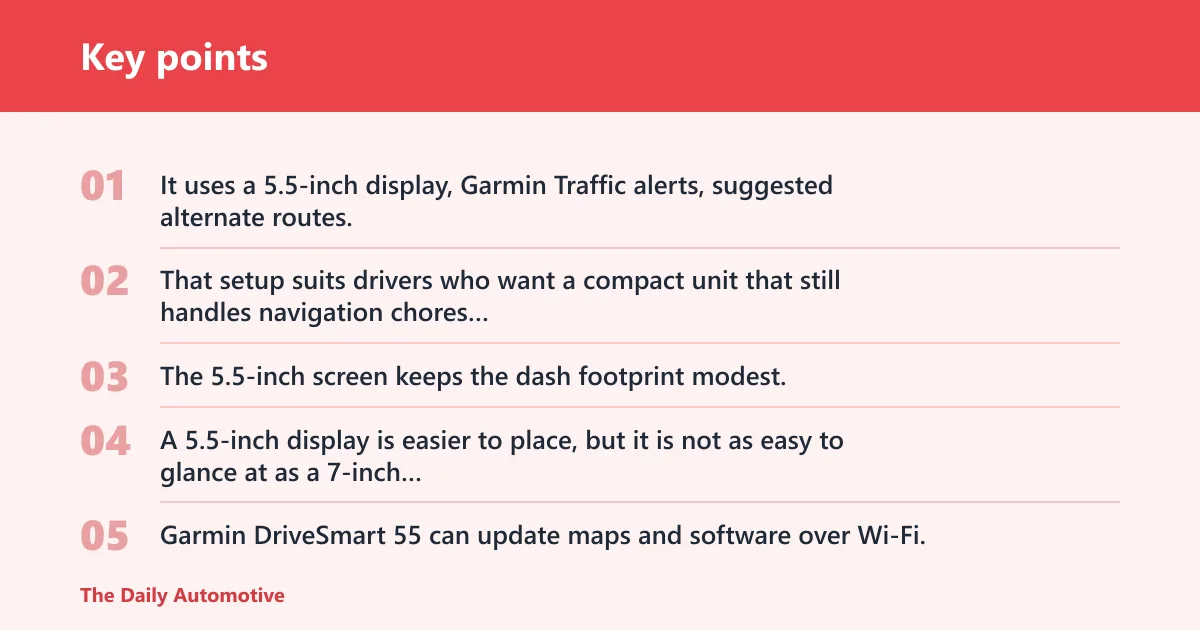
Garmin DriveSmart 55 is the compact pick. It uses a 5.5-inch display, Garmin Traffic alerts, suggested alternate routes, voice control, smartphone pairing, and built-in Wi‑Fi, with about one hour of battery life away from vehicle power.
That setup suits drivers who want a compact unit that still handles navigation chores well. The 5.5-inch screen keeps the dash footprint modest, which helps in smaller cars and in vehicles where a large navigator would crowd the view.
The tradeoff is plain. A 5.5-inch display is easier to place, but it is not as easy to glance at as a 7-inch unit, especially if you sit farther from the screen or prefer larger map labels.
Its other strength is convenience. Garmin DriveSmart 55 can update maps and software over Wi‑Fi, and it supports voice control, so you do not have to plug it into a computer as often.
The drawback is that it is still an in-car device, so the battery life, at about one hour away from vehicle power, is short enough that this is best treated as a unit for the road.
Choose this if you want the smallest Garmin in this comparison and prefer a cleaner dashboard.
Garmin Drive 53 with Traffic: best for phone-free traffic
Garmin Drive 53 with Traffic is the straightforward choice if your top priority is traffic without smartphone pairing. It includes a traffic cable, uses a high-resolution 5-inch touchscreen, and adds driver alerts and along-route stops.
The included traffic cable is the key difference. Traffic arrives through the cable rather than through the phone-dependent Garmin Drive app, so this model is better for drivers who do not want to rely on a paired handset for traffic updates.
Its 5-inch screen is slightly smaller than the DriveSmart 55’s 5.5-inch display, so it is the most compact of the Garmin choices here. That can be a plus in a smaller sedan or a second vehicle where the GPS needs to stay unobtrusive.
The drawback is also clear: it gives you a simpler setup, but less screen area and fewer connected conveniences than the DriveSmart line. If you want voice assist, built-in Wi‑Fi updates, and richer app-connected extras, the 55 or higher trims make more sense.
A common first-timer mistake is assuming all Garmin traffic works the same way. It does not. This model is the one to look at when you want traffic that does not depend on your phone being paired and awake.
Garmin DriveSmart 76: best for a bigger screen
Garmin DriveSmart 76 is the step up for buyers who want a larger map view. It has a 7-inch high-resolution display, compatible smartphone pairing for live traffic, voice assist, hands-free calling, road-trip points of interest, and built-in Wi‑Fi updates.
The 7-inch screen is easier to read at a glance than the 5.5-inch DriveSmart 55, especially on longer highway runs where you want lane guidance and route changes to be obvious without leaning forward. It also gives the interface more breathing room, which matters when you are switching between route details and POI searches.
The downside is footprint. The larger display takes more windshield and dash space, and that matters in smaller cabins. Bigger is not automatically better if the unit blocks sight lines or crowds a compact dash.
This model also depends on smartphone pairing for live traffic through the Garmin Drive app. If the phone dies, pairing breaks, or the app is not running, live traffic stops being the feature that made the unit attractive in the first place.
For buyers who want to move up from the 55, this is the cleaner choice when screen readability matters more than compactness.
Garmin DriveSmart 66 and 86: best for larger displays
The DriveSmart 66 and DriveSmart 86 sit at the larger end of Garmin’s road-trip line. The 66 gives you a 6-inch display, North America map updates, app-connected live traffic and weather, voice assist, driver alerts, and built-in Wi‑Fi. The 86 moves up to an 8-inch dual-orientation display with app-connected live traffic and weather, voice assist, and built-in Wi‑Fi updates.
DriveSmart 66 is the middle ground. It gives you more screen than the 55 without jumping to the full footprint of the 76 or 86, so it fits drivers who want a little extra readability but still care about dash space.
DriveSmart 86 is the largest display in this group. The 8-inch dual-orientation screen is the strongest choice for easy map viewing, but it also has the biggest presence on the windshield and dash. That can be a real tradeoff in smaller vehicles.
Both models lean on the Garmin Drive app for live traffic and weather. That is useful, but it also means the phone connection matters. If the app is not active or the phone is unavailable, you lose part of the connected experience.
Choose the 66 if you want a moderate step up in size. Choose the 86 if you want the largest Garmin display here and accept the extra footprint.
TomTom GO Navigator: an outside Garmin alternative
TomTom GO Navigator is not a Garmin unit, but it is the non-Garmin alternative in this product set. It offers a 6-inch display, TomTom real-time traffic information, Wi‑Fi updates, and premium services.
Its appeal is simple: a larger 6-inch class screen and built-in Wi‑Fi for updates. That makes it an option for shoppers who are comparing Garmin with another brand rather than staying inside the Garmin family.
The drawback is just as simple for this article’s purpose. It is not part of Garmin’s DriveSmart and Drive traffic ecosystem, so it does not answer the same question about Garmin Traffic, Garmin Drive app pairing, or Garmin-specific update behavior.
Which one should you buy?
Pick the DriveSmart 55 if you want a compact Garmin with built-in traffic alerts, voice control, and Wi‑Fi updates, and you do not want a huge screen taking over the dash. Pick the Drive 53 with Traffic if you want traffic without smartphone pairing. Pick the 76 if you want a larger screen. Pick the 66 if you want a mid-size option, and the 86 if you want the biggest display.
Renewed units make sense only when the price gap is large enough to justify the warranty and reliability risk.
Picture a family SUV with a wide dash and a long highway day ahead. The 76 or 86 may be the better fit because the larger screen is easier for back-seat navigation checks and quick lane guidance.
Suppose you are driving a compact rental car and want traffic without extra setup. The Drive 53 with Traffic fits that job better than a larger model.
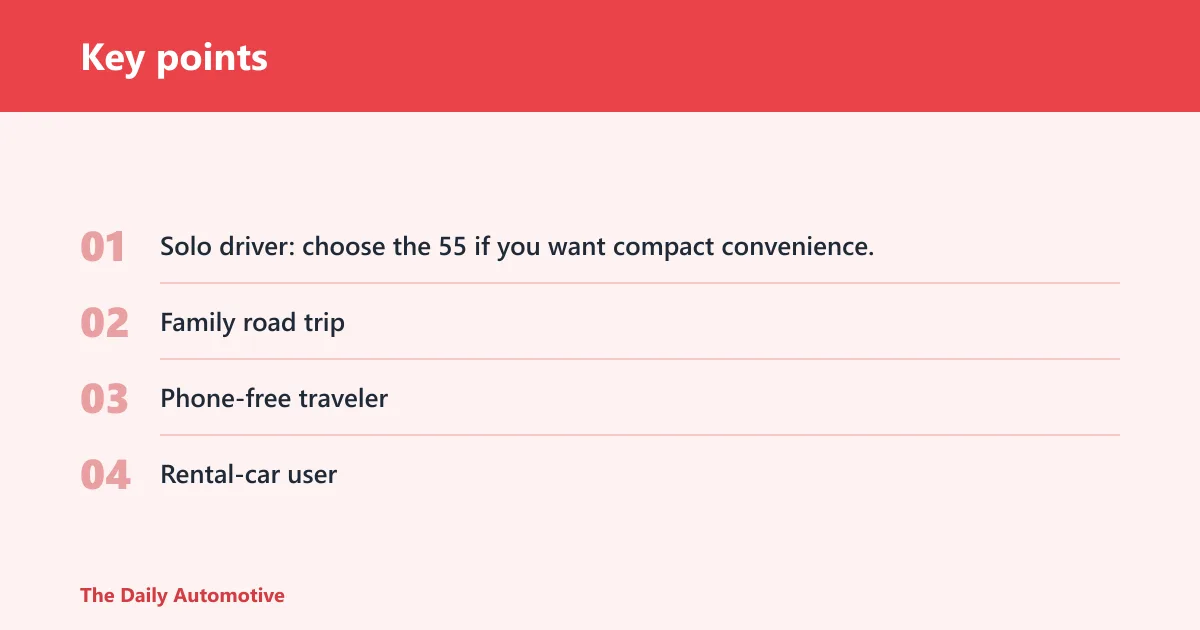
- Solo driver: choose the 55 if you want compact convenience, or the 66 if you want a bit more screen.
- Family road trip: choose the 76 or 86 if screen readability matters more than dash space.
- Phone-free traveler: choose the 53 with Traffic, because it does not require smartphone pairing for traffic.
- Rental-car user: choose the 53 for simpler traffic setup, or the 55 if Wi‑Fi updates matter more.
How Garmin traffic and updates work
Garmin traffic can arrive in two different ways depending on the model. Some units use the Garmin Drive app with smartphone pairing for live traffic and weather, while others use a traffic cable. That difference matters more than the marketing name.
On compatible models, the Garmin Drive app can support live traffic and, on some models, weather, fuel prices, and parking. That makes the phone part of the feature set, not just a convenience add-on. If the app is not running or pairing fails, those connected features can drop out.
DriveSmart 55 uses Garmin Traffic alerts and suggests alternate routes around slowdowns. DriveSmart 76 and DriveSmart 66 use app-connected live traffic. Drive 53 with Traffic uses the included traffic cable instead of smartphone pairing for traffic.
Screen size and road-trip comfort
Screen size affects more than readability. It changes how much of the windshield the device occupies, how often you need to glance down, and how distracting the setup feels on a long drive.
A 5.5-inch screen, like the DriveSmart 55, keeps the footprint smaller. That is easier on cramped dashboards and smaller cars. A 7-inch screen, like the DriveSmart 76, is easier to read at a glance, but it also takes more visual space and can feel bulky if your cabin is tight.
For many drivers, 5.5 inches is the better balance when the GPS sits close to the driver. For larger vehicles or farther mounting positions, 7 inches can improve glanceability enough to justify the extra size.
Map updates and software updates
DriveSmart 55 can update maps and software over Wi‑Fi, which is one of the clearest convenience wins in this group. That matters because a GPS is only useful if map data and software stay current.
DriveSmart 76 and DriveSmart 86 also include built-in Wi‑Fi updates. DriveSmart 66 adds built-in Wi‑Fi plus North America map updates. That makes the update process easier than a computer-only workflow.
If you travel often, easy updates matter almost as much as screen size. A larger display does not help much if the maps are outdated and the unit is annoying to keep current.
Frequently asked questions
Is Garmin DriveSmart 55 good for road trips?
Yes. Garmin DriveSmart 55 is a strong road-trip pick if you want a compact 5.5-inch unit with Garmin Traffic alerts, alternate route suggestions, voice control, and Wi‑Fi updates. It is best when you want enough features without moving up to a larger screen that takes more dash space.
Does Garmin DriveSmart 55 have live traffic?
Yes. The specific DriveSmart 55 recommended here includes Garmin Traffic, and many packages get that traffic through the power cable rather than through the phone. That makes it a road-trip option with included traffic rather than a phone-dependent setup.
Do I need my phone paired for Garmin traffic updates?
Sometimes yes, sometimes no. DriveSmart 76 and DriveSmart 66 use app-connected live traffic, so pairing matters. Drive 53 with Traffic does not require smartphone pairing for traffic because it uses the included traffic cable.
What screen size is best for long road trips: 5.5-inch or 7-inch?
Choose 5.5-inch if you want a smaller dash footprint and a more compact setup. Choose 7-inch if you want easier glanceability and a larger map view. The 7-inch screen is generally friendlier for readability, but the 5.5-inch unit is easier to fit in smaller cars and tighter cabins.
How does Garmin DriveSmart 55 update maps and software?
It updates maps and software over Wi‑Fi. That is one of its main convenience features, since it reduces the need to connect the unit to a computer. For many road-trippers, that is a bigger practical win than a slightly larger screen.
What’s the difference between Garmin DriveSmart 55 and Drive 53 with Traffic?
DriveSmart 55 has a 5.5-inch display, Garmin Traffic alerts, voice control, smartphone pairing, and Wi‑Fi updates. Drive 53 with Traffic uses an included traffic cable, has a high-resolution 5-inch touchscreen, and does not require smartphone pairing for traffic. The 55 is more connected; the 53 is simpler and more phone-free.
Which Garmin GPS is best if I want a bigger screen for road trips?
Garmin DriveSmart 86 is the largest display in this group at 8 inches, so it is the best fit if screen size is your top priority. If you want a large screen without going all the way to 8 inches, the DriveSmart 76 is the more moderate step up.
Is a renewed Garmin DriveSmart 55 worth buying?
It can be, if the price gap is meaningful and the seller’s return policy is solid. Check what is included and how returns are handled.
Products related to this article
Sponsored / affiliate links. As an Amazon Associate I earn from qualifying purchases. I may earn additional commission from eligible campaigns.