How To Cancel Take 5 Membership: Essential Guide
Canceling your Take 5 car wash membership is a straightforward process. You can typically cancel online through your account portal or by contacting customer service directly. We’ll guide you through each step to ensure a smooth cancellation.
Hey there, car care friends! Md Meraj here. We all love keeping our cars sparkling clean, and a Take 5 Unlimited Membership can be a fantastic way to do that without breaking the bank. But sometimes, life changes, or your needs shift, and you might find yourself asking, “How to cancel Take 5 car wash membership?” It’s a common question, and honestly, figuring out how to end a subscription can sometimes feel like a puzzle. Don’t worry, though! I’ve got your back. We’re going to walk through this together, step-by-step, making it as easy and stress-free as possible. By the end of this guide, you’ll feel confident knowing exactly what to do.
Understanding Your Take 5 Membership
Before we dive into the cancellation process, it’s helpful to understand a little about your Take 5 Unlimited Membership. These memberships are designed for convenience and frequent washes. You pay a monthly fee and get unlimited car washes at any Take 5 Car Wash location included in your plan. It’s a great deal if you wash your car often, but if your car isn’t getting as much love lately, or if your budget needs a little tweaking, it might be time to reconsider.
Knowing these basics can help you navigate the cancellation process smoothly. It’s all about being informed and taking control of your subscriptions. Remember, you’re in the driver’s seat when it comes to your car and your expenses. Let’s get this cancellation done right!
Why People Cancel Their Take 5 Memberships
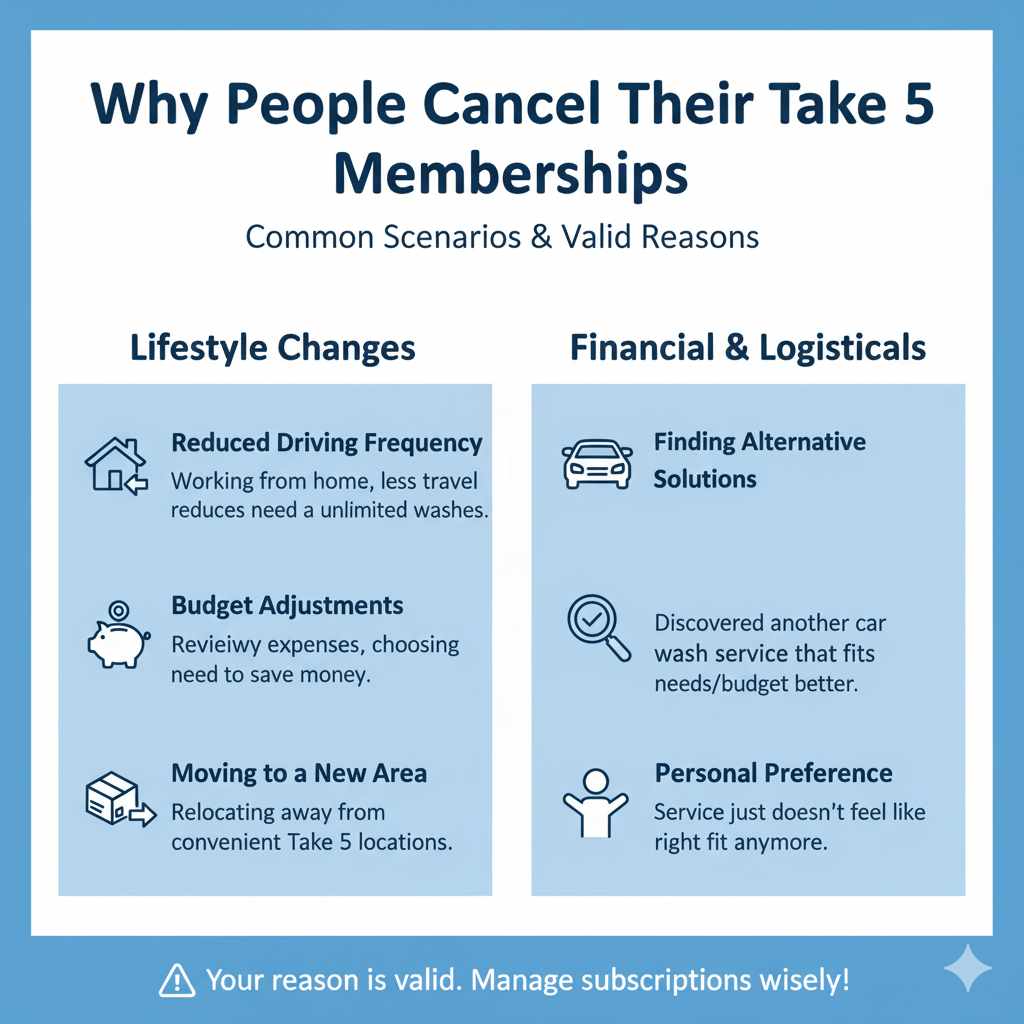
Life is dynamic, and so are our needs and budgets. There are many perfectly good reasons why someone might decide to cancel their Take 5 membership. Understanding these can help you feel more confident in your decision, and also helps us tailor the advice. Here are a few common scenarios:
- Reduced Driving Frequency: You might be working from home more often, or perhaps you’ve switched to a different mode of transport. If your car isn’t on the road as much, the unlimited washes might not be as valuable.
- Budget Adjustments: Unexpected expenses or a desire to save more money can lead to reviewing all monthly subscriptions. Car washes, while a nice perk, can be one of the first things to cut back on if needed.
- Moving to a New Area: If you’re relocating to a place where there aren’t convenient Take 5 locations, the membership loses its utility.
- Finding Alternative Solutions: You might discover another car wash service that better suits your needs, location patterns, or budget.
- Personal Preference: Sometimes, you just decide that a service isn’t the right fit for you anymore. That’s completely okay!
Whatever your reason, it’s valid. The important thing is that you have the power to manage your subscriptions wisely.
How to Cancel Your Take 5 Membership: Step-by-Step
Ready to get this done? Canceling your Take 5 membership is generally a simple process, and we’ll break it down so you know exactly what to expect. Most often, you can handle it through their online portal or by calling them. Let’s look at the most common methods.
Method 1: Canceling Online via Your Account Portal
This is often the quickest and most convenient way to cancel. Many subscription services offer a self-service portal where you can manage your account details.
- Visit the Take 5 Car Wash Website: Open your web browser and go to the official Take 5 Car Wash website. It’s usually something like take 5 dot com.
- Locate the Login/Account Section: Look for a button or link that says “Login,” “My Account,” “Sign In,” or something similar. This is typically found in the top corner of the homepage.
- Enter Your Login Credentials: You’ll need the email address and password associated with your Take 5 membership account. If you’ve forgotten your password, there’s usually a “Forgot Password” link you can use.
- Navigate to Membership Settings: Once logged in, look for a section related to “Membership,” “Subscription,” “Account Settings,” or “Manage Plan.”
- Find the Cancellation Option: Within your membership details, you should see an option to “Cancel Membership,” “End Subscription,” or a similar phrase. Click on this.
- Follow the Prompts: The system will likely ask you to confirm your decision. You might be presented with options to pause your membership or offered a special deal to stay. Carefully read any prompts and make your selection. Ensure you select the cancellation option if that is your goal.
- Confirm Cancellation: After confirming, you should receive a confirmation message on the screen, and usually, an email will be sent to your registered email address. Keep this email for your records. It’s your proof of cancellation!
This online method is generally straightforward, but the exact navigation might vary slightly depending on updates to their website. Always look for the most prominent “Account” or “Login” options first.
Method 2: Canceling via Phone Call
If you prefer speaking to a person or can’t find the online cancellation option, calling customer service is another effective way to cancel your Take 5 membership.
- Find the Customer Service Number: Check the “Contact Us” section of the Take 5 Car Wash website. They should list a phone number for customer support. You can also often find this number on your billing statements or by doing a quick search for “Take 5 Car Wash customer service number.”
- Prepare Your Information: Before you call, have your account details ready. This typically includes the email address linked to your account, your phone number, and possibly the last four digits of the credit card used for the membership. Knowing your membership ID can also be helpful.
- Call During Business Hours: Make sure you call during their operating hours for customer service. These hours should be listed on their website.
- Clearly State Your Request: When you speak to a representative, clearly and politely state that you wish to cancel your Take 5 Unlimited Membership.
- Provide Necessary Information: The representative will likely ask for your account details to verify your identity and locate your membership.
- Confirm Cancellation and Details: Ask the representative to confirm that your membership has been canceled. Request a confirmation number or an email confirmation. Also, inquire about when your cancellation will take effect and if there are any prorated refunds or final charges. Jot down the name of the representative you spoke with and the date and time of your call.
While calling can take a bit more time due to potential wait times, it ensures you speak directly with someone who can process the cancellation.
Important Things to Know Before You Cancel
Before you hit that cancel button or hang up the phone, there are a few key details that can save you headaches and ensure you end your membership smoothly. Think of these as your pre-flight checks before takeoff!
| Aspect | Details to Consider |
|---|---|
| Billing Cycle & Effective Date | Understand when your next billing cycle starts. Cancellations often take effect at the end of your current paid billing period. You may not receive a refund for the remaining days in that cycle, but you can continue to use the service until it ends. Check the terms and conditions or ask customer service for clarity. |
| Cancellation Policy | Take 5, like most subscription services, will have a cancellation policy. Familiarize yourself with it to avoid surprises. Some policies might require a certain notice period before cancellation is effective. Websites for subscription services often link to their terms and conditions, which is a good place to look for this information. |
| Final Charges or Refunds | Confirm if there are any outstanding charges or if you are eligible for a prorated refund. While uncommon for monthly services, it’s always good to ask. Make sure you won’t be charged again after the effective cancellation date. |
| Confirmation of Cancellation | Always get a confirmation! Whether it’s an email, a confirmation number, or both, keep this documentation safe. This is your proof that you’ve successfully canceled and protects you from any future disputes. Note the date and time of cancellation and the name of the representative if you called. |
| Loss of Benefits | Once canceled, you will lose access to the unlimited washes. If you anticipate needing a wash before your cancellation becomes effective, plan accordingly. You might even consider if a “pause” option is available if your car usage is temporarily low, though Take 5 may not offer this. |
Being proactive about these points ensures the cancellation process is clean and that you won’t face any unexpected charges or issues later on. It’s about making sure all your T’s are crossed and I’s are dotted, so to speak.
Tips for a Smooth Cancellation
- Act Before Renewal: To avoid being charged for another month, try to cancel at least a few days before your renewal date.
- Be Polite but Firm: When speaking with customer service, a polite and firm demeanor can go a long way. Clearly state your request and stick to it.
- Check Your Bank Statements: After your expected cancellation effective date, keep an eye on your bank or credit card statements for a week or two to ensure no further charges are made by Take 5 Car Wash.
- Keep Records: Save all confirmation emails and note down call details (date, time, representative name, confirmation number).
What if I Purchased My Membership Through a Third-Party?
In some cases, you might have signed up for a Take 5 membership through a partner or a special promotion. If this is the case, the cancellation process might be slightly different. You may need to contact the third-party service directly to manage or cancel your subscription.
- Review Your Original Purchase: Think back to where you signed up. Was it directly on the Take 5 site, or was it through another app, a deal site, or in-store with a special offer?
- Contact the Third Party: If you purchased through a third party, their website or customer service should be your first point of contact for cancellation. They will have the direct relationship with your billing for that specific offer.
- Check for Specific Instructions: Many third-party platforms have their own account management sections where you can cancel subscriptions.
When in doubt, reaching out to Take 5 customer service directly is still a good idea. They can often clarify where your membership is managed and guide you accordingly, even if it’s through a partner.
Can I Pause My Take 5 Membership?
For many subscription services, pausing your membership is an option if you’re going to be away for a while or if your car usage is temporarily low. This allows you to keep your account active without being charged for a short period and then resume your benefits later. However, whether Take 5 Car Wash offers a pause option can vary. It’s not as common for car wash memberships as it is for streaming services or software.
How to Find Out:
- Check Your Account Portal: Log in to your Take 5 account online and look for options like “Pause Membership,” “Skip a Month,” or “Vacation Mode.”
- Contact Customer Service: The most reliable way to know is to ask Take 5 customer service directly. They can tell you if a pause feature is available and how to activate it if it is.
If a pause isn’t an option, then cancellation is the way to go. You can always sign up again in the future if you decide you want the unlimited washes back!
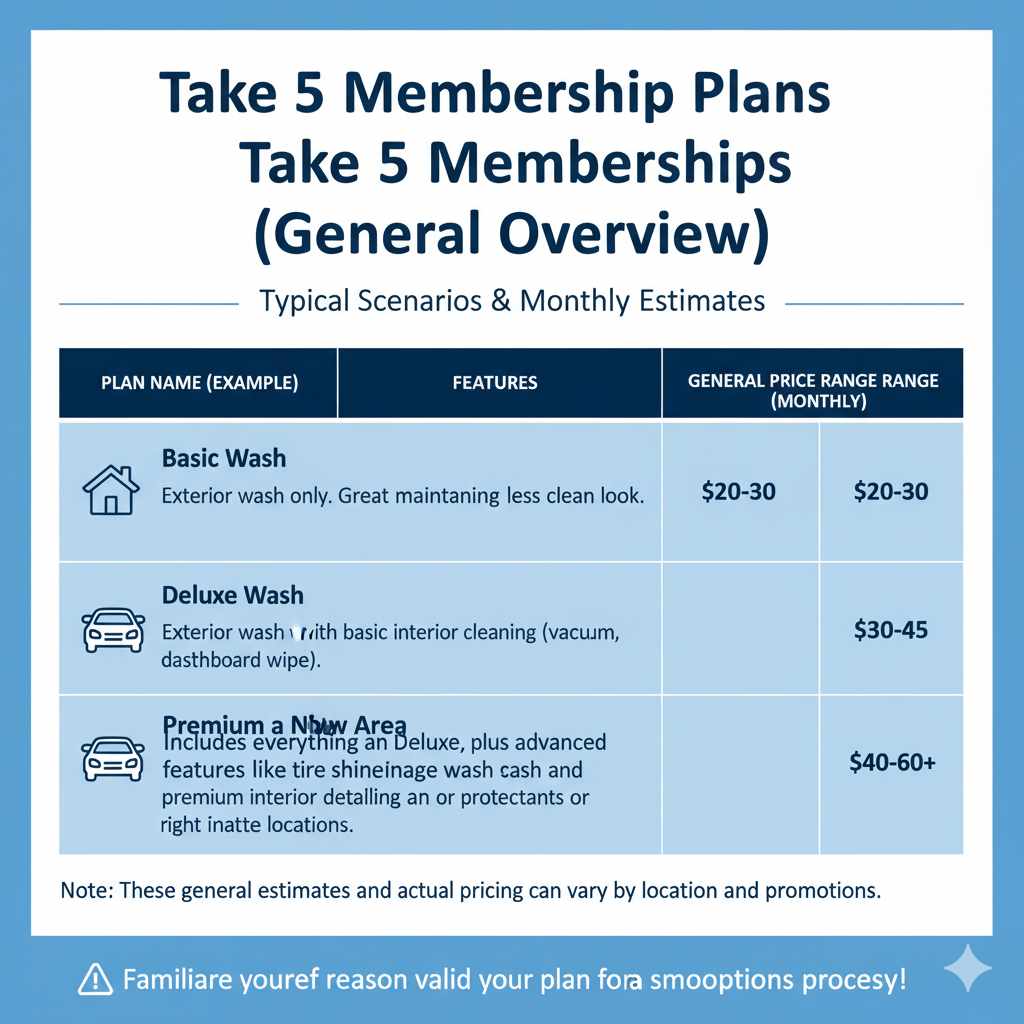
Take 5 Membership Plans and Pricing (General Overview)
While the specifics of pricing and the exact plan names can change, Take 5 typically offers a few tiers of its Unlimited Membership to cater to different needs. Knowing the kind of plan you might have had can sometimes help when communicating with customer service.
| Typical Plan Name (Example) | Features | General Price Range (Monthly) |
|---|---|---|
| Basic Wash | Exterior wash only. Great for maintaining a clean look. | $20-$30 |
| Deluxe Wash | Exterior wash with basic interior cleaning (vacuum, dashboard wipe). | $30-$45 |
| Premium Wash | Includes everything in Deluxe, plus advanced features like tire shine, undercarriage wash, and premium interior detailing or protectants. | $40-$60+ |
Note: These are general estimates and actual pricing can vary based on location and any ongoing promotions. When you signed up, you would have chosen a specific wash level. Familiarizing yourself with the plan name before you call or log in can make the cancellation process smoother.
Frequently Asked Questions (FAQ)
How quickly does my Take 5 membership cancellation take effect?
Typically, your cancellation will take effect at the end of your current billing cycle. This means you can continue to use your unlimited washes until the day your next payment would have been due. It’s always best to confirm the exact effective date with Take 5 customer service or by checking your account details online.
Do I need to provide a reason to cancel my Take 5 membership?
You are generally not required to provide a specific reason for cancellation. You can simply state that you wish to cancel your membership. Some customer service representatives might ask as part of their process, but you are not obligated to give a detailed explanation.
What happens to my membership if I move to a different state?
Take 5 Car Wash has numerous locations across many states. If you moved to an area that still has Take 5 locations, your membership should remain valid and usable. However, if you moved to an area without Take 5 locations, you would simply cancel your membership as you no longer have convenient access to the service.
Can I cancel my membership at any time?
Yes, you can typically cancel your Take 5 membership at any time. However, as mentioned, the cancellation usually becomes effective at the end of your current paid billing period. You won’t be charged for subsequent periods after the effective cancellation date.
What if Take 5 keeps charging me after I canceled?
If you have confirmed your cancellation, received a confirmation, and Take 5 continues to charge your card, you should first contact Take 5 customer service with your confirmation details. If they are unable to resolve the issue, you may need to contact your bank or credit card company to dispute the charges and potentially block further transactions from the merchant.
Is there a fee to cancel my Take 5 membership?
Generally, there is no cancellation fee for ending a Take 5 Unlimited Membership. Subscription services like this are usually month-to-month, allowing cancellation without penalty. Always check the specific terms and conditions you agreed to, or confirm with customer service if you have any doubts.
Conclusion
So there you have it! Canceling your Take 5 car wash membership doesn’t have to be a complicated task. Whether you choose to navigate their website’s account portal or pick up the phone to speak with a representative, the key is to be prepared with your account information and to always secure a confirmation of your cancellation. Remember those important points we discussed – understanding your billing cycle, checking the cancellation policy, and keeping records – to ensure a smooth transition.
Your car deserves to be clean, and your budget deserves to be managed wisely. We hope this guide has given you the confidence and clarity you need to manage your Take 5 membership effectively. If your needs change in the future and you find yourself wanting those unlimited washes again, signing back up is usually just as simple!