What Does HDD Mean in a Car?
Have you ever seen the letters HDD next to a car feature and wondered, “What Does HDD Mean in a Car?” It’s a common question, especially when you’re looking at car specs or infotainment systems. Sometimes, the tech talk can seem a bit confusing, but don’t worry! We’ll break down exactly what HDD means in your car in a way that’s super easy to grasp.
Get ready for simple explanations and a clear path to understanding this tech term. Let’s find out what it really is and why it matters.
What Does HDD Mean in a Car?
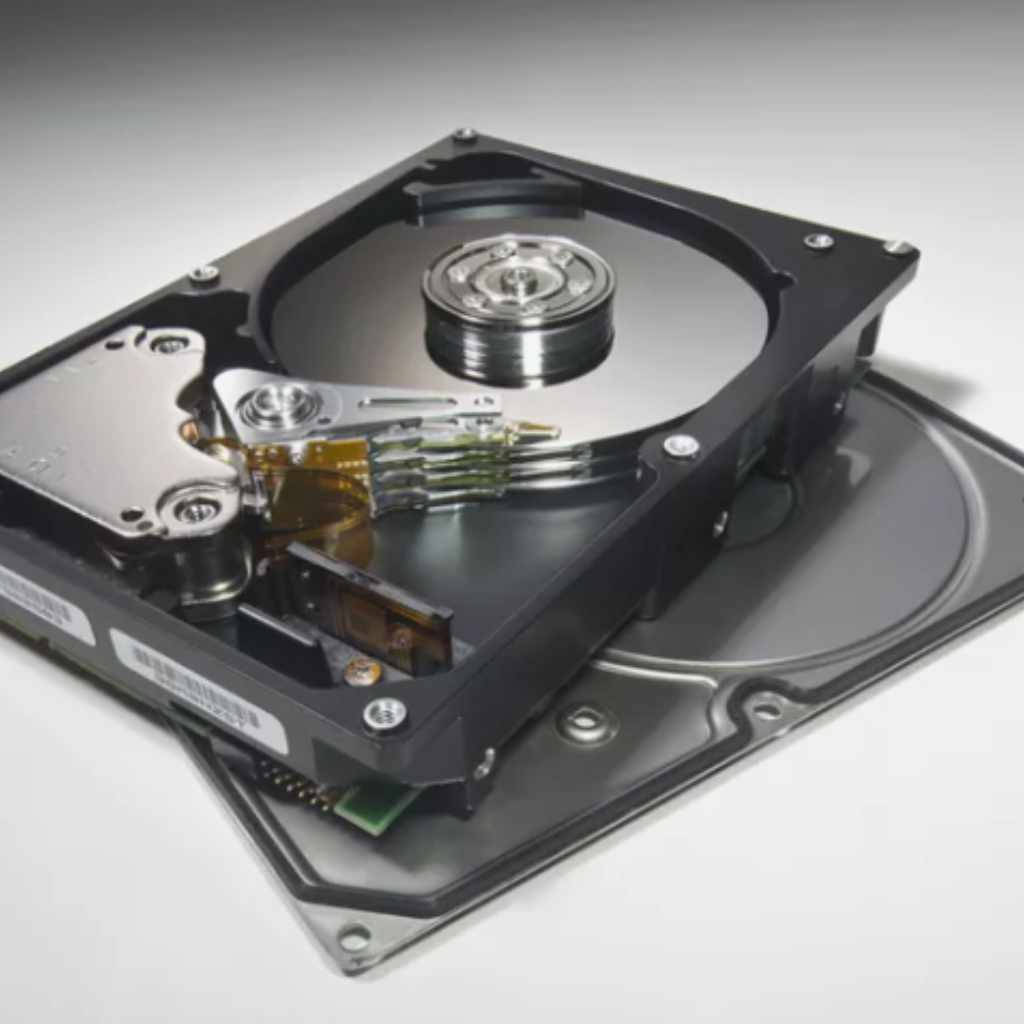
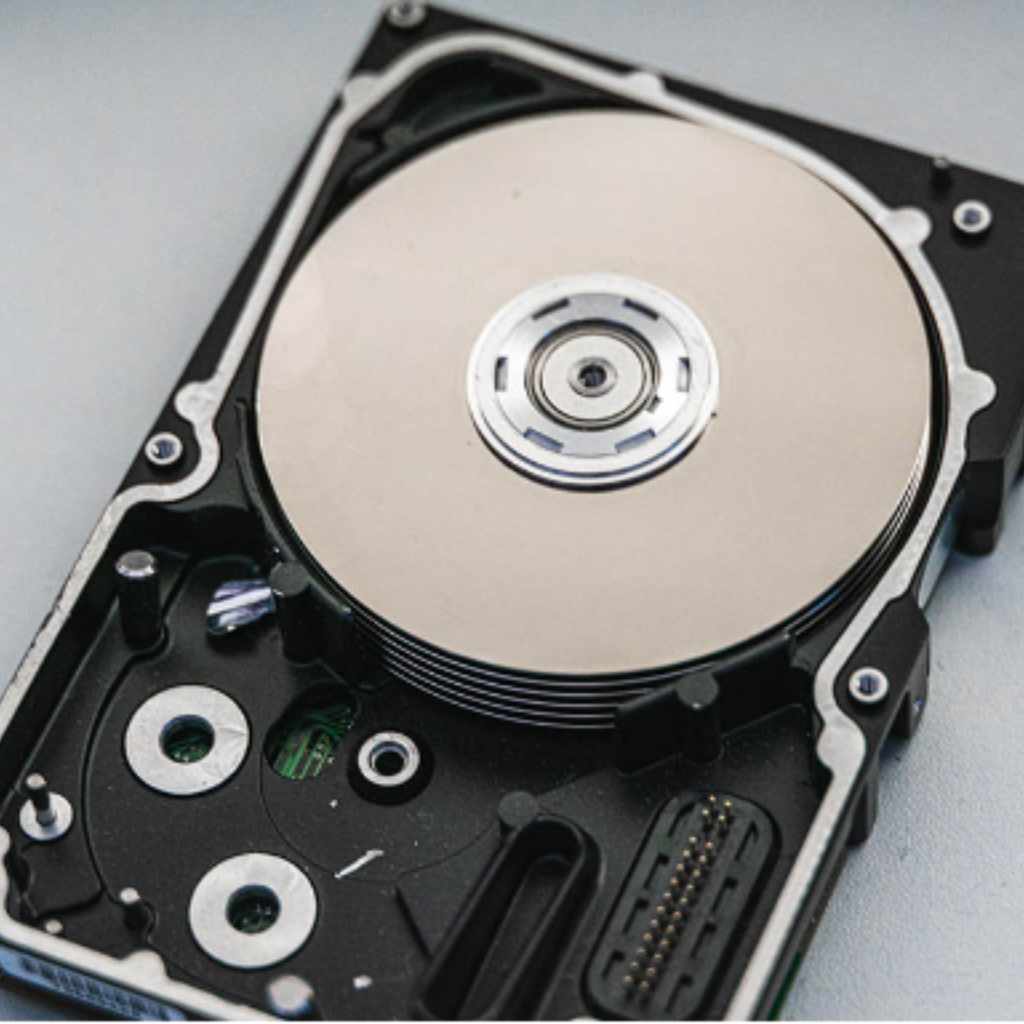
When you see “HDD” mentioned in relation to a car, it almost always refers to a Hard Disk Drive. Think of it like a digital filing cabinet or a giant digital memory for your car’s more advanced systems. It’s a piece of hardware that stores a lot of data.
This data can include things like your car’s navigation maps, music files, contact lists, and even software for the infotainment system. In simpler terms, it’s where your car keeps important digital information readily accessible.
Back in the day, cars had very basic electronics. Now, with all the cool features like GPS, media players, and sophisticated car computers, there’s a lot of information to store. An HDD provides that storage space.
It’s a physical component with spinning platters that read and write data, similar to the hard drives found in many older computers. While newer cars are starting to use Solid State Drives (SSDs) which are faster and more durable, HDDs were a significant step in bringing advanced digital capabilities to vehicles.
The Role of an HDD in Your Car’s Infotainment System
Your car’s infotainment system is the central hub for entertainment, navigation, and communication. This includes the touchscreen display, radio, CD player (if it has one), Bluetooth connectivity, and GPS. For these systems to function smoothly and offer a wide range of features, they need a place to store all the necessary data.
An HDD acts as the “brain’s” memory for these functions.
- Navigation Maps: Detailed maps for GPS navigation need a lot of storage space. An HDD can hold comprehensive map data for entire regions or even countries. This allows your car’s navigation system to guide you accurately without needing a constant internet connection for map downloads.
- Music Storage: Many cars with HDDs allow you to rip CDs directly to the drive, creating a personal music library. You can store hundreds or even thousands of songs, meaning your favorite tunes are always just a few taps away, without relying on streaming services or external devices.
- Contact Information: When you pair your phone via Bluetooth for hands-free calling, the car can often store your contacts on the HDD. This makes it easier to make calls without having to access your phone every time.
- System Software: The operating system and various applications that run your infotainment system also reside on the HDD. This includes the software that controls the display, sound, and all the interactive features.
HDD vs. Other Storage Types in Cars
It’s helpful to know how HDDs compare to other storage technologies you might encounter in cars. While HDDs were common, technology moves fast.
Hard Disk Drive (HDD)
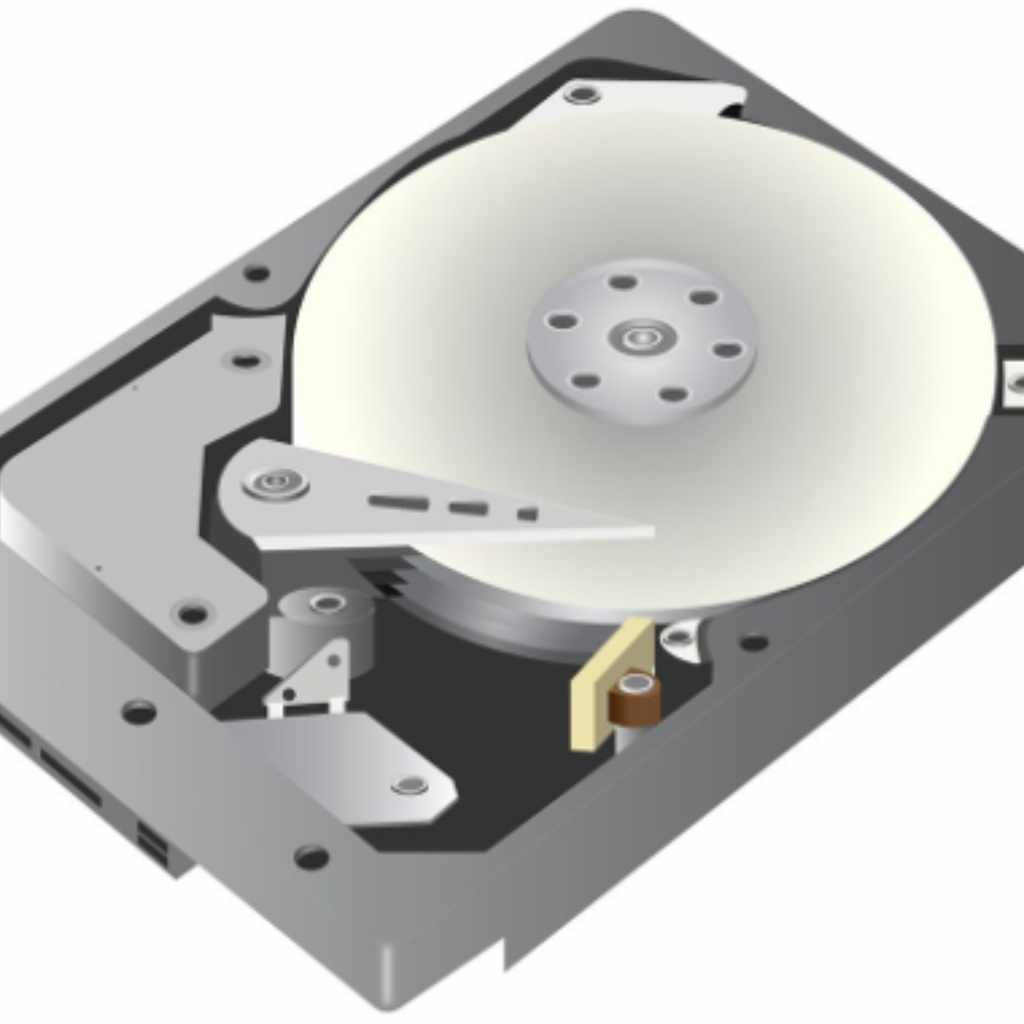
As we’ve discussed, HDDs use spinning magnetic disks to store data. They offer a large storage capacity for their cost, which made them popular for storing big files like maps and music collections. However, they have moving parts, which makes them more susceptible to damage from vibrations and bumps common in driving.
They are also slower to access data compared to newer technologies.
Solid State Drive (SSD)
SSDs are the newer, more modern option. They don’t have any moving parts. Instead, they use flash memory chips, similar to what you find in USB drives and smartphones.
- Speed: SSDs are much faster than HDDs. This means your navigation system can load quicker, music can be accessed instantly, and the whole infotainment system feels more responsive.
- Durability: Because there are no moving parts, SSDs are much more resistant to shocks and vibrations. This is a significant advantage in a car that experiences constant movement.
- Size and Power: SSDs are typically smaller and use less power than HDDs.
- Cost: Historically, SSDs were more expensive per gigabyte than HDDs. However, prices have come down, and they are becoming increasingly common in new vehicles.
Embedded Multimedia Card (eMMC)
You might also see eMMC mentioned. This is another type of flash storage, often found in lower-cost or entry-level systems. It’s generally slower than a dedicated SSD but still faster and more durable than an HDD.
eMMC is often used for basic operating system functions and smaller data storage needs.
USB Flash Drives and SD Cards
These are external storage options. You can use them to play music or update maps, but they are not integrated into the car’s system in the same way as an internal HDD or SSD. They are for temporary storage or adding media.
Why Your Car Might Have an HDD
Cars equipped with HDDs were designed to offer a premium experience with advanced features. Having a large internal storage meant car manufacturers could pack more functionality into the infotainment system without solely relying on external devices or constant internet connectivity.
Consider these benefits that an HDD brought to vehicles:
- All-in-One Entertainment: A large music library stored directly in the car meant passengers could enjoy a vast selection of music without needing to carry CDs or stream, which could be a drain on mobile data plans.
- Seamless Navigation: Having full map data onboard ensured that navigation worked reliably, even in areas with poor cellular reception. This was a major advantage for long road trips or travel in remote locations.
- Convenience: Features like storing phone contacts or downloading map updates directly to the car enhanced user convenience and reduced the need to interact with external devices frequently.
- Pre-loaded Features: Manufacturers could pre-load more sophisticated software and features onto the HDD, making the initial setup and day-to-day use of the infotainment system richer.
Signs Your Car Might Have an HDD
If you’re curious about whether your car has an HDD, there are a few indicators. Often, the car’s manual or the original sales brochure will specify the type of storage system. When you’re browsing the infotainment system menus, look for options related to:
- “Music Register” or “Jukebox”: This feature allows you to copy music from CDs or USB drives. It requires significant storage space.
- Navigation System Settings: If your navigation system offers detailed map views and can download map updates, it’s likely using an internal storage solution.
- Storage Capacity Information: Some systems might display how much storage space is available or in use, often listed in gigabytes (GB). HDDs typically offered capacities ranging from 30GB to 100GB or more.
It’s less common to see explicit mentions of “HDD” on the screen itself, but the presence of these functionalities strongly suggests an internal storage device like an HDD.
Maintaining and Troubleshooting HDD Issues
While HDDs are generally reliable, they are mechanical devices and can sometimes develop issues.
- System Slowdowns: If your car’s infotainment system starts to feel sluggish, menus take a long time to load, or music skips, it could indicate an issue with the HDD.
- Navigation Problems: If the GPS struggles to locate your position or maps appear corrupted, the HDD might be the cause.
- Data Corruption: In rare cases, the HDD might fail, leading to loss of stored music or navigation data.
If you suspect an issue with your car’s HDD, it’s usually best to consult a dealership or a qualified automotive technician. They have the tools and expertise to diagnose and repair or replace the component if necessary. Attempting to repair a car’s internal computer systems yourself can be complicated and may void warranties.
For minor issues like a slow system, sometimes a software update or a system reset (if available through your car’s menu) can help. However, always follow manufacturer guidelines or seek professional advice.
Frequently Asked Questions
Question: Is an HDD in a car the same as in a computer?
Answer: Yes, generally it functions the same way, using spinning disks to store data. Car HDDs are built to withstand vibrations and temperature changes common in vehicles.
Question: Do all modern cars have HDDs?
Answer: No, most modern cars are moving towards faster and more durable Solid State Drives (SSDs) or other flash storage solutions instead of HDDs.
Question: Can I add more storage to my car if it has an HDD?
Answer: Typically, the HDD is an integrated component. You can often use external devices like USB drives for additional media storage, but upgrading the internal HDD is usually not a simple DIY task.
Question: What happens if the HDD in my car fails?
Answer: If the HDD fails, you might lose stored music, navigation data, or experience problems with your infotainment system. It will likely need to be repaired or replaced by a professional.
Question: Are HDDs still being installed in new cars?
Answer: It’s becoming less common. Manufacturers are phasing out HDDs in favor of SSDs and other flash-based storage due to their superior speed, reliability, and durability in a vehicle environment.
Final Thoughts
So, when you encounter “HDD” in your car’s specs, remember it simply means Hard Disk Drive – a storage component that allows your car to keep its maps, music, and system software handy. While these drives were a great innovation for adding digital features, newer technology like SSDs is now taking over because they offer better performance and last longer without moving parts. If your car does have an HDD, it’s likely providing you with a rich infotainment experience, especially with features like built-in navigation and music storage.
Keeping an eye out for system slowdowns can help you identify potential issues early. For most drivers, understanding that HDD is just a type of digital storage is the key takeaway. Enjoy the features your car offers, and if you ever have questions, consulting your owner’s manual or a trusted service center is always a good step.