Why Do My Car Fans Stay On: Proven Fixes
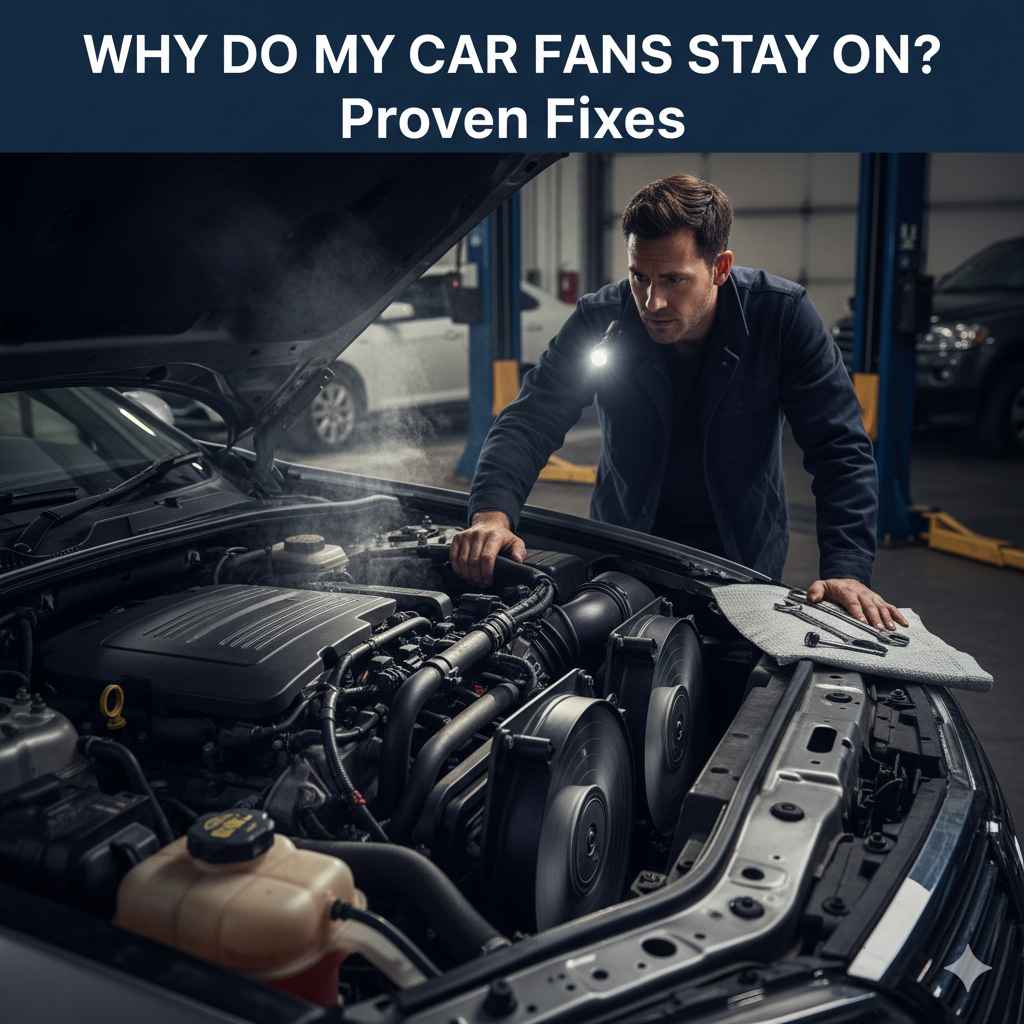
Your car’s fans staying on even after you turn off the engine can be confusing. Don’t worry; this usually points to a specific issue like a faulty relay, sensor, or cooling system problem. We’ll guide you through the common causes and simple fixes to get your car back to normal.
Hey there, fellow drivers! Md Meraj here. Ever turned off your car, expecting everything to go quiet, only to hear your engine cooling fans still whirring away? It’s a common puzzle, and one that might have you scratching your head, wondering if it’s a sign of a big, expensive problem. But before you start worrying, let’s break it down. This “car fans still running” situation is often quite understandable and, thankfully, usually fixable without needing a trip to the most expensive mechanic.
My goal today is to make understanding this a little easier. We’ll explore exactly what’s going on when your car’s fans decide to keep spinning. Think of this as your friendly guide, shedding light on the reasons behind this, and offering practical, easy-to-follow steps to get things sorted out. We’re going to tackle this together, so you can feel confident about your car’s health.
Get ready to learn the most common culprits and what you can do about them. Let’s dive in and bring some peace and quiet back to your parking spot!
Why Do My Car Fans Stay On? Understanding the Basics
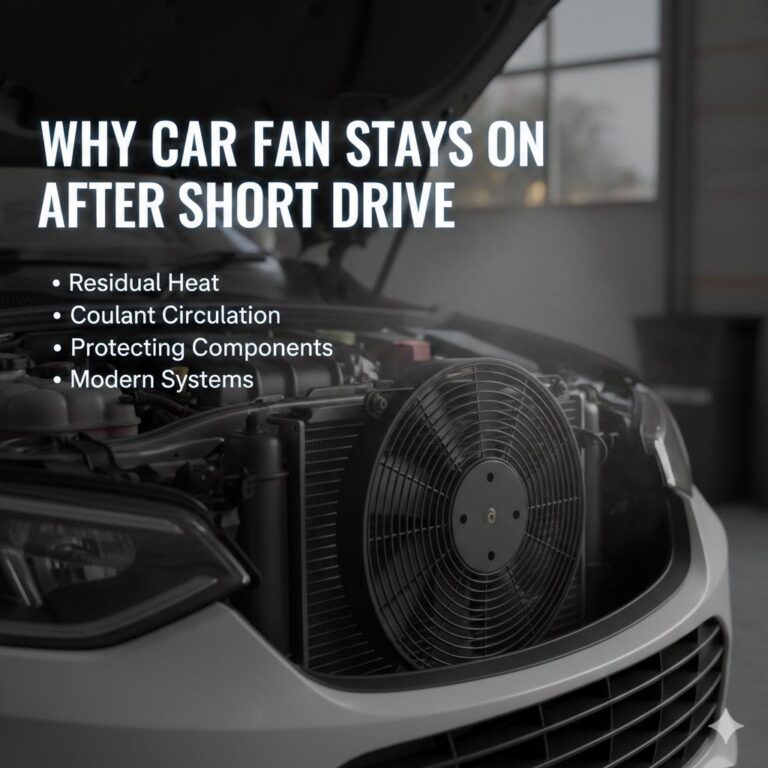
Your car has a few different types of fans, but when we talk about them staying on after the engine is off, we’re usually referring to the engine cooling fans. These fans are crucial for keeping your engine from overheating, especially when your car is stopped or moving slowly. They pull air through the radiator to cool down the engine coolant. Think of them as your engine’s personal air conditioners.
Normally, these fans kick on when the engine reaches a certain temperature and shut off once the temperature drops to a safe level, or when the engine is turned off. However, if they keep running, it means something in their control system is telling them to stay on longer than they should. This isn’t always a sign of imminent disaster, but it’s definitely something to look into to prevent potential issues down the road.
Common Reasons Your Car Fans Stay On (and How to Fix Them)
Let’s look at the most frequent reasons why your car’s cooling fans might be staying on longer than expected. For each reason, we’ll discuss what’s happening and what you can do to fix it.
1. The “Staged Cooling” Feature: Perfectly Normal!
This is the most common and completely innocent reason your fans might keep running. Many modern cars have a feature called “staged cooling” or “operatint after-run.” What this means is that the car’s computer knows the engine is hot, and even after you turn off the ignition, it keeps the cooling fans running for a short period to continue dissipating heat. This is especially common after a spirited drive, a long climb up a hill, or driving in very hot weather. The idea is to bring the engine temperature down to a safer level before the fans shut off completely.
What to do:
- Observe: Note how long the fans continue to run. If they shut off within 10-20 minutes after you park, it’s likely just this normal function.
- Check Temperature Gauge: If your temperature gauge is within the normal operating range when you park, then staged cooling is the most probable explanation.
- Don’t Panic: If this is the case, there’s nothing to fix. Your car is just taking good care of itself!
2. A Faulty Cooling Fan Relay
Your cooling fans don’t just turn on randomly; they’re controlled by a relay. This relay is essentially an electrical switch that tells the fans when to get to work and when to rest. If this relay gets stuck in the “on” position, it can cause your fans to run continuously, even when the engine doesn’t need cooling.
What is a relay?
A relay is an electro-mechanical switch. When the car’s computer (or a temperature switch) sends a small electrical signal to the relay, it activates a larger circuit that powers the cooling fans. If the internal components of the relay corrode or stick, that “on” signal can become permanent.
What to do:
- Locate the Relay: The cooling fan relay is usually found in the car’s fuse box, often located under the hood or sometimes inside the cabin. Your car’s owner’s manual will point you to its exact location.
- Identify the Correct Relay: Look for a relay labeled “Cooling Fan,” “Fan,” or similar. It’s often a black, cube-shaped component.
- Test the Relay (Method 1: Swapping): If there’s an identical relay elsewhere in the fuse box that controls a non-essential system (like the horn or A/C clutch), you can try swapping them. If the cooling fans now behave normally and the other system stops working, you’ve found your faulty relay. You can purchase a replacement relay from an auto parts store.
- Test the Relay (Method 2: Ohmmeter – Advanced): If comfortable with electrical testing, you can use an ohmmeter. With the relay removed, apply voltage to the control pins to energize it and check for continuity across the main power pins. Without voltage, the main pins should not show continuity. This is more advanced but can confirm a stuck relay.
- Replace the Relay: If the relay is faulty, simply unplug the old one and plug in the new one. Ensure it’s the correct part number.
Safety Note: Always disconnect the car battery’s negative terminal before working on electrical components to prevent short circuits and potential shocks.
3. Malfunctioning Engine Coolant Temperature (ECT) Sensor
The ECT sensor is like the thermostat for your car’s brain. It constantly monitors the engine coolant’s temperature and sends that information to the car’s computer (ECU). The ECU then uses this data to decide when to turn the cooling fans on and off. If the ECT sensor is faulty or giving false readings, it might tell the computer that the engine is hotter than it actually is, causing the fans to run constantly.
Signs of a Bad ECT Sensor:
- Engine overheating or running hotter than usual.
- Poor fuel economy.
- Rough idling or stalling.
- Check Engine light illuminated.
- Radiator fans running constantly (even when cold).
What to do:
- Locate the ECT Sensor: This sensor is typically screwed into the engine block or cylinder head, near the thermostat housing, and is connected to the engine’s cooling system. Again, your owner’s manual or a quick online search for your specific car model will help.
- Inspect the Wiring: Check the wires and connector attached to the ECT sensor for any signs of damage, corrosion, or loose connections.
- Test the Sensor (Advanced): You can test the ECT sensor’s resistance with an ohmmeter at different temperatures. The resistance should change predictably as the temperature changes. You can find specific resistance charts for your vehicle online.
- Replace the Sensor: If the sensor is determined to be faulty, it needs to be replaced. This usually involves unscrewing the old sensor and screwing in a new one. Make sure to use a sensor specifically designed for your car’s make and model. You might want to drain some coolant before removal to avoid a mess.
External Resource: For a deeper understanding of how these sensors work, consult resources like the U.S. Department of Energy’s explanation on temperature sensors.
4. Problems with the Radiator Fan Control Module or Module/Resistor
Some vehicles don’t use a simple relay but a more sophisticated control module or a resistor to regulate the speed of the cooling fans. The control module uses signals from the ECU (which gets data from the ECT sensor) to adjust fan speed – low speed, high speed, or off. If this module or resistor fails, it can cause the fans to run at a constant, high speed or stay on continuously.
What to do:
- Locate the Module/Resistor: This component is often mounted on or near the electric cooling fan assembly itself, usually on the side of the fan shroud.
- Inspect for Damage: Look for any signs of physical damage, burnt wires, or corrosion on the module and its connectors.
- Test (If Applicable): Testing these modules can be complex and often requires diagnostic tools to check their communication with the ECU. Some DIYers can test resistors by checking their Ohm values, but this is advanced.
- Replace the Unit: If the control module or resistor is faulty, it will need to be replaced. Carefully disconnect the old unit and install the new one, ensuring all connections are secure.
5. Issues with the Air Conditioning System
Your car’s A/C relies heavily on the radiator fans. When the A/C is turned on, the system generates heat in the front of the car (near the condenser, which looks like a small radiator). To dissipate this heat and ensure the A/C system works efficiently, the cooling fans are often activated. In some vehicles, the cooling fans will run at a high speed whenever the A/C is on, and they may even stay on for a short while after the engine is turned off if the system was still hot.
However, if there’s a problem with the A/C pressure switch, or if the system is overcharged with refrigerant, it can send incorrect signals that cause the fans to run excessively.
What to do:
- Observe A/C Usage: Do the fans only run on high when the A/C is on? If so, this might be normal.
- Temporary Fix (If A/C is causing it): If you notice the fans stay on excessively only when the A/C is running, try turning off the A/C and see if the fans shut off normally after a short period.
- Professional Diagnosis: If you suspect A/C issues are causing the fans to run constantly, it’s best to have a qualified mechanic check your A/C system’s pressures and switches. They have specialized equipment to diagnose these problems safely.
6. A Stuck Thermostat
While less common for fans to stay on due to a thermostat, a thermostat that’s stuck open can cause the engine to run cooler than it should. In some systems, if the engine doesn’t reach its normal operating temperature, the fans might be programmed to stay off. However, if the thermostat is stuck closed, it would cause rapid overheating and the fans to run constantly until the engine is turned off. In some rare cases, a thermostat issue might indirectly affect fan operation.
What to do:
- Check Engine Temperature: Does your engine temperature gauge read lower than usual, or does it rise quickly to overheating?
- Inspect Thermostat Housing: Look for signs of leaks or corrosion around the thermostat housing.
- Thermostat Replacement: If you suspect a faulty thermostat, it’s a relatively straightforward repair. You’ll need to drain some coolant, remove the thermostat housing, replace the thermostat and gasket, and then refill and bleed the cooling system.
7. Air Contamination or Low Coolant Level
Your car’s cooling system relies on coolant circulating properly to transfer heat from the engine to the radiator. Air pockets in the system or a low coolant level can prevent efficient cooling. This can lead to the engine temperature rising, which, in turn, makes the cooling fans run more intensely and for longer periods. In some cases, air trapped near the temperature sensor can give it a false “hot” reading, causing the fans to stay on.
What to do:
- Check Coolant Level: When the engine is cool, check the coolant level in the overflow reservoir. Top it up if it’s low using the correct type of coolant for your vehicle.
- Bleed the Cooling System: If you suspect air pockets, you’ll need to bleed the system. This process varies greatly by vehicle. It often involves finding bleed screws on the engine or radiator hoses and opening them while the engine is running and warming up until coolant flows out without bubbles. Consult your car’s service manual for the correct bleeding procedure.
- Inspect for Leaks: While you’re checking the coolant, look for any signs of leaks in hoses, the radiator, water pump, or heater core.
Key Point: Always ensure you use the specific type of coolant recommended by your car manufacturer to avoid damaging your cooling system components.
Diagnostic Tools for Simpler Troubleshooting
While many of these issues can be diagnosed with basic tools and observation, sometimes a professional diagnostic scanner can save you a lot of time and guesswork. These scanners can read error codes from your car’s computer, which might directly point to a faulty sensor or module.
Common diagnostic needs for this issue:
| Tool | Description | When it’s Useful |
|---|---|---|
| Owner’s Manual | Your car’s official guide to its systems and components, including fuse box and sensor locations. | Essential first step for locating parts. |
| Basic Socket Set & Wrenches | For removing covers, clamps, and components like relays or sensors. | General maintenance and component replacement. |
| Multimeter/Ohmmeter | Measures electrical resistance, voltage, and continuity. | Testing relays, sensors, and wiring for faults. |
| OBD-II Scanner | Connects to your car’s On-Board Diagnostics port to read error codes. | Interpreting Check Engine lights and identifying electronic faults. (Available at most auto parts stores for loan or purchase). |
| Torque Wrench | Ensures fasteners are tightened to the manufacturer’s specifications. | Important for re-installing sensors and housings to prevent leaks or damage. |
For many straightforward fixes like a relay or a sensor, you might not need a scanner. However, if the problem is intermittent or the Check Engine light is on, a scanner can be a very valuable tool for pinpointing the cause.
When to Call a Professional Mechanic
While this guide aims to empower you with DIY solutions, there are times when professional expertise is necessary. You should consider taking your car to a mechanic if:
- You are uncomfortable working with electrical components or automotive systems.
- You’ve tried the basic fixes, and the problem persists.
- The issue involves complex wiring or module failure that requires specialized diagnostic equipment.
- You notice signs of serious overheating, strange noises, or leaks you can’t fix.
- Your car’s Check Engine light is illuminated, and diagnostic codes indicate a deeper system malfunction.
A good mechanic can quickly diagnose complex electrical issues using advanced tools and experience. Not only can they fix the immediate problem, but they can also identify any underlying issues that might develop later, ensuring your car continues to run safely and reliably.
Frequently Asked Questions (FAQ)
1. Is it bad if my car fans stay on after I turn off the engine?
Not always! In many modern cars, it’s a normal function called “staged cooling” or “operatint after-run.” This feature keeps the fans running for a short time after the engine is switched off to help dissipate excess heat, preventing potential overheating. If the fans stop within 10-20 minutes, it’s usually nothing to worry about.
2. How can I tell if it’s just staged cooling or a real problem?
Observe how long the fans run. If they turn off on their own within about 10 to 20 minutes, it’s likely normal staged cooling.
Conclusion
Seeing your car’s cooling fans running after the engine is off can be unnerving, but as we’ve explored, it’s often due to simple, understandable reasons. From the built-in “staged cooling” feature designed to protect your engine, to a faulty relay, a malfunctioning temperature sensor, or issues within the A/C system, there are several key culprits.
By understanding these common causes and following the straightforward diagnostic and repair steps outlined above, you can often resolve the issue yourself, saving time and money. Remember to always prioritize safety – disconnect the battery when working on electrical components and consult your owner’s manual for precise locations and procedures specific to your vehicle. If at any point you feel unsure or the problem seems beyond basic repair, don’t hesitate to enlist the help of a trusted professional mechanic.
Taking these steps not only fixes the immediate problem but also helps you build confidence in understanding and maintaining your vehicle. By addressing these fan issues promptly, you ensure your engine stays within its optimal temperature range, contributing to its longevity and your peace of mind on the road.