Why Doesn’T My Car Beep When I Lock It? Easy Fixes Here
It’s a small thing, but oh-so-satisfying. That little beep confirms your car is locked. So when it stops, you might wonder, “Why doesn’t my car beep when I lock it?” It can be a bit unnerving.
You want that assurance. This guide helps you figure out why it’s quiet and how to get it chirping again. We’ll break down the common causes.
You’ll learn simple checks you can do yourself.
Your car might not be beeping when you lock it due to several common reasons. These include settings changes, a weak key fob battery, a problem with the car’s horn or chime, or a fuse issue. Often, it’s a simple fix you can do at home.
Understanding the Car Lock Beep
That lock beep is a handy feature. It tells you the doors are secured. It also confirms the alarm system is active.
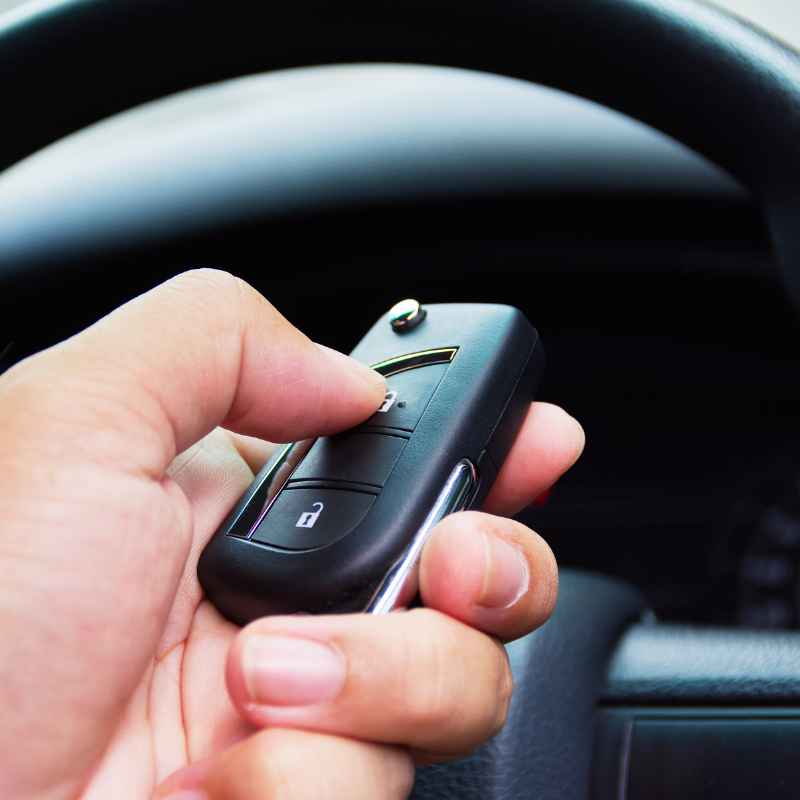
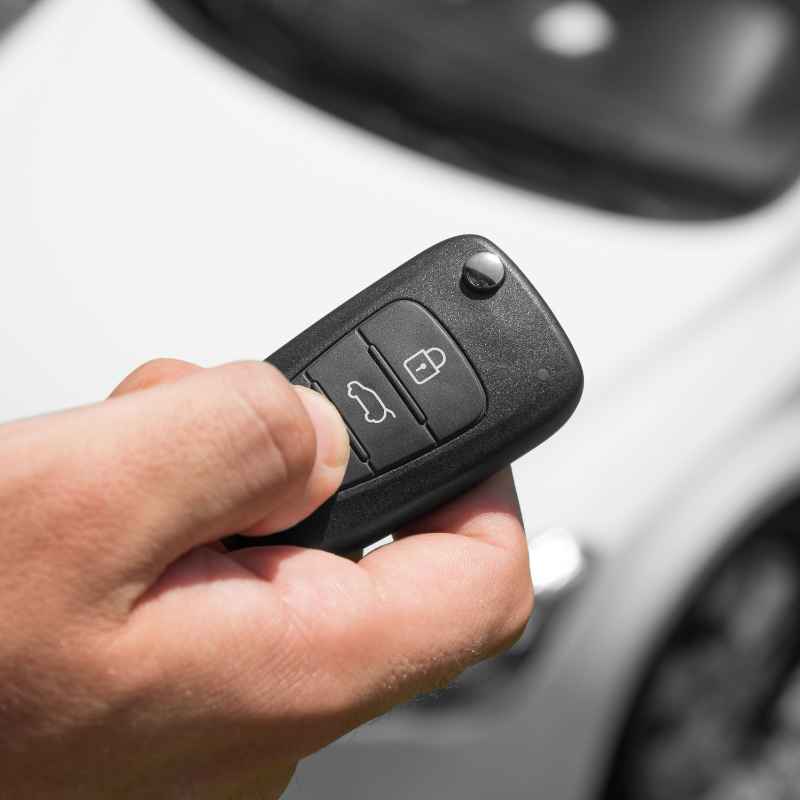
This sound comes from your car’s own horn or a separate chime. It’s usually triggered by the remote key fob. When you press the lock button, the fob sends a signal.
The car’s computer then tells the horn or chime to sound. It’s a quick confirmation.
Most cars offer customization for this feature. You can often turn the beep on or off. This is usually done through the car’s infotainment system.
Sometimes, it’s a button sequence on the fob itself. Knowing your car model helps. Different cars have different ways to control this setting.
Why Doesn’t My Car Beep When I Lock It?
There are several reasons your car might be silent. We’ll look at the most common ones. Many are easy to fix.
Others might need a bit more investigation.
Personal Experience: The Silent Car Scare
I remember one evening, rushing out the door after a long day. I grabbed my keys, hit the lock button on the fob, and… nothing. No reassuring beep.
My heart did a little jump. I pressed it again. Still silence.
I looked around. Was someone watching? Was my car unlocked?
Panic started to set in. I walked to the driver’s door, jiggled the handle. Locked.
Okay, so it was locked. But why no beep? It felt wrong.
It made me feel insecure. I spent the next five minutes frantically trying to remember if I’d changed a setting. I checked the manual on my phone.
It turned out I had accidentally pressed a button combination while holding the fob. That had disabled the audible lock confirmation. A quick press of another combo brought the beep right back.
Phew!
Quick Check: Is It Just Me?
Common Issue: You think your car isn’t beeping, but it is. This happens more than you’d think.
How to Check: Stand near your car. Press the lock button. Listen carefully.
Sometimes the beep is very quiet. It might be drowned out by traffic noise. Or maybe a neighbor’s dog is barking.
Try it in a quiet garage or driveway. You might be surprised.
Investigating the Lock Beep Issue
Let’s dive deeper into the possible causes. We’ll start with the simplest checks.
1. Key Fob Battery
This is often the first culprit. A weak battery in your key fob can cause it to send a weaker signal. Sometimes, it’s strong enough to lock the doors.
But it might not be strong enough to trigger the horn or chime.
How to Check: Does your key fob also have trouble unlocking the car? Do the buttons feel mushy? These are signs of a dying battery.
Replacing the battery is usually straightforward. You can often find the battery type in your car’s manual. Small coin-cell batteries are common.
You can buy them at most drugstores or supermarkets.
Key Fob Battery Swap
Step 1: Find the seam on your key fob. Often, there’s a small slot. You might need a tiny flathead screwdriver or a coin to gently pry it open.
Step 2: Note the battery type. It’s usually printed on the old battery.
Step 3: Carefully remove the old battery. Insert the new one. Make sure it’s facing the right way (+ or -).
Step 4: Snap the fob back together. Test it.
2. Vehicle Settings Menu
Many modern cars let you customize this. You can often turn the lock beep on or off. This setting might be in your car’s main display screen.
Look for options related to “Vehicle,” “Settings,” or “Doors.”
How to Check: Consult your car’s owner’s manual. It will tell you exactly where to find this setting. It might be called “Audible Lock Feedback” or “Horn Chirp.” Sometimes, you need to hold down specific buttons on the fob for a few seconds.
This can toggle the setting. It’s easy to change this by accident.
Settings Spotlight: The Infotainment System
Where to Look: On your car’s dashboard screen.
Common Names:
- Audible Lock Confirmation
- Horn Chirp
- Lock Feedback
- Vehicle Access Settings
Action: Navigate through the menus. Find the option for door locks. Ensure the audible feedback is set to “On” or “Enabled.”
3. Car Horn or Chime Issue
The beep uses your car’s horn or a dedicated chime. If the horn itself isn’t working, you won’t get a beep. Or, if the chime module is faulty, the same problem occurs.
How to Check: Does your car horn work when you press the horn button on the steering wheel? If the horn works, the issue might be with the car’s computer module that controls the lock beep. If the horn doesn’t work, you have a separate problem to fix.
Horn Not Working? This could be a blown fuse. It could also be a bad horn relay or the horn itself. Check your owner’s manual for the fuse box location.
Look for the horn fuse and check if it’s blown.
Horn Fuse Check
Location: Inside the vehicle or under the hood. Consult your manual.
Fuse Diagram: Find the diagram for your fuse box. Locate the horn fuse.
Inspection: Pull the fuse. Hold it up to the light. If the metal filament inside is broken, the fuse is blown.
4. Faulty Door Lock Actuator
Each door has a lock actuator. This small motor locks and unlocks the doors. If an actuator is failing, it might not send the correct signal to lock.
This can prevent the beep.
How to Check: Do all your doors lock reliably with the key fob? If one door doesn’t lock properly, its actuator might be the problem. This is less common for just the beep, but possible.
It often causes issues with the actual locking function.
5. Alarm System Issues
If your car has an aftermarket alarm system, it might have its own settings. Or, a glitch in the factory alarm could affect the beep.
How to Check: Does your car have an alarm that flashes the lights when you lock it? If the lights flash, the alarm system is likely active. The beep is often tied to this system.
For aftermarket alarms, check their specific manual or remote. There might be a separate setting for the lock chirp.
Alarm Light Flash vs. Lock Beep
Light Flash: Usually confirms doors are locked and alarm is armed.
Lock Beep: An audible confirmation of the same.
Connection: Often, these are linked. If lights flash but no beep, the issue is likely the sound output, not the lock itself.
6. Wiring or Electrical Gremlins
This is the trickiest category. Sometimes, a loose wire or a minor electrical fault can cause the problem. It could be a broken connection somewhere in the car’s wiring harness.
How to Check: This is hard to check yourself. It often requires a professional diagnostic scan. If all other simple checks fail, this is a possibility.
Look for any other strange electrical behavior in your car. Flickering lights, odd noises, or dashboard warnings could point to a larger electrical issue.
When to Worry and When It’s Normal
It’s normal for the beep to stop if you are inside the car. You’ll often need to use the physical key in the door or the interior lock button. Then, the car might not respond to the fob beep.
Also, if you only unlock the car, you typically don’t hear a beep. The beep is usually tied to the locking action.
You should worry if the car doesn’t seem to be locking at all. Or if the key fob doesn’t work for locking or unlocking. If you notice other odd electrical behaviors, it’s worth getting checked.
A simple lack of beep is usually not a sign of major trouble. But it’s good to know why it’s happening.
Myth vs. Reality: Lock Beeps
Myth: My car is broken because it doesn’t beep when I lock it.
Reality: Most of the time, it’s a simple setting or a dead battery. Your car is likely still locking fine.
Myth: The beep is the car honking at me.
Reality: It’s a programmed sound. It’s designed to give you feedback, not communicate with you.
Troubleshooting Steps: A Simple Flowchart
Let’s organize the checks. This helps you find the cause fast.
Troubleshooting Flowchart
Start: Car doesn’t beep when locking.
Step 1: Check key fob battery. Is it weak or dead? Replace if needed.
(See section 1)
Step 2: Check car’s settings menu. Is audible lock feedback turned off? Re-enable it.
(See section 2)
Step 3: Test the car horn. Does it work? If not, check horn fuse/relay.
(See section 3)
Step 4: Do all doors lock properly with the fob? If not, check door actuators. (See section 4)
Step 5: Does your car have an aftermarket alarm? Check its settings. (See section 5)
Step 6: If all else fails, consider a loose wire or electrical fault. Consult a mechanic. (See section 6)
Real-World Context: Why Settings Change
Cars are complex. Settings can change for many reasons.
Accidental Presses: Holding the wrong buttons on the key fob can change settings. This happens when fobs are in pockets or bags. A stray button press can toggle features.
Software Glitches: Though rare, car computers can sometimes have minor glitches. This might reset a setting. It’s like your phone restarting itself sometimes.
Maintenance Work: If your car’s battery was recently disconnected for service, some settings might reset to default. The default might be “beep off.”
Cold Weather: In very cold temperatures, battery performance can drop. This might affect the fob’s signal strength. It’s usually temporary.
What This Means for You
Not having a lock beep is usually not a security risk. Your car is likely still locking. The main issue is the loss of a handy confirmation.
When It’s Normal: If you’ve turned it off via settings, that’s normal. If the fob battery is dead, it’s normal for it to stop working.
When to Worry: Worry if your doors are not locking at all. Or if the key fob is completely unresponsive. If you see other warning lights on your dashboard, investigate those too.
Simple Checks: Always start with the battery and the settings menu. These fix the problem most of the time.
Quick Fixes and Tips
Tip 1: Keep a spare key fob battery handy. Easy to swap out when needed.
Tip 2: Familiarize yourself with your car’s settings menu. Know where the lock beep option is.
Tip 3: Read your owner’s manual. It’s the best resource for your specific car model.
Tip 4: If you have multiple fobs, test them all. This helps determine if it’s one fob or the car.
Frequent Questions About Car Lock Beeps
Why does my car make a double beep when I lock it sometimes?
A double beep usually indicates an issue. It often means one of your doors, the trunk, or the hood is not fully closed. The car is warning you that the alarm may not fully engage or the doors are not securely shut.
Can I make my car beep if it doesn’t have a beep option?
Some aftermarket alarm systems can add a beep feature. If your car doesn’t have it from the factory, you might need to install an aftermarket alarm or a specific module. This can be a more involved installation.
How do I know if my key fob battery is really dead?
Besides the lack of beep, a dying fob battery might cause delayed response times. The unlock or lock function might take longer. You might also notice the range decreases significantly.
Some cars show a “key fob battery low” message on the dashboard.
Is it bad if my car doesn’t beep when I lock it?
No, it’s generally not bad. It just means you’re missing an audible confirmation. Your car’s locks and alarm system are still likely functioning.
You can usually confirm by checking if the lights flash or by trying the door handle.
My car only beeps when I use the physical key, not the fob. What’s wrong?
This often points to an issue with the key fob itself or its communication with the car. Check the fob battery first. If that doesn’t help, there might be a problem with the fob’s transmitter.
Or, the car’s receiver might need service.
How often should I replace my key fob battery?
Key fob batteries typically last between 2 to 5 years. This depends on usage and battery quality. If you notice any signs of weakness, it’s best to replace it sooner rather than later.
Conclusion
The absence of a car lock beep can be puzzling. But most of the time, it’s a simple fix. Checking the fob battery and car settings are your first steps.
These common issues are usually easy to resolve. Enjoy that satisfying chirp again!
Products related to this article
Sponsored / affiliate links. As an Amazon Associate I earn from qualifying purchases. I may earn additional commission from eligible campaigns.
 Maxlaxer El Wire Blue Interior Car LED Strip Lights, 5M Neon Wire USB 5V with Fuse Protection for Automotive Interior Decoration, with 6mm Sewing Edge
 Maxlaxer El Wire Ice Blue Interior Car LED Strip Lights, 5M Neon Wire USB 5V with Fuse Protection for Automotive Interior Decoration, with 6mm Sewing Edge