3 Best Backup Cameras for Cars (2026): Based on Specs and Reviews
For older cars, a wired backup camera is usually the strongest choice if you want a steady image. Pick wireless only if you can live with interference, and choose a no-drill option when avoiding body damage matters most. Bad picks leave you with blocked views, flaky signals, and another install bill. This guide compares wired, wireless, and no-drill backup cameras by install effort, reliability, and total ownership cost.
Quick comparison
| Product | Badge | Best for | Price | ||
|---|---|---|---|---|---|
 |
HD 1080P 7 Inch Wireless Backup Camera for Truck: 15-MinLeeKooLuu | Our pick | 7 Inch · Wireless · HD | $79.98
Price as of 25 Oct 2026
|
View |
 |
4 Channel 9 inch IPS Backup Camera System with Monitor forDriauto | Upgrade pick | 9 Inch · 4-Channel · Wired | $159.99
Price as of 25 Oct 2026
|
View |
 |
1080P HD Wireless Backup Camera – 1 Minute Magnetic Easypemacom | Also great | 7 Inch · Magnetic · Wireless | $109.99
Price as of 25 Oct 2026
|
View |
The choice comes down to what you can accept during reverse maneuvers: cable routing, signal delay, or a less permanent mount. For older vehicles, the hidden cost is often the install itself, not the camera package.
How we chose
We compared the three most practical retrofit paths for older cars: wired, wireless, and no-drill. The main filters were install effort, signal reliability, low-light performance, weather sealing, and how well each path fits older-car constraints like trunk-lid routing, trim removal, and power sourcing.
We also weighed total ownership cost, which includes trim clips, harnesses, power taps, and possible labor. Finally, we looked at the failure modes that matter in daily use: lag, interference, long cable runs, and mounts that do not suit the vehicle shape.
Wired backup camera kit: best for reliability
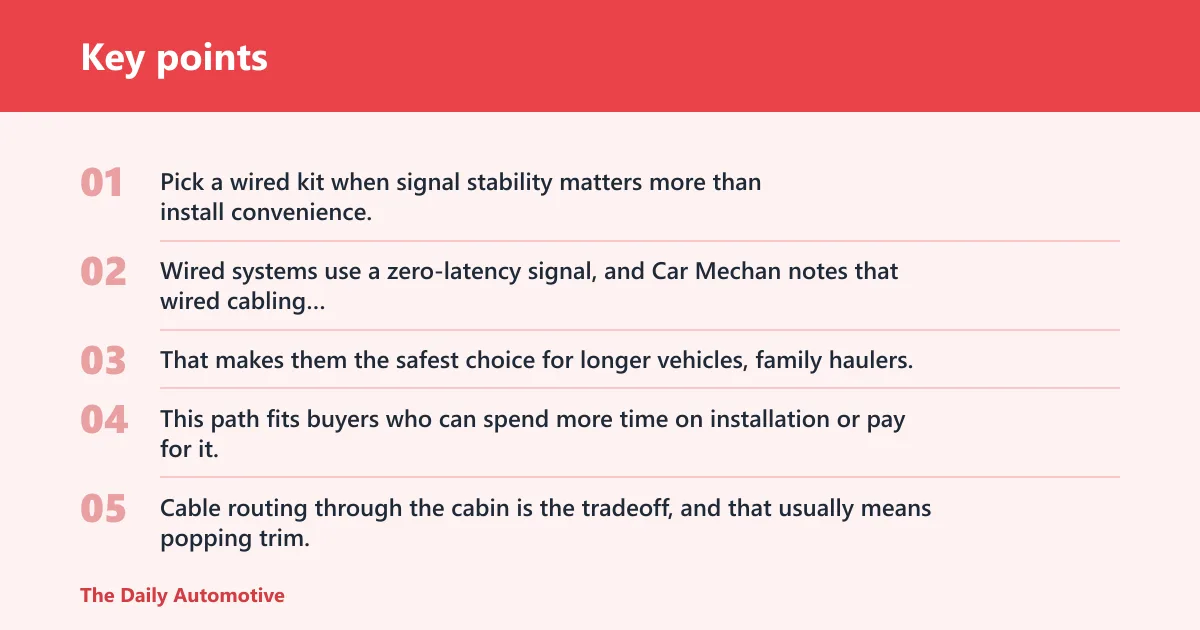
Pick a wired kit when signal stability matters more than install convenience. Wired systems use a zero-latency signal, and Car Mechan notes that wired cabling provides zero latency and zero interference. That makes them the safest choice for longer vehicles, family haulers, and drivers who want the image to feel immediate.
This path fits buyers who can spend more time on installation or pay for it. Cable routing through the cabin is the tradeoff, and that usually means popping trim, feeding cable through grommets, and dealing with trunk-lid or hatch passages. The payoff is a more dependable rear image than a wireless link can usually provide.
The biggest drawback is labor. A wired kit can also bring hidden parts cost if the included harnesses are short, the routing is awkward, or a professional install becomes the simpler option. For older cars with brittle clips or tight interior panels, the job can turn from simple to time-consuming fast.
Why zero-latency matters
Zero latency matters most when you reverse slowly into a tight space and need the camera image to track steering inputs without a pause. A laggy display can make distance judgment feel off by just enough to matter near a garage wall, a curb, or a child’s bike.
That is why wired kits are the reliability-first pick. They are also the better choice when the driver shares the car, because everyone benefits from the same predictable image quality.
Where routing gets difficult
Routing gets harder in sedans with long cabin runs, hatchbacks with tight rubber boots, and vehicles with damaged weather seals. Trunk-lid routing is often the most annoying part because the cable has to survive repeated opening and closing without pinching.
If the car has rear-seat removal, factory accessory paths, or spare grommet space, the install gets easier. If not, expect more trim work and more chances to break clips on an older interior.
Who gets the most value
Wired kits make the most sense for budget buyers who want to pay once and avoid signal troubleshooting later. They are also a strong fit for drivers who park in crowded urban lots or who reverse often in the dark, where a stable image is worth more than a faster install.
Rigs Rated says the LeeKooLuu LKL-080 is described as a fully wired 4.3 inch kit, which matches the reliability-first approach. Rigs Rated also says the LeeKooLuu 7 inch kit looks closest to factory, which is useful if visual integration matters more than screen size alone.
Wireless backup camera kit: best for easier installs
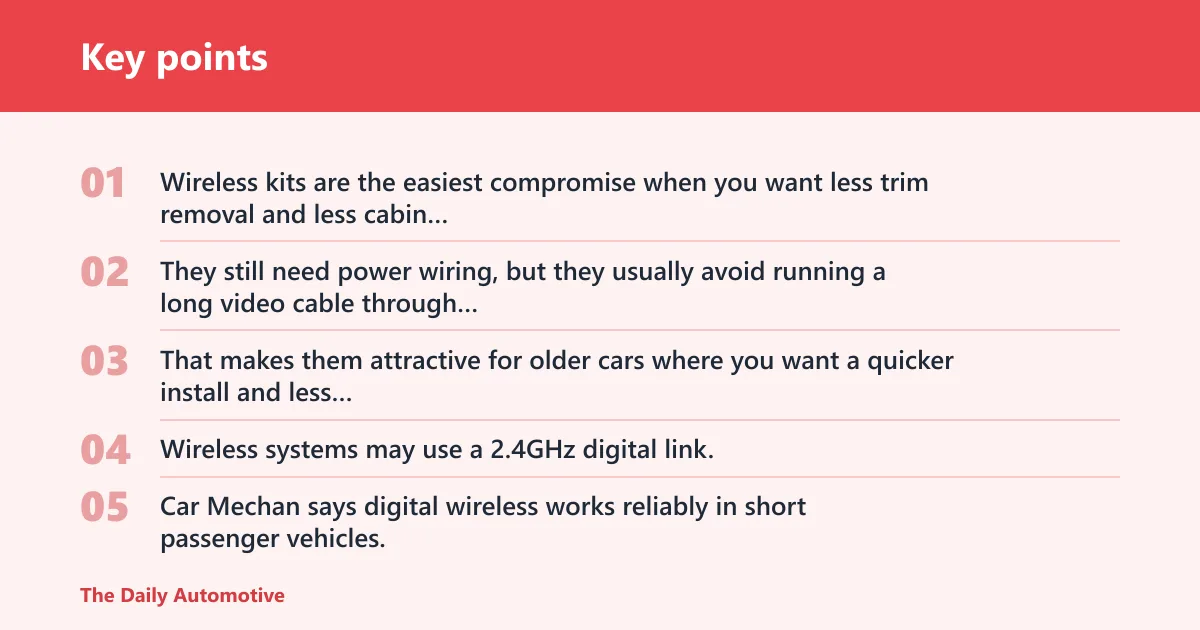
Wireless kits are the easiest compromise when you want less trim removal and less cabin routing. They still need power wiring, but they usually avoid running a long video cable through the car. That makes them attractive for older cars where you want a quicker install and less chance of breaking interior clips.
The tradeoff is signal risk. Wireless systems may use a 2.4GHz digital link, and that can introduce pairing lag or interference. Car Mechan says digital wireless works reliably in short passenger vehicles, which is why this path suits smaller cars better than long SUVs, vans, or trucks.
The common drawback is hidden in the install description. “Wireless” does not mean “no wiring.” The camera still needs power, and some kits also need a monitor mount, a reverse-light tap, or a dash power source. The install is simpler, not invisible.
How wireless links can fail
Wireless failure usually shows up as a delayed image, dropped signal, or a brief black screen when the vehicle starts. RF interference from crowded urban areas, other electronics, or body structure can make the connection less dependable than the package promises.
Car Mechan warns vehicles over twenty feet long can degrade wireless signals. That makes wireless a weaker choice for longer pickups, full-size vans, and some SUVs with long rear overhangs.
When lag is acceptable
Lag is acceptable when the image is mainly a parking aid, not a precision tool. If the delay is small and the driver mainly needs help seeing posts, curb edges, or a low bumper, a wireless kit can still be practical.
A simple way to judge lag is to stop beside a fixed object, then shift into reverse and watch how quickly the object appears on screen. If the delay feels noticeable enough that the car has moved before the view updates, that is a poor fit for daily reversing.
Why short vehicles help
Short passenger vehicles help because the signal path is shorter and the install usually needs less cable hiding. That reduces the chance of interference and lowers the odds that the camera feed will degrade across a long cabin or cargo area.
Say your older sedan only needs help backing out of a narrow driveway. A wireless kit may be good enough, because the rear camera and monitor are close in signal terms and the install stays simple.
License plate camera mount: best no-drill fit
License plate camera mounts are the most common universal fit because the rear plate area exists on many sedans, pickups, vans, and SUVs. That makes them the easiest no-drill or low-drill path for older cars where you want to avoid body modifications and preserve resale value.
This style often looks closest to an OEM accessory because it uses an ordinary mounting location instead of a bulky add-on bracket. It also solves a real retrofit problem: the plate area is usually one of the easiest rear mounting spots to reach without opening interior trim all the way across the vehicle.
The drawback is fit and exposure. Plate mounts can be awkward on cars with recessed plates, unusual bumper shapes, or aftermarket plate frames. They also sit in a harsh rear environment, so waterproofing matters. For exterior mounting, sealed housings with IP68 or IP69/IP69K ratings are worth attention.
Why it fits so many vehicles
Plate mounts work because they use a location that most vehicles already have. That cuts down on drilling, bracket fabrication, and guesswork. For many older cars, it is the simplest way to add rear vision without altering the body.
They are especially useful when the owner wants a reversible install. If the car may be sold later, a plate-mounted camera is easier to remove than a system that required deep cabin routing.
When OEM-like placement matters
OEM-like placement matters when appearance affects resale or when the vehicle is a lease car. A camera that sits near the plate can look deliberate instead of improvised, which often matters more than raw screen size.
It also helps when the driver wants the camera to stay clear of trailer hitches, bumper guards, or other rear accessories that could block a lower-mounted lens.
When to avoid a plate mount
Avoid a plate mount if the plate sits in a deep recess, if the camera would be partially hidden by a frame, or if the rear bumper angle forces a poor view of the ground. In those cases, a different mounting point may give a cleaner image.
Suppose your SUV has a rear plate pocket that sits close to the hatch edge. The camera may be simple to install, but the view could be cramped, which defeats the point of the upgrade.
Should you choose wired or wireless?
Pick wired if reliability comes first, especially on longer vehicles, daily drivers, or cars that need the most consistent signal in tight parking. Pick wireless if install time matters more and the vehicle is short enough that a digital link is unlikely to struggle. Pick no-drill if you want the least trim work and the easiest resale-friendly removal.
Pick wired if reliability comes first
Wired makes sense when you want the image to appear instantly and stay stable in all weather. It is also the better fit when you are already planning to open trim panels or route wires for a cleaner, more permanent result.
Pick wireless if install time matters more
Wireless is the practical choice when you want a quicker upgrade and can live with possible pairing lag. It is a reasonable trade if the car is short, the reverse camera is only for parking, and you do not want a long cable route through the cabin.
Pick no-drill if you want the least trim work
No-drill setups suit older cars where you want to avoid damage, avoid clips, and keep the install reversible. They are also a good match for lease cars and shared family vehicles where someone else may need to remove the system later.
Backup camera decision matrix
| Camera path | Install time | Tools needed | Signal reliability | Night visibility | Best vehicle type | Hidden costs | Who should avoid it |
|---|---|---|---|---|---|---|---|
| Wired | Longest; some kits still take about 45 minutes, but older cars often need longer | Trim tools, cable puller, wire taps, basic hand tools | Highest; zero-latency and zero-interference signal | Strong when paired with IR LEDs or WDR/HDR | Long sedans, SUVs, trucks, drivers who want the most stable image | Extra harnesses, clips, grommets, possible labor | Owners who want a no-trim install or easy removal |
| Wireless | Shortest among full systems; often simpler than running video cable | Basic hand tools, power tap, mount hardware | Moderate; possible pairing lag and RF interference | Depends on camera module and display quality | Short passenger vehicles, quick retrofits, drivers who want easier install | Mounting hardware, power wiring, possible signal troubleshooting | Vehicles over twenty feet long, RF-heavy areas, drivers who hate lag |
| No-drill / magnetic | Fastest; some kits are marketed as near one-minute installs | Minimal tools, but some kits still need power taps or a monitor mount | Varies; wireless still depends on link quality and battery state | Good if the camera has usable low-light processing | Lease cars, resale-sensitive installs, temporary use | Battery upkeep, recharging, mount checks, occasional removal/reset | Drivers who need a fully permanent setup or who forget battery maintenance |
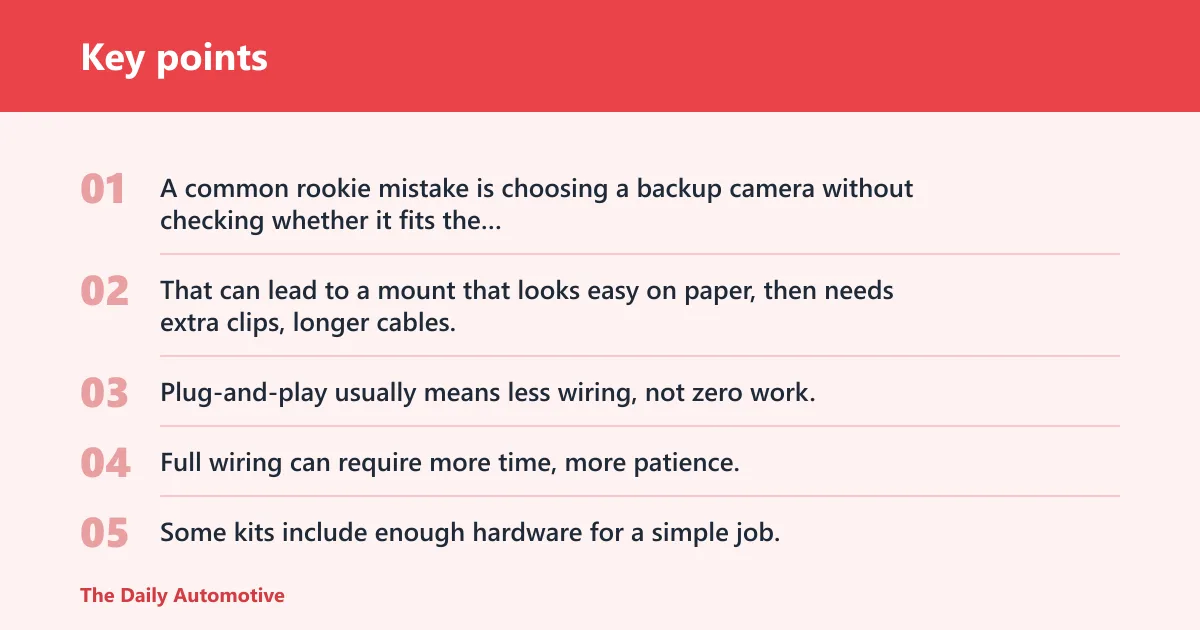
A common rookie mistake is choosing a backup camera without checking whether it fits the trunk, license-plate mount, or wiring route. That can lead to a mount that looks easy on paper, then needs extra clips, longer cables, or a second trip for labor after the trim panel does not cooperate.
Install effort and hidden labor
Plug-and-play usually means less wiring, not zero work. Full wiring can require more time, more patience, and more careful routing around moving panels or trunk hinges. Some kits include enough hardware for a simple job; others quietly assume you already have the right clips and taps.
The real ownership cost is often the camera plus the extras. For older cars, that can include replacement trim clips, a license plate harness, a dash power source, or professional labor if the vehicle is awkward to route.
Signal reliability and lag risk
Reliability is the main reason many buyers still choose wired. Wireless can be fine, but it is more exposed to lag and interference. If the image updates slowly enough that you hesitate while reversing, the system is not doing its job well.
That is especially important on shared family vehicles, where multiple drivers may not all stop the same distance or react at the same pace.
Night visibility and weather resistance
Low-light detail matters more than raw resolution. IR LEDs or WDR/HDR can help the camera hold detail in darkness, while bright license plate lighting can wash out weak cameras. A high-resolution feed that blooms or flares is less useful than a cleaner low-light image.
Weather sealing matters because the camera lives outside. IP68 and IP69/IP69K ratings appear on top picks for a reason: sealed housings help the unit survive rain, spray, and winter grime.
Fit for older-car layouts
Older vehicles often lack factory backup cameras, and that changes the install math. Trunk-lid routing, power sourcing, and trim fragility matter more than screen specs alone. A camera that fits a clean modern hatch may be a poor match for a 15-year-old sedan with brittle interior panels.
Monitor size also matters here. Common sizes include 4.3-inch, 6.8-inch, 7-inch, and 12-inch displays. Bigger screens improve visibility, but they also take dashboard space and can crowd vents or controls.
Choose wired if… / Choose wireless if… / Choose no-drill if…
Choose wired if the vehicle is long, the driver parks in tight spaces, or the image needs to be immediate and dependable every time. Choose wireless if the car is short, the install must be quicker, and a little lag is acceptable for ordinary parking. Choose no-drill if resale value, lease terms, or body preservation matter more than having the most permanent setup.
For pickups and SUVs, wired usually wins because the longer body can make wireless less dependable. For sedans and compact crossovers, wireless can be a fair trade if the rear run is short and the link stays clean. For lease cars, the reversible path is usually the smartest move.
Which one should you buy?
Buy the wired kit if you want the best mix of reliability and long-term value. Buy the wireless kit if you want a simpler install and your car is short enough to keep signal issues under control. Buy the no-drill or magnetic option if you care most about preserving the car and avoiding visible modifications.
Best for budget buyers
Budget buyers should compare total install cost, not just the box price. A cheaper wired kit can still beat a pricier wireless setup if it avoids later labor, while a wireless kit can win if you can install it cleanly without buying extra parts.
Best for pickups and SUVs
Pickups and SUVs usually do best with wired kits because vehicle length can stress wireless signal quality. Car Mechan’s warning about vehicles over twenty feet long is a useful boundary to keep in mind, especially for full-size trucks and larger SUVs with long rear sections.
Best for lease cars or resale-sensitive installs
No-drill or magnetic setups are the safest choice when you want a reversible install. They fit older cars well too, as long as you accept the tradeoff that battery upkeep, mounting checks, or periodic repositioning may become part of ownership.
Best for low-light parking
Choose the camera with the strongest low-light behavior, not the one with the biggest spec sheet number. IR LEDs, WDR/HDR, and a usable display often matter more than resolution alone, especially in unlit lots or late-night driveway reverses.
Frequently asked questions
What is the best backup camera for a car?
For most older cars, a wired backup camera is the best all-around choice because it gives the most stable image and avoids wireless lag. If the car is short and you want an easier install, wireless is a reasonable second choice. If you want minimal trim work, a no-drill mount is the safer path.
Should I choose a wired or wireless backup camera?
Choose wired if you value reliability more than install speed. Choose wireless if you want a simpler retrofit and your vehicle is short enough that signal issues are less likely. The key question is whether you can tolerate a small delay or possible interference during daily reversing.
Do backup cameras need a screen included?
Not always, but a monitor-included kit is often the easiest route for older cars that do not already have a compatible head unit or mirror screen. If your vehicle already has an aftermarket display or infotainment input, a camera-only setup can be enough. Otherwise, the included screen usually simplifies installation.
What backup camera is easiest to install on an older car?
A no-drill license plate camera mount is usually the easiest to fit on an older car because it avoids major body changes and often uses an existing rear mounting point. Wireless kits can also be simple, but they still need power wiring, so “easy” does not always mean “zero work.”
How much should I spend on a car backup camera system?
Focus on the full install cost, not just the kit price. Add up clips, harnesses, power taps, and any labor you may need. A lower sticker price can end up costing more if the system needs extra parts or a second install attempt.
Which backup camera works best in low light?
The best low-light camera is the one with useful night processing, such as IR LEDs or WDR/HDR, plus a display that shows detail clearly. Low-light visibility matters more than raw resolution. A camera that handles darkness well is usually better than a sharper one that flares under license plate lights.
Are magnetic backup cameras reliable for daily use?
They can be, but daily use adds upkeep. Magnetic and battery-powered designs are convenient for temporary or resale-sensitive installs, yet they may need recharging, mounting checks, or occasional repositioning. For a permanent daily driver, wired is still the more dependable choice.
What is the best backup camera for a pickup truck or SUV?
For pickups and SUVs, a wired system is usually the strongest choice because longer vehicles are more likely to expose wireless lag or interference. If you want a simpler setup, short-wheelbase SUVs may still work with wireless. For very large vehicles, stable cabling is the safer bet.
Products related to this article
Sponsored / affiliate links. As an Amazon Associate I earn from qualifying purchases. I may earn additional commission from eligible campaigns.