
Best iPad Brackets for Cars (2026): We Compared
For a 12.9-inch iPad Pro up front, choose a rigid seat rail mount if you want low, driver-reach placement for navigation; for rear-seat use, choose a headrest mount with a wide clamp and locking arms. Poor fit means sagging, blocked airbags, or a tablet that rattles loose on rough roads. This guide compares the two bracket styles and explains which one is better suited to each use.
Quick comparison
| Product | Badge | Best for | Price | ||
|---|---|---|---|---|---|
 |
Tablet Car Dashboard & Windshield Mount, Universal 360°Xishwon | Our pick | Dashboard/windshield mount · $9.99 · TPU suction | $9.99
Price as of 25 Oct 2026
|
View |
 |
ELETIUO Silicone Car Tablet Holder,13.4" AdjustableELETIUO | Also great | Headrest strap mount · $12.99 · All-silicone | $12.99
Price as of 25 Oct 2026
|
View |
These two bracket styles solve different problems. A seat rail mount belongs up front, while a headrest mount belongs behind the front seats for passengers.
How we chose
We focused on clamp width and case clearance, mounting-point stability, heat and vibration behavior, and whether the tablet stays reachable without blocking the windshield. Also check cable routing, because a mount that covers the USB-C port fails even when the clamp looks right.
Only two styles make the cut here because they cover the two most common large-iPad jobs cleanly: front-seat navigation and rear-seat entertainment. Dash suction, cup holder, and gooseneck options appear where they matter, but they are not the main comparison.
Seat rail mount: best for front-seat use
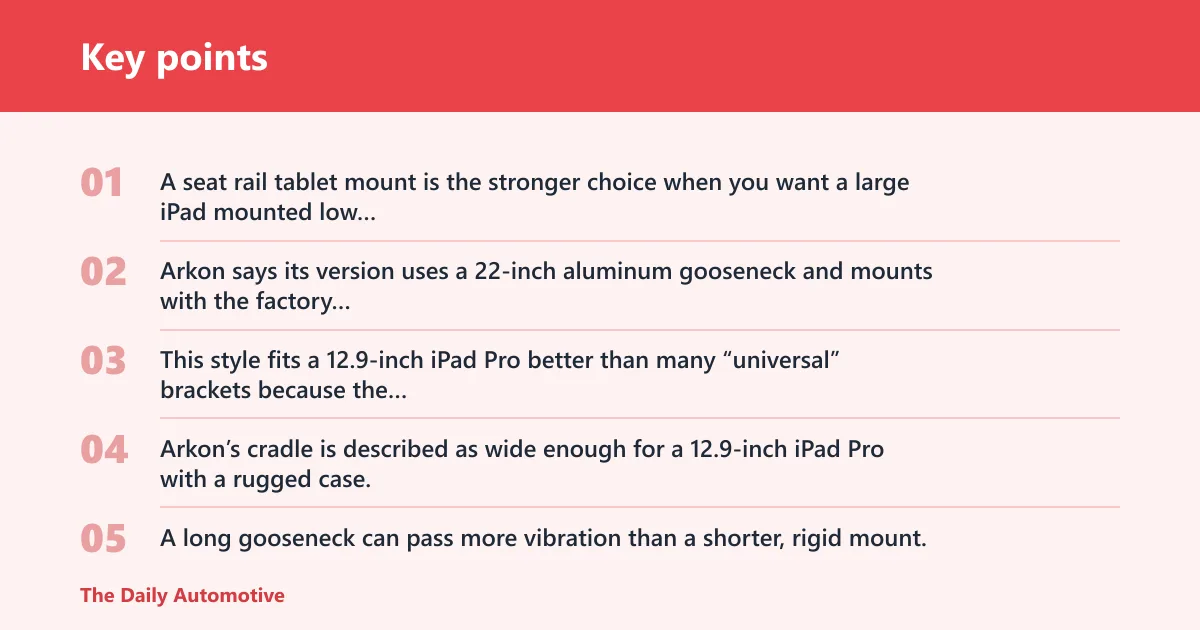
A seat rail tablet mount is the stronger choice when you want a large iPad mounted low and close to the driver without drilling into the cabin. Arkon says its version uses a 22-inch aluminum gooseneck and mounts with the factory seat bolt, not drilling, which matters when you want a permanent-feeling setup that can still come out later.
This style fits a 12.9-inch iPad Pro better than many “universal” brackets because the mount is built around width and reach, not just tablet marketing. Arkon’s cradle is described as wide enough for a 12.9-inch iPad Pro with a rugged case, and that is the detail that matters for buyers using thicker covers or a bumper case.
The trade-off is movement. A long gooseneck can pass more vibration than a shorter, rigid mount, especially on broken pavement or gravel. It is also a poor choice if the seat rail area is crowded, if the power cable has to cross the center tunnel, or if the tablet needs to be swapped to another vehicle often.
Headrest mount: best for rear-seat viewing
A headrest tablet mount is the better fit when the iPad is for passengers, not driver navigation. It keeps the screen at a usable viewing angle for kids or adults in the second row, and it avoids the reach and sightline problems that come with moving a large tablet toward the front cabin.
Based on the product details, this ELETIUO mount uses silicone construction, adjustable straps, and a foldable design that makes it easy to move between vehicles. The listed 13.4-inch straps help it cover a wide range of headrests, and the anti-slip, non-glare material fits rear-seat viewing where glare can be distracting.
The drawback is obvious: headrest mounts depend on headrest rod spacing and headrest shape. If the rods are unusually wide apart, fixed too low, or built into a non-standard seatback, the mount may sit crooked or not secure well. It also does nothing for front-seat navigation, which is the wrong job for this style.
What the fit matrix shows
This is the part most buyers skip, and it is usually where the mistake happens. The label on the box may say “fits iPad Pro 12.9,” but the real decision comes down to clamp width, case thickness, mounting surface, and whether the tablet still has room for a charging cable.
| Criteria | Seat rail mount | Headrest mount | Simple score |
|---|---|---|---|
| iPad size with case | Best chance of fitting a 12.9-inch iPad Pro with a rugged case if the cradle width and corner grips clear the shell | Usually fits large tablets more easily for rear-seat use, but still depends on clamp width and strap tension | Seat rail 5/5; Headrest 4/5 |
| Vehicle mounting point | Seat rail, using the factory bolt under the seat | Headrest posts or straps around the seatback | Seat rail 5/5; Headrest 5/5 |
| Install time | Slower, because the mount has to be positioned around the seat rail and tightened securely | Usually faster, with tool-free or strap-based fitting | Seat rail 3/5; Headrest 5/5 |
| Windshield blockage risk | Low when placed correctly, since it sits below the dash line | None for the driver, because it stays in the rear seat area | Seat rail 4/5; Headrest 5/5 |
| Vibration resistance | Good if the bracket is rigid, but a 22-inch gooseneck can still flex on rough pavement | Good for ordinary road use, though strap stretch can let the screen bounce slightly | Seat rail 4/5; Headrest 3/5 |
| Heat tolerance | Better than suction on the windshield because it avoids direct glass heat buildup | Also strong, since it sits away from the sun-heated dash and glass | Seat rail 4/5; Headrest 4/5 |
| Charging access | Usually good if the tablet is clamped high enough and the USB-C port stays exposed | Usually good if the mount does not cover the lower edge of the tablet | Seat rail 4/5; Headrest 4/5 |
| Move-between-cars ease | Moderate to low, because it depends on the vehicle’s seat bolt area | High, especially with strap-based designs | Seat rail 2/5; Headrest 5/5 |
| Rough-road performance | Better than suction, but long-arm flex can show up on gravel and potholes | Fine for normal roads, less ideal when passengers repeatedly bump the screen | Seat rail 4/5; Headrest 3/5 |
| Best use case | Front-seat navigation and low, driver-reach placement | Rear-seat entertainment for kids or multiple passengers | Seat rail 5/5; Headrest 5/5 |
Buy only if checklist
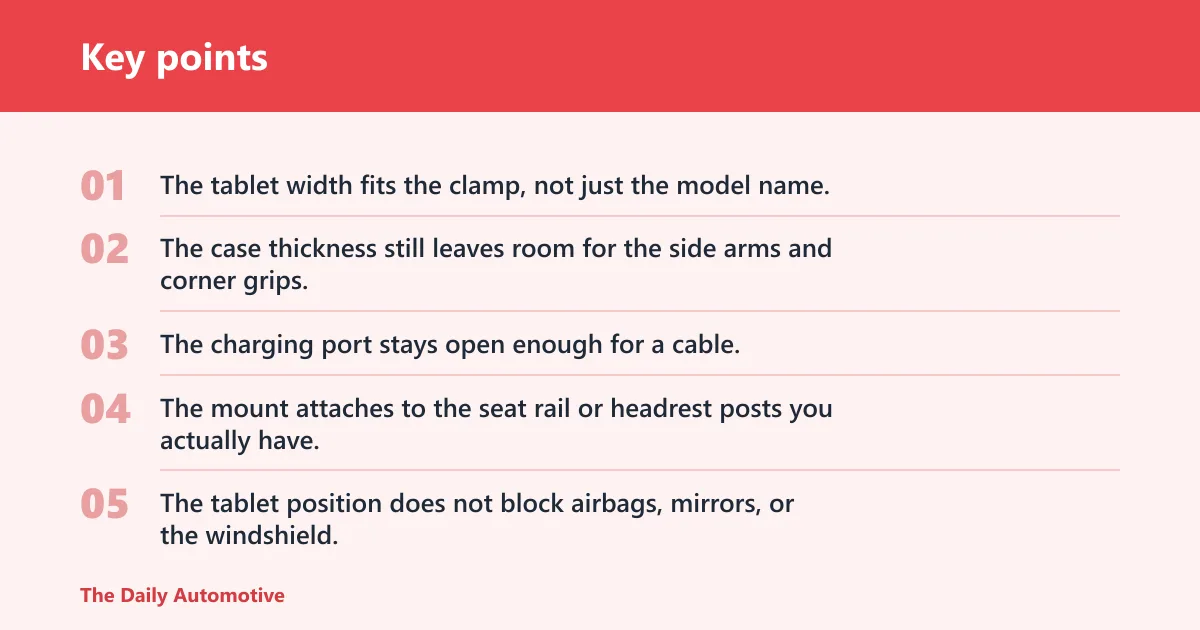
- The tablet width fits the clamp, not just the model name.
- The case thickness still leaves room for the side arms and corner grips.
- The charging port stays open enough for a cable.
- The mount attaches to the seat rail or headrest posts you actually have.
- The tablet position does not block airbags, mirrors, or the windshield.
- The vehicle sees the kind of road use the mount can handle without sagging.
Why fit depends on more than “12.9-inch”
Tablet labels hide the real constraints. A 12.9-inch iPad Pro can still fail a mount if the clamp width is too narrow, if a rugged case adds thickness at the corners, or if the mount covers the USB-C port. That is why “universal” needs a width number, not a marketing phrase.
For large tablets, width is the first number to check. Case thickness is the second. Port access is the third.
How road type changes the result
A mount that feels stable on a smooth city street can act very differently on gravel or patched highway pavement. Seat rail mounts usually resist motion better than suction options, but a long gooseneck can still send vibration to the screen. Headrest mounts avoid dashboard shake, yet strap tension can still let the tablet wobble when passengers enter or exit the second row.
Picture a 12.9-inch iPad Pro in a rugged case on a gravel road. If the clamp width is only barely enough, the screen may stay in place but the arms can flex, and the cable can tug on the port. That is not a fit success.
Charging access and cable routing
Both styles need a plan for the cable. A tablet mount that covers the lower edge of the iPad can block the USB-C connector, and then the driver or passenger has to choose between power and stability. Route the cable so it does not pull the tablet off-center during turns.
A common first-timer mistake is letting the charging lead hang under the screen, where knee movement or seat adjustment can catch it. Keep the cable short enough to stay tidy, but long enough that the tablet can still be removed without yanking the connector.
Will a 12.9-inch iPad fit in a car bracket?
Yes, but only in brackets built for its width and case thickness. A 12.9-inch iPad Pro will not fit every “universal” mount, and some mounts that claim broad tablet support still fail once a rugged case is added or once the USB-C port needs free clearance.
For a large iPad, the safest check is simple: compare the tablet-plus-case width against the cradle width, confirm the side grips do not cover buttons, and make sure the port stays usable. If the mount only lists screen sizes, treat that as incomplete information.
Minimum clamp width to check
Do not rely on diagonal screen size alone. A tablet clamp has to accommodate the actual width of the device body, plus any case bulge around the corners. If the listing does not give a width range, the fit claim is weak.
That is why some large-tablet brackets work for a bare iPad but not a rugged one. The case changes the real dimensions, and the mount has no way around that.
Where universal claims break down
“Universal” fails first at the edges: oversized rugged cases, thick corner protection, odd headrest post spacing, and power cables that need room to bend. Universal also fails when a mount is sized for a narrower tablet family. For example, RAM Mounts X-Grip Large is rated best for off-road and fleet ball systems, but it fits only tablets 7–8 inches wide, which leaves many 12.9-inch iPads out of range.
Choose seat rail mount or headrest mount
Choose the seat rail mount if you need front-seat navigation, a low dashboard-level position, and better control over a large tablet’s reach. Choose the headrest mount if rear-seat viewing matters more than driver access, especially for kids or passengers who need the screen centered at eye level.
Buy the seat rail mount if…
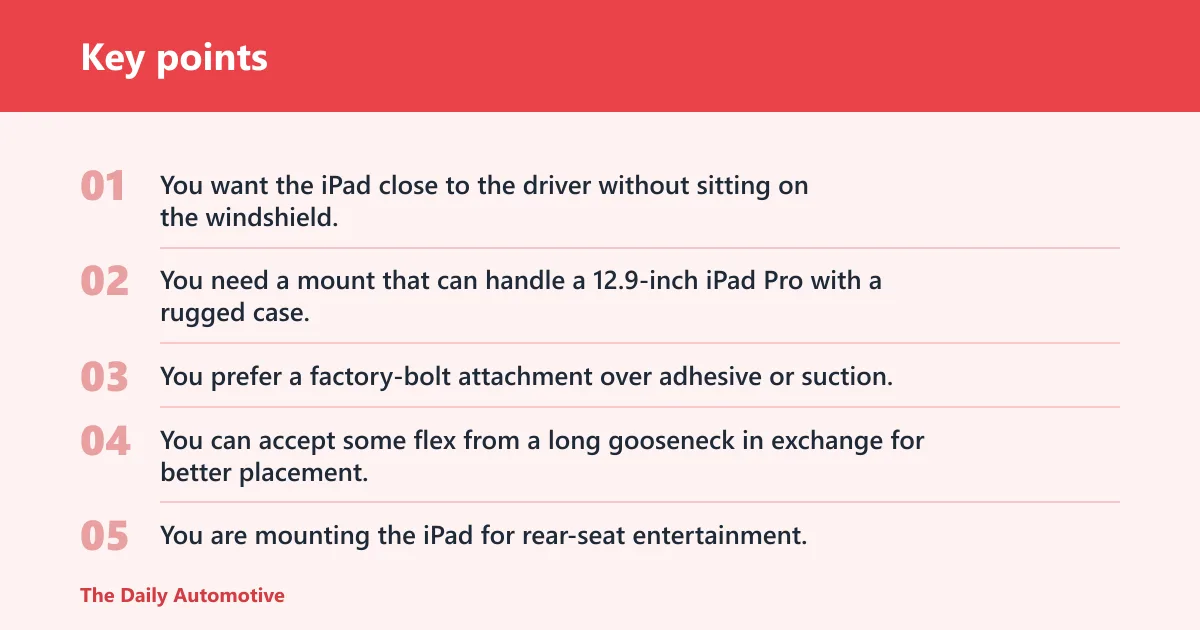
- You want the iPad close to the driver without sitting on the windshield.
- You need a mount that can handle a 12.9-inch iPad Pro with a rugged case, provided the cradle width allows it.
- You prefer a factory-bolt attachment over adhesive or suction.
- You can accept some flex from a long gooseneck in exchange for better placement.
Buy the headrest mount if…
- You are mounting the iPad for rear-seat entertainment.
- You care about a stable viewing angle for kids or multiple passengers.
- You want an easier move-between-cars setup.
- You have standard headrest posts or straps that the mount can actually secure around.
Why other mount types are not the main answer here
Suction-cup dash and window mounts can work, but they are less predictable on textured dashboards, hot cabins, and longer vibration exposure. Glass is the better surface for suction; textured dash plastic is not. Some models add an adhesive disk to help, but that is still not the same as a rigid seat-rail attachment.
Cup holder mounts solve a different problem. APPS2Car claims a 7 to 12.4 inch screen compatibility range, and Thewearify lists one APPS2Car cup holder mount at 2.6 to 4.0 inches in diameter with height adjustable from 8 to 11 inches. That can be useful in a rental car or a second vehicle, but it usually puts a large tablet too low for front-seat navigation.
Gooseneck arms need special caution. They are useful when you need reach, but reach is not the same as stability. Longer arms can sag, drift, and transmit vibration, especially if the road surface is rough or the tablet is heavy.
Frequently asked questions
What is the best iPad bracket for car use?
For front-seat use, the best bracket style is a seat rail mount because it places the tablet low, keeps the windshield clearer, and can support a large iPad Pro if the clamp width and case clearance are right. For rear-seat use, a headrest mount is the better choice because it aims the screen at passengers instead of the driver.
Is a headrest tablet mount better than a dash mount for an iPad?
For rear-seat viewing, yes. A headrest mount is usually better because it avoids the heat and glare that can hit a dash mount, and it places the screen at a more comfortable angle for passengers. A dash mount still makes more sense for driver navigation, where the tablet needs to stay near the front and out of the rear-seat line of sight.
What mount type is most stable for a tablet in a car?
For large tablets, a rigid seat rail mount is usually the most stable front-seat option because it attaches to the factory bolt area instead of relying on suction. That said, stability still depends on arm length and build quality. A short, rigid arm usually moves less than a long gooseneck.
Which iPad car bracket works best for rough roads and vibration?
A seat rail mount is usually the better rough-road choice because it avoids suction failure on heat-softened glass mounts and textured dashboards. Even so, long gooseneck arms can still transfer motion, so the best result comes from a mount with limited flex and a clamp sized correctly for the tablet and case.
Can I use an iPad bracket for car navigation without blocking the windshield?
Yes, if you place the tablet low enough and avoid windshield mounts that sit too high in the driver’s sightline. A seat rail mount is often the safer route because it keeps the iPad below the dash line. The rule is simple: if the tablet hides road view or mirror sightlines, the placement is wrong.
What is the difference between a seat rail mount and a cup holder mount for an iPad?
A seat rail mount fixes to the factory bolt area under the seat and can place the iPad higher and closer to the driver or passenger. A cup holder mount uses an expandable base inside the holder and usually gives more vehicle-to-vehicle flexibility, but the screen often sits lower and farther back than is ideal for navigation.
Which iPad bracket works with a rugged case on?
Any bracket that lists enough clamp width and enough thickness allowance can work, but the fit has to be checked against the actual case dimensions. The same source says its cradle is wide enough for a 12.9-inch iPad Pro with a rugged case. Universal claims without width or thickness data are not enough for a large tablet.
Are universal tablet mounts really universal for large iPads?
Not really. “Universal” only means the mount covers a range, and that range can still exclude a 12.9-inch iPad Pro once a rugged case, thick corners, or port clearance is added. RAM Mounts X-Grip Large is a clear example: it uses a B-size ball pattern and is aimed at tablets 7–8 inches wide, so it is not automatically a large-iPad solution.
Products related to this article
Sponsored / affiliate links. As an Amazon Associate I earn from qualifying purchases. I may earn additional commission from eligible campaigns.