Best Car Tablet Holders for Road Trips (2026): We Compared
Choose the mount by car layout first: headrest straps for most SUVs and minivans, seatback mounts for fixed headrests, and overhead or floor posts for third-row users; pick a model rated for your tablet’s diagonal size and weight. Get the fit wrong and the tablet sags, blocks vents or airbags, and turns a long drive into a rattling, distracting mess. This guide compares car tablet mounts for backseat streaming by vehicle type, tablet size, stability, and passenger use case. The safest default for families is a rear-seat headrest mount because it keeps the screen off the driver’s line of sight.
Quick comparison
| Product | Badge | Best for | Price | ||
|---|---|---|---|---|---|
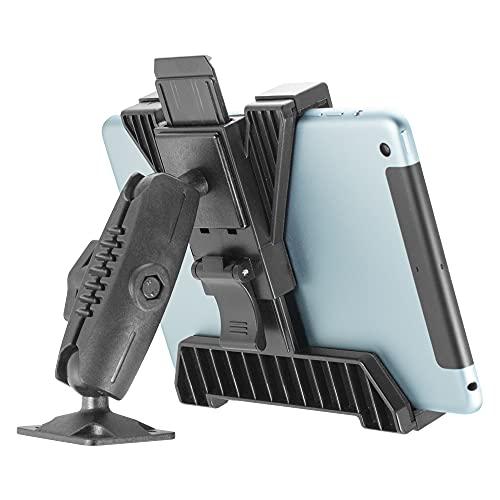 |
iBOLT TabDock BizMount AMPS Tablet Drill Base Mount | HeavyiBOLT | Our pick | 7-11" · Heavy duty · ELD-compatible | $27.00
Price as of 22 Oct 2026
|
View |
 |
OHLPRO Tablet Mount for Car & Truck Dashboard – 360° SwivelOHLPRO | Also great | 5-13" · 360° swivel · Drill-base | $23.99
Price as of 22 Oct 2026
|
View |
 |
Porfortop Aluminum Heavy Duty Drill Base Tablet Holder CarPorfortop | Budget pick | 4.7-10.6" · Aluminum · 2-stage arm | $14.99
Price as of 22 Oct 2026
|
View |
Use the table below to match the mount to your vehicle before you pick a brand. The biggest differences are where the mount can physically attach, how thick a case it can clear, and whether the install works with your seat layout.
For backseat movie nights, headrest mounting is usually the cleanest fit. For rough roads or thick cases, cup holder and clamp styles deserve a closer look.
How we chose
These picks are based on published product details, fit claims, and buyer feedback, not hands-on testing. The filter started with vehicle layout, then moved to tablet size, case thickness, clamp depth, and whether the mount keeps the screen away from the driver.
Three questions mattered most: does the car have headrest rods, does the tablet fit inside the stated range, and does the mount stay steady when the road turns choppy? Safety came next, especially for front-seat placement and windshield use.
One more filter mattered for road trips: the mount had to support the common entertainment jobs, from movies and games to audiobooks and kid-friendly rear-seat viewing.
Headrest mounts: best for backseat kids
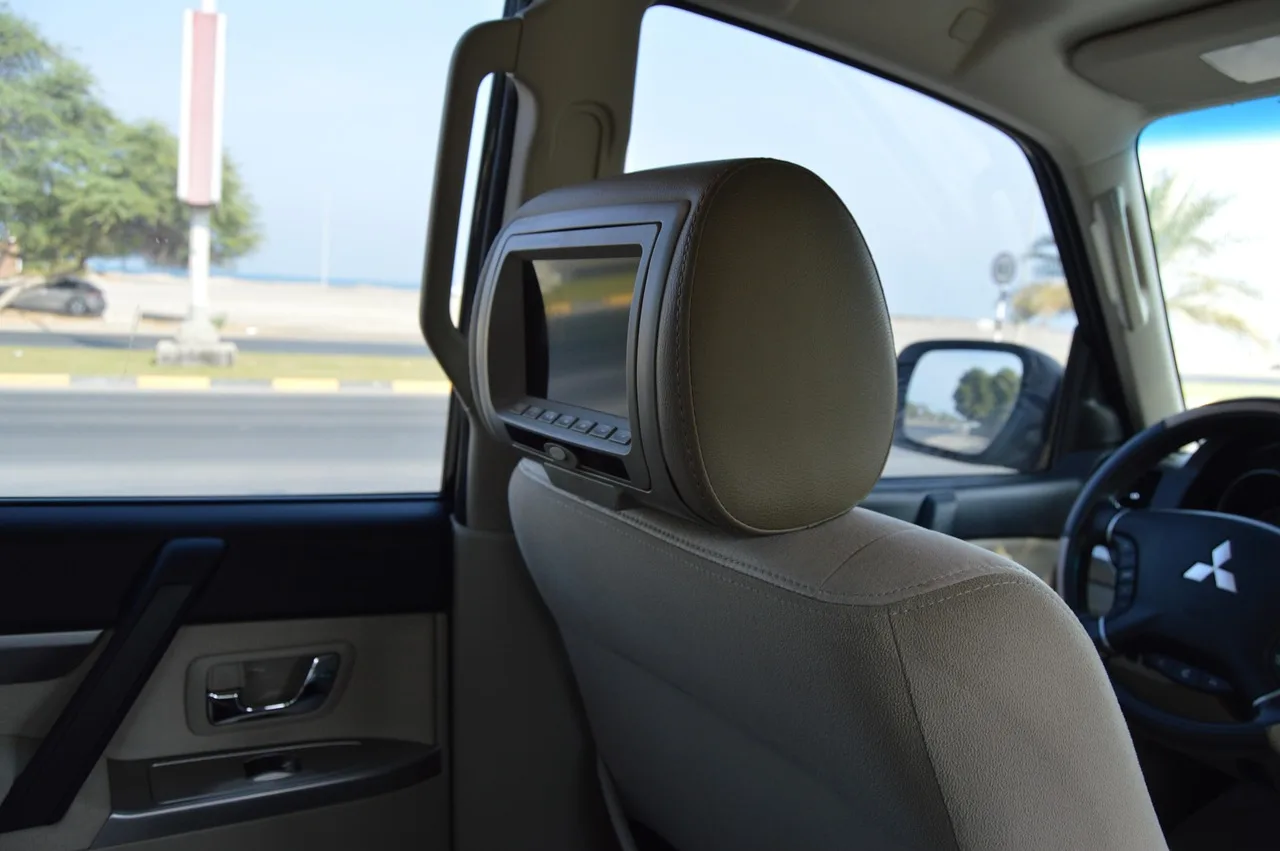
Headrest mounts are the best default for backseat entertainment when the vehicle has exposed headrest rods. They keep the tablet in the rear seat, usually install without tools, and commonly add 360-degree rotation for shared viewing and glare reduction. They are not a fit for cars without headrest rods, and unusual rod spacing can stop the mount from attaching.
Why this layout works
Backseat kids need a screen that stays centered, easy to reach, and out of the driver’s view. A headrest mount does that better than a windshield or dash setup, and it usually gives the rear passenger the best angle for movies, games, and short-form shows.
In many family vehicles, the mount can sit behind one seat or between two seats, which helps with sibling sharing. The tradeoff is simple: if the car has fixed headrests, no rods, or unusually narrow spacing, this style drops out of the running.
iBOLT TabDock BizMount AMPS Tablet Drill Base Mount: best for heavy-duty backseat use
This iBOLT mount makes sense for families or fleet-style vehicles that need a rugged, fixed tablet station for 7-11-inch tablets and ELD use. The four contact points are the standout detail, because they are designed to hold bulkier cases more securely than shallow spring clamps.
The downside is obvious: this is a drill-base setup, so it is not the fast swap-in option many road-trippers want. It is also narrower than the biggest tablet mounts, so 12.9-inch tablets and larger 15.6-inch devices are out of range.
Where headrest mounts fail
Headrest mounts fail most often for one of three reasons: no rods, odd rod spacing, or a tablet that is too large for the holder’s clamp range. If the tablet is in a thick rugged case, the mount needs extra depth or a very forgiving grip, or the device will sit crooked or slip.
Cars with fixed headrests are the clearest no-go. So are some third-row layouts where the seatback position leaves no usable attachment point for a rear-seat screen.
Cup holder mounts: best for stability
Cup holder mounts are often the steadier choice when you need a solid base and a taller viewing position. They can work well for second-row passengers, rear passengers with a usable console cup holder, or front passengers using a tablet for media and audiobooks while parked. The key is fit: if the cup diameter is wrong, the mount wobbles or will not lock down properly.
Why cup holder fit matters more than marketing
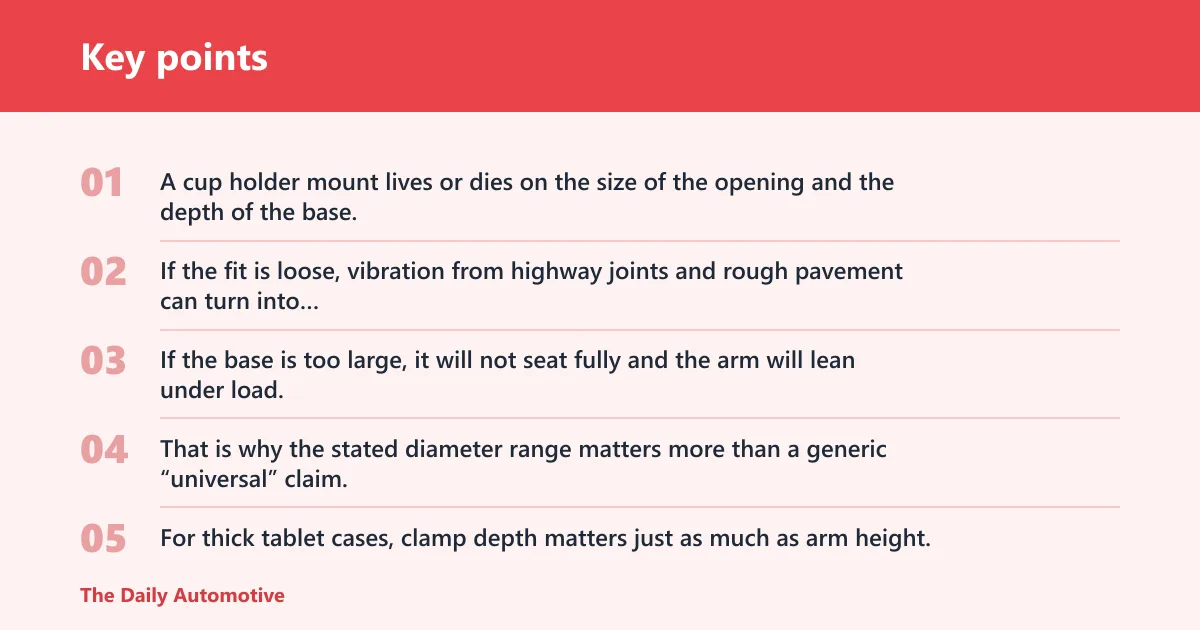
A cup holder mount lives or dies on the size of the opening and the depth of the base. If the fit is loose, vibration from highway joints and rough pavement can turn into visible shake. If the base is too large, it will not seat fully and the arm will lean under load.
That is why the stated diameter range matters more than a generic “universal” claim. For thick tablet cases, clamp depth matters just as much as arm height.
eSamcore cup holder tablet mount: best for broader tablet support
The eSamcore mount is the strongest fit pick for mid-size tablets because it is listed for devices from 6 to 12.9 inches. It also adjusts height up to 15 inches and uses a deep 1.57-inch clamp, which gives it a better shot at clearing thicker cases than many shallow-grip holders.
The main limitation is the cup holder itself. If your vehicle has a very small, irregular, or very shallow cup opening, the base may not sit as securely as the spec sheet suggests.
YYDBS cup holder tablet mount: best for a lower-cost tall arm
The YYDBS mount brings a 14.5-inch adjustable height arm and a deep 1.38-inch clamp, which is useful when you want the screen higher without moving it to the windshield. It is a sensible match for road trips where rear passengers need easier visibility and the device is not oversized.
Its drawback is the same one cup holder mounts often face: the vehicle’s cup diameter has to cooperate. On rough roads, a loose fit can reveal itself quickly.
Are cup holder tablet mounts more stable than headrest mounts?
Not always. Cup holder mounts can feel steadier when the base fits tightly and the arm is short, but headrest mounts usually place the tablet closer to the passenger and out of the vibration path from the floor. The better choice depends on cup size, seat layout, and how much arm height you need.
For rough roads, the most stable option is often the one with the shortest unsupported arm and the tightest mounting point. That usually means either a well-fitted cup holder mount or a headrest mount with a compact arm and a snug rod fit.
Are windshield mounts worth it?
Windshield mounts are worth considering only when you need a front-seat viewing angle and the vehicle layout leaves no better option. They use a large suction cup and a gooseneck arm, but they can block the driver’s view, distract the driver, and may run into local rules about windshield placement. For road-trip entertainment, that makes them a conditional choice, not a default.
APPS2Car windshield tablet mount: best only when front placement is acceptable
The APPS2Car mount uses a 4.33-inch suction cup and a double-ribbed gooseneck arm, which are the kinds of details that can help it hold position on a windshield or dashboard surface. That makes it more suitable for a front-seat passenger watching media or using a tablet while parked.
The drawback is serious: front placement can obstruct the driver’s view or violate local windshield-mount laws. For family road-trip entertainment, that safety tradeoff usually keeps it behind headrest and cup holder options.
Why driver visibility and local rules can rule it out
A tablet near the driver’s eye line can create a distraction even when it looks compact on paper. It can also interfere with defroster lines, mirrors, and the driver’s ability to see pedestrians, bikes, or lane markings.
If you are tempted to use a windshield mount, put passenger safety and local law first. The best road-trip entertainment setup is the one that does not compete with the driver’s job.
Tablet mount compatibility matrix
This matrix shows how common car layouts line up with tablet size, case thickness, and likely failure points. It is the fastest way to rule out the wrong mount type before you compare brands.
| Car layout | Tablet size range | Case thickness | Likely failure point | Best match | Quick recommendation |
|---|---|---|---|---|---|
| Headrest rods, standard spacing | 7 to 12.9 inches | Thin to medium cases | Clamp too shallow for rugged cases | Headrest mount | Families with rear-seat viewers |
| Headrest rods, unusual or narrow spacing | 7 to 10.6 inches | Thin cases | Mount will not seat evenly | Compact headrest mount or alternate layout | Rear-seat passengers only if spacing fits |
| No headrest rods, fixed headrests | Any supported size | Any supported thickness | No attachment point | Cup holder or suction cup, depending on use | Solo drivers should avoid driver-facing placement |
| Cup holder diameter matches base | 6 to 12.9 inches | Medium to thick cases | Loose base causes wobble | Cup holder mount | Good for rough roads if the base fits tightly |
| Small or shallow cup holder | 6 to 10.6 inches | Thin cases | Base does not seat fully | Different mount style | Rear-seat passengers may need a headrest option |
| Windshield or dashboard access | 5 to 13 inches | Thin to medium cases | Driver visibility and law issues | Suction cup mount | Use only when it stays clear of the driver’s view |
| Third-row seating with limited reach | Up to 15.6 inches | Medium cases; rugged cases need deep clamp | Arm flex and long reach increase shake | Long-arm rear-seat solution or dedicated third-row setup | Rear-seat passengers need the screen closer, not farther |
Likely failure points by mount style
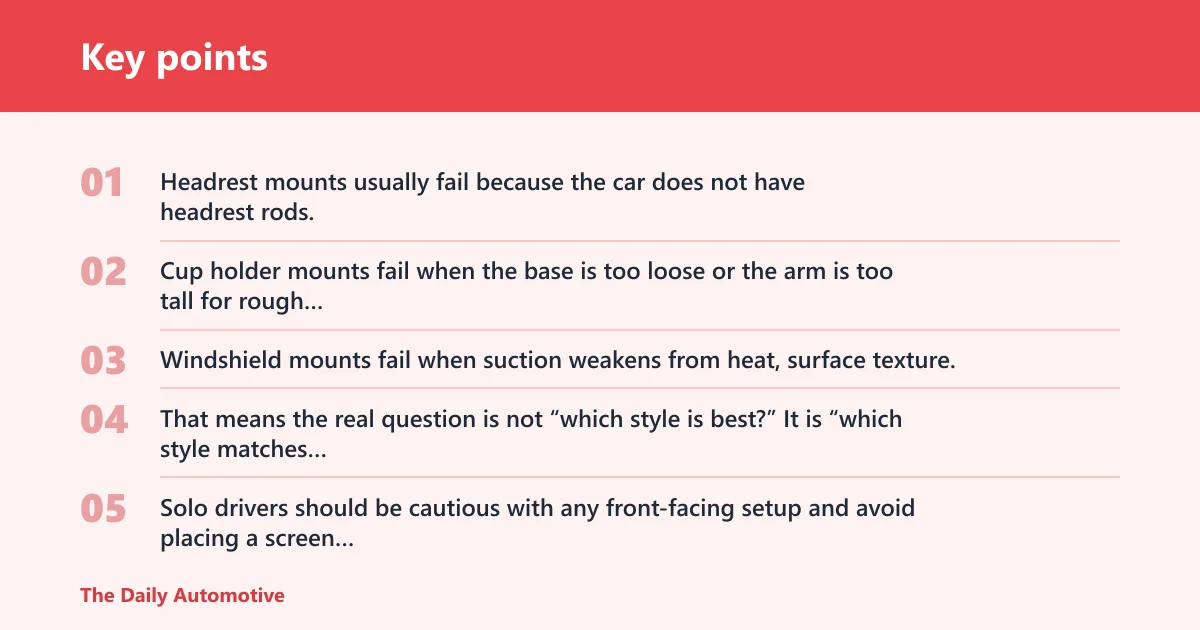
Headrest mounts usually fail because the car does not have headrest rods, the rods are spaced oddly, or the clamp cannot clear a thick case. Cup holder mounts fail when the base is too loose or the arm is too tall for rough pavement. Windshield mounts fail when suction weakens from heat, surface texture, or repeated repositioning.
That means the real question is not “which style is best?” It is “which style matches this vehicle and this tablet without forcing the hardware outside its comfort zone?”
Best match for families, solo drivers, and rear-seat passengers
Families usually get the most use from headrest mounts because they support shared rear-seat viewing and keep the tablet away from the driver. Solo drivers should be cautious with any front-facing setup and avoid placing a screen where it can block controls or sightlines. Rear-seat passengers in vehicles with awkward headrests may do better with a cup holder mount if the cup size fits.
Say your minivan has exposed headrest rods and a 10.2-inch tablet in a slim case. A headrest mount is the cleanest fit. Suppose your SUV has fixed headrests but a deep center cup holder and a rugged iPad case. A cup holder mount with a deep clamp is the safer bet.
Which one should you buy?
If you want the safest default for backseat entertainment, start with a headrest mount. If your tablet is larger or you need more height, a cup holder mount with a long arm and a deep clamp is the better fit. If you only have a windshield or dashboard option, treat it as a front-seat solution and confirm that it does not block the driver’s view or break local rules.
For thicker rugged cases, do not trust “universal” alone. Look for explicit clamp depth, and prefer mounts that state a case limit or use deep contact points.
For rough roads, keep the arm short whenever possible. A shorter, tighter mount shakes less than a long arm hanging far from its anchor point.
- Choose the vehicle layout first. Headrest rods, cup holder diameter, and windshield access decide most of the outcome.
- Match the tablet size next. A mount listed for about 6 to 12.9 inches is unlikely to fit a 15.6-inch tablet.
- Check case thickness. Thick rugged cases need deeper clamps and more grip surface.
- Separate comfort from safety. A rear-seat screen can be comfortable without putting anything in the driver’s sightline.
- Favor simpler geometry on rough roads. Less arm length usually means less shake.
Frequently asked questions
What is the best car-mounted tablet holder for road trip entertainment?
For most families, a headrest tablet holder is the best default because it keeps the screen in the back seat, supports shared viewing, and avoids driver distraction. A cup holder mount can be better if the car lacks usable headrest rods or if you need more height for a thicker case.
Which tablet holder is best for backseat kids on long car rides?
A headrest mount is usually the best fit for backseat kids because it keeps the tablet centered at eye level and out of the driver’s space. It also works well for movies, games, and audiobooks when the car has exposed headrest rods and enough spacing for the mount to attach.
Do headrest tablet holders work in every car?
No. They need headrest rods, and the spacing has to match the mount’s design. Cars with fixed headrests, unusual rod spacing, or third-row seats without usable posts may need a different style, such as a cup holder or other rear-seat solution.
Will a tablet holder fit a thick case or rugged iPad case?
Only if the clamp depth is generous enough. The Lamicall thick case holder is designed for tablets with cases up to 1 inch thick, while other mounts list deep clamps such as 1.57 inches or 1.38 inches. Always compare the case thickness with the mount’s grip depth before buying.
How do I stop a tablet mount from shaking on bumpy roads?
Pick the shortest arm that still gives a clear view, tighten every joint, and make sure the base fits the vehicle snugly. A loose cup holder base, a long gooseneck, or a clamp that barely clears the tablet will all add shake on potholes and rough pavement.
What size tablets fit car-mounted tablet holders?
Common mounts cover a wide span, from about 4.7-inch devices up to 15.6-inch tablets depending on the model. The eSamcore cup holder mount is listed for 6 to 12.9 inches, while the PLDHPRO headrest holder supports devices up to 15.6 inches. Check the full range, not just the headline size.
Is a suction cup or headrest tablet mount better for road trips?
For rear-seat entertainment, a headrest mount is usually better because it keeps the tablet away from the driver’s view and aimed at the passengers who need it. A suction cup mount can work for front-seat use, but it needs extra caution because it may block visibility or conflict with local windshield rules.
Products related to this article
Sponsored / affiliate links. As an Amazon Associate I earn from qualifying purchases. I may earn additional commission from eligible campaigns.