JVC Car Stereo Review: Features, Value, and Fit
JVC car stereos are worth buying if you want solid smartphone integration and a lower total price than many competitors. Start with a wireless CarPlay/Android Auto model if your car has steering-wheel controls or you plan to keep it long term. Choose the wrong receiver or install path, and you can waste money on missing features, extra dash kits, and labor that can double the system price. This guide maps JVC receiver families to real use cases, install complexity, and full cost.
Verdict and value


JVC is a sensible buy if you want more features for the dollar, especially on models with wireless phone support, camera inputs, and vehicle-data integration. The lineup is broad enough to cover older cars, commuter upgrades, and larger-screen installs, but total value depends on fit parts and labor, not the head unit alone.
What JVC does well
- Multiple receiver families for different dash layouts, including Direct Replacement receivers, Multimedia receivers, and In-Dash Receivers.
- Bluetooth connectivity across the current buyer-facing range.
- Apple CarPlay support and Android Auto support on the models that matter most for daily use.
- Useful extras such as HDMI input, 4-camera input, Alexa support, HD Radio, SiriusXM support, and 13-band EQ on selected units.
- iDatalink Maestro readiness on certain models for vehicle-data and factory-feature retention.
Where JVC lags or adds cost
- Install parts can push the final price up quickly, especially if you need steering wheel control retention or camera integration.
- Some screens are resistive rather than capacitive, which changes touch feel and glove-friendly use.
- Floating-screen and large-screen units can fit poorly in shallow dashes or older trim panels.
- Feature-rich models are less compelling if your car needs several adapters to retain stock functions.
Fit and interface tradeoffs
Screen size is not the only fit issue. A 10.1-inch or 9-inch floating design may solve visibility but create clearance problems around vents, hazard buttons, or climate controls. A 6.8-inch fixed unit can fit more cars cleanly, while a capacitive screen usually feels more responsive than a resistive panel.
Say your car has a shallow dash and a factory HVAC stack close to the radio opening. A 9-inch floating screen may block a corner vent or sit too far forward, while a fixed 6.8-inch unit keeps the install tidy and leaves the cabin controls easy to reach.
Pros and cons
Pros
- Broad range of screen sizes and layouts.
- Wireless and wired CarPlay and Android Auto options on the right models.
- Strong feature mix for the money on upper trims.
- Maestro support on select units helps preserve factory functions.
Cons
- Install accessories can erode the bargain if your car needs several adapters.
- Resistive touch on some units is less slick than capacitive touch.
- Floating screens do not suit every dash.
- Not every model includes the same integration features.
Who it’s for
JVC fits drivers who want modern phone integration without paying top-tier premium-brand pricing. It suits older cars that need USB, Bluetooth, and smartphone maps, family vehicles that benefit from camera inputs, and daily drivers where wireless phone connection matters more than CD playback.
It is a weaker match for buyers who want a simple radio swap with no add-on parts, or for cars where the dash opening is too tight for a large floating screen. If you want OEM-style continuity, focus on Maestro-ready models and check the manufacturer’s listing for your model.
A common first-timer mistake is buying the head unit first and the install parts later. A receiver that looks like a bargain can become expensive once you add the correct dash kit, antenna adapter, USB routing, and steering wheel control interface.
Receiver decision table
| Model | Receiver family | Screen size | Smartphone support | Camera inputs | Integration features | Best use case |
|---|---|---|---|---|---|---|
| KW-Z1000AW | Multimedia receiver | 10.1-inch HD screen | Wireless and wired Apple CarPlay; wireless and wired Android Auto; Bluetooth | 4-camera input | HDMI input; iDatalink Maestro ready | Large-dash builds, trucks, and drivers who want the biggest display plus full phone support |
| KW-Z800AW | Multimedia receiver | 8.0-inch HD screen | Wireless and wired Apple CarPlay; wireless and wired Android Auto; Bluetooth | 4-camera input | HDMI input | Drivers who want a large screen without moving to the biggest floating or tablet-style layout |
| KW-Z900W | Multimedia receiver | 9-inch HD floating screen | Wireless and wired Apple CarPlay; wireless and wired Android Auto; Bluetooth | Not listed in the supplied data | Wireless mirroring; iDatalink Maestro ready | Wide dashboards and shoppers who want a premium floating layout with phone-first convenience |
| KW-V960BW | In-dash receiver | 6.8-inch clear resistive touch monitor | Wireless Apple CarPlay; wireless Android Auto; Bluetooth | 4-camera input | 13-band EQ | Older cars, tight dash openings, and buyers who want wireless phone support in a compact body |
| KD-T925BTS | CD receiver | Not listed in the supplied data | Bluetooth | Not listed in the supplied data | Front & Rear Dual USB; SiriusXM-ready; Amazon Alexa; 13-band EQ; variable-color illumination | Drivers who still use discs, want simple controls, and need modern connectivity without a screen-heavy install |
| KD-X480BHS | Digital media receiver | Not listed in the supplied data | Bluetooth; USB | Not listed in the supplied data | HD Radio; SiriusXM; Amazon Alexa | Budget-minded builds that do not need a disc slot or touchscreen but still want current audio sources |
Which JVC head unit fits your car?
The best JVC head unit depends on dash space, phone habits, and how many factory features you want to keep. For Apple CarPlay or Android Auto first, choose one of the wireless models. For older vehicles and cleaner installs, a compact in-dash receiver is easier to fit and cheaper to support with the right parts.
Best pick for Apple CarPlay
The KW-Z1000AW is the safest call if screen size and full phone integration matter most. It pairs wireless and wired CarPlay with a 10.1-inch HD screen, and it also gives you HDMI input and iDatalink Maestro readiness for more complex installs.
Best pick for Android Auto
The KW-Z800AW and KW-Z1000AW both cover wireless and wired Android Auto, so the choice comes down to size. Pick the KW-Z800AW if an 8.0-inch HD screen fits your dash better; move up to the KW-Z1000AW if a larger display suits your vehicle.
Best pick for trucks and older vehicles
The KW-V960BW is the better fit when you want wireless CarPlay and wireless Android Auto without the bulk of a 9-inch or 10.1-inch layout. Its 6.8-inch clear resistive touch monitor can be easier to package in older dashboards, and the 4-camera input matters for larger vehicles.
Best pick for a clean OEM-style install
The KW-V960BW and KD-T925BTS are the practical choices for a cleaner-looking dash, depending on whether you want a screen. The KD-T925BTS keeps a traditional radio shape, while the KW-V960BW adds wireless phone support in a compact footprint.
Is JVC a good brand for car audio?
Yes, if you judge JVC by usable features rather than badge prestige. The catalog covers Direct Replacement receivers, Multimedia receivers, and In-Dash Receivers, which means you can shop by fit and function instead of forcing one product type into every car. That matters more than marketing.
What JVC offers across its receiver lineup
JVC lists Car Entertainment as a product category on its USA site, and the receiver range includes Bluetooth, USB, CarPlay, Android Auto, and integration options on selected models. The mix is broad enough to cover CD users, smartphone-first drivers, and buyers who want camera support.
How JVC compares on value
JVC’s value improves when the receiver fits your car without a long list of add-ons. If you need only a head unit and a simple adapter, it can be a smart buy. If you need a dash kit, antenna adapter, steering wheel interface, and Maestro module, the final bill rises quickly.
Where feature count matters more than badge value
Feature count matters most in older cars and family vehicles. Suppose your sedan lacks a usable infotainment screen and you want backup camera support plus phone maps. In that case, a JVC unit with wireless phone integration and multiple camera inputs can add more day-to-day value than a pricier logo with fewer practical features.
JVC install costs and parts
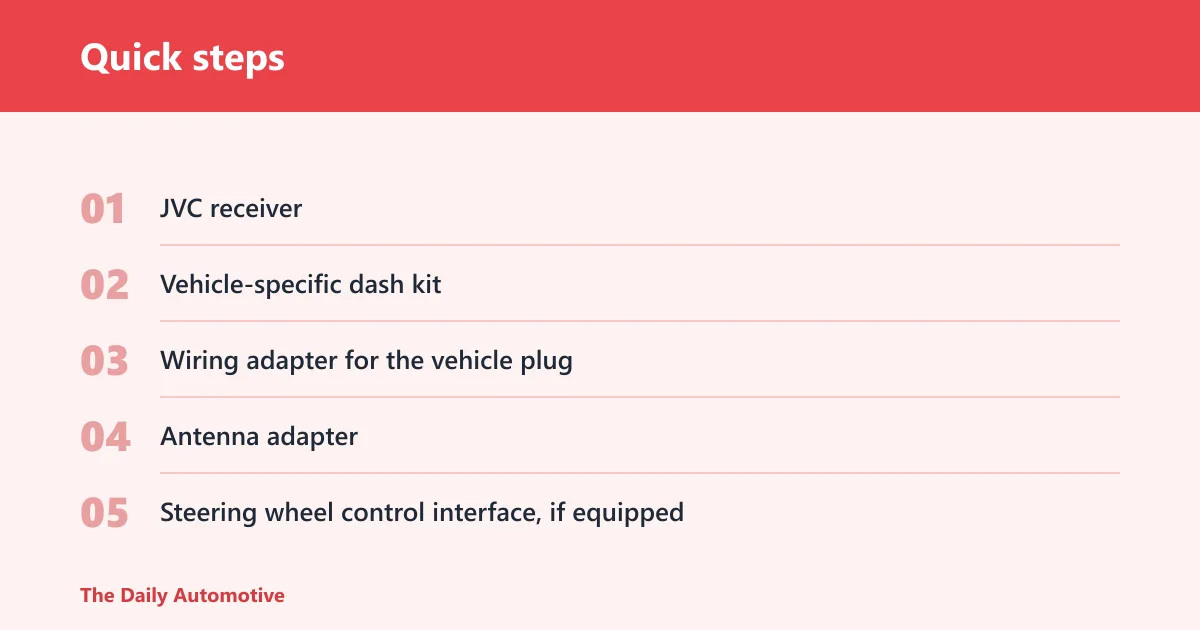
The head unit price is only part of the bill. A clean aftermarket install usually needs a vehicle-specific dash kit, a wiring adapter, and an antenna adapter. If the car has steering wheel audio buttons, camera retention, or factory vehicle-data functions, you may also need a control interface or Maestro-compatible module.
Adapter kits, dash kits, and antenna adapters
These are the baseline parts for most installs. The dash kit fills the opening cleanly, the adapter prevents wire cutting, and the antenna adapter keeps the factory antenna connected. Without them, the install may work but look unfinished.
Steering wheel control retention
Many late-model cars rely on steering wheel buttons for volume, track skip, and source changes. If you want those functions preserved, add the correct control interface. The cost depends on the car, and some vehicles need more involved programming than others.
Camera and Maestro integration
Backup camera retention is common on modern swaps, and JVC’s 4-camera input on some models makes that easier to manage. iDatalink Maestro readiness matters when you want factory data, vehicle settings, or other retained features to keep working after the swap.
Labor cost factors
Labor depends on dash complexity, wiring access, and whether the install needs custom trim work. A simple radio swap can stay moderate, while a floating screen, multiple camera sources, or factory-feature retention can add substantial time. That is why total cost often matters more than the sticker price.
Jvc car stereo review checklist
- JVC receiver
- Vehicle-specific dash kit
- Wiring adapter for the vehicle plug
- Antenna adapter
- Steering wheel control interface, if equipped
- Backup camera adapter or retention parts, if equipped
- Maestro module, if your vehicle and receiver support it
- USB retention parts or extension, if needed for console routing
- Professional labor, if you are not doing the wiring and trim work yourself
Frequently asked questions
Is jvc a good brand for car audio: yes, if you want useful?
Yes, if you want useful receiver features at a lower buy-in than many premium rivals. JVC’s lineup spans direct-replacement, multimedia, and in-dash units, so you can match the product to the dash and the job instead of paying for a one-size-fits-all approach.
Is jvc a good radio brand?
For car radios, JVC is a practical brand. The strongest case is not prestige; it is breadth. Bluetooth, CarPlay, Android Auto, USB, camera inputs, and integration support are spread across the lineup, which makes it easier to choose the right unit for the vehicle.
Are jvc car speakers good?
JVC does sell car speakers, but this article is about receivers because that is where the buying decision usually starts. If you are choosing speakers, check the exact model’s sensitivity, power handling, and fit. Do not assume a head-unit review answers a speaker question.
Does jvc make good car stereos?
Yes, especially if you want smartphone integration, multiple screen sizes, and a clearer path to factory-feature retention on select models. The better JVC stereos are the ones that fit the car cleanly and keep install extras under control.
Is jvc better than kenwood?
Neither brand wins in every case. JVC can be the better value when its feature set matches your needs and its install parts stay simple. Kenwood may be the better pick for a different dash or feature combination. Compare the exact model, not the badge.
What JVC car stereo features matter most
The most useful features are wireless CarPlay or Android Auto, Bluetooth, a screen size that fits the dash, and the right integration support for cameras or steering wheel controls. A 13-band EQ matters if you want more tuning control, but it is less useful than a bad install avoided.
Which JVC head unit is best for Apple CarPlay or Android Auto?
The KW-Z1000AW is the most complete choice because it combines a 10.1-inch HD screen with wireless and wired CarPlay and Android Auto. If you need a smaller body, the KW-Z800AW offers the same phone support with an 8.0-inch HD screen.
How much does a JVC car stereo cost to install?
The final cost depends on the car and the parts needed. A straightforward install may only need an adapter, dash kit, and antenna adapter, while a more complex job adds steering wheel control retention, camera retention, or Maestro gear. Labor can raise the total as much as the receiver itself.
Products related to this article
Sponsored / affiliate links. As an Amazon Associate I earn from qualifying purchases. I may earn additional commission from eligible campaigns.