What Is a Homelink System in a Car? Full Explanation
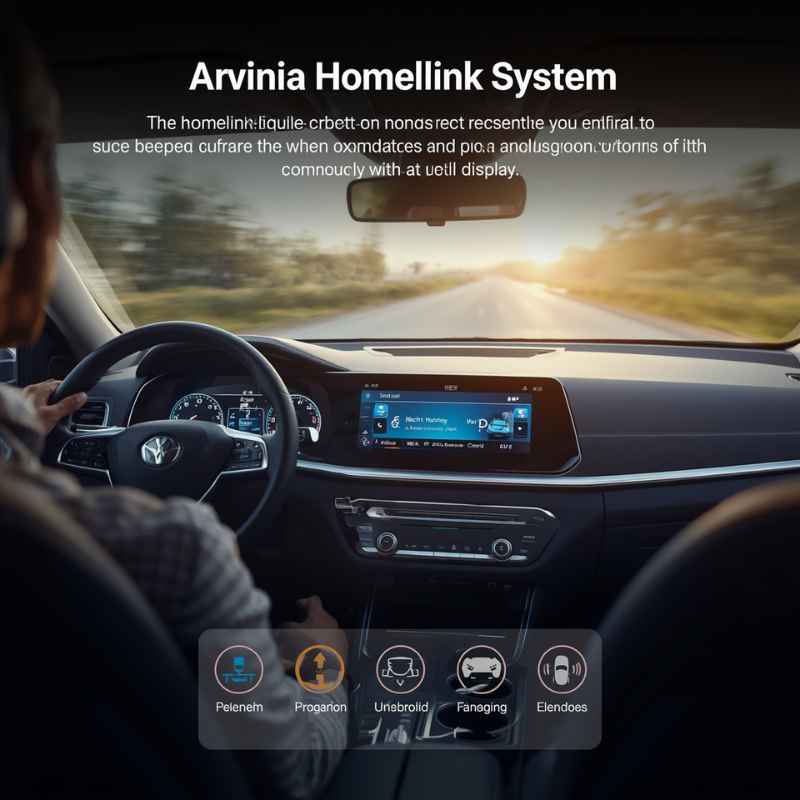
A Homelink system is one of those car features that many people see but few truly understand. If you have ever noticed small buttons near your rearview mirror or overhead console marked with a house icon, you might have wondered what they do.
Homelink is a smart technology that connects your vehicle to devices in your home, making life easier and safer. In this article, you’ll learn what a Homelink system is, how it works, why it matters, and how to use it.
We’ll also cover common questions and compare Homelink to other systems, so you’ll know if it’s right for you.
What Is A Homelink System?
Homelink is a wireless control system built into many modern vehicles. It lets you operate home devices like garage doors, gates, lights, and even security systems from your car. Homelink was first launched in 1995 by Johnson Controls, and today, it’s found in over 50 million vehicles worldwide. The system uses radio frequency signals, similar to the remote controls you use at home, but these controls are integrated into your car.
Instead of carrying multiple remotes for your garage or gates, Homelink lets you program up to three buttons in your car to control these devices. The system is compatible with most garage door brands, gates, and home automation systems in North America and Europe.
Homelink adds comfort and safety, because you can open your garage from inside your car without fumbling for a remote.
How Homelink Works
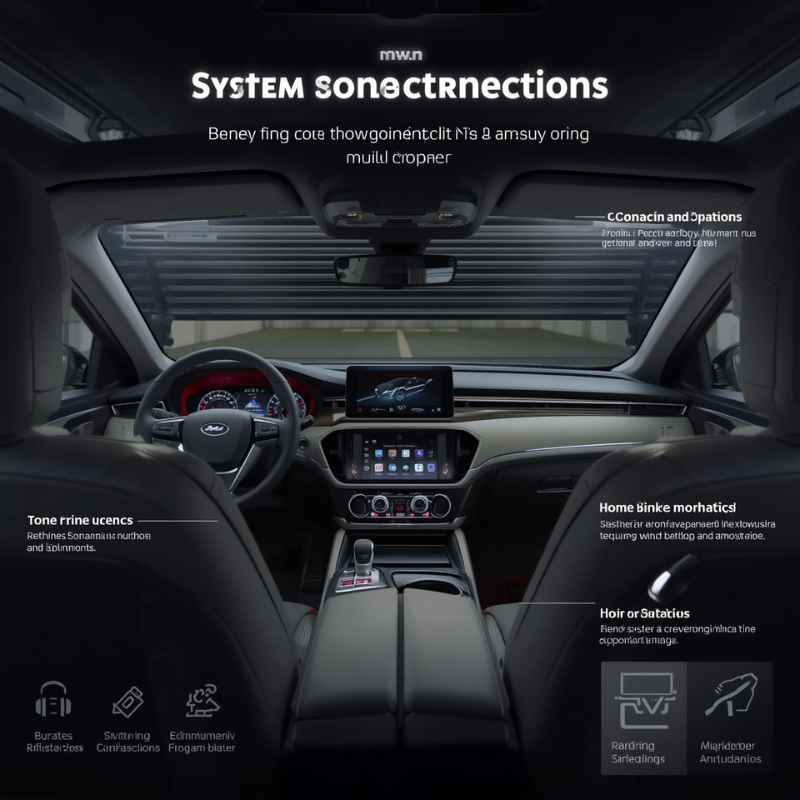
Homelink works by learning the signal from your home device’s remote control. When you press a button on Homelink, your car sends the same signal as your remote. This process is called “programming” or “training.” Homelink systems use either fixed code or rolling code technology, depending on the device they control.
- Fixed code remotes use a single, unchanging signal.
- Rolling code remotes use a changing signal for better security.
Most garage doors made after 1996 use rolling codes. Homelink is compatible with both, but programming is a bit different for rolling code devices.
Training Homelink With Your Remote
To set up Homelink, you follow these steps:
- Hold your remote close to the Homelink buttons.
- Press both the Homelink button and the remote button together.
- Wait for the indicator light to change (usually blinking then solid).
- For rolling code devices, press the “learn” button on your garage opener, then press the Homelink button in your car.
This process takes a few minutes, and you only have to do it once for each device.
Signal Range And Reliability
Homelink’s signal can reach up to 100 feet, depending on your car and device. This is usually enough to open your garage from the driveway. Homelink is reliable because it uses car power, not batteries, so you won’t worry about dead remotes.
However, interference from nearby electronics or thick walls can reduce the signal strength.
Key Features Of Homelink
Homelink is simple but powerful. Here are the main features that make it stand out:
- Three programmable buttons: Control up to three devices (garage doors, gates, lights, etc. ).
- Integrated design: Buttons are built into your car’s interior, so no extra remotes needed.
- Compatibility: Works with most garage doors and home automation systems.
- Security: Supports rolling code systems, which are harder to hack.
- Convenience: Opens devices without leaving your car or searching for a remote.
Some newer Homelink versions also support bidirectional communication. This means your car can tell you if your garage door is open or closed, adding extra peace of mind.
Homelink In Different Car Brands
Homelink is found in many car brands, from luxury models to mainstream vehicles. Here are a few examples:
- Toyota and Lexus: Often included in higher trim levels or as part of a tech package.
- Honda and Acura: Usually found in top trims or as an option.
- Ford and Lincoln: Available in most mid to high-end models.
- BMW, Mercedes-Benz, Audi: Standard in luxury vehicles.
- Hyundai and Kia: Offered in select models.
Some manufacturers use different names for Homelink or integrate it with their own systems, but the core technology is the same.
Homelink Vs. Standard Garage Remotes
Is Homelink better than carrying a regular remote? Let’s look at the differences.
| Feature | Homelink | Standard Remote |
|---|---|---|
| Integration | Built into car | Separate device |
| Power Source | Car battery | Small batteries |
| Security | Supports rolling code | Supports rolling code |
| Device Limit | Up to 3 devices | Usually 1 device |
| Reliability | High, no battery worries | Batteries can die |
| Convenience | No searching, always available | Can be lost/misplaced |
Homelink is more convenient and reliable because you don’t need to carry or charge extra remotes. You also get better integration, which is especially useful for families who share cars or homes.
Homelink And Home Automation
Homelink is more than just garage doors. It can connect to home automation systems if your devices use compatible radio frequencies. For example, Homelink can:
- Turn on house lights when you arrive
- Open driveway gates
- Activate home security alarms
- Control smart locks
This makes Homelink useful for people with smart homes. However, not all smart home devices are compatible. Homelink works best with devices that use radio frequency signals, not Wi-Fi or Bluetooth.
Smart Home Compatibility
Homelink is compatible with brands like Chamberlain, LiftMaster, Genie, and Somfy. Some smart home hubs, such as SmartThings or Alexa, may require extra hardware to connect with Homelink.
A non-obvious insight: Homelink does not directly support voice commands or app control. Its strength is in direct car-to-device communication, which is faster and more reliable than using a phone app while driving.
Security Of Homelink
Security is a major concern for any system that can open your garage or home. Homelink uses strong security protocols:
- Rolling code encryption: Makes it nearly impossible for thieves to copy the signal.
- Factory reset option: Lets you erase all programmed devices if you sell your car.
- No battery removal risk: Unlike portable remotes, Homelink cannot be easily disabled by removing a battery.
However, a common mistake is forgetting to reset Homelink when selling a car. Always erase all stored codes before handing your car to someone else.
How To Program Homelink
Programming Homelink is simple, but many people get stuck on the process. Here’s a step-by-step guide:
- Turn your car’s ignition on.
- Hold the desired Homelink button and the remote button together until the Homelink indicator light changes (usually blinks then stays solid).
- For rolling code devices, press the “learn” button on your garage opener (usually on the opener unit inside the garage).
- Within 30 seconds, return to your car and press the Homelink button twice.
- The indicator light should confirm success.
Some newer cars have touchscreen interfaces that guide you through these steps. If you get stuck, check your car’s manual or visit the Homelink website.
Common Programming Mistakes
A few common mistakes:
- Not holding the buttons long enough
- Not pressing the “learn” button within the correct time frame
- Trying to program from too far away (stay within a few feet)
- Using a drained remote battery (the remote must work)
If your device uses rolling codes, always follow the extra steps. Fixed code devices are simpler and usually program on the first try.
Homelink Version Differences
Over the years, Homelink has evolved. Newer versions add more features:
| Version | Release Year | Main Features |
|---|---|---|
| Homelink I | 1995 | Basic garage/gate control, 3 buttons |
| Homelink II | 2000 | Improved compatibility, rolling code support |
| Homelink III | 2010 | Bidirectional feedback, more device types |
| Homelink Connect | 2018 | App integration, expanded smart home support |
Most vehicles today use Homelink III or Connect. Homelink Connect allows you to use your phone to control devices, but it still focuses on radio frequency for reliability.
Homelink Installation And Upgrades
Homelink comes factory-installed in many cars, but you can add it to older models. Here’s how:
- Purchase an aftermarket Homelink module (costs $100–$300).
- Modules fit into your car’s overhead console, visor, or dashboard.
- Professional installation is recommended, but skilled DIYers can do it.
Upgrading to a newer version is possible, but you must check compatibility with your car’s wiring and software.
A practical tip: If your car doesn’t have Homelink, look for modules from reputable brands. Avoid cheap knockoffs that may not work reliably.
Homelink In Electric And Hybrid Cars
Electric vehicles (EVs) and hybrids often have Homelink, but there are some unique points:
- Homelink is powered by the car’s main battery, not a separate battery.
- Some EVs use touchscreen controls for Homelink, making setup easier.
- Homelink is useful for charging at home, as you can open your garage automatically.
Tesla, for example, offers Homelink as an optional upgrade (about $300), which includes installation.
Homelink And Mobile Apps
A non-obvious insight: Homelink itself does not connect directly to Wi-Fi or mobile apps. However, the latest Homelink Connect version allows limited app control, mainly for smart home devices. The main benefit is still in-car control, not remote access from your phone.
If you want to open your garage with your phone, you need a smart garage opener with app support, like Chamberlain’s MyQ.
Homelink Troubleshooting
Homelink is reliable, but problems can happen. Here are common issues and solutions:
- Device not responding: Check if your garage opener is compatible. Most brands work, but very old models may not.
- Weak signal: Move your car closer to the device. Check for interference from other electronics.
- Button not programming: Try resetting Homelink and start again. Make sure your remote’s battery is fresh.
- Rolling code problems: Always use the “learn” button on the opener for rolling code devices.
If problems persist, contact your car dealer or Homelink support.
Homelink And Safety
Homelink improves safety in several ways:
- You can open your garage without leaving the car, which is safer at night or in bad weather.
- No need to fumble for a remote while driving.
- Rolling code technology prevents signal theft.
- Integrated controls mean fewer loose objects in your car, reducing distraction.
However, always erase Homelink codes before selling your car. Leaving programmed codes can give someone else access to your home.
Homelink And Car Resale Value
Having Homelink can boost your car’s resale value. Buyers often see built-in technology as a plus, especially in higher-end models. A survey by Kelley Blue Book found that vehicles with tech features like Homelink sell for up to 5% more than similar models without them.
If your car has Homelink, highlight it when selling. If you’re buying a used car, check that Homelink is programmed only for your devices.
Homelink And Insurance
Some insurance companies offer discounts for cars with advanced security features, including Homelink. These discounts are usually small (1–3%), but every bit helps. Ask your insurance provider if Homelink qualifies for a discount.
Homelink Alternatives
Homelink is the most popular in-car home control system, but there are alternatives:
- Car2Home: Similar features, but less common and usually aftermarket.
- Smartphone apps: Require smart garage openers, but allow remote access.
- Keypad entry: Mounted outside your garage, but not integrated with your car.
Homelink is preferred for reliability and ease of use, but smart garage apps are gaining popularity.
Homelink And Privacy
Homelink does not store personal information. It only stores device codes, not names or addresses. If privacy is a concern, erase Homelink codes before servicing your car or lending it to others.
Homelink And Multi-car Families
If you have several cars and one garage, Homelink is useful. You can program each car’s Homelink buttons for the same devices, so everyone in the family has access. Just remember to update codes if you change remotes or devices.
Homelink And Renters
If you rent your home, Homelink is still useful. You can program it for your rental’s garage or gate, and reset codes when you move. Homelink is not tied to a specific house or address.
Homelink And Accessibility
Homelink is helpful for people with disabilities. It reduces the need to handle small remotes or leave the car to open gates. Some cars allow Homelink to be programmed with voice commands, making it even easier.
Homelink Device Compatibility
Homelink works with most garage door openers, gates, and lighting systems. Here are some popular brands:
- Chamberlain/LiftMaster
- Genie
- Somfy
- Marantec
- FAAC
- Nice
A useful tip: Always check your device’s compatibility before programming. Homelink’s website lists compatible brands and models.
Homelink And Commercial Use
Homelink is not just for homes. Many businesses use Homelink to control gates, parking barriers, and security systems. For example, delivery vehicles can use Homelink to access secure loading areas.
Homelink And Weather Conditions
Homelink works in all weather. Unlike portable remotes, which can stop working in extreme cold or heat, Homelink is protected inside your car. However, ice or snow on garage sensors can affect operation, so keep sensors clean.
Homelink And Future Technology
Homelink continues to evolve. In the future, we can expect:
- More smart home integration
- Touchscreen controls in cars
- Voice control with assistants like Alexa or Google
- Improved feedback (knowing the status of devices)
For now, Homelink remains the most reliable way to connect your car to your home.
Homelink By The Numbers
Here are some interesting statistics:
- Over 50 million vehicles have Homelink installed worldwide.
- Homelink is found in 80% of new cars sold in North America.
- Over 90% of garage door brands are compatible with Homelink.
- Homelink is used more than 1 billion times every year.
These numbers show how popular and trusted Homelink has become.
Homelink And Environmental Impact
Homelink uses your car’s battery, which is more efficient than disposable remote batteries. By reducing the need for extra remotes, Homelink helps cut down on electronic waste. This is a small but valuable environmental benefit.
Homelink And User Experience
Most users report high satisfaction with Homelink. In surveys, drivers mention:
- “Easy to use, no more lost remotes.”
- “Feels safer at night.”
- “Works every time, even after years.”
A non-obvious insight: Homelink’s buttons are usually placed for easy reach, but some cars hide them in the visor or console. Check your car’s manual to find them.
Homelink And Technology Support
Homelink offers good customer support. Their website has step-by-step guides, compatibility lists, and troubleshooting tips. If you need help, visit the Homelink Official Site for reliable information.
Homelink And Regulations
Homelink meets US and European safety standards. It uses safe radio frequencies and cannot interfere with emergency signals. All Homelink devices are certified before use in vehicles.
Homelink Tips For Beginners
If you’re new to Homelink, remember:
- Always check device compatibility before programming.
- Don’t forget to erase codes before selling or lending your car.
- If you have trouble, try programming with a fresh remote battery.
- Keep your car’s manual handy for Homelink instructions.
- Test Homelink buttons regularly to make sure they work.
Frequently Asked Questions
What Devices Can Homelink Control?
Homelink can control garage doors, gates, house lights, security systems, and some smart locks. It works best with devices that use radio frequency signals, not Wi-Fi or Bluetooth.
Can Homelink Work With Smart Home Systems?
Yes, but only if the smart home system uses compatible radio frequencies. Homelink is not directly compatible with Wi-Fi-based systems, but you can connect through hubs or adapters in some cases.
Is Homelink Safe And Secure?
Homelink uses rolling code encryption, which makes it very secure. Always erase codes before selling your car to keep your home safe.
What Should I Do If Homelink Stops Working?
First, check if your device is compatible and your remote’s battery is fresh. Reprogram Homelink if needed. If problems continue, contact your car dealer or Homelink support.
How Do I Reset Homelink?
Hold the two outer Homelink buttons together for about 10 seconds, until the indicator light changes. This erases all programmed codes. Always reset Homelink before selling or transferring your car.
Homelink is a simple but powerful tool that connects your car to your home. It makes daily life easier, safer, and more convenient. Whether you’re opening a garage, turning on lights, or securing your home, Homelink helps you do it all from the driver’s seat.
For anyone looking to add comfort and security to their vehicle, Homelink is a smart choice worth considering.
Products related to this article
Sponsored / affiliate links. As an Amazon Associate I earn from qualifying purchases. I may earn additional commission from eligible campaigns.