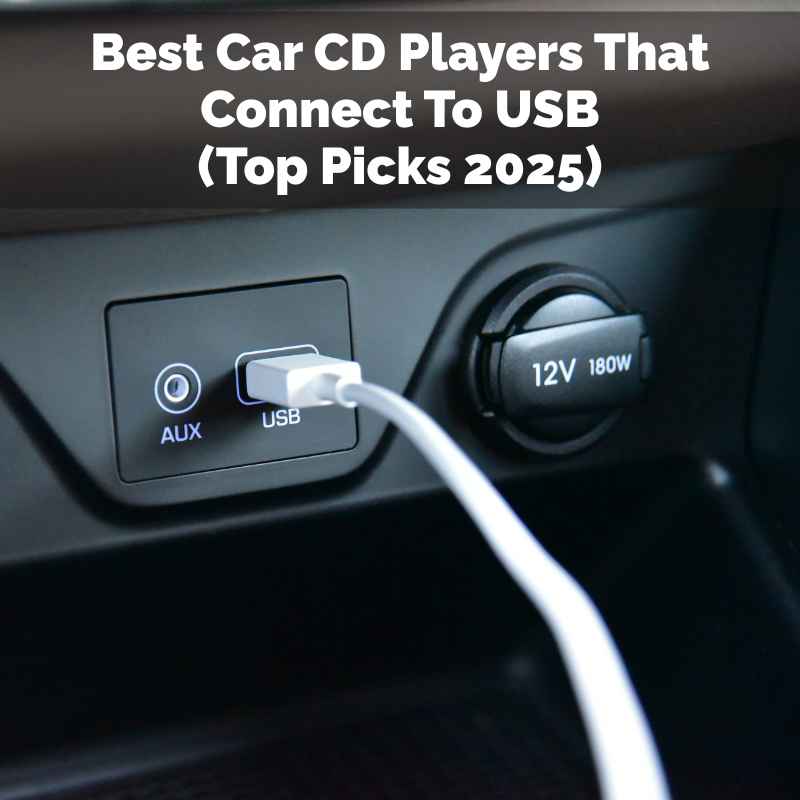
Best Car CD Players That Connect To USB (Top Picks 2025)
It’s a bummer when your car’s music system feels stuck in the past. You’ve got a stack of CDs you love, but your car only wants a USB stick. Or maybe you want both!
That’s totally understandable. You want to keep enjoying your favorite albums, but also have the ease of modern tech. You’re looking for car CD players that play nice with USB drives.
You want to blend old school tunes with new school convenience. Let’s dive in and find those perfect players.
The best car CD players that connect to USB offer versatility, allowing you to play both physical CDs and digital music files from a USB drive. Look for models with clear displays, easy controls, and good audio quality for a seamless listening experience on the go.
Why Many Still Love CD Players in Cars
Cars have come a long way with music. We went from radios to eight-track tapes. Then came the CDs.
Many people still have huge CD collections. These discs hold memories and favorite songs. Digital music is great, but some folks prefer the feel of a physical album.
The sound quality from a good CD player can be fantastic. There’s also a simplicity to popping in a disc. You don’t need to worry about charging a device or a glitchy Bluetooth connection.
For many, it’s a trusted way to enjoy music. They want that same reliability with modern features.
That’s where car CD players with USB ports shine. They bridge the gap. You can still play your beloved CDs.
At the same time, you can plug in a USB drive. This drive can hold hundreds or even thousands of songs. It’s the best of both worlds.
You get the old and the new, all in one unit.
What Makes a Car CD Player “USB Compatible”?
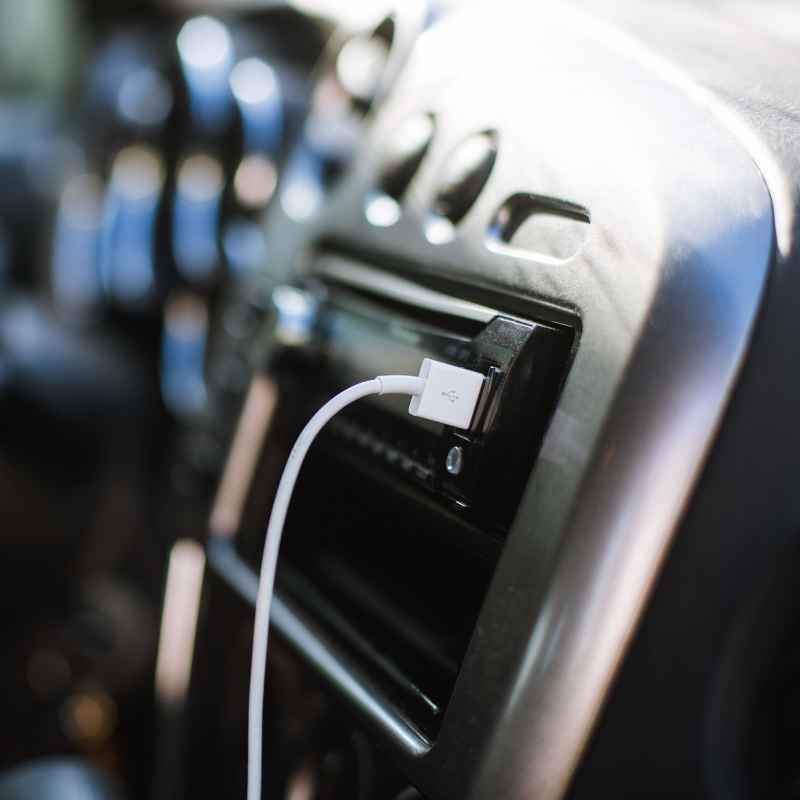
When we talk about a car CD player being USB compatible, it means it has a special port. This port is usually a standard USB-A type. It looks like the ones on your computer.
The player’s internal system is designed to read and play music files stored on a USB flash drive.
This isn’t just about charging your phone. This port is for data. The CD player can access files like MP3, WMA, or AAC.
It then plays them through your car’s speakers. It’s like giving your car a brain upgrade for music. It can understand both physical discs and digital sticks.
The player needs to be able to decode these digital audio files. It then converts them into sound. Some players are more advanced than others.
They might show song titles and artist names on their screens. Others might just play songs in order. Knowing this helps you pick the right one.
My Own CD Player Journey
I remember when my first car didn’t have a CD player. It was a used car, and it only had a radio. I had a whole binder full of CDs.
I felt pretty bummed. I loved singing along to my favorite albums on drives. I ended up buying a portable CD player and a clunky adapter.
It was messy and the sound kept skipping.
Then, a few years later, I got a car with a CD player. It was great! But then, smartphones and USB drives started to take over.
I started making playlists on my computer. I wanted to bring those playlists into the car. But my CD player didn’t have a USB port.
It felt like being stuck again.
That’s when I started looking for a solution. I learned about head units that could do both. It was a game-changer.
I could finally plug in my USB stick filled with music. I could also still play my old CDs when I felt like it. It made my car feel so much more modern and fun to drive.
Types of Car Audio Inputs
CD Slot: The dedicated space for physical compact discs.
USB Port: For connecting flash drives, smartphones, or charging devices.
Auxiliary Input (3.5mm jack): A small round port for wired audio connections.
Bluetooth: Wireless connection for audio streaming and hands-free calls.
SD Card Slot: Similar to USB, but uses a small memory card.
Key Features to Look For in a USB-Compatible CD Player
When you’re shopping, you’ll see a lot of options. It can be a bit overwhelming. But there are a few key things that will make your choice easier.
Think about what matters most to you in a car stereo.
Display Clarity: A good screen is important. It should be easy to read in bright sunlight. It should show song titles and artist names clearly.
Some displays also change colors. This can match your car’s interior lights.
User Interface: How easy is it to use? Buttons should be well-placed. Menus should be simple to navigate.
You don’t want to be fiddling with controls while driving. A jog dial or big buttons can be helpful.
File Format Support: Make sure the player supports the music files you use. Most support MP3. Some also play WMA or AAC.
If you have a large music library, check this detail.
Power Output: This is about how loud and clear your music will be. Higher wattage (RMS) means better sound. It can make your car speakers sound much better.
Look for numbers like 50 watts x 4 channels.
Connectivity Options: Besides USB and CD, what else does it offer? Bluetooth is a big one for many people. It lets you stream music wirelessly.
It also allows for hands-free phone calls. An auxiliary input is also good for older devices.
Build Quality: How sturdy does it feel? A well-built unit will last longer. It will also sound better.
Read reviews from other users about durability.
Form Factor: Most car CD players are single-DIN or double-DIN size. Single-DIN is smaller. Double-DIN is like two stacked single-DIN units.
Make sure it fits your car’s dashboard opening.
Top Car CD Players with USB Connectivity (2025 Picks)
Finding the right balance of features and price is key. Here are some types of players you might find, along with what makes them stand out. Remember, exact models change yearly, but these categories are consistent.
Single-DIN Units: The Classic Choice
Single-DIN players are common. They fit in smaller dashboard openings. Many offer a CD slot and a USB port.
They are often more affordable.
- Pioneer DEH-S4200BT: This is a popular choice. It has a CD player, USB input, and Bluetooth. It’s known for good sound quality. The display is clear and easy to read. It also supports app control.
- Kenwood KDC-X304: Another strong contender. It offers CD, USB, and Bluetooth. Kenwood is known for solid audio performance. This unit has a nice array of features for its price point.
- JVC KD-X380BTS: While some JVCs focus on digital-only, this one has a CD slot. It also boasts excellent Bluetooth connectivity. Plus, it has USB for your digital files.
Double-DIN Units: Bigger Screens, More Features
Double-DIN units are larger. They often have touchscreens. This makes them feel more like modern car infotainment systems.
They usually offer more advanced features.
- Sony XAV-AX100: This model might not have a CD slot. Many double-DIN units are moving away from CDs. But it offers Apple CarPlay and Android Auto. You can play music from your phone via USB. It’s a great option if you want a modern interface.
- Pioneer AVH-X2800BS: This unit offers a touch screen. It has a CD slot and USB. It also supports SiriusXM if you subscribe. It’s a good blend of old and new.
- Atoto S8 Premium: Atoto makes feature-rich Android-based car stereos. Some models come with CD/DVD drives. You can connect via USB for music and apps. These offer a lot of customization.
Note: Some modern car stereos have dropped CD players entirely. They focus on digital media and smartphone integration. If a CD slot is a must-have, be sure to check the specifications carefully.
USB File Format Guide
MP3 (MPEG-1 Audio Layer III): Most common. Good balance of quality and file size.
WMA (Windows Media Audio): Microsoft’s format. Can offer better quality than MP3 at similar bitrates.
AAC (Advanced Audio Coding): Used by Apple iTunes. Often provides superior quality to MP3.
FLAC (Free Lossless Audio Codec): High-quality, larger files. Not all players support this.
The Experience of Using USB with CDs
Switching between a CD and a USB drive is usually straightforward. On most players, you’ll have a button to select your source. You might press a “Source” button.
Then you can choose “CD,” “USB,” “FM Radio,” or “Bluetooth.”
When you plug in a USB drive, the player starts reading it. The display will show folders and song titles. You use the player’s buttons or touchscreen to browse your music.
It’s like having a digital jukebox in your car. You can jump from your favorite 90s rock CD to a new playlist in seconds.
Sometimes, the order files appear on the USB drive matters. It might be alphabetical. Or it could be the order they were saved.
It’s a good idea to organize your music files. Use clear folder names and song titles on your USB. This makes finding songs much easier.
I recall one road trip where I had a USB stick loaded with podcasts and music. I started the drive listening to my usual rock playlist from the USB. Halfway there, I decided to pop in a classic Fleetwood Mac CD.
The player switched over instantly. I switched back to the USB during a coffee break. It felt so smooth.
No skipping, no fuss.
Setting Up Your New Car CD Player
Installing a new car stereo can seem daunting. But for most cars, it’s a manageable DIY project. Or, you can have a professional do it quickly.
DIY Installation: You’ll likely need a few tools. This includes screwdrivers and a trim removal tool. You might also need a wiring harness adapter.
This adapter connects the new stereo to your car’s existing wires. Online guides and videos are very helpful. Many stereo manufacturers provide installation manuals.
Professional Installation: Car audio shops can install stereos for you. This usually costs extra. But it’s a good option if you’re not comfortable with wiring.
They have the right tools and experience. They can also help you choose the best stereo for your car.
Once installed, the setup is simple. Plug in your USB drive. Insert a CD.
The player should recognize them. You’ll then navigate the menus to select your music source. Pairing a Bluetooth device is also usually quick.
Follow the on-screen prompts.
Common Car Stereo Size Standards
Single-DIN: Approximately 7 inches wide and 2 inches tall. Standard size for many older cars.
Double-DIN: Approximately 7 inches wide and 4 inches tall. Common in newer vehicles, often with larger screens.
Custom Dash Kits: Needed when a new stereo doesn’t perfectly match the factory opening. They ensure a clean, professional look.
Real-World Scenarios: When a USB CD Player Shines
Think about different driving situations. A car CD player with USB works well in many scenarios.
The Long Road Trip: You have hours of driving ahead. You’ve loaded your USB drive with music for the whole trip. You also have a few favorite CDs for variety.
You can easily switch between them. This keeps the drive interesting.
The Commute to Work: Your daily drive might be short. You want to hear your favorite podcast episode. Or maybe a quick album.
You can plug in your USB and find it fast. No need to carry CDs around.
Sharing Music with Friends: A friend made you a mix CD. Or they have a great playlist on their phone they want to share. They can transfer it to a USB stick.
You can then play it on your car stereo.
Keeping Up with New Music: You discover a new artist online. You download their album. You can put it on a USB drive.
Then you can listen to it in your car. You don’t have to wait for a physical release.
I’ve seen friends who swore by their CD collections. They were hesitant about USB. But once they tried it, they loved the ease.
They could bring their whole music library. It was like having thousands of albums in their glove box. This made them appreciate the blend of technologies.
What This Means for Your Car Audio
Having a car CD player that also supports USB means more listening options. It’s about flexibility. You aren’t tied to just one way of playing music.
When it’s Normal: It’s normal for your CD player to play CDs perfectly. It’s also normal for it to play MP3 files from a USB drive. Song titles and artist names should appear on the screen.
You should be able to skip tracks easily.
When to Worry: If the CD player skips constantly, even on clean discs, that’s not normal. If the USB drive isn’t recognized at all, or files won’t play, that’s a problem. Sound cutting out, or distorted audio are also signs of trouble.
Simple Checks: Before assuming the stereo is broken, try a few things. Make sure the USB drive is formatted correctly. Try a different USB drive.
Clean your CDs with a soft cloth. Check the player’s manual for troubleshooting steps. Sometimes, it’s a simple setting or a bad file.
I once had a USB stick that refused to play. I tried everything. Then I realized the files were in a format the player didn’t like.
I converted them to standard MP3. Everything worked fine after that. It’s good to know these little tricks.
Quick Scan: Features for USB CD Players
| Feature | Benefit | Importance |
| CD Playback | Play your physical music collection | High (if you own CDs) |
| USB Port | Play digital music files | High (for digital music) |
| File Support (MP3, WMA, AAC) | Plays your music formats | Medium-High |
| Bluetooth | Wireless streaming, hands-free calls | High (for convenience) |
| Clear Display | Easy song recognition | Medium |
| Easy Controls | Safe and simple operation | High |
Quick Tips for Using Your USB CD Player
Here are some simple ways to get the most out of your player.
- Organize Your USB Drive: Use folders for artists or albums. This makes browsing easier.
- Use Quality Files: Higher bitrate MP3s or AAC files sound better.
- Keep it Clean: Regularly clean your CDs. Use a microfiber cloth.
- Check Your Manual: Every player is a little different. The manual has specific instructions.
- Update Firmware: Some players can have their software updated. This might add new features or fix bugs.
- Protect Your USB Drive: Keep it in a safe place when not in use. Avoid extreme heat or cold.
Frequently Asked Questions
Can I play music from my iPhone or Android phone through the USB port?
Yes, often you can. Many car stereos allow you to play music from your smartphone via USB. Some even support Apple CarPlay or Android Auto.
This gives you a more integrated experience. Your phone screen will appear on the car stereo display.
What is the difference between a USB port for charging and one for music playback?
A charging USB port provides power. A playback USB port can both charge and read data. Car stereos with music playback through USB have data-capable ports.
They need to read files from devices like flash drives.
How do I know if my car’s dashboard can fit a new stereo?
Most cars use standard single-DIN or double-DIN sizes. You can measure your existing stereo opening. Online forums or car stereo retailers can tell you what fits your specific car model.
Will a new CD player with USB improve my car’s sound quality?
It can. Newer stereos often have better amplifiers. They also have more options for tuning the sound.
If your current car stereo is very old, an upgrade will likely sound better. Using high-quality music files also helps.
Can I connect a USB hub to my car stereo?
Some car stereos might support USB hubs. However, it’s not always reliable. It’s generally best to use a single USB drive directly connected to the player.
Check your stereo’s manual for compatibility with hubs.
What if my car stereo only has an AUX input, not USB?
If your car stereo only has an AUX input, you can still play music from a portable CD player or smartphone. You’ll need a 3.5mm audio cable. Plug one end into your device and the other into the AUX port.
You won’t get track information on the car stereo screen, though.
Conclusion
Finding the right car CD player with USB is about balancing your needs. You want to enjoy your physical CDs. You also want the convenience of digital music.
With the options available today, you can have both. Look for clear displays, easy controls, and support for your music files. This blend of old and new tech ensures great drives for years to come.
Products related to this article
Sponsored / affiliate links. As an Amazon Associate I earn from qualifying purchases. I may earn additional commission from eligible campaigns.