
Best Car Maintenance Log for Tracking Repairs: we compared
A solid car maintenance log can pair a digital record with a paper receipt folder, and each entry should include the date, mileage, work done, cost, and proof. Missing records can trigger warranty denials, skipped service, and weaker resale value. This guide shows which log system holds up best, which fields matter, and how to keep repairs, receipts, mileage gaps, and reminders in order.
This guide is part of our Car care and upkeep guide series.
Quick comparison
| Product | Badge | Best for | Price | ||
|---|---|---|---|---|---|
 |
Auto Log Book (Mileage, Maintenance, and Expense Tracker)PETER PAUPER PRESS | Our pick | Mileage, maintenance, and expense tracker | $8.99
Price as of 28 Sep 2026
|
View |
 |
Vehicle Maintenance Log Book, 110 Car Maintenance & ExpenseHebayy | Budget pick | 110 sheets · spiral bound · 5.5" x 7.1" | $7.99
Price as of 28 Sep 2026
|
View |
Paper is easy to use and keeps working without power, but it can disappear, get damaged, or turn slow to search when a dealer or warranty rep asks about one repair. Spreadsheets give more control and export well, while apps usually do better on reminders, photo receipts, and backup protection.
How we chose
The comparison is based on the parts of a log that matter later, not only while filling it out. A useful system needs complete fields, fast receipt capture, reliable backup, searchable entries, and a clean export path for resale or warranty use.
It also has to fit the ownership pattern. A leased car, a high-mileage commuter, a DIY project, and a family vehicle do not fail in the same way. The right format should survive missing mileage entries, shop invoices, and routine maintenance that gets postponed.
We also weighed how each format handles real recordkeeping problems: duplicate names for the same repair, inconsistent odometer readings, lost paperwork, and reminders that stop working when the phone changes or the notebook disappears.
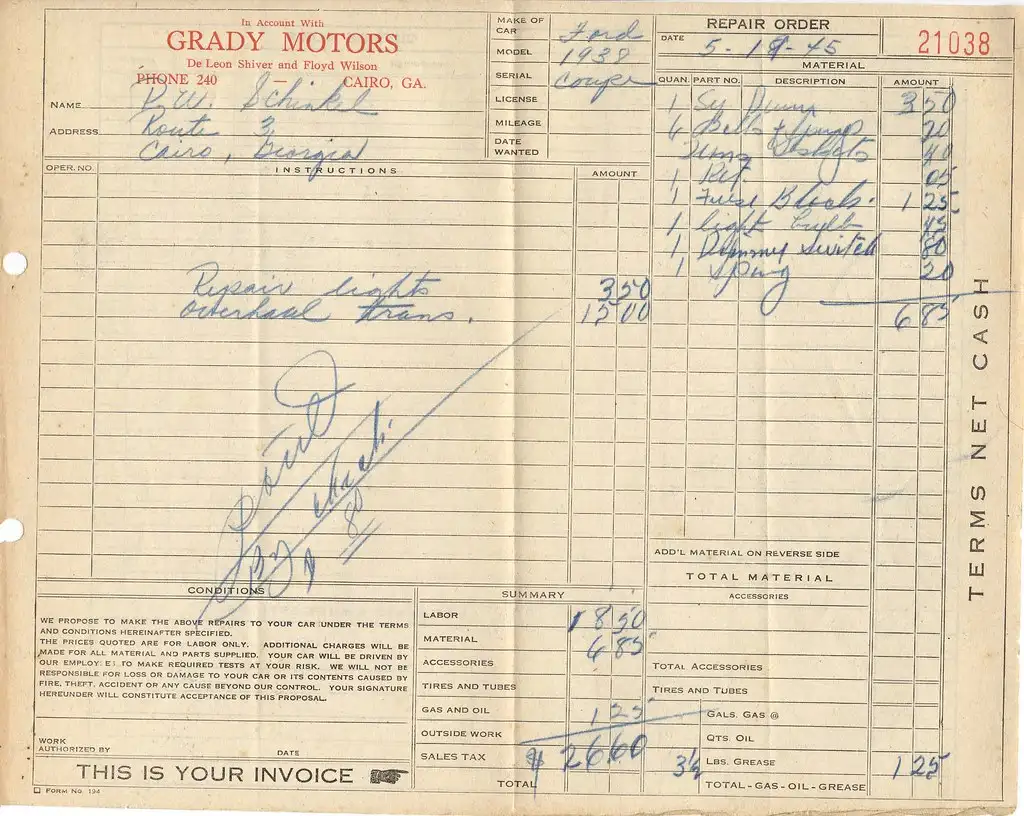
PETER PAUPER PRESS Auto Log Book: best for glove box simplicity
This is best for drivers who want a straightforward book that can live in the glove box and get filled in by hand after each visit. Based on the spec sheet and owner feedback, it fits budget-minded owners who want mileage, maintenance, and expense tracking in one place.
Its main strength is speed. A paper book is fast to open, fast to write in, and does not depend on battery life, passwords, or an app update. That makes it a sensible fit for drivers who stop at a service counter and want the log updated before the receipt gets filed.
The drawback is searchability and backup risk. A paper log is only as good as its storage, and it becomes weak the moment the book is misplaced, water-damaged, or left behind when the car is sold. It also takes more discipline to match each entry to a receipt later.
Hebayy Vehicle Maintenance Log Book: best for longer paper recordkeeping
This is best for drivers who want a larger paper system with more room for detailed entries, plus service due stickers that help with reminders. Based on the listed spec sheet, it is a practical choice for owners who prefer writing things down and keeping a visible paper trail.
The spiral binding is useful because the pages lay flat, which matters when filling in a repair at a parts store parking lot or service counter. The included stickers are a small but real advantage for people who track recurring services by time and mileage instead of memory.
The weakness is the same one most paper systems share: it still depends on manual organization. A big notebook does not create searchable records, and stickers do not solve backup risk. If the book is lost, the history is gone unless the entries were copied elsewhere.
What is the best car maintenance log for tracking repairs?
The best car maintenance log for tracking repairs is a digital log app with cloud backup, plus a paper receipt folder for proof. That combination keeps entries searchable, protects against phone loss, and makes it easier to export a clean history for a warranty claim or sale. Paper alone is easier to lose, and spreadsheets need discipline.
Most drivers need the same core records: date, odometer reading, repair description, parts replaced, labor cost, shop name, warranty notes, and a receipt reference. Without those fields, a log becomes a memory aid instead of a usable service history.
The top pick is therefore not “paper” or “app” by itself. It is a digital log system that can search, filter, and back up entries, paired with a receipt file that keeps invoices available if the app account or phone ever fails.
Why this format fits most drivers
A searchable digital log is strongest when the car changes hands, the mileage jumps, or a warranty question comes up months later. It reduces the risk of missing entries because reminders can be set by date or mileage, and photo uploads keep the receipt tied to the repair note.
Should I use a paper log or app for car maintenance records?
Use paper if you want the fastest handwritten record at the vehicle and you are disciplined about filing receipts. Use an app if you want reminders, search, cloud backup, and easier exports. For most drivers, the app wins because the main failure point in paper systems is loss, not effort.
Paper works best when the car is older, the repairs are simple, and the book stays in a known place such as the glove box. Apps work best when the owner handles mixed service types, multiple vehicles, or warranty-sensitive repairs that need proof later.
Paper logbook: best for glove box simplicity
A paper logbook keeps working without signal, power, or subscriptions. Manual entry is also quick. A driver can write the date, mileage, and repair line at the service counter and move on.
It breaks down at the edges. Receipts can fall out, pages can smear, and handwritten entries can become hard to read years later. A paper system should use numbered receipt pockets or a dedicated envelope, not loose paper folded under the seat.
Spreadsheet log: best for flexible recordkeeping
A spreadsheet suits drivers who want formulas, sorting, and a clean export path. The best fields include date, odometer, service category, repair description, parts, labor, total cost, shop name, warranty status, and receipt index. That structure makes the log searchable and easy to print.
Its main weakness is habit. Spreadsheets are excellent once updated, but they fail when the owner does not enter mileage on time. A missed odometer reading can break service interval calculations and make the record less convincing during a warranty review.
Digital log app: best for reminders and backup
A dedicated maintenance app is the strongest option for cloud backup, photo uploads, search, filtering, and reminders. It is the easiest way to tie a repair note to the receipt image, store multiple vehicles, and export records to PDF or CSV when needed.
The downside is dependence on the app’s export quality and account access. If the service does not export cleanly or the user loses the login, the record can be trapped. A good app should still be paired with a periodic exported backup.
What should you record in a repair log?
A repair log should record the date, odometer reading, repair description, parts replaced, labor cost, shop name, warranty notes, and a receipt or invoice reference. Those fields make the entry usable later, not just readable today. Without mileage and proof, the log is weak for warranty, resale, and service tracking.
It also helps to use consistent naming. “Front brake pads” should not become “brakes,” “pads,” and “front end work” in three different entries. Clean naming makes the record searchable and avoids confusion when the vehicle has repeated service over several years.
Repair date and odometer reading
The date shows when the work was done. The odometer reading shows where the car was in its service life. Together, they help calculate service intervals and verify that maintenance happened on schedule.
Repair description, parts replaced, labor cost, and shop name
The repair description should explain what was fixed, not just what warning light came on. Parts replaced and labor cost separate the work into useful pieces, and the shop name tells a future owner or warranty clerk where the record came from.
Warranty notes and receipt index number
Warranty notes should mention whether parts or labor were covered and how long that coverage lasts. A receipt index number links the log entry to the paper file or scanned image. That link matters when a dealer asks for proof months later.
Printable repair-tracking worksheet
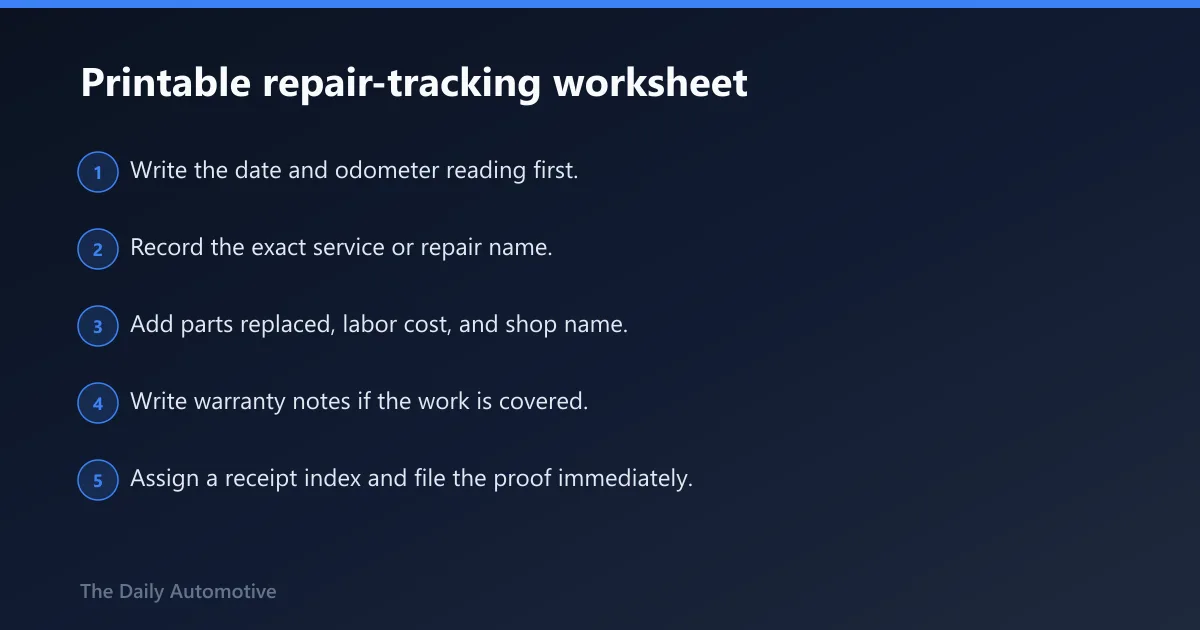
This worksheet works as the for paper users and also as a clean template for spreadsheet or app entry. It keeps the record complete, adds a receipt-index column, and gives a simple decision key for which format fits the driver’s habits.
| Required field | What to enter | Sample completed entry |
|---|---|---|
| Date | Service date | 2026-03-14 |
| Odometer reading | Exact mileage at service | 68,420 |
| Service type | Oil change, brake service, tire rotation, etc. | Oil change and tire rotation |
| Repair description | What was fixed or maintained | Replaced engine oil and filter; rotated tires |
| Parts replaced | Parts installed or replaced | Oil filter, drain plug washer |
| Labor cost | Labor amount, if separate | $62 |
| Shop name | Dealer, independent shop, or DIY note | Northside Auto Service |
| Warranty notes | Coverage period or claim notes | 12-month parts and labor warranty |
| Receipt index | File number or folder code | R-014 |
Receipt-index column and filing method: assign each invoice a unique code such as R-001, R-002, or 2026-03-14-A. Write that code in the log entry, then store the paper receipt in a labeled envelope or scan it into a matching folder name. The log and proof should point to each other.
- Write the date and odometer reading first.
- Record the exact service or repair name.
- Add parts replaced, labor cost, and shop name.
- Write warranty notes if the work is covered.
- Assign a receipt index and file the proof immediately.
- Update the next service due mileage or date.
Decision key: choose paper if the vehicle stays local, receipts are already kept in the glove box, and the owner writes quickly. Choose a spreadsheet if the owner wants sorting, formulas, and printable history. Choose an app if backup, reminders, and photo receipts matter most.
How do I organize maintenance receipts for my car?
Organize receipts by creating a single numbering system and using it on every log entry. Store the original paper invoice in a labeled envelope, folder, or accordion file, and scan a copy if possible. The goal is simple: every line in the log should lead to one matching proof item.
Use one folder per vehicle if you own more than one car. Separate maintenance from major repairs if that helps you find items faster. For warranty work, keep the claim paperwork with the receipt because those pages often matter more than the service line itself.
Receipt capture that does not fail later
Take a photo of the invoice before leaving the shop if the app supports it, or scan it as soon as possible after the visit. Store the image with the same receipt index as the log entry. If the original fades, the scan still proves the work happened.
Can a maintenance log help when selling a car?
Yes. A maintenance log can help when selling a car because it gives buyers a traceable record of care, mileage, and repairs. A complete history does not guarantee a higher price, but it can reduce doubt, support the asking price, and make the vehicle easier to trust.
The strongest sale file includes oil changes, tire rotations, brake service, major repairs, and any warranty work. Exports from a spreadsheet or app are useful here because they can be printed or shared in a cleaner format than handwritten notes alone.
What buyers look for
Buyers usually want to see continuity. Gaps are not fatal, but they invite questions. A log that shows consistent mileage, repair dates, and matching receipts gives a cleaner story than a box of loose invoices with no order.
What is the easiest way to track oil changes and repairs?
The easiest way is to use one log that records mileage at every service and sets the next interval immediately after the work is done. An app is easiest for reminders, while a paper log is easiest for quick handwritten entries. The key is consistency, not format alone.
Oil changes, tire rotations, and brake service should all be entered the same way so the record stays readable. If one service uses date only and another uses mileage only, the schedule becomes harder to trust later.
Maintenance schedule fields that matter
Track the oil change interval, tire rotation interval, brake service interval, and any manufacturer-recommended maintenance from the owner’s manual. If the manual says a service is time-based, note the month and not just the mileage. If it is mileage-based, record the odometer and next due point.
A mileage log helps here. Date-stamped odometer readings make it possible to calculate service intervals and fuel economy, and they expose gaps where a service should have been recorded but was not.
How detailed should a car maintenance log be?
A car maintenance log should be detailed enough that a stranger could understand what happened without guessing. That means date, mileage, work performed, parts replaced, cost, shop name, and proof reference at minimum. More detail is helpful if the work was expensive, warranty-sensitive, or unusual.
Overly brief entries are weak. “Service” or “Fixed car” does not help later. A useful log names the system or part involved, such as battery replacement, coolant flush, or rear brake pads, so the history can be searched and sorted with confidence.
What app or template is best for keeping car service history?
The best template is one that supports search, receipt linking, reminders, and export. For most drivers, that means a digital log app with cloud backup and PDF or CSV export, backed by a simple paper receipt file. A spreadsheet is the best non-app option when control and portability matter most.
If the car is older and the owner prefers handwriting, the printable repair-tracking worksheet above is enough as long as receipts are indexed and stored with care. If the record needs to survive a warranty claim or resale, the app-plus-backup approach is the safer choice.
Which one should you buy?
Buy a paper logbook if you want the cheapest, fastest option and the car already lives by the glove box. Buy a spreadsheet if you want a clean record you can sort, print, and export without relying on an app account. Buy a digital app if reminders, search, and backup matter more than handwriting speed.
Best for budget-first owners: PETER PAUPER PRESS Auto Log Book. It is simple, inexpensive, and easy to keep in the car.
Best for drivers who keep receipts in the car: Hebayy Vehicle Maintenance Log Book. The spiral binding and service-due stickers suit a paper-first routine.
Best for warranty or resale concerns: a digital log app with export plus a receipt folder. That setup is easiest to present later as a clean service history.
Best for DIY owners and high-mileage cars: spreadsheet or app. Those vehicles tend to have more entries, more part names, and more chances for a mileage gap, so sorting and search matter more.
Frequently asked questions
What should I record in a car repair log?
Record the date, odometer reading, repair description, parts replaced, labor cost, shop name, warranty notes, and a receipt index number. Those fields make the log useful later, not just readable now. Without mileage and proof, the record is much weaker.
Products related to this article
Sponsored / affiliate links. As an Amazon Associate I earn from qualifying purchases. I may earn additional commission from eligible campaigns.