
Dash Cam vs Backup Camera
Choose a Dash Cam if you want evidence after a crash, a Backup Camera if you need help reversing, and both only if your vehicle setup supports each job well. Pick the wrong tool, and you can miss a plate, lose fault-proof video, or back into something you never saw. This guide compares what each system does, where each falls short, and when a dual setup makes sense.
| Decision factor | Dash Cam | Backup Camera | Winner |
|---|---|---|---|
| Primary job | Records the road, and sometimes the cabin or rear view, for evidence after incidents. | Shows the area behind the vehicle so you can reverse with better visibility. | Tie |
| Incident evidence | Strong fit for collisions, disputes, vandalism, and hit-and-runs when parking mode is enabled. | Weak fit, since it is built for live reversing rather than continuous evidence capture. | Dash Cam |
| Reversing help | A rear module can record behind the car, but it is not a true reversing aid. | Built for live rear guidance, often with a monitor or display. | Backup Camera |
| Interior monitoring | Available on some 3-channel setups for rideshare or passenger monitoring. | Not the point of the system. | Dash Cam |
| Parking surveillance | Parking mode can record while parked when powered by a hardwire kit or battery pack. | May help only if the reverse system is active, but that is not the same as surveillance. | Dash Cam |
| Installation complexity | Usually simpler for basic front-only use; more complex with rear and parking features. | Needs a rear camera plus display, with cable routing and integration choices. | Dash Cam |
Dash cam vs backup camera
The core trade-off is simple: a dash cam records events, while a backup camera helps you maneuver. That difference matters more than any feature list. A rear module, LTE, or high resolution does not turn a recording camera into a reversing aid.
What each system is built to do
A dash cam is a camera mounted in a vehicle for continuous recording of the front road view, and sometimes the rear or cabin. A backup camera system is a rear-facing visibility tool paired with a monitor or display so you can see behind the vehicle while reversing. That is the dividing line.
BlackboxMyCar groups dash cams by 1-channel, 2-channel, 2-channel IR, and 3+ channel setups, with 4K, 2K, and 1080p resolution categories. Backup camera systems are usually described by how they display the live rear view, the field of view, and whether the camera is wired or wireless.
The practical consequence of that split
If the job is evidence, a dash cam is the right tool. If the job is backing into a garage, a narrow alley, or a trailer spot, a backup camera is the right tool. Many shoppers blur those jobs and end up buying the wrong screen for the task.
Which system solves which problem?
This decision matrix ties each use case to the job that matters most. The point is not feature count. It is whether the system solves the problem you actually have.
| Use case | Incident evidence | Reversing help | Trailer backing | Parking surveillance | Interior monitoring | Live display | Installation complexity | Best-fit setup |
|---|---|---|---|---|---|---|---|---|
| Commuter | Yes | No | No | Helpful | No | Optional | Low to moderate | Dash Cam |
| Rideshare | Yes | No | No | Helpful | Yes | Optional | Moderate | Dash Cam |
| Parent | Yes | Yes | No | Helpful | No | Yes | Moderate | Backup Camera |
| Towing | Yes | Yes | Yes | Helpful | No | Yes | Moderate to high | Backup Camera |
Commuter use case
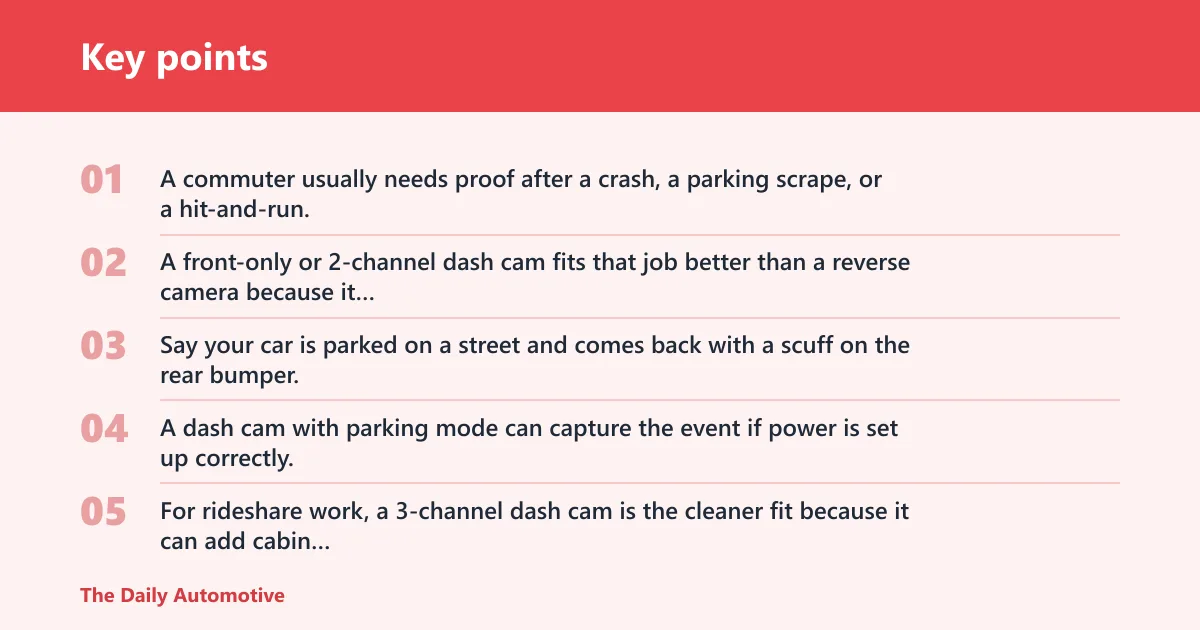
A commuter usually needs proof after a crash, a parking scrape, or a hit-and-run. A front-only or 2-channel dash cam fits that job better than a reverse camera because it records what happened, not just what is behind the car at one moment.
Say your car is parked on a street and comes back with a scuff on the rear bumper. A dash cam with parking mode can capture the event if power is set up correctly; a backup camera generally will not preserve that kind of evidence.
Rideshare use case
For rideshare work, a 3-channel dash cam is the cleaner fit because it can add cabin footage. BlackboxMyCar recommends a 3-channel dash cam for rideshare use, and ZDNET notes that some dash cams can record the interior of a vehicle.
The important point is what cabin footage does and does not do. It can document passenger disputes or incidents inside the car, but it does not guide reversing into a curbside pickup spot. That is still the backup camera’s job.
Parent use case
For parents, reversing help usually matters more than extra recording angles. A backup camera with a monitor/display gives immediate live visibility behind the vehicle, which is the point when backing out of a driveway or parking near a crosswalk.
Picture a minivan nose-out in a tight school pickup lane. The driver needs live rear guidance, not a delayed recording of the rear hatch area. A dash cam can still help with incident evidence, but it does not replace that rear-view task.
Towing use case
Towing shifts the priority to trailer backing, alignment, and seeing what is behind the hitch. Rear View Safety says a reverse camera helps back up in difficult situations and helps manage a trailer, which is why backup-camera systems fit this job better.
A dash cam with a rear module can still record the trip, but rear recording is not the same as a live trailer view. If you need to line up a ball mount, watch a trailer path, or reverse into a campsite, the camera must support the maneuver directly.
Can a dash cam replace a backup camera?
No. A dash cam can add rear recording with a second camera, but that is not the same as a reversing aid with live guidance. The missing piece is the driving experience: a backup camera is built around the act of backing up, while a dash cam is built around recording.
When a rear channel helps
A 2-channel dash cam records front and rear, which is useful for everyday coverage and rear-end disputes. The same source lists 2-channel dash cams as front-and-rear coverage, and ZDNET notes that some dash cams use a second camera mounted on the back of a vehicle.
That rear channel can capture what followed you, but placement and field of view matter, and it is still not a live parking guide. It is evidence capture, not maneuvering assistance.
Where live reversing guidance is still missing
A true backup camera usually feeds a display in real time. Some systems are wired into the vehicle’s reverse behavior so the image comes up when you shift into reverse. A dash cam rear module may lag, may not wake with reverse gear, and usually is not optimized for parking guidance.
That is why the idea of using a dash cam as a reversing camera fails in the field of view, the timing, and the user interface. You may see something behind the car, but you do not get the same direct backing aid.
How the hardware differs
The hardware difference is as important as the job difference. Dash cams center on channel count, recording quality, power, and storage. Backup camera systems center on a rear camera, a monitor, and the visibility angle behind the vehicle.
1-channel, 2-channel, and 3-channel dash cam setups
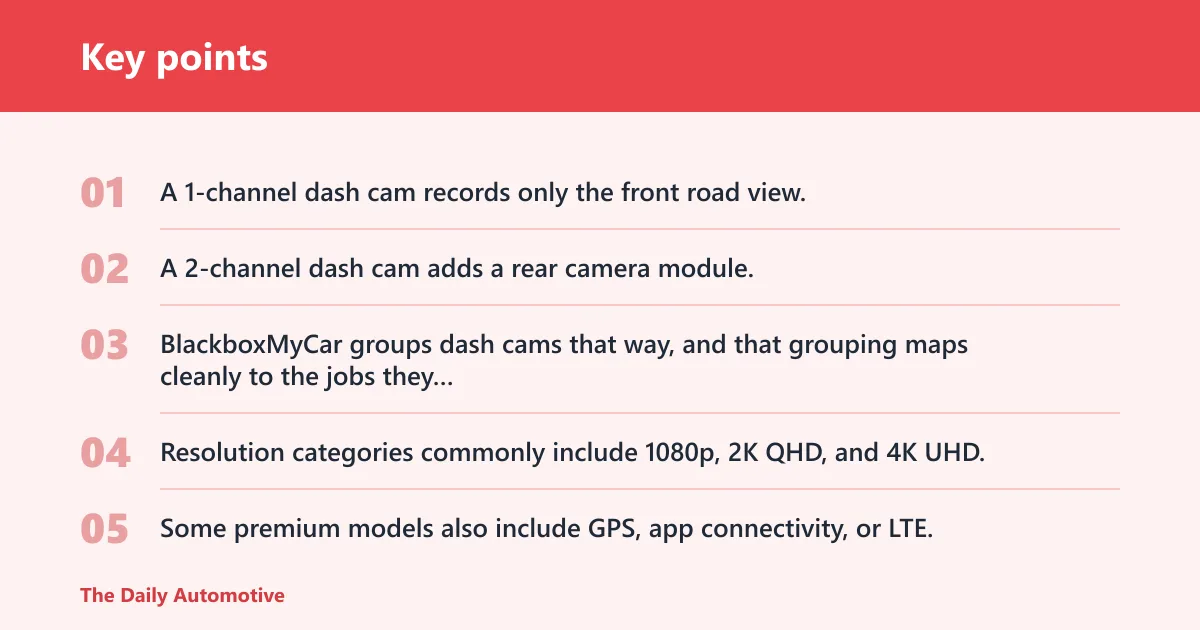
A 1-channel dash cam records only the front road view. A 2-channel dash cam adds a rear camera module, and a 3-channel dash cam adds cabin coverage for passenger monitoring. BlackboxMyCar groups dash cams that way, and that grouping maps cleanly to the jobs they solve.
Resolution categories commonly include 1080p, 2K QHD, and 4K UHD. Some premium models also include GPS, app connectivity, or LTE, and BlackboxMyCar highlights built-in LTE for phone alerts on a premium dash cam. Storage matters too: ZDNET notes one model supports up to 512GB microSD cards, which affects how long footage can stay on the card before it loops.
Monitor/display, rear camera module, and infrared illuminators
A backup camera system often pairs the camera with a monitor or display. That display may be windshield-mounted or integrated into the vehicle, and it gives you the live reversing image you need right away. Camera angles around 120° to 150° are commonly reported for backup camera systems.
Infrared illuminators matter in low-light reversing. The same source lists a wireless HD backup camera with 18 infrared illuminators, which is the kind of feature that helps in dark driveways, parking structures, and late-night loading. Some systems also offer FMVSS 111-compliant options, which matters if you are matching a vehicle safety requirement rather than shopping by feature list alone.
Power and installation tradeoffs
A dash cam often runs on a 12V/cigarette power cable or a hardwire kit. A hardwire kit connects to the vehicle battery and can support parking mode, but it must be installed carefully to avoid battery drain. BlackboxMyCar also includes parking-focused recommendations and a power accessory for that use case.
Backup camera installation can be simpler or harder depending on whether the display is already built into the vehicle. Cable routing and monitor placement matter because the image has to be visible without blocking the driver’s view. Follow the vehicle and product manual, and keep dash and windshield items out of airbag zones and the driver’s sightline.
Can a dash cam and backup camera work together?
Yes. They solve different problems and can complement each other well. The dash cam handles evidence before, during, and after an incident; the backup camera handles live rear visibility when you shift into reverse.
Best-fit combo setups
The most practical combo is often a 2-channel dash cam plus a separate backup camera system. That gives you front-and-rear recording and a dedicated live display for reversing. A 3-channel dash cam can add cabin coverage, but it still does not replace the backup camera’s live rear guidance.
If the vehicle already has a factory screen that can accept a reverse camera, integration may be cleaner. If not, expect more work on cable routing and display placement. The goal is not to stack gadgets. It is to give each job its own tool.
Installation tradeoffs to expect
Combining systems can mean more power connections, more wiring, and more places where installation quality matters. A hardwire kit for parking mode and a rear display for reversing may both need attention, and the routing should not interfere with airbags or visibility.
A common first-timer mistake is buying a rear camera module and expecting it to behave like a factory reverse screen. If the system does not wake with reverse gear or show a clear live image, it has not replaced the backup camera job.
Choose Dash Cam if… / Choose Backup Camera if…
Choose Dash Cam if your main goal is evidence after a collision, a parking scrape, a vandalism incident, or a passenger dispute. Choose Backup Camera if your main goal is reversing, trailer alignment, tight parking, or any situation where live rear visibility matters more than recorded evidence.
Choose Dash Cam if…
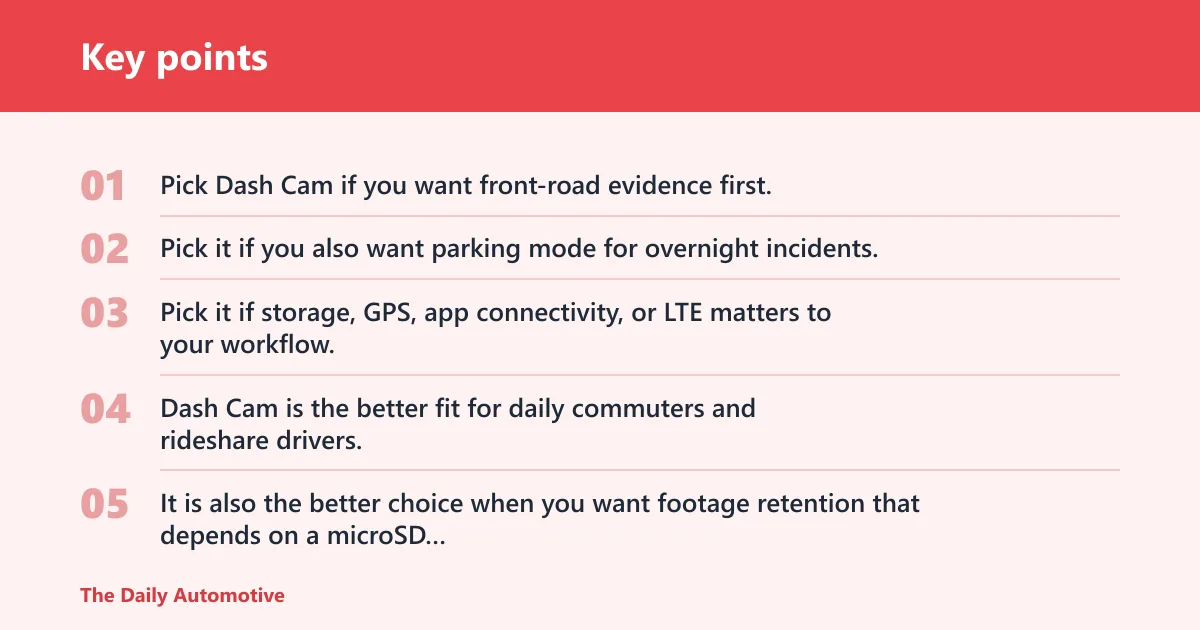
Pick Dash Cam if you want front-road evidence first. Pick it if you also want parking mode for overnight incidents, or if you need a 2-channel or 3-channel setup for rear coverage or cabin monitoring. Pick it if storage, GPS, app connectivity, or LTE matters to your workflow.
Dash Cam is the better fit for daily commuters and rideshare drivers. It is also the better choice when you want footage retention that depends on a microSD card, not a live reverse display.
Choose Backup Camera if…
Pick Backup Camera if you need a live image behind the vehicle. Pick it if you tow, back into tight spaces, or want help seeing low obstacles that may not appear in mirrors. Pick it if a monitor or display will make the difference between guesswork and a clear reverse path.
Backup Camera is the better fit for parents, towing users, and city drivers who park in cramped spots. It does one job very well. That job is reversing.

Frequently asked questions
What is the difference between a dash cam and a backup camera?
A dash cam records the road, and sometimes the cabin or rear view, so you have evidence after an incident. A backup camera gives you live rear visibility while reversing. One documents what happened. The other helps you avoid what is behind you right now.
Can you use a dash cam as a reversing camera?
Not well. A rear dash cam module can record the back of the vehicle, but it usually is not designed as a live reversing aid with a display that wakes in reverse. The biggest gap is maneuvering support, which is the core job of a backup camera.
Do you need a dash cam or a backup camera for daily driving?
Most daily drivers benefit more from a dash cam if their priority is incident evidence and parking surveillance. If you regularly back into tight spaces, a backup camera may be the more useful first purchase. Many drivers eventually want both because the jobs are different.
What does a backup camera do that a dash cam cannot?
A backup camera provides live rear guidance while you are reversing, often through a monitor or display. That live view is what a dash cam cannot duplicate well, even with a rear channel. A dash cam can record behind the car, but that is not the same thing.
Is a rear dash cam the same as a backup camera?
No. A rear dash cam is usually a recording module added to a front system. A backup camera is designed to help with reversing, often with a dedicated live display and a wider rear-focused setup. They may point in the same direction, but they do different work.
Products related to this article
Sponsored / affiliate links. As an Amazon Associate I earn from qualifying purchases. I may earn additional commission from eligible campaigns.